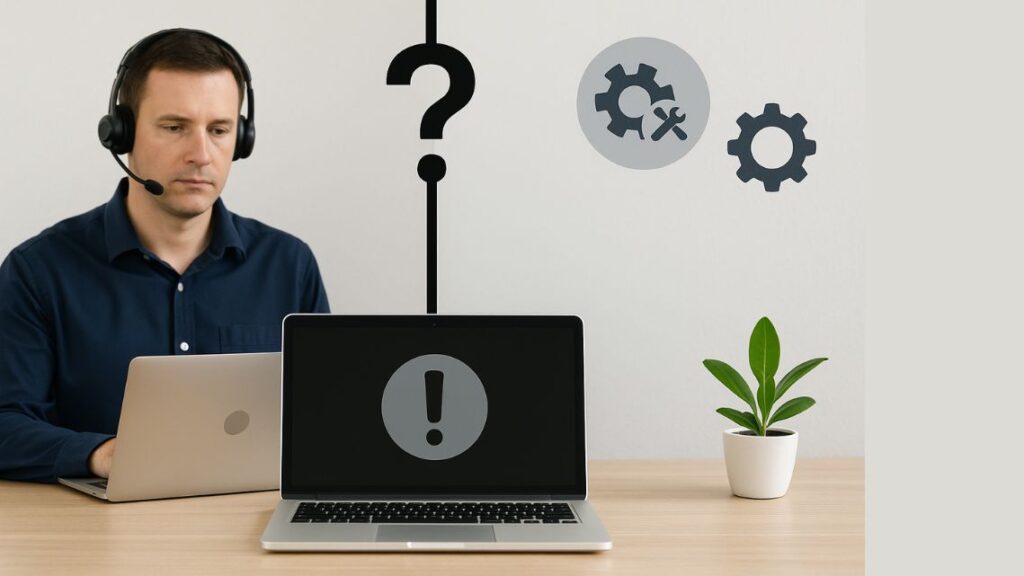
Knowing when to call an IT technician vs try it yourself can save you time, money, and unnecessary frustration. Some computer issues can be handled at home with a little patience, while others require expert support to prevent bigger problems. Understanding the difference helps protect your device, your data, and your productivity.
In this guide, we will break down the situations where a do it yourself approach works and when you should trust a trained expert.
When You Can Try It Yourself
Not every computer problem requires a professional. These common issues can often be fixed with simple steps at home.
Basic Software Errors
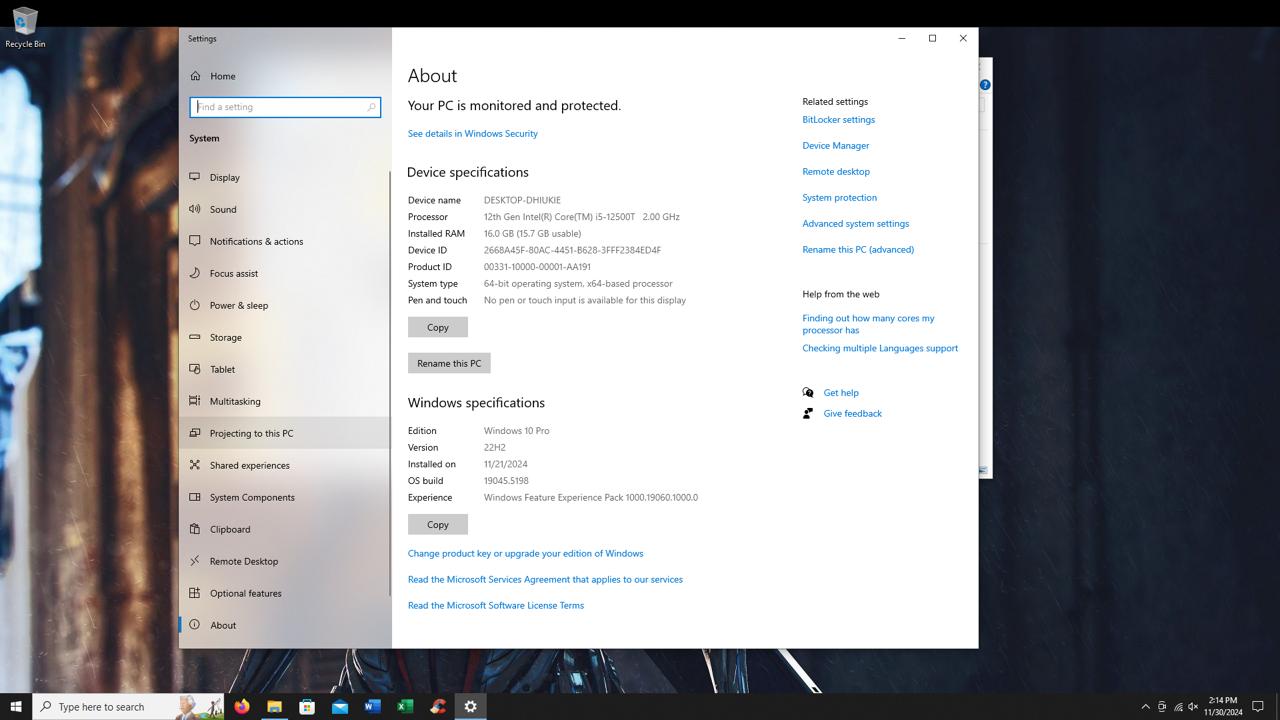
If your computer is freezing, running slow, or showing minor glitches, a simple restart or software update may solve it. Clearing cache, uninstalling unwanted programs, or disabling unused startup apps can also make a noticeable difference.
Wi Fi or Network Disconnects
If your computer drops the Wi Fi connection, try restarting your router, forgetting the network, or updating your network drivers. These quick fixes work in many cases.
Simple Hardware Maintenance
Cleaning dust from fans, replacing a battery, or plugging in loose cables are safe tasks you can usually handle without risk. As long as you are not opening complex internal components, these fixes are generally harmless.
When You Must Call an IT Technician
Some problems should only be handled by trained technicians. Delaying professional help can lead to data loss, system failure, or expensive repairs.
Strange Noises or Burning Smells
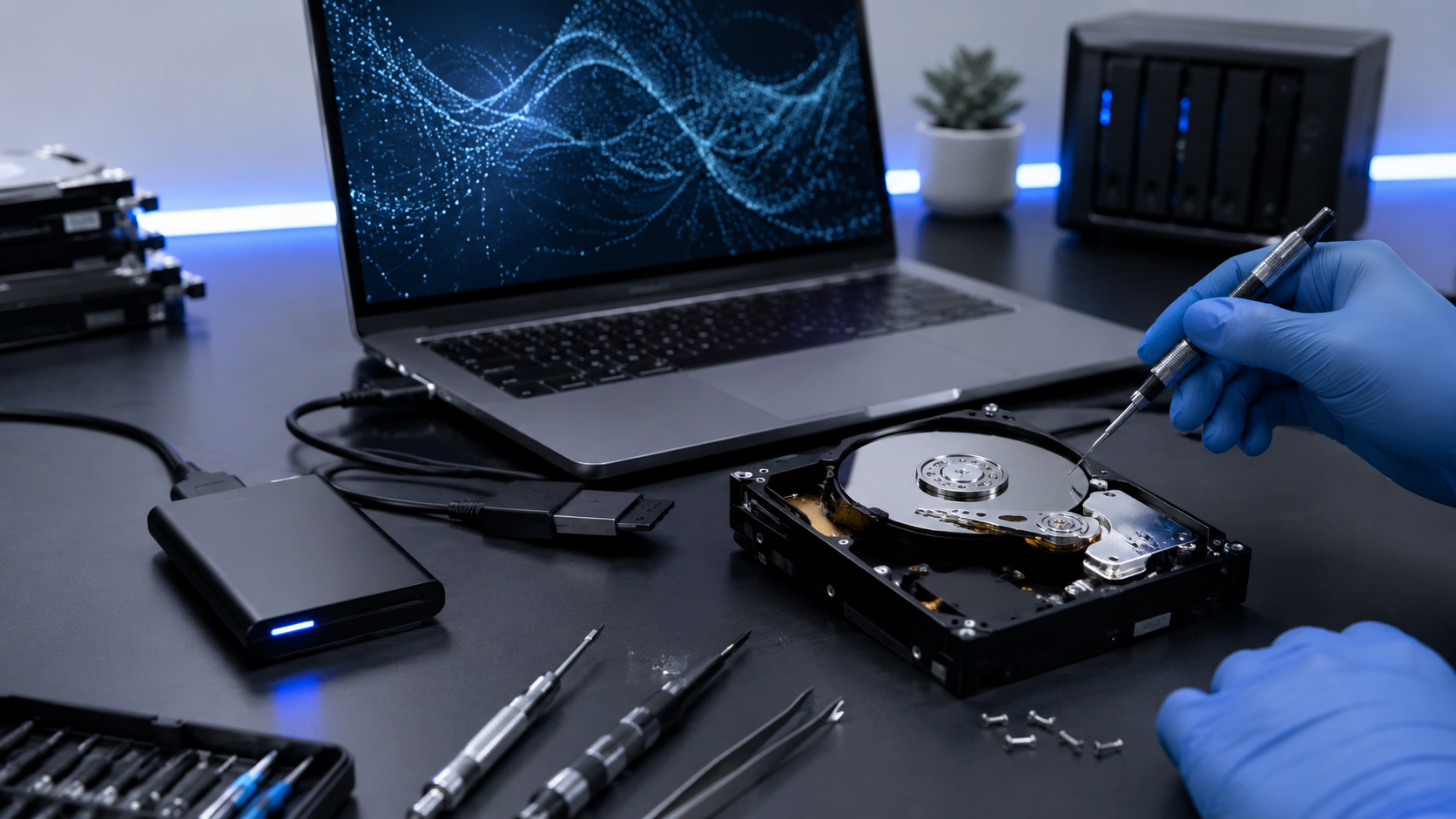
Grinding sounds, clicking noises, or a burnt smell indicate hardware failure. This can be a failing hard drive, power supply, or internal fan. Continuing to use the device can cause permanent damage.
Blue Screen Errors or System Crashes
Frequent system crashes, sudden shutdowns, or repeated blue screen errors require expert diagnostics. These issues often point to driver conflicts, corrupted files, or hardware problems that DIY methods cannot solve safely.
Data Recovery Needs
If your files disappear, the drive stops responding, or the computer will not boot, never attempt random fixes. Every attempt can worsen damage. A technician can recover data safely using advanced tools.
Water or Liquid Damage
Spills can cause internal corrosion in minutes. Do not turn the device on or try cleaning it yourself. Bring it to a technician immediately to increase the chance of saving your system.
Hardware Upgrades or Replacements
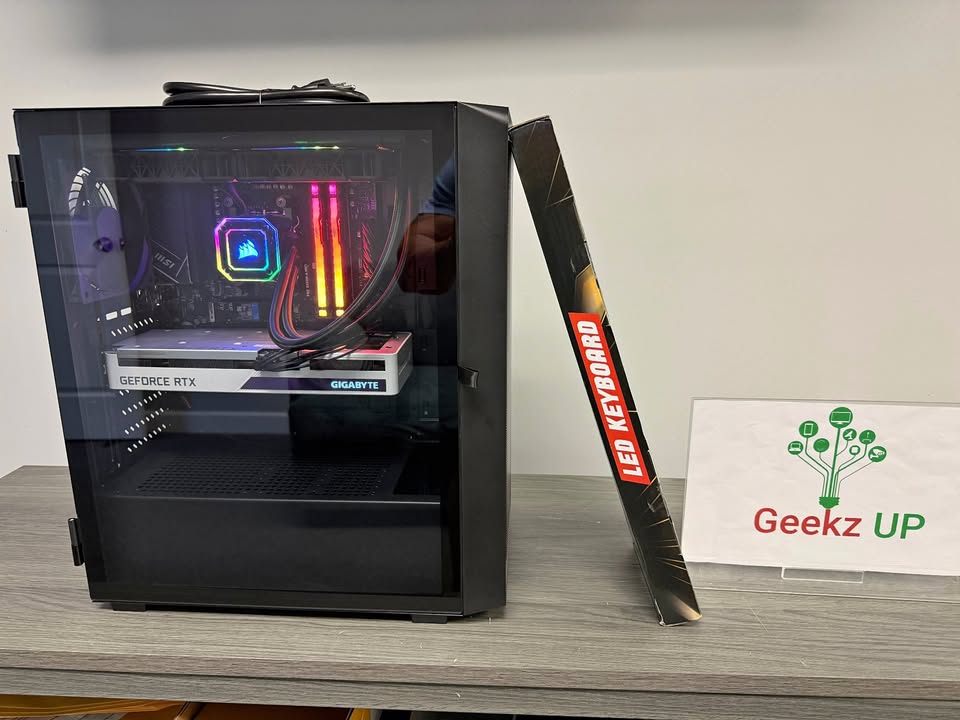
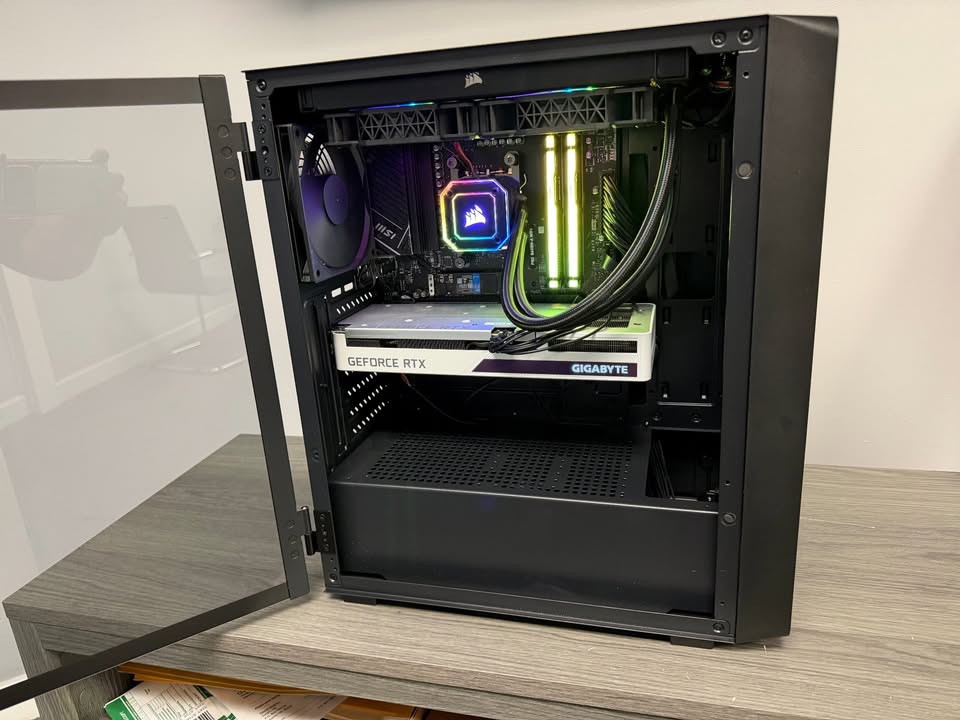
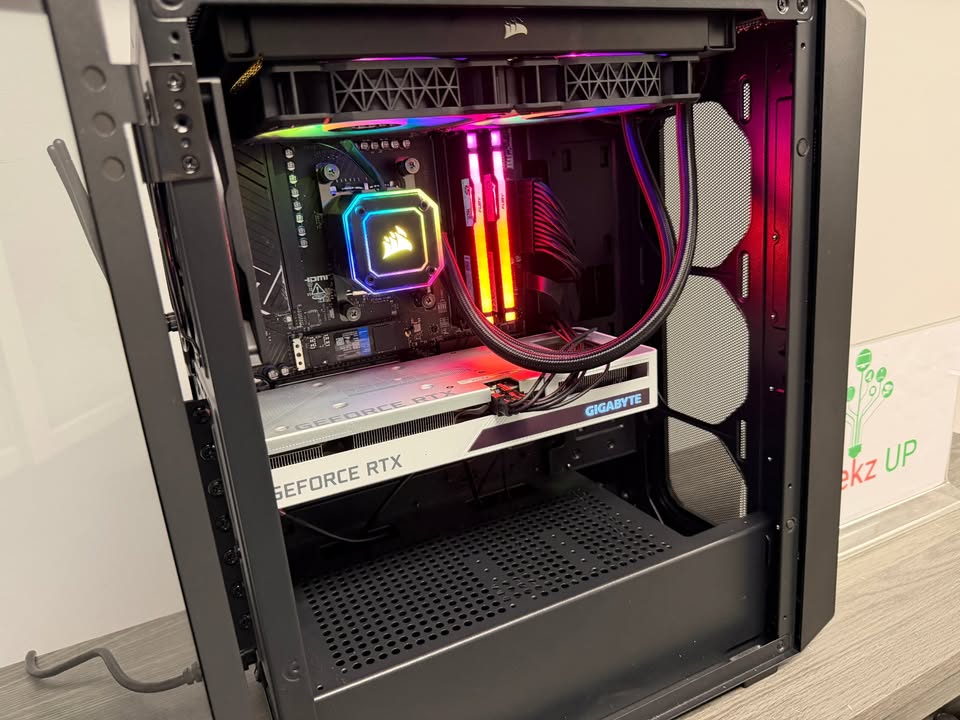
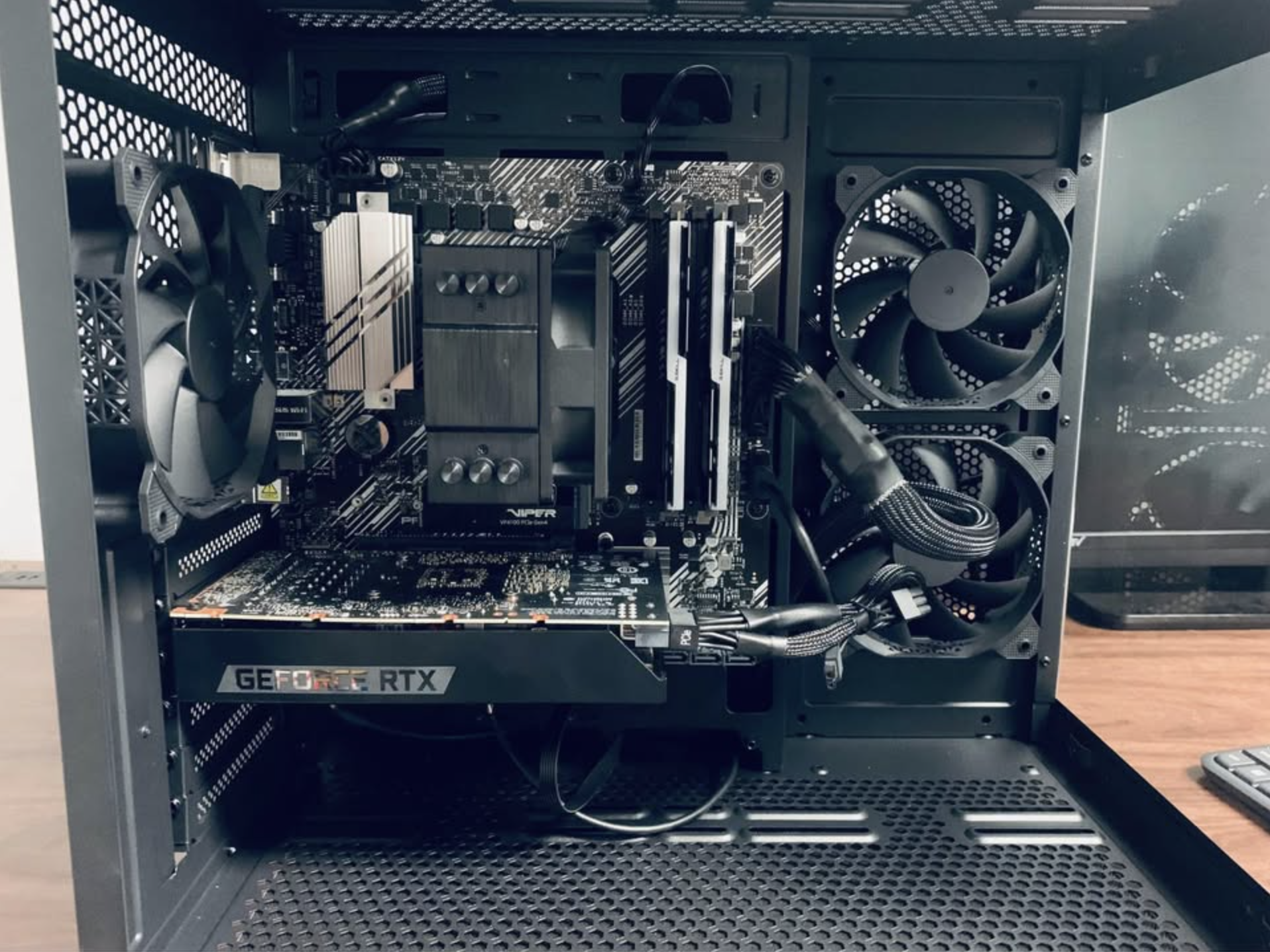
Installing parts like SSDs, RAM, graphics cards, or motherboards should be handled by professionals. A small mistake can ruin an entire system or void the warranty.
Why Professional Technicians Matter
An experienced IT technician offers more than a quick fix. They bring diagnostics tools, repair experience, and advanced knowledge that most users do not have.
- Avoid data loss
- Identify hidden problems
- Prevent future issues
- Improve speed and performance
- Save money by avoiding wrong DIY attempts
At GeekzUP Repairs in Hendersonville TN, every device is handled with care and precision. Our technicians diagnose issues accurately, repair systems safely, and protect your data at every step.
When in Doubt, Choose the Safe Option
If you feel unsure or worried about making things worse, it is always safer to call a technician. A small problem today can become a larger and more expensive issue tomorrow. Professional help ensures your computer stays protected and your data remains safe.
Final Thoughts
Understanding when to call an IT technician vs try it yourself is an important part of maintaining your computer. DIY solutions work for simple issues, but anything involving data loss, hardware failure, or boot problems requires expert help.
For reliable local support, fast diagnostics, and trusted repair services, GeekzUP Repairs is here for you.