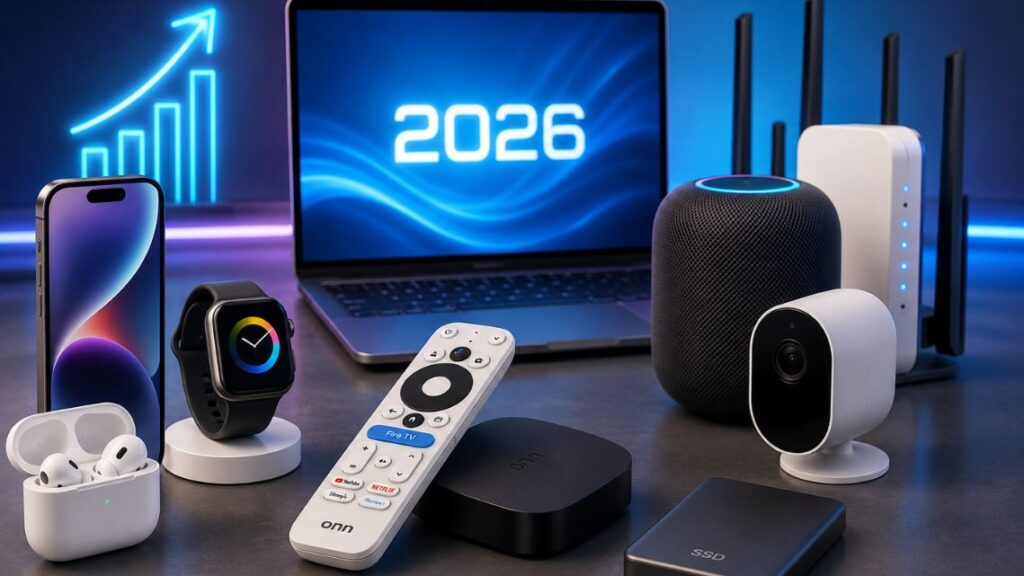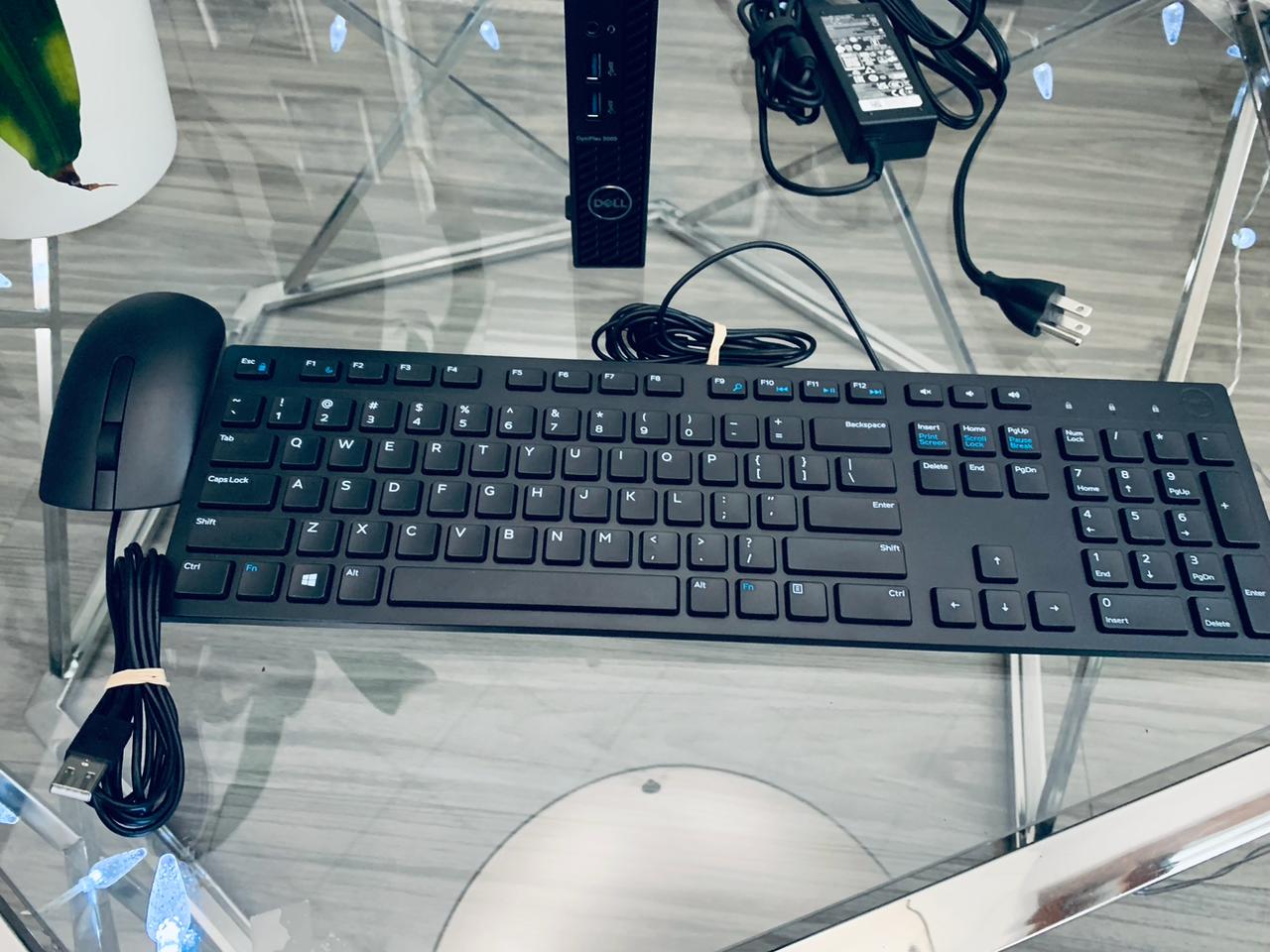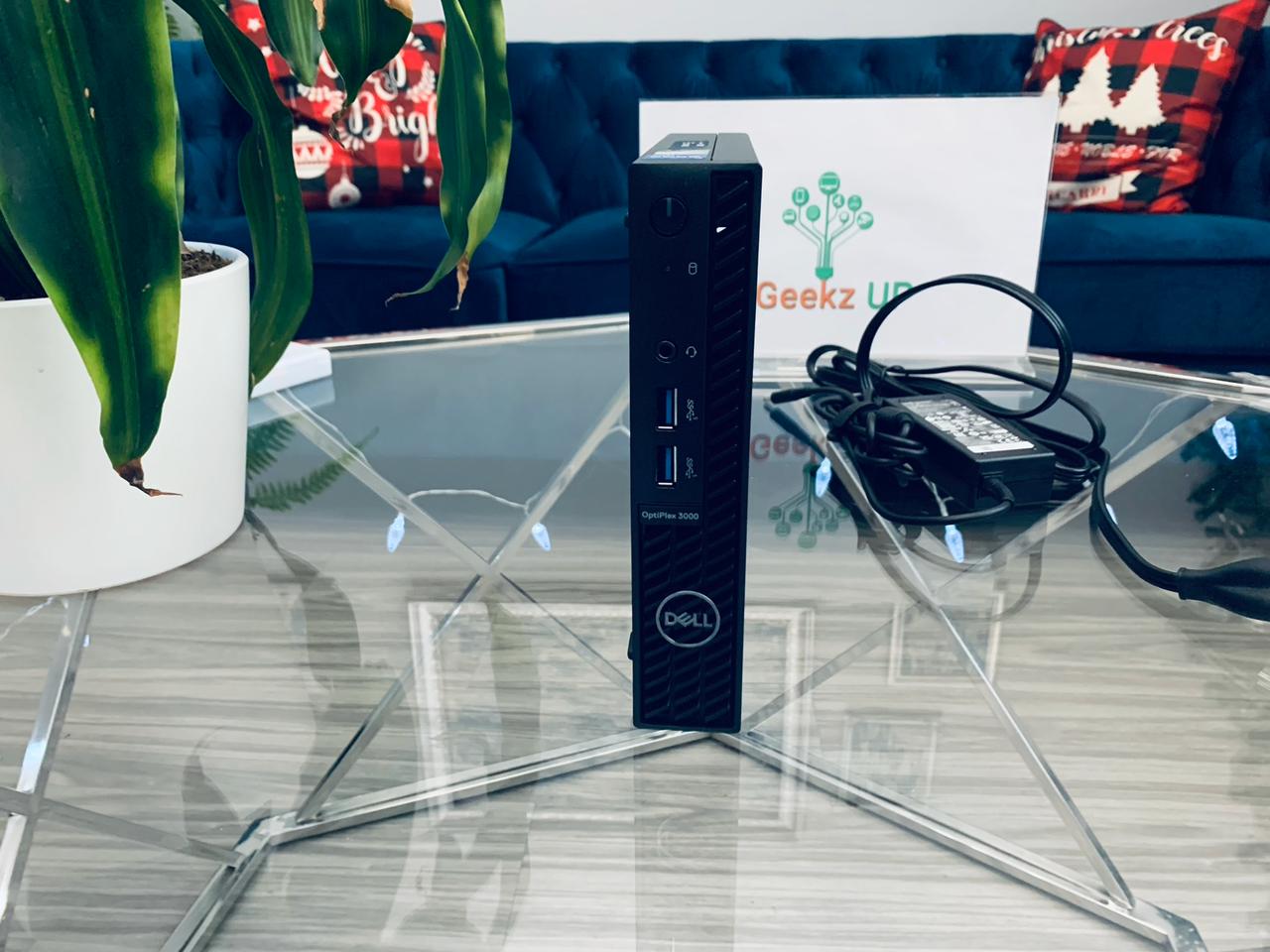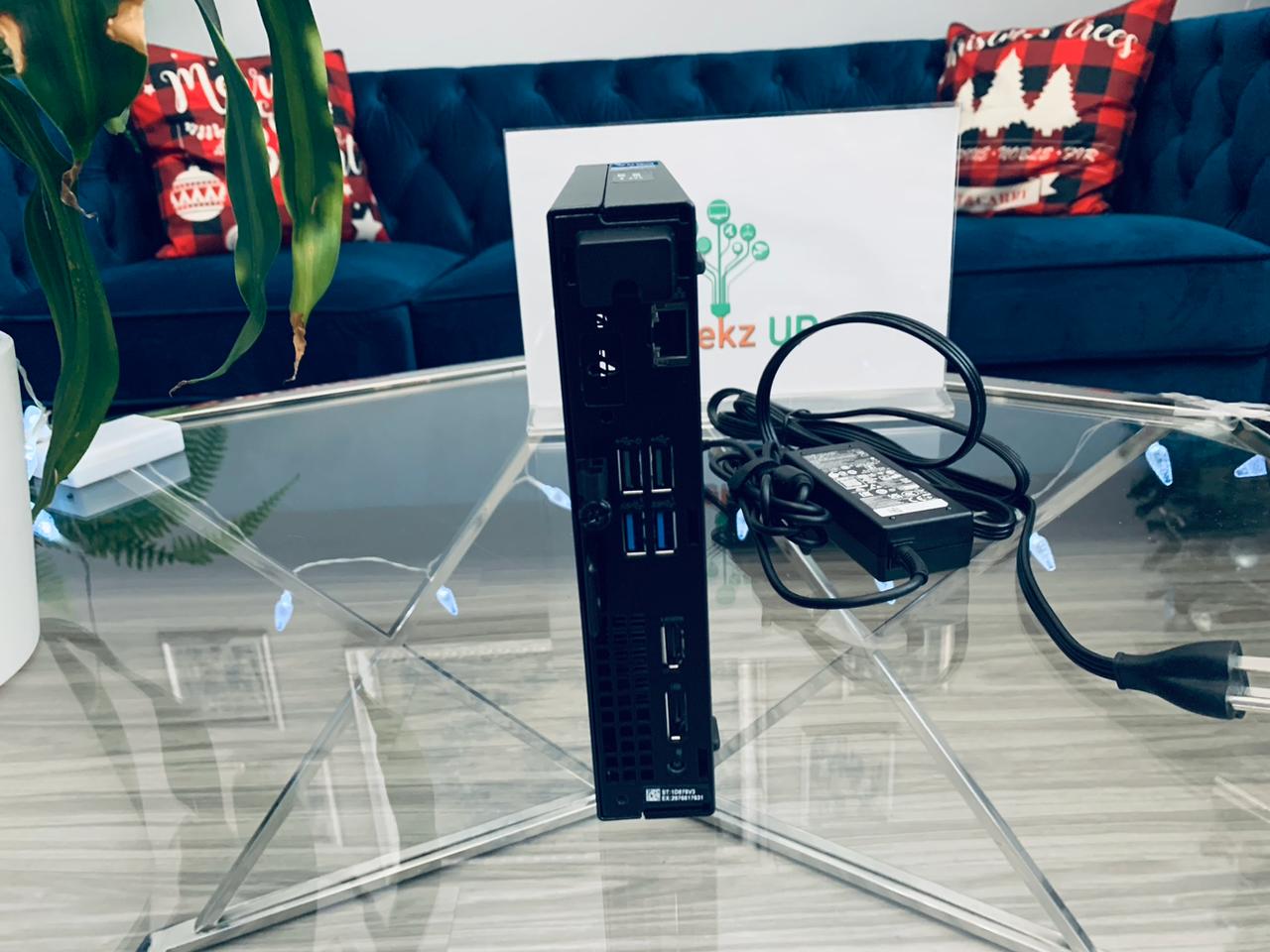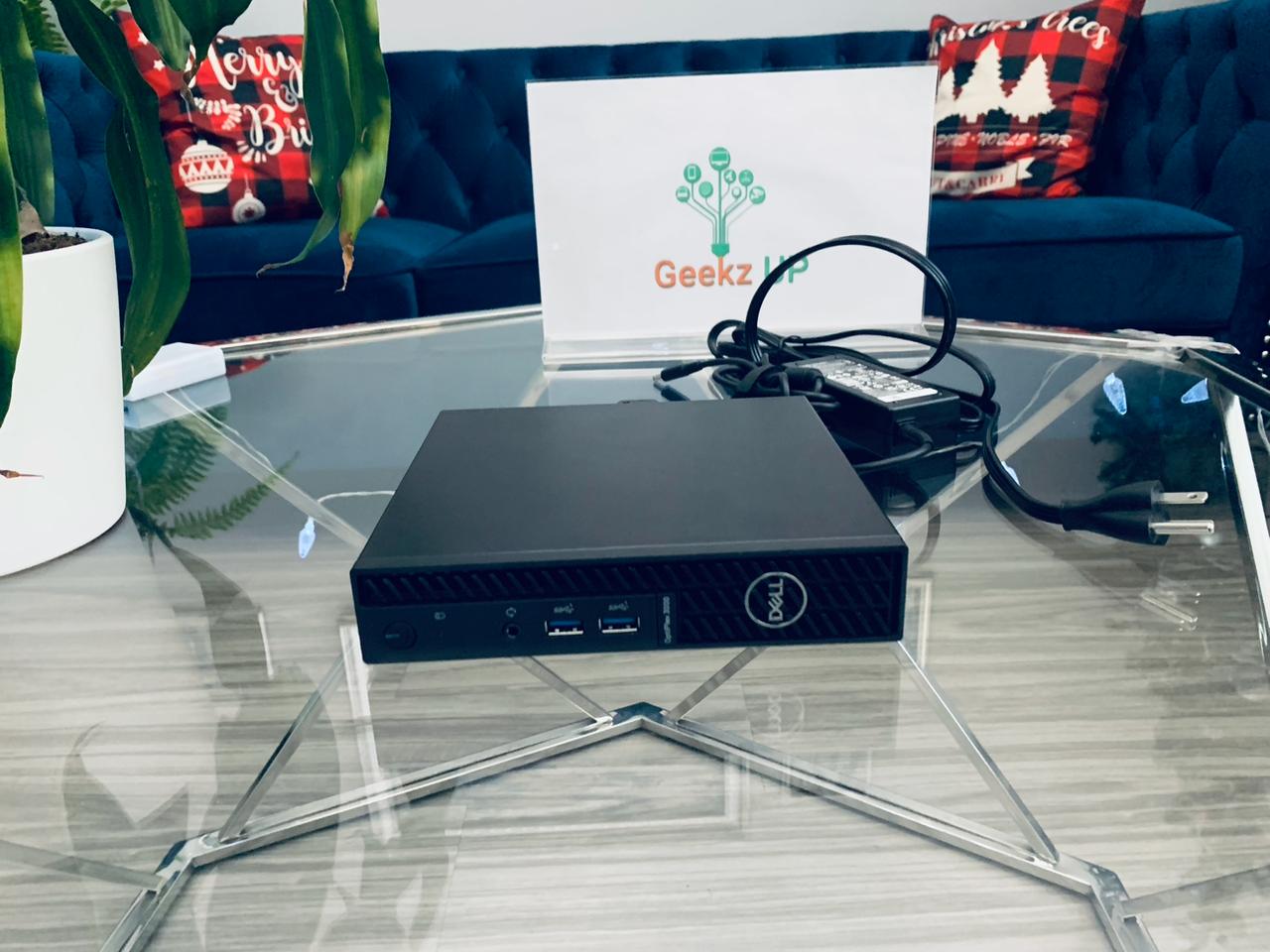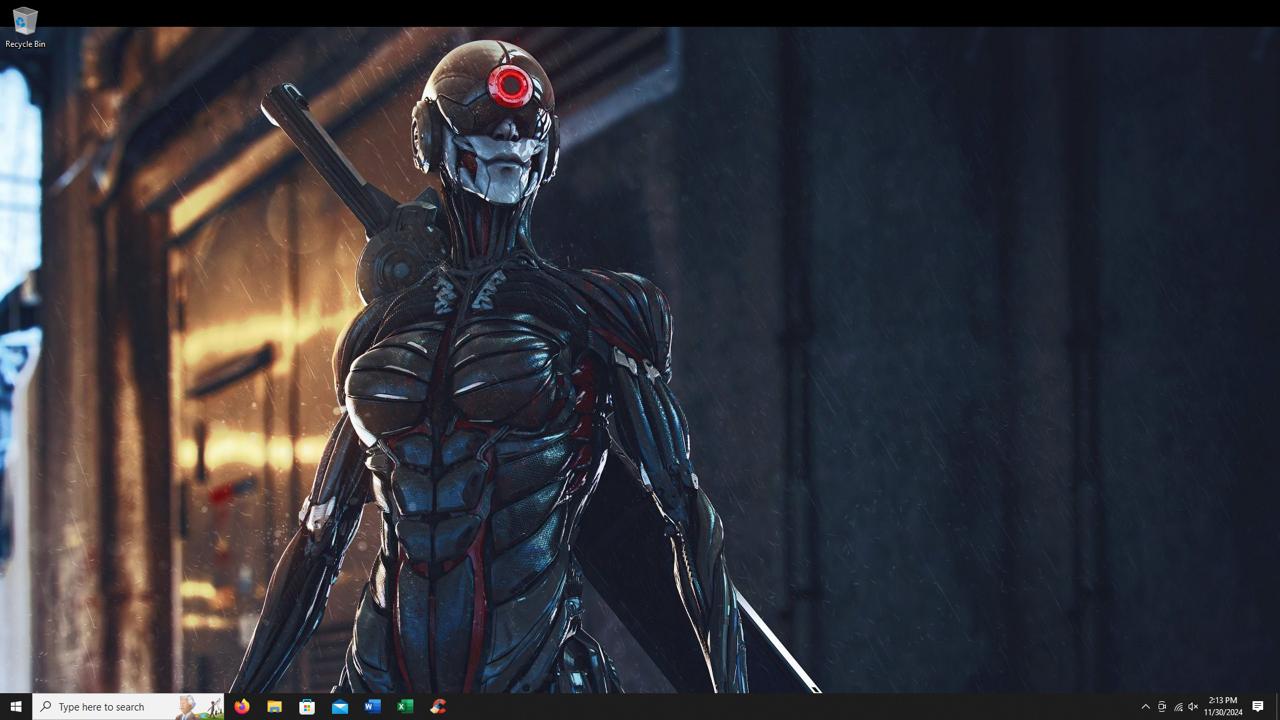
Technology moves fast. What felt cutting-edge two years ago can slow you down, cost you money, or leave you vulnerable to security threats today. If you have been putting off a hardware refresh or a software upgrade, 2026 is the year to stop waiting. These are the top 5 tech upgrades worth making in 2026 that deliver real, noticeable improvements to your daily life without unnecessary spending.
At GeekzUP Repairs, we help customers get the most out of their technology every day. Whether that means repairing what you have, upgrading what you use, or replacing what has run its course, our team has seen firsthand which upgrades make the biggest difference. Here is where your time and money are best spent this year.
Upgrade 1: Replace Your Old Hard Drive With an SSD
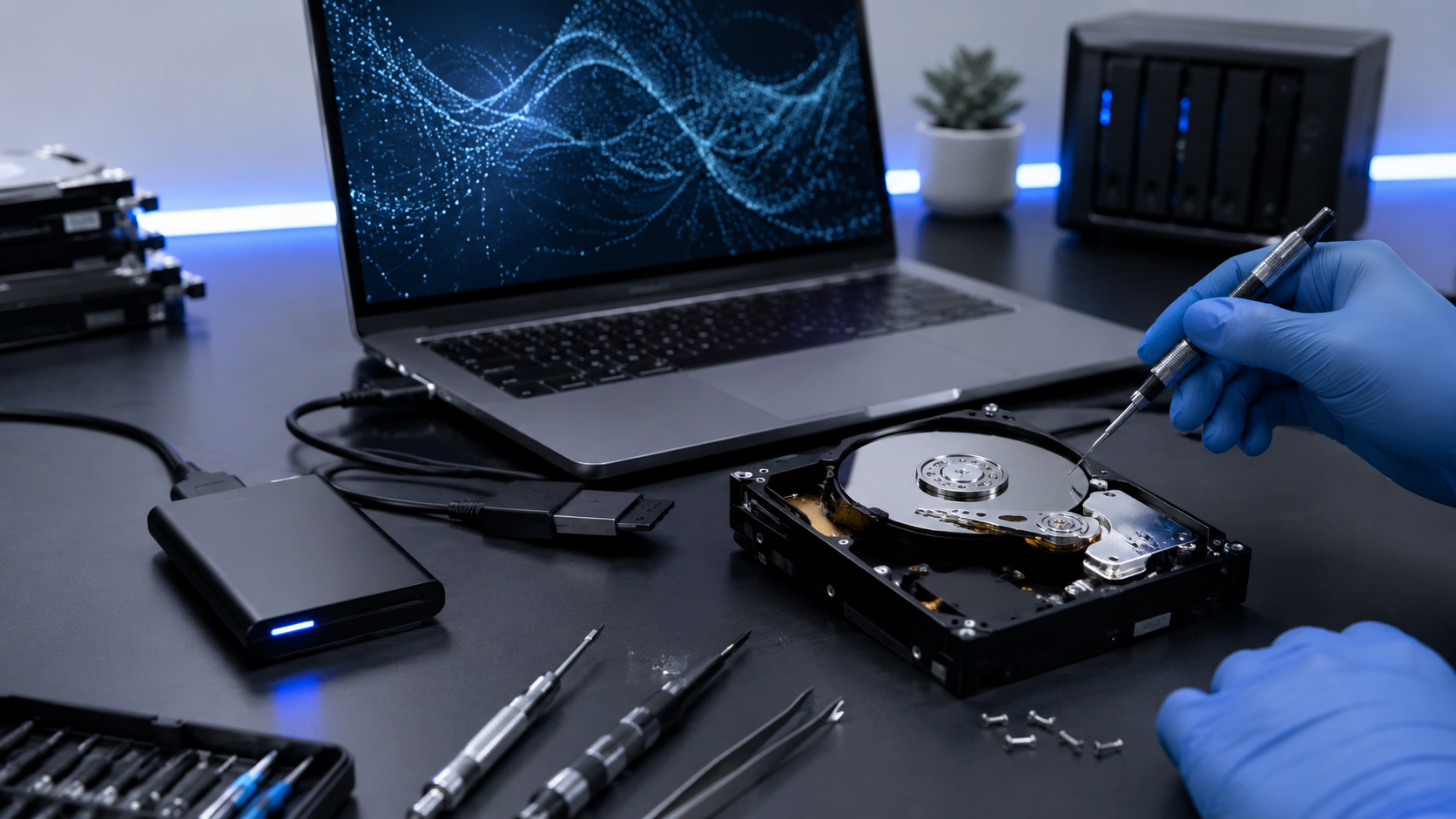
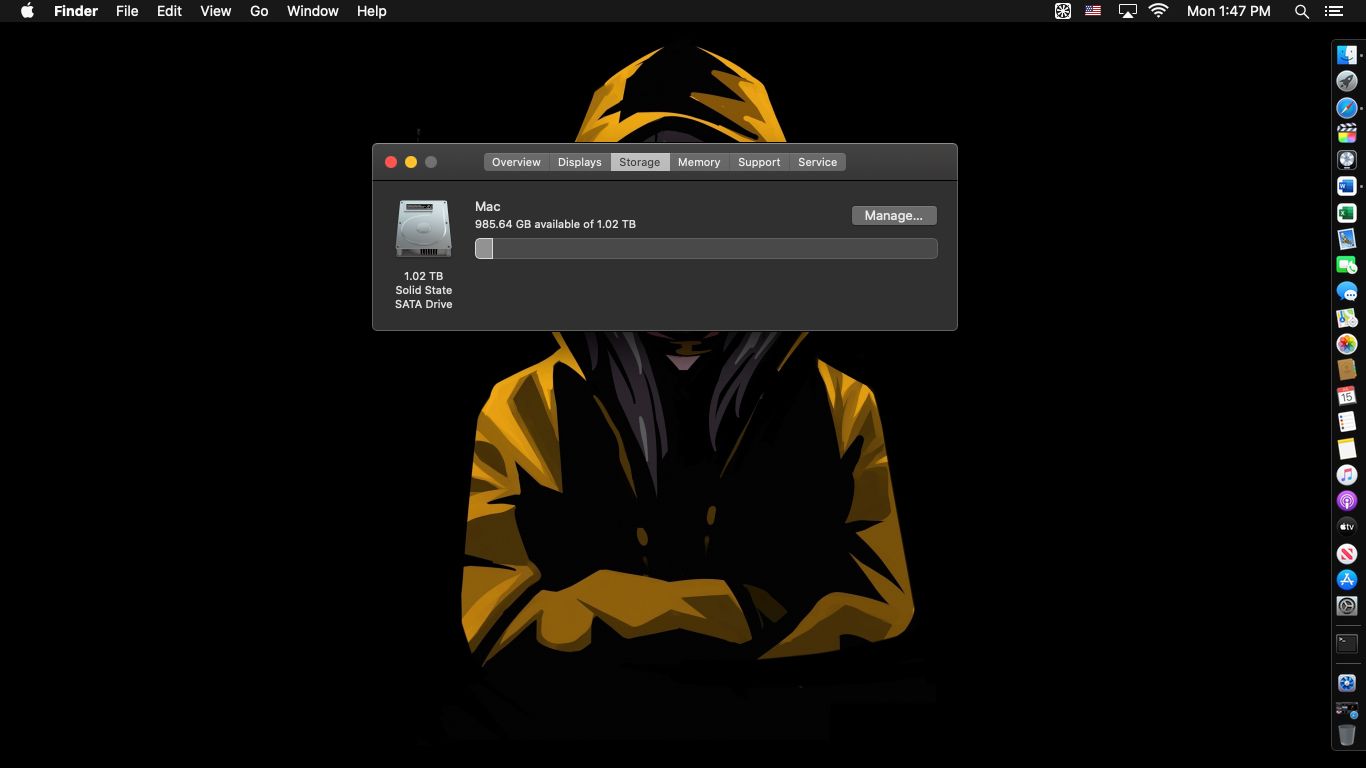
If your computer is still running on a traditional spinning hard drive, this single upgrade will make the biggest immediate difference of anything on this list. Switching from an HDD to a solid-state drive is one of the most impactful tech upgrades worth making in 2026 for any desktop or laptop user.
The numbers speak for themselves. A traditional hard drive reads and writes data at roughly 100 to 150 MB per second. A modern SATA SSD hits 500 to 600 MB per second. An NVMe SSD pushes past 3,000 MB per second. That difference translates directly into boot times, app launch speeds, file transfer speeds, and overall system responsiveness.
A computer that used to take two minutes to boot up can be fully ready in under 15 seconds after an SSD swap. Programs open instantly. Files save faster. The entire experience feels like a new machine.
SSDs also have no moving parts, which means they are more durable, run cooler, and use less battery power on laptops. If you want one upgrade that transforms how your computer feels without replacing the whole thing, this is it.
Our team at GeekzUP Repairs handles SSD upgrades for both Windows and Mac machines. Visit our computer repair services page to learn more or book an appointment.
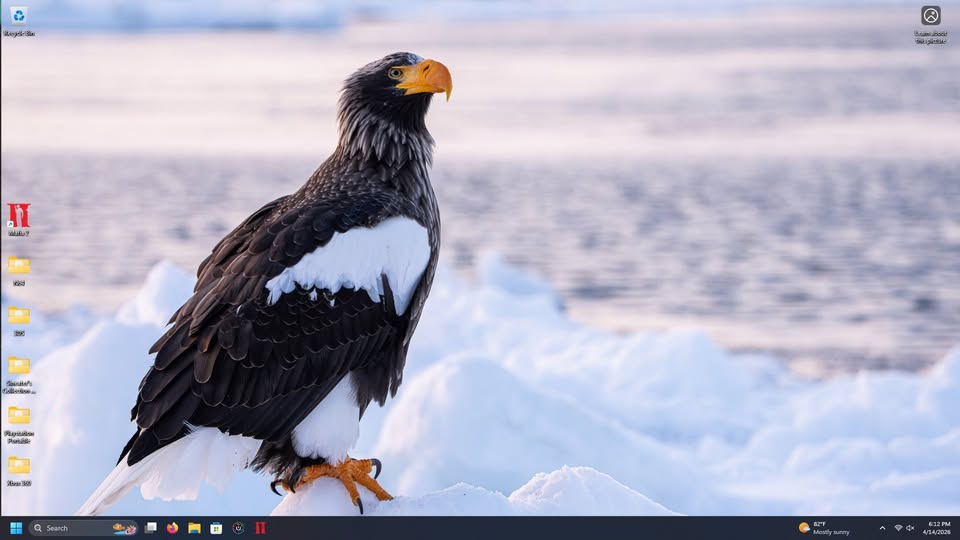
Upgrade 2: Move to Windows 11 Before You Fall Behind
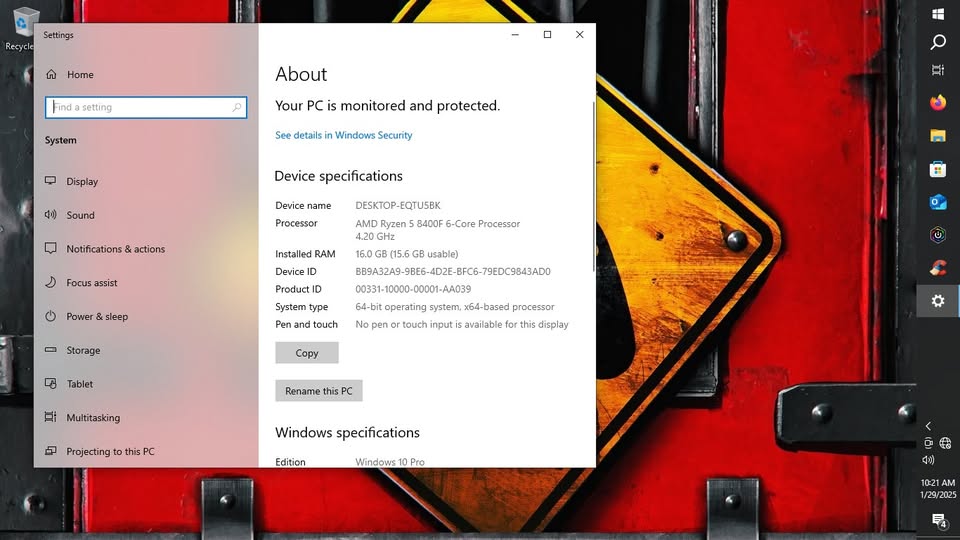
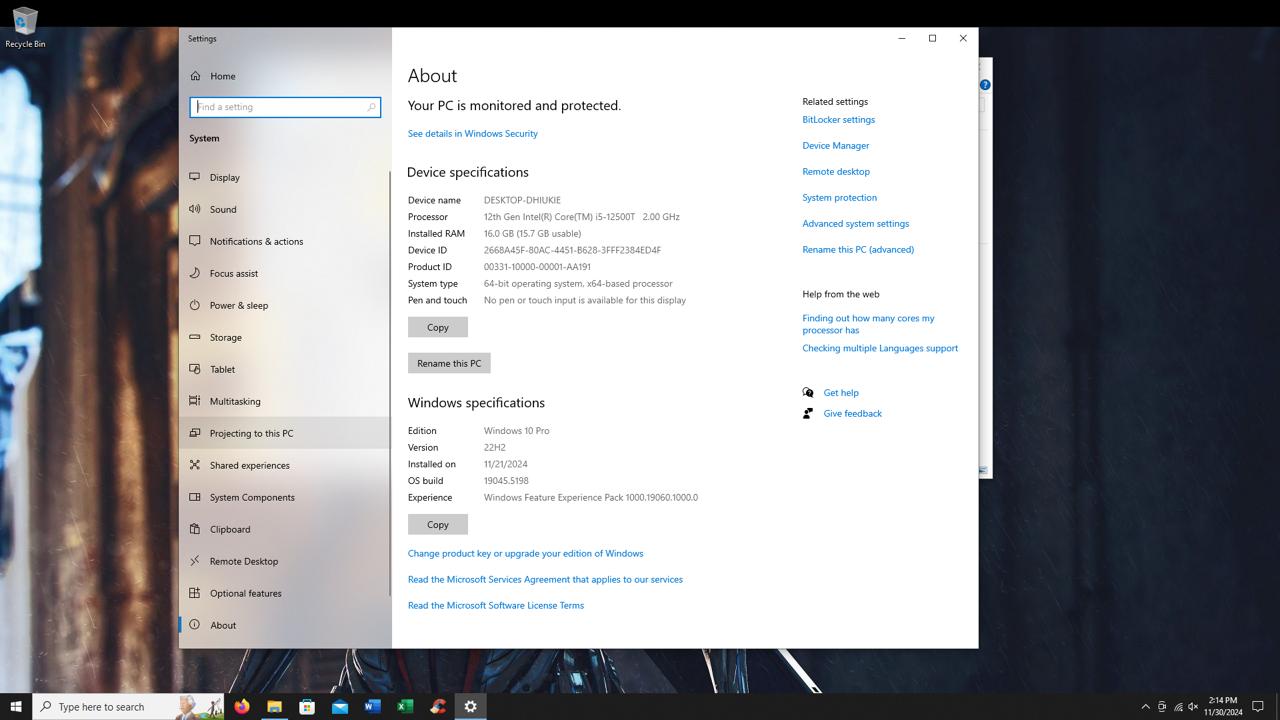
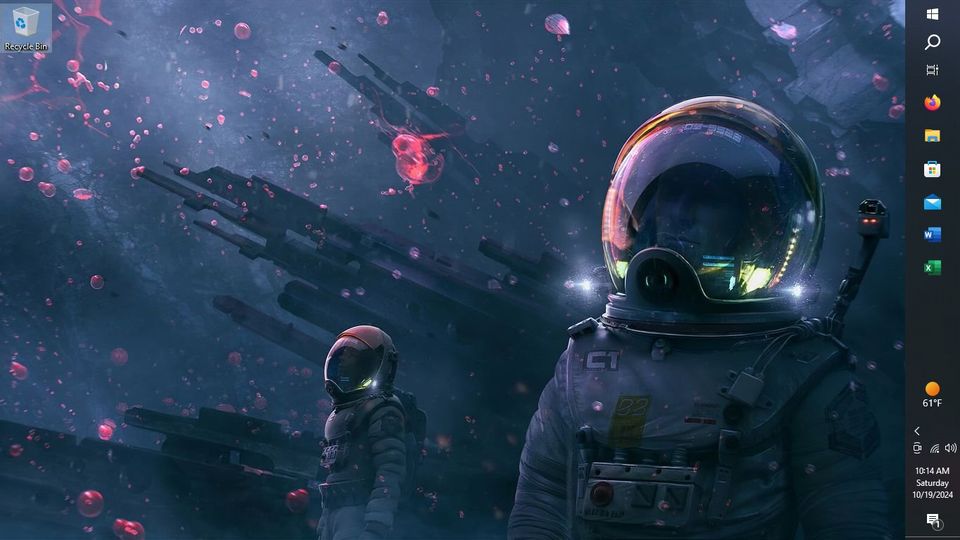
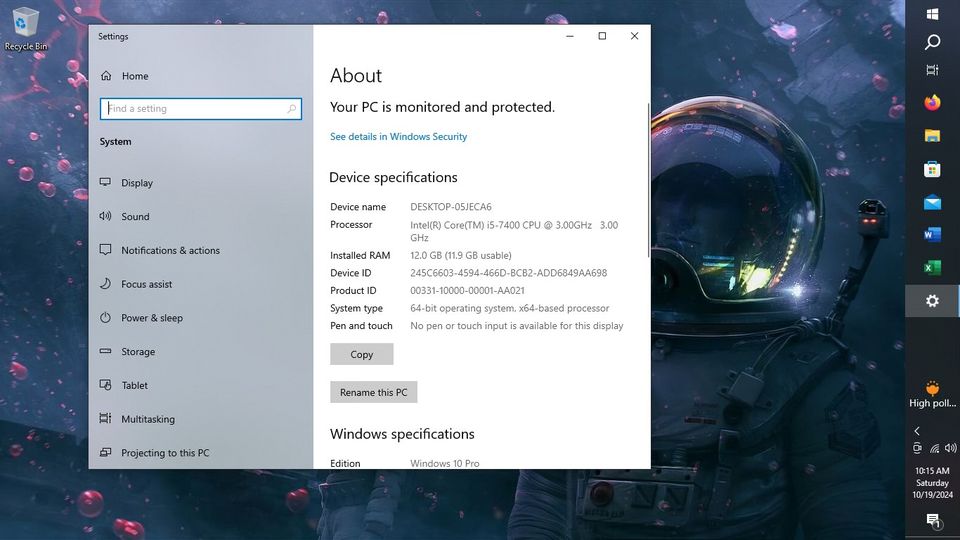
Microsoft officially ended support for Windows 10 in October 2025. That means no more security patches, no more bug fixes, and no more updates for anyone still running it. If you have not made the switch yet, running Windows 10 in 2026 means running an operating system that is no longer protected against new threats.
Windows 11 is not just a security upgrade. It brings a cleaner interface, better performance on modern hardware, improved multitasking with Snap Layouts, tighter integration with Microsoft 365, and enhanced gaming features through DirectStorage and Auto HDR. For business users and home users alike, it is a meaningful improvement across the board.
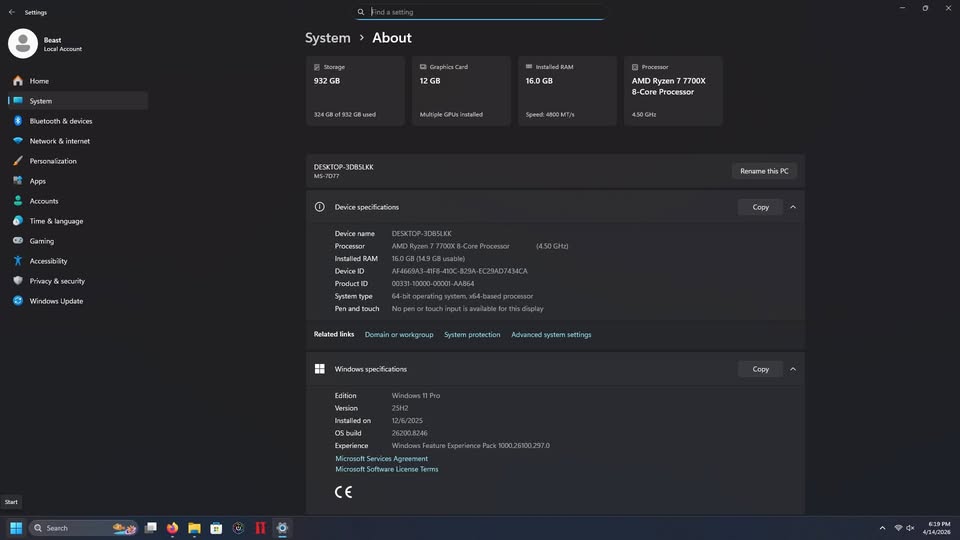
Many computers already meet the requirements for a free upgrade. If yours does not, our team can assess whether a hardware adjustment or a new machine makes more sense for your situation. Check Microsoft’s official Windows 11 requirements to see if your current PC qualifies.
GeekzUP Repairs offers a dedicated Windows 11 Upgrade service to handle the transition cleanly, including data backup, compatibility checks, and a full setup so everything works correctly on day one.
Upgrade 3: Add More RAM to Your Current Machine
RAM is one of the most overlooked bottlenecks in everyday computing. If your computer struggles when you have multiple browser tabs open, lags during video calls, or slows down noticeably when switching between apps, there is a strong chance more RAM is the fix rather than a whole new computer.
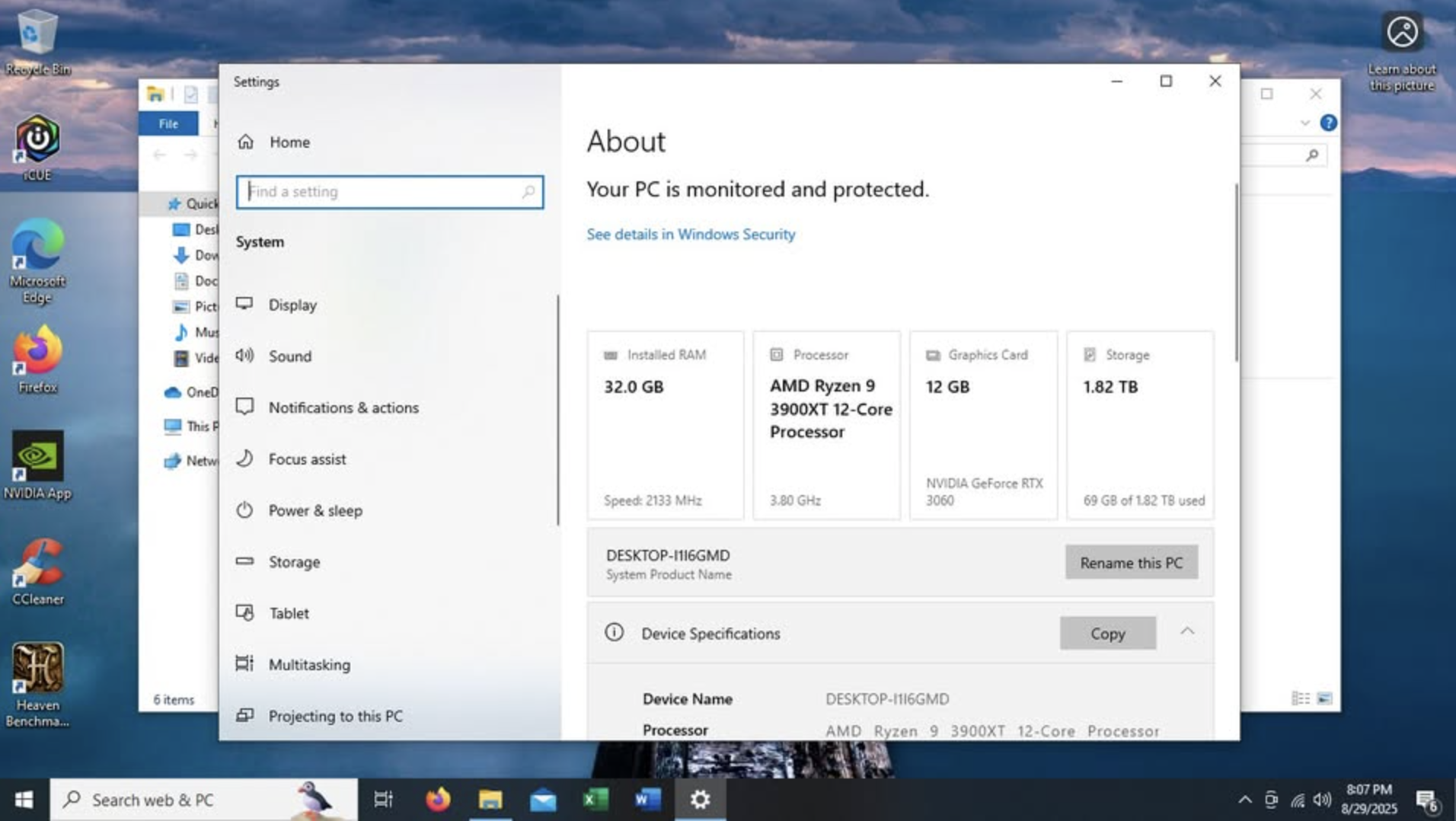
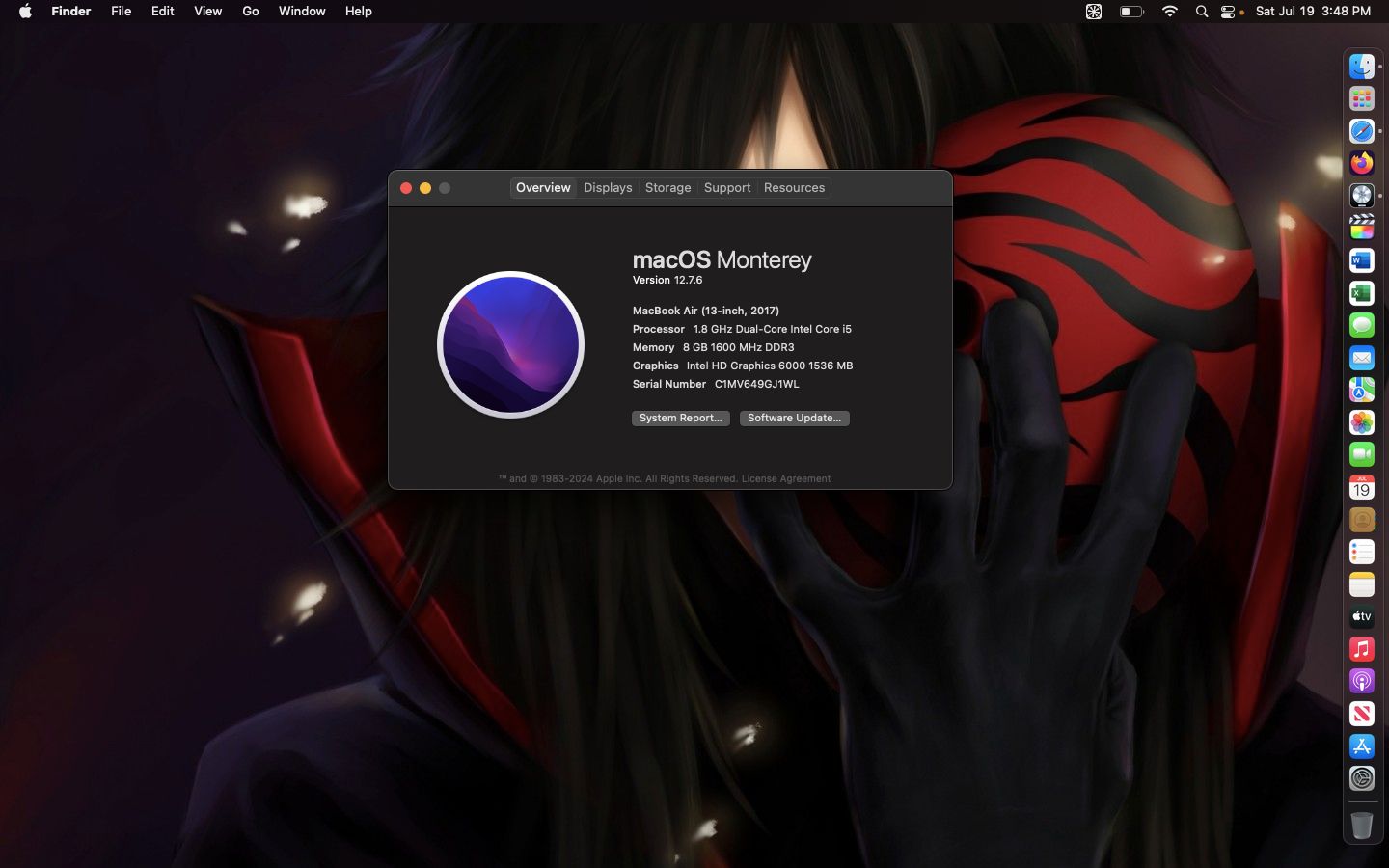
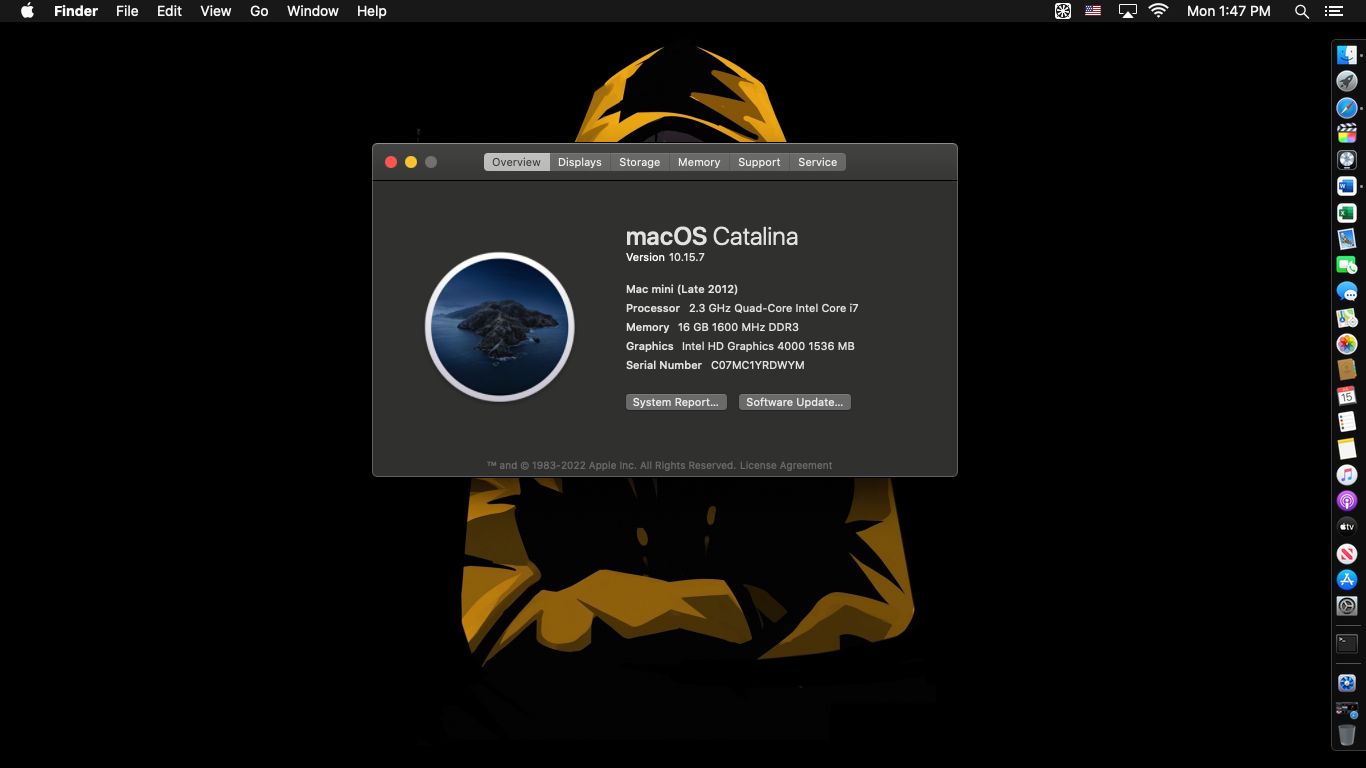
Most older machines shipped with 8GB of RAM, which was sufficient a few years ago. In 2026, 16GB has become the realistic baseline for smooth multitasking. Creative professionals, developers, and gamers benefit significantly from 32GB or more.
Adding RAM is often one of the most affordable upgrades available, especially on desktop computers and older laptops with upgradeable memory slots. The performance improvement for the cost is hard to beat, making it one of the smartest tech upgrades worth making in 2026 for anyone working with a machine that feels sluggish.
Not sure if your machine can be upgraded or how much RAM it currently has? Our team can run a full diagnostic and recommend the right path forward. You can also reach us through our remote computer support service if you want a quick assessment without coming in.
Upgrade 4: Cut the Cable With a Smarter Streaming Setup
Cable television is one of the largest recurring expenses most households carry, and in 2026 it is increasingly difficult to justify. The average cable bill now exceeds $100 per month, and when you add individual streaming subscriptions on top of that, many families are spending $150 to $200 monthly just for entertainment.
A properly configured streaming device changes that equation completely. Specifically, the ONN 4K device paired with MoaTV IPTV gives you live TV, movies, series, sports, PPV events, and replay content all in one organized platform. No more jumping between five different apps. No more paying for channels you never watch.
Unlike newer Fire TV devices that are becoming more restricted and locked down with every update, the ONN 4K runs on open Android TV. That means full flexibility to install the apps you want, a cleaner interface, and none of the limitations Amazon keeps adding to its own devices.
Every package from GeekzUP Repairs comes professionally configured with MoaTV already activated, IPVanish VPN installed for secure streaming, and all the latest updates already applied before it reaches you. You just plug it in and start watching.
If cutting cable is on your list of tech upgrades worth making in 2026, this is the most straightforward way to do it without sacrificing content. Read our full breakdown on our MoaTV IPTV page or check out our detailed blog post on 5 Powerful Reasons to Upgrade to ONN 4K with MoaTV.
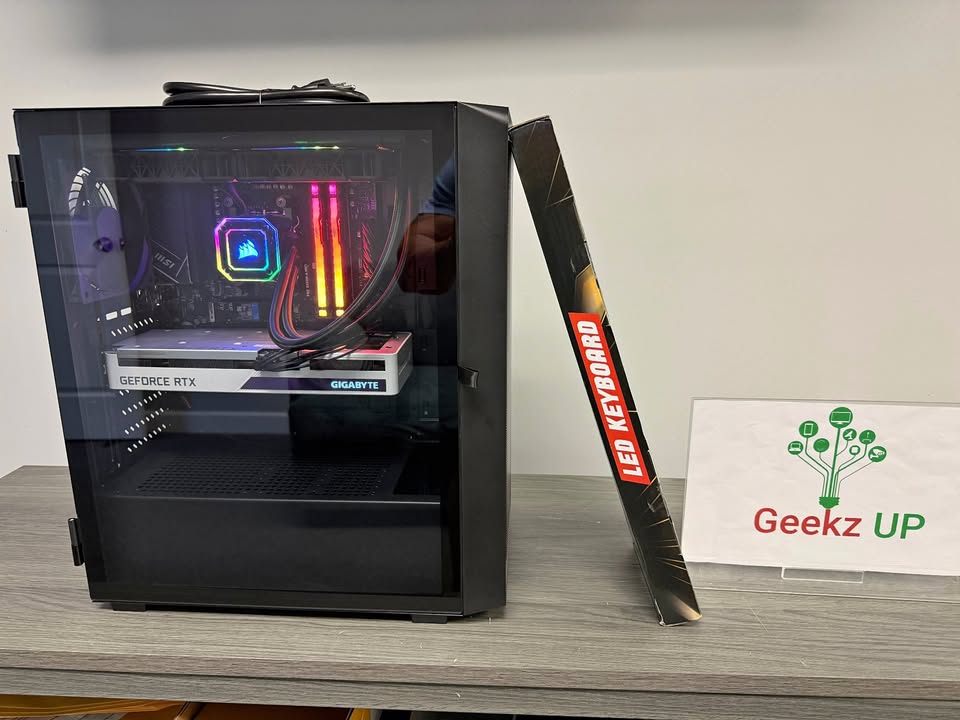
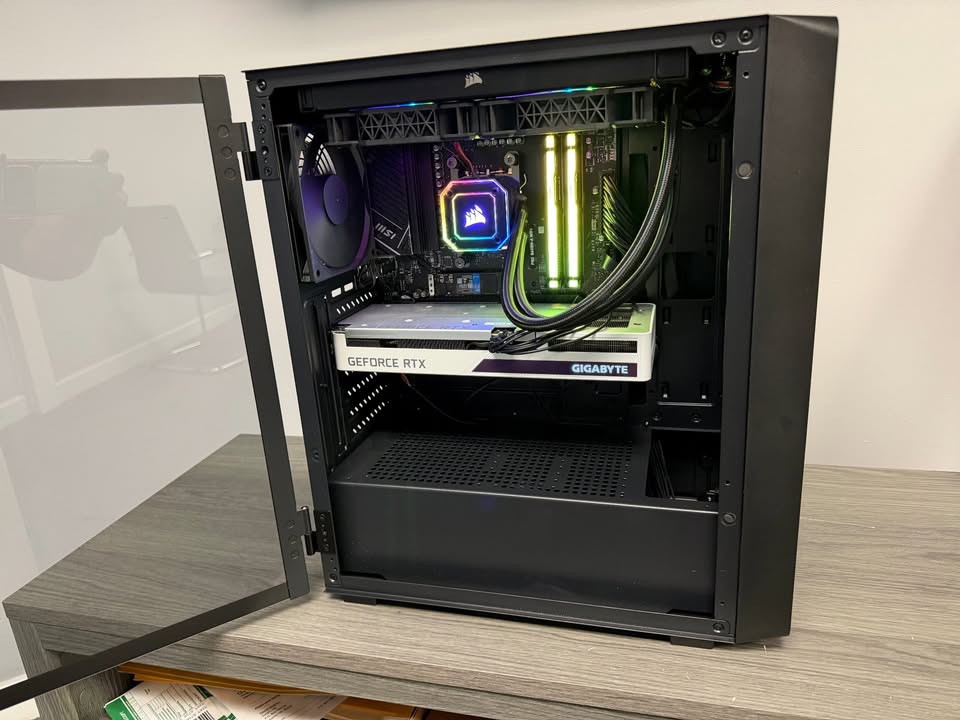
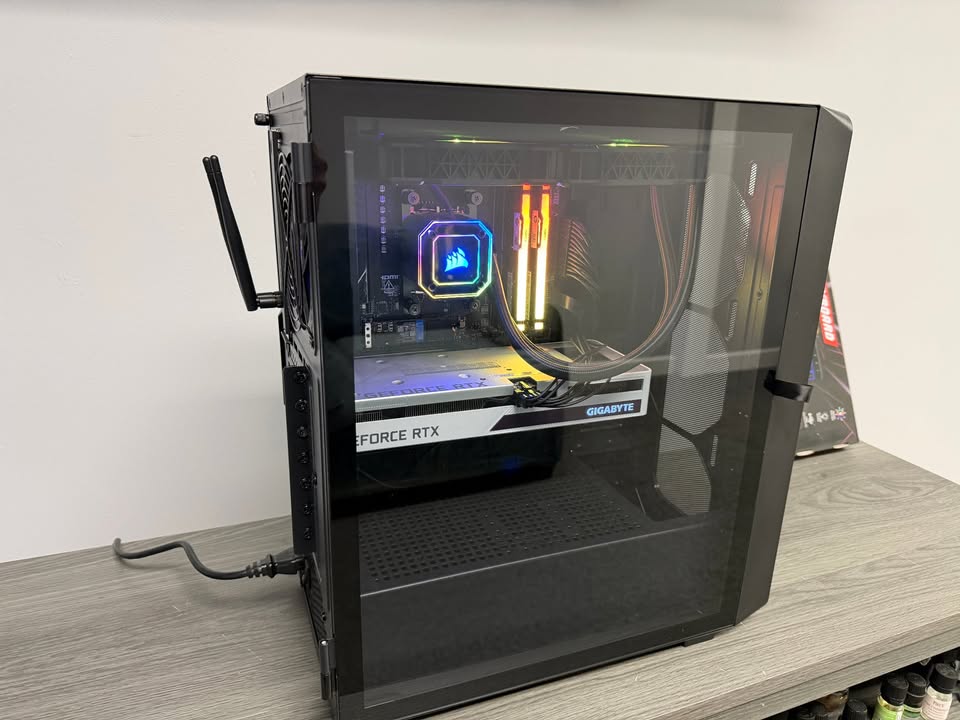
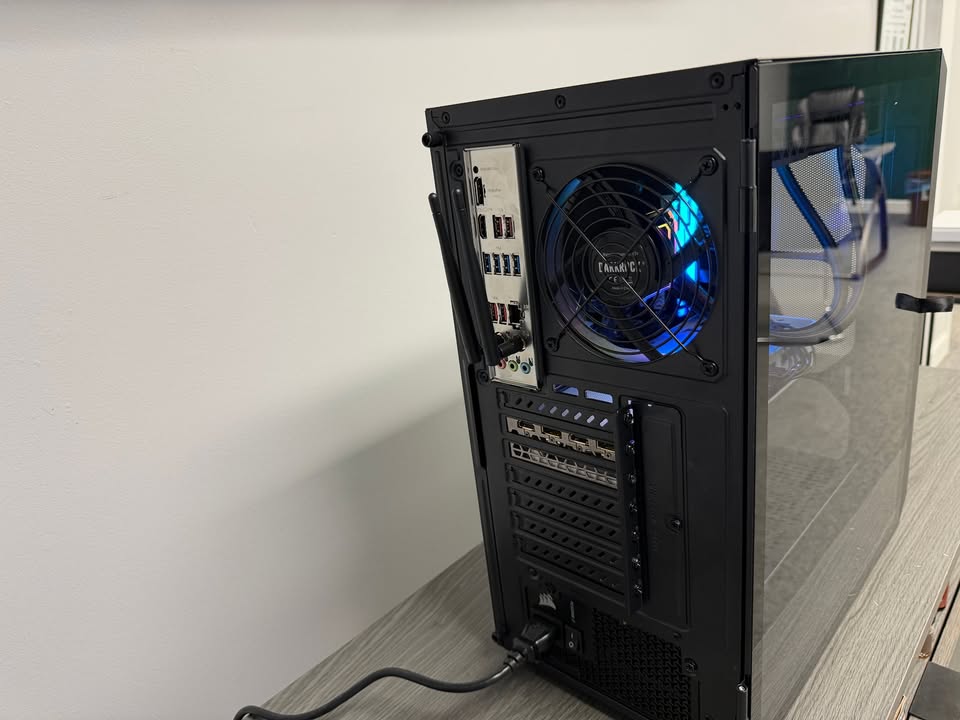
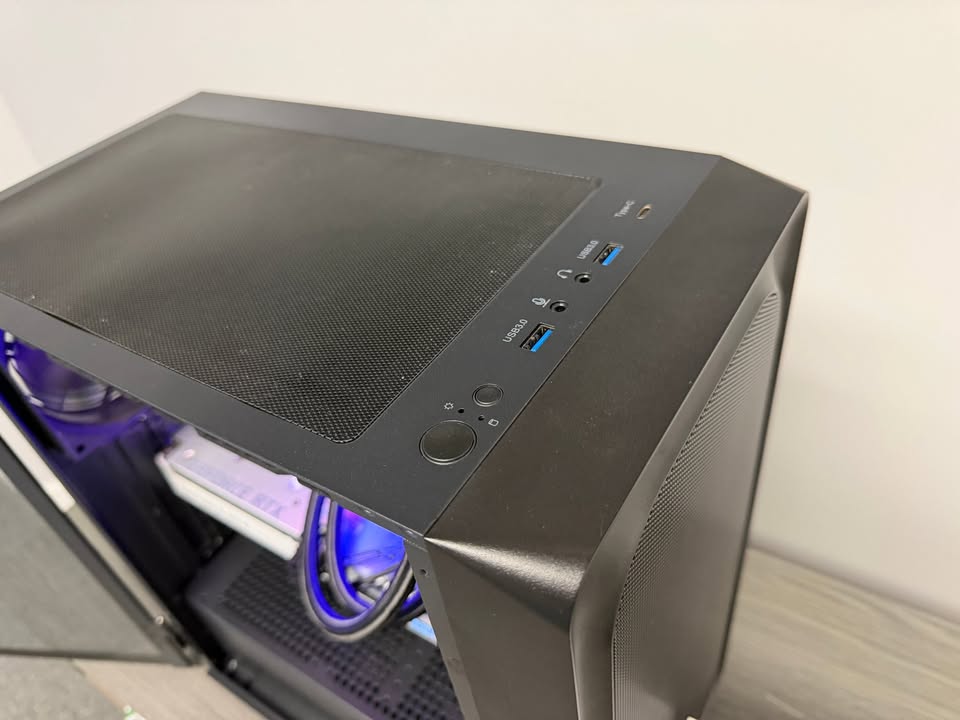
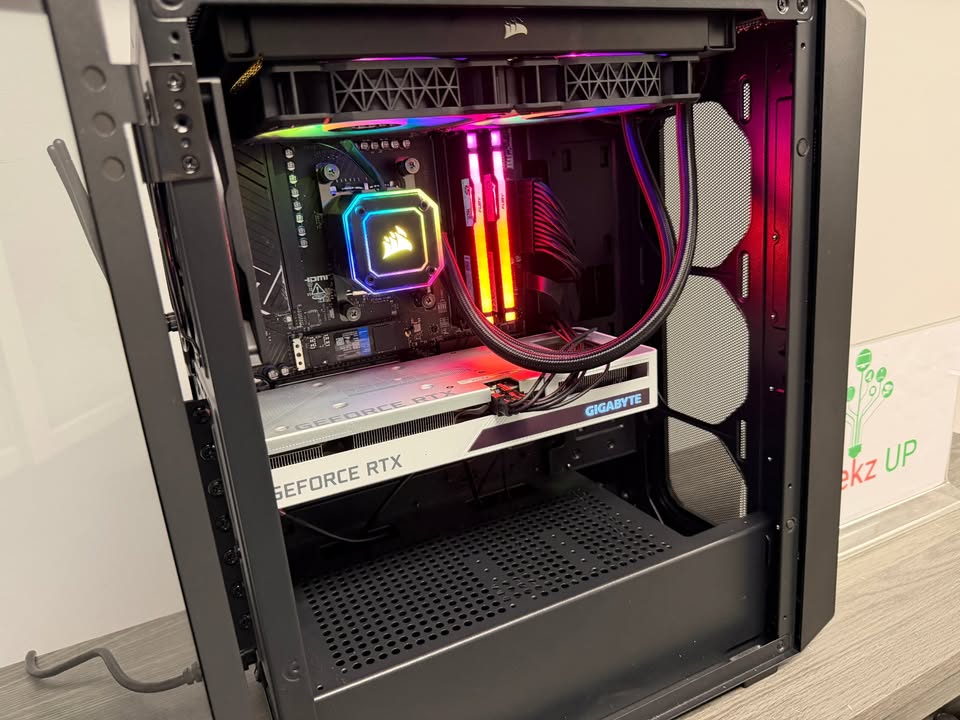
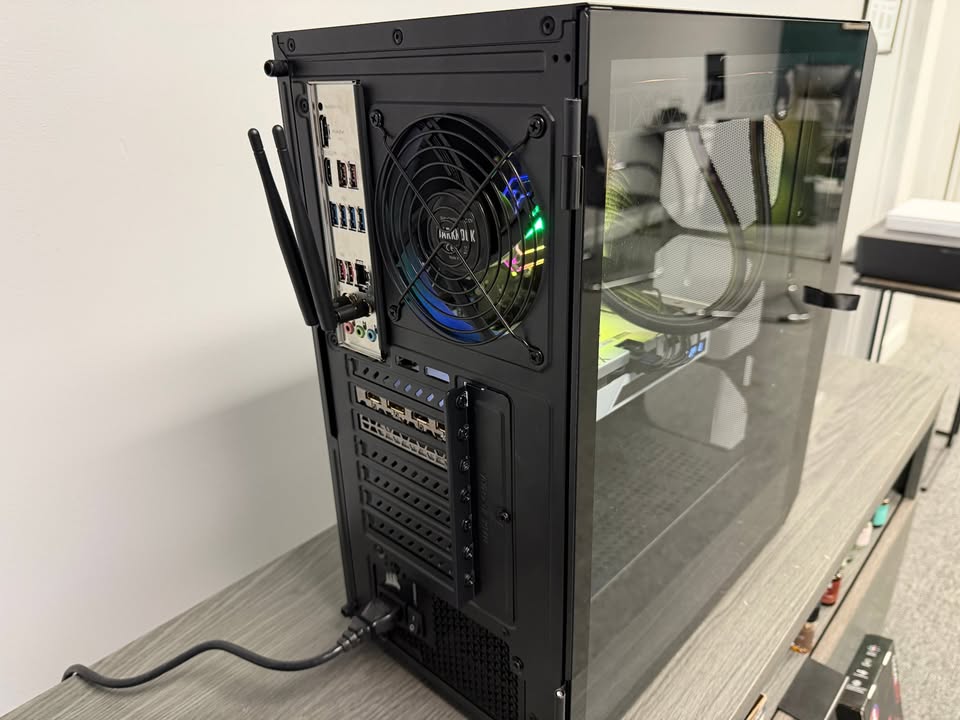
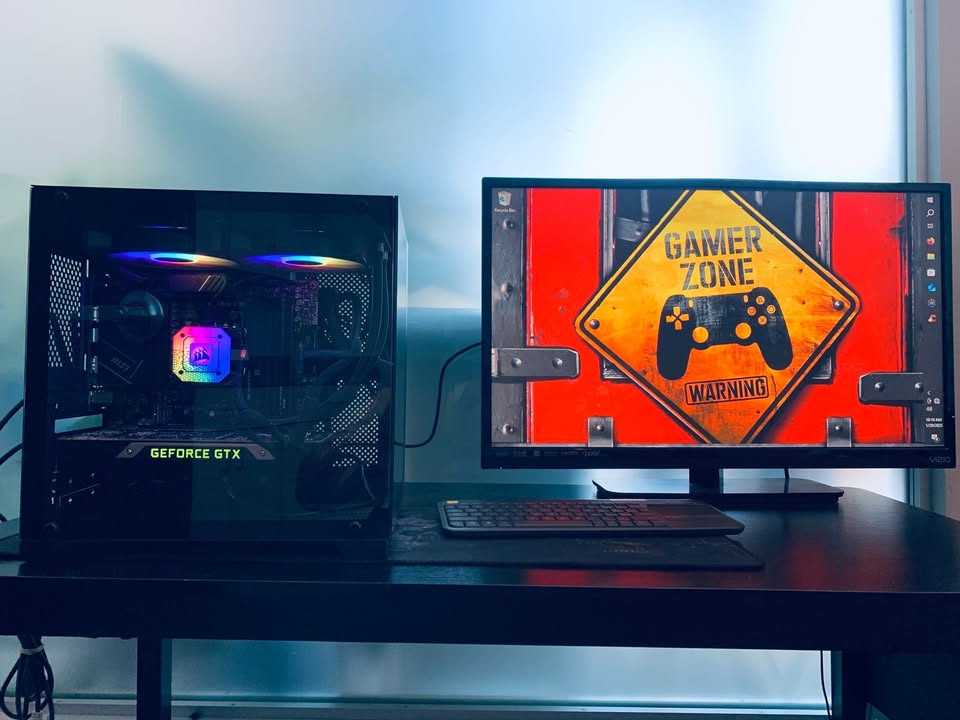
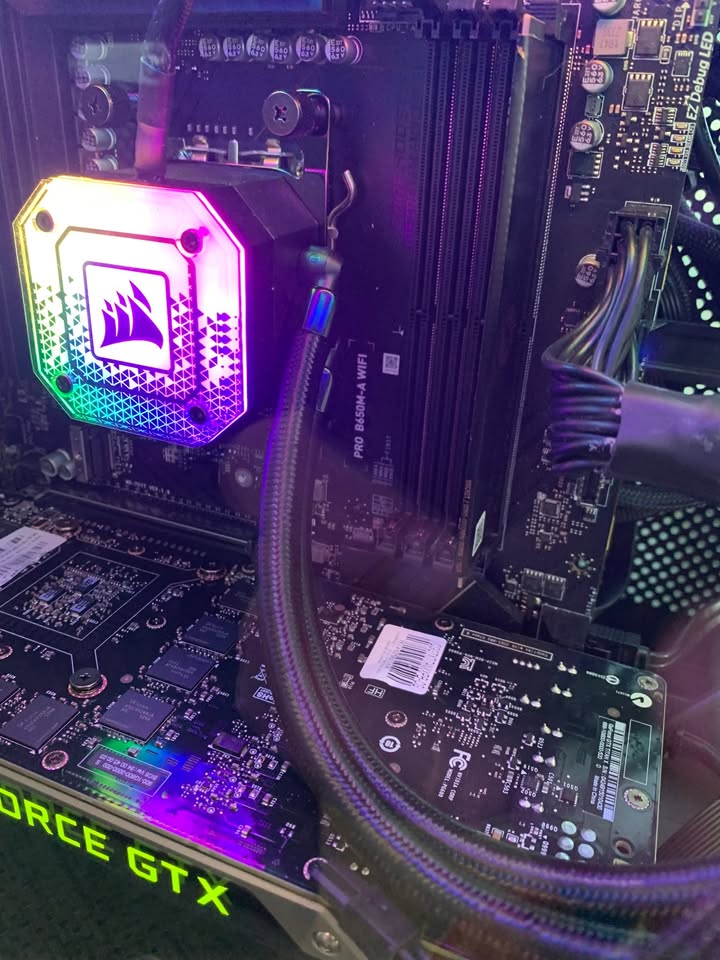
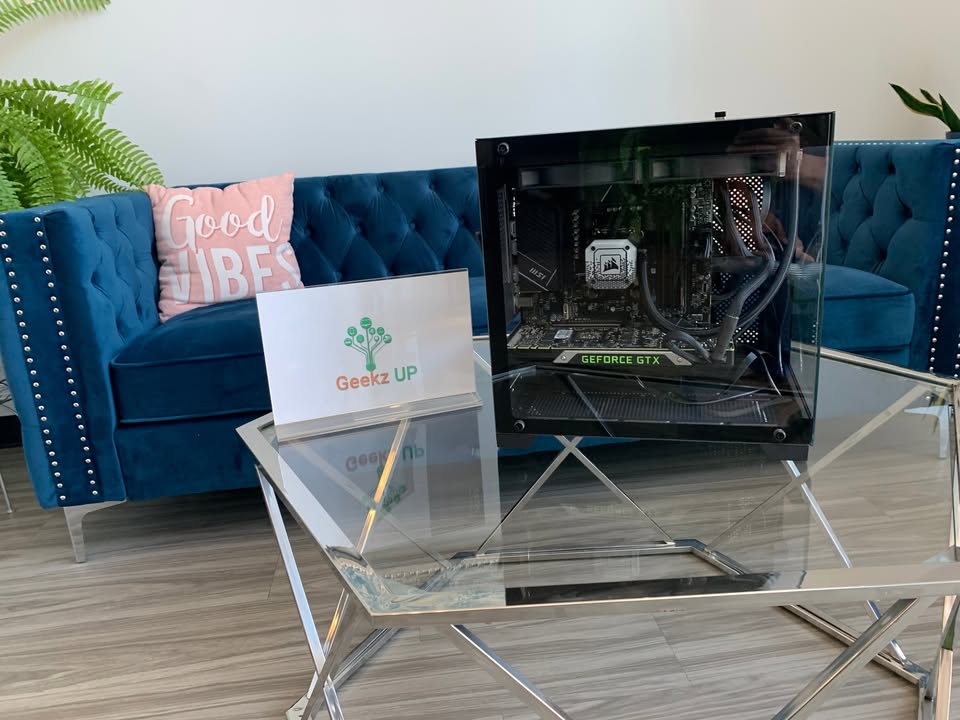
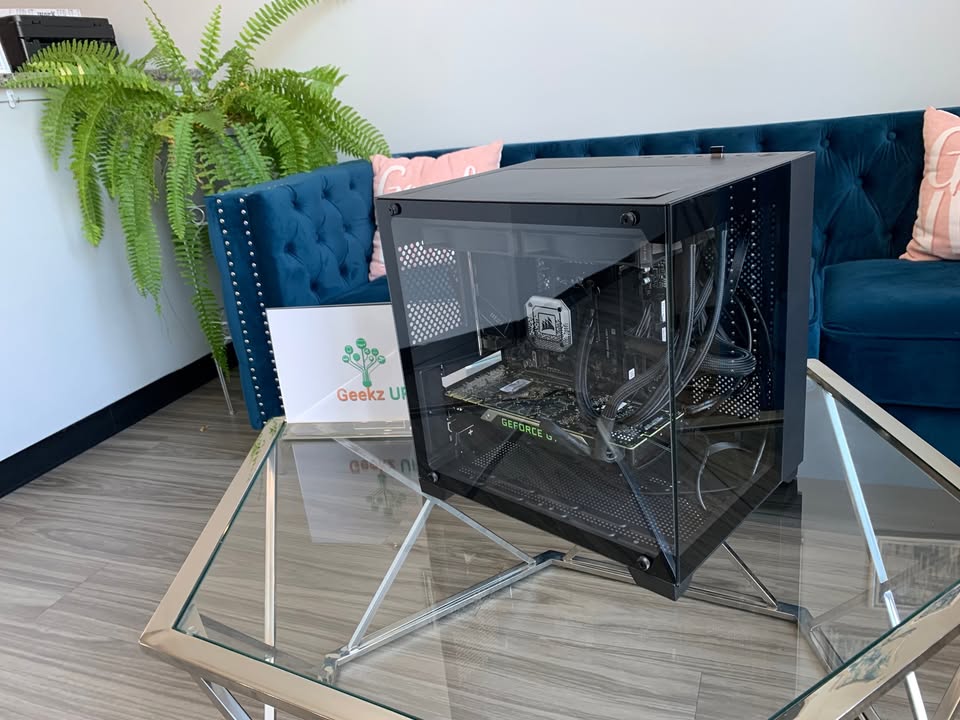
Upgrade 5: Invest in a Custom Gaming PC Built for 2026
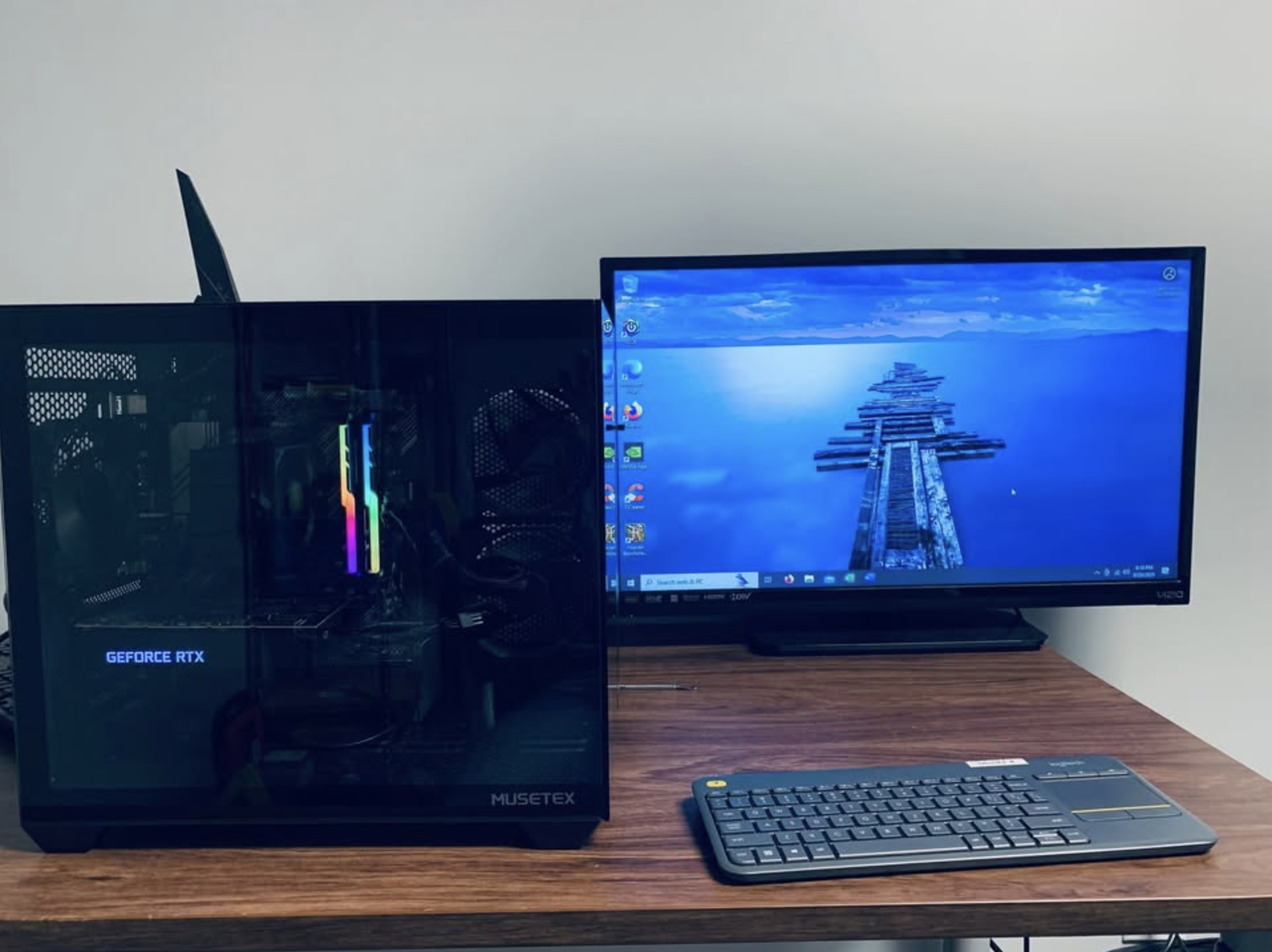
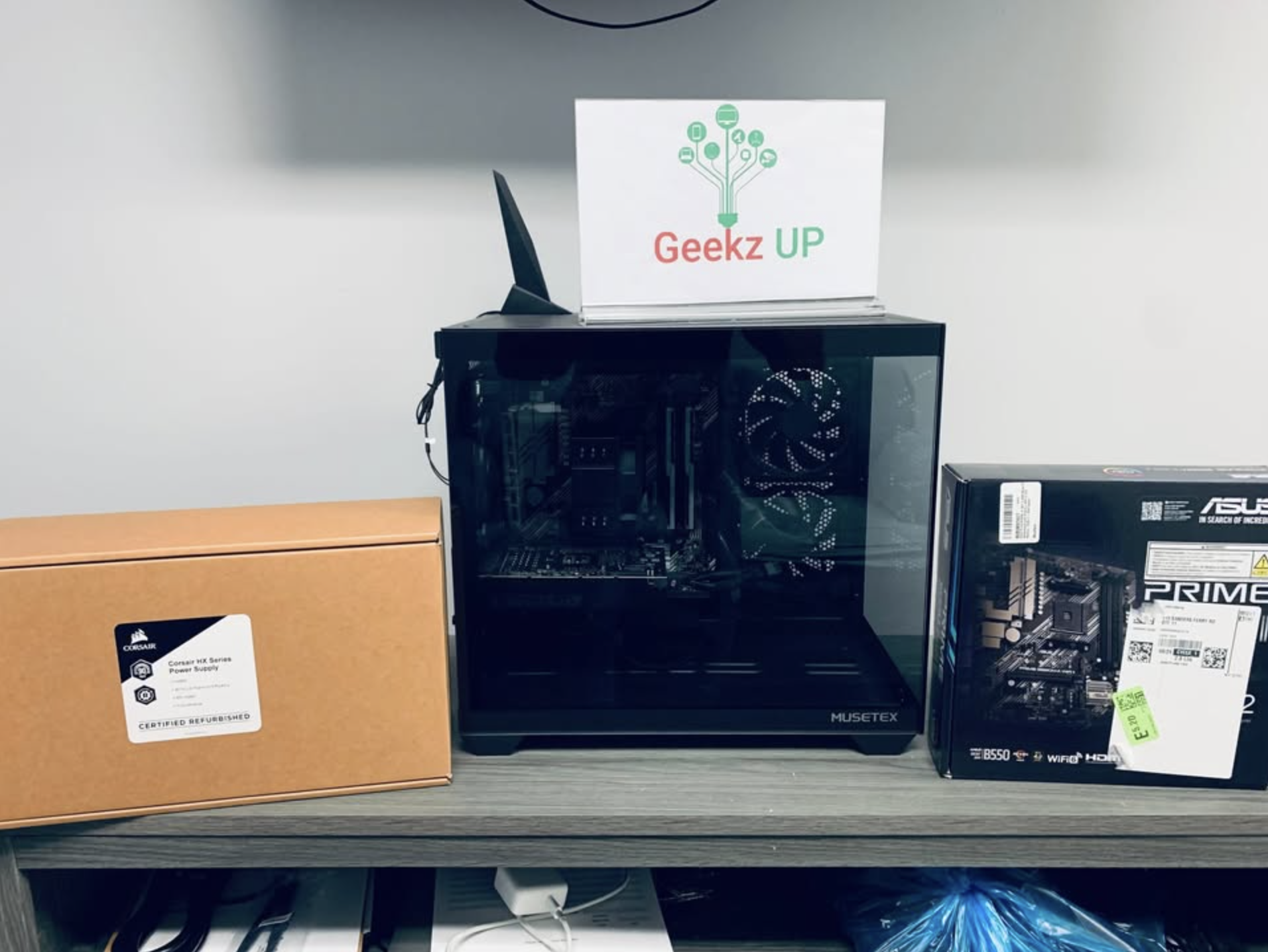
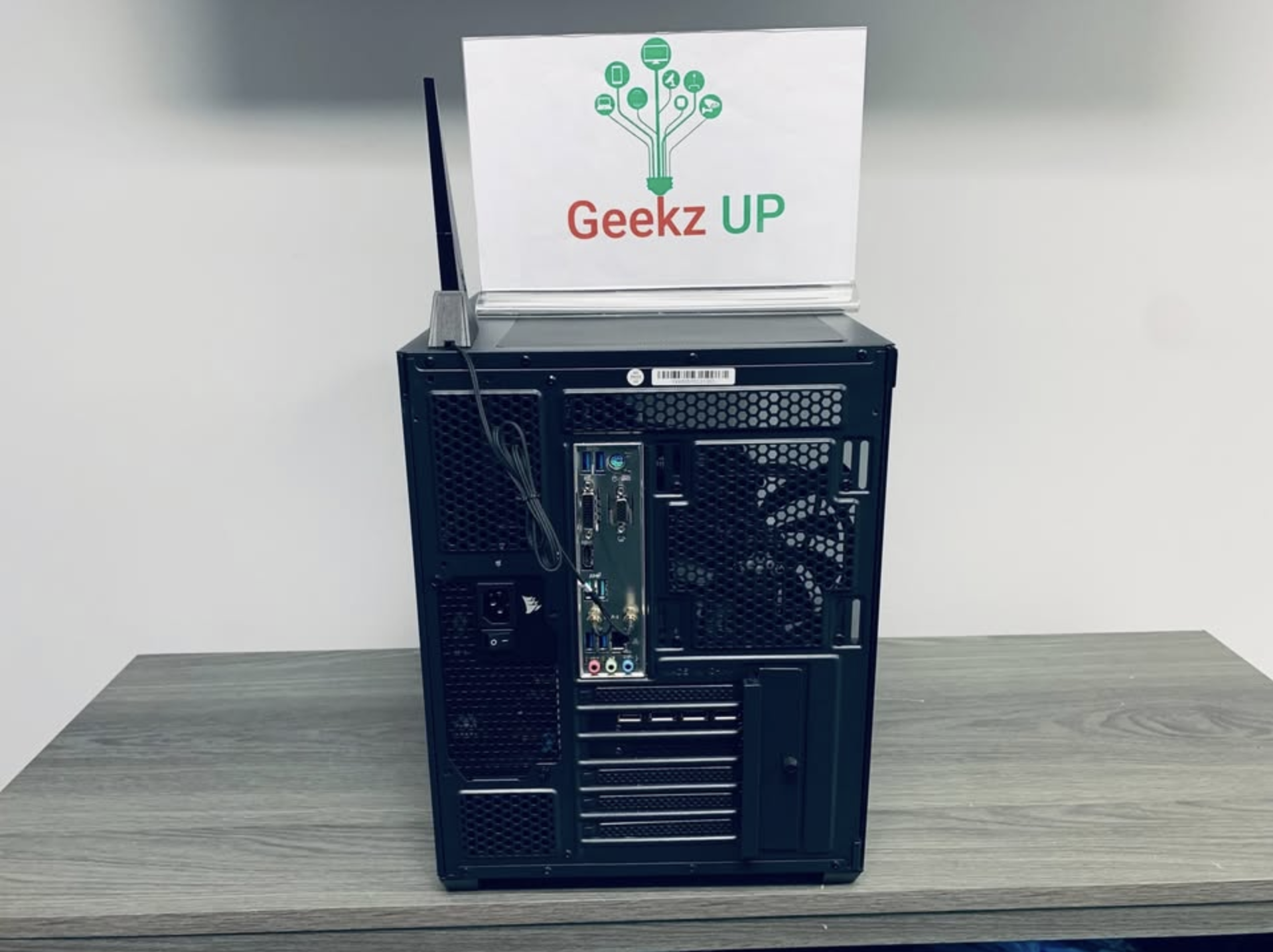
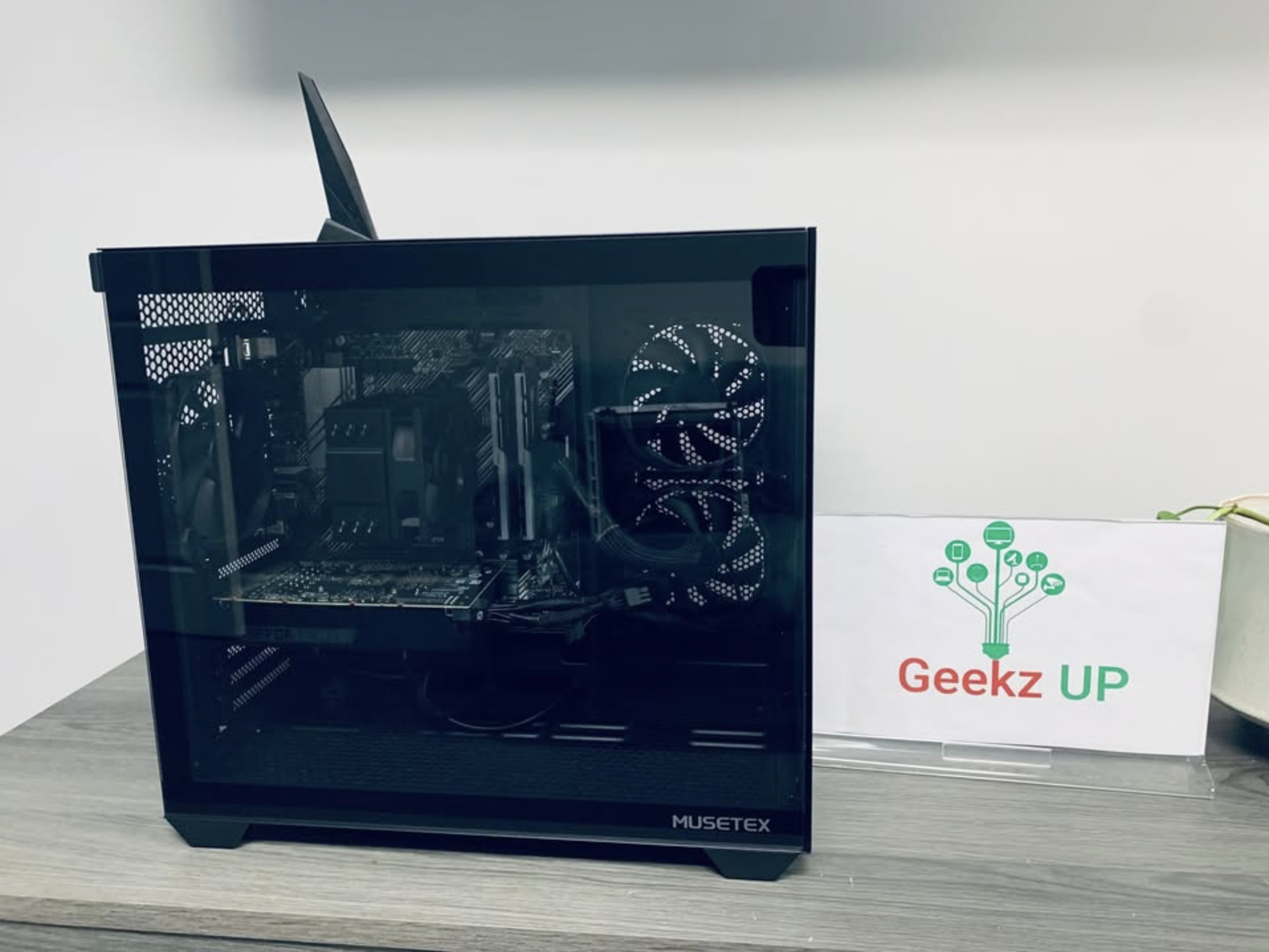
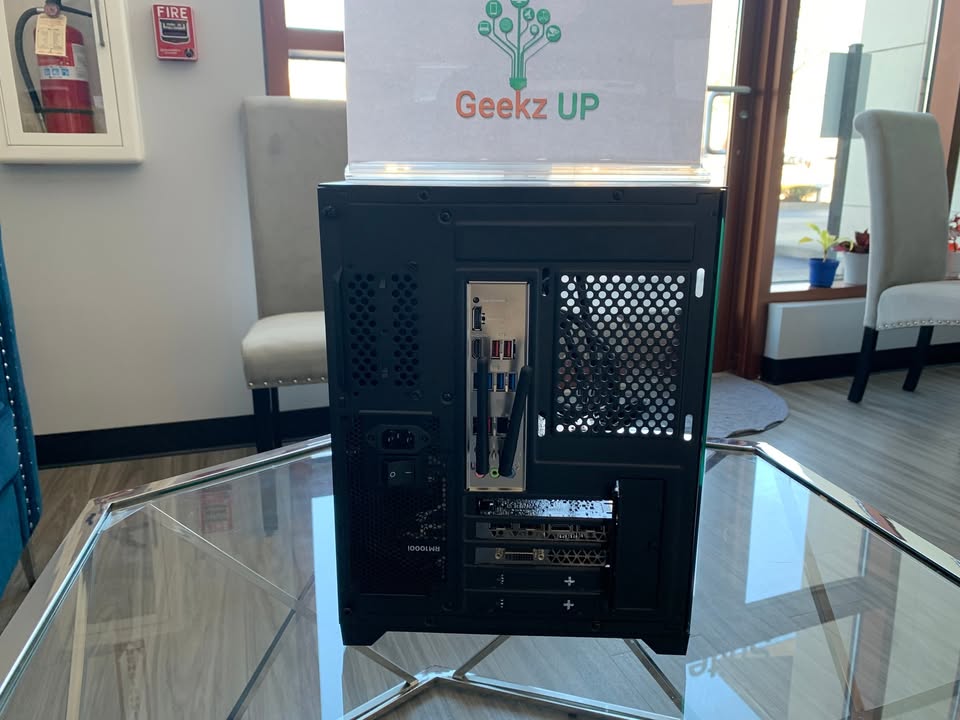
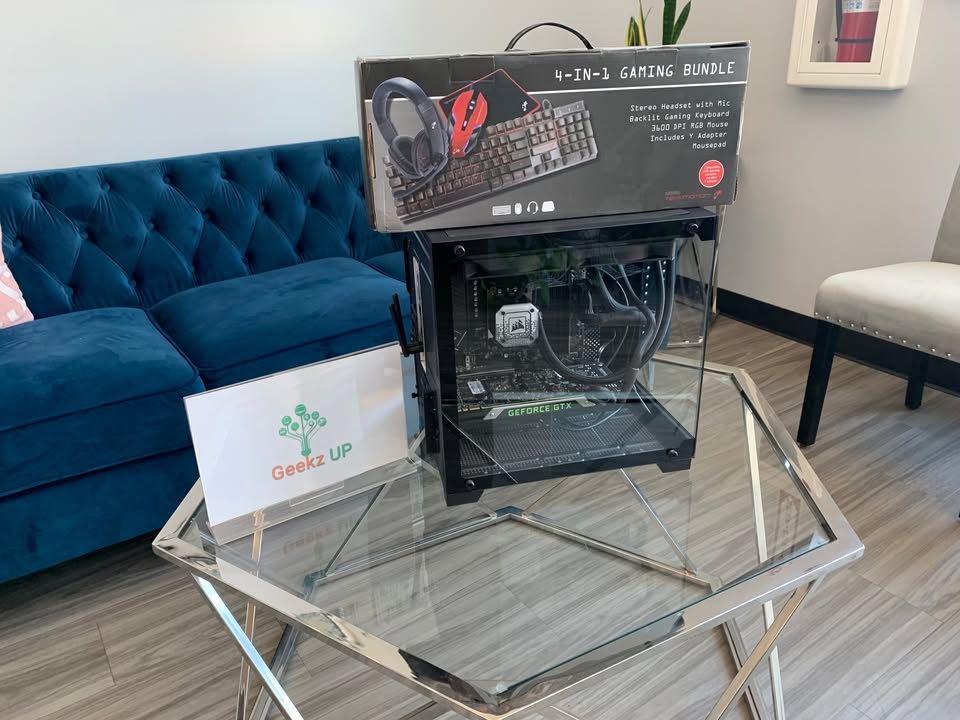
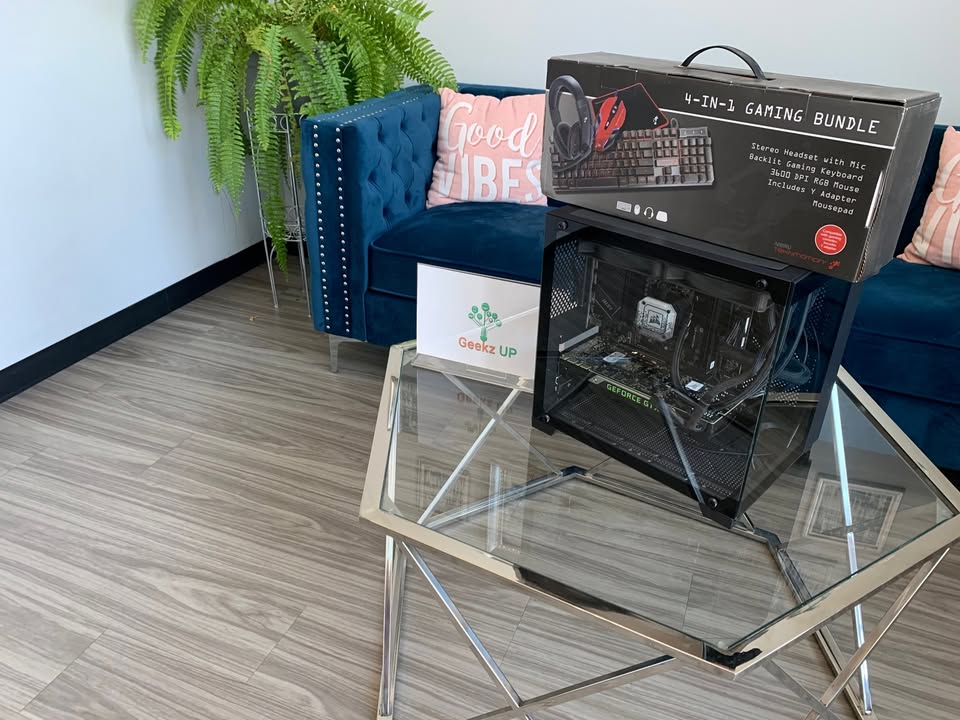
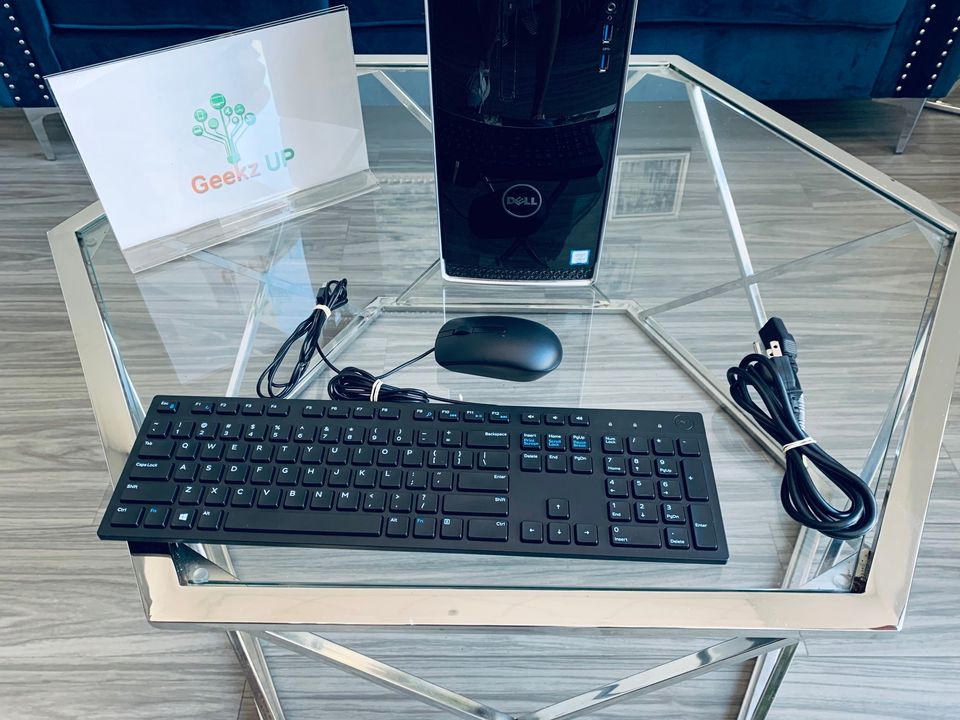
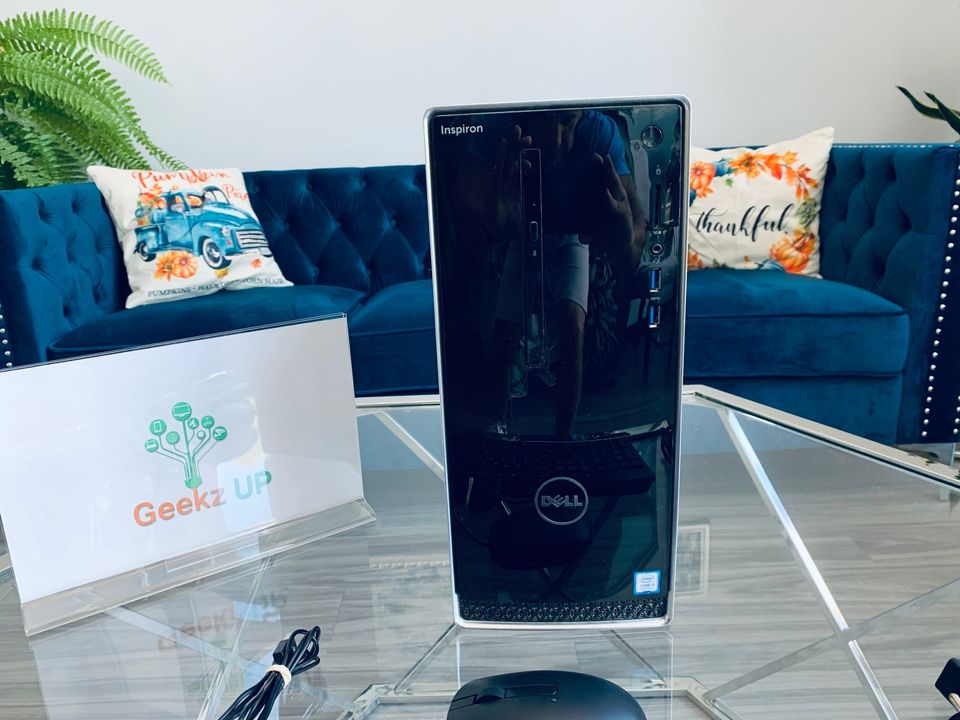
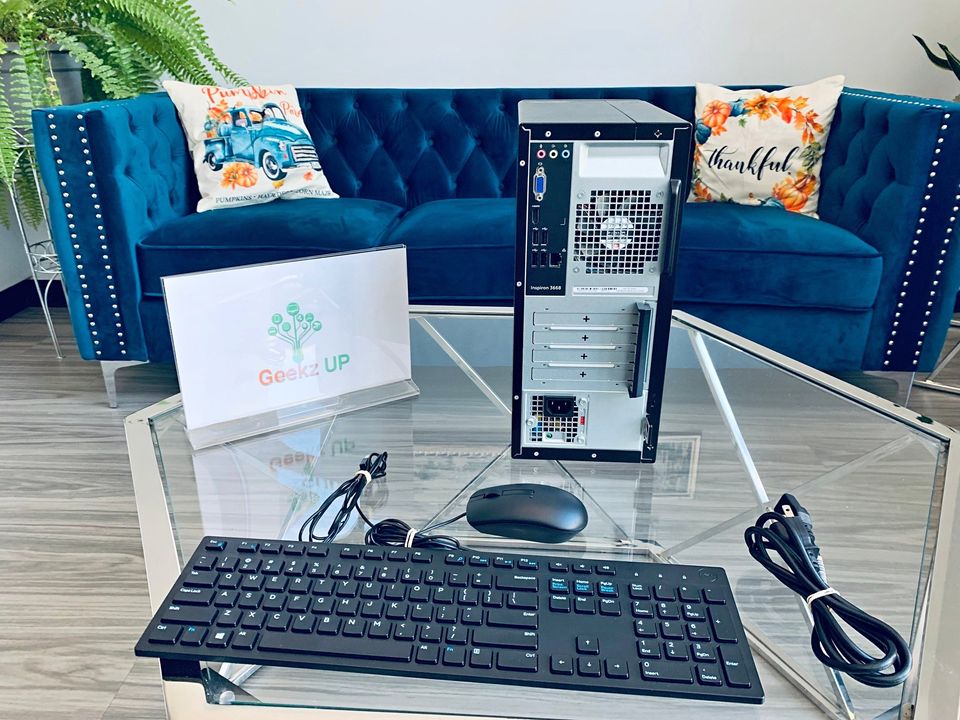
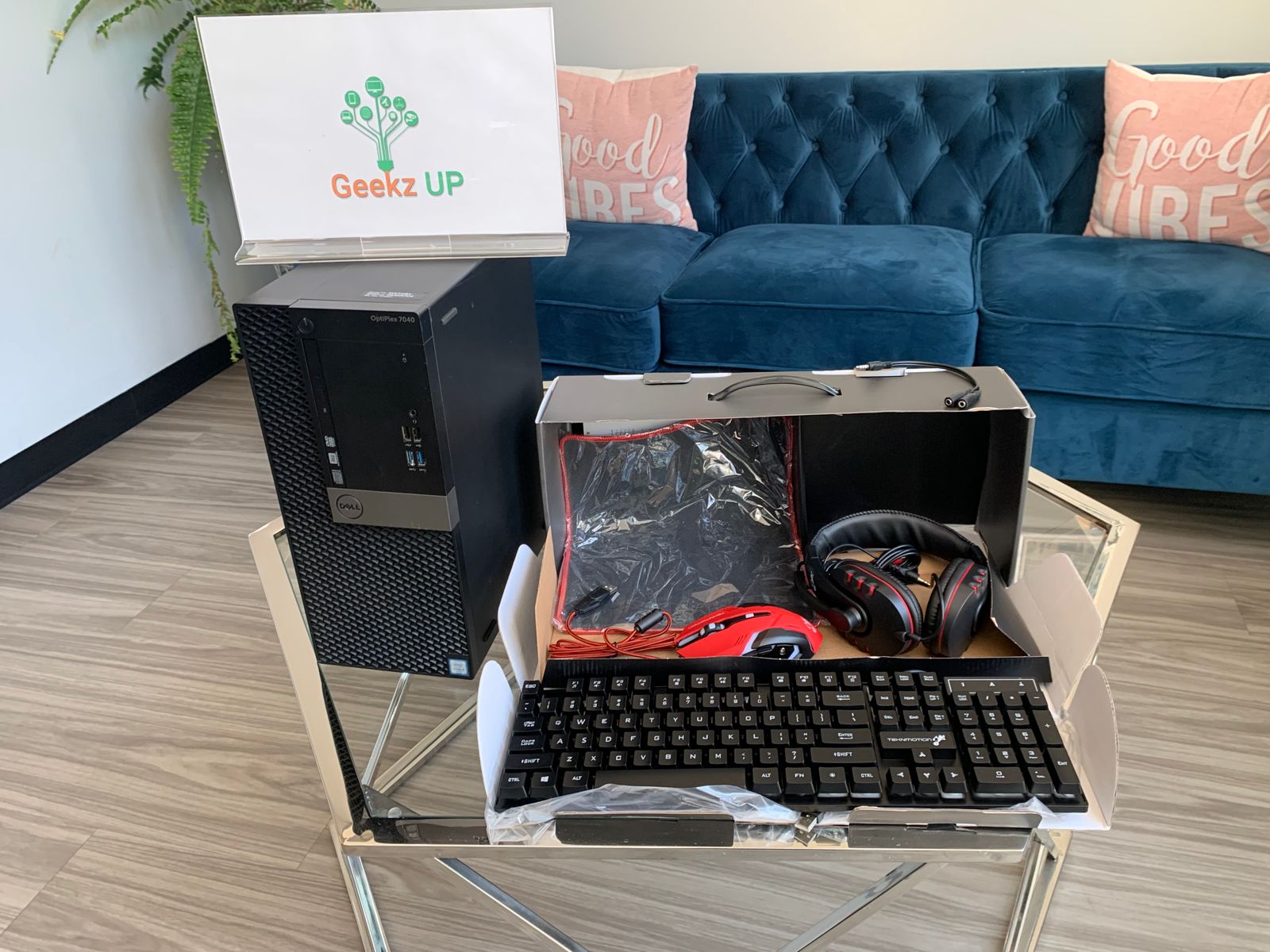
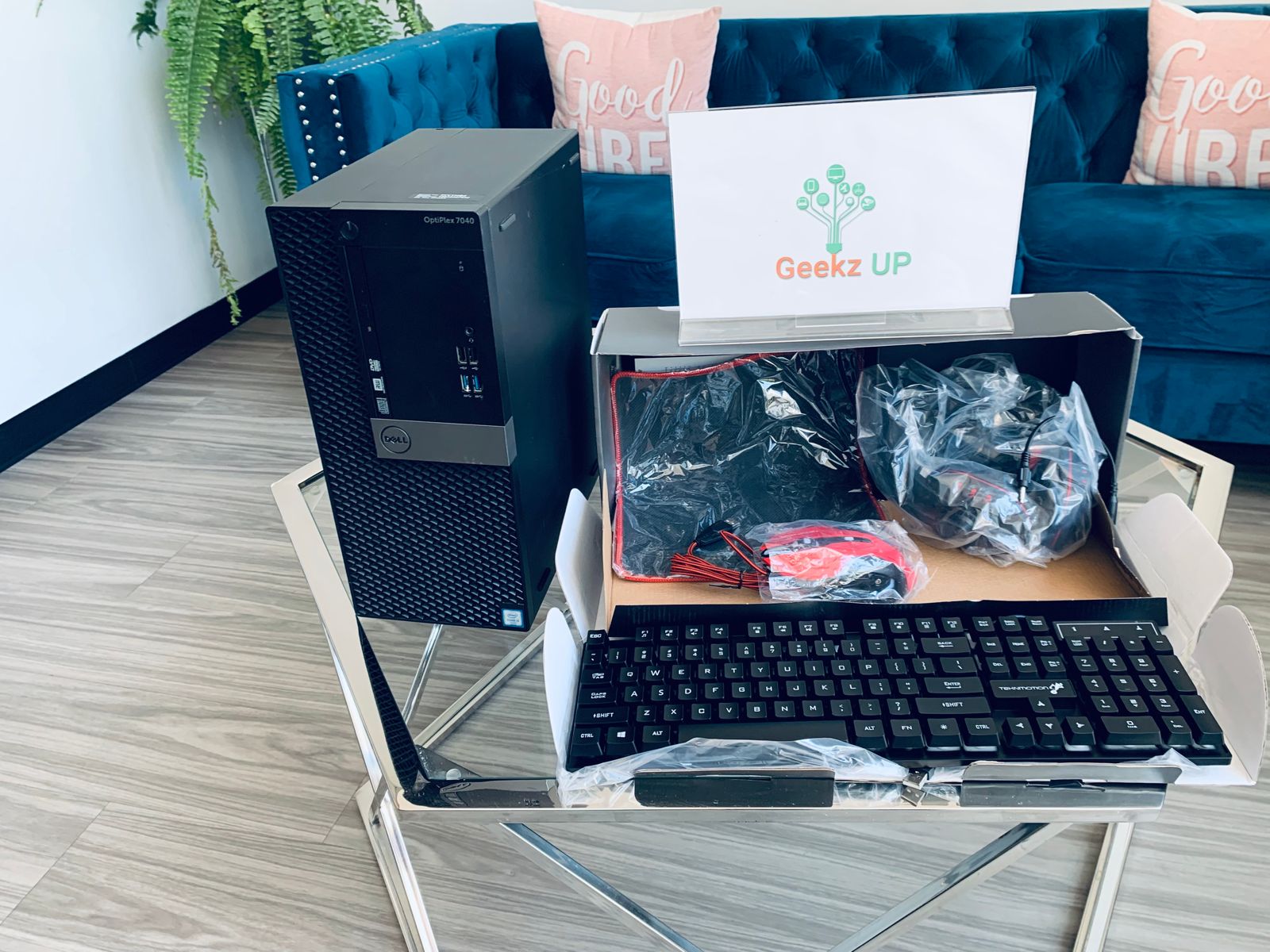
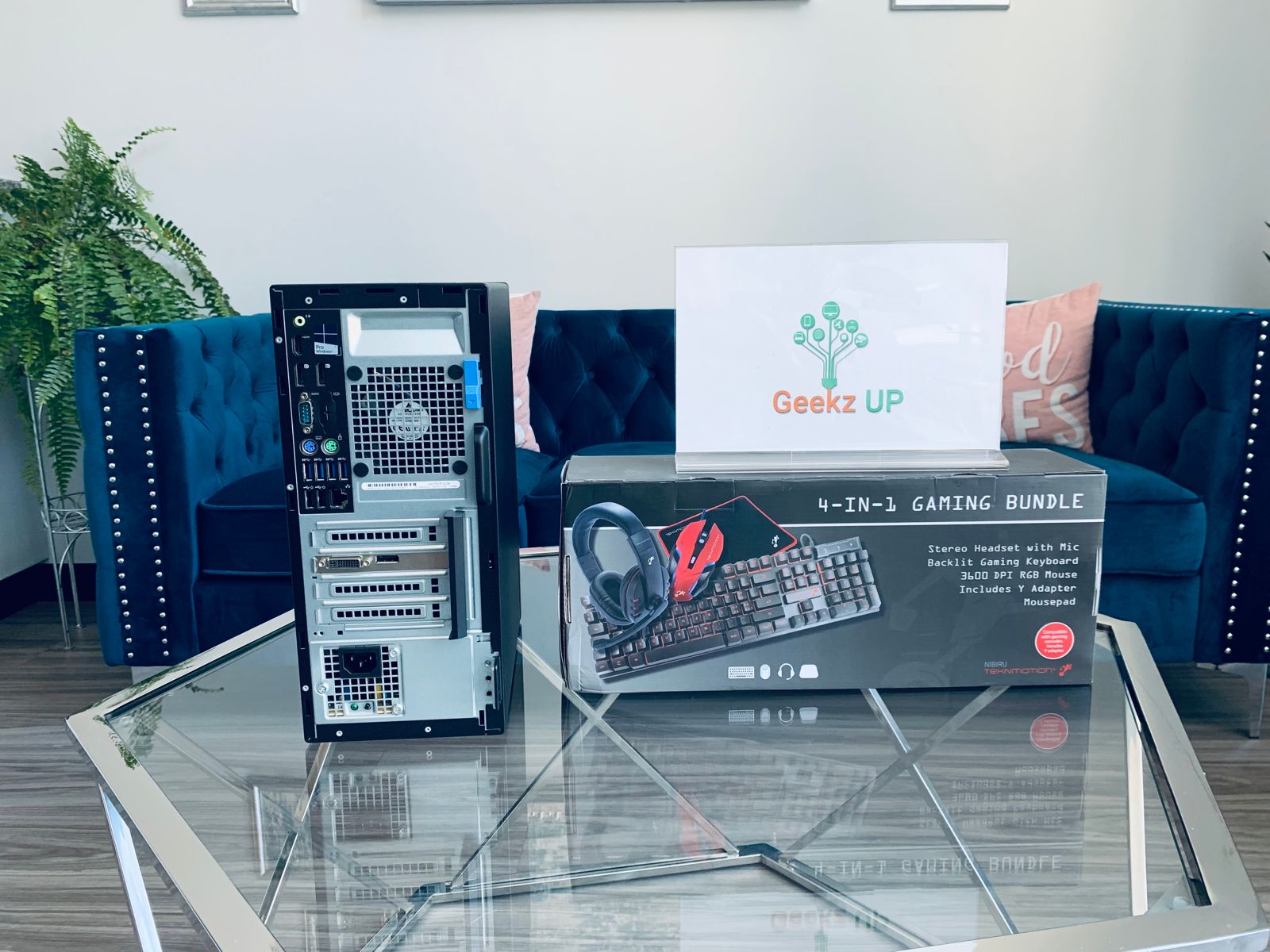
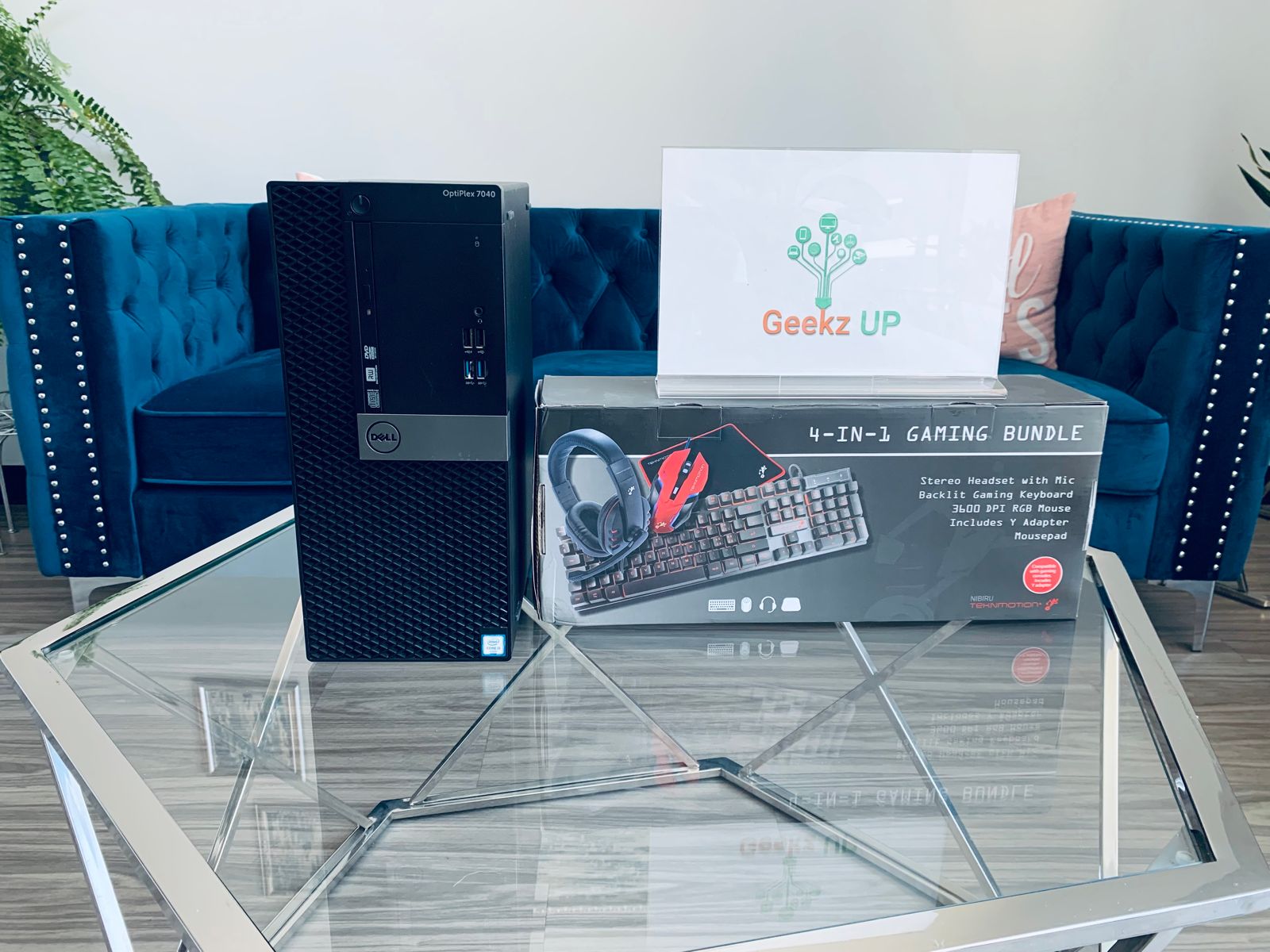
If you are a gamer still running hardware from four or five years ago, 2026 is a great time to seriously consider a custom build. GPU prices have stabilized after years of volatility. CPU options at every price point are more competitive than ever. And the games releasing through 2026 and beyond are increasingly built to take advantage of modern hardware features like ray tracing, DLSS 4, and DirectStorage.
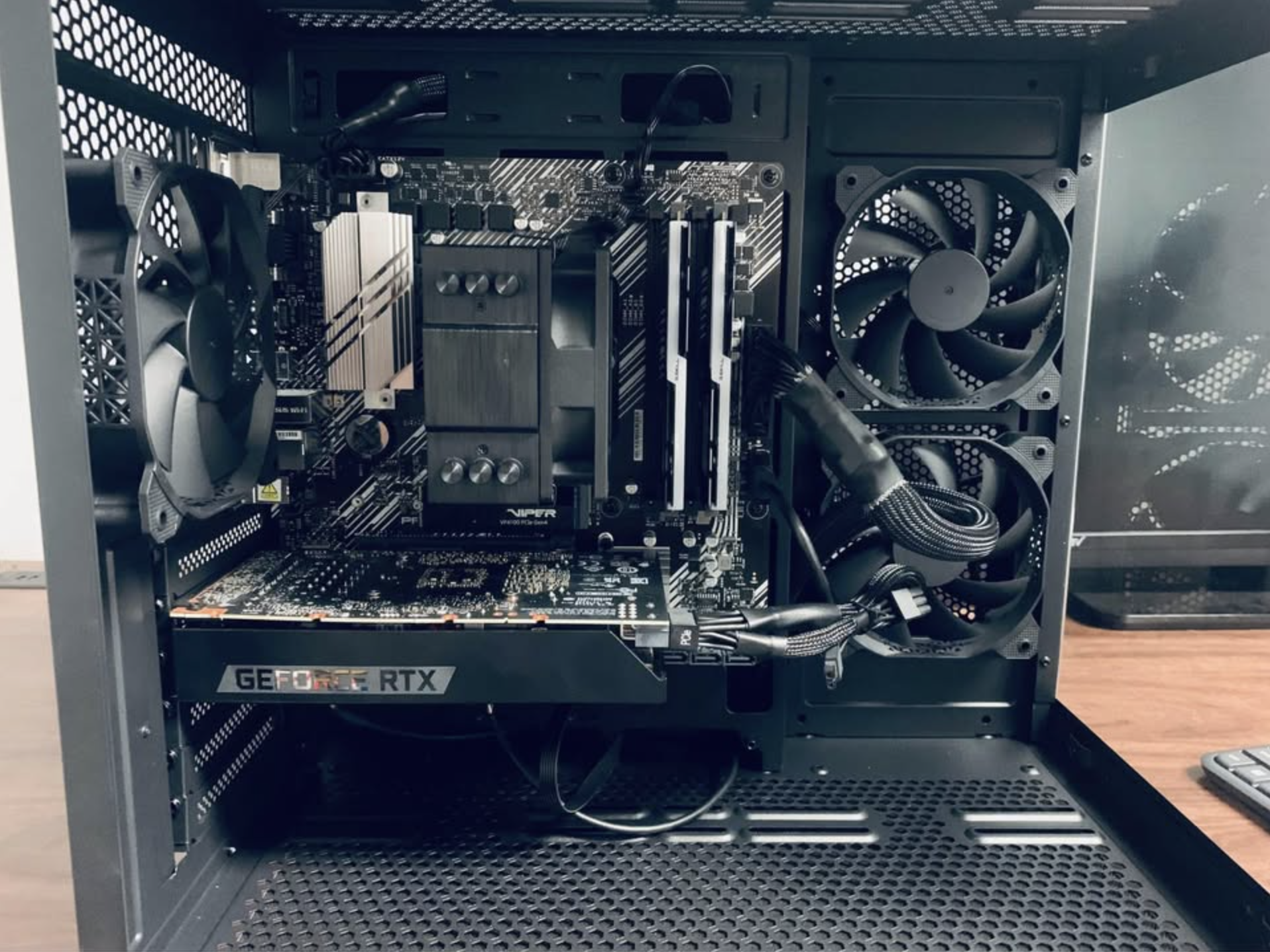
Pre-built gaming PCs from big retailers are often loaded with compromises. They cut corners on the power supply, use slower RAM configurations, or pair a strong GPU with a weak CPU to hit a price point. A custom build gives you control over every component so your money goes exactly where it matters for the games you actually play.
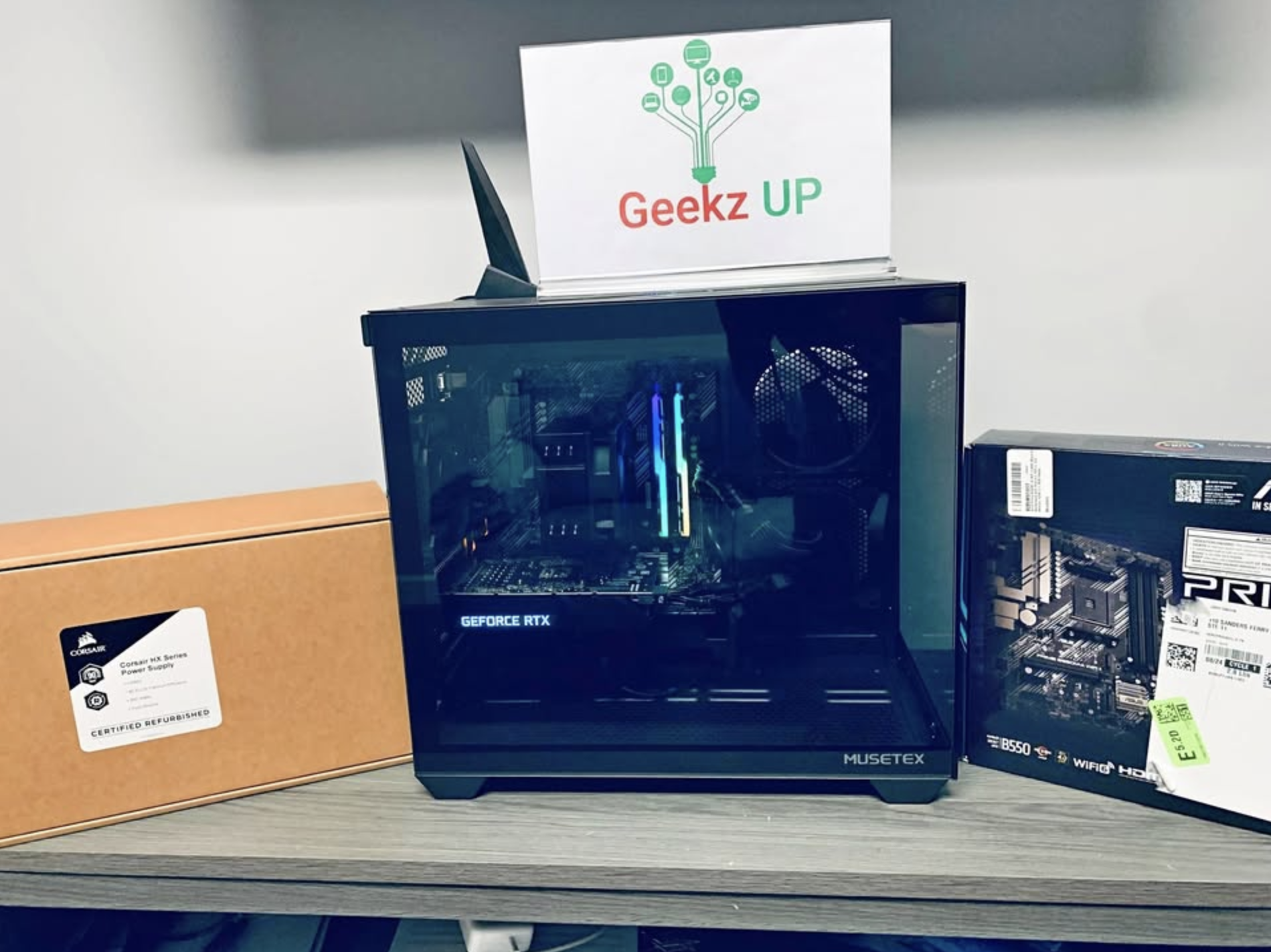
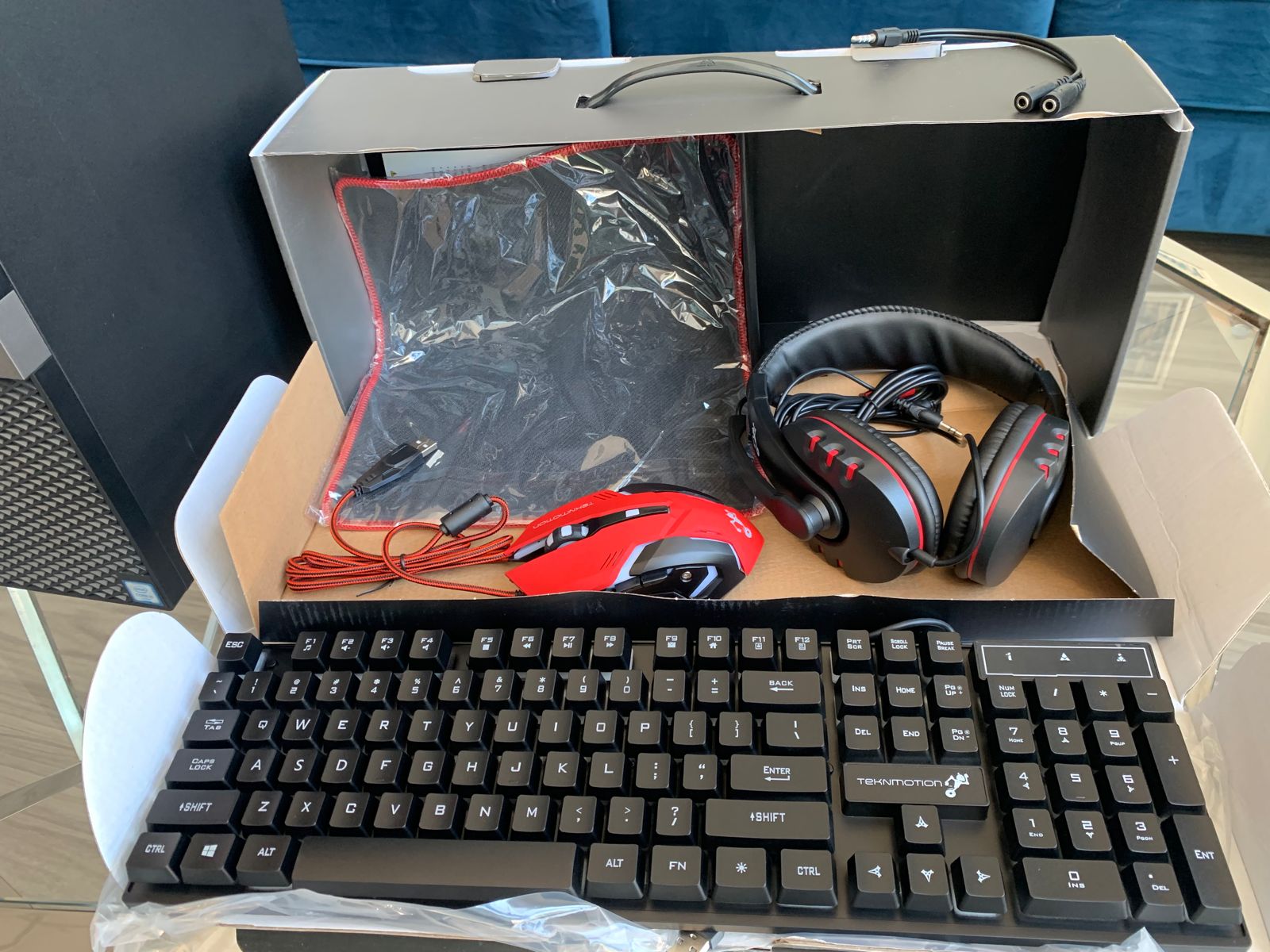
At GeekzUP Repairs, we build custom gaming computers spec’d to your budget and your use case. Whether you want a competitive 1080p machine that pushes high frame rates in esports titles or a powerhouse 4K rig for the latest open world releases, we will put together a build that makes sense for you without wasting money on parts that do not contribute to your experience.
Visit our Custom Gaming Computers page to see what we offer and get started. You can also explore current GPU and CPU benchmarks at Tom’s Hardware to get a sense of what hardware performs best at each price tier before you decide.
Bonus: Sell or Trade Your Old Tech Before It Loses More Value
Technology depreciates quickly. A MacBook or Windows laptop that is worth $400 today may only be worth $250 next year. If any of the upgrades above are on your list, consider selling or trading in your current device before making the switch.
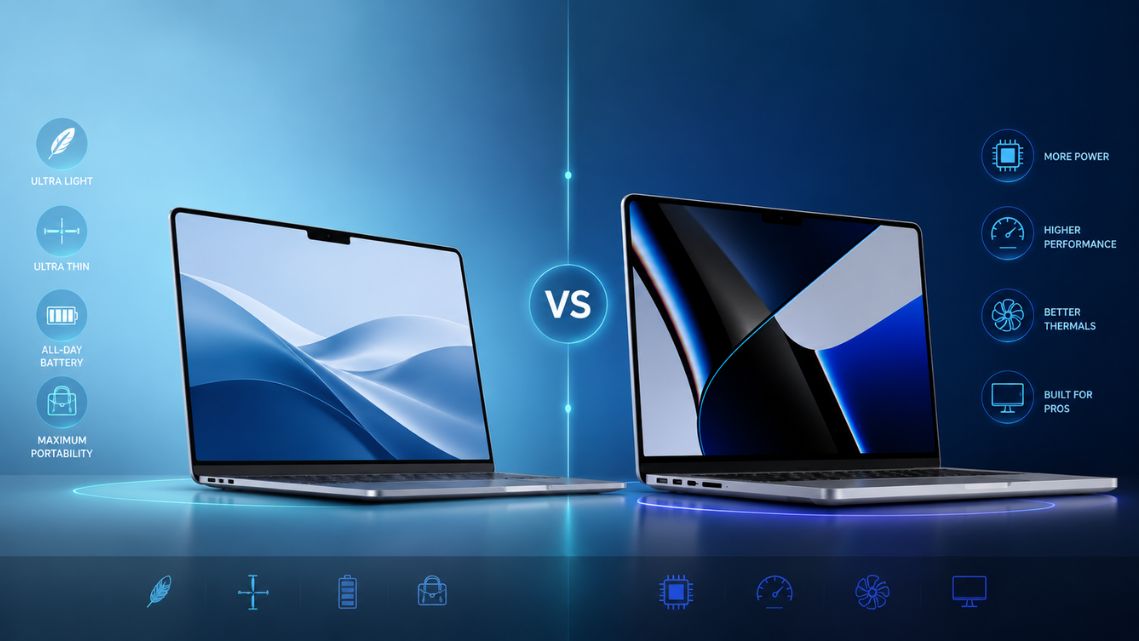
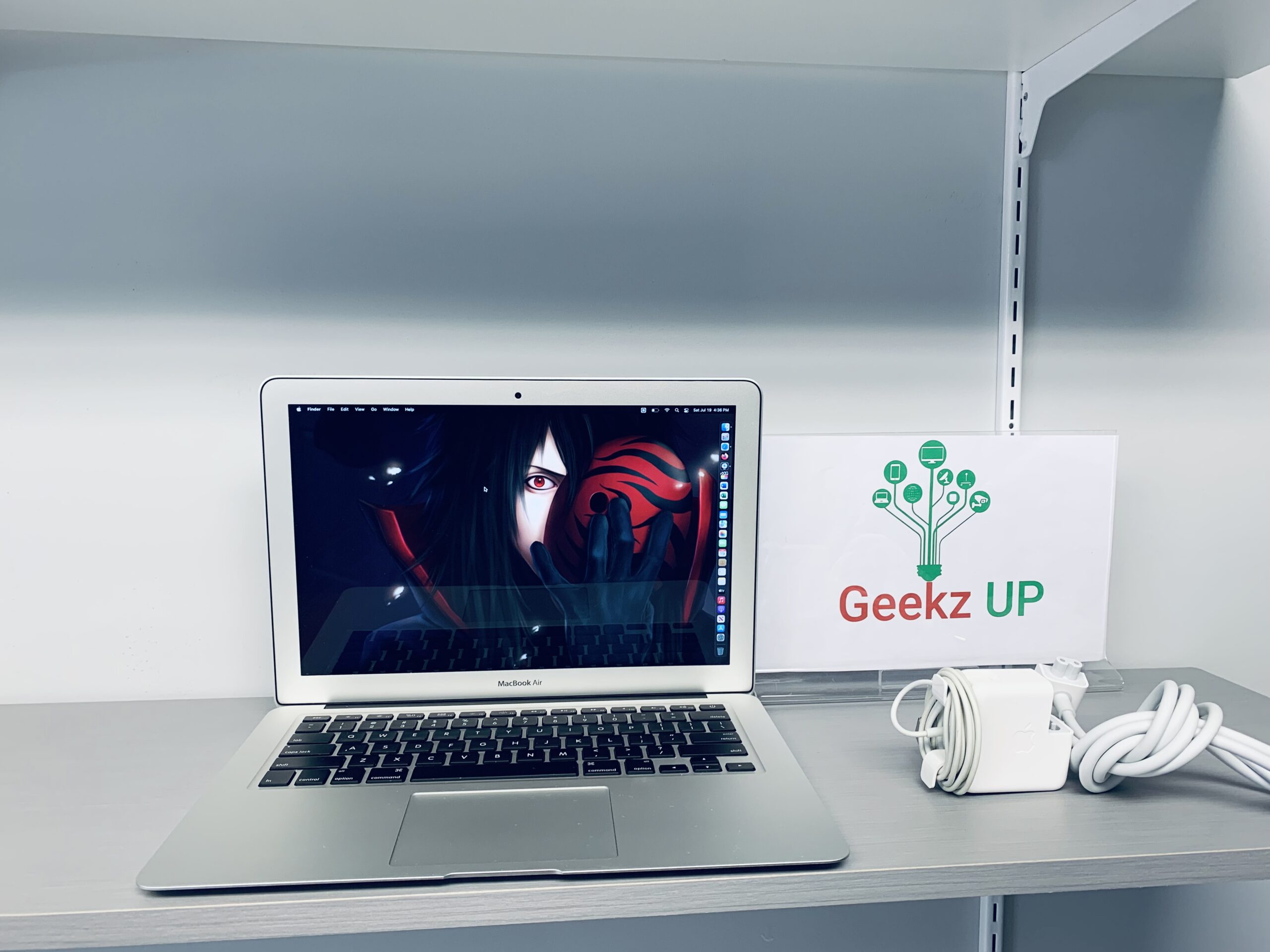
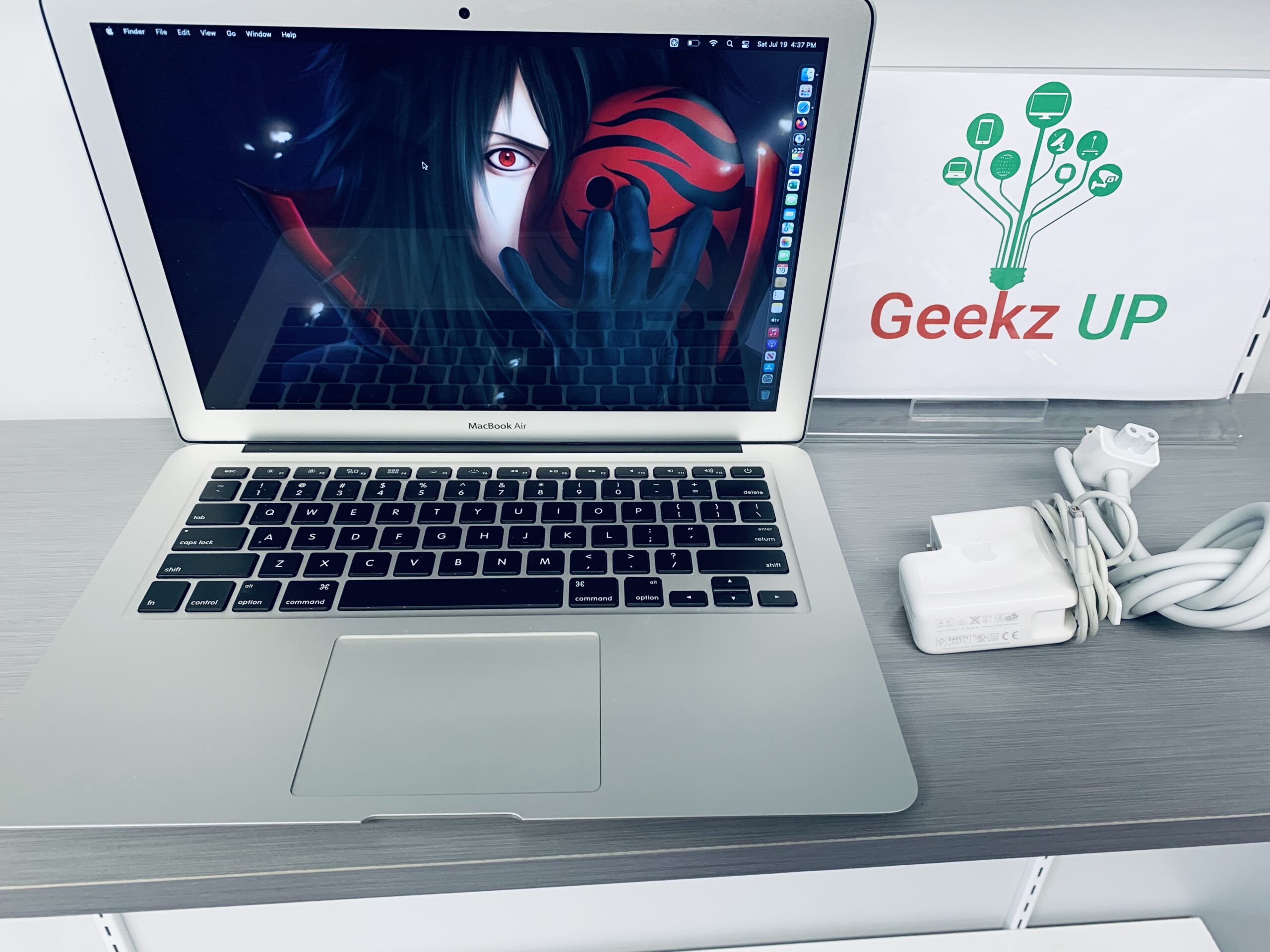
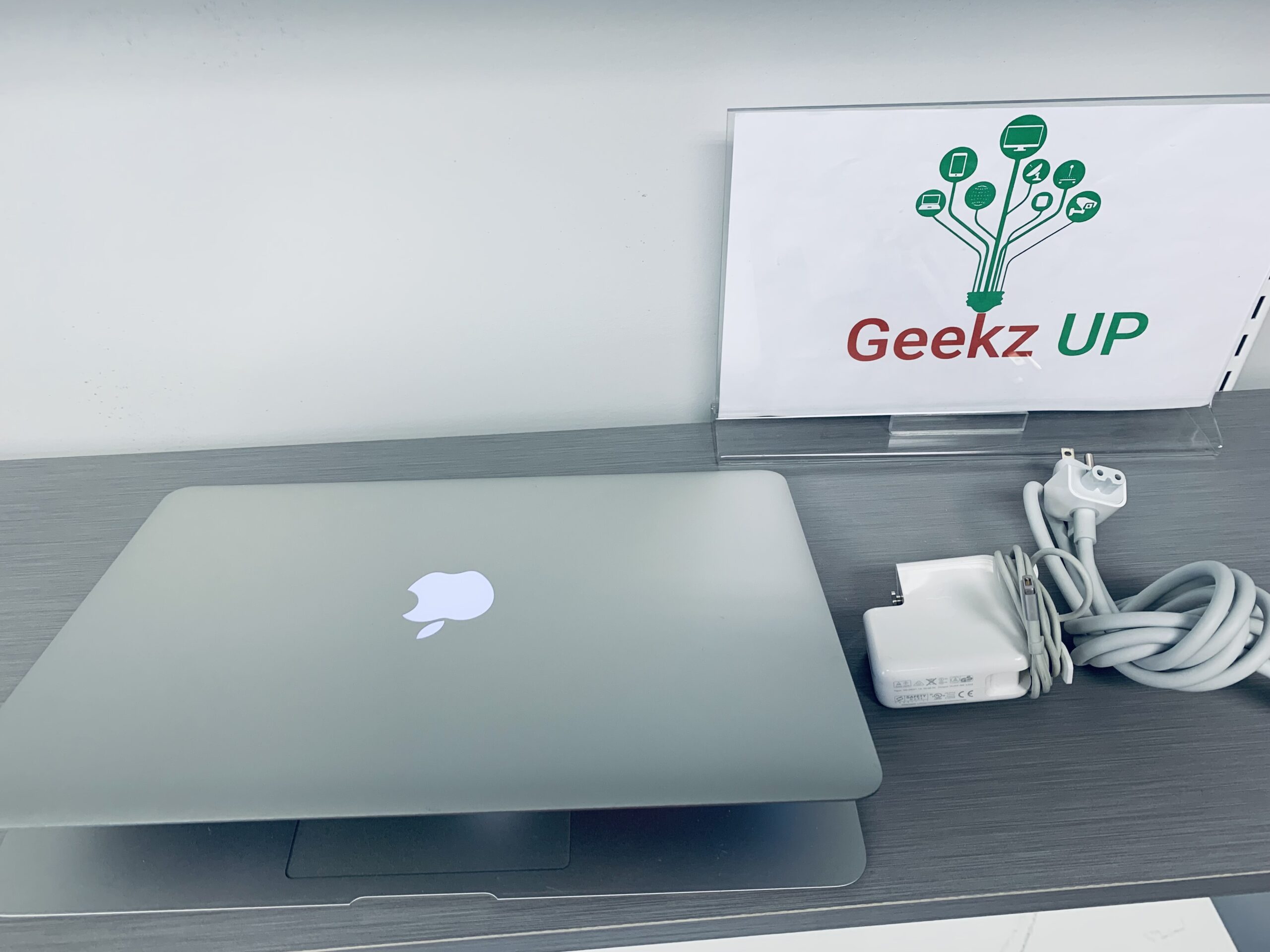
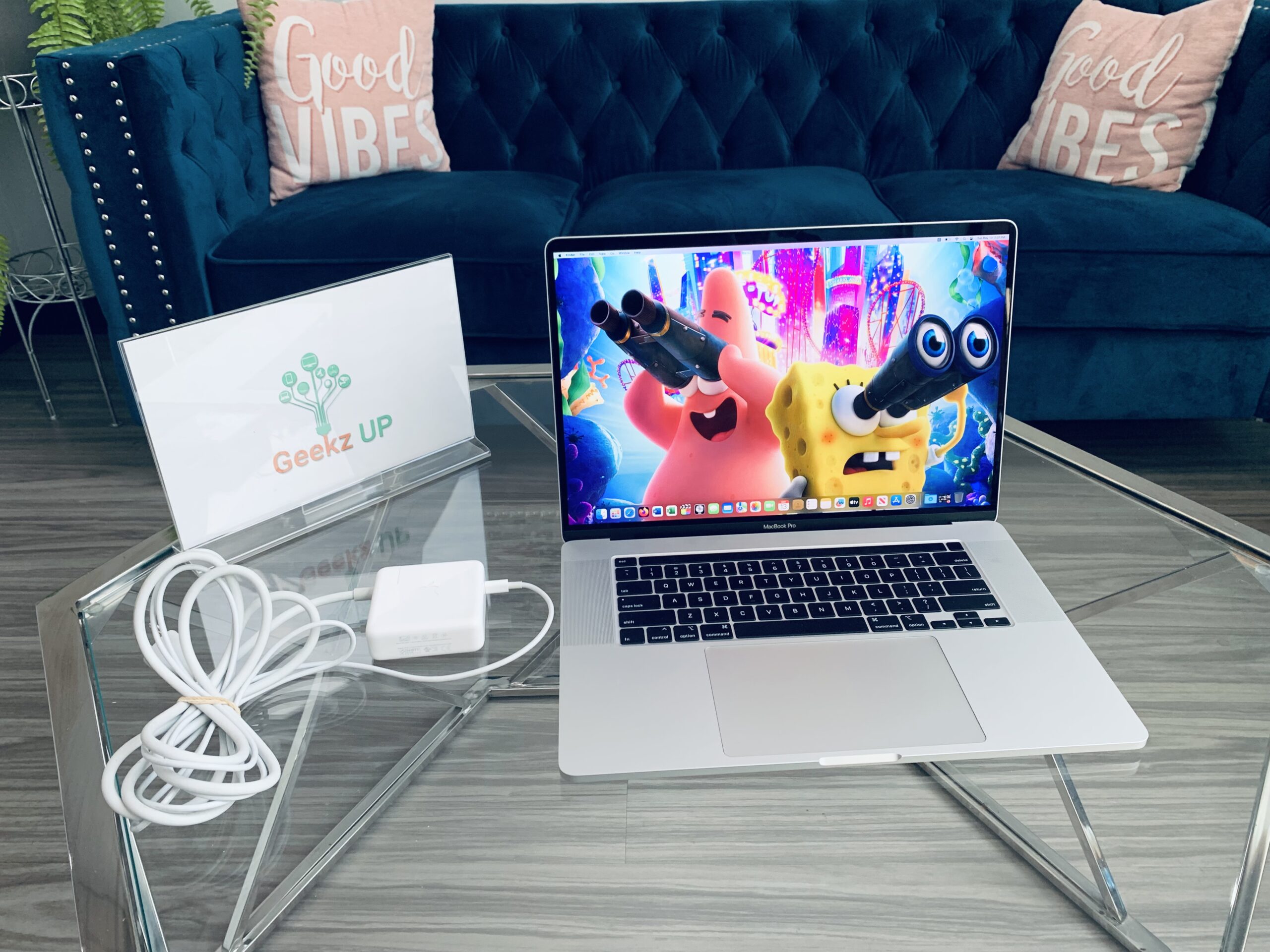
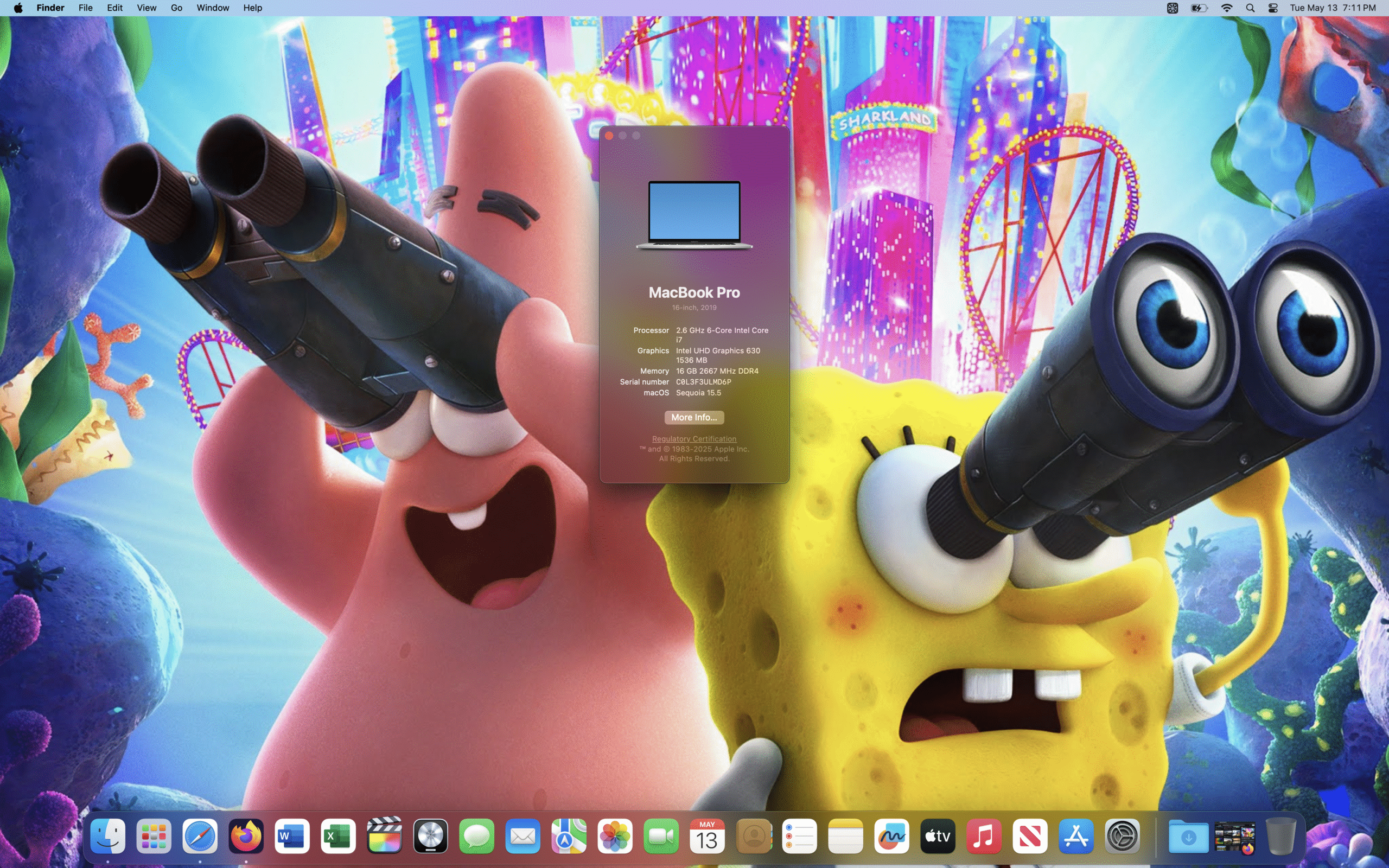
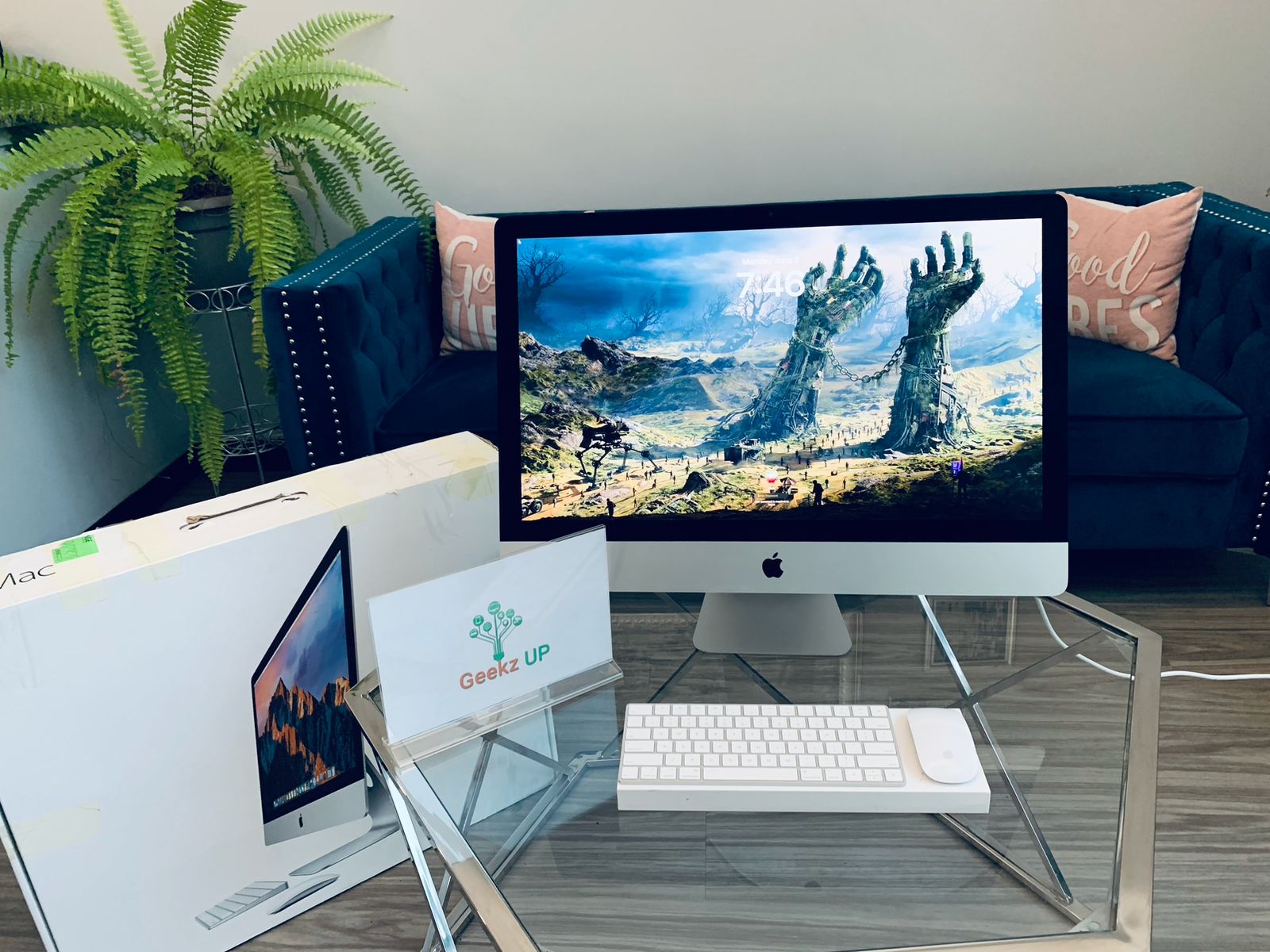
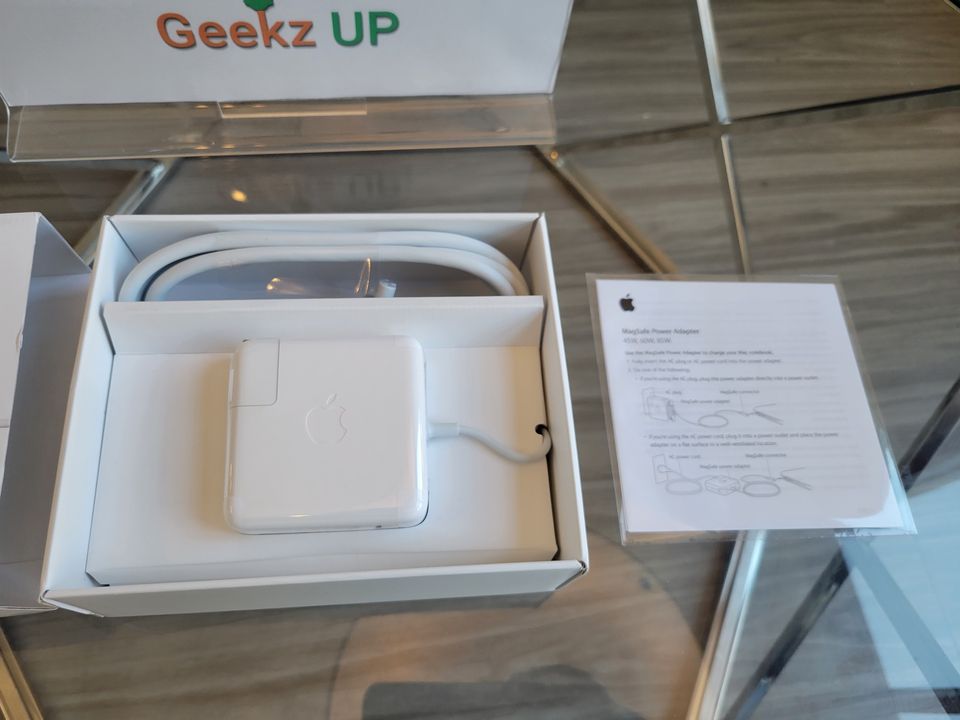
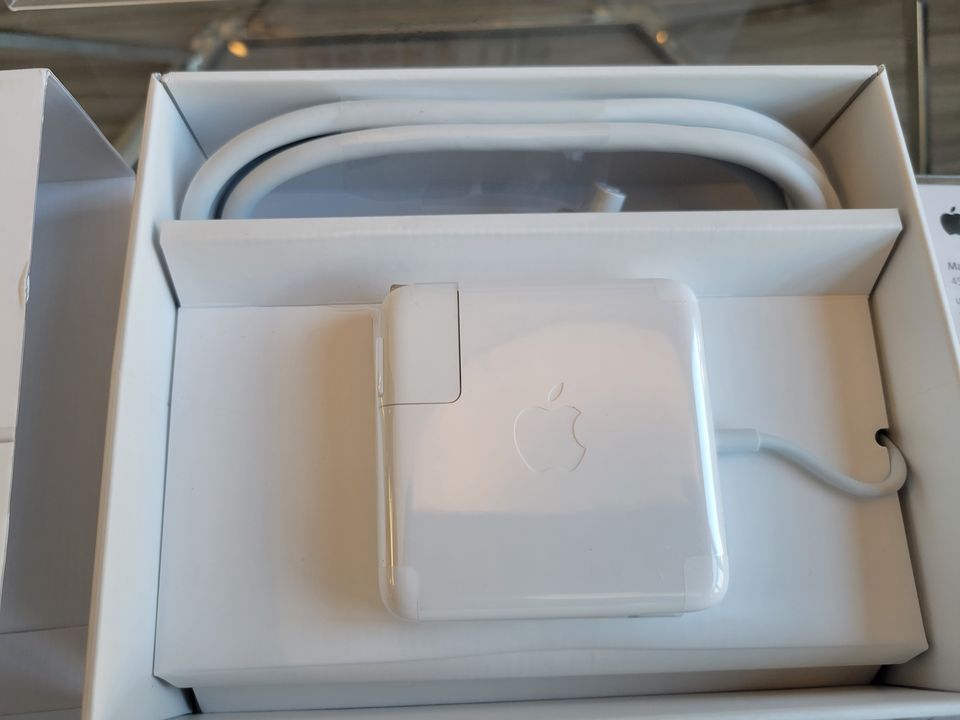
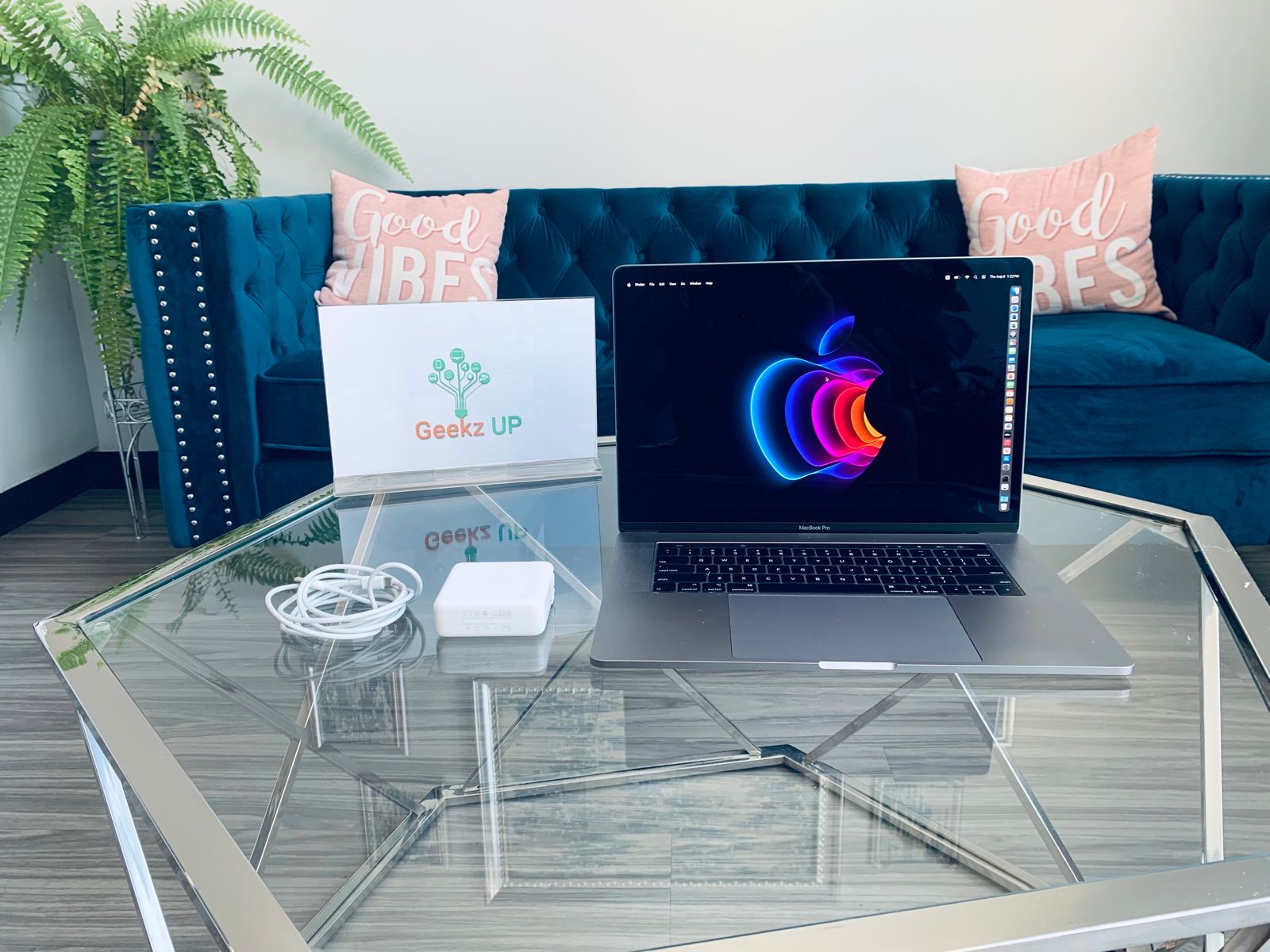
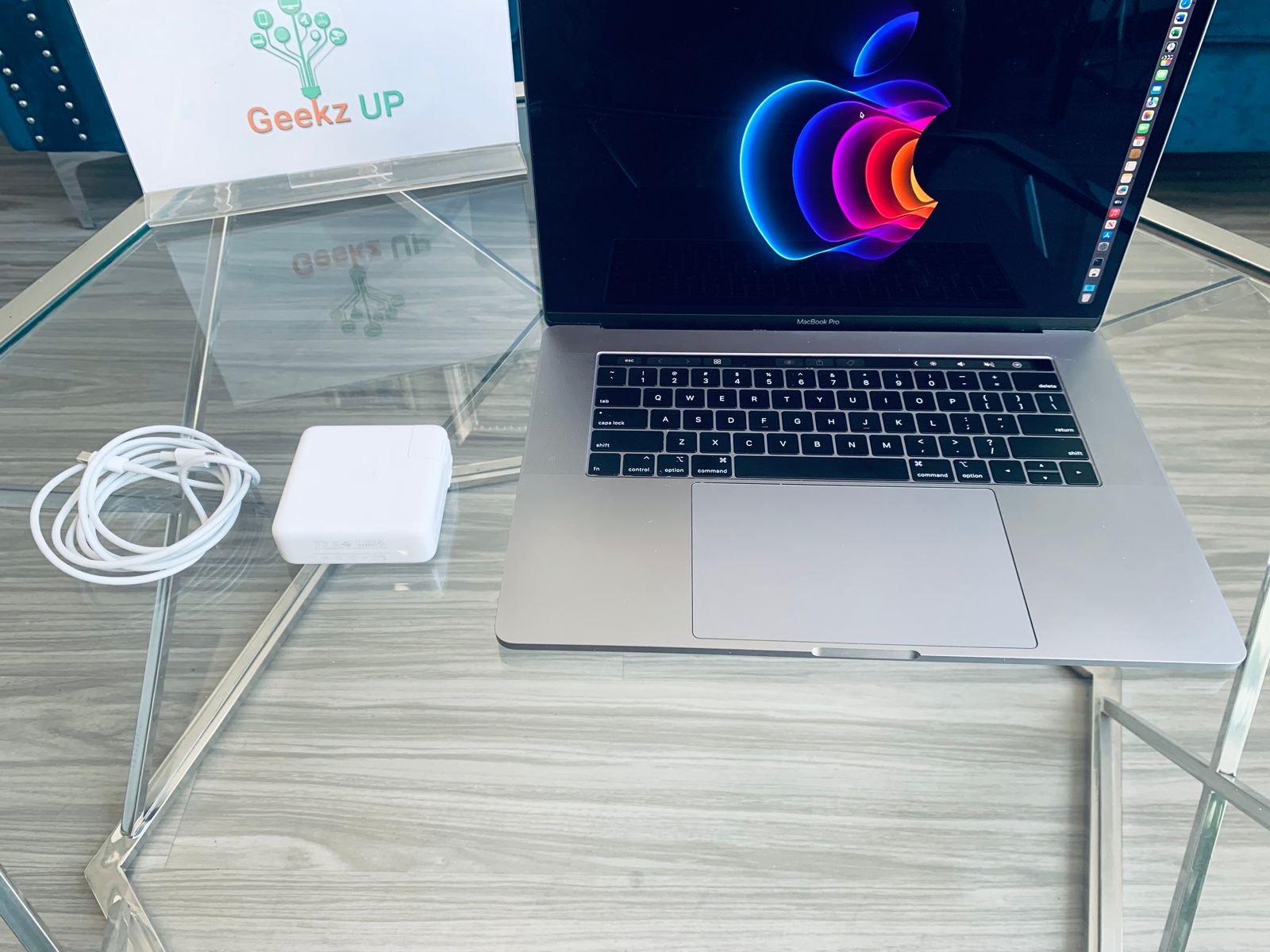
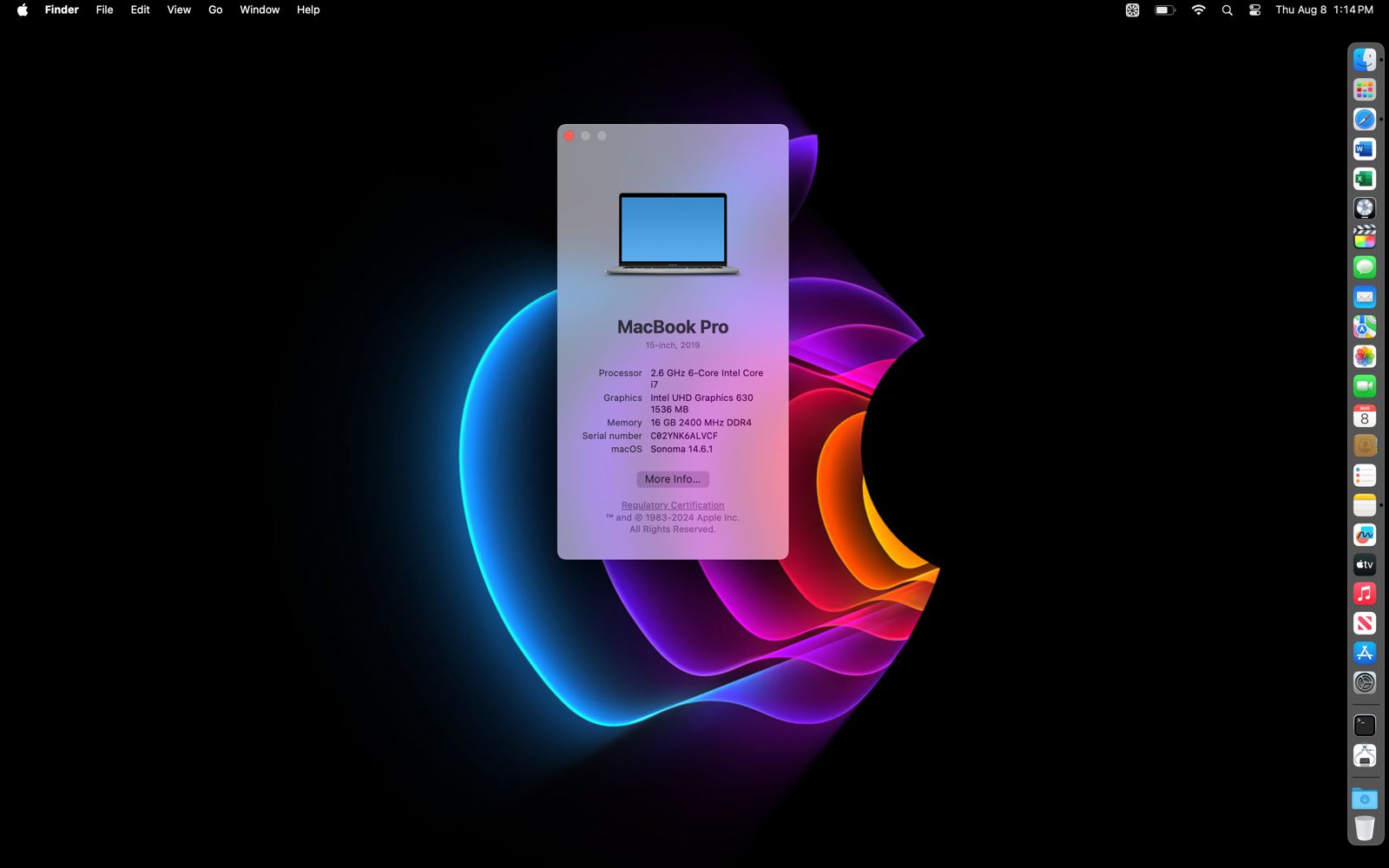
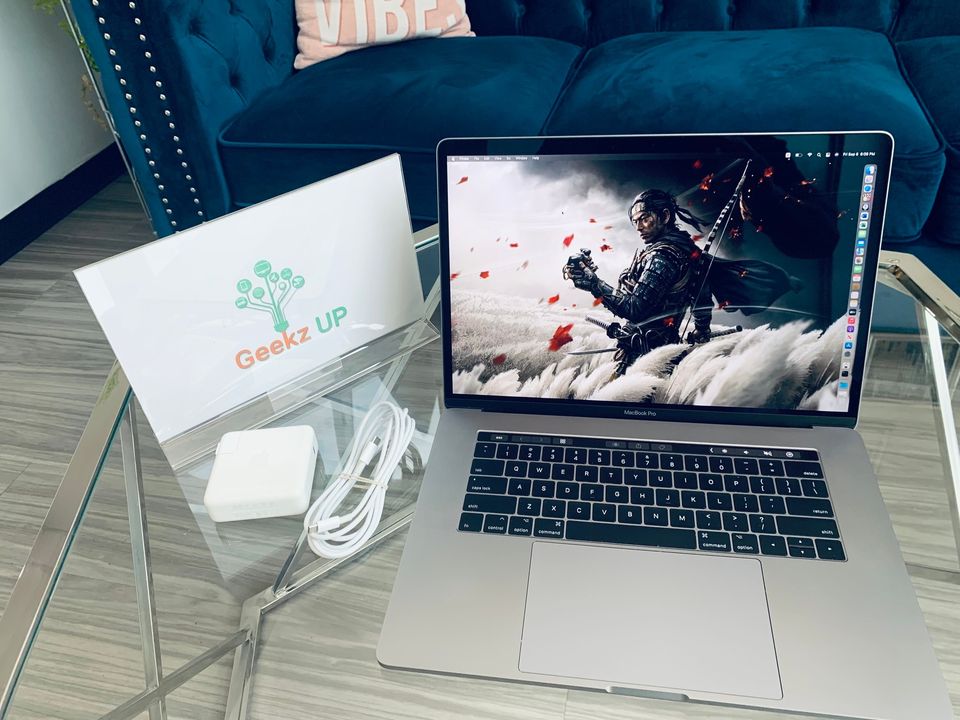
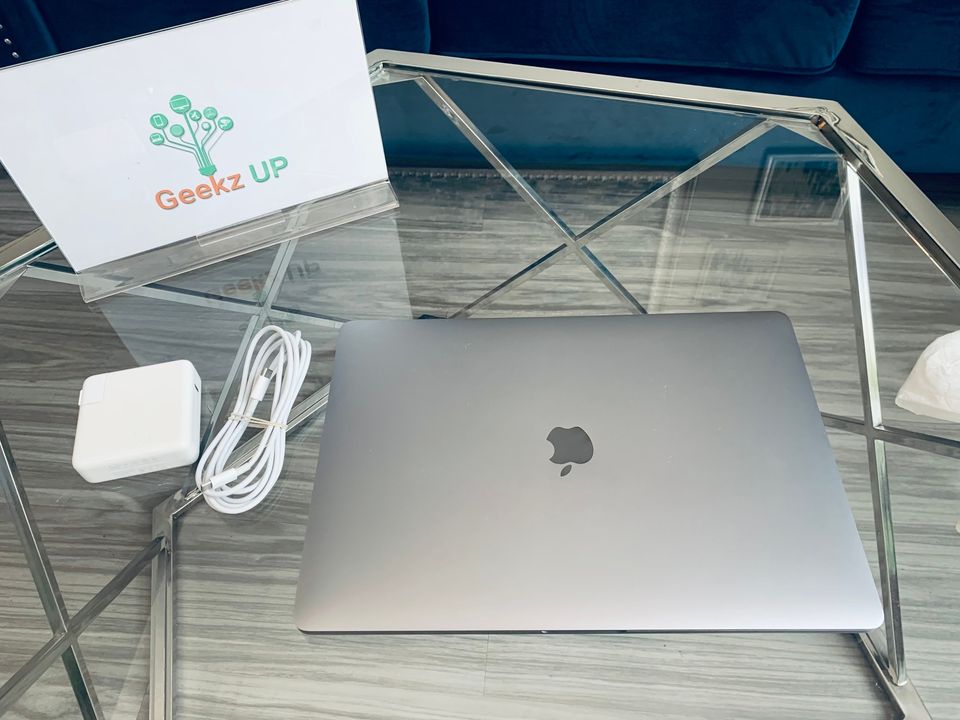
GeekzUP Repairs buys Macs in good condition. If you are upgrading from a MacBook Air or MacBook Pro to a newer model, you can put that trade-in value directly toward your next purchase. Visit our We Buy Macs page to learn more.
Make Your Upgrades Count This Year
These are not upgrades for the sake of upgrading. Every item on this list addresses a real limitation that is holding people back right now. Slow storage, unsupported operating systems, insufficient RAM, overpriced cable bills, and outdated gaming hardware are all problems with clear, cost-effective solutions available today.
GeekzUP Repairs is here to help you figure out which of these tech upgrades worth making in 2026 fits your situation, budget, and goals. Contact our team today and let us point you in the right direction.