When it comes to choosing a new Apple laptop, the MacBook Air vs MacBook Pro debate is one of the most common questions people face. Both are excellent machines. Both run the same macOS. Both use Apple Silicon chips. But they are built for very different kinds of users, and picking the wrong one can mean spending too much or not getting enough power for what you actually need.
At GeekzUP Repairs, we work on both MacBook Air and MacBook Pro devices every day. That hands-on experience gives us a real-world perspective on what each machine is built for, what breaks, and which one actually fits your lifestyle. Here are 7 smart differences to help you decide.
Difference 1: Design and Portability
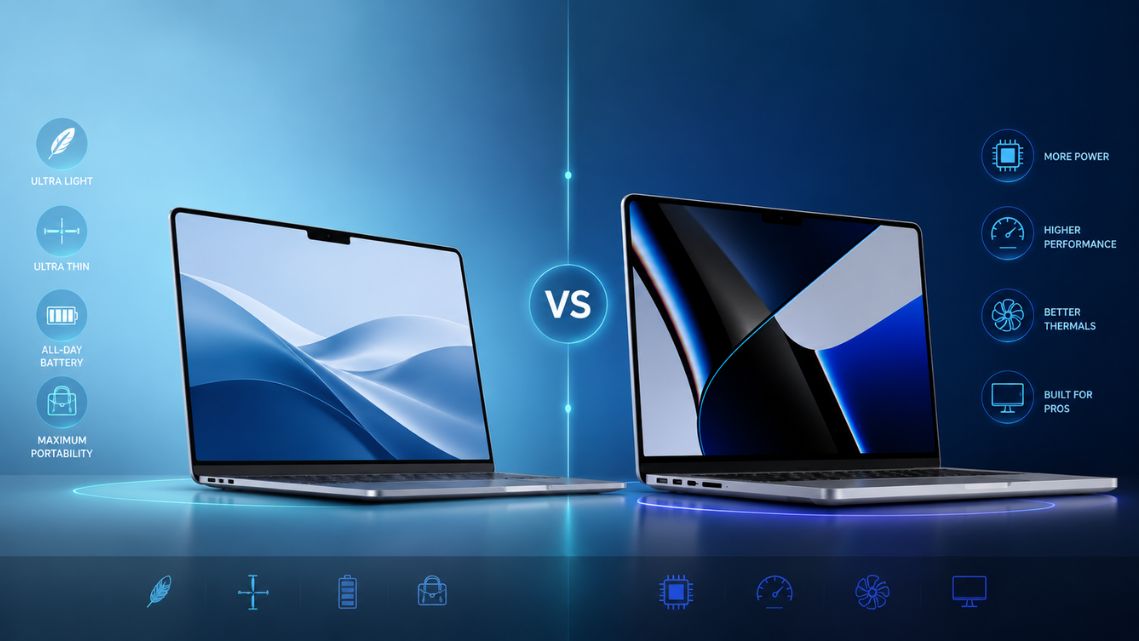
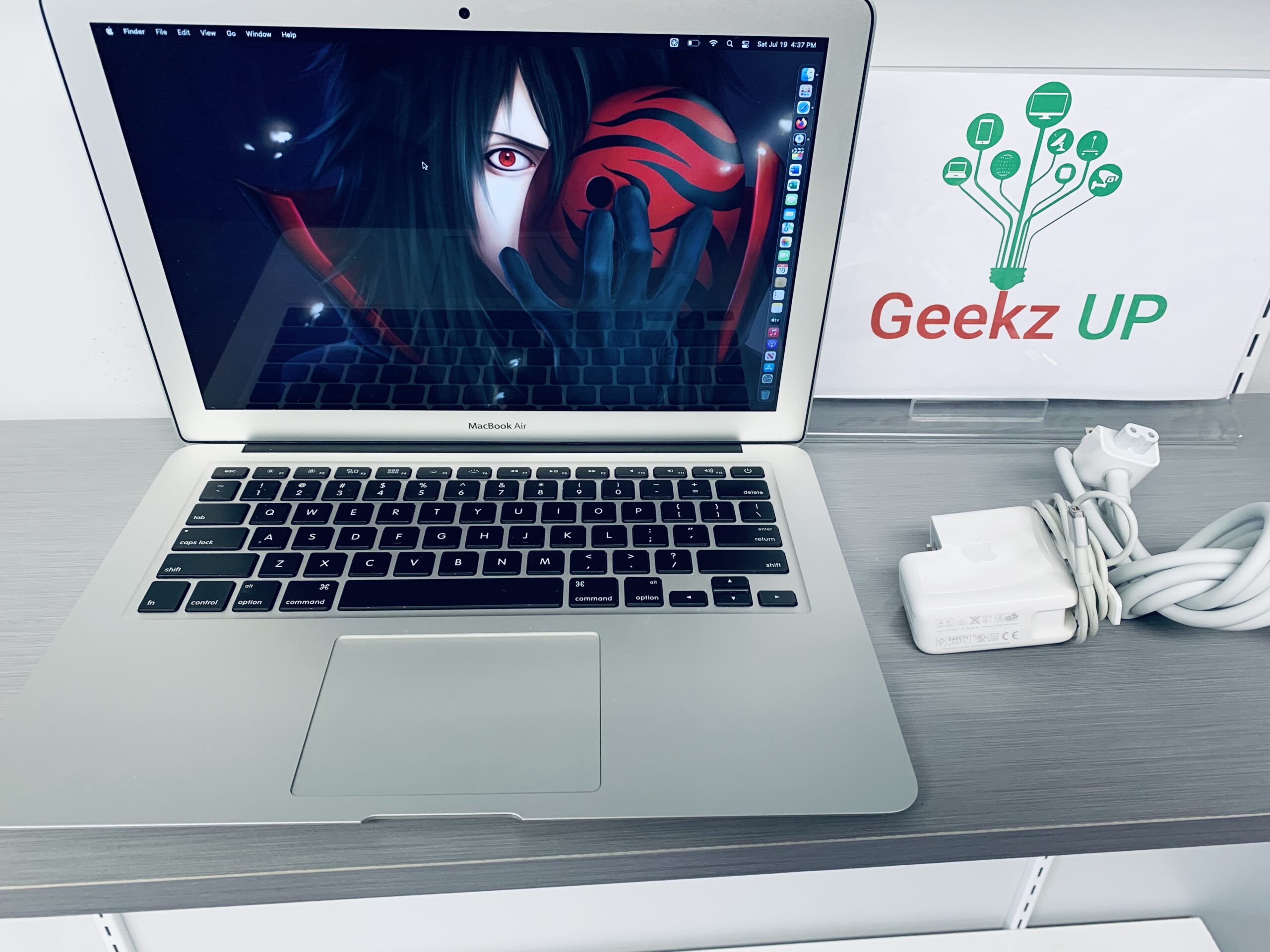
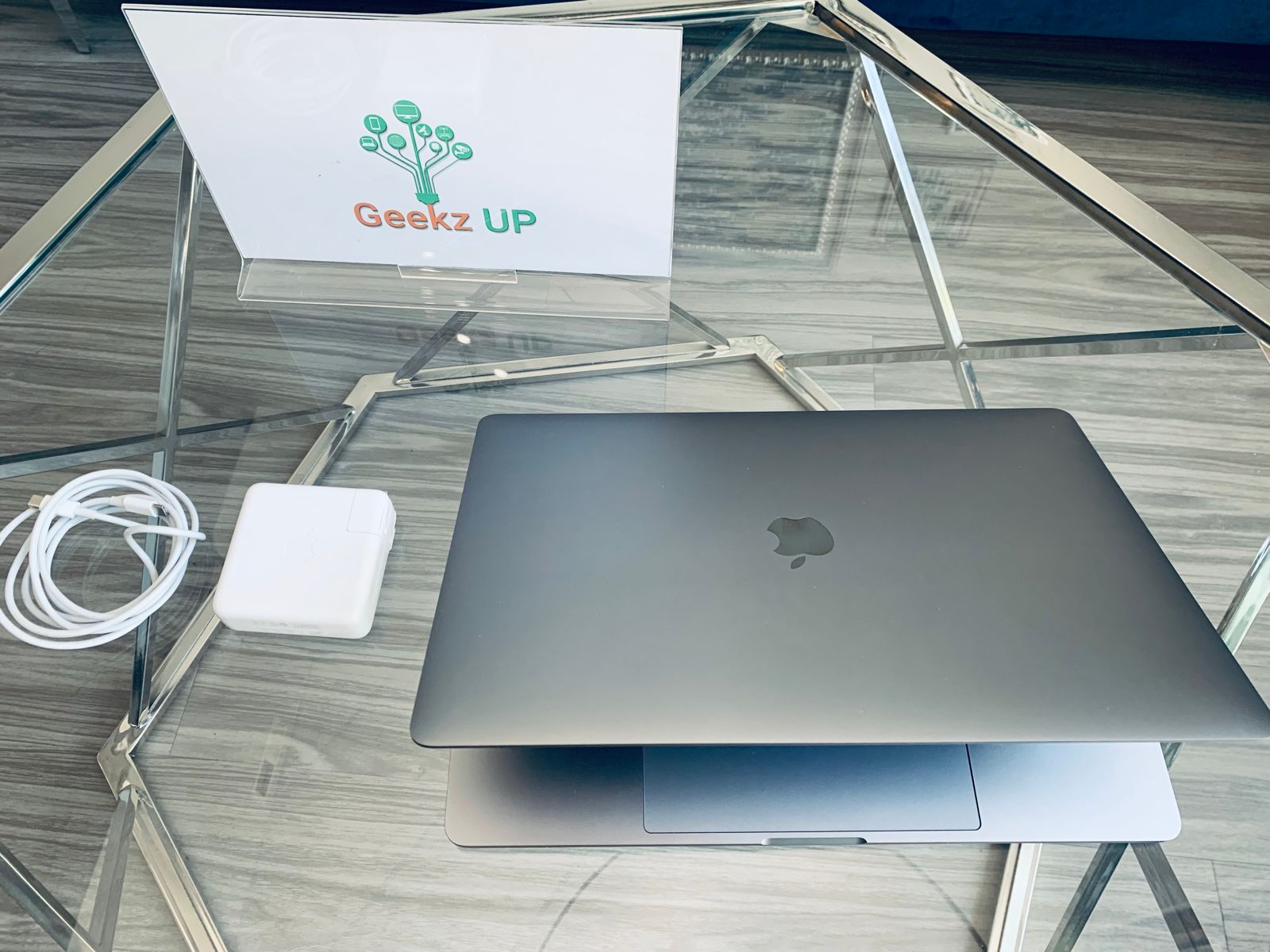
The MacBook Air has always been Apple’s ultra-portable option. At just 2.7 pounds, it is one of the lightest laptops on the market. It is thin, fanless, and designed to slip into a bag and go anywhere without you thinking twice about it.
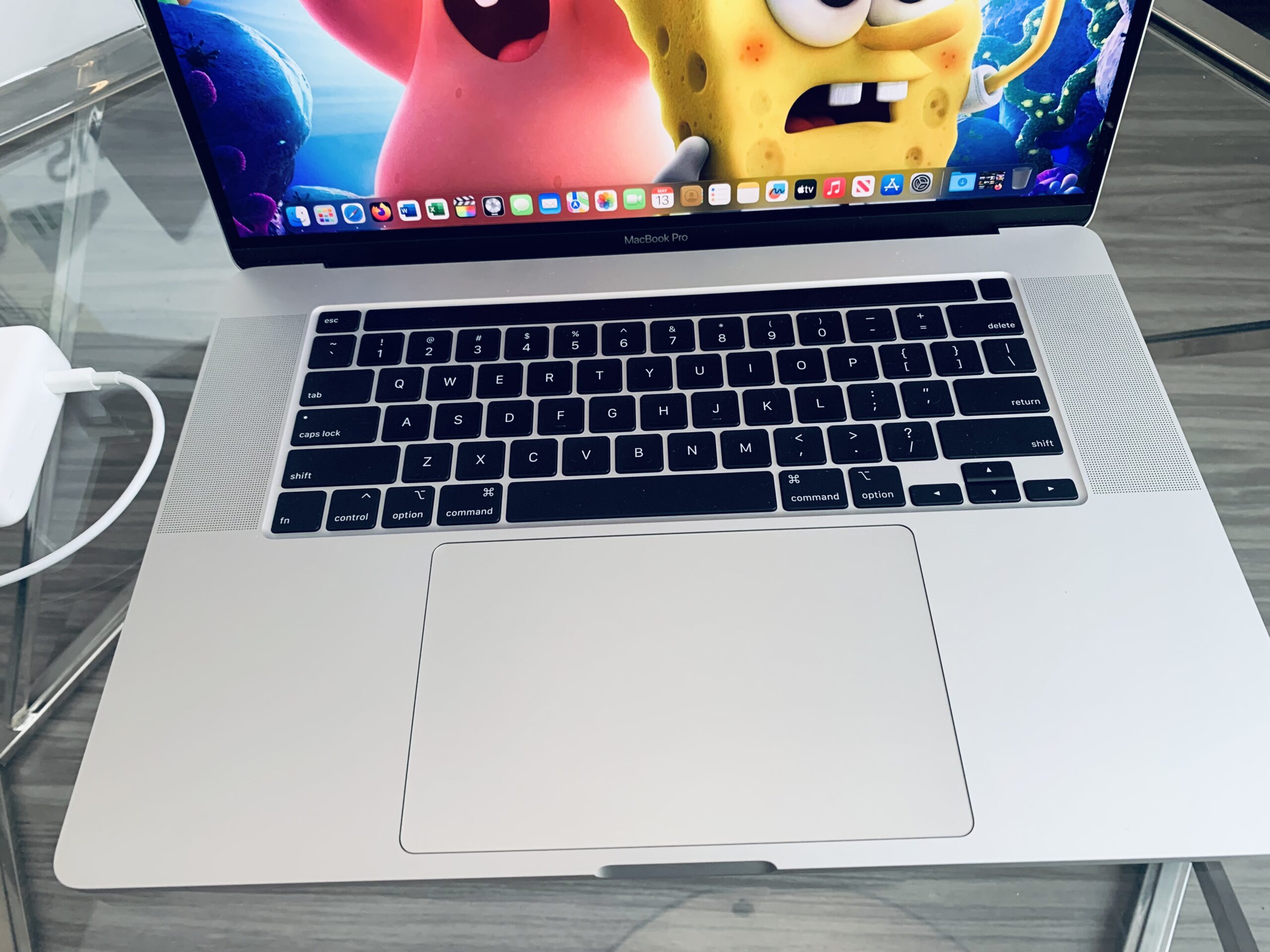
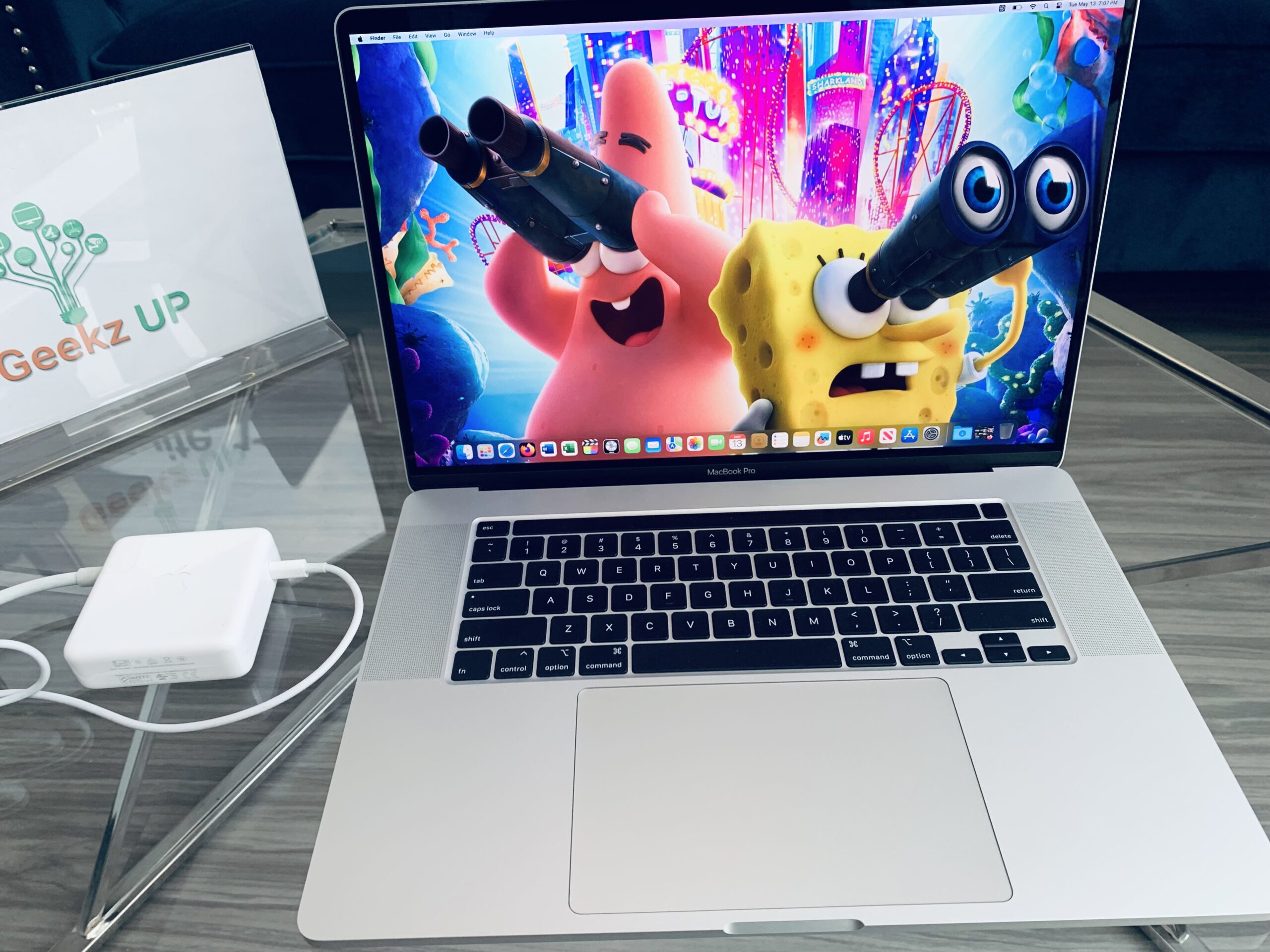
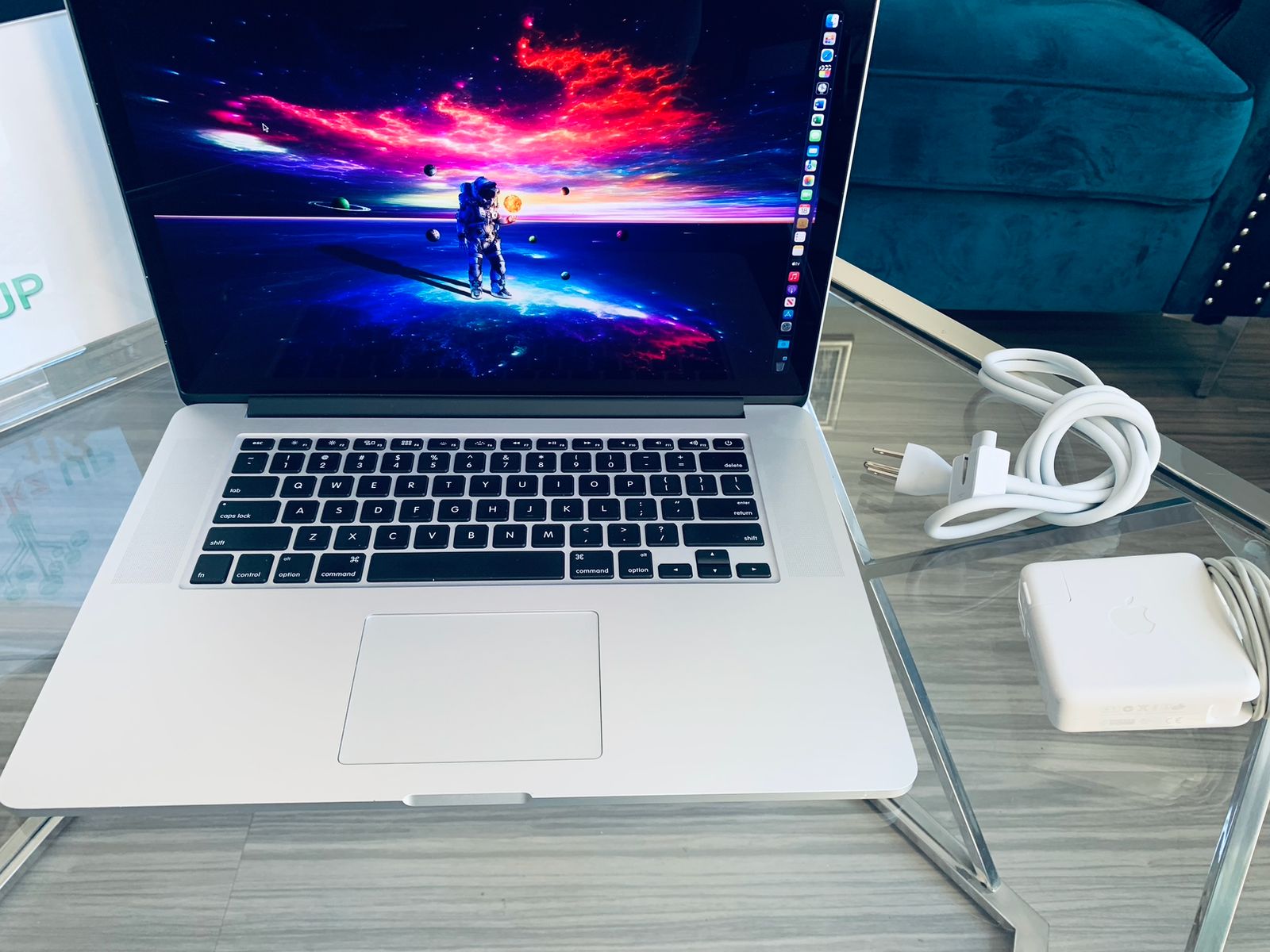
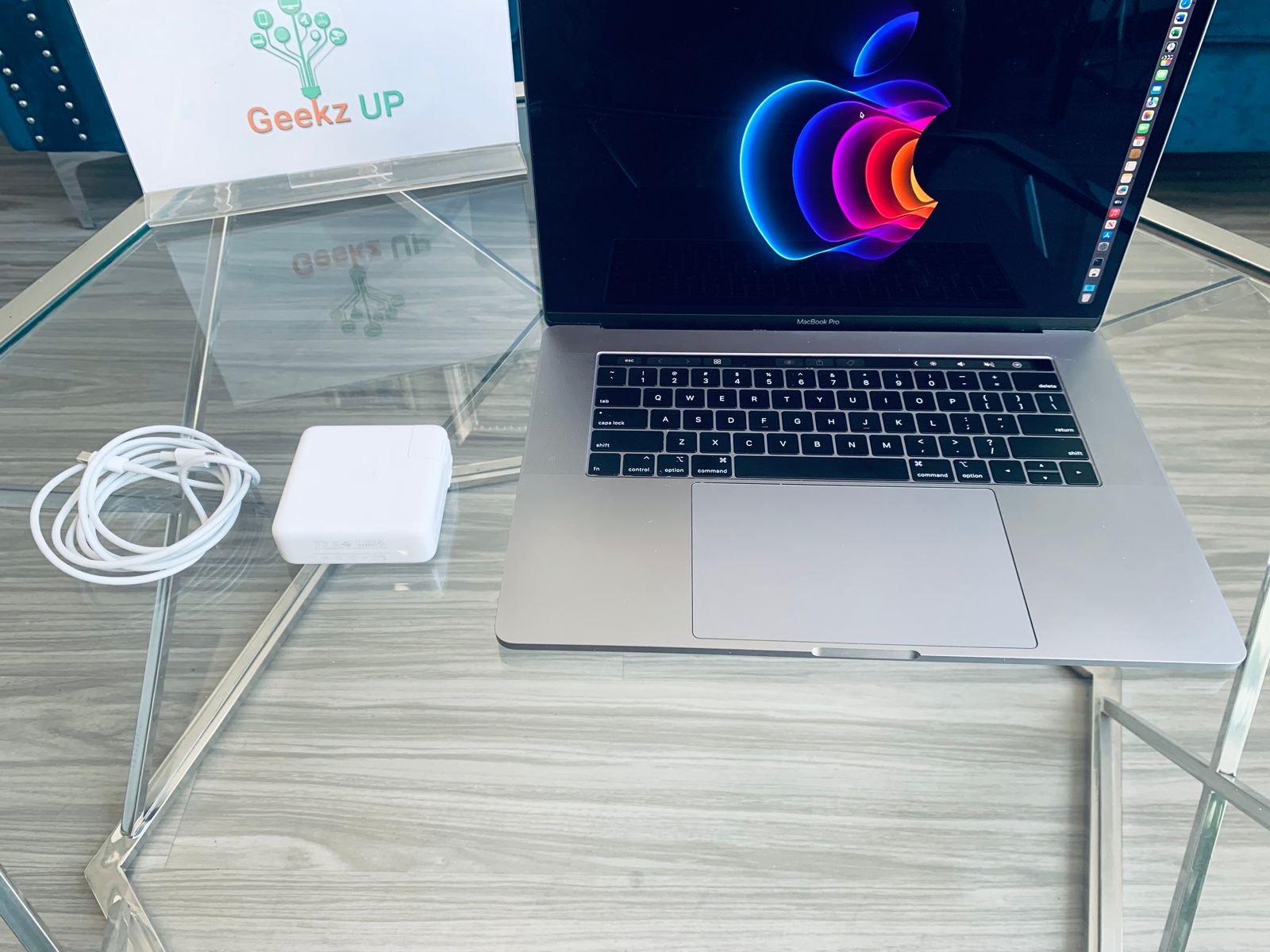
The MacBook Pro is noticeably heavier and thicker, especially the 16-inch model which weighs around 4.7 pounds. It has a more premium, sturdy feel built to handle intensive workloads. That extra weight comes with extra power.
Difference 2: Performance and Chip Options
This is where the MacBook Air vs MacBook Pro gap becomes very real. The current MacBook Air comes with either the M3 or M4 chip, which handles everyday tasks, light creative work, and even moderate video editing with ease. For 90 percent of users, it is more than enough power.
The MacBook Pro goes further. It offers M4 Pro and M4 Max chip options that deliver significantly more processing power, more memory bandwidth, and better performance under sustained heavy workloads. Tasks like 4K and 8K video editing, 3D rendering, music production with large project files, and machine learning all run noticeably better on a MacBook Pro.
Difference 3: The Fan Factor
One of the most overlooked differences in the MacBook Air vs MacBook Pro comparison is cooling. The MacBook Air has no fan. It uses passive cooling, which means it relies entirely on the aluminum chassis to dissipate heat.
For everyday tasks this works perfectly. But when you push the Air with a long video export or a demanding creative project, it will throttle its own performance to avoid overheating. It has no choice.
The MacBook Pro has an active cooling system with fans. That means it can sustain high performance for hours without slowing down. If your work requires long uninterrupted processing sessions, the Pro handles it without breaking a sweat.
Difference 4: Display Quality
Both MacBook models have beautiful screens, but the MacBook Pro goes several steps further.
The MacBook Air features a Liquid Retina display with excellent brightness and color accuracy for everyday use. It looks great for browsing, writing, and watching content.
The MacBook Pro features a Liquid Retina XDR display with ProMotion technology, which enables up to 120Hz adaptive refresh rates for smoother scrolling and motion. It also gets significantly brighter, which matters for video editors and photographers who need accurate color grading in bright environments. For creative professionals, the Pro display is a meaningful upgrade. You can compare the full specs on Apple’s MacBook comparison page.
Difference 5: Battery Life
Here is where the MacBook Air takes back a significant win. Because it has no fan, no high-power chip variants, and a more efficient design, the MacBook Air consistently delivers exceptional battery life. Apple rates it at up to 18 hours, and real-world use often comes close to that number.
The MacBook Pro with M4 Pro or M4 Max chips also has strong battery life, but because of the higher-power components, it does not match the Air in everyday efficiency. For a student or commuter who needs all-day battery without hunting for an outlet, the Air is the better choice.
Difference 6: Port Selection
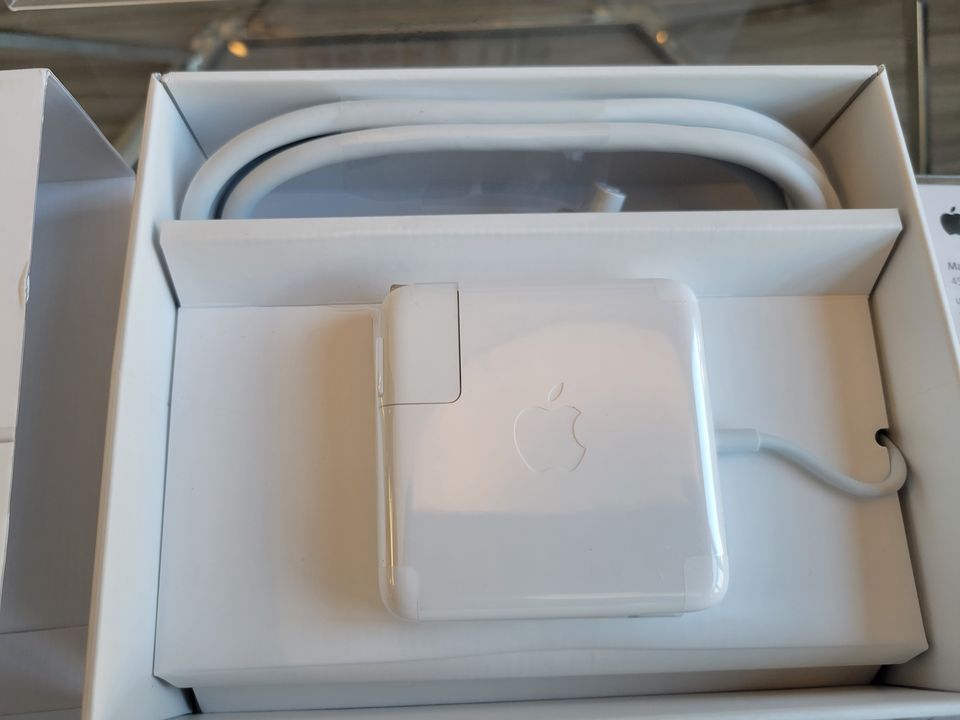
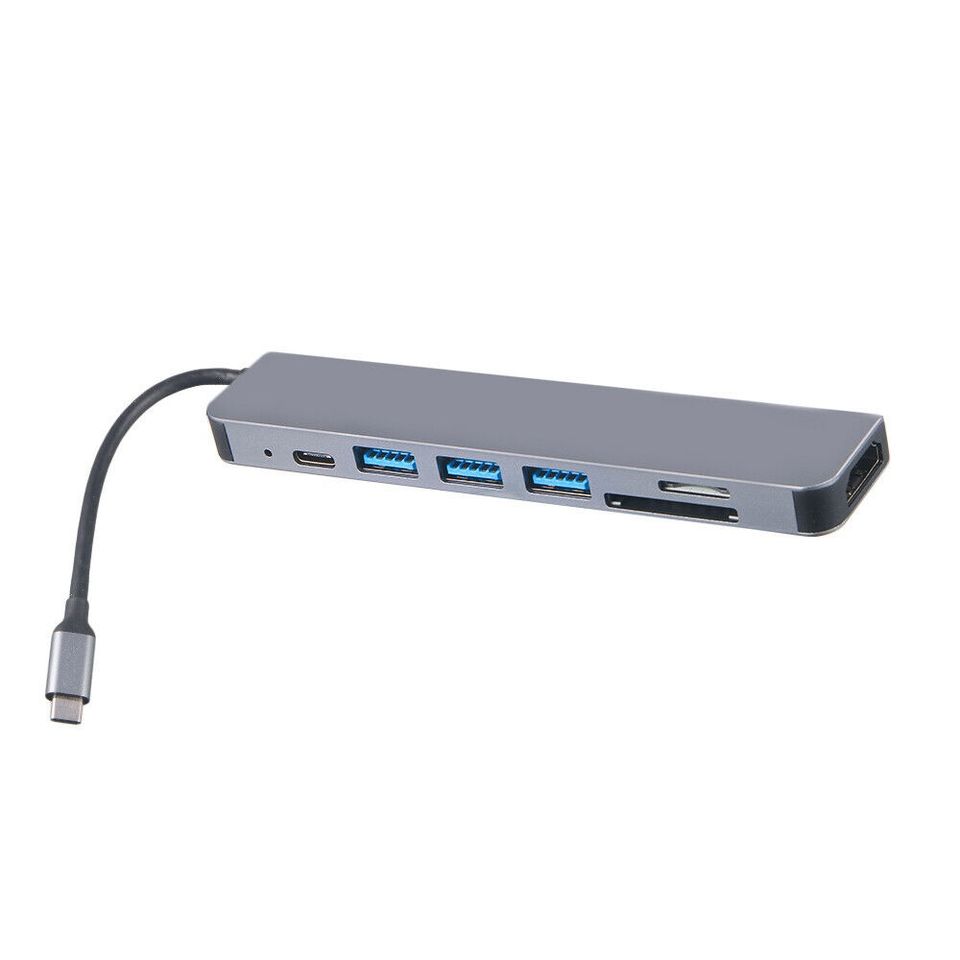
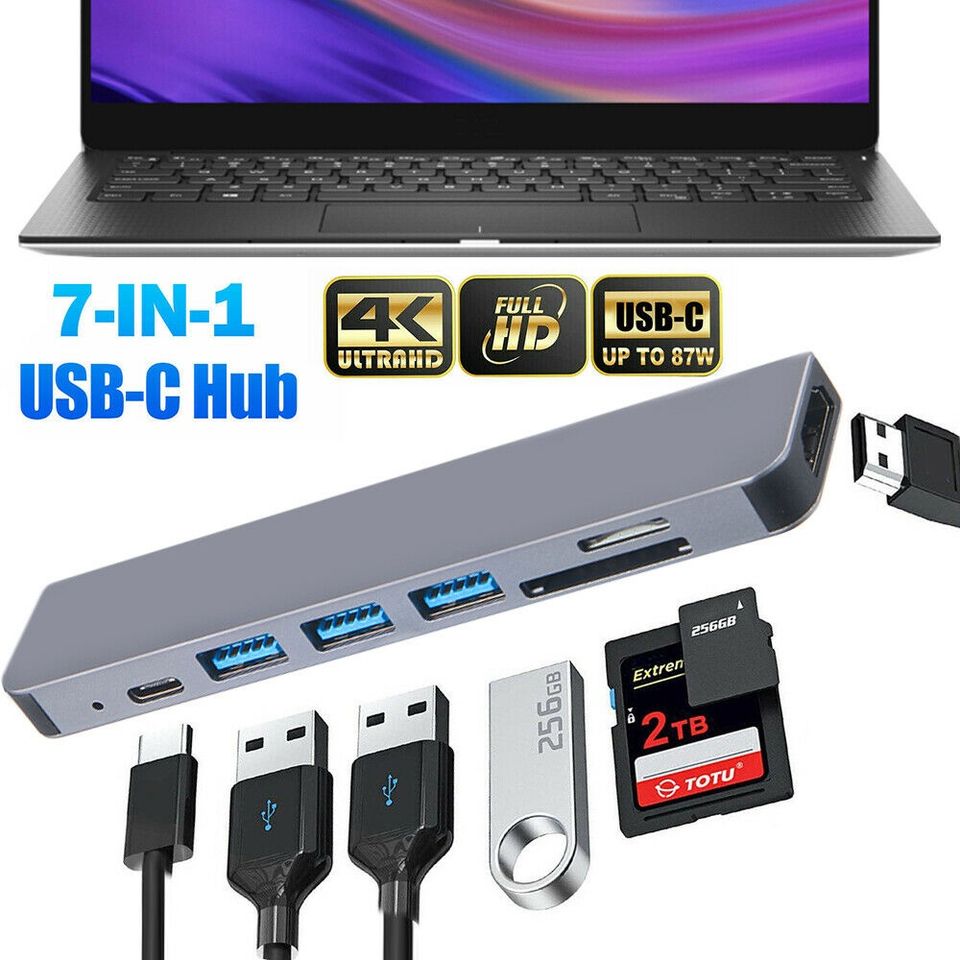
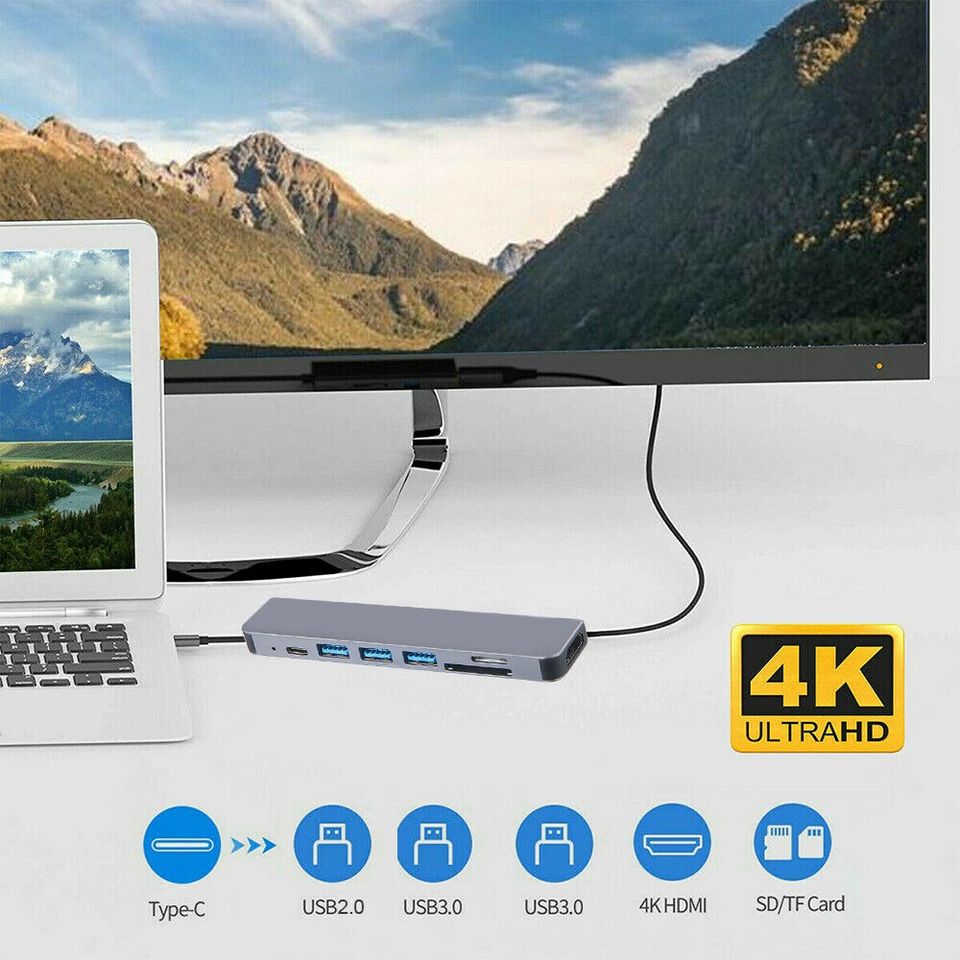
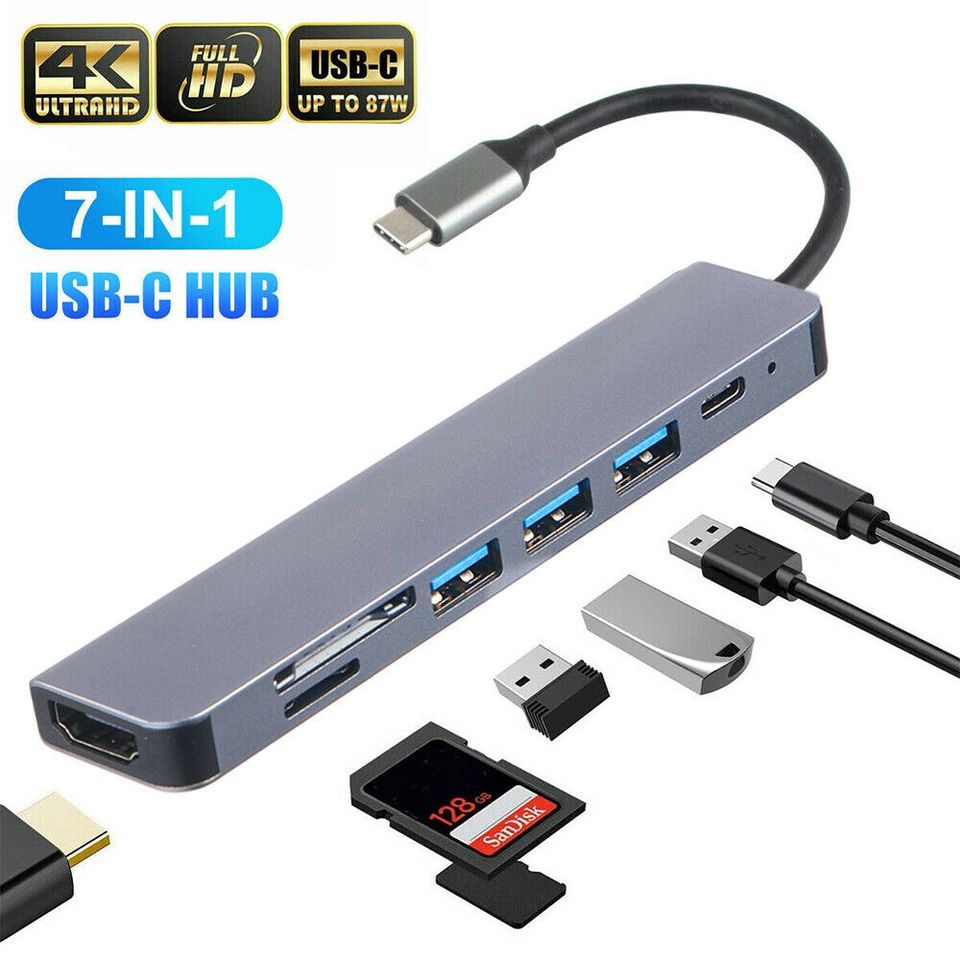
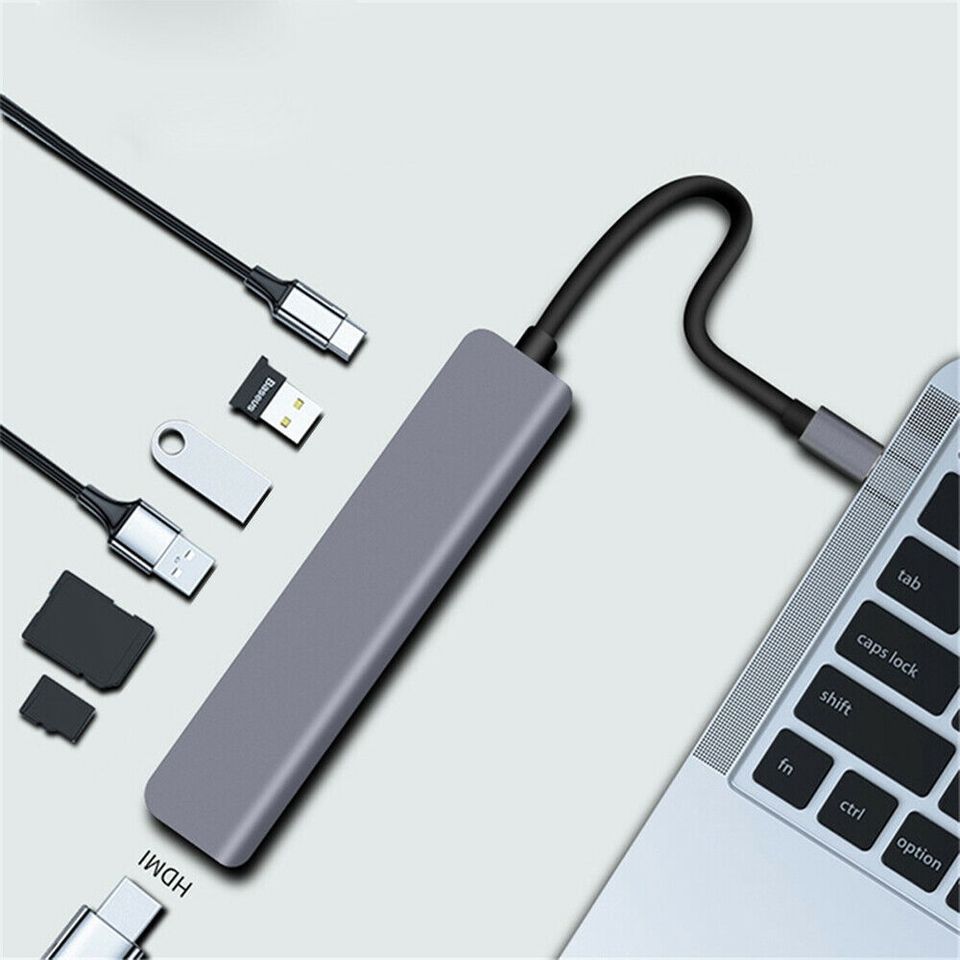
The MacBook Air comes with two Thunderbolt USB-C ports and a MagSafe charging port. That is it. No SD card slot, no HDMI port. If you need more connections, you will need a hub or dock.
The MacBook Pro is much more generous. The 14-inch and 16-inch Pro models include three Thunderbolt 4 ports, an HDMI port, an SD card reader, and MagSafe charging. For photographers who need to pull cards, editors who connect to external monitors, or anyone who works with multiple peripherals, the Pro’s port selection eliminates the need for extra accessories entirely.
Difference 7: Price and Value
This is the bottom line for most people in the MacBook Air vs MacBook Pro decision. The MacBook Air starts at a lower price point and gives you an extraordinary amount of capability for the money. For students, remote workers, writers, and casual creatives, the Air represents one of the best value propositions in the entire laptop market.
The MacBook Pro commands a premium price, and that premium is justified for the right user. But if you are only using your laptop for web browsing, documents, video calls, and light photo editing, paying for a MacBook Pro means paying for power you will never actually use.
So Which MacBook Should You Buy?
Here is a simple way to think about it:
Choose the MacBook Air if you:
- Want the lightest, most portable option
- Prioritize all-day battery life
- Handle everyday tasks like browsing, writing, and video calls
- Work with light to moderate creative projects
- Want the best value for the money
Choose the MacBook Pro if you:
- Edit 4K or 8K video professionally
- Work with large audio production or 3D rendering files
- Need sustained performance for hours at a time
- Require more ports without relying on a dock
- Want the best display Apple makes
Still unsure? Our team at GeekzUP Repairs is happy to help you figure out which machine fits your workflow. Whether you already own a MacBook that needs attention or you are considering selling your current one before upgrading, we offer professional Mac computer repair services and we also buy Macs in good condition.
Already Own a MacBook? We Can Help
Whether you have a MacBook Air or MacBook Pro, GeekzUP Repairs keeps your machine running at its best. We handle screen replacements, battery swaps, keyboard repairs, water damage, and full diagnostics on both models.
If your Mac is running slow, acting up, or needs a professional check before a big project, our remote computer support services let our technicians connect securely to your machine without you leaving home. For hardware repairs, you can drop it off, book our onsite repair service, or send it in via our mail-in repair request.
Contact GeekzUP Repairs today and let us help you get the most out of your Apple machine.
Final Thoughts
The MacBook Air vs MacBook Pro debate does not have one universal answer. It comes down to what you do, how you work, and what your budget allows. For most people, the MacBook Air is more than enough and offers incredible value. For professionals who push their hardware daily, the MacBook Pro earns every dollar.
Whatever you choose, GeekzUP Repairs is here to support your Mac for years to come.