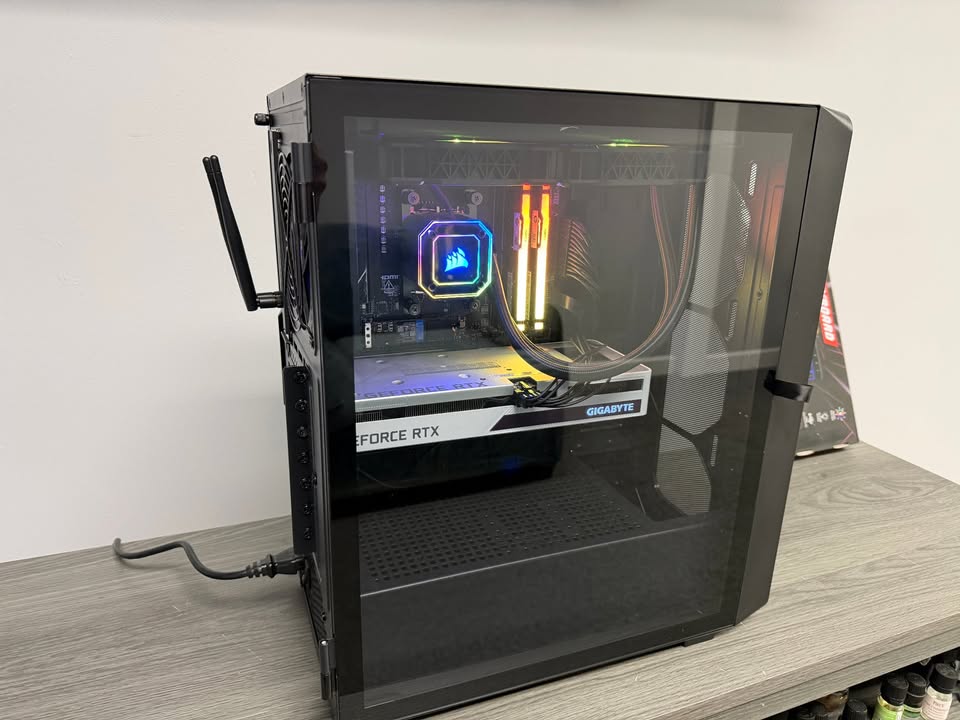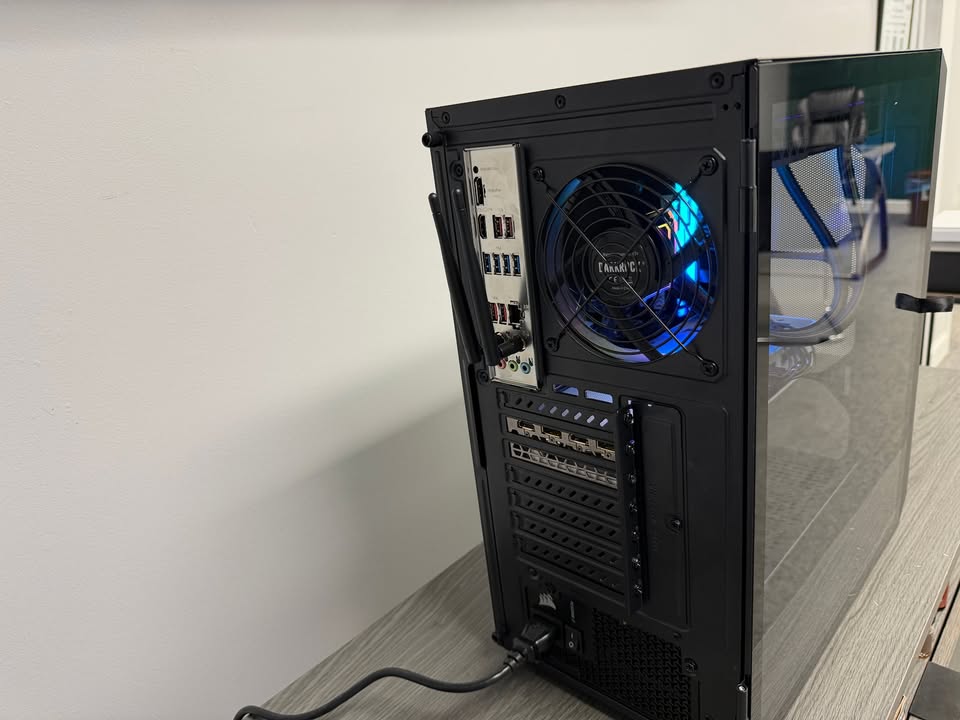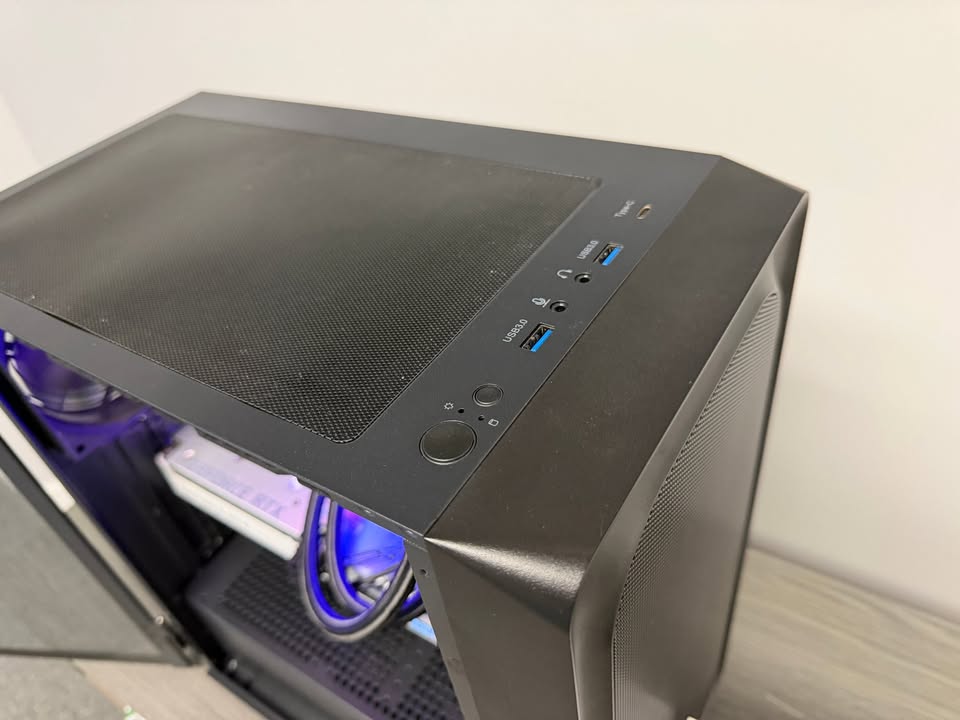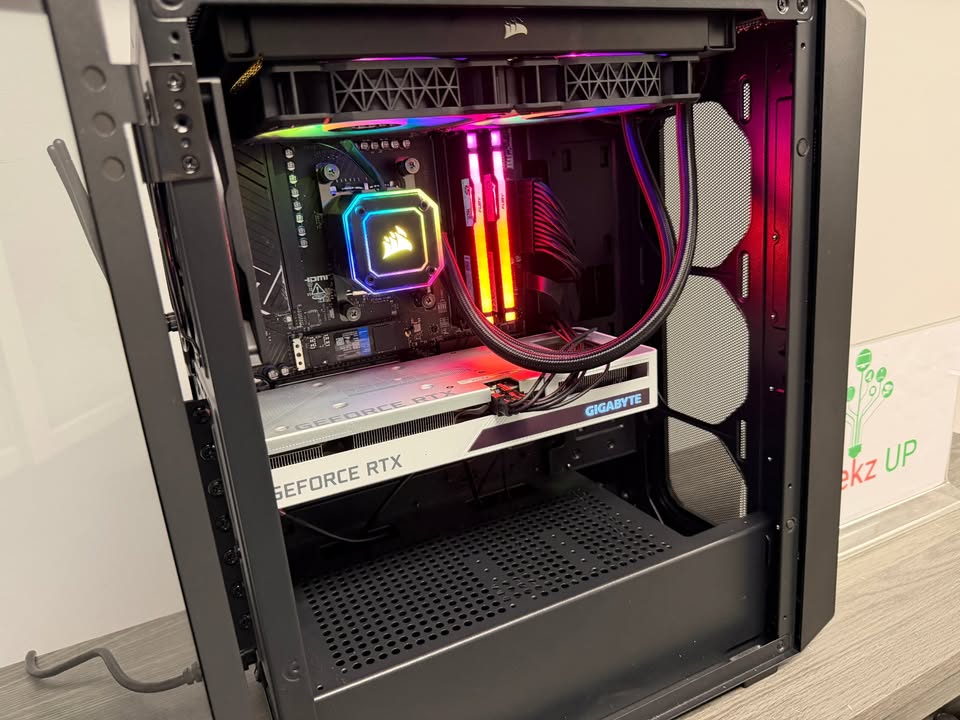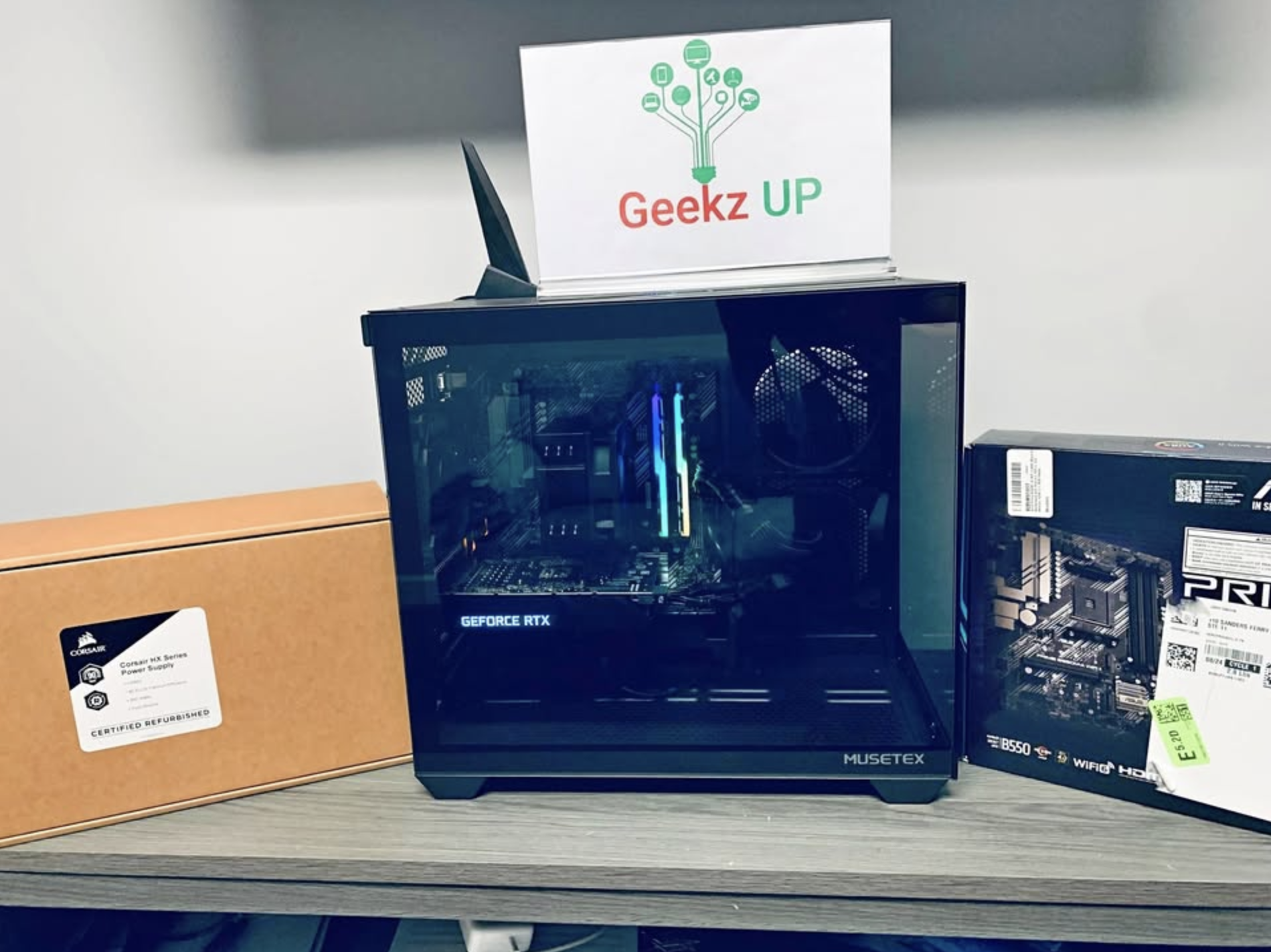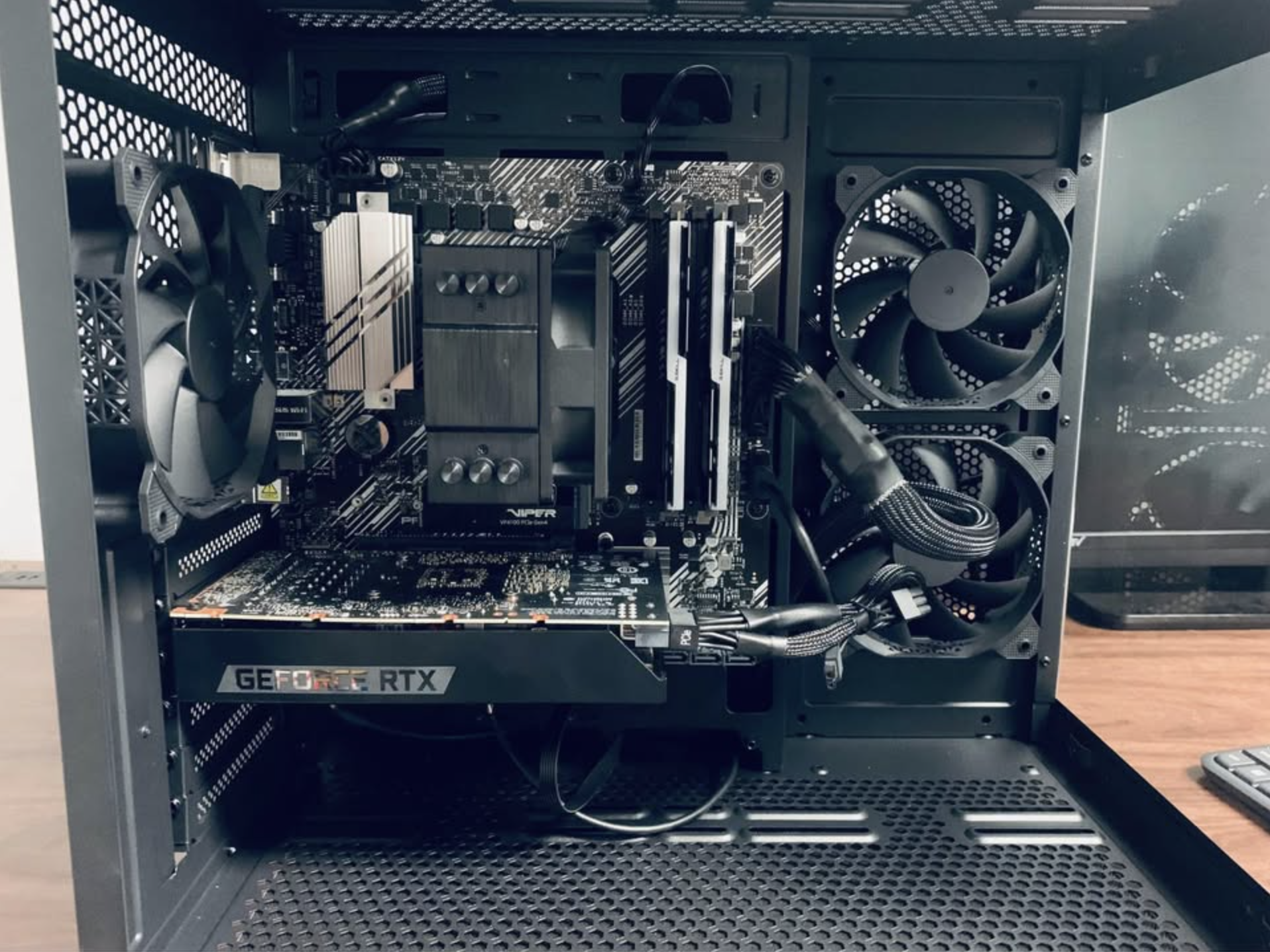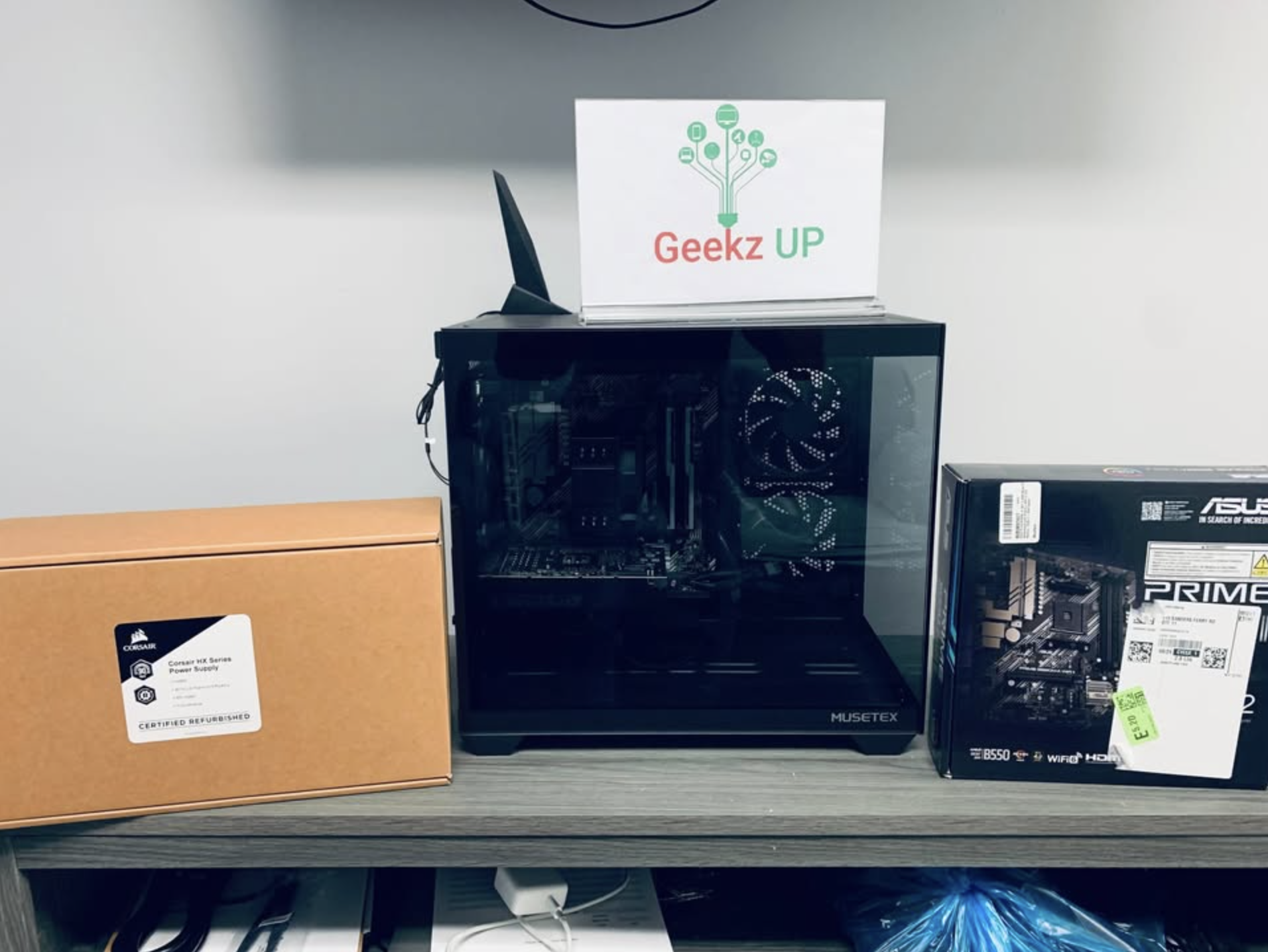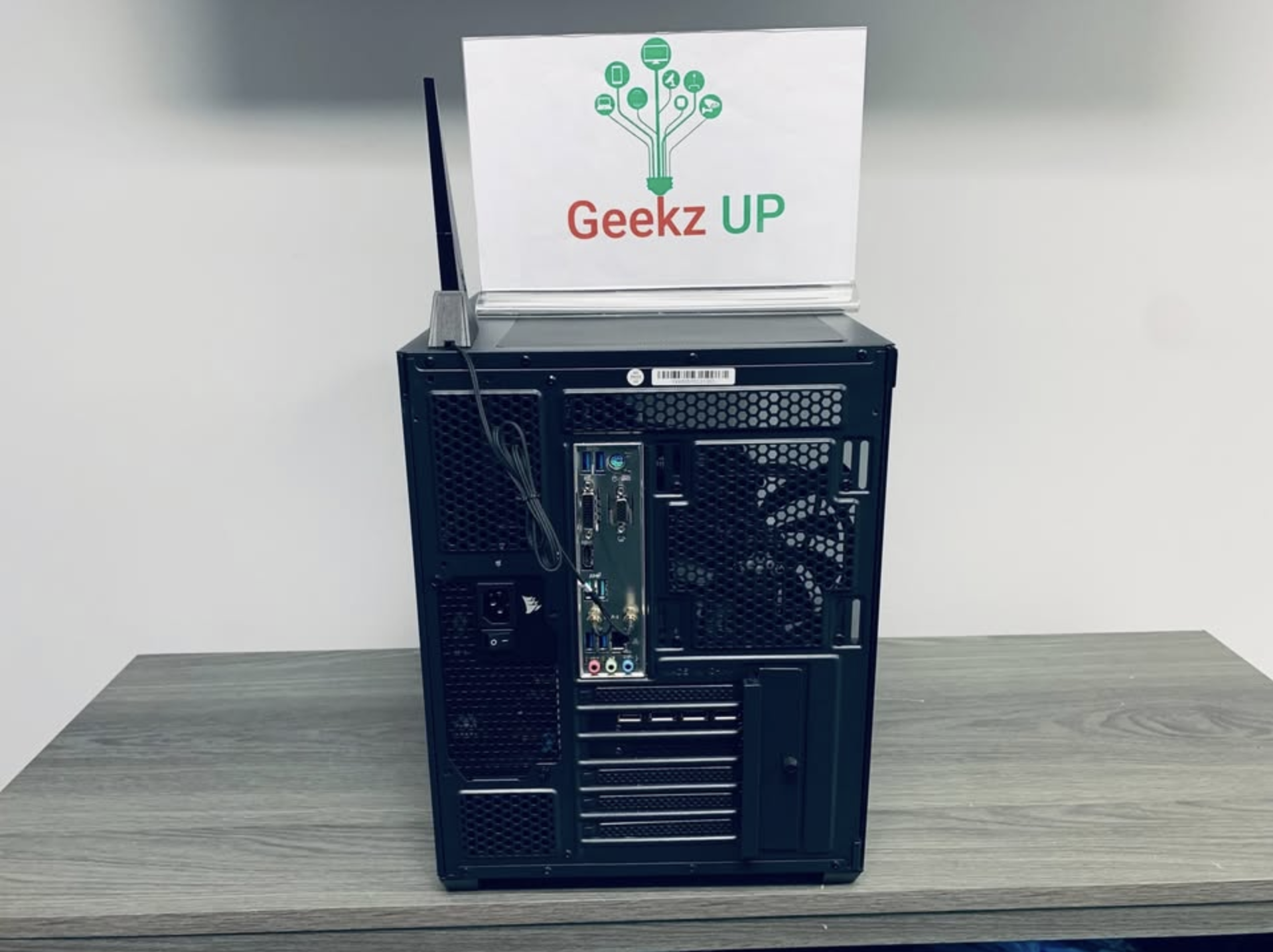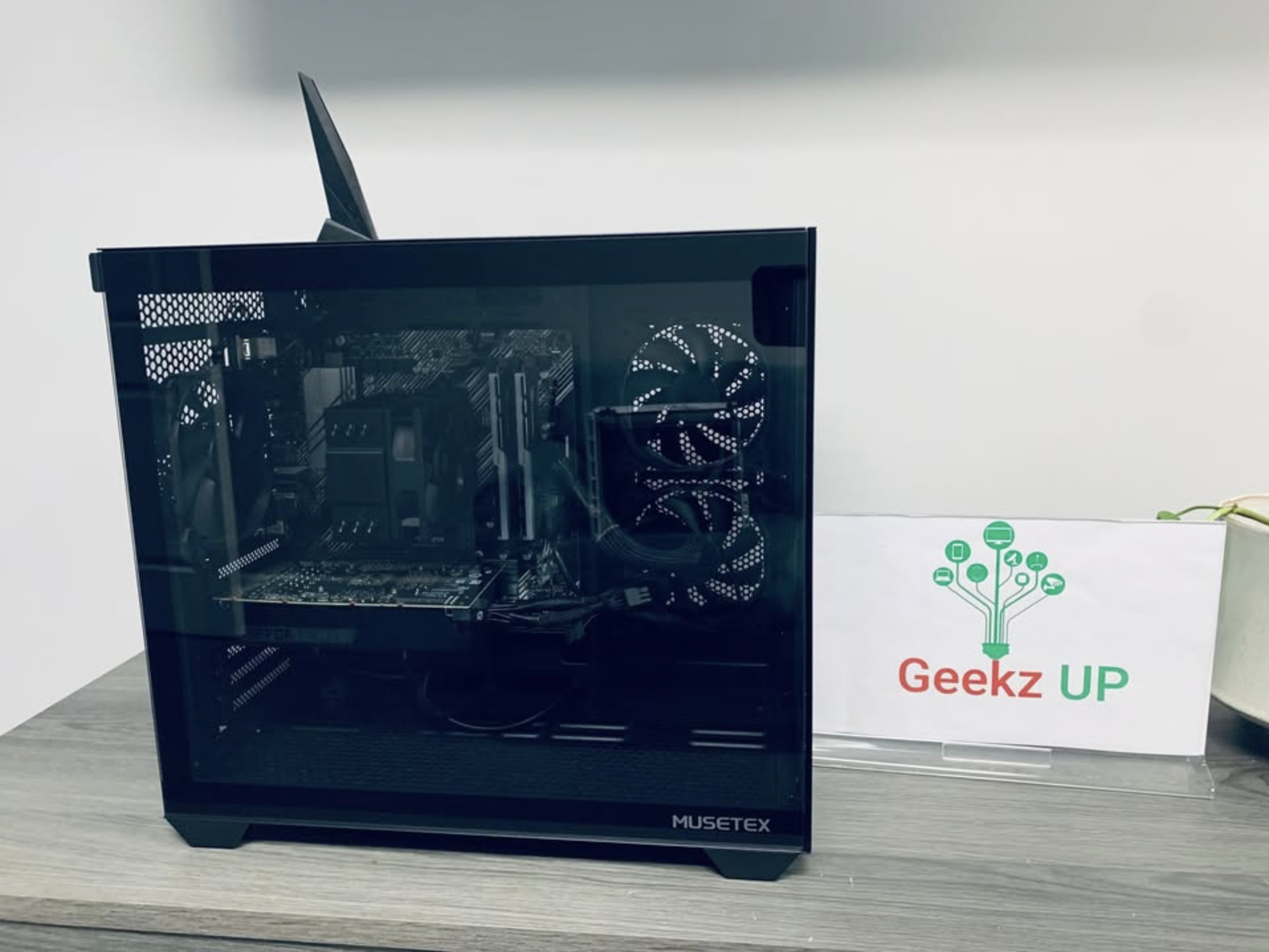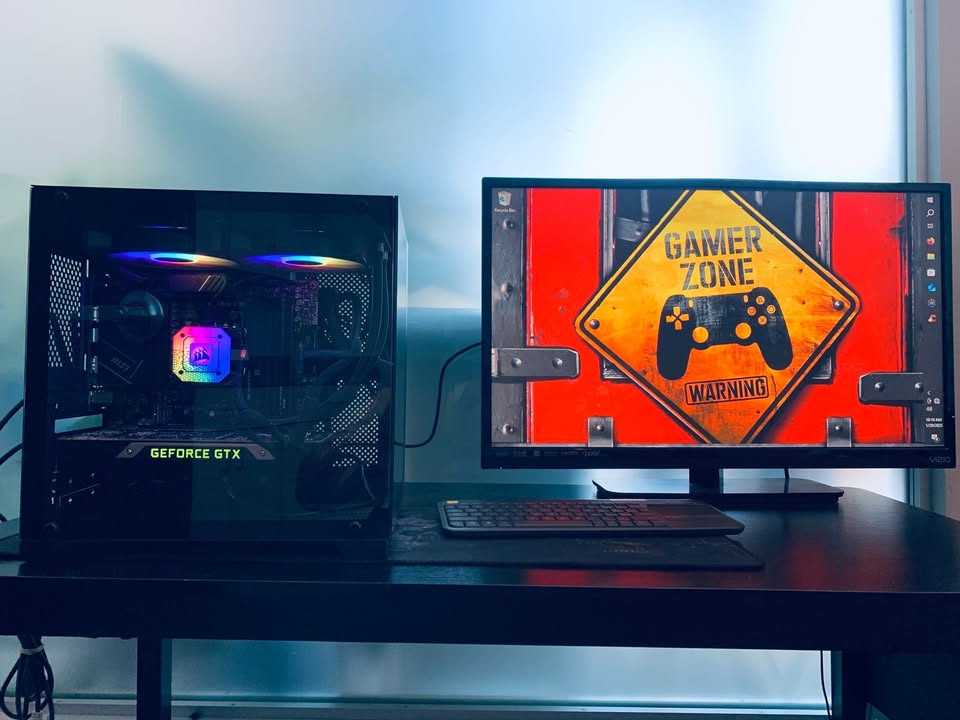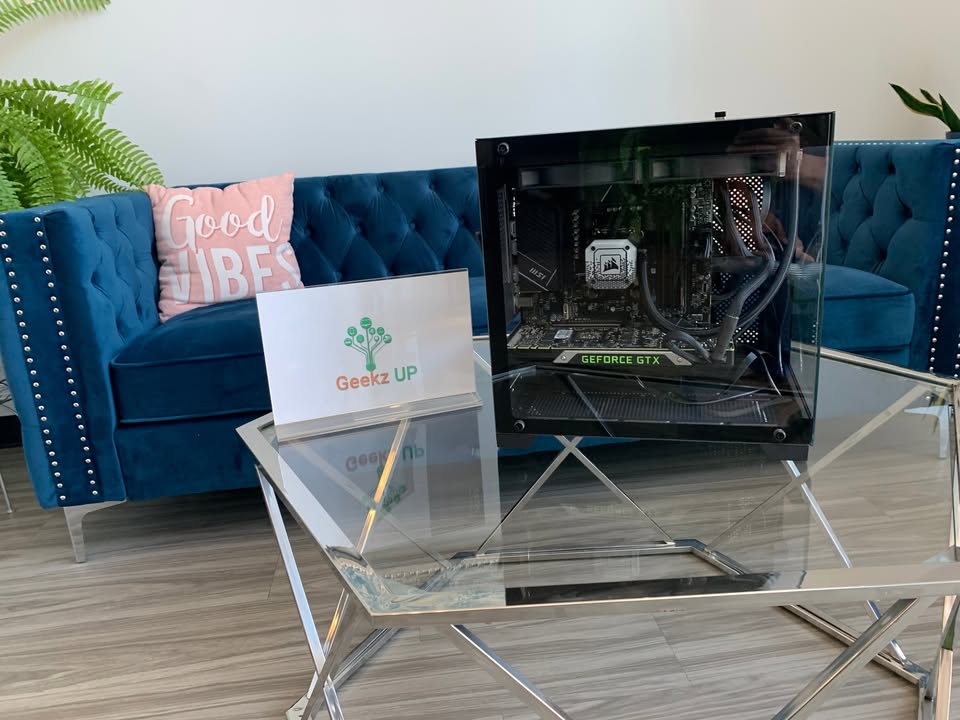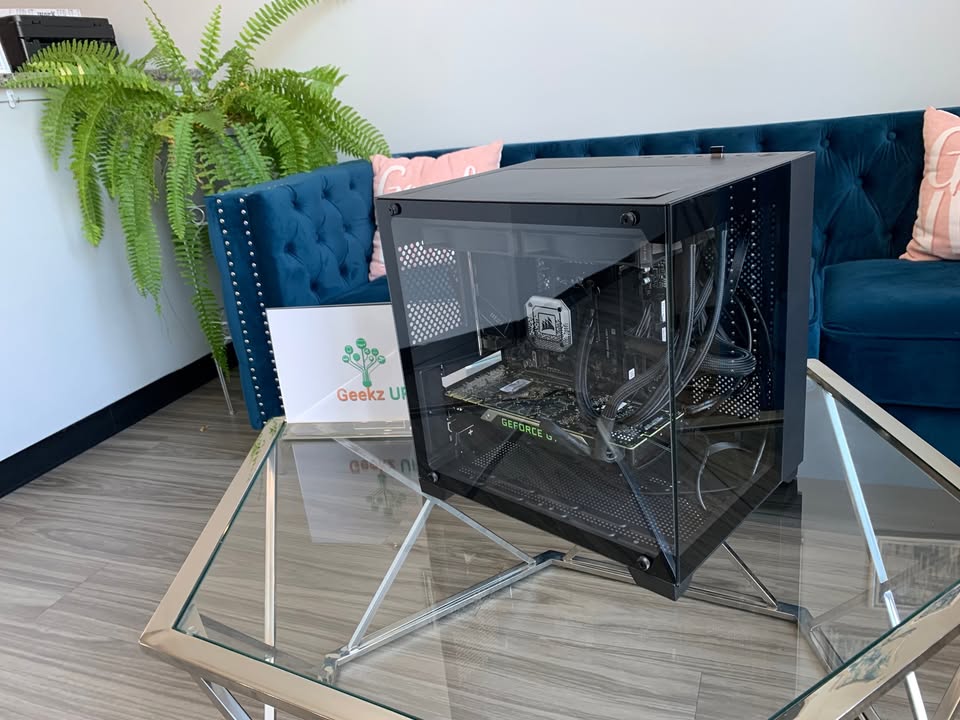
Next generation games are bigger, faster, and more visually intense than ever. High detail textures, advanced lighting, and massive open worlds require powerful hardware that can keep up. Knowing how to upgrade your gaming pc for next gen games helps you prepare your system for the performance levels modern titles demand.
This guide explains the best upgrades, why they matter, and how to choose the right components for stable long term gaming performance.
Start With a Proper System Evaluation
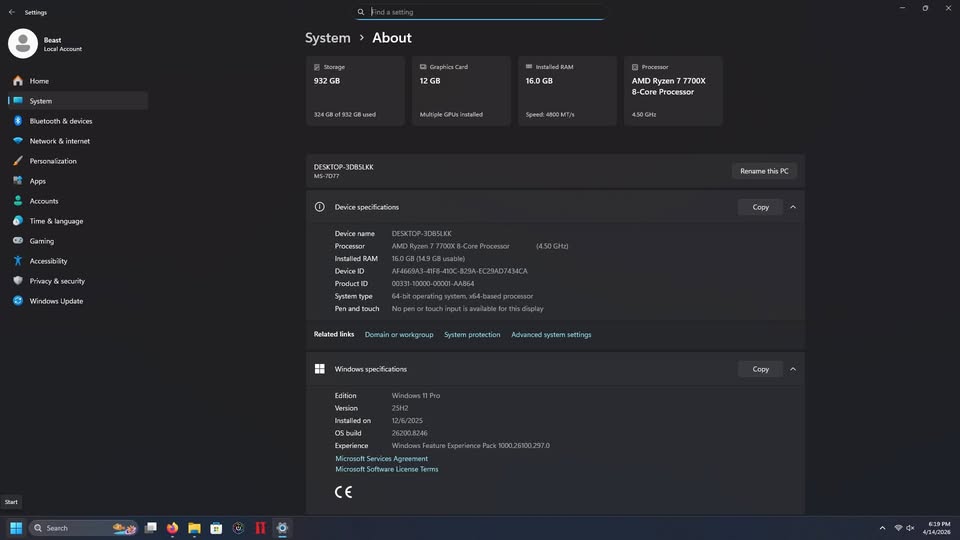
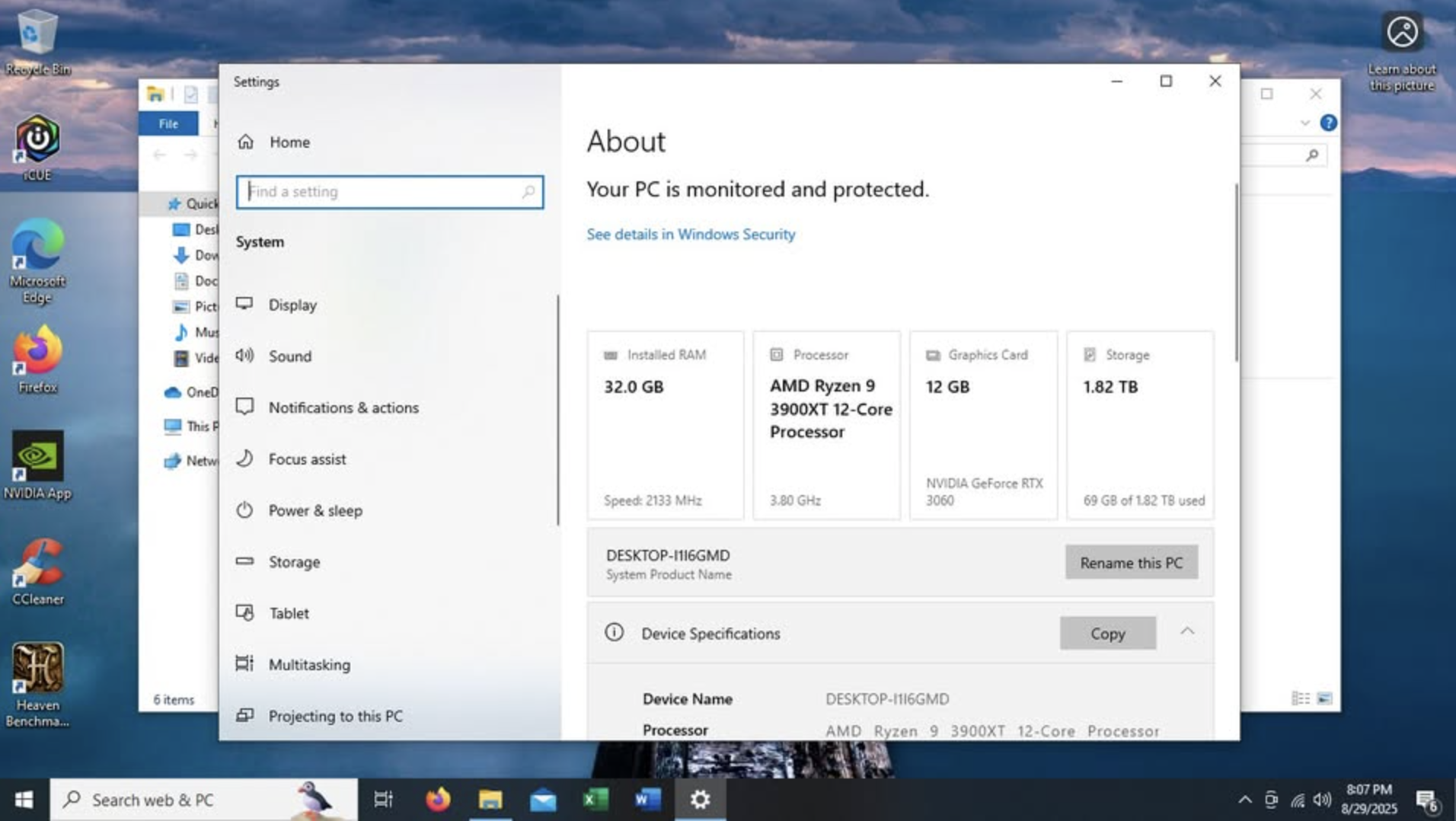
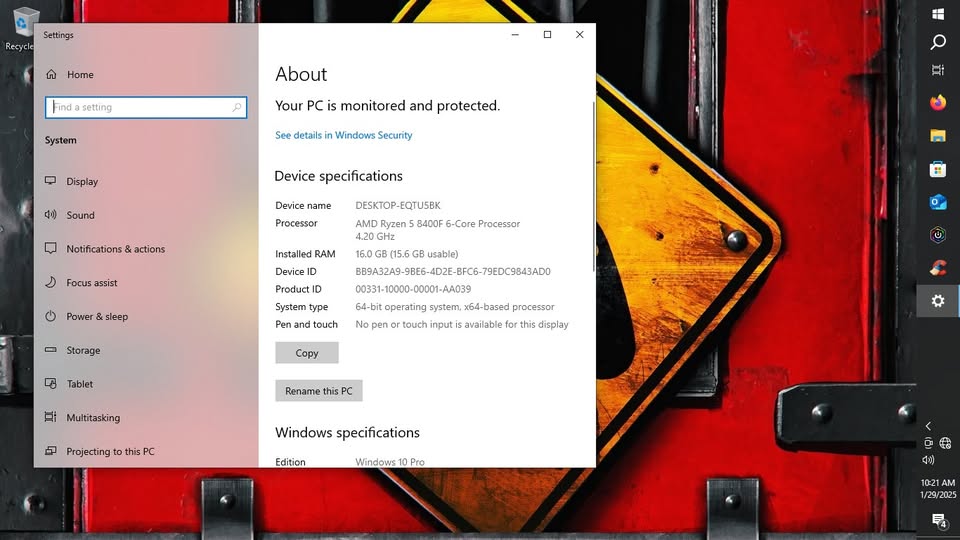
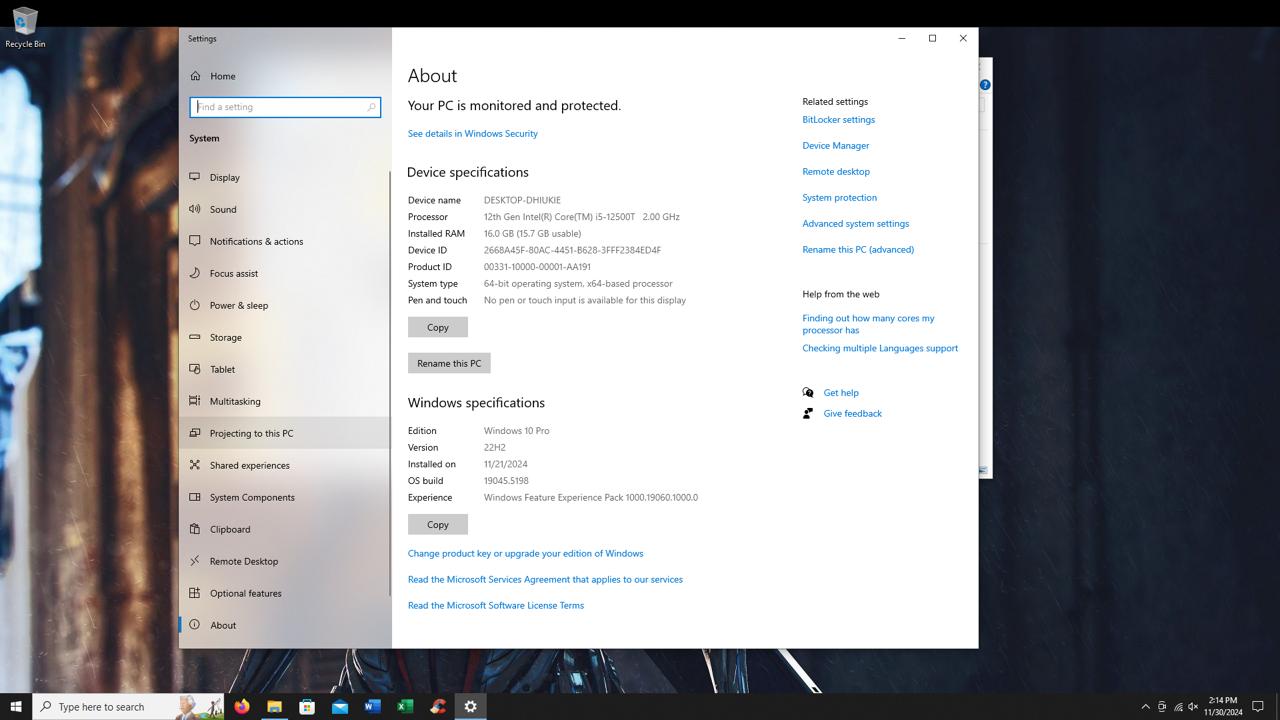
Before buying any new part, take time to understand your current system. Check your graphics card, processor, RAM, storage, motherboard, and power supply. Many older systems struggle not because they are broken but because new games have grown far more demanding.
Evaluating your system helps you identify which components are falling behind and prevents mismatched upgrades.
Upgrade Your Graphics Card for Real Next Gen Performance
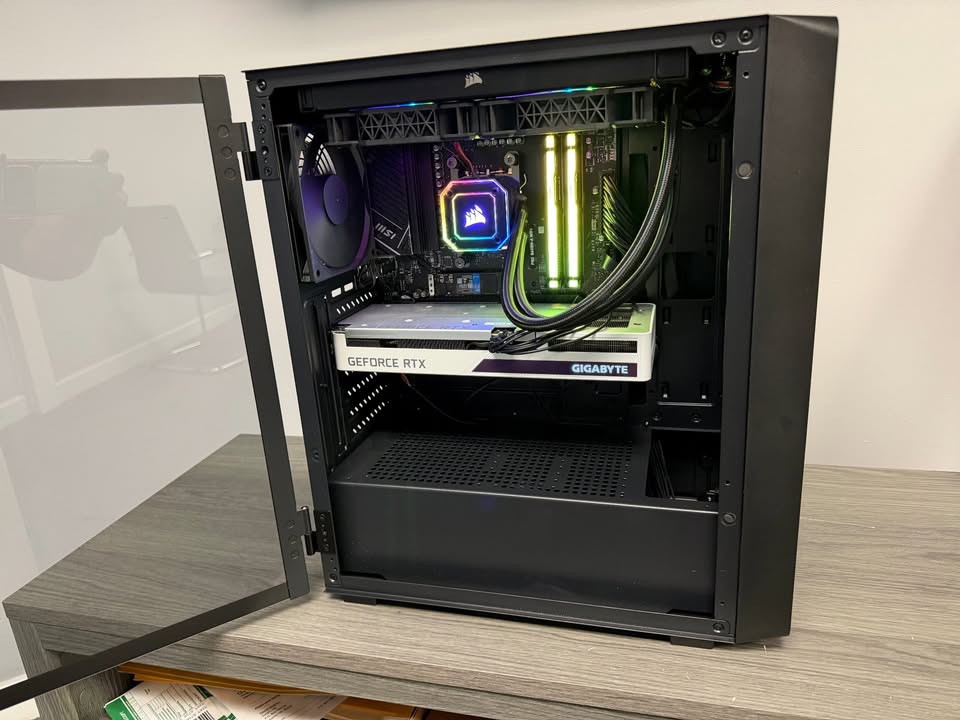
The graphics card is the heart of gaming performance. Modern games rely heavily on advanced lighting, high resolution textures, and more complex visual effects that older GPUs cannot handle efficiently.
A stronger GPU improves frame rates, boosts visual quality, and gives you smoother gameplay during intense scenes.
If you notice your system struggling to maintain stable frame rates even at medium settings, your graphics card is likely the first upgrade you need. Choosing a modern GPU also ensures compatibility with upcoming titles and new rendering technologies that will shape future gaming experiences.
Strengthen Your CPU to Remove Performance Bottlenecks
Your processor manages the background systems that make games run smoothly. Enemy behavior, physics calculations, world interactions, and loading tasks all rely on CPU power.
Even a powerful GPU can underperform if paired with a weak processor. If your game feels choppy during large battles or crowded areas, the CPU may be slowing everything down.
A next gen compatible processor keeps your system responsive and enables your graphics card to work at full potential.
Increase Your RAM for Better Stability
More memory allows your system to load large environments, complex textures, and multiple game systems simultaneously. Many next gen titles recommend at least sixteen gigabytes, and some perform even better with thirty two.
If your system currently runs on eight gigabytes or less, you will notice a clear improvement by upgrading. More RAM helps with smooth multitasking, faster switching between applications, and better stability during heavy gameplay sessions.
Move to an SSD for Faster Loading
Storage is one of the biggest performance upgrades you can make. Traditional hard drives load game data slowly, which can cause longer load screens and texture pop in.
An SSD, especially an NVMe model, loads data instantly, reduces stuttering, and improves overall system responsiveness. For next gen games that stream enormous amounts of data in real time, an SSD is essential.
Check the Power Supply Before Adding New Hardware
Every upgrade depends on a reliable power supply. If your unit does not provide enough wattage or if it is too old, you may face crashes, performance drops, or difficulties installing stronger hardware.
Upgrading to a high quality power supply ensures stability, protects your components, and gives your system room to grow as games continue to demand more power.
Improve Cooling for Consistent Performance
Next gen gaming produces more heat than previous generations. High temperatures can reduce performance and shorten component lifespan.
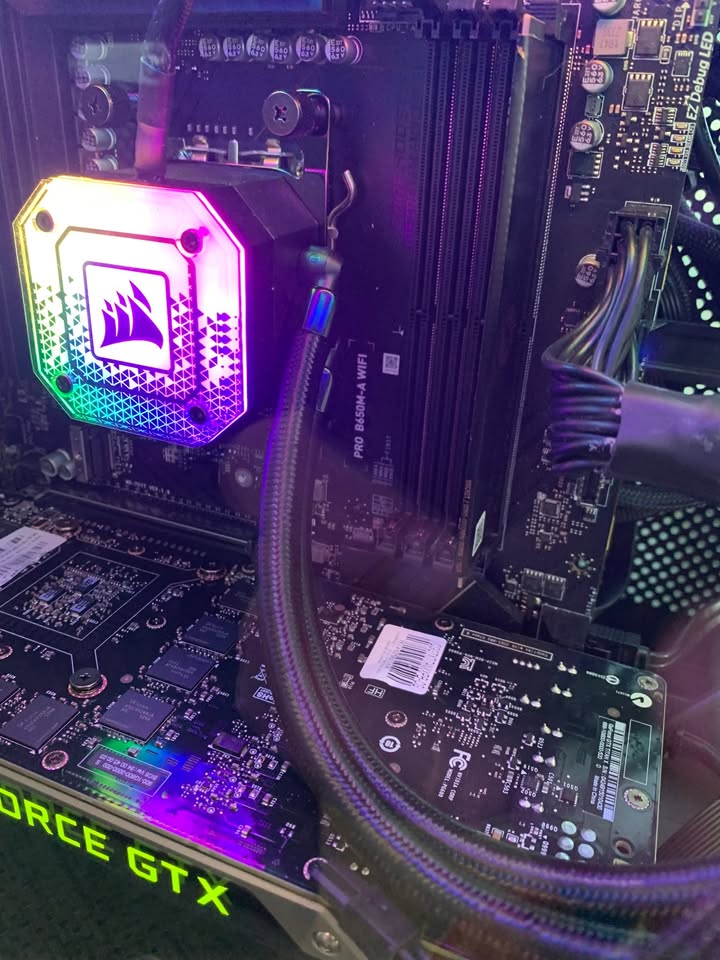
Better cooling, whether through additional fans, a more efficient CPU cooler, or improved airflow, keeps your system stable even during long gaming sessions. A cool system is a fast system, and proper thermal management often improves frame rates more than people expect.
Consider a Motherboard Upgrade if Needed
If your motherboard cannot support new CPUs, faster RAM, or PCI Express improvements, you may need an upgrade. This ensures full compatibility with modern components and extends the life of your gaming PC for many years.
Should You Upgrade Yourself or Hire a Professional
Upgrading a gaming PC involves compatibility checks, BIOS updates, thermal adjustments, and careful installation.
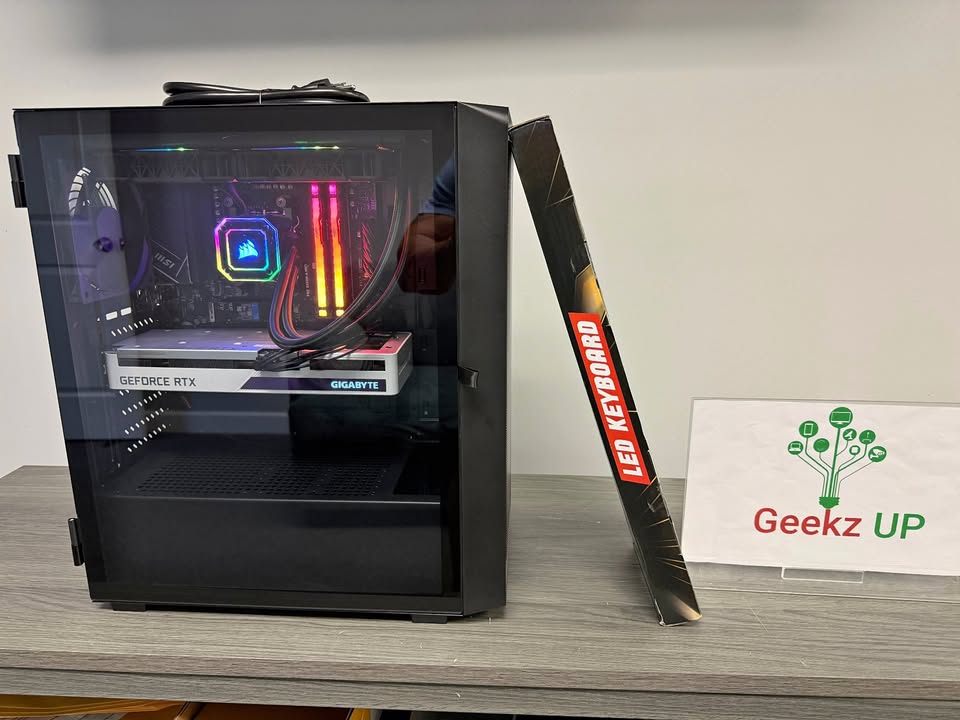
If you want maximum performance without the risk of damaging hardware, professional installation is the safest choice. At GeekzUP Repairs in Hendersonville Tennessee, we handle:
- Full gaming PC diagnostics
- Custom upgrade planning
- Clean installation and cable management
- System testing and optimization
Final Thoughts
Understanding how to upgrade your gaming pc for next gen games helps you keep your system fast, stable, and prepared for modern gaming standards. Whether you need a stronger GPU, faster storage, more memory, or a full system overhaul, the right upgrades allow you to enjoy smooth high performance gaming without interruptions.
For expert recommendations and safe professional installation, GeekzUP Repairs is always ready to help you build the perfect next gen gaming experience.