
Outlook errors and delayed email do not automatically mean your account was hacked. Here is what was reported about the November Microsoft 365 outage and how to decide what to do next.
If Outlook stopped loading or your work email suddenly stopped arriving, it is understandable to wonder whether Microsoft was hacked. The important distinction is between a provider outage, a problem on your computer and unauthorized access to your own account. Those situations need different responses.
At GeekzUP, we start by establishing which system is failing before changing settings. Reinstalling software will not restore a provider's cloud infrastructure, and waiting for a global outage to end is not the right response to evidence that somebody has entered your account. Here is how to separate those cases.
Research Checkpoint: November 14, 2026
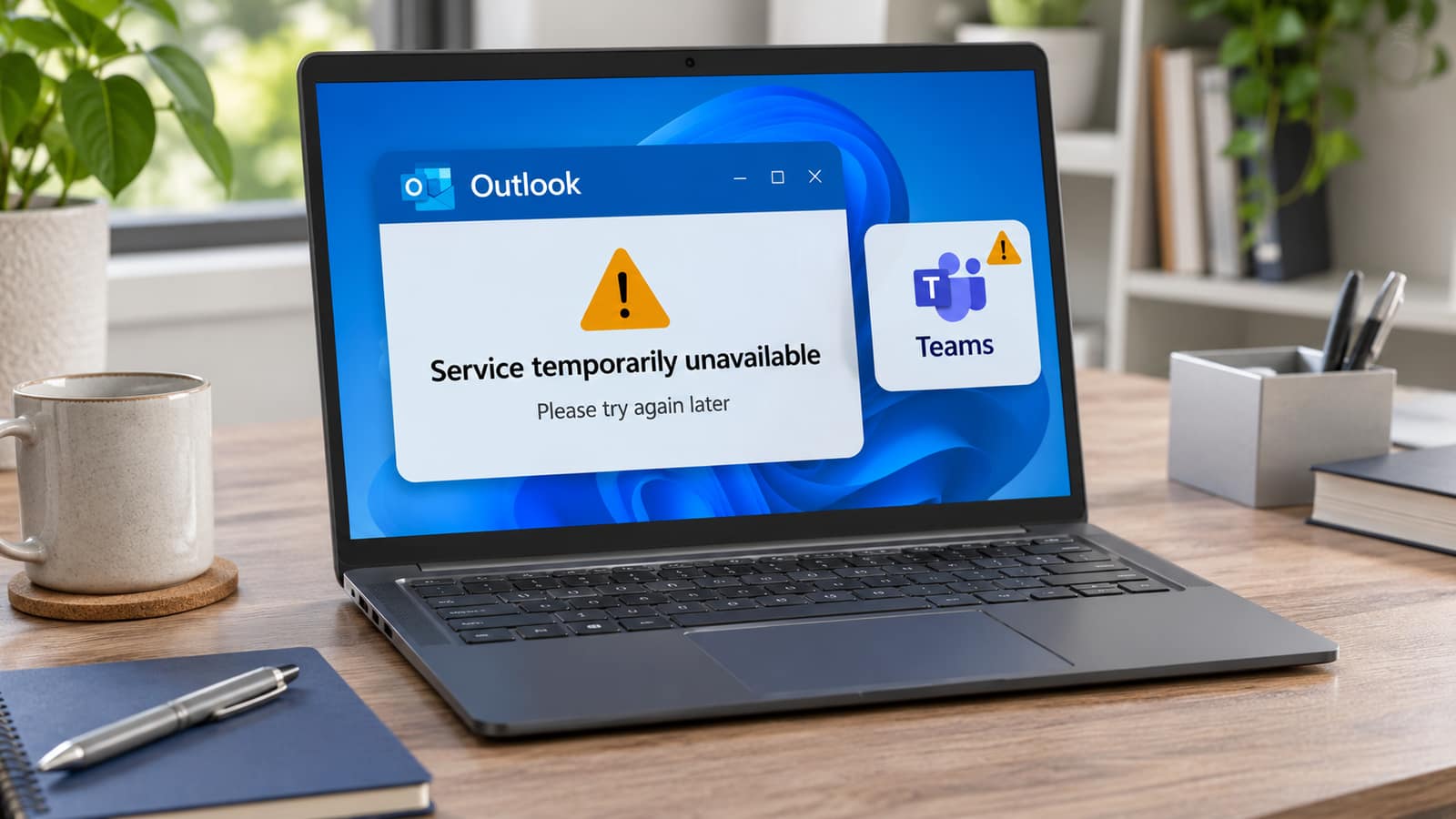
This guide covers the Microsoft 365 disruption reported on November 12-13, 2026 and the statements available during our November 14 research. It is not a live status feed. Check Microsoft's current service information before acting. The feature image illustrates an outage; it is not an official incident screenshot or evidence of a hack.
What Happened To Outlook And Teams?
Associated Press reporting described a widespread Microsoft 365 disruption beginning November 12 and continuing into November 13. Outlook, Teams and Copilot were among the affected services. Users experienced mailbox-access problems and delayed email. The reporting also described improving service availability during recovery, rather than an immediate return to normal for everyone.
In Microsoft's November 13 statement, reproduced by TechRadar, the company described a technical issue involving an earlier network-capacity upgrade and a subsequent network change. Microsoft said the incident was not related to a cyberattack or AI agents and described gradual restoration. That is the company's published explanation, not a finding from an independent investigation.
An application failing to connect is not, by itself, evidence that passwords or files have been stolen. Equally, a provider's explanation does not prove that every individual account is safe from an unrelated attack. Treat the outage question and your own security evidence separately. Avoid posts that turn speculation into a confirmed breach.
Is Microsoft Still Down For Your Account?
An old headline cannot answer that. Microsoft recommends checking service health before spending time troubleshooting a known cloud incident. For a work or school subscription, an authorized administrator can open Health, then Service health in the Microsoft 365 admin center and review the information relevant to the organization.
Microsoft's public status page is useful when access to the admin center is affected. However, its incident-readiness guidance describes that page as a backup notification channel, not a substitute for the tenant-specific view. A normal-looking public page does not establish that every mailbox or business integration is working.
Ask the administrator to record the incident title, last update and relevant instructions. Do not grant yourself administrator access just to look. At home, first identify whether your address is a personal Outlook.com account, an employer-managed Microsoft 365 mailbox or another provider's account opened inside Outlook. Our email-setup service can help identify a configuration problem without treating every Outlook error as the same issue.
Use A Few Comparisons, Not A Full Reset
| What You Observe | What It Can Suggest | What It Does Not Prove |
|---|---|---|
| Several coworkers lose the same service | A shared service, network or organization issue | That every device is infected |
| Webmail works, but one desktop app fails | An application or connection-specific problem | That the computer needs reinstalling |
| Unrelated websites also fail | A local internet or network problem | That Microsoft caused the connection failure |
| Only one mailbox remains affected | An account-specific issue worth checking | That a global outage cannot affect it differently |
| Unknown successful access or changed recovery details | A separate security concern requiring prompt action | That the public outage caused the compromise |
Try one other ordinary website, then compare the same mailbox in its official webmail service if you can do so safely. A trusted phone already signed into the account can provide another comparison. Note whether it uses Wi-Fi or cellular data. Change one thing at a time, and do not use a public computer to investigate a sensitive account.
Microsoft's Outlook sending-and-receiving guidance starts with basic connection checks and distinguishes application states such as Working Offline or Disconnected. It also identifies other possible causes, including storage limits. Follow the section for your Outlook version after checking provider status, rather than applying every suggested repair during a known incident.
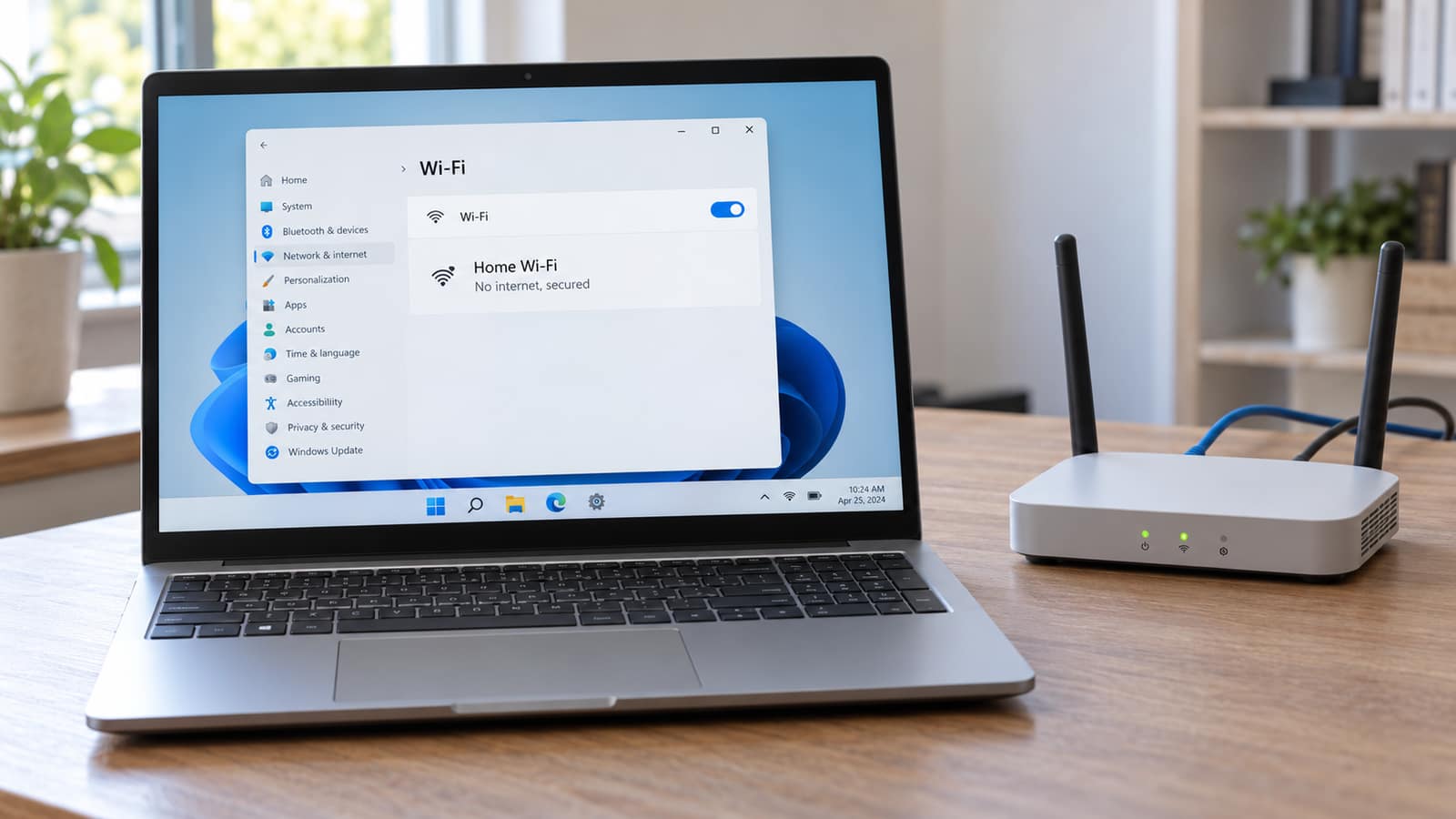
If unrelated sites are unavailable, our Wi-Fi connected but no internet guide helps distinguish a computer problem from a router or internet-service problem. For several affected devices in the same home or office, network support may be relevant. A mailbox error alone is not a reason to factory-reset the router.
Protect Drafts And Pending Messages
Before removing an account, rebuilding an Outlook profile or clearing application data, find out whether you have unsent drafts or information stored only on that device. Those are changes to your local working copy, not a way to restart Microsoft's servers. Preserve the error message and let your administrator or technician assess the next step.
- 1Save important work through an approved method and record which messages appear pending. Keep sensitive business information within your organization's rules.
- 2Avoid repeatedly sending the same invoice, order or attachment because the first attempt appears delayed. Check its status before retrying.
- 3For an urgent conversation, use an established phone number or another approved channel. Confirm important instructions with the recipient.
- 4After service returns, check pending mail, calendar changes and any business integrations that matter to your work. Working email does not verify every other feature.
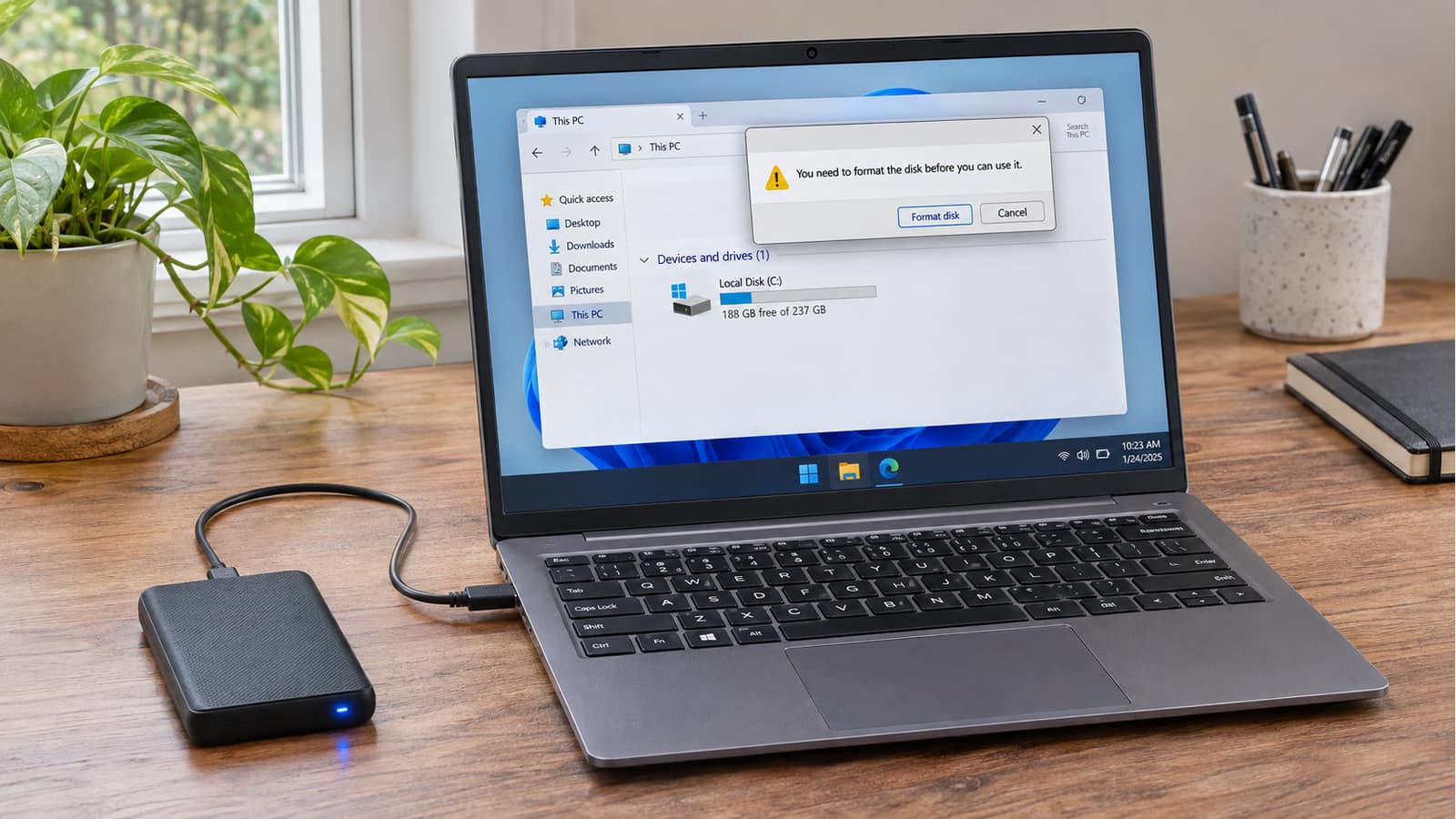
Our backup guide explains why an independent, checked copy matters before changing a computer. Do not delete Outlook data files, uninstall Office, reset Windows or erase the machine simply to get past a connection error. Escalate a problem you cannot identify rather than turning a temporary interruption into a separate data-loss problem.
Offline Access Has Limits
Classic Outlook's Cached Exchange Mode can keep a local mailbox copy for supported accounts. It is not the same feature as new Outlook's offline access. Whether useful items are available depends on what was already downloaded and which application and account you use. A local cache does not guarantee that the application can start during every cloud incident.
New Outlook for Windows also has documented offline capabilities. If enabled and populated beforehand, these can make saved items available, subject to its limitations. Check the instructions for your version. Offline work does not mean new mail can reach Microsoft's servers, and turning a setting on after connectivity fails cannot download missing content.
The same distinction matters for files. Microsoft's OneDrive documentation explains that an online-only file is not a downloaded local copy. Prepare required offline documents while the connection is healthy and follow your organization's storage policy. Our OneDrive storage guide explains file states and safer space-management choices.
When To Treat It As An Account-Security Problem
Unexpected recovery-information changes, messages sent without your knowledge or successful access you cannot explain deserve prompt attention. A strange location alone needs context. Microsoft's personal-account Recent activity page explains how to review events and respond to unusual activity. Use a trusted route to the account portal, not a link from an alarming email.
For a personal Microsoft account, follow Microsoft's compromised-account recovery guidance. It includes checking device security, changing or resetting the password and reviewing affected account settings. Use a known-clean, trusted device when the original computer may be unsafe. Never send a support contact your password, verification code or recovery code.
For work or school email, contact the organization that manages the account immediately. Microsoft's business-account response guidance covers actions such as reviewing mailbox rules and addressing unauthorized access. That is an administrator-led response, not a reason for an employee to run unfamiliar commands or disable security controls.
A device assessment and account recovery are different jobs. Malware removal can address a compromised computer, but it does not automatically remove an attacker's access to a cloud account. Tell the technician and your account administrator what happened, especially if you installed a remote-access tool or entered credentials on an unfamiliar page.
Do Not Trust An Outage-Themed Support Message
Microsoft warns that it does not proactively provide unsolicited technical support. A caller or popup claiming your computer caused the outage is not evidence of a legitimate support case. Do not install a remote tool, pay an unlocking fee or approve an unexpected sign-in request because someone says they are restoring Microsoft service.
Our fake Microsoft support-popup guide explains that browser scare messages are separate from genuine provider status notices. A fake CAPTCHA telling you to paste a command is another reason to stop. These precautions do not mean such a campaign caused this outage; they help you avoid creating a second problem while looking for an explanation.
When GeekzUP Can Help
We cannot repair Microsoft's cloud infrastructure or promise when a provider will restore a mailbox. We can help investigate a remaining application, device or configuration problem after reviewing service information. Remote support may suit an account or app issue when the computer still has a usable internet connection.
For customers in Hendersonville and Middle Tennessee, book a service and describe the exact error, affected application and whether webmail works. Do not put passwords or one-time codes in the booking notes. Useful evidence helps us decide whether you need local troubleshooting, your business administrator or Microsoft's own support.
Frequently Asked Questions
Was the November 2026 Microsoft outage a confirmed hack?
The Microsoft statement reviewed for this guide described a technical incident, not a cyberattack. That does not rule out unrelated compromise of an individual account. Use evidence specific to your account.
Should I change my password because Outlook is down?
A service outage alone does not show that a password was stolen. If you have separate signs of unauthorized access, follow the provider's security guidance promptly or contact your work account administrator.
Will reinstalling Outlook or Windows fix a Microsoft outage?
It will not restore the provider's infrastructure. Check current service information first and protect local drafts before changing an app or account configuration.
Does new Outlook work offline?
New Outlook for Windows has offline capabilities, but availability depends on settings, previously saved items and current limitations. It cannot deliver new email through an unavailable server.
What if Microsoft reports recovery but my email still fails?
Record the exact symptom and compare webmail with the app. Ask your organization's administrator to review service health. A remaining issue may be account-specific, application-specific or a separate service event.
GeekzUP Team
Veteran-owned computer repair in Hendersonville, TN. Serving Nashville and Middle Tennessee since 2012.