
A real human-verification check does not need you to run a Windows command. Here is how to respond, whether you closed the page or already followed its instructions.
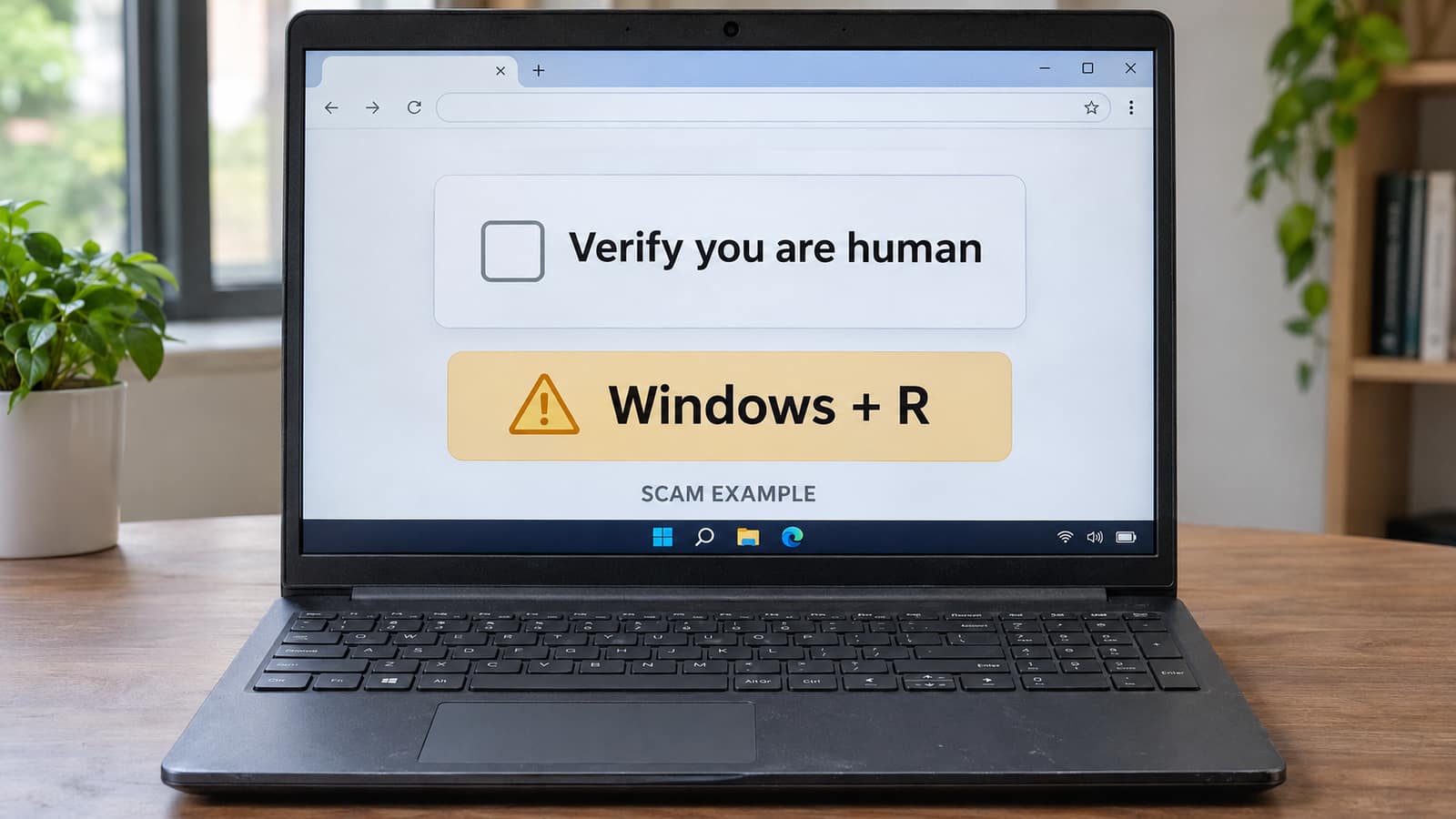
If a CAPTCHA tells you to press Windows + R, paste something and run it, stop. That is not a normal human-verification step. Close the page without following its instructions. If you already ran the command, disconnect that computer from the internet and use another trusted device to arrange help and protect important accounts.
At GeekzUP, the useful first question is what actually happened: did you only see the prompt, click its checkbox, paste into a window, or execute something? Those are different situations. Our virus and malware removal service starts by establishing the exposure, not by assuming every alarming browser message means the same repair.
Do Not Test The Command
Do not paste suspicious clipboard contents into Run, PowerShell, Terminal or a browser address bar to see what happens. Do not return to the page for another attempt. If execution is uncertain, treat that uncertainty seriously and explain it to the person helping you.
What The Fake CAPTCHA Is Trying To Do
Security researchers call this technique ClickFix. A page invents a small obstacle, such as a verification failure, and offers instructions that feel like routine troubleshooting. Clicking a button can copy attacker-controlled text to your clipboard. The next instruction tries to move that text out of the webpage and into a tool that can execute it. Microsoft's ClickFix analysis documents lures delivered through phishing, malicious advertising and compromised websites.
The familiar logo is camouflage, not permission to trust the instructions. A copied Cloudflare-style box does not establish that Cloudflare is asking you to run anything. The FTC's CAPTCHA warning explicitly says real checks do not require device commands. A legitimate-looking website can also have been compromised; recognizing its name is not enough.
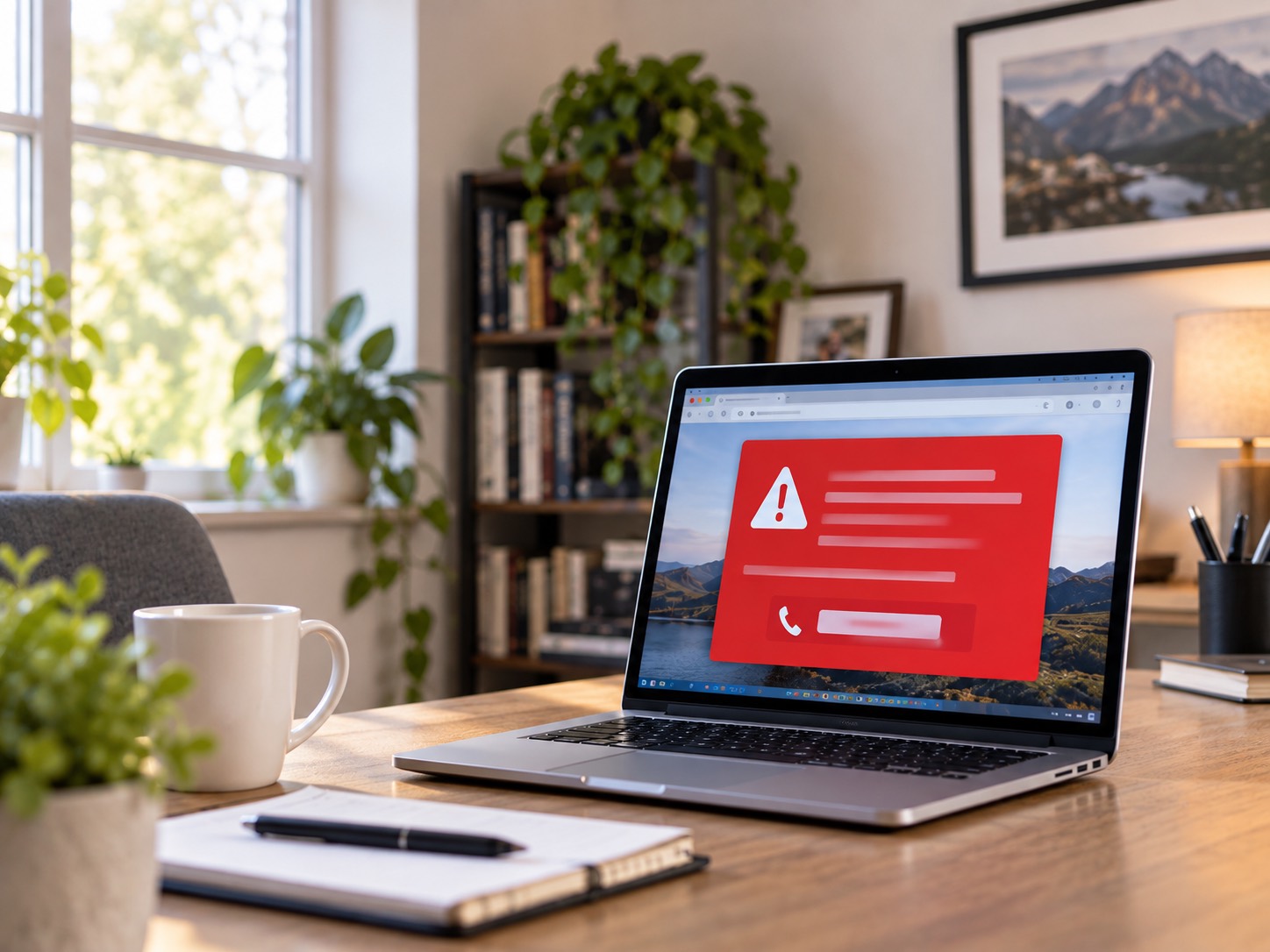
This is different from the fake Microsoft support popup that tries to get you to call a number. Here, the dangerous handoff is from a browser instruction to your operating system. The Windows + R shortcut itself is legitimate. The problem is running untrusted text because a website presents it as verification.
Match Your Next Step To What Happened
| What Happened | What It Means | Next Step |
|---|---|---|
| You only viewed the prompt | The usual ClickFix command has not been executed by viewing alone | Close the tab; check unexpected downloads and permissions |
| You clicked a checkbox or copy button | Unknown text may now be on the clipboard | Close the page; replace clipboard text without running it |
| You pasted into Windows Run but did not choose OK or press Enter | Pasting into this field is not the same as launching it | Cancel the dialog; do not execute the text |
| You pasted into Terminal or PowerShell, ran a command, or opened an installer | Execution may have occurred, even without a visible result | Isolate the computer; protect accounts from another device |
| It is a work or school computer | Other accounts and systems may be involved | Report immediately to the designated IT or security contact |
These distinctions describe the common ClickFix path, not a guarantee about everything a malicious page might do. In command shells, pasted text can include a newline that triggers execution.
If You Stopped Before Anything Ran
Close the suspicious tab using the browser's own controls. If Windows Run is open, cancel it without submitting the contents. Do not restore the suspicious tab when reopening the browser. Copy a short harmless word from a trusted local document to replace the current clipboard text; you do not need to inspect or execute the unknown text first.
Check the browser's downloads list without opening unfamiliar files. Note any extension you installed, notification permission you granted, or password you entered. Each changes the assessment. Seeing a page alone is not proof that your accounts were stolen, but a copied command is not the only possible hazard. If you cannot remember the sequence, write down what you do remember rather than retrying it.
If You Ran It Or Cannot Rule That Out
- 1Turn off Wi-Fi and unplug Ethernet on the affected computer. Keep it disconnected while you arrange the next step.
- 2Use a separate trusted device to contact help. For a work or school device, tell the designated responder before rebooting, deleting evidence or attempting a reset.
- 3Record the approximate time, the site or message that led there and the actions you took. Photograph an existing warning if useful, but do not reopen the malicious page or rerun a command.
- 4Protect potentially exposed accounts from the trusted device, while the affected computer remains isolated.
- 5Have the computer assessed for malicious activity and persistence. Decide on cleaning versus rebuilding based on the evidence, not on whether the browser now looks normal.
Huntress's responder guidance treats isolation, credential exposure and persistence as separate tasks. That distinction matters: disconnecting a computer can limit further communication, but cannot retrieve information already taken. Do not reconnect an isolated machine just to book remote support. Use another device or arrange physical service instead.
Protect Your Accounts Separately From The Computer
A malware check and an account-security review answer different questions. Start with the email account that resets your other passwords, then your password manager, work identity and other sensitive accounts accessible from the affected device. Use a trusted phone or clean computer, not the isolated machine. If you see an unfamiliar transaction, contact the provider through its known app or official number, not a link in a warning.
Google's compromised-account checklist covers recent security events, recognized devices, recovery settings and unexpected Gmail changes. Change exposed or reused passwords to unique ones, review recovery methods and enable strong additional verification. Check forwarding rules and connected applications too. An attacker-added forwarding rule can remain a problem after the computer has been repaired.
Review sessions as well as passwords. Google's device-access instructions explain that one device name can represent multiple sessions. Microsoft's sign-out-everywhere control can take up to 24 hours and excludes Xbox consoles. Follow each provider's own recovery process rather than assuming one password change instantly ends every session everywhere. A business administrator may need to handle work-account revocation.
If mailbox settings or account access no longer make sense, our email setup and troubleshooting service can help you work through the configuration. It cannot promise recovery of an account controlled by a provider, reverse a fraudulent transaction or replace your employer's incident-response process.
Why A Clean Scan Is Not The Whole Answer
Microsoft documents a deeper Windows check under Windows Security, Virus & threat protection, Scan options, Microsoft Defender Offline scan. It restarts the computer, so save work first. For a managed device, wait for your responder's instructions before rebooting. If you are unsure how to get current protection onto an isolated personal computer, ask for help rather than reconnecting it casually to download a scanner.
A scan is evidence about what the tool detects, not a receipt proving nothing was stolen. Microsoft's TerminalFix research describes a 2026 campaign with persistence and remote network access, rather than one universal CAPTCHA virus. That does not identify what ran on your computer. It explains why an apparently quiet desktop or a vanished command window cannot settle the question.
At our computer and laptop repair bench, the handoff should include what ran, any protection alerts, unfamiliar software and the accounts that were in use. Those details help determine the scope. We do not need your account passwords pasted into a booking message, and a repair quote comes after the device is inspected and diagnosed.
When Reinstalling Windows Makes Sense
Confirmed remote control, persistent malware or an uncertain compromise may justify a clean rebuild rather than repeated cleanup attempts. Do not choose it blindly: erasing the computer can destroy needed files and evidence. Microsoft's installation-media guidance distinguishes an in-place reinstall from a clean installation that removes data, applications and settings. Preserving everything is not the same goal as establishing a fresh system.
Before any destructive recovery, agree on a backup plan and verify the files you need. Our backup-before-repair guide is a starting point, but suspected malware needs extra care: do not carry unknown installers, scripts or browser extensions into a fresh installation. A technician can help select and scan personal files. Rebuilding the computer still does not revoke stolen online sessions.
The Same Trick Can Target A Mac
Mac owners should watch for the same request disguised as a Terminal command, download repair or browser update. Microsoft's macOS research documents ClickFix campaigns distributing information-stealing malware. If you followed such instructions, stop using that Mac for sensitive accounts and arrange appropriate Mac support. The absence of a Windows + R shortcut does not make an equivalent Terminal request legitimate.
Getting Help Without Making The Exposure Worse
For customers in Hendersonville and Nashville, tell GeekzUP whether this was a personal or managed device, when it happened and whether anything executed. Standard PC and Mac diagnostics are $80, gaming-system diagnostics are $100, each covering up to one hour and applied toward an approved repair. These are diagnostic charges, not a promise that every compromise can be resolved for that amount.
Book a service from another trusted device and describe the sequence without including passwords or suspicious commands. We will establish the appropriate service method and confirm the work before proceeding. You do not need to diagnose the malware yourself; the important first move is to stop following the page's instructions.
Frequently Asked Questions
Frequently Asked Questions
Is a CAPTCHA asking for Windows + R real?
No legitimate human-verification check needs you to execute an operating-system command. Stop following the page, even if it copies a familiar security brand's design.
I clicked the checkbox but did not run anything. Am I infected?
In the common ClickFix sequence, copying the command is not the same as executing it. Close the page, replace clipboard contents safely and check unexpected downloads or browser changes. Other actions, such as opening a file or entering a password, need separate attention.
I pasted into Run but did not press Enter. What should I do?
Cancel Windows Run without choosing OK or submitting the text. Do not test it. If you pasted into Terminal or PowerShell instead, a newline may have triggered execution; explain that uncertainty when asking for help.
Nothing appeared after I ran it. Does that mean it failed?
No. A malicious command can run without leaving a visible window. Disconnect the computer and respond to the possible execution, not just what the screen shows.
Will antivirus or reinstalling Windows protect my accounts?
Computer recovery and account recovery are separate. Scanning or rebuilding cannot undo information theft. Review exposed accounts, passwords, sessions and recovery settings from a trusted device, using each provider's guidance.
GeekzUP Team
Veteran-owned computer repair in Hendersonville, TN. Serving Nashville and Middle Tennessee since 2012.