Power outages are becoming more common across many parts of the United States due to storms, extreme weather, and aging power infrastructure. While the electricity may come back on quickly, your computer is not always so lucky. One of the most common problems users face after an outage is a computer that simply will not boot.
At GeekzUP Repairs in Hendersonville TN, we have seen a sharp increase in no boot issues following recent power disruptions. Understanding why this happens can help you avoid further damage and know when to seek professional help.
How Power Outages Affect Your Computer
A sudden loss of power can interrupt critical system processes. When electricity cuts off without warning, your computer may be in the middle of reading or writing data. This abrupt stop can corrupt system files, damage hardware components, or disrupt firmware settings.
The real danger often occurs when power returns. Voltage spikes and unstable current can stress sensitive components inside your system, especially the power supply and motherboard.
Power Supply Damage
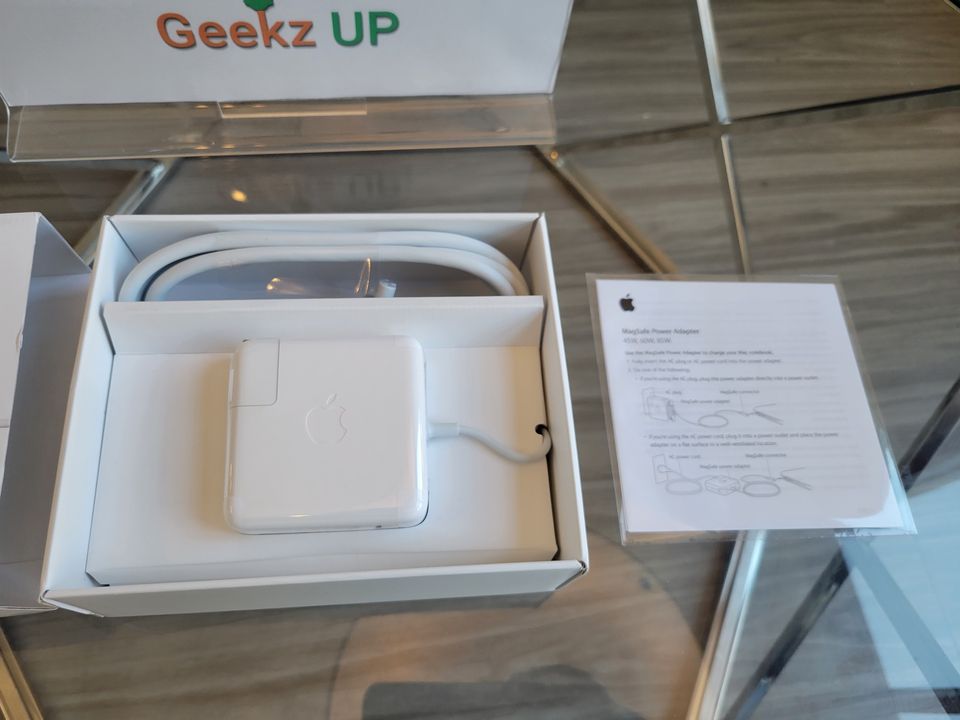
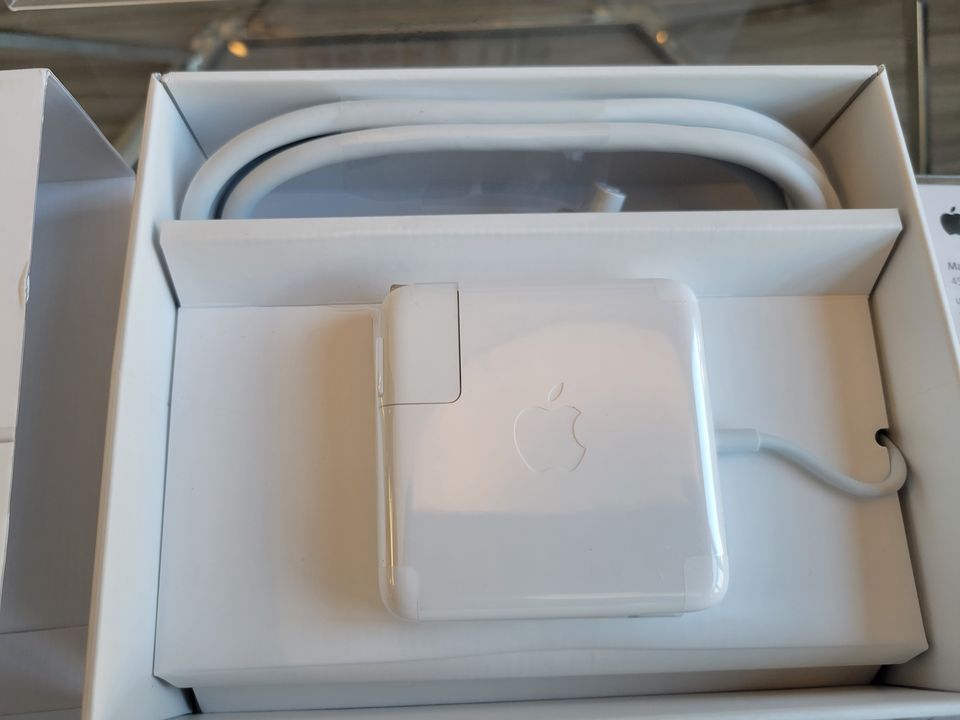
The power supply is usually the first component affected by an outage. If it absorbs a surge or fails to regulate power properly, your computer may show no signs of life at all.
In many cases, fans do not spin and there are no lights or sounds when you press the power button. Even if other components are still functional, a damaged power supply can prevent the entire system from booting.
Corrupted Operating System Files
If your computer was running during the outage, system files may have been corrupted. This often leads to boot loops, black screens, or error messages when trying to start the system.
Operating system corruption is common after unexpected shutdowns, especially on systems that were updating or performing background tasks at the time.
Hard Drive or SSD Issues
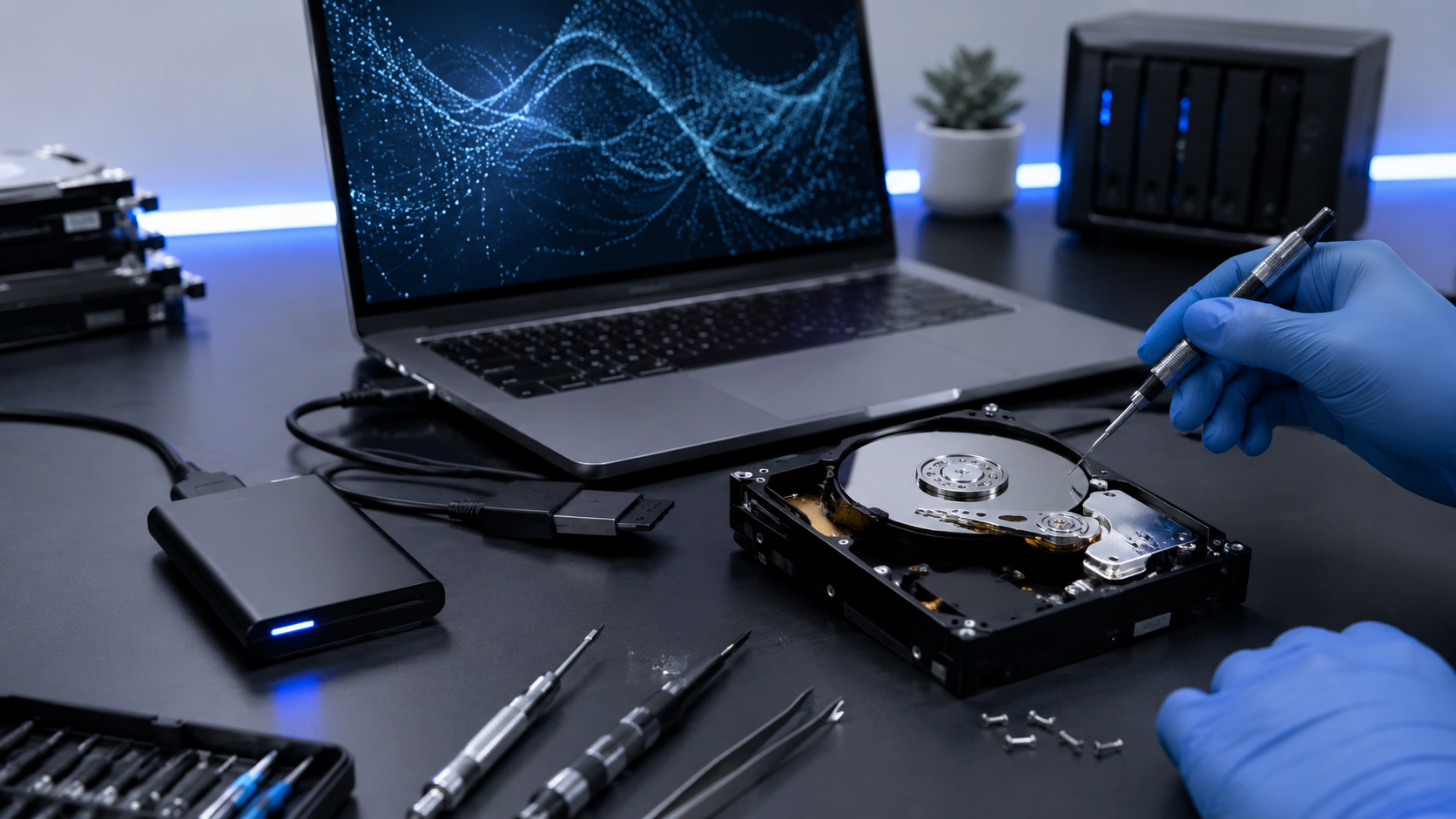
Storage devices are particularly vulnerable during power interruptions. A sudden shutdown can damage data structures or, in severe cases, the drive itself.
Symptoms include clicking sounds, failure to recognize the drive, or the system hanging at the boot screen. Even solid state drives can become unreadable if their controllers are affected by power fluctuations.
BIOS or Firmware Problems
Power outages can reset or corrupt BIOS settings, preventing the computer from starting correctly. This may cause the system to fail hardware checks or display error codes before loading the operating system.
In some cases, the system appears to turn on but never progresses past the manufacturer logo.
What You Should Do First
If your computer will not boot after a power outage, avoid repeatedly forcing it to start. Doing so can worsen existing damage.
Unplug the system completely, including external devices, and allow it to rest for a few minutes before attempting a single restart. If the problem continues, professional diagnosis is the safest next step.
How GeekzUP Repairs Fixes No Boot Issues
At GeekzUP Repairs, we perform complete power and system diagnostics to identify the root cause of boot failures. Our technicians test power supplies, inspect storage devices, repair corrupted operating systems, and recover data when necessary.
We focus only on computer and laptop repair services, ensuring specialized attention for every system we handle. Whether your issue is hardware failure or software corruption, we provide clear answers and honest repair options.
How to Prevent Future Power Outage Damage
Using a surge protector or an uninterruptible power supply can significantly reduce the risk of damage during outages. These devices stabilize voltage and give you time to shut down your system safely.
Regular backups are also essential. Even if hardware fails, having up to date backups ensures your data is protected.
Final Thoughts
If your computer will not boot after a power outage, the problem is often more serious than it appears. Power related damage can affect multiple components at once, and quick professional diagnosis can prevent further loss.
If your system refuses to start, GeekzUP Repairs is here to help. We restore functionality, protect your data, and get your computer running again safely.