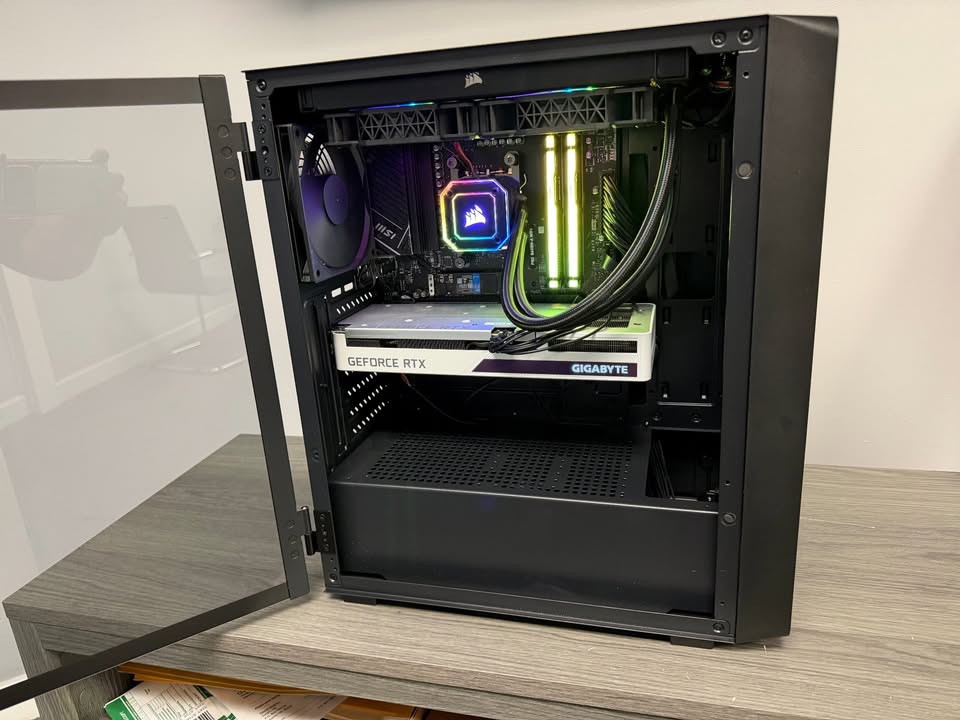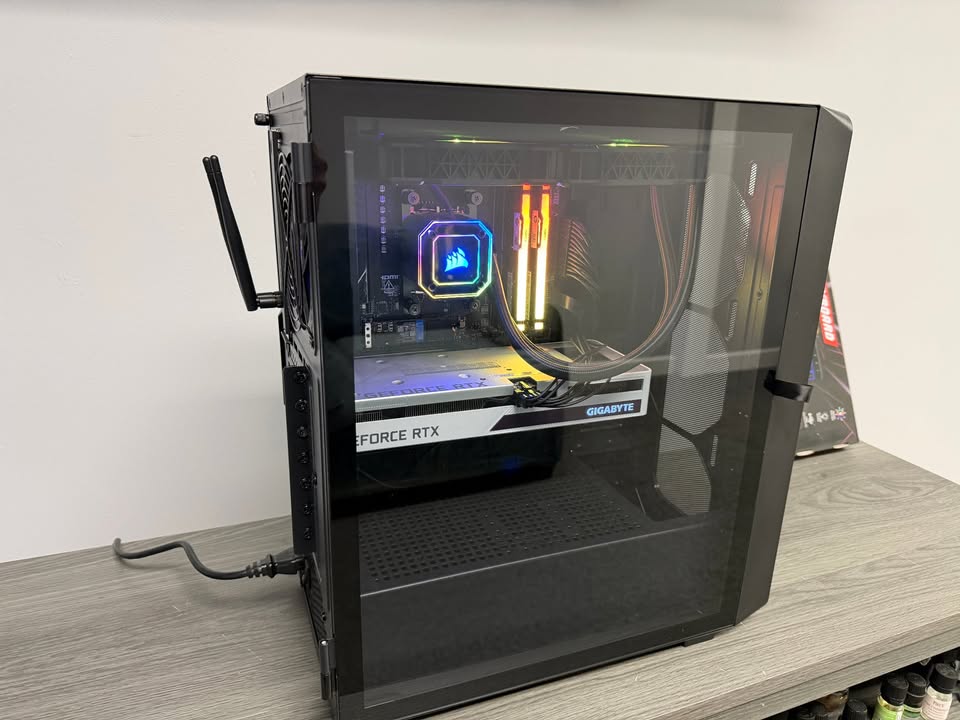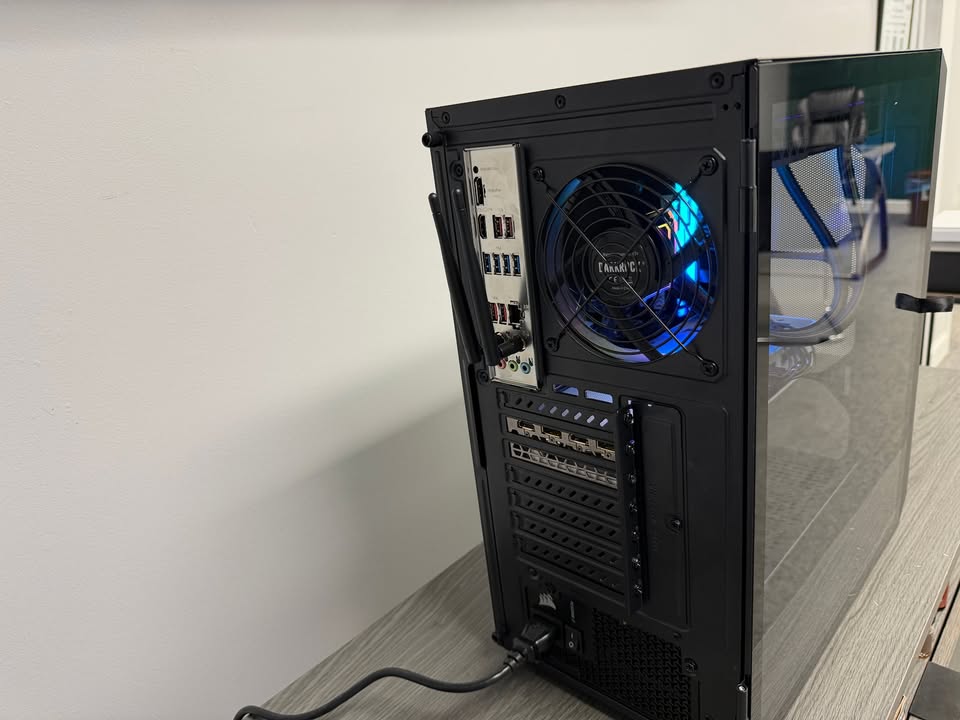
A desktop computer relies on its power supply more than any other component. When the power supply starts to fail, it often sends warning signs long before complete shutdown happens. Ignoring these symptoms can lead to sudden system failure, data loss, or even permanent damage to other hardware parts.
At GeekzUP Repairs in Hendersonville TN, power supply issues are one of the most common reasons desktops stop working unexpectedly. Catching the problem early can save you time, money, and stress.
Random Shutdowns and Restarts
One of the earliest signs of desktop power supply failure is random shutdowns. Your computer may turn off suddenly while working, gaming, or even sitting idle. In some cases, it may restart on its own without warning.
This happens when the power supply cannot deliver stable voltage to your system. As components demand more power, the failing unit struggles to keep up and cuts out unexpectedly.
Computer Will Not Turn On
When a power supply is severely damaged, the desktop may not power on at all. Pressing the power button results in no lights, no fans, and no sounds.
In some situations, the fans may start briefly and then stop. This is often a clear indication that the power supply is no longer able to maintain proper current flow.
Burning Smell or Unusual Noises
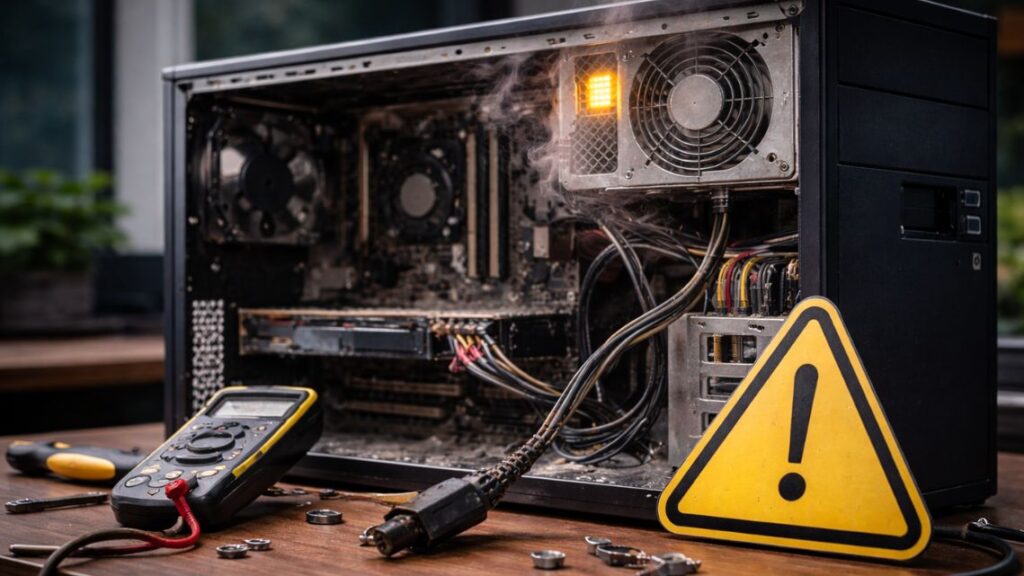
A burning smell coming from your desktop should never be ignored. It often means internal components of the power supply are overheating or have already failed.
You may also hear clicking, buzzing, or high pitched noises coming from the back of the computer. These sounds usually signal failing capacitors or internal electrical damage and require immediate attention.
Blue Screens and System Crashes
Frequent blue screen errors can sometimes be traced back to unstable power delivery. When the power supply sends inconsistent voltage, the motherboard and processor cannot function reliably.
These crashes may appear random and difficult to diagnose, but power instability is often the hidden cause, especially on older desktops.
USB Devices and Components Stop Working
A failing power supply can cause connected devices to behave unpredictably. USB devices may disconnect on their own, external drives may stop responding, or internal components such as graphics cards may fail to initialize properly.
Because every component depends on the power supply, instability affects the entire system.
Overheating and Fan Problems
If your desktop fans spin inconsistently or fail to spin at all, the power supply may not be delivering enough power. This can lead to overheating, which further damages internal components and reduces system lifespan.
Overheating combined with power issues often accelerates complete system failure.
Why You Should Not Ignore These Symptoms
Power supply failure rarely fixes itself. Once symptoms start appearing, the risk of damage increases with continued use. A failing unit can harm the motherboard, storage drives, and graphics card, multiplying repair costs.
Replacing a faulty power supply early is one of the most cost effective ways to prevent larger hardware failures.
How GeekzUP Repairs Diagnoses Power Supply Issues
At GeekzUP Repairs, we use professional testing equipment to measure voltage output and stability. Our technicians determine whether the issue is isolated to the power supply or if other components were affected.
We provide honest recommendations and replace only what is necessary. Our focus is on desktop and computer repair, ensuring specialized service and careful handling of every system.
Final Thoughts
Desktop power supply failure symptoms are often overlooked until it is too late. Random shutdowns, strange smells, crashes, and power issues are all warning signs that should never be ignored.
If your desktop shows any of these symptoms, GeekzUP Repairs is here to help. Early diagnosis can protect your data, extend hardware life, and prevent costly damage.