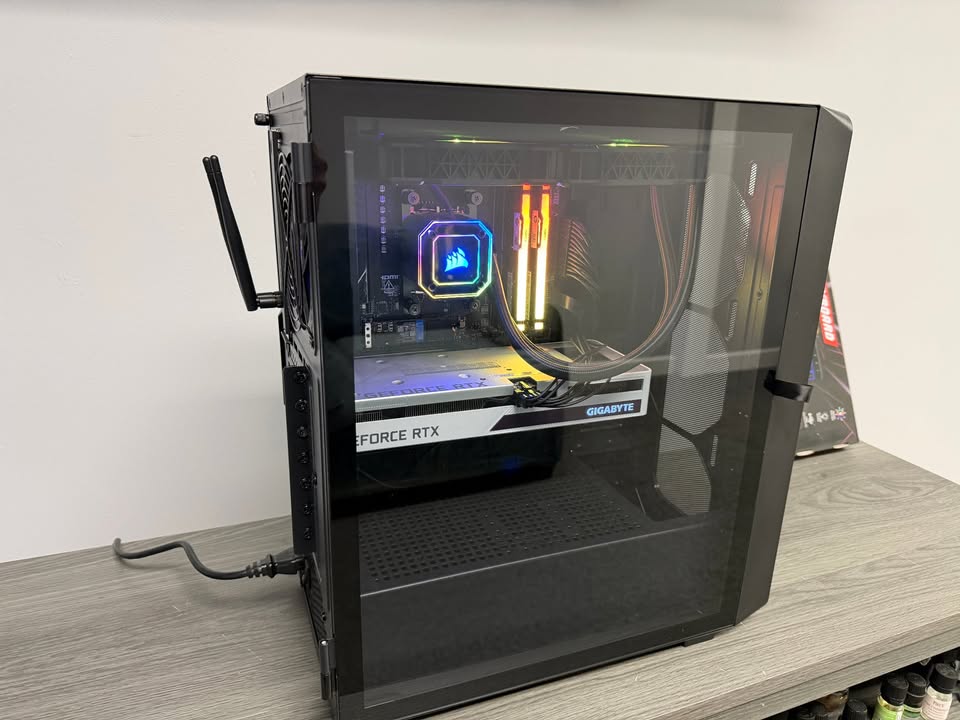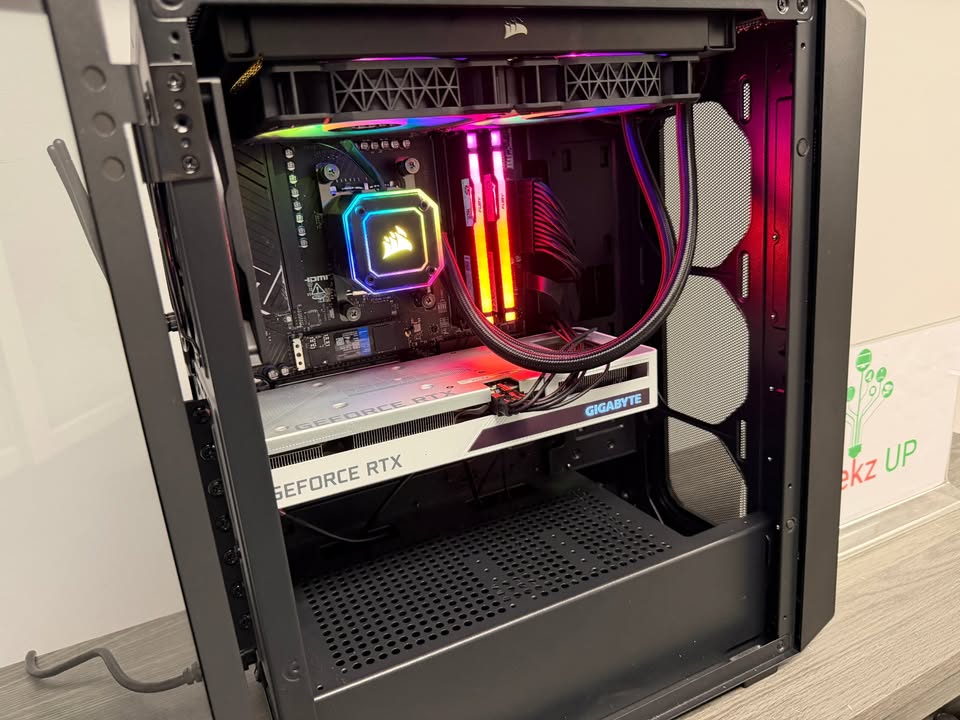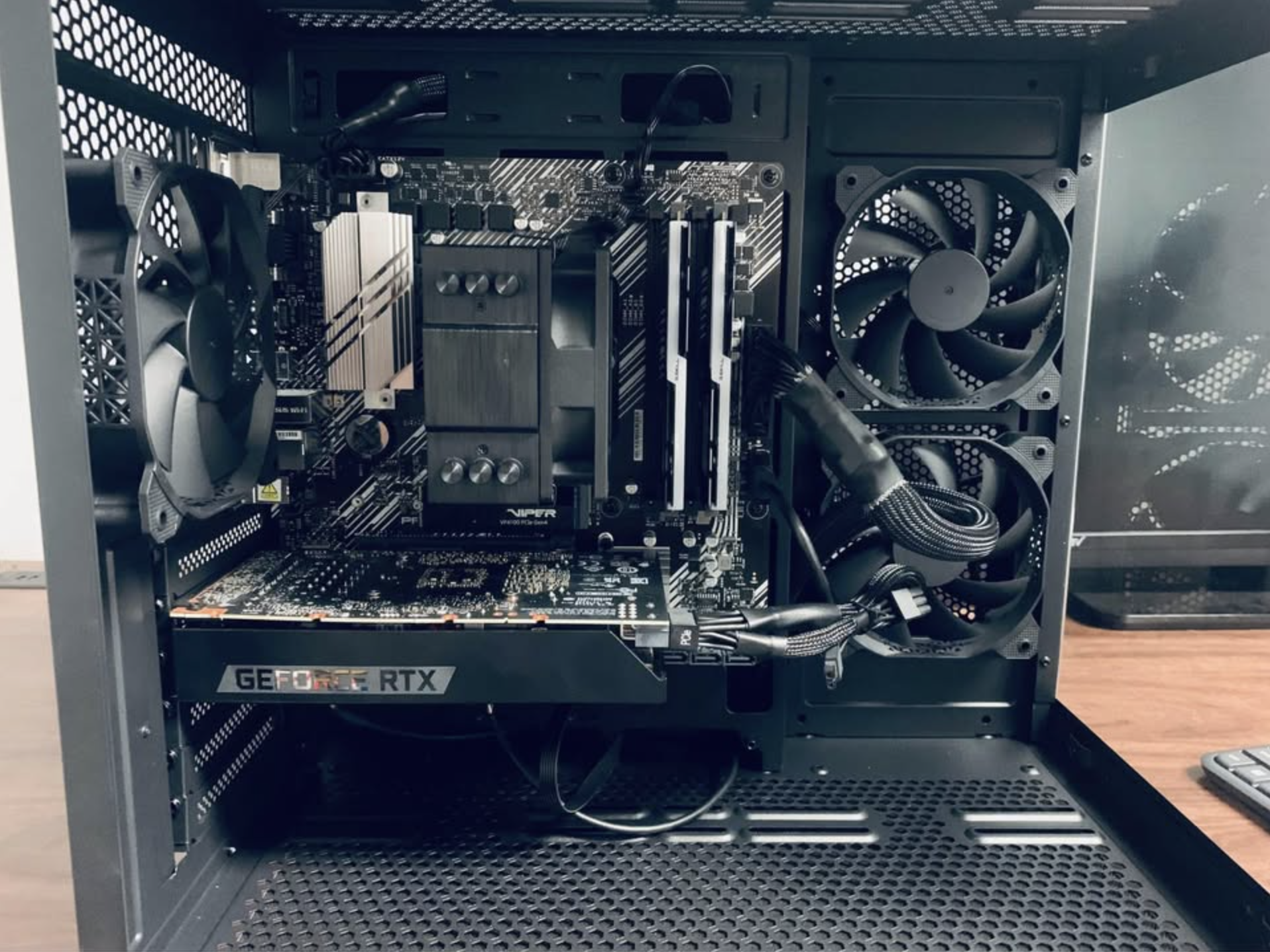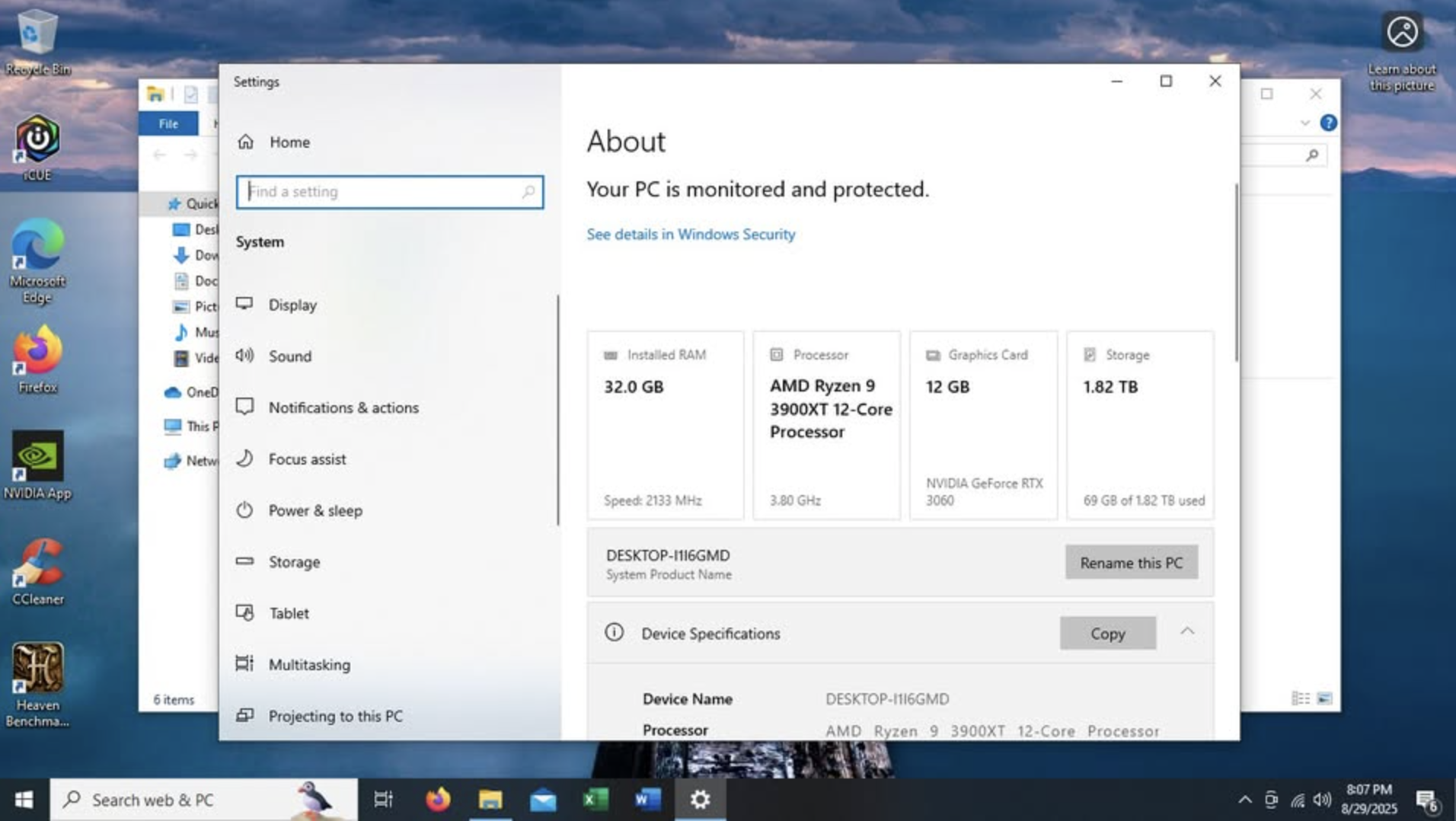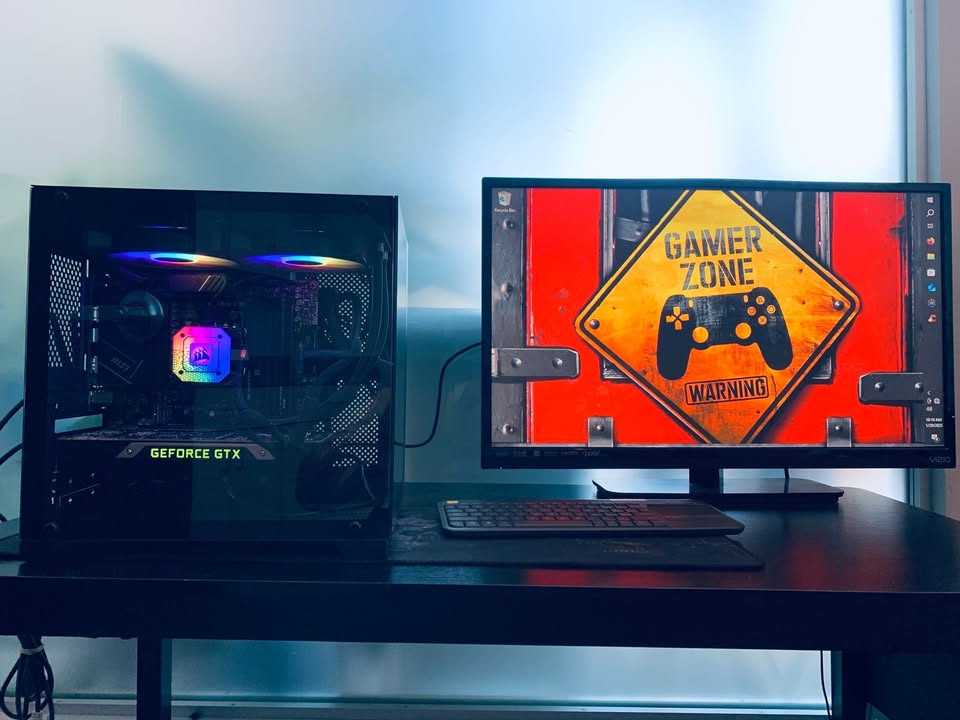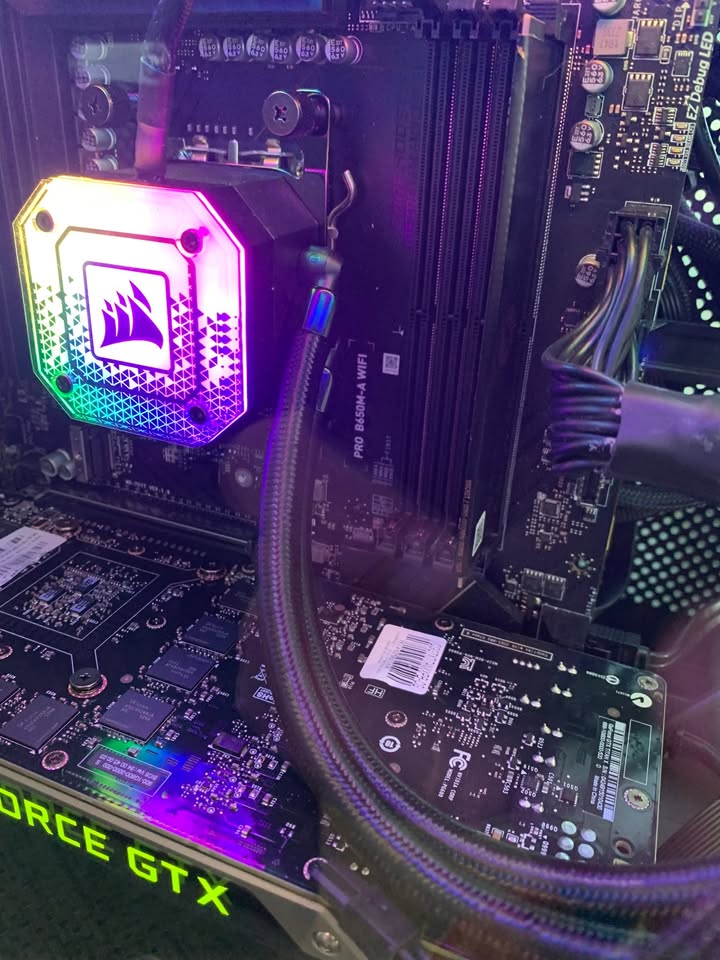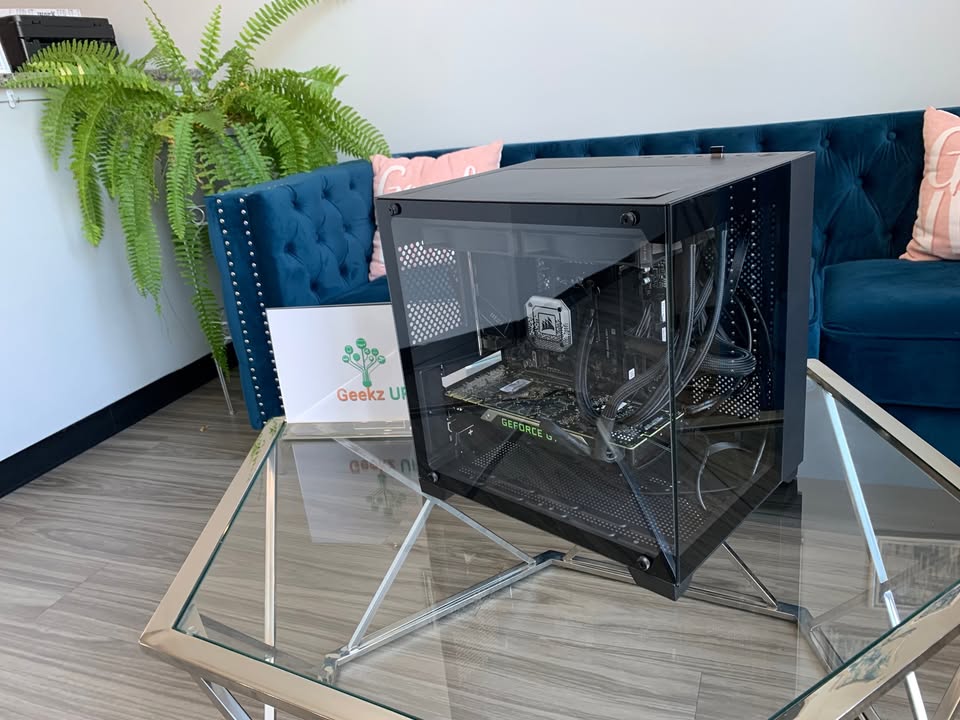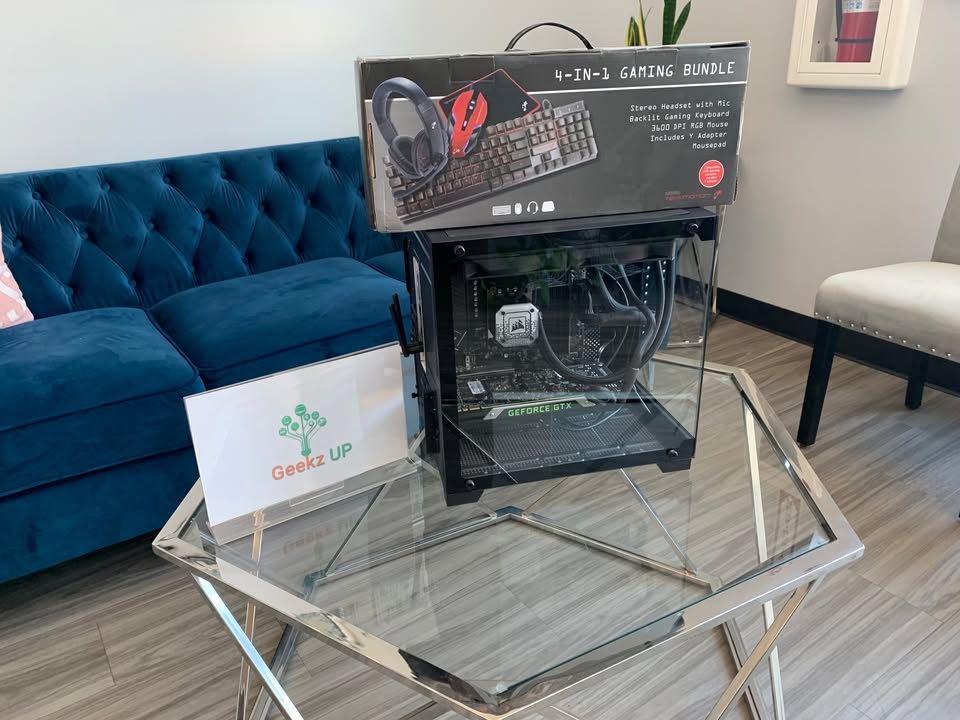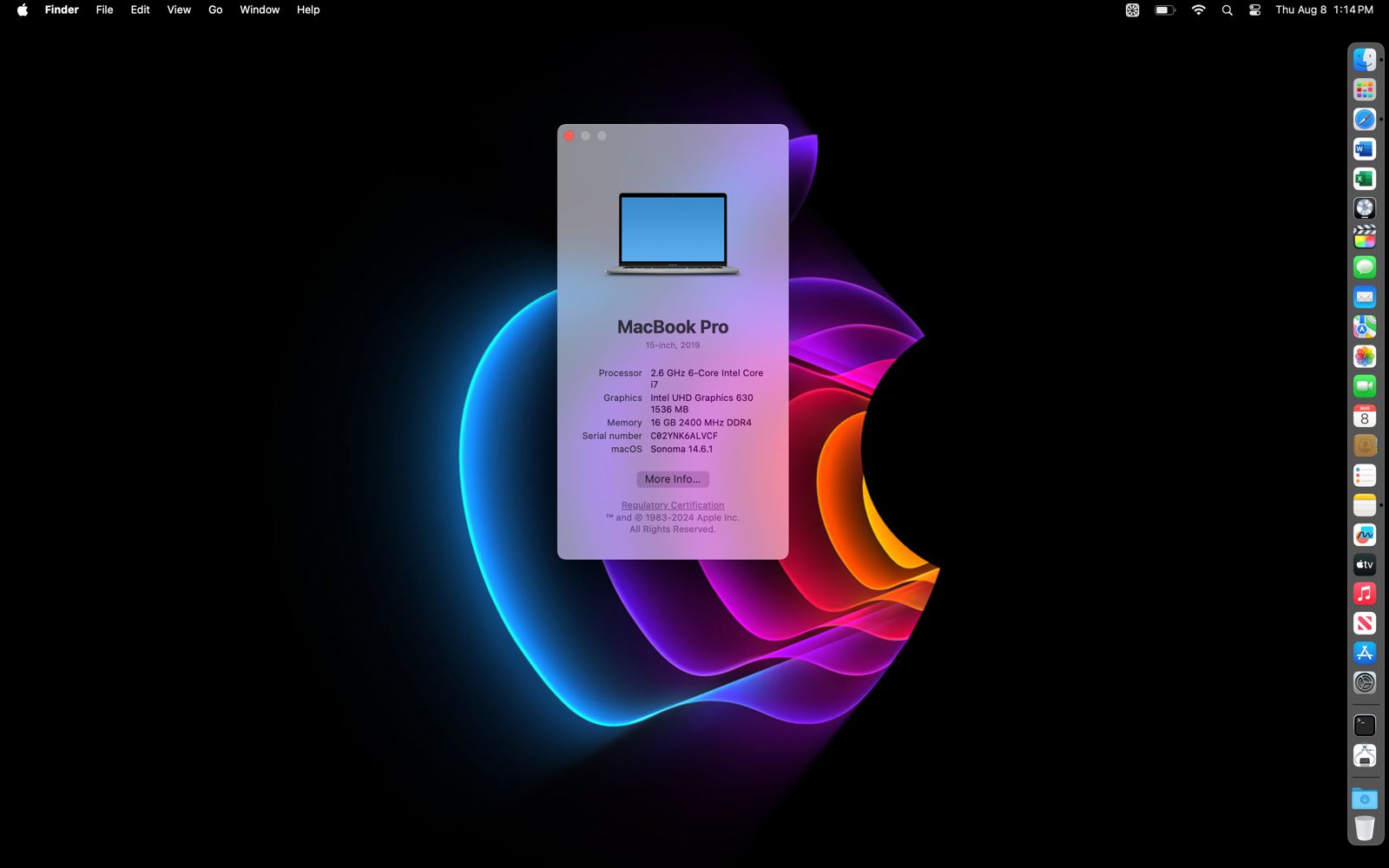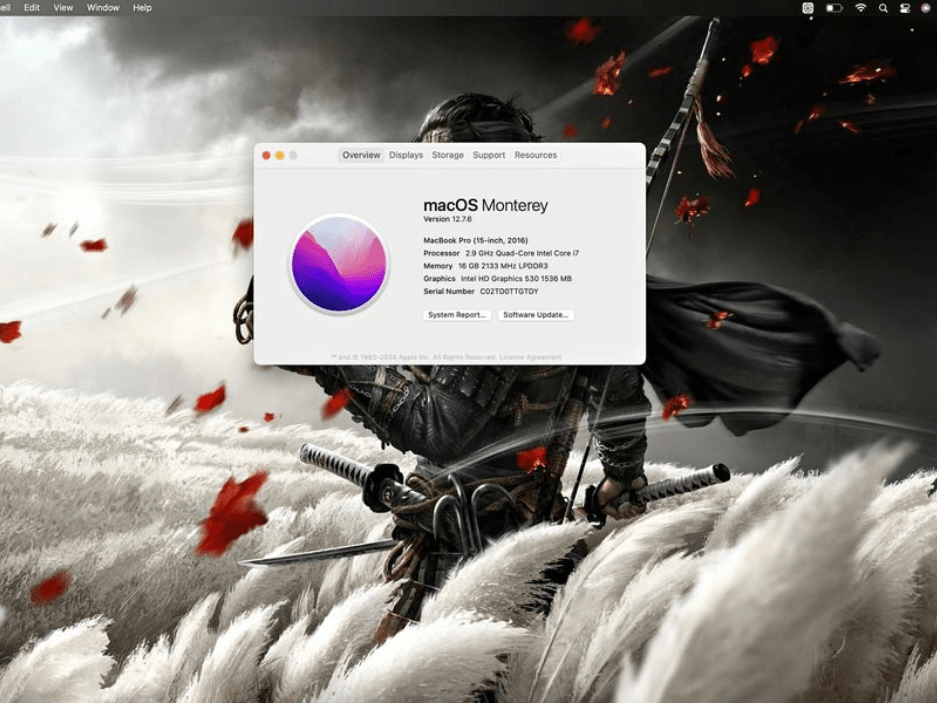
Understanding different RAM types (DDR3 vs DDR4 vs DDR5) is essential for anyone building or upgrading a computer in 2025. RAM, or Random Access Memory, directly affects how smoothly your system handles applications, games, and multitasking. Over the years, RAM technology has evolved from DDR3 to DDR4 and now DDR5, each generation offering better speed, efficiency, and overall performance. Knowing the difference can help you make smarter decisions when choosing memory for your PC.
Why RAM Type Matters in Performance
RAM is the temporary storage that your computer uses to access data quickly. The type and speed of RAM you choose can affect boot times, application loading, and gaming performance. For gamers, content creators, and professionals, upgrading to the latest generation can mean smoother gameplay, faster rendering, and more responsive multitasking.
At GeekzUP Repairs, we regularly guide customers on the right RAM choice for their needs, ensuring a perfect balance between speed, capacity, and budget.
Understanding Different RAM Types (DDR3 vs DDR4 vs DDR5) in Detail
DDR3
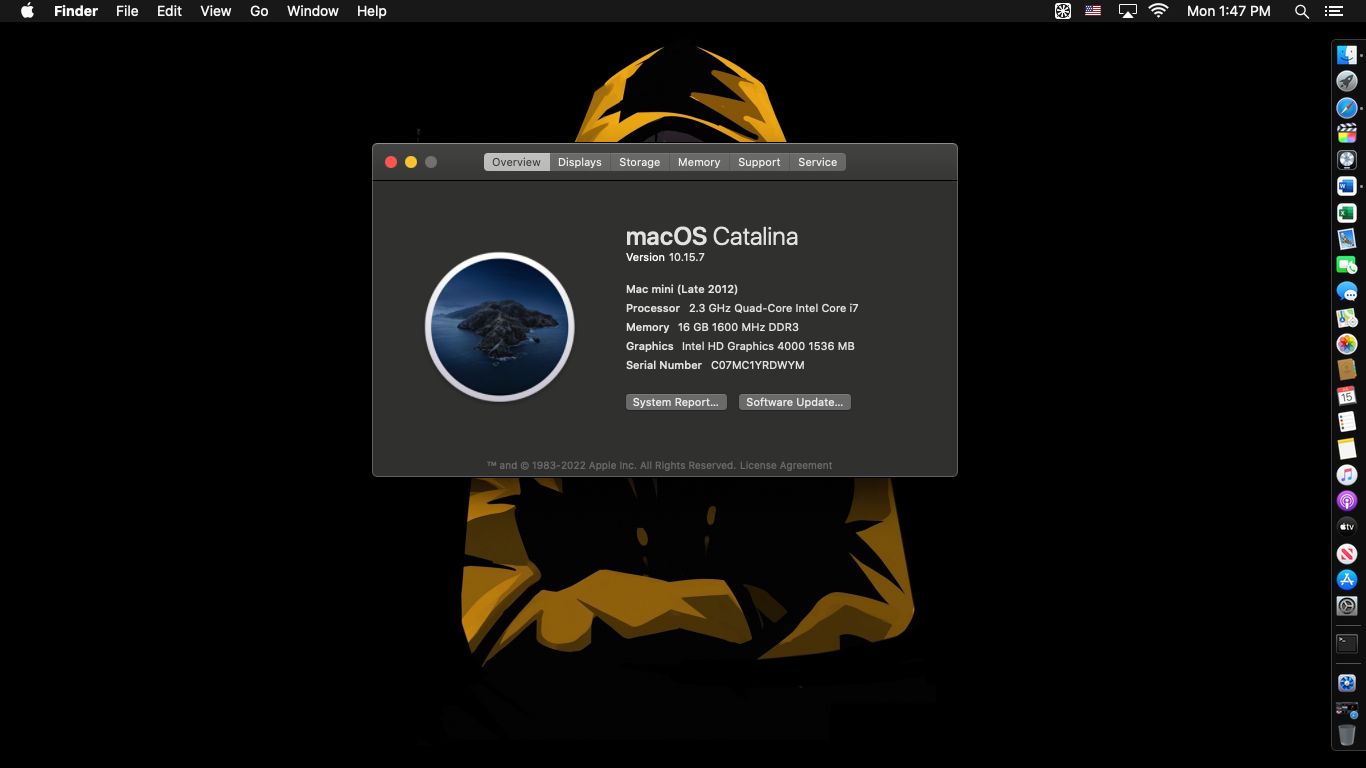
DDR3 RAM was widely used in systems from around 2007 to 2015. It offered higher speeds compared to DDR2 and was considered a major leap forward in memory performance at the time. However, it is now considered outdated for modern gaming and heavy workloads.
DDR4
DDR4 RAM became the standard in most PCs from 2015 onward. It offered better speeds, lower voltage requirements, and improved multitasking performance compared to DDR3. Even today, DDR4 remains a solid choice for mid-range gaming builds and general-purpose systems.
DDR5
DDR5 RAM is the latest generation, offering significantly higher bandwidth and better efficiency than DDR4. It allows for faster data transfer, improved multitasking, and better support for modern CPUs and GPUs. For high-end gaming, video editing, and 3D rendering, DDR5 is currently the best choice.
Gaming Performance Across RAM Types
While RAM speed alone does not drastically increase FPS, it can improve overall stability and reduce stuttering in games. Modern AAA titles often benefit from DDR4 and DDR5 because these modules can handle larger textures and game assets more efficiently.
For example, when testing popular games like Cyberpunk and Call of Duty on systems with DDR3, DDR4, and DDR5, we found DDR5 systems loaded maps faster and experienced fewer in-game hitches. DDR4 performed well for most games but could not match DDR5’s speed in heavier workloads.
Capacity vs Speed: What Should You Prioritize?
Many users wonder whether to invest in higher capacity or faster RAM. The answer depends on your needs. For gaming, 16GB of DDR4 or DDR5 is usually enough, while content creators may benefit from 32GB or more. Speed matters most for heavy workloads, but capacity ensures your system can handle multiple programs at once without slowing down.
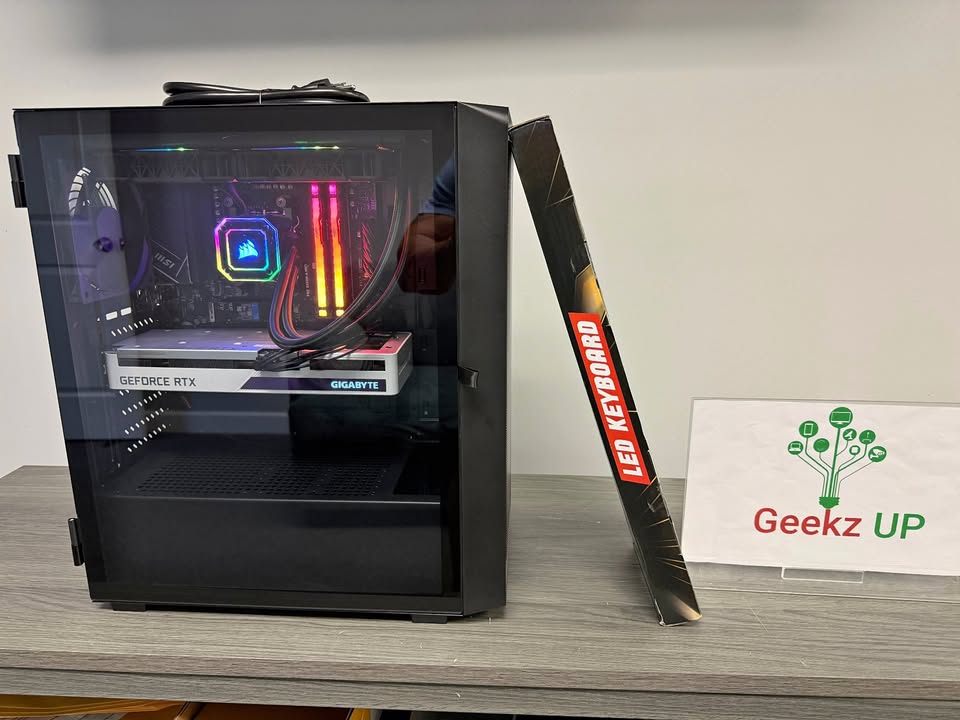
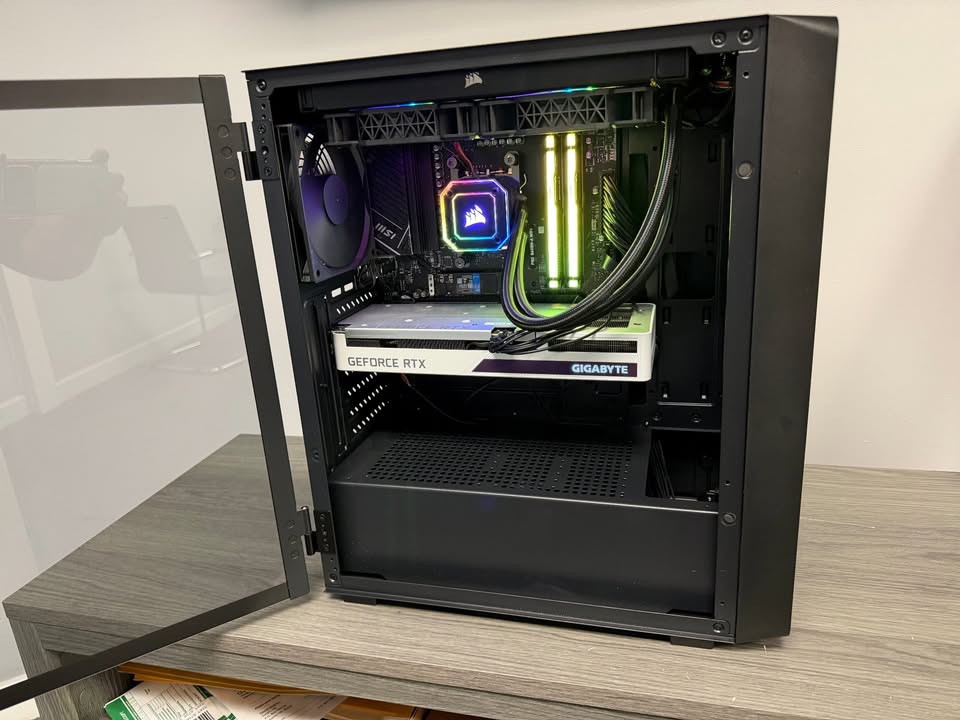
When we build custom gaming PCs, we often recommend DDR5 for future-proofing, especially for gamers planning to keep their system for the next 5 to 7 years.
Compatibility Considerations
Before upgrading RAM, it is important to check your motherboard’s specifications. DDR3, DDR4, and DDR5 are not cross-compatible due to different physical notches and electrical requirements. Installing the wrong type will not work and can potentially damage components.
At GeekzUP Repairs, we provide free compatibility checks for customers to ensure they get the right memory that works perfectly with their setup.
Conclusion
Choosing between DDR3, DDR4, and DDR5 depends on your current hardware, performance needs, and budget. While DDR3 is now outdated, DDR4 remains a cost-effective choice, and DDR5 offers the best performance for modern gaming and productivity. If you want the smoothest, most responsive system, upgrading to DDR5 is the way to go.
For professional guidance and installation, visit our contact page or drop by our store to speak with an expert.