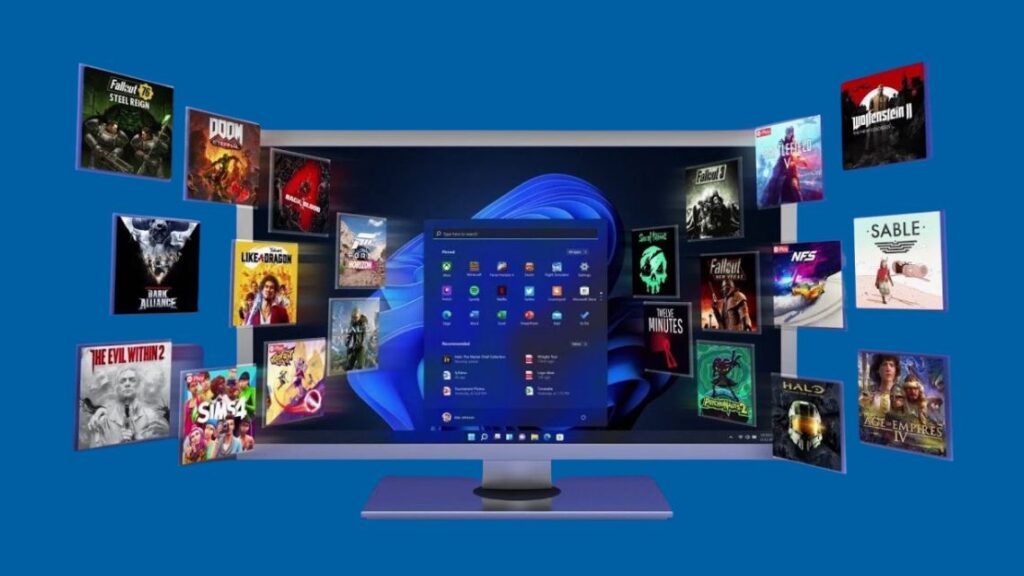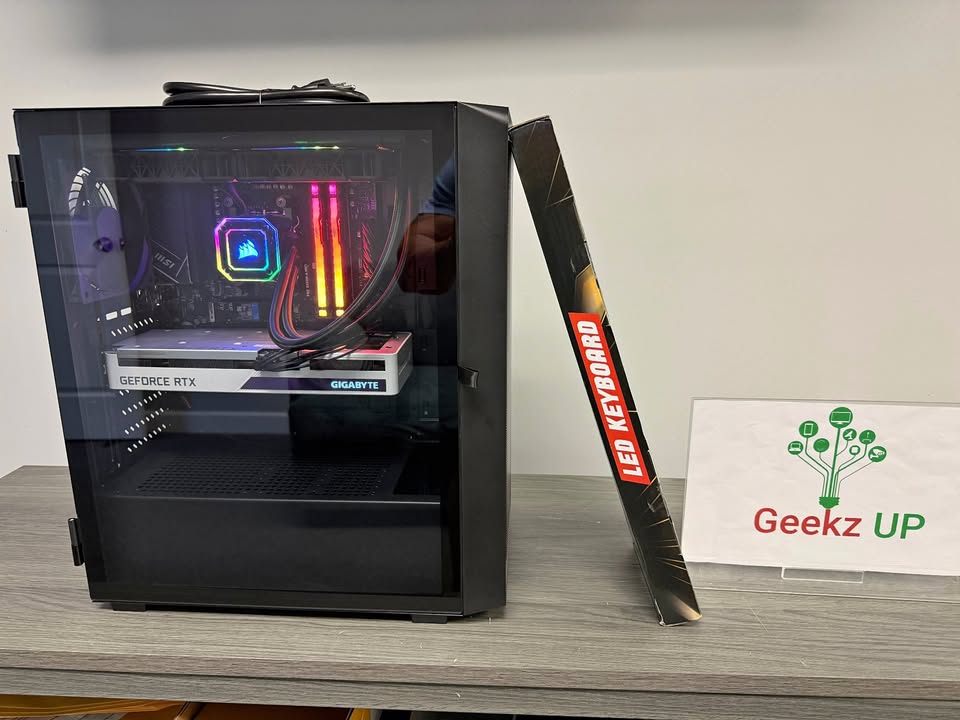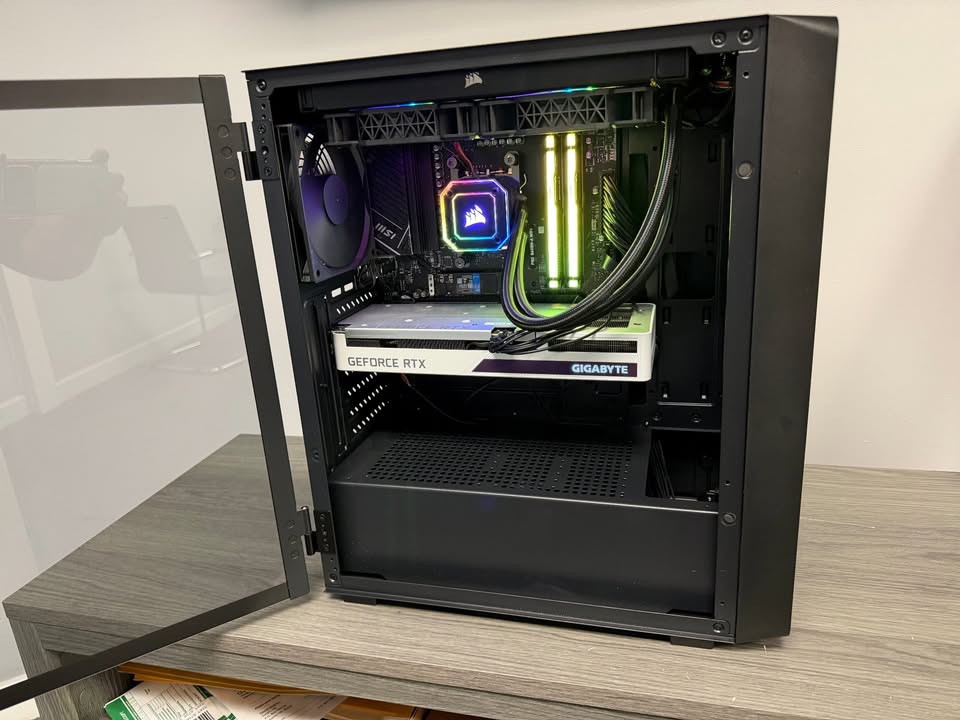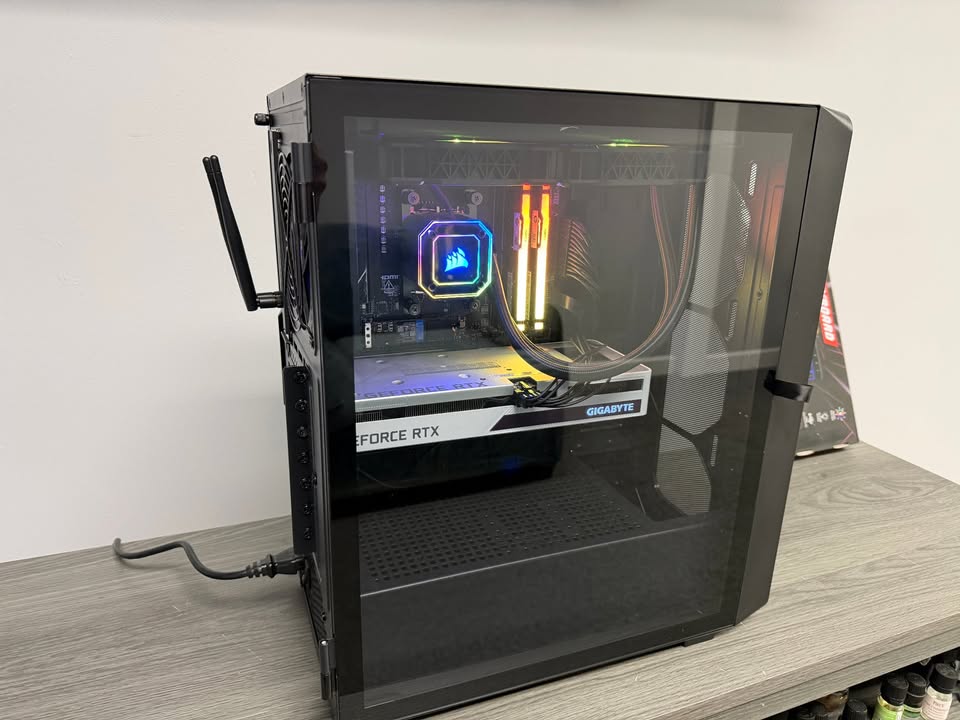
Top Windows 11 Problems Every Gamer Faces Today have become one of the most searched topics among PC users. Microsoft promised that Windows 11 would be a gamer’s dream with features like DirectStorage, Auto HDR, and improved performance. Yet many players still struggle with real issues that disrupt their gaming experience. From compatibility concerns to system updates gone wrong, these problems can turn what should be smooth gameplay into a frustrating mess.
Compatibility Issues with Older Games
One of the top Windows 11 problems every gamer faces today is compatibility with older titles. Games built for Windows 7 or even Windows 10 often run into crashes, missing textures, or unexpected error codes. Players who still enjoy classics find themselves installing community patches or emulators to keep their favorites alive. While Microsoft continues to push updates, compatibility remains a recurring complaint.
At GeekzUP Repairs, we see customers walk in every week struggling to get older games running on their new systems. This shows how widespread this issue has become.
Random FPS Drops and Stuttering
Another major Windows 11 problem every gamer faces today is inconsistent frame rates. Even on high-end systems with RTX GPUs and DDR5 RAM, users report sudden FPS drops or stuttering gameplay. Sometimes it happens right after a system update, while other times it occurs due to background services hogging resources. This problem is especially noticeable in competitive shooters where smooth performance is critical.
Driver Conflicts and Update Headaches
Drivers are the bridge between hardware and software, and Windows 11 has made that bridge shakier than ever. One of the top Windows 11 problems every gamer faces today involves drivers breaking after updates. For example, GPU drivers may suddenly stop functioning correctly, forcing players to roll back or reinstall. Audio drivers have also caused issues where headsets stop working in the middle of a match.
These kinds of problems often lead to downtime, which can be devastating for streamers and esports professionals who depend on reliability.
Background Apps Slowing Performance
Windows 11 introduced several new features and default applications that run constantly in the background. Unfortunately, this is another of the top Windows 11 problems every gamer faces today. Many players notice higher CPU and RAM usage even when their system is idle. During gameplay, these apps compete with the game itself for resources, leading to lag spikes and reduced performance.
Disabling unnecessary startup programs and services can help, but for less experienced users, this feels like an uphill battle.
Game Mode Not Always Working
Microsoft promoted Game Mode as a way to optimize performance by prioritizing system resources for the active game. However, one of the disappointing Windows 11 problems every gamer faces today is that Game Mode does not always deliver results. In some cases, enabling it leads to worse performance rather than improvements. This inconsistency leaves gamers unsure whether to use the feature at all.
Connectivity and Multiplayer Errors
Another recurring complaint is online connectivity. Gamers encounter frequent multiplayer issues on Windows 11, such as servers disconnecting, high ping, or voice chat not functioning correctly. These connectivity problems appear across different genres, from battle royale shooters to MMORPGs. The frustration grows when the same setup worked perfectly under Windows 10.
The Bigger Picture for Gamers
The list of top Windows 11 problems every gamer faces today highlights a bigger truth: while the system introduces exciting new technologies, it still struggles with stability. For casual gamers this may be an occasional nuisance, but for competitive players it is a serious disadvantage.
At GeekzUP Repairs, we recommend gamers keep their systems updated while also creating restore points before major updates. This way, if Windows 11 introduces a new problem, it is easier to roll back and keep playing without interruption.
Conclusion
Despite these frustrations, Windows 11 still has potential to become the best platform for gaming. Features like DirectStorage and Auto HDR point toward the future, but stability must come first. For now, the top Windows 11 problems every gamer faces today remind us that upgrading to the latest operating system does not always mean a smoother experience.
For more gaming tips and PC insights, explore our other blogs like Best Budget Gaming PC Build Under 1000 and Mistakes to Avoid When Building a Gaming PC.