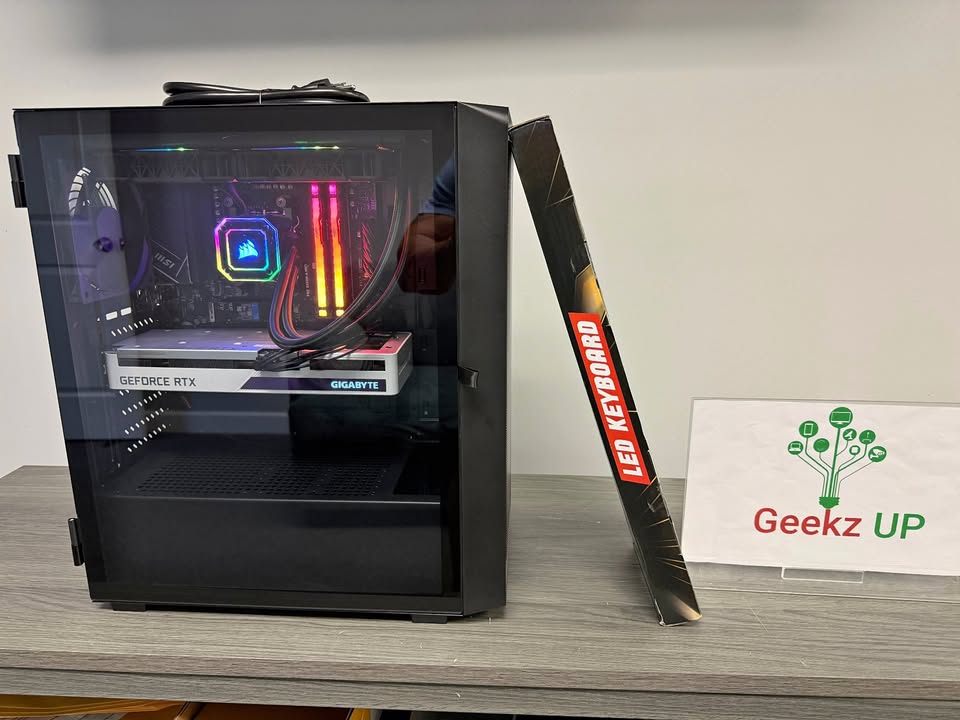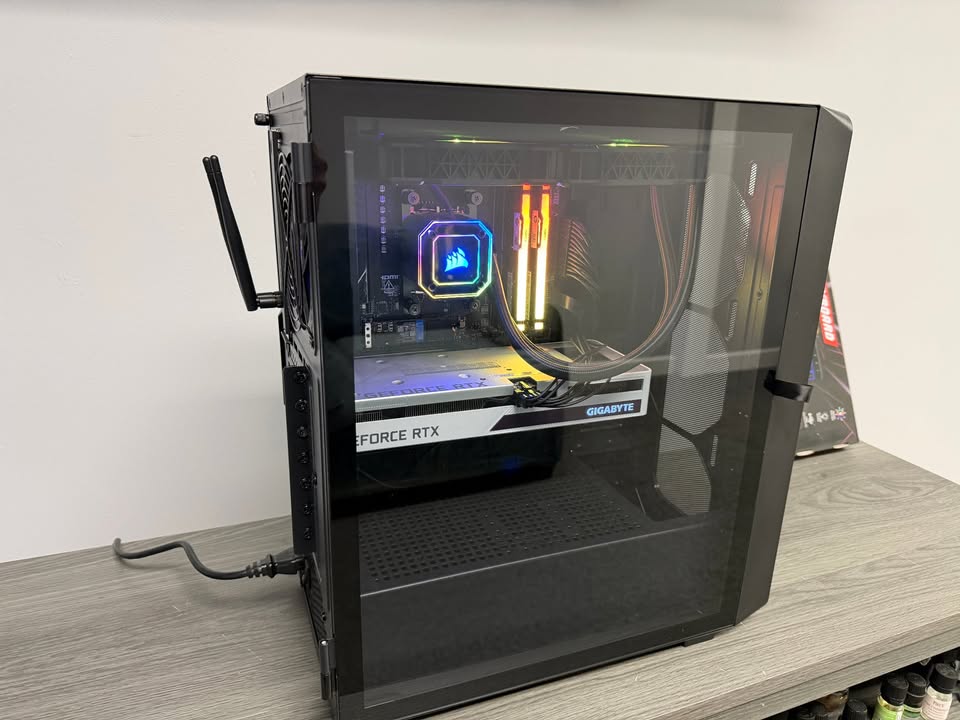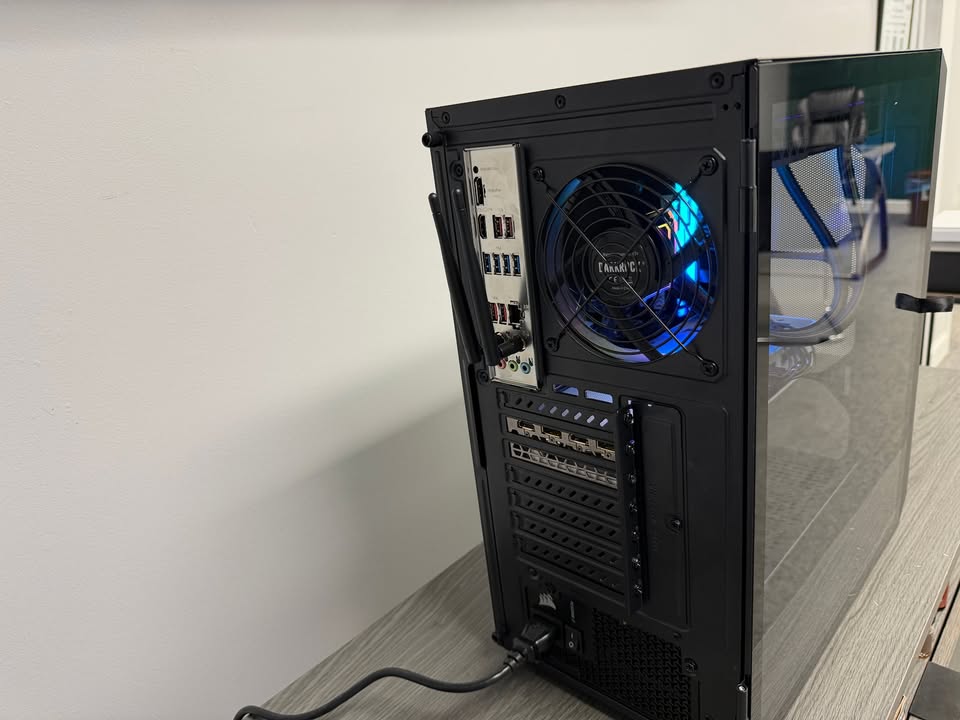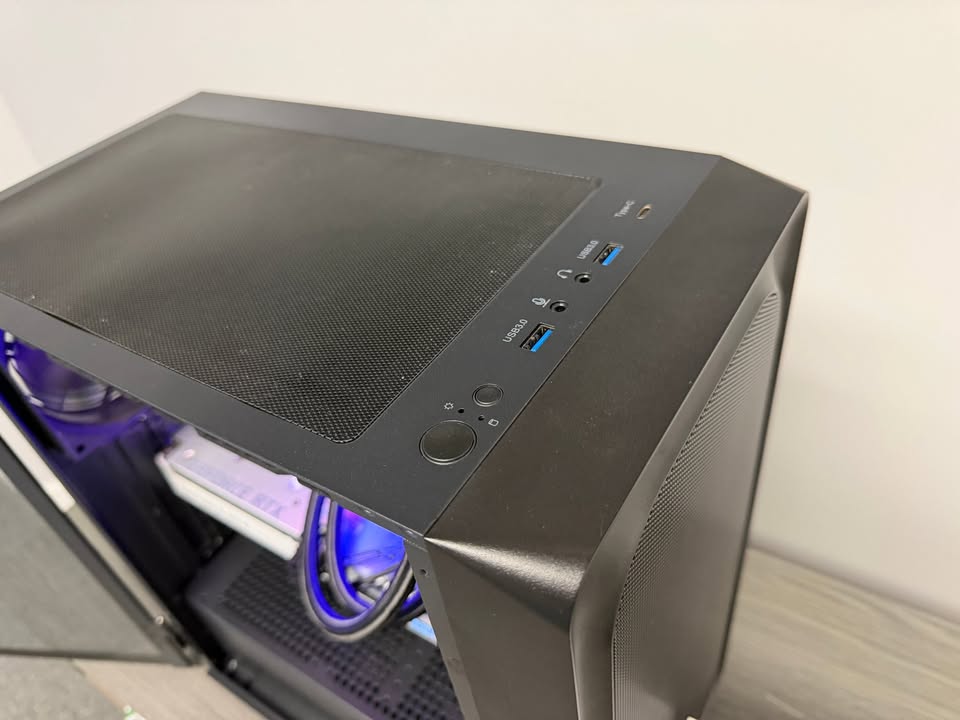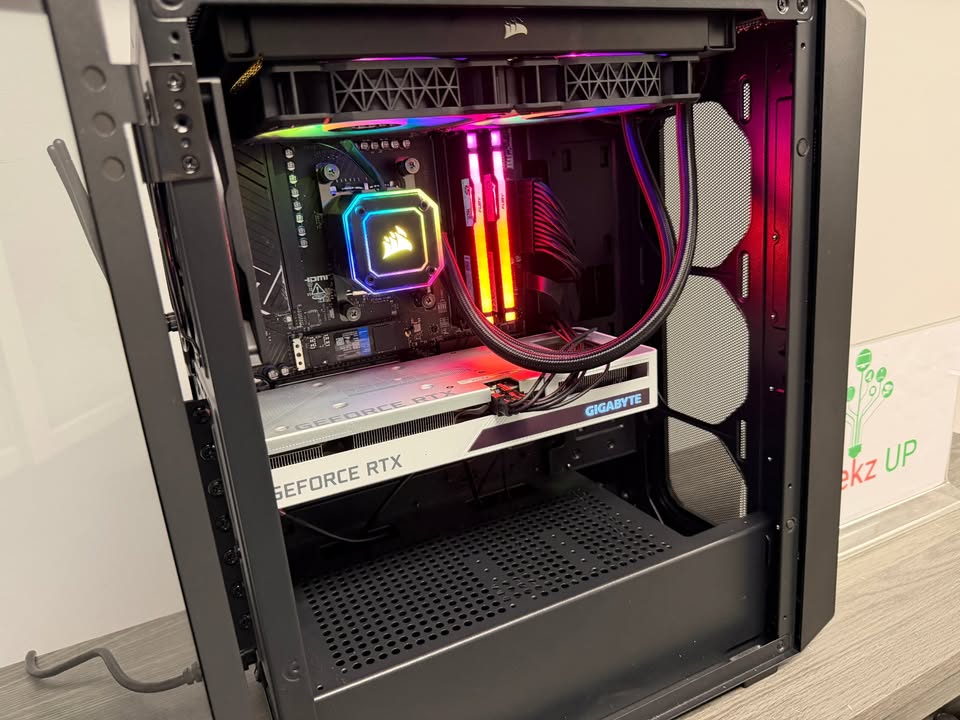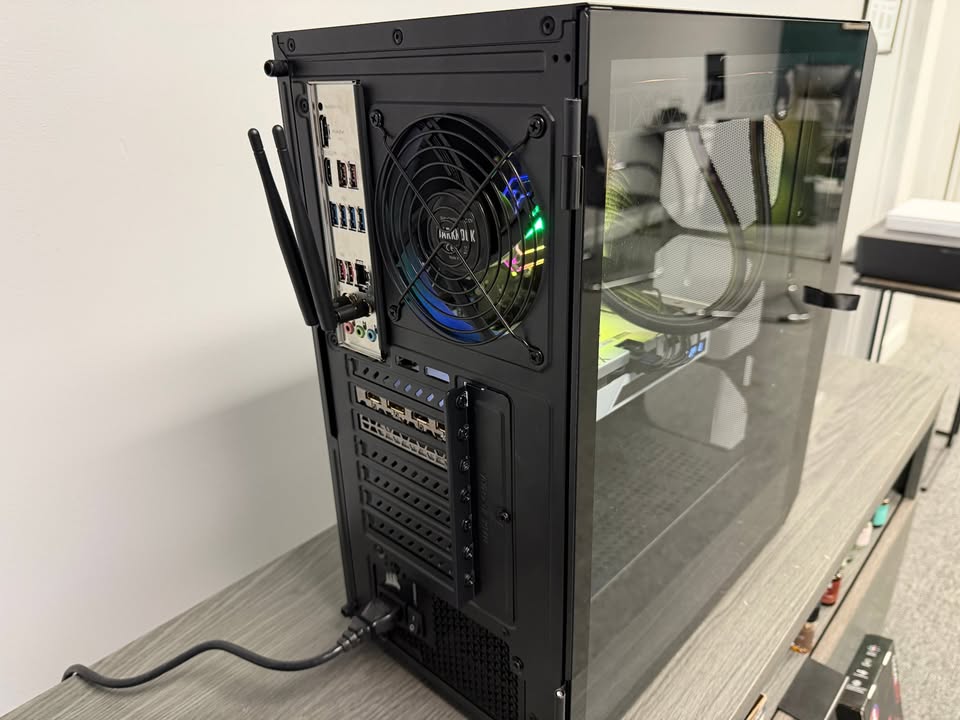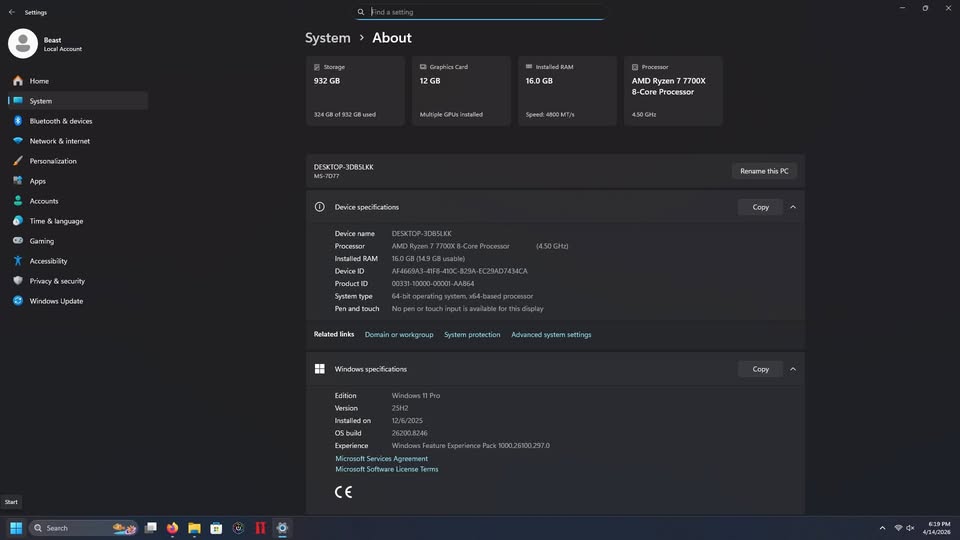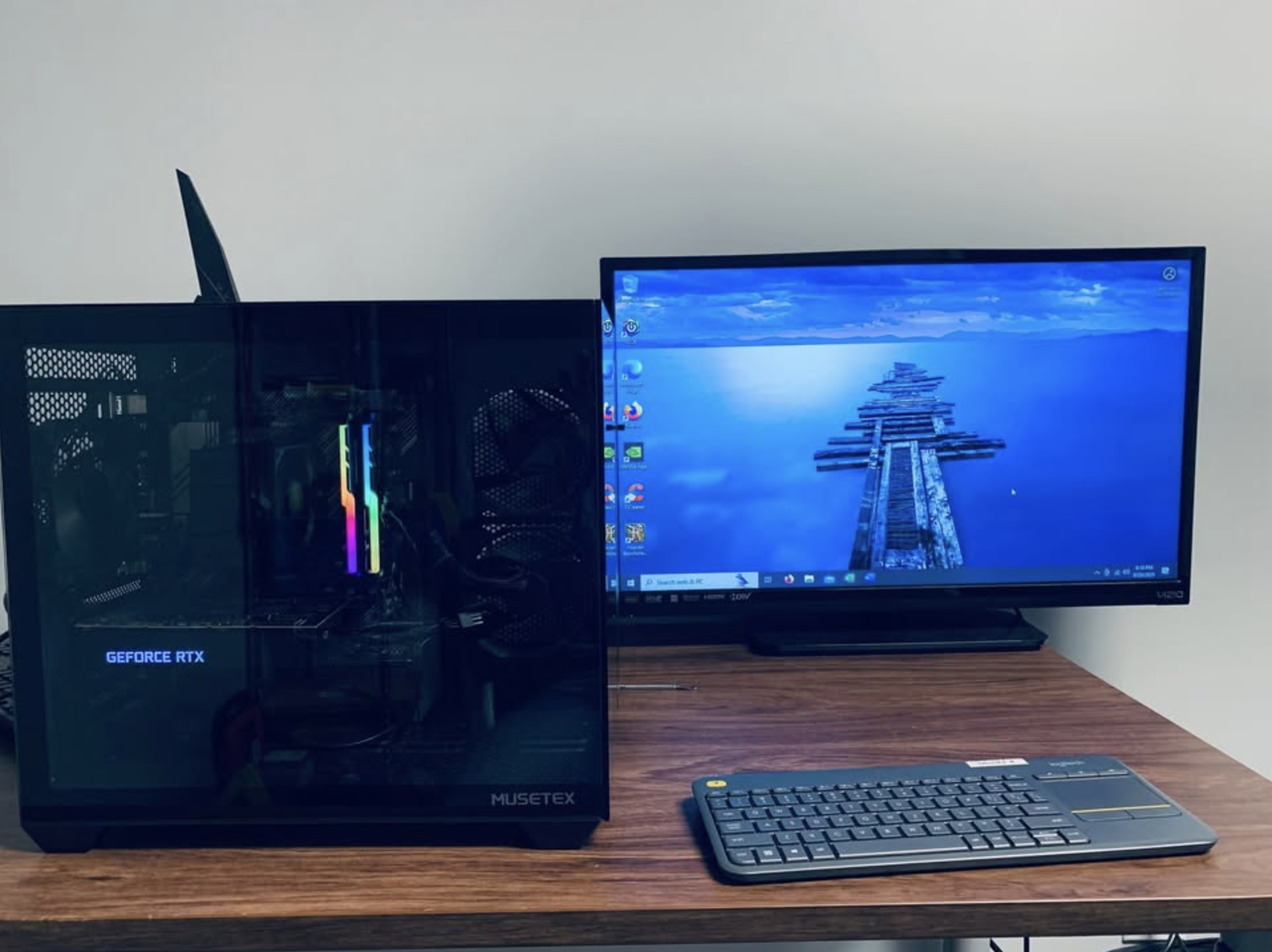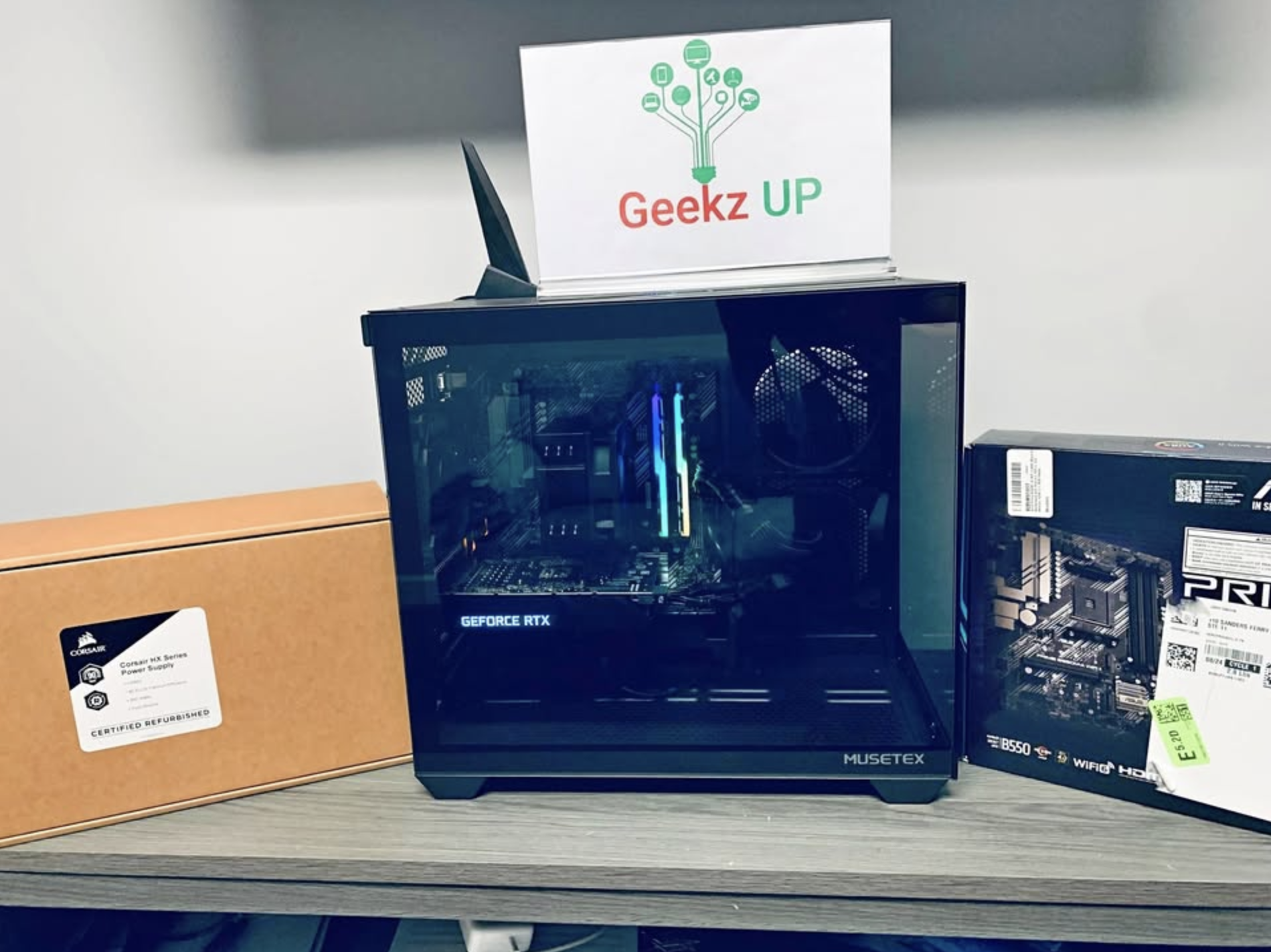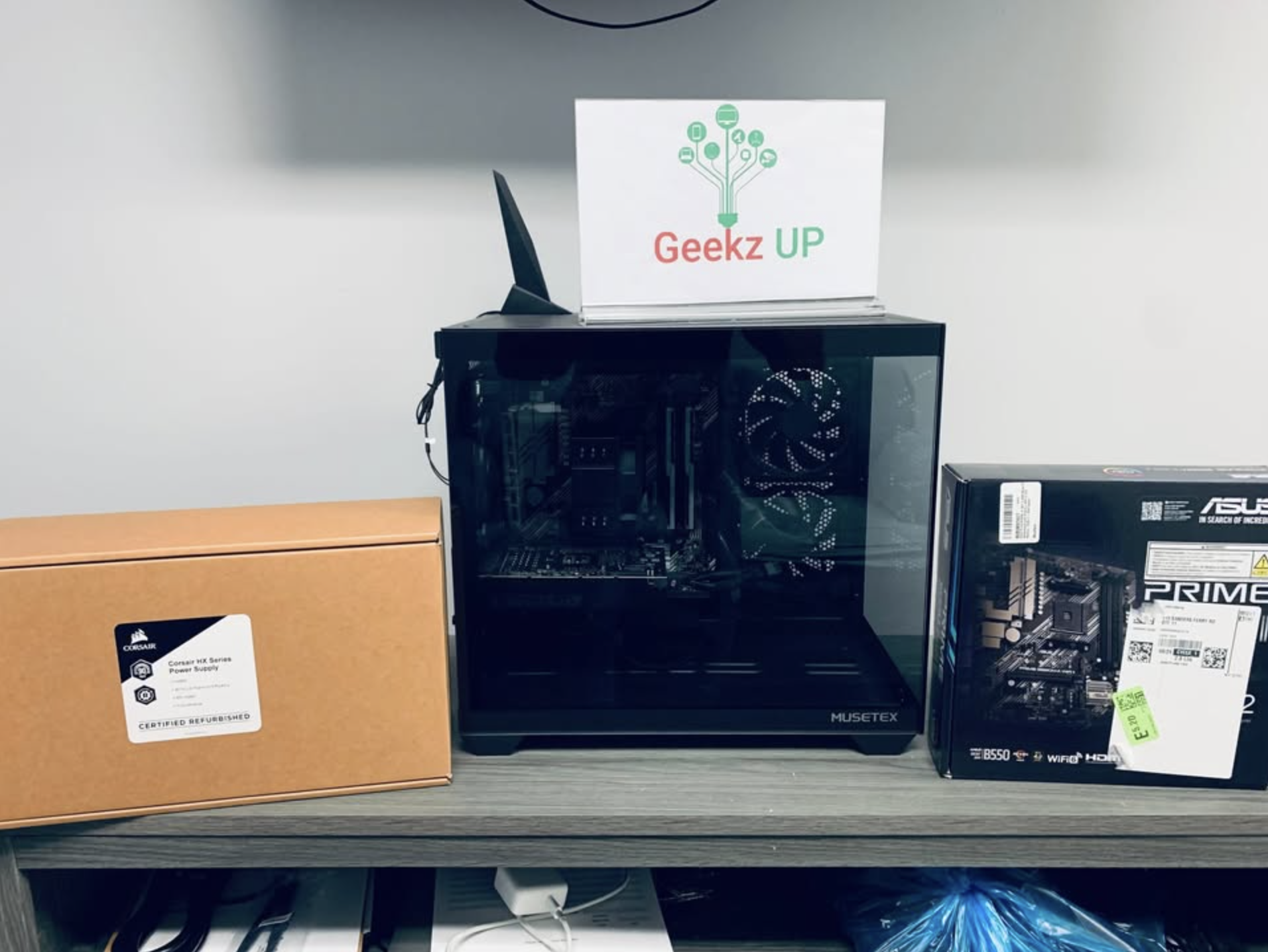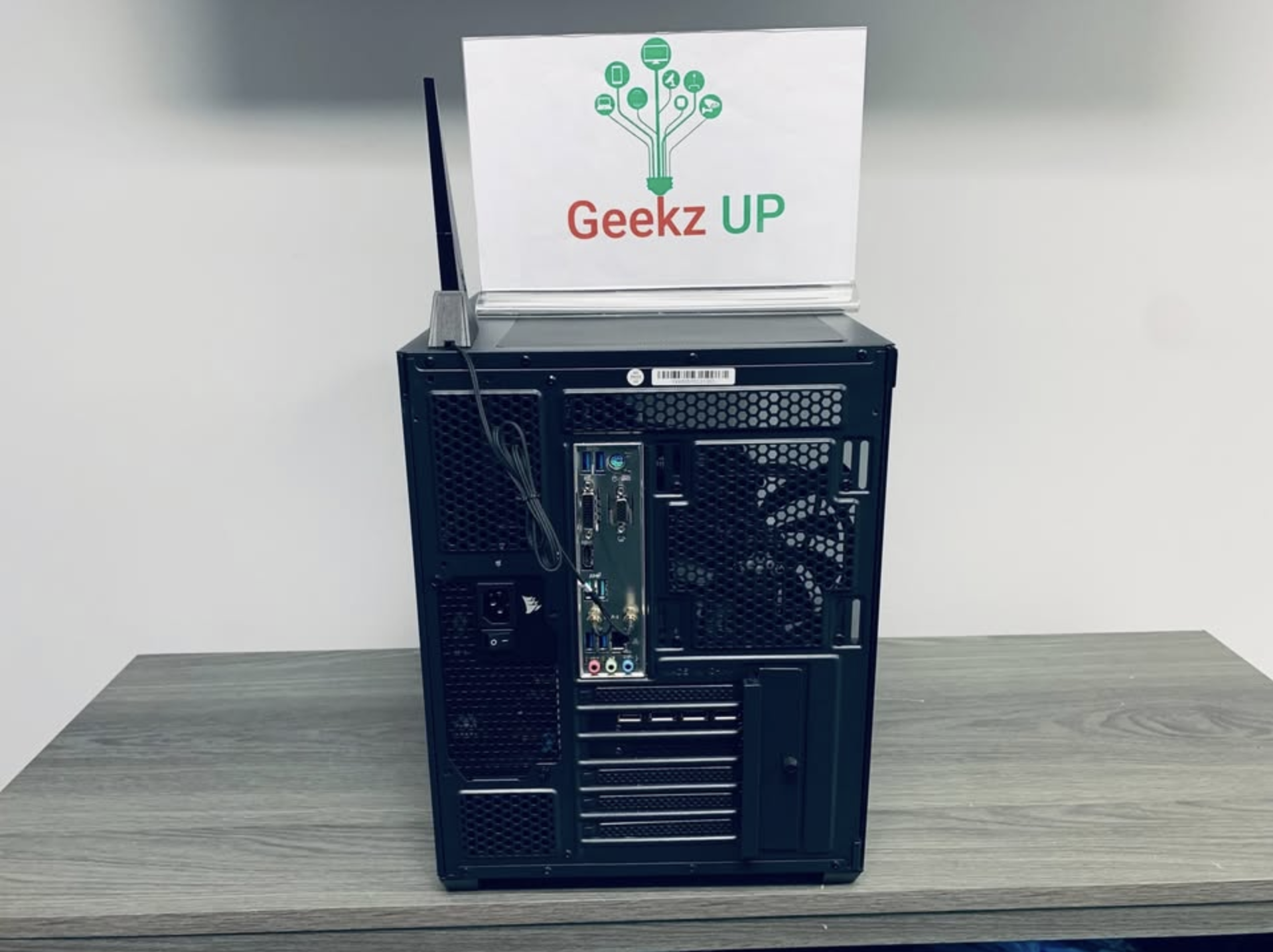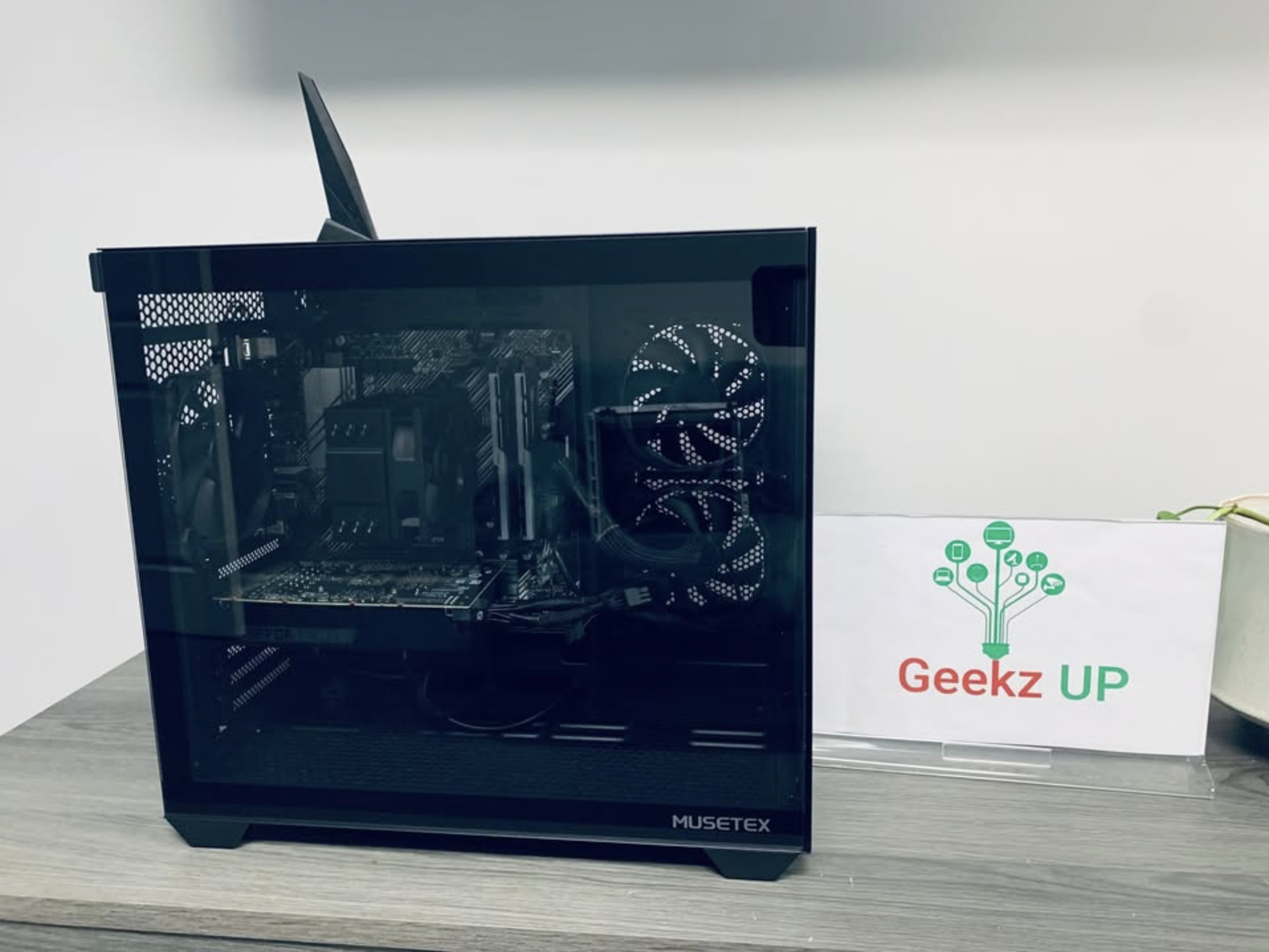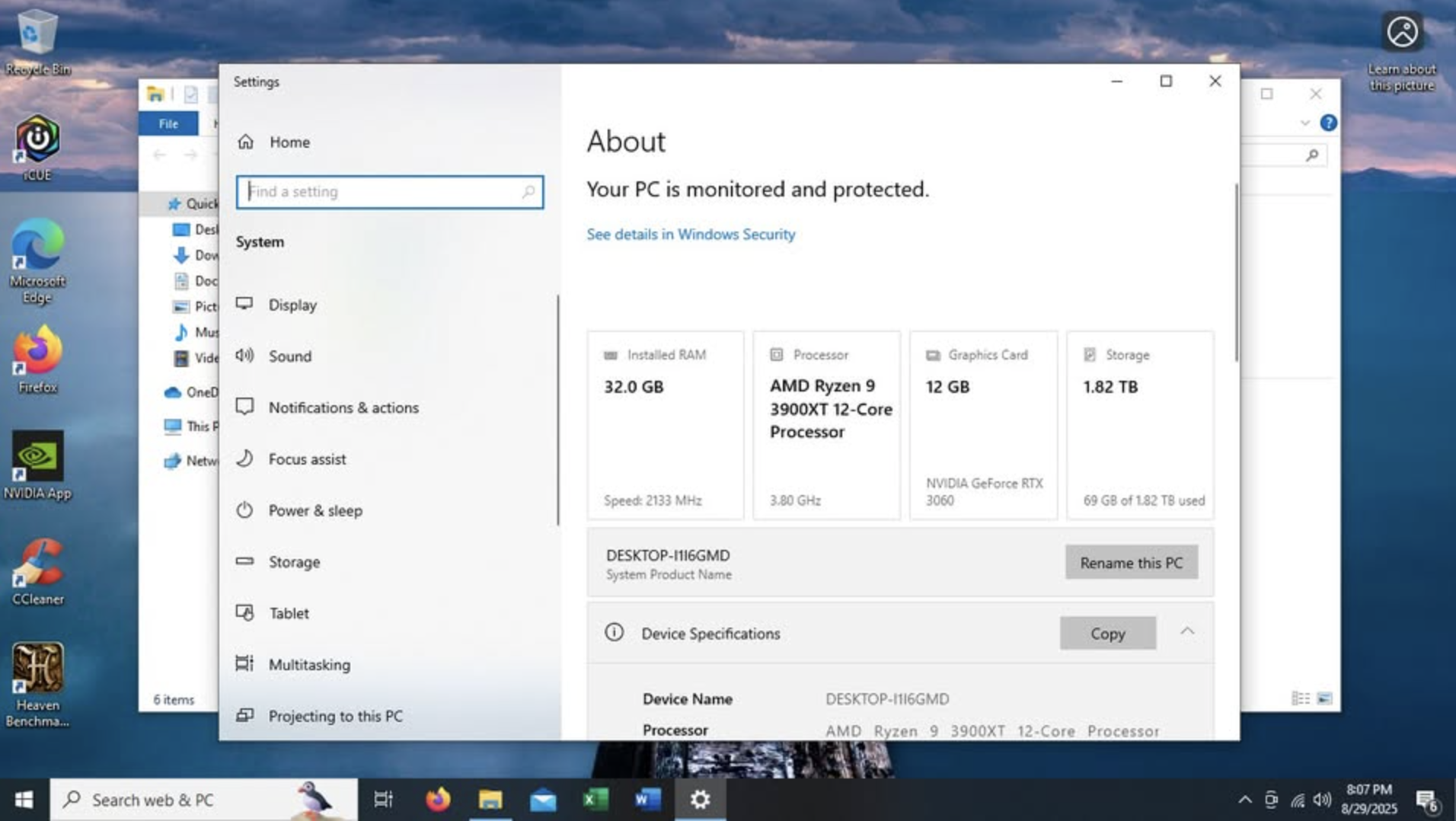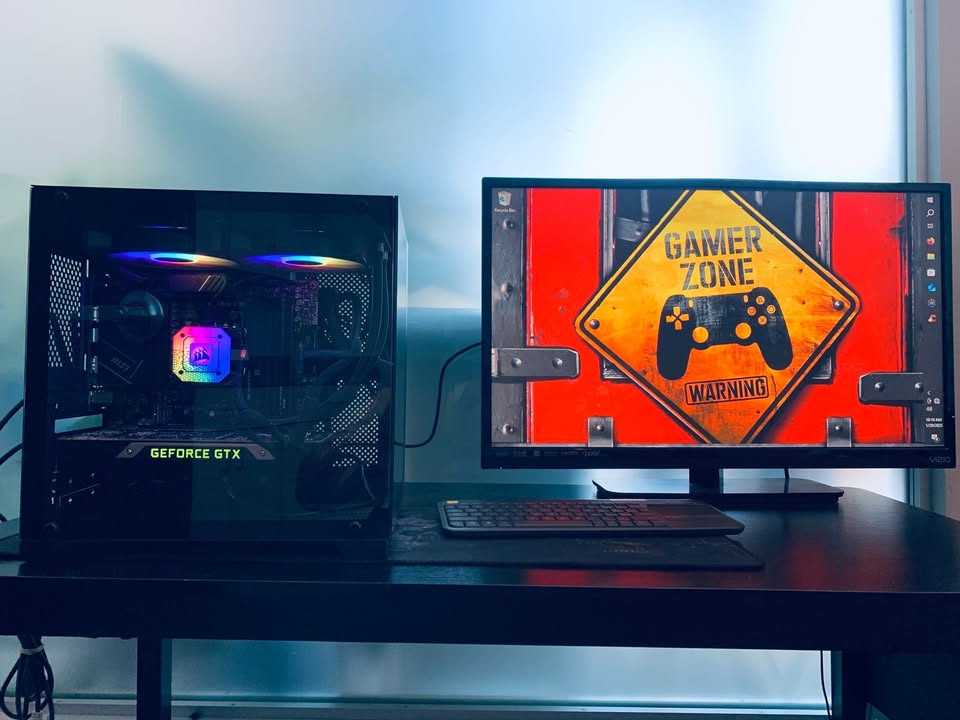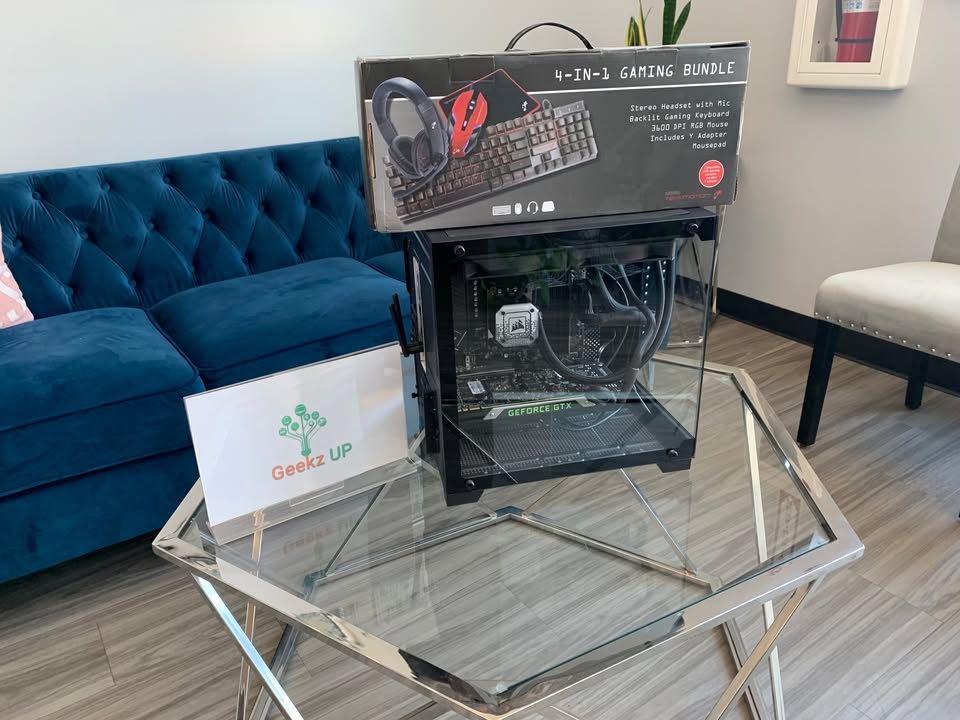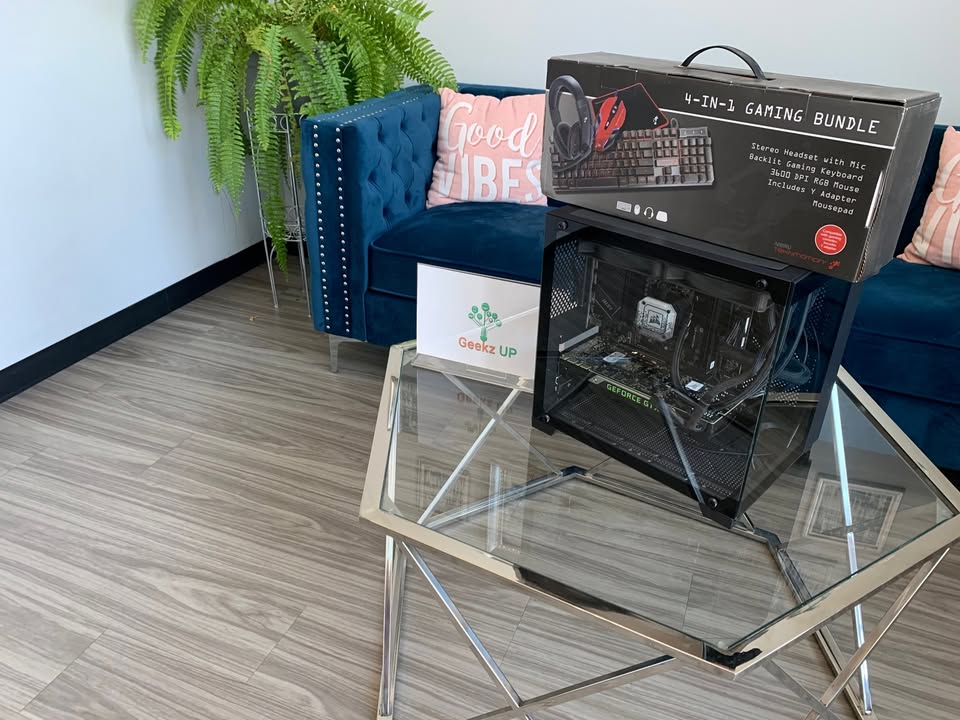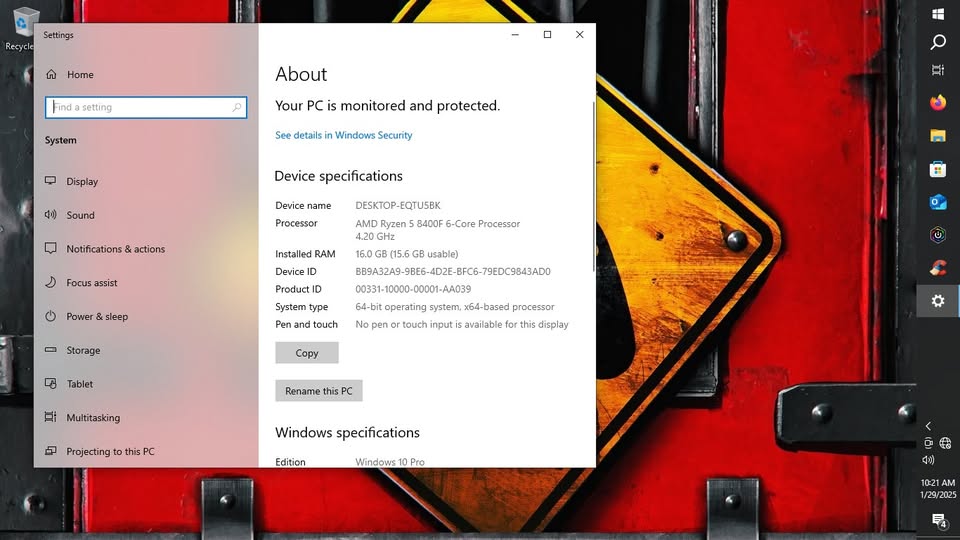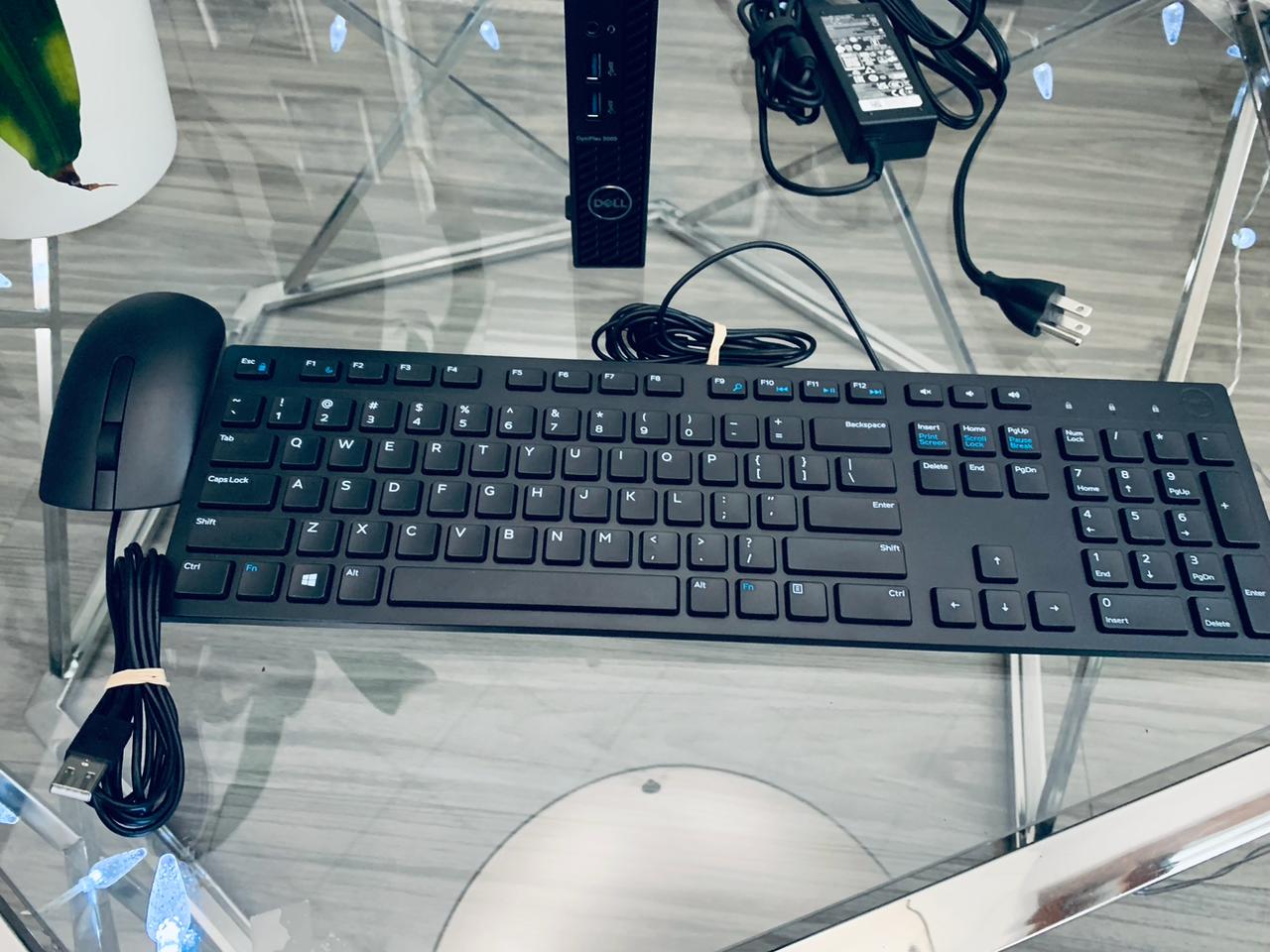
Building a gaming PC is exciting, but it comes with risks if you are not careful. From buying the wrong parts to ignoring performance tweaks, even one mistake can create problems in performance, stability, or compatibility. At GeekzUP Repairs, we see these issues every day when fixing DIY builds, and we are here to make sure you do not repeat the same errors. Let us walk through the most common mistakes when building a gaming PC and how to avoid them like a pro.
Choosing Parts Without Compatibility Check
Many first-time builders select components without verifying compatibility. A typical example is buying a processor that does not match the motherboard socket, or using high-speed memory with a motherboard that does not support it. These issues delay your build and often lead to extra costs. At GeekzUP Repairs, our custom gaming PC build service ensures every part is tested and matched perfectly for long-term stability and performance.
Underestimating the Power Supply
One of the most damaging mistakes when building a gaming PC is using a poor-quality power supply. A cheap unit can damage your components or cause random system shutdowns. You should always invest in a branded, certified power supply with enough wattage for your build. Our repair and upgrade services include full power supply diagnostics to ensure safe and stable power delivery.
Neglecting Proper Cooling and Thermal Paste
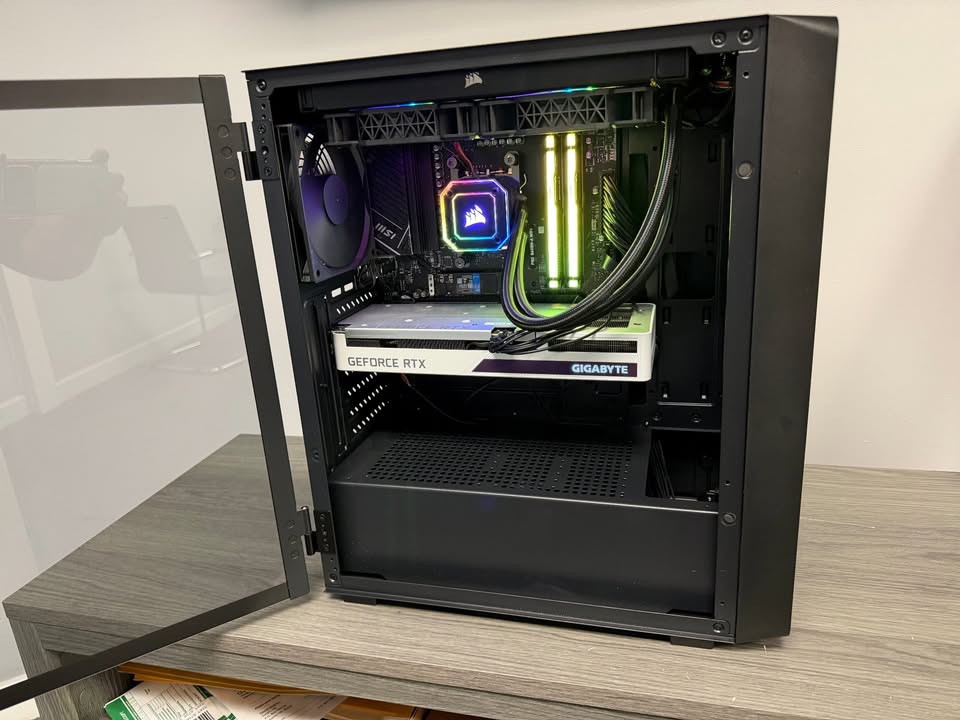
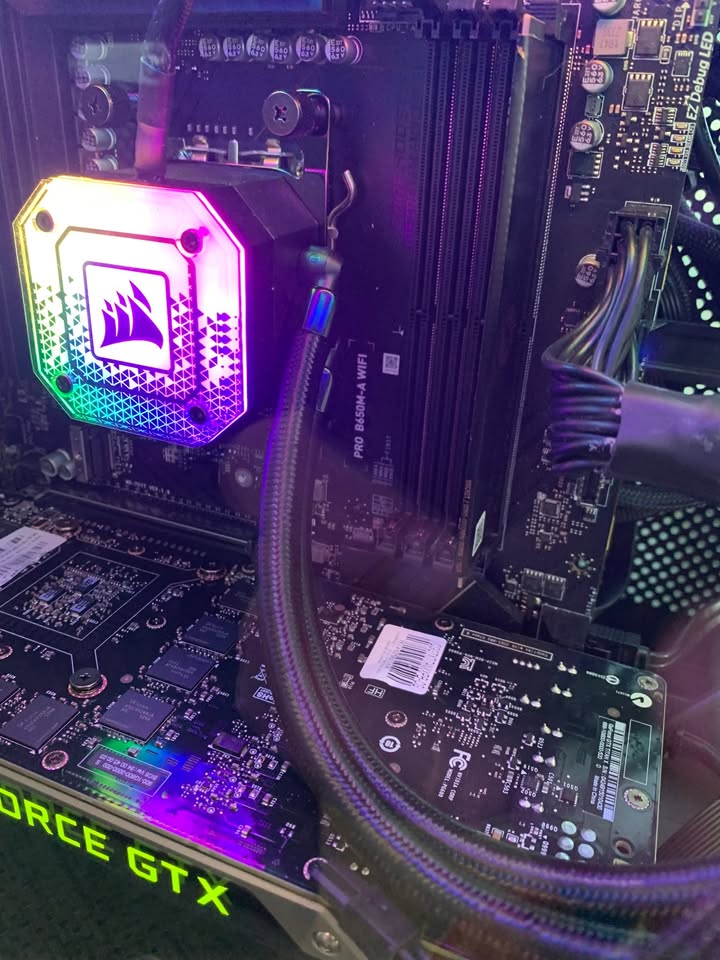
Overheating shortens the life of your components and affects performance. Many builders forget to apply thermal paste properly or install CPU coolers loosely. This mistake leads to high temperatures and reduced game performance. Every PC we build goes through thermal testing, cooler placement review, and proper airflow setup. This attention to detail helps you get the best out of your system from day one.
Messy Cable Management Reducing Airflow
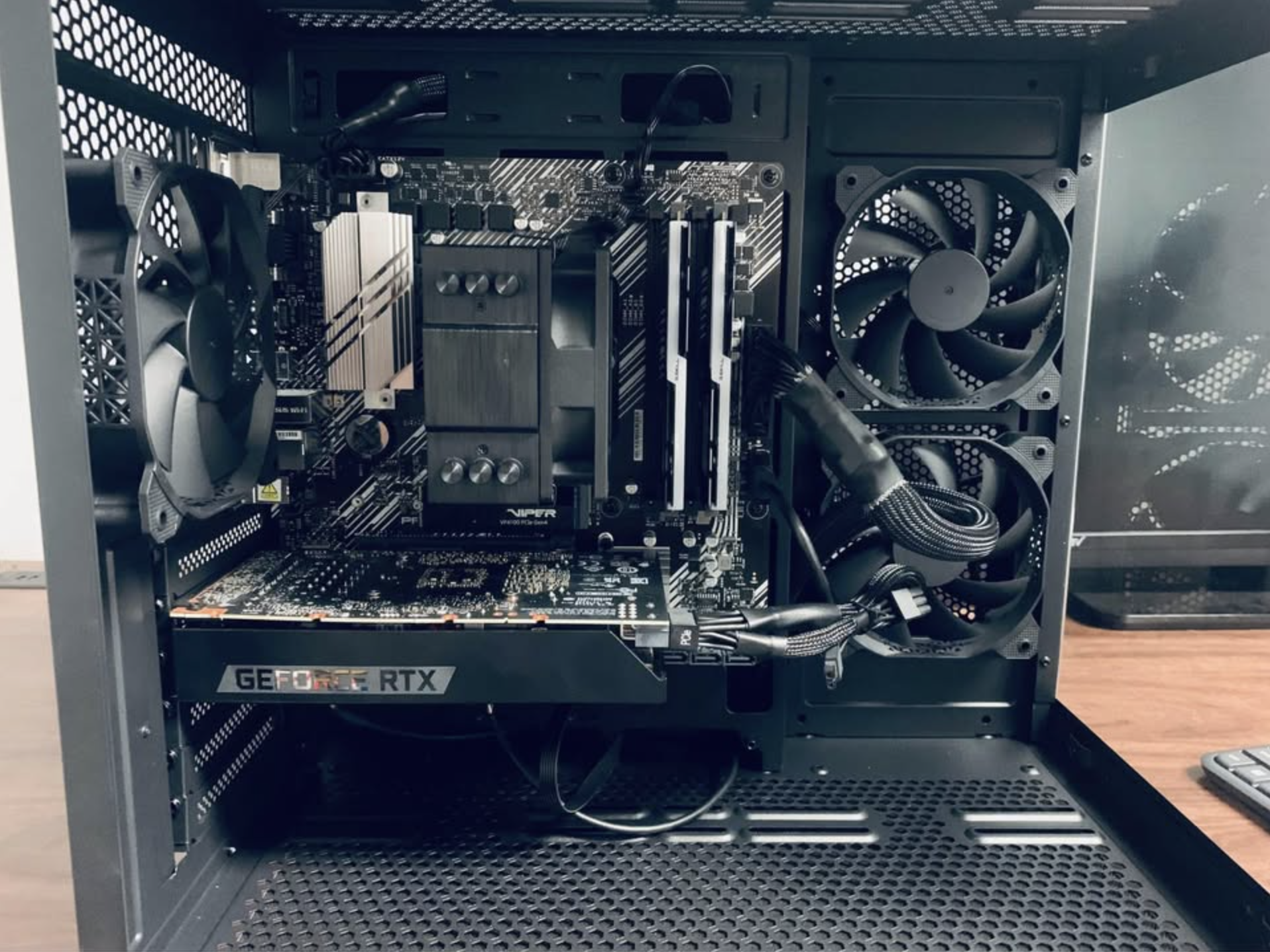
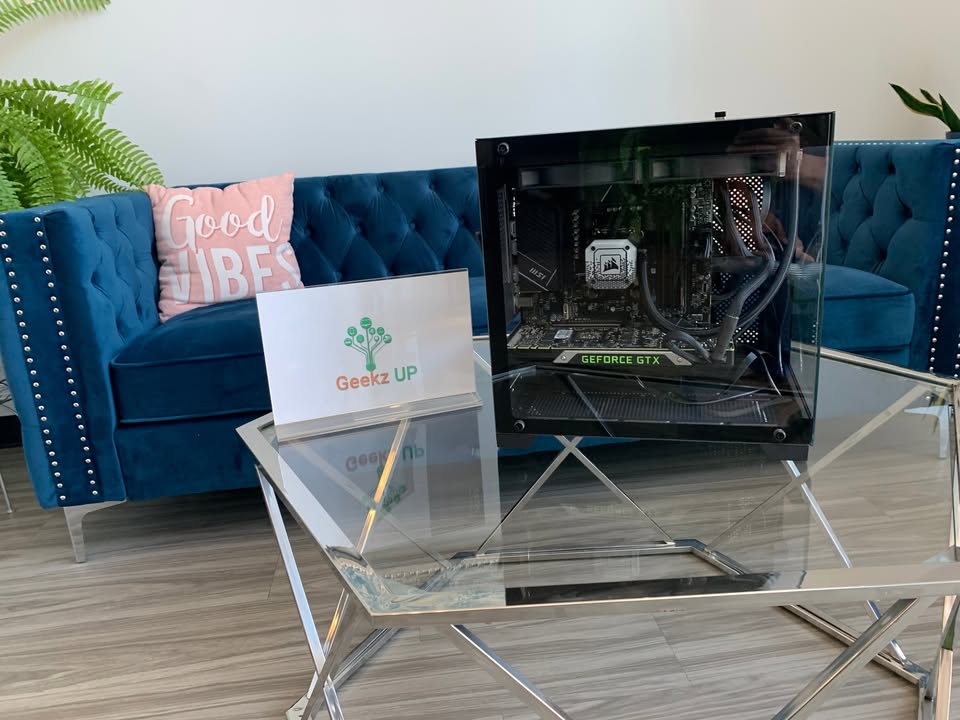
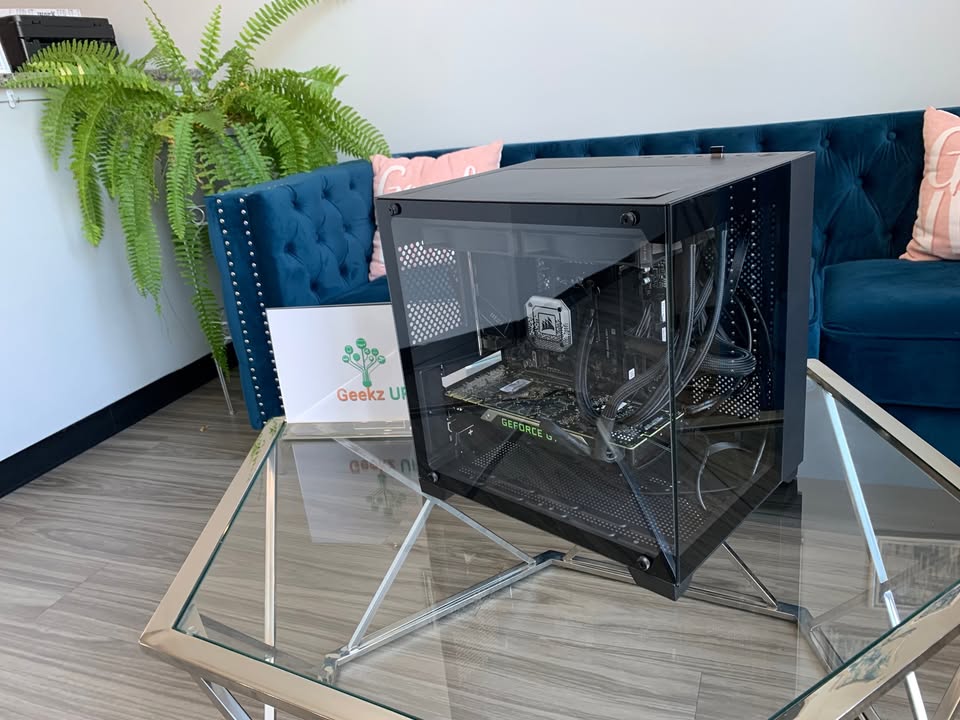
Bad cable management is more than a visual issue. It blocks airflow and traps heat, which affects overall stability. If your cables are cluttered inside the case, your fans will not perform properly. At GeekzUP Repairs, we route every cable with care, ensuring not only a clean look but also proper ventilation and future accessibility.
Installing the Operating System on the Slower Drive
Another common mistake is installing Windows or other operating systems on a hard drive instead of a solid-state drive. This slows down your system’s boot time and every app you run. During every custom build, we configure the OS to run on your fastest available solid-state drive to ensure quick startup, fast updates, and smooth performance.
Ignoring BIOS and Driver Updates
Many users complete the hardware build and forget about the software. Running outdated BIOS versions or drivers can cause instability, connectivity problems, and low gaming performance. When you get your PC built or optimized through our PC performance boost service, we handle all driver installations, BIOS updates, and essential configuration so your system runs smoothly from day one.
Avoiding Costly Mistakes with Expert Help
If you want more help planning your PC, you can also read our guide on how much RAM is enough for modern games or check our budget gaming PC build under 1000 to see real-world examples. These blogs will help you make smarter, faster decisions when choosing components for your next build.
Let GeekzUP Repairs Build It Right
When you work with us, we do more than just assemble parts. We guide you through smart part selection, cable management, thermal setup, operating system installation, and complete optimization. You get a PC that is ready to perform without the guesswork. If you are starting your build or facing issues with an existing one, contact us now and let us help you build the setup you deserve.