When a computer starts slowing down, freezing, or failing altogether, many people face the same question: should you repair it or replace it? Making the wrong choice can cost you unnecessary money, time, and lost data. Understanding when repair makes sense and when replacement is the smarter option helps you make a confident decision.
At GeekzUP Repairs in Hendersonville TN, we help customers evaluate this choice every day. The answer is rarely one size fits all. It depends on your system’s condition, usage, and long term needs.
When Computer Repair Is the Better Choice
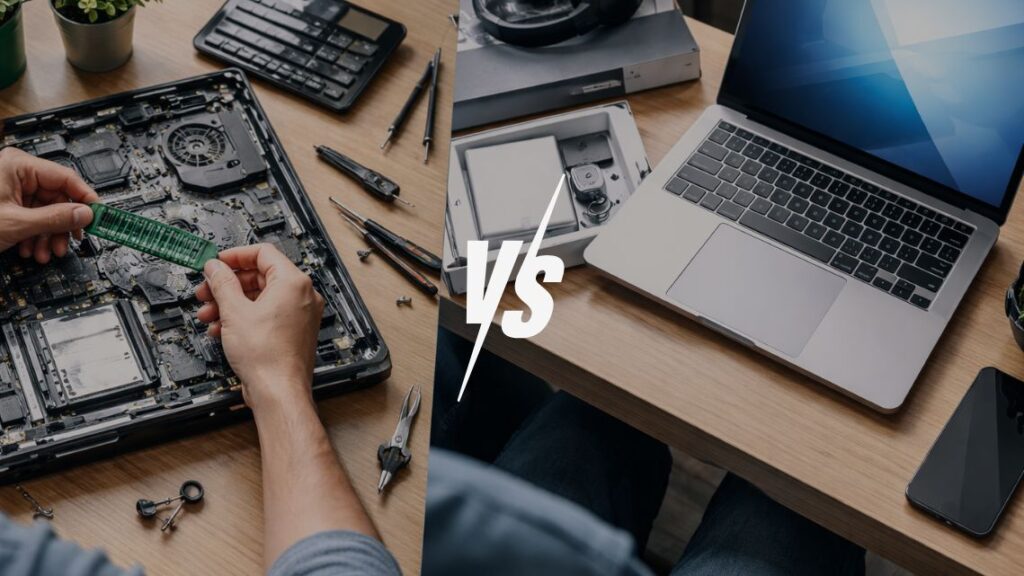
In many cases, repairing a computer is far more affordable than replacing it. Issues like slow performance, overheating, virus infections, or failing components are often fixable without touching your data.
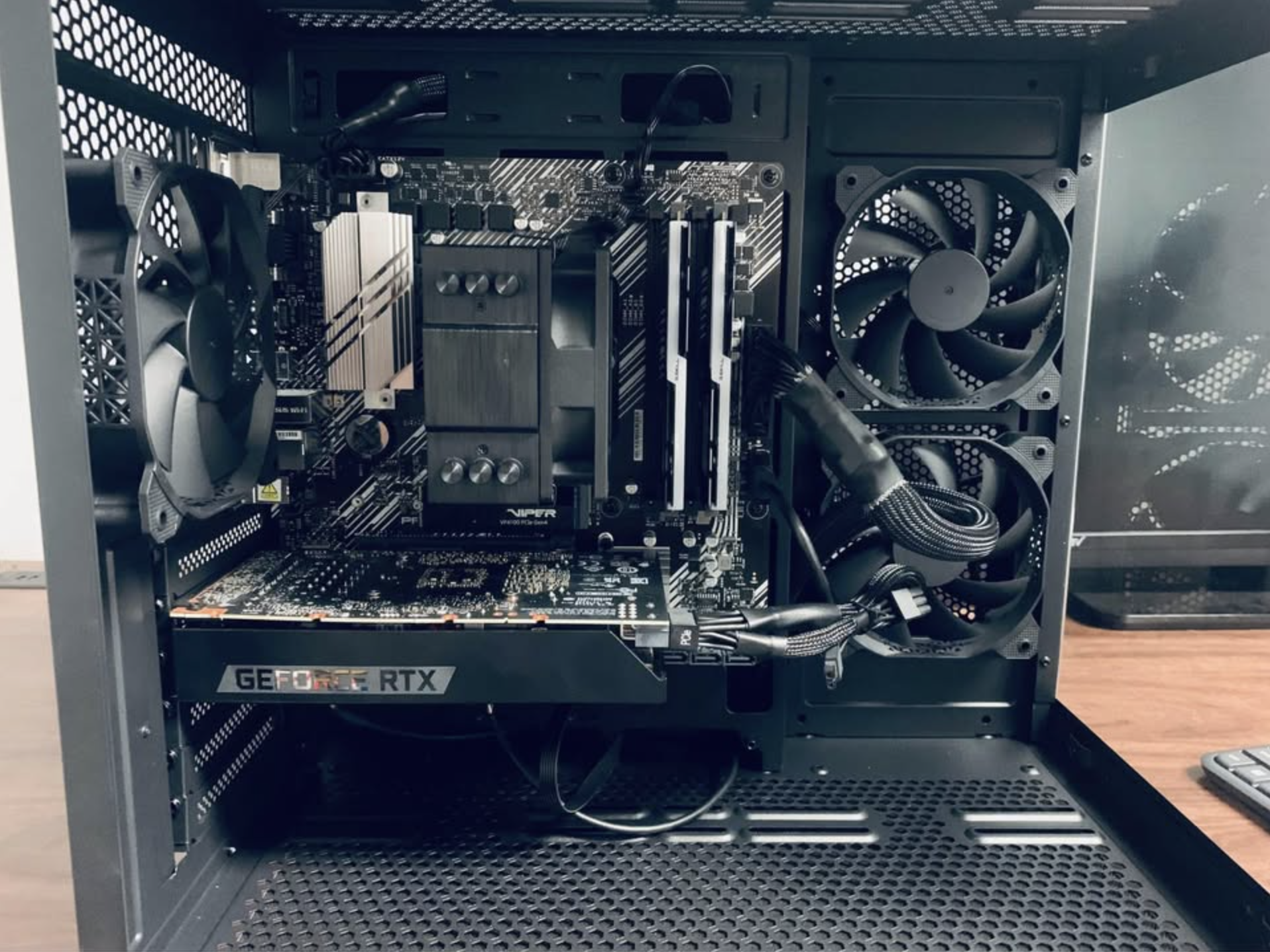
If your computer is only a few years old and meets your daily needs, repair usually makes sense. Hardware upgrades such as adding more memory or replacing an old drive can dramatically improve performance and extend the system’s life.
Repairs are also ideal when the issue is isolated. Problems like a broken screen, faulty keyboard, damaged charging port, or software corruption are common and rarely justify full replacement.
Signs Replacement May Be the Smarter Option
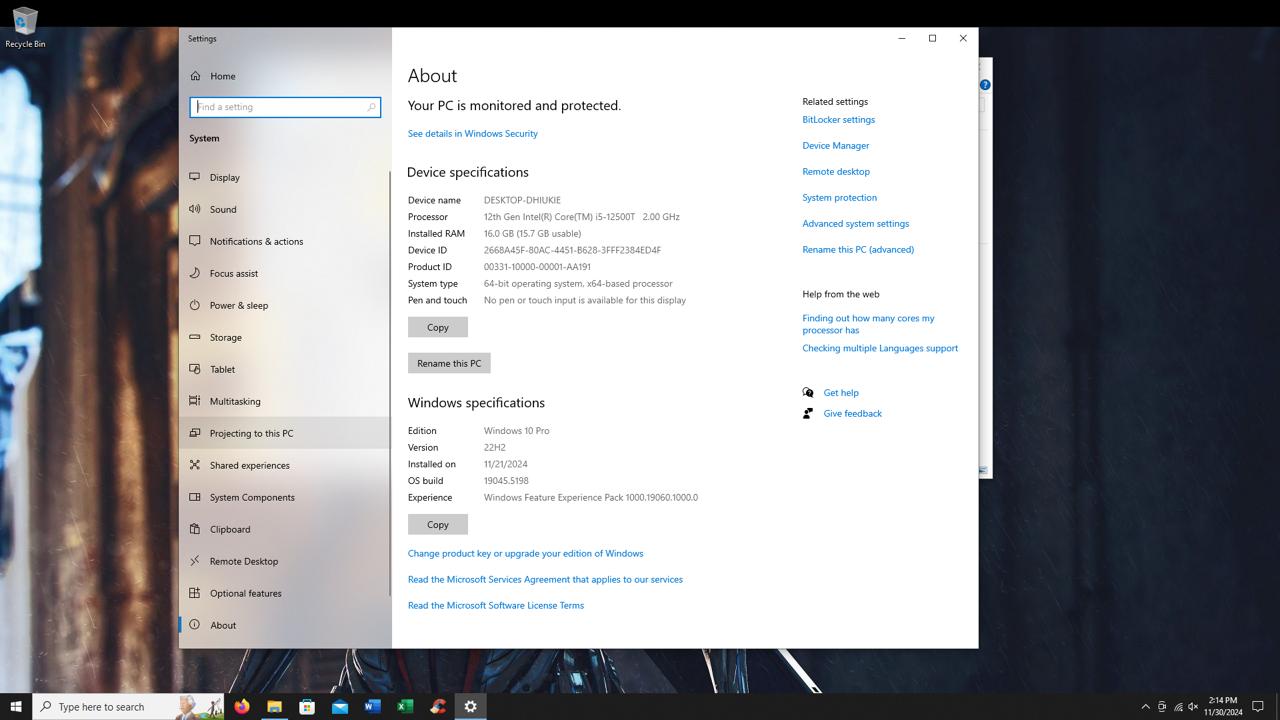
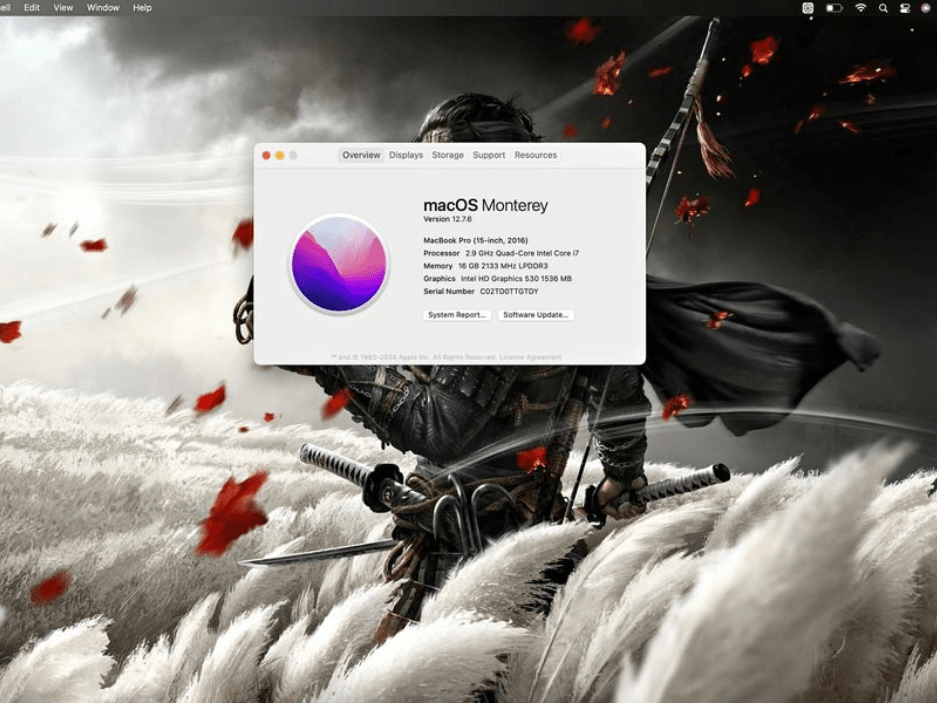
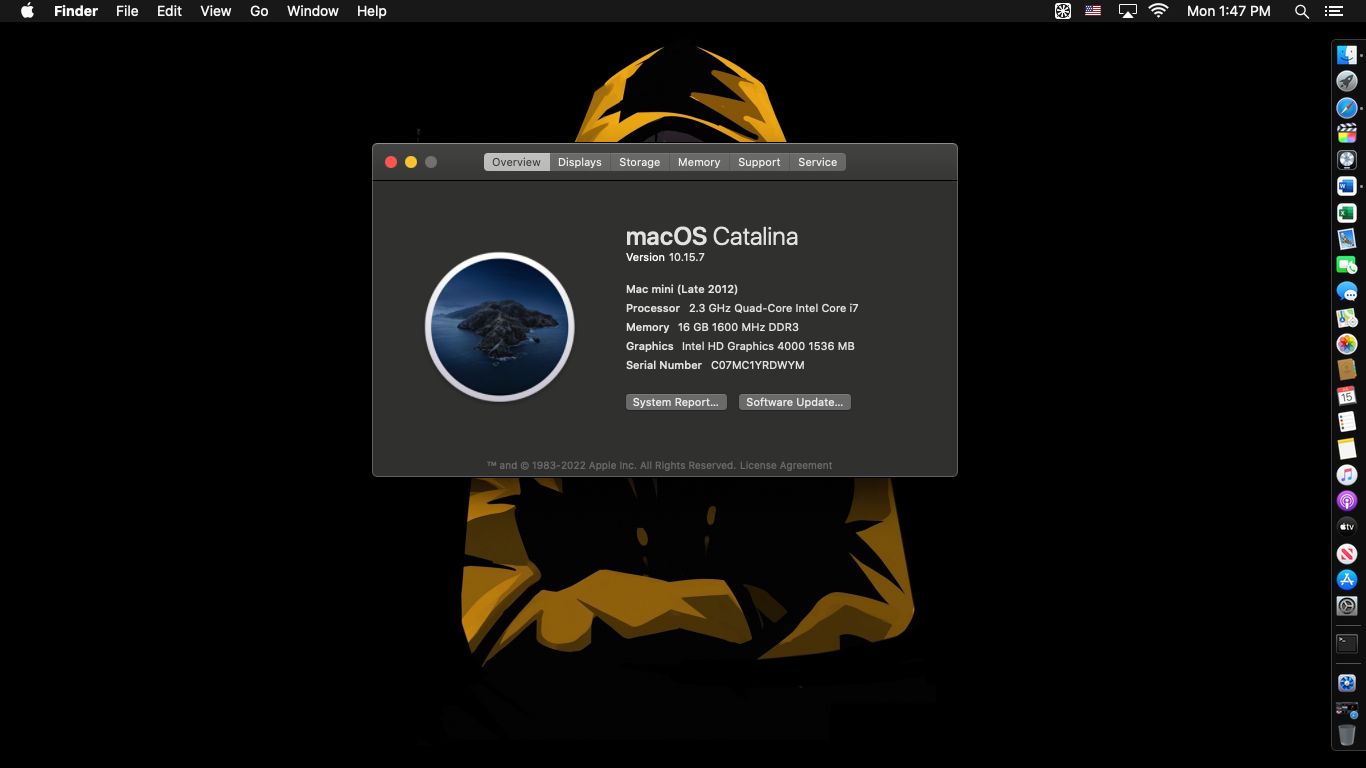
There are situations where replacement becomes the practical choice. If your system is very old and no longer supports modern software updates, repairs may only delay the inevitable.
Frequent breakdowns are another warning sign. When multiple components are failing at once, repair costs can add up quickly. At that point, investing in a newer system may offer better long term value.
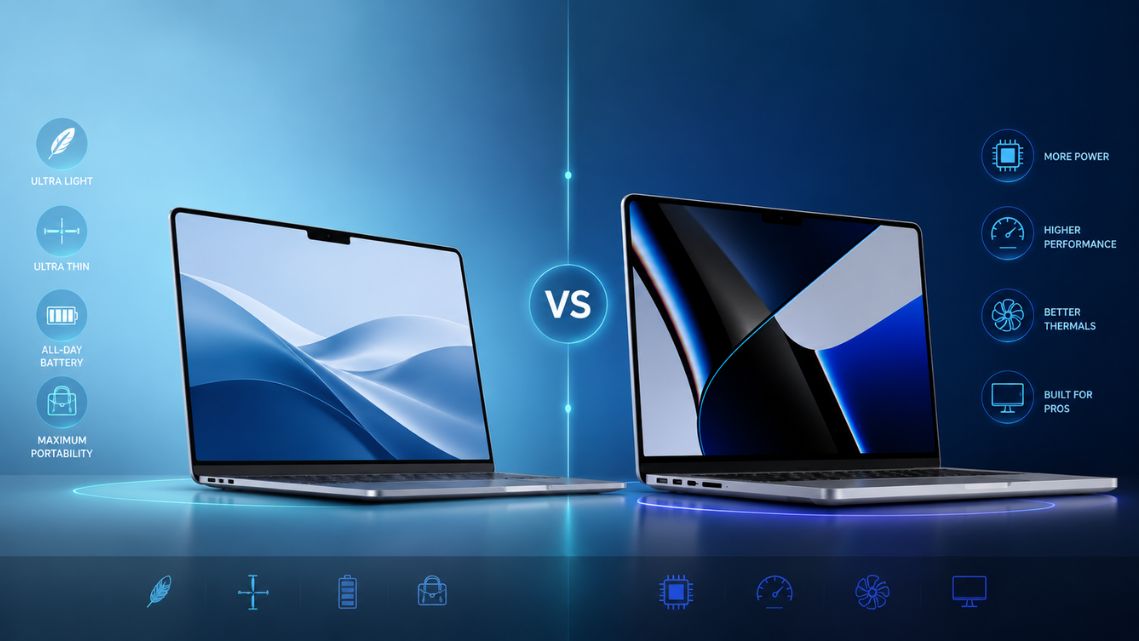
Replacement is also worth considering if your computer cannot support your current workload. For example, if you need more processing power for gaming, business software, or creative work, upgrading to a newer system may be more efficient than retrofitting outdated hardware.
Performance vs Cost Considerations
One of the biggest factors in the repair vs replacement decision is cost. A general rule is that if repair costs are significantly lower than replacing the computer, repair is usually the better choice.
Performance matters just as much. A repaired system should feel noticeably faster and more reliable. If repairs only provide short term relief, replacement may be the smarter investment.
At GeekzUP Repairs, we evaluate both cost and expected performance improvements before recommending any solution. Our goal is always to give honest advice, not push unnecessary replacements.
Data and Software Compatibility
Replacing a computer often means migrating data, reinstalling software, and adjusting to a new system. Repairs typically allow you to keep everything exactly as it is.
If preserving your data, software settings, and workflow is important, repair is often the safer route. When replacement is necessary, professional data transfer ensures nothing important is lost.
A Simple Decision Checklist
Ask yourself these questions before deciding:
• Is the computer less than five years old
• Does it meet most of your daily needs
• Is the issue limited to one or two components
• Can upgrades improve performance
• Is repair cost significantly lower than replacement
If most answers are yes, repair is likely the best choice. If most answers are no, replacement may be the smarter option.
How GeekzUP Repairs Helps You Decide
At GeekzUP Repairs, we believe in transparency. Our technicians perform full diagnostics before recommending repair or replacement. We explain your options clearly so you can make the best decision without pressure.
We specialize in computer and laptop repair, hardware upgrades, data protection, and performance optimization. Whether you need a quick fix or an honest opinion about replacement, we are here to help.
Final Thoughts
Choosing between computer repair vs replacement does not have to be complicated. With the right information and professional guidance, you can avoid unnecessary expenses and keep your technology working for you.
If you are unsure what your system needs, GeekzUP Repairs is your trusted local expert in Hendersonville TN.