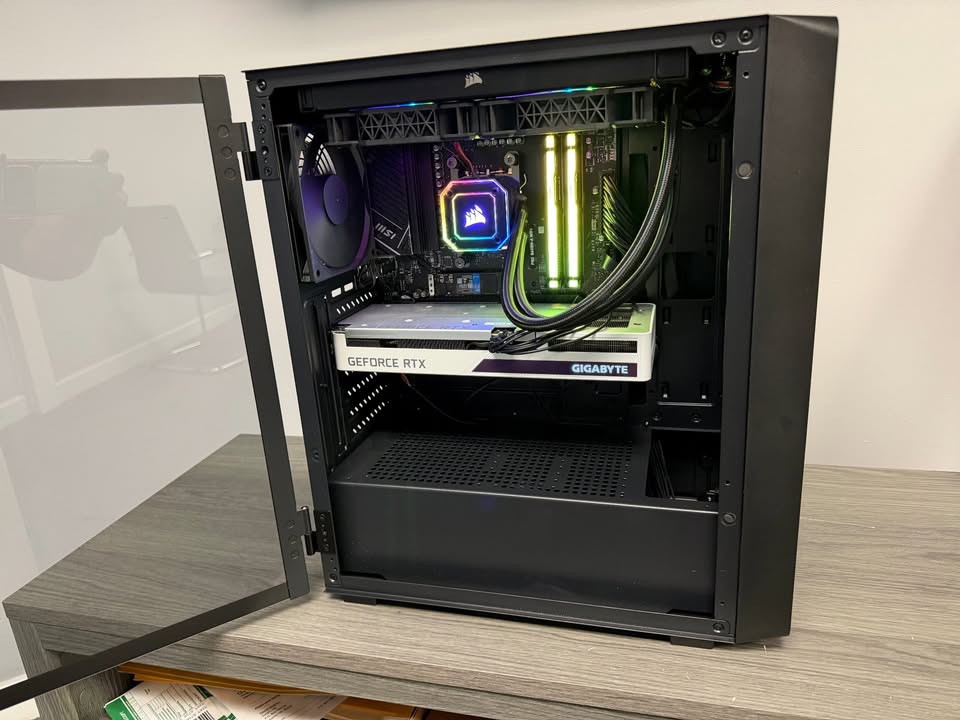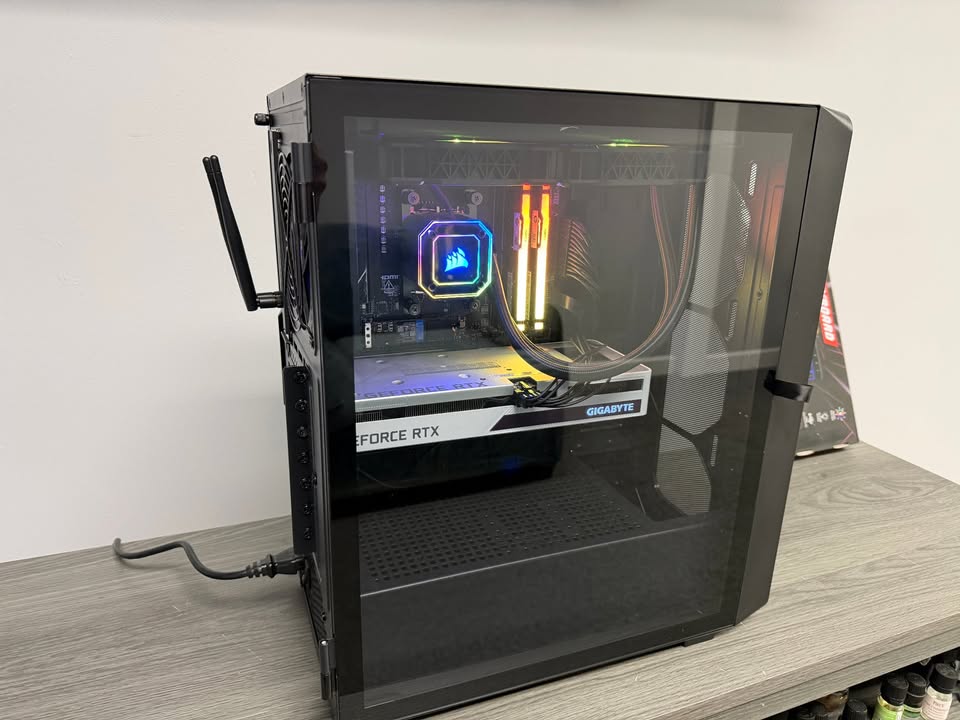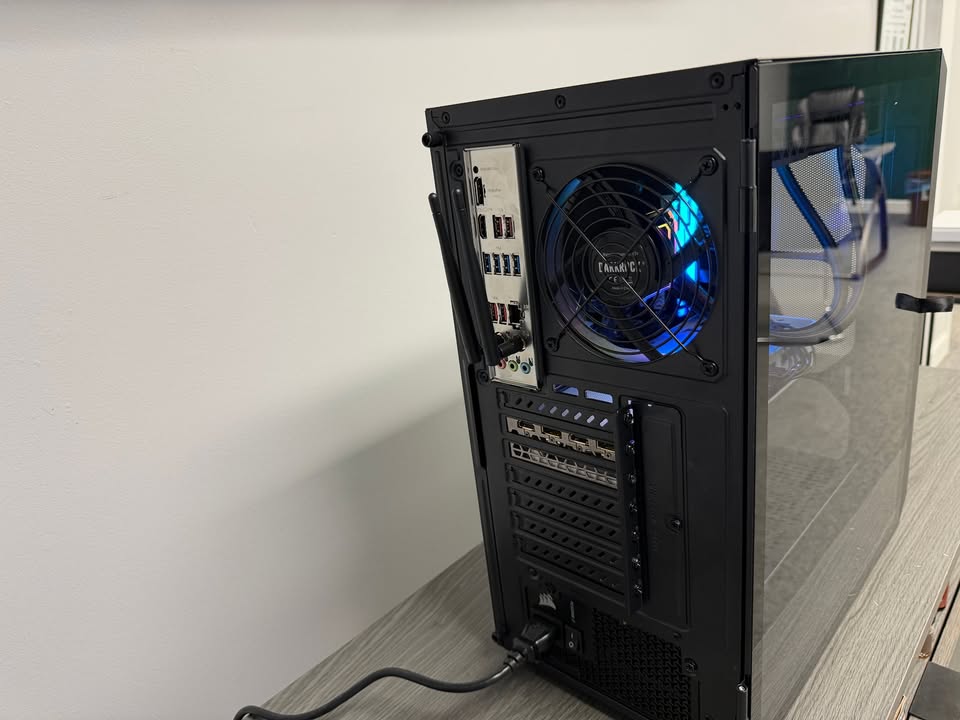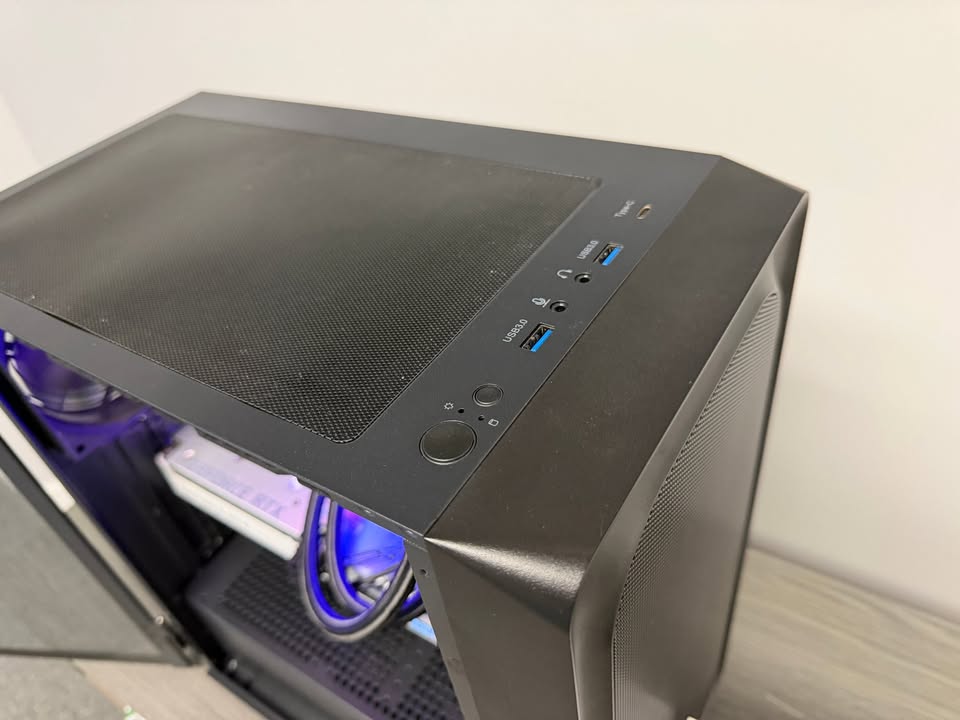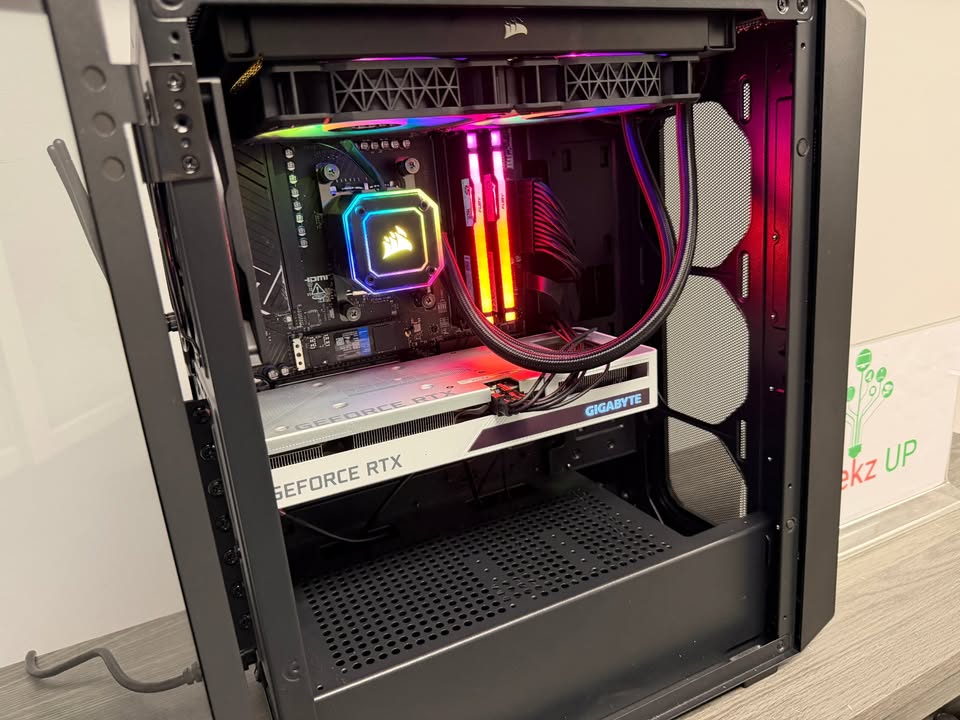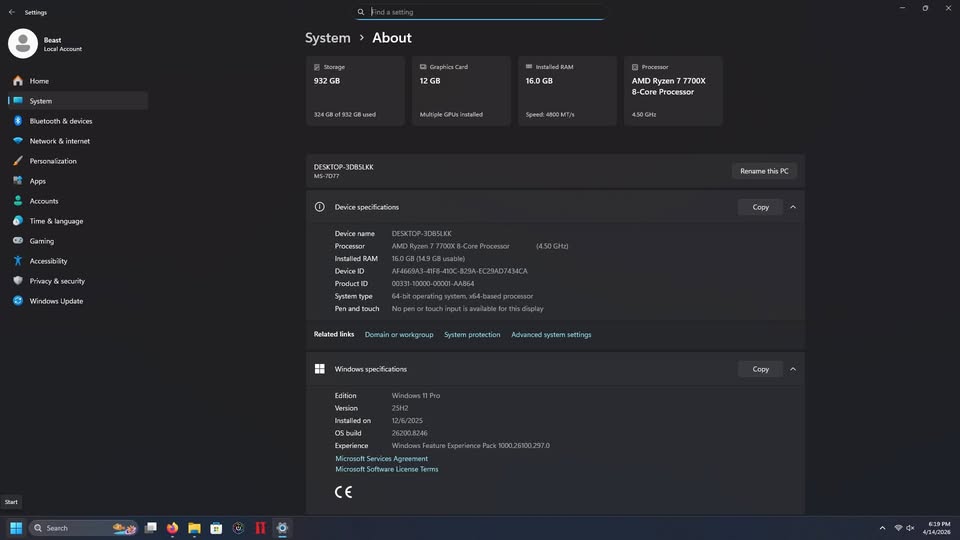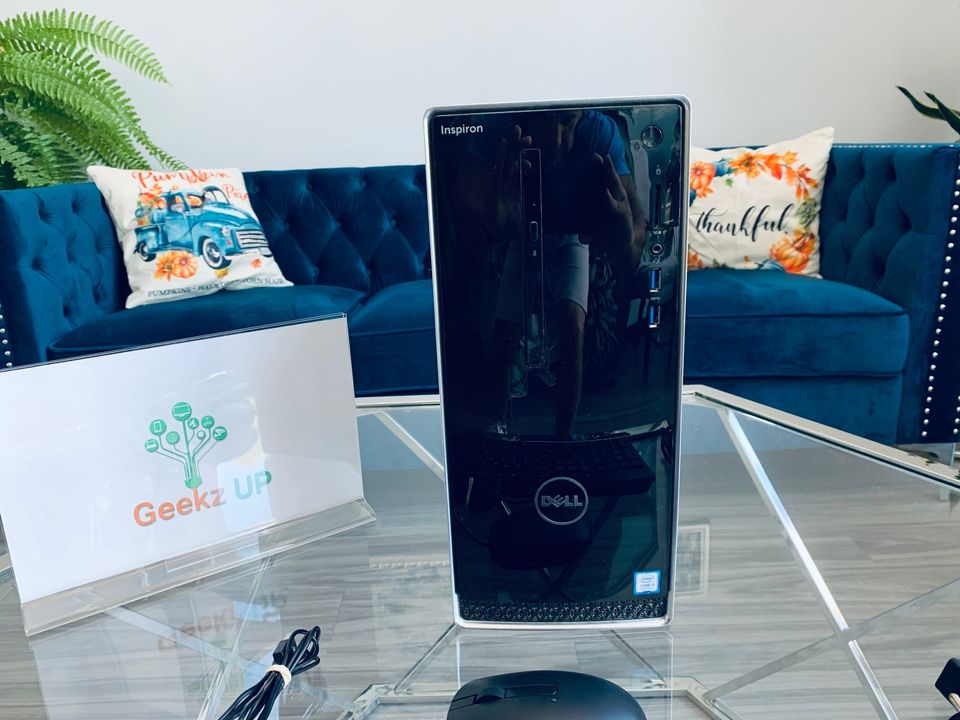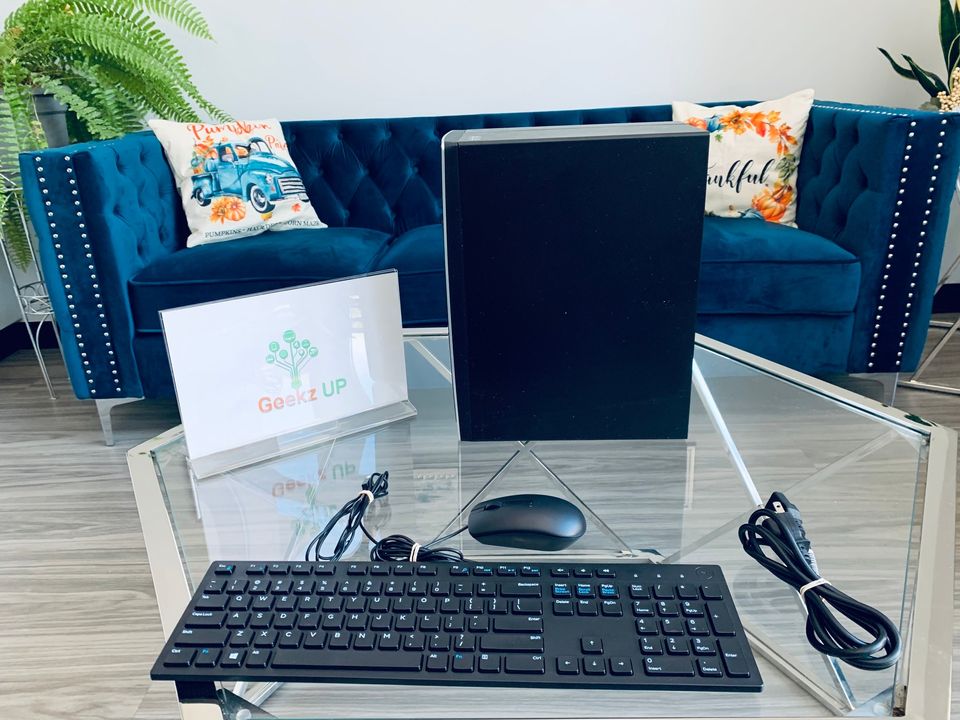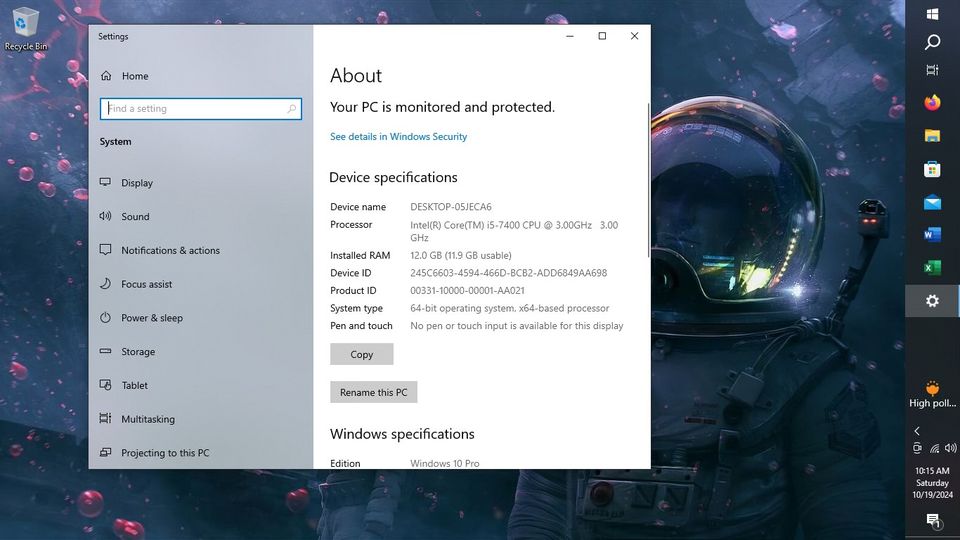
A slow computer can be incredibly frustrating, especially when it used to run fast and smooth. Most people assume a slowing PC means it is old or broken, but in reality, performance issues usually build up gradually due to everyday usage habits. Understanding what slows down your PC over time can help you prevent problems early and extend the life of your system.
At GeekzUP Repairs in Hendersonville TN, we diagnose slow computers daily, and in most cases, the issues are avoidable with proper care and maintenance.
Background Programs and Software Overload
One of the most common reasons a PC slows down over time is the number of programs running in the background. Many applications automatically start when your computer boots up, even if you rarely use them. These programs consume memory, processing power, and system resources, reducing overall performance.
As time passes, more software gets installed, updates run silently, and background processes increase. The system becomes overloaded, resulting in longer startup times and lag during everyday tasks.
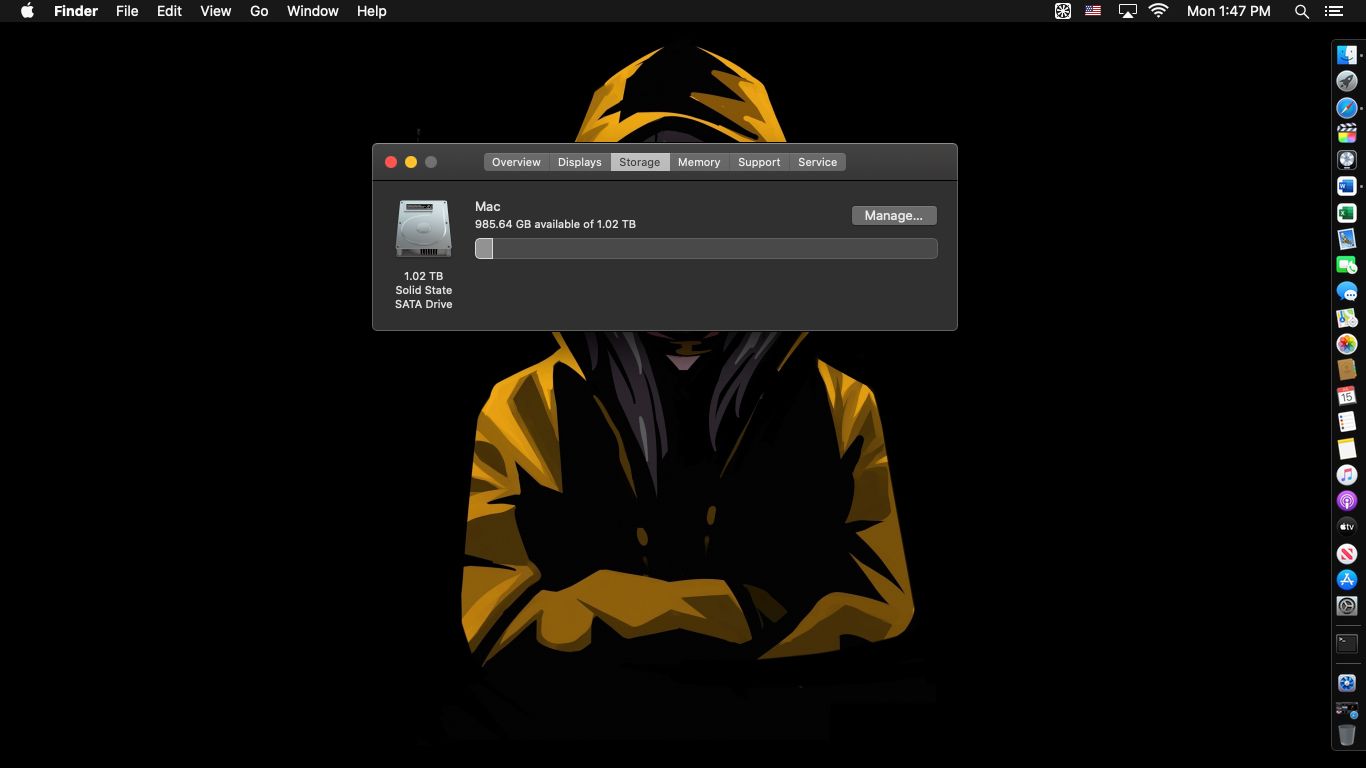
Insufficient Storage Space
Your PC needs free storage space to operate efficiently. When your hard drive or solid state drive becomes nearly full, your system struggles to manage temporary files, updates, and virtual memory operations.
This issue is especially noticeable on older systems using traditional hard drives. Lack of available space forces the system to work harder, which leads to slower file access, longer load times, and frequent freezes.
Outdated Hardware Components
Technology evolves quickly, and older hardware can struggle to keep up with modern software demands. Limited RAM, aging hard drives, or outdated processors can all contribute to slow performance over time.
As applications receive updates and operating systems become more advanced, older components may no longer meet minimum performance requirements. Even simple tasks like browsing the web can feel sluggish if the hardware is not keeping up.
Malware and Unwanted Programs
Viruses, spyware, and other unwanted software can run silently in the background, consuming system resources and compromising performance. These threats often go unnoticed until the PC becomes noticeably slower.
Even harmless looking browser extensions or free programs can negatively affect your system by adding hidden processes or ads. Regular security scans and professional cleanup help prevent these issues from building over time.
Lack of System Maintenance
Just like a car, a computer requires routine maintenance. Skipping software updates, ignoring system warnings, and failing to clean temporary files allows performance problems to accumulate.
Dust buildup inside the system can also cause overheating, forcing the PC to slow down to protect internal components. Without routine cleaning and maintenance, performance steadily declines.
Aging Storage Drives
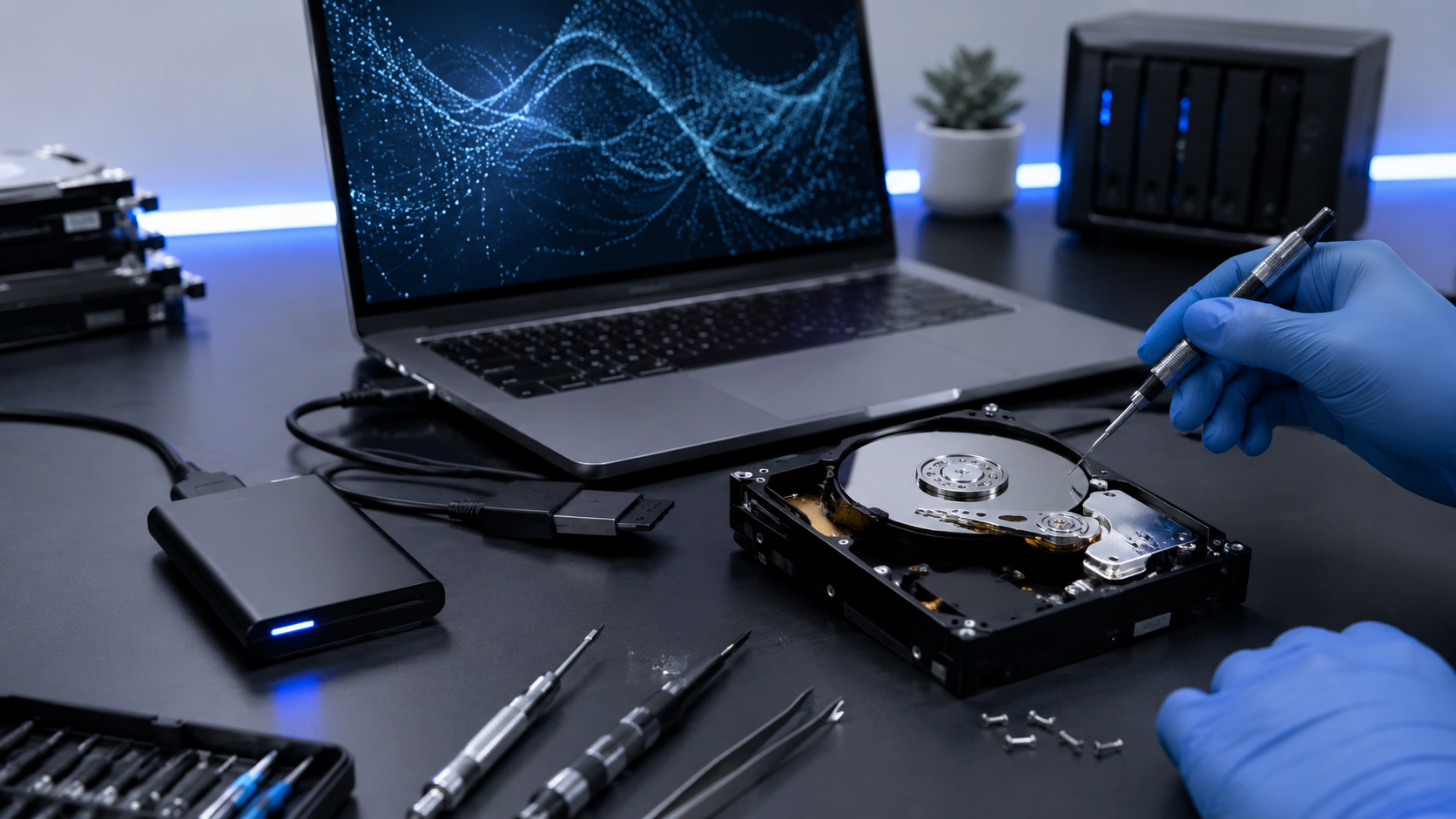
Traditional hard drives degrade mechanically over time, which leads to slower read and write speeds. Even solid state drives can lose performance when nearing capacity or after extensive usage.
A failing or aging drive often causes long boot times, delayed application launches, and frequent system errors. Replacing old storage with faster options is one of the most effective ways to restore speed.
How GeekzUP Repairs Restores PC Performance
At GeekzUP Repairs, we take a comprehensive approach to fixing slow computers. Our technicians analyze both hardware and software to identify what is holding your system back.
We offer system cleanups, hardware upgrades, virus removal, and performance optimization designed to restore speed without unnecessary replacements. Whether your PC needs a simple tune up or a major upgrade, we provide honest recommendations based on real diagnostics.
Final Thoughts
So, what slows down your PC over time? The answer is usually a combination of software overload, aging hardware, lack of maintenance, and hidden background activity. The good news is that most performance issues can be fixed without replacing your entire system.
If your computer feels slower than it should, GeekzUP Repairs is here to help. With professional diagnostics and expert care, your PC can feel fast and reliable again.