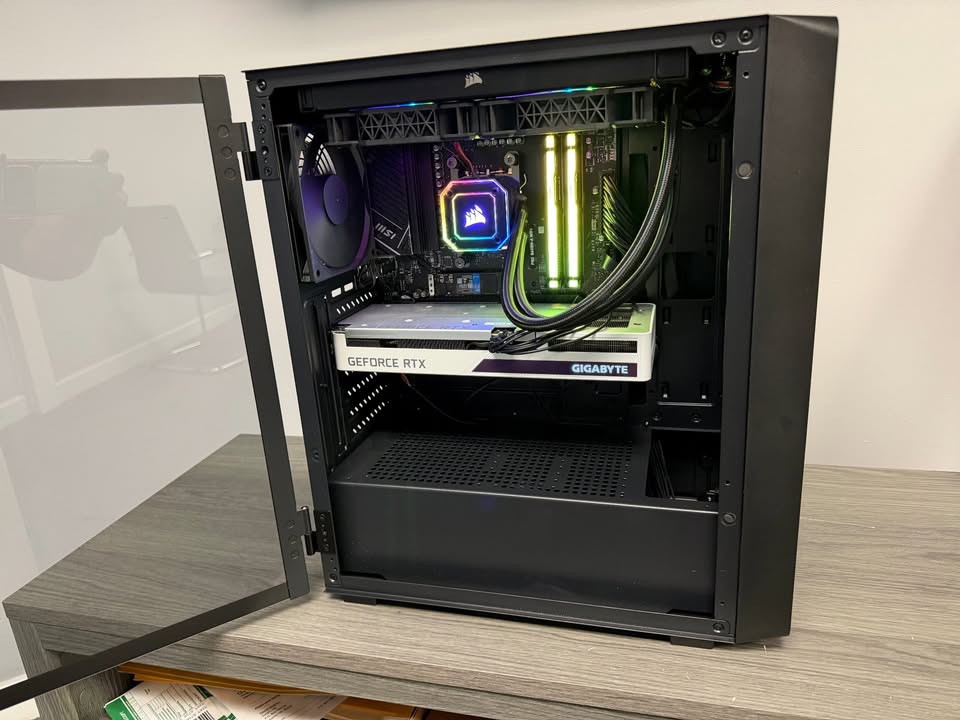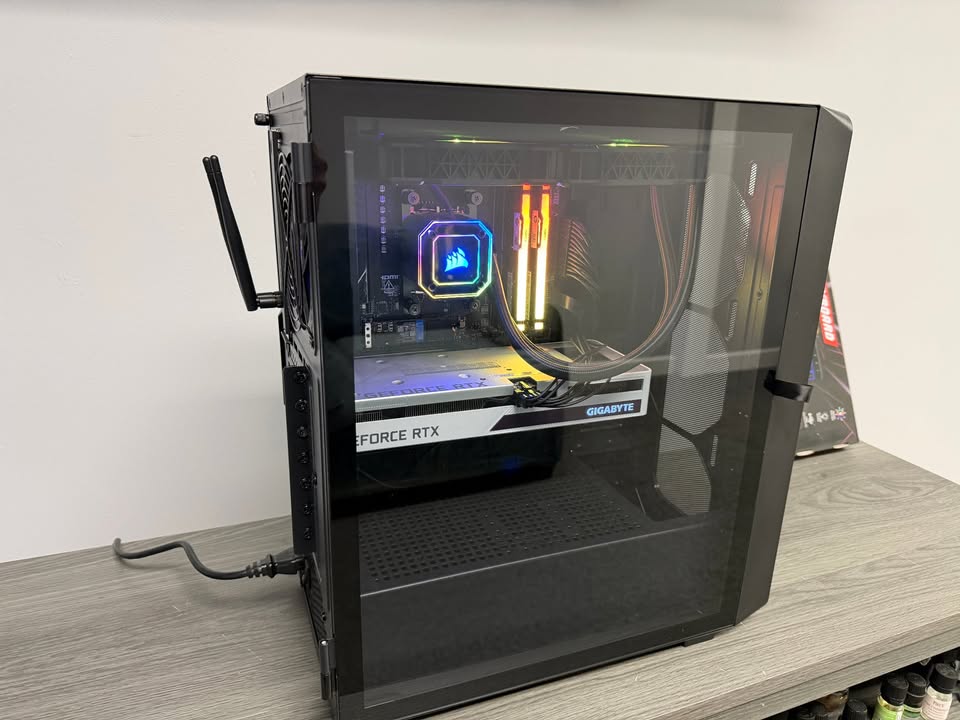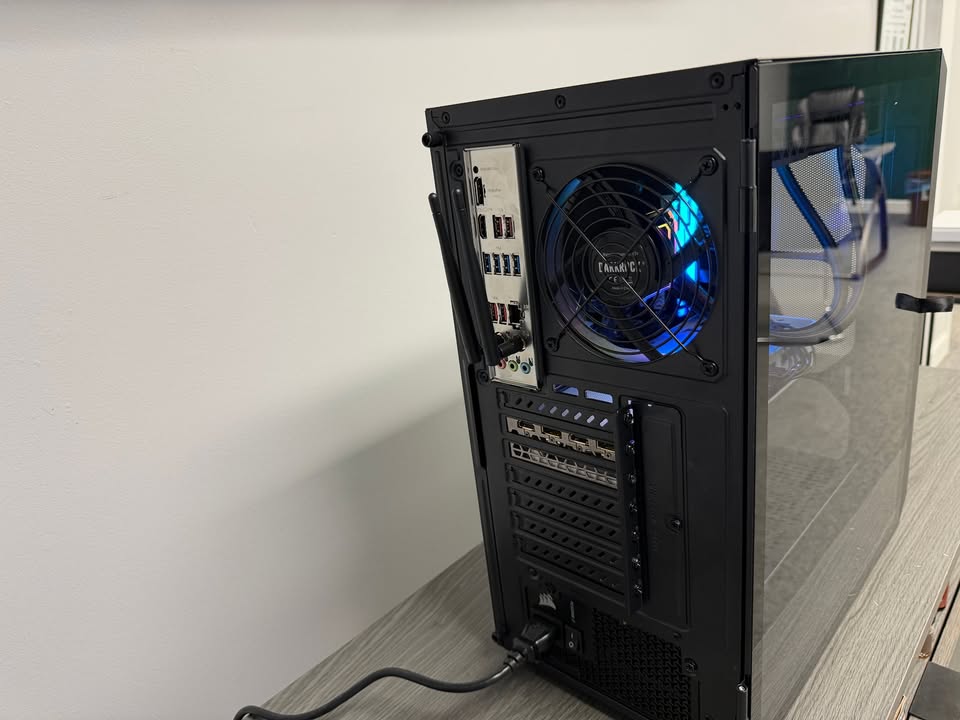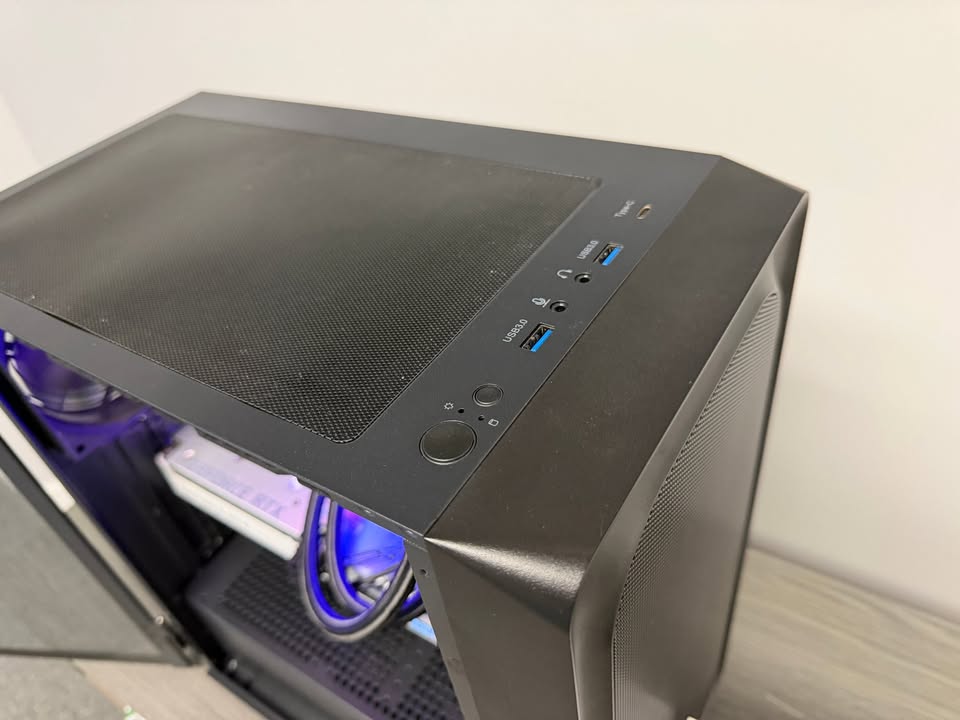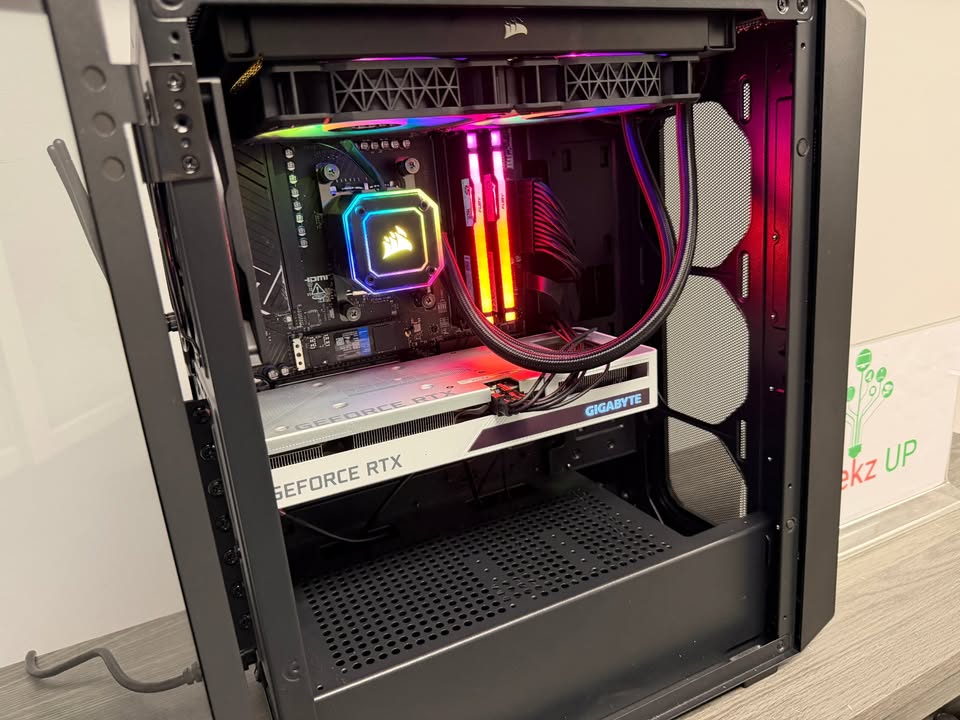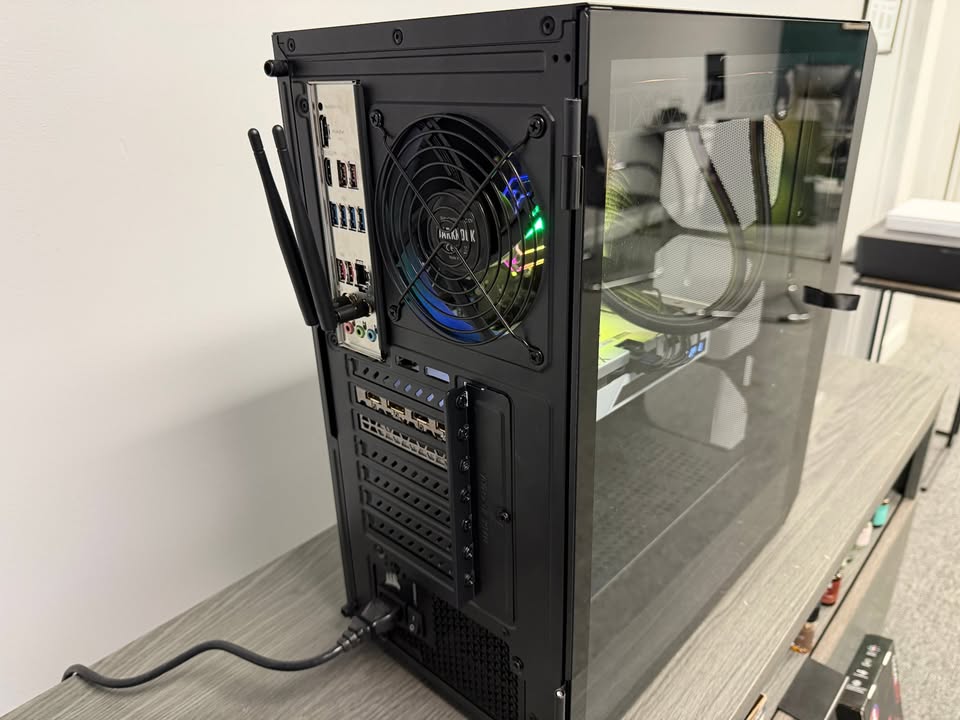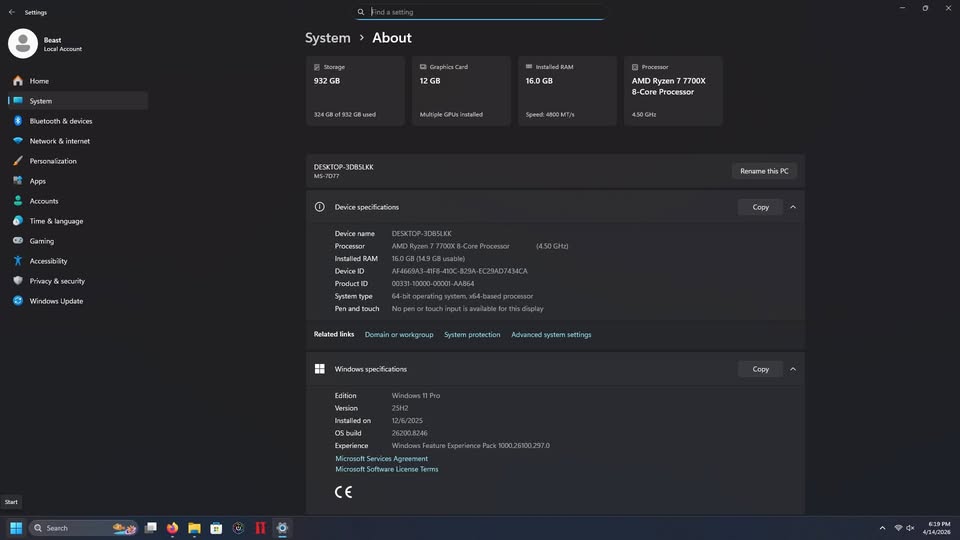
Choosing the Right Graphics Card for Your Needs is one of the most important decisions a gamer or professional can make today. A graphics card is not only responsible for rendering visuals in games but also powers creative workloads such as video editing, 3D design, and streaming. With so many models on the market, selecting the right one can feel overwhelming. This guide will help you understand what matters most when making the decision and how to avoid common mistakes.
Why Choosing the Right Graphics Card for Your Needs Matters
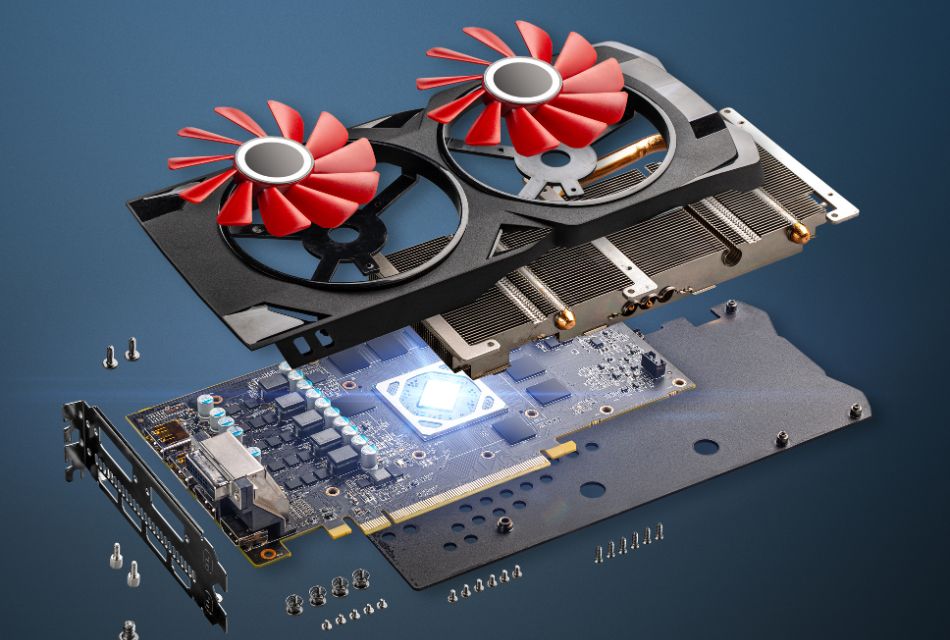
The graphics card is often the most powerful component in a computer, especially in gaming rigs and creative workstations. Choosing the right graphics card for your needs ensures you can play the latest games smoothly, edit high resolution videos without lag, and even explore virtual reality. On the other hand, selecting the wrong card can mean wasted money and frustrating performance bottlenecks.
At GeekzUP Repairs, we regularly guide customers on this decision. Many walk in asking if they should spend more for a high-end card or save money with a mid-range model. The answer always depends on their unique needs.
Understanding Different GPU Tiers
When choosing the right graphics card for your needs, it is important to understand the different categories available:
Entry Level Graphics Cards: Great for casual gaming, streaming, and day-to-day work. They handle esports titles like Valorant or League of Legends at 1080p without trouble.
Mid Range Graphics Cards: Perfect for most gamers, capable of delivering smooth 1440p gameplay. They balance cost and performance for those who want quality visuals without breaking the bank.
High End Graphics Cards: These are designed for enthusiasts who want 4K gaming, advanced ray tracing, and future proofing. They are also the go-to choice for content creators working with 4K video or 3D rendering.
Key Factors in Choosing the Right Graphics Card for Your Needs
Resolution and Refresh Rate
Your monitor defines how powerful your graphics card needs to be. A gamer with a 1080p 60Hz monitor does not need the same GPU as someone playing on a 4K 144Hz screen. Choosing the right graphics card for your needs means matching GPU strength to display requirements.
VRAM Capacity
Video RAM is another factor. Games in 2025 are pushing for 12GB or more at high resolutions. For creators editing large files, higher VRAM ensures smoother performance.
Power and Cooling
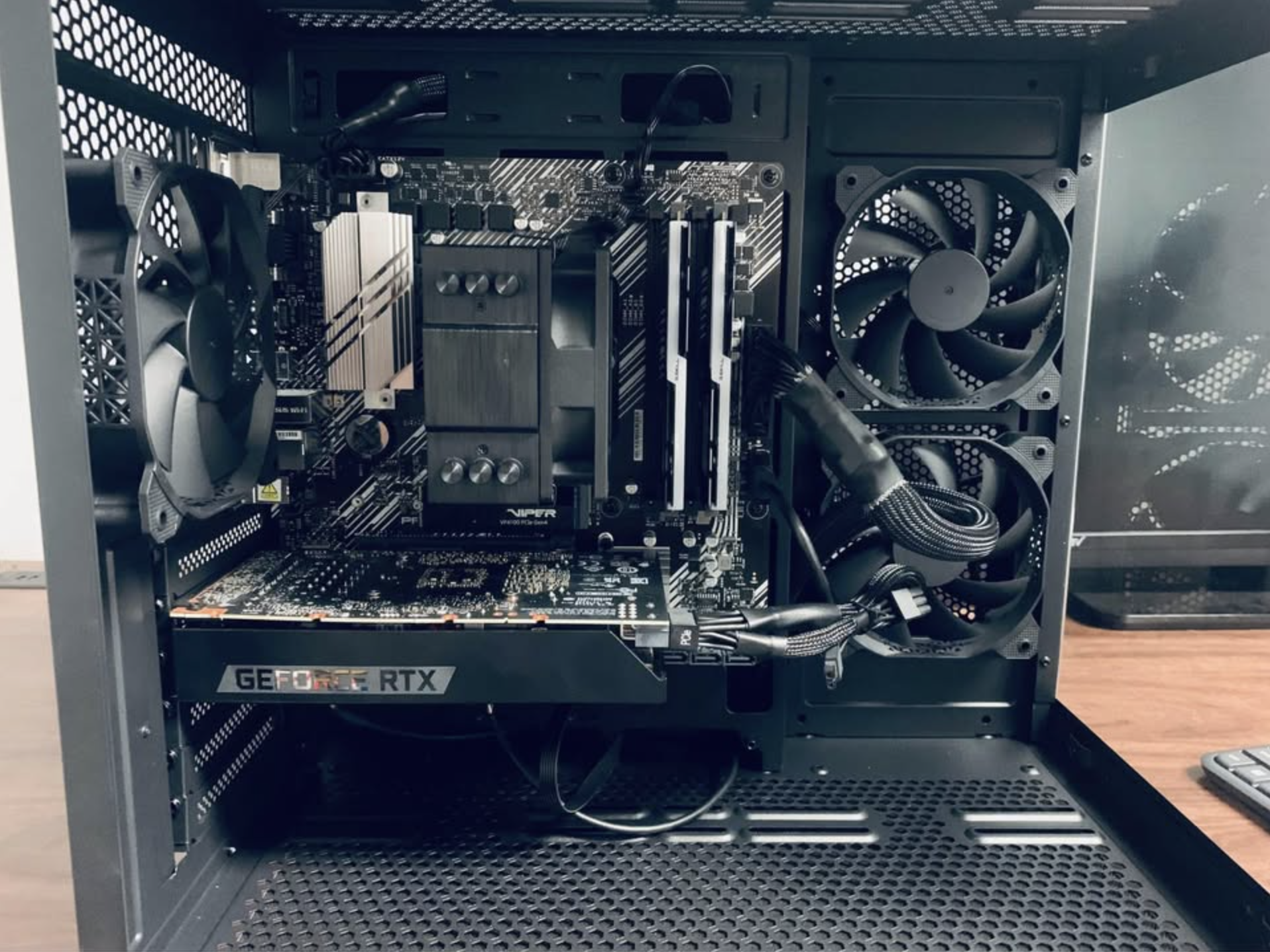
A powerful graphics card draws more power and generates more heat. Choosing the right graphics card for your needs also means ensuring your PSU and cooling system can support it.
Future Proofing
Gamers and professionals often wonder whether to buy what they need today or invest for the next few years. A slightly stronger card may cost more now but can save an upgrade later.
Common Mistakes to Avoid
Many users buy the most expensive card without considering if they will ever use its power. This often results in overspending. On the other hand, choosing too weak a card creates the need for another upgrade too soon.
Another mistake is ignoring compatibility. Some older motherboards or power supplies cannot handle modern GPUs. That is why consulting experts like GeekzUP Repairs before buying can save both money and frustration.
How GeekzUP Repairs Helps You Decide
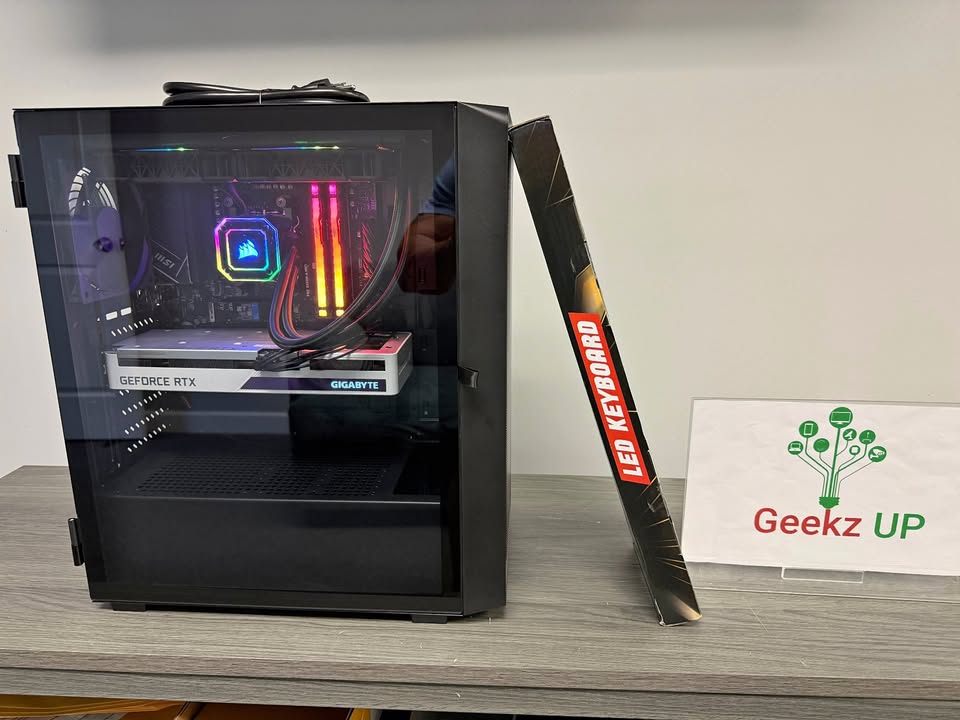
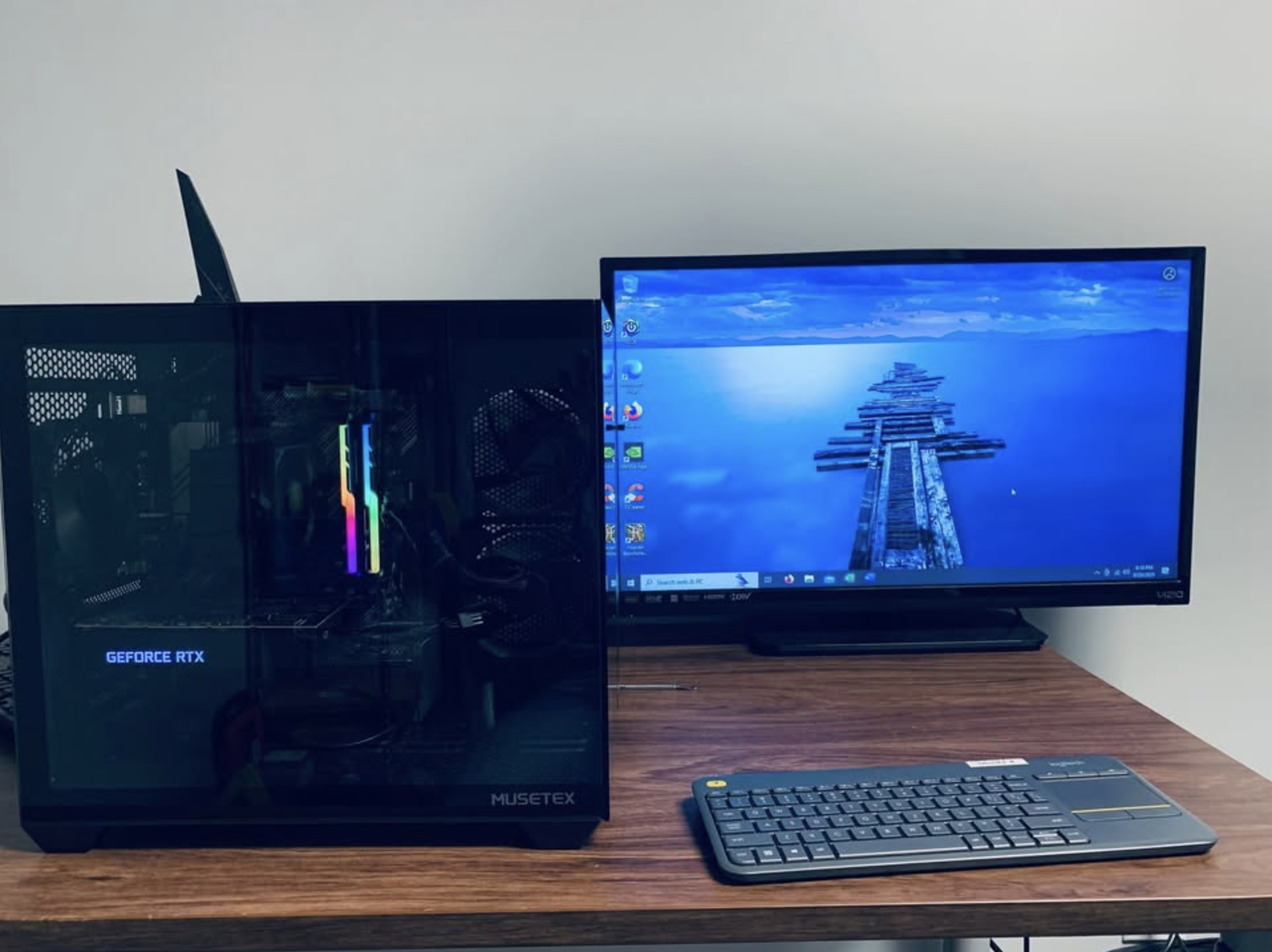
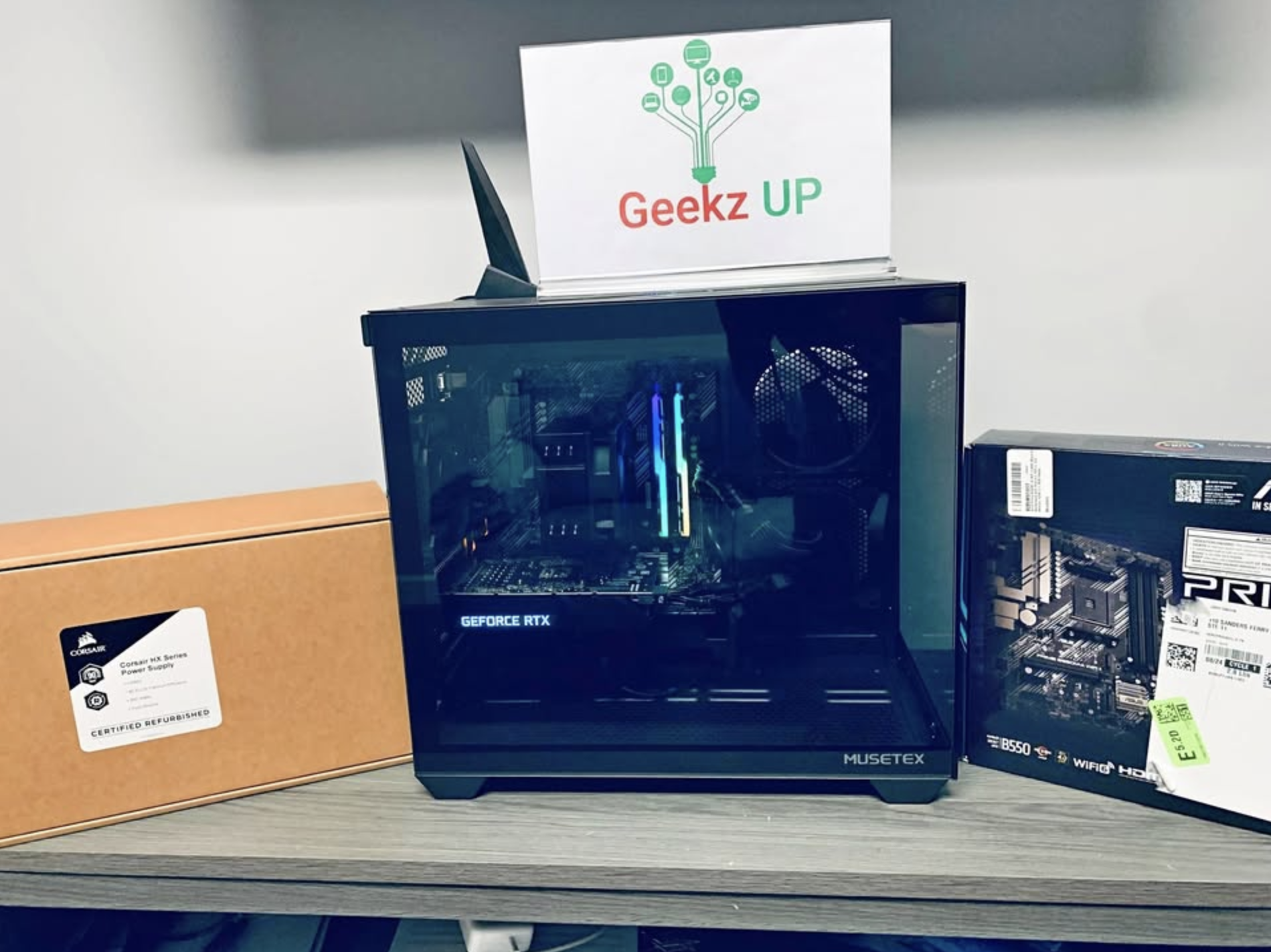
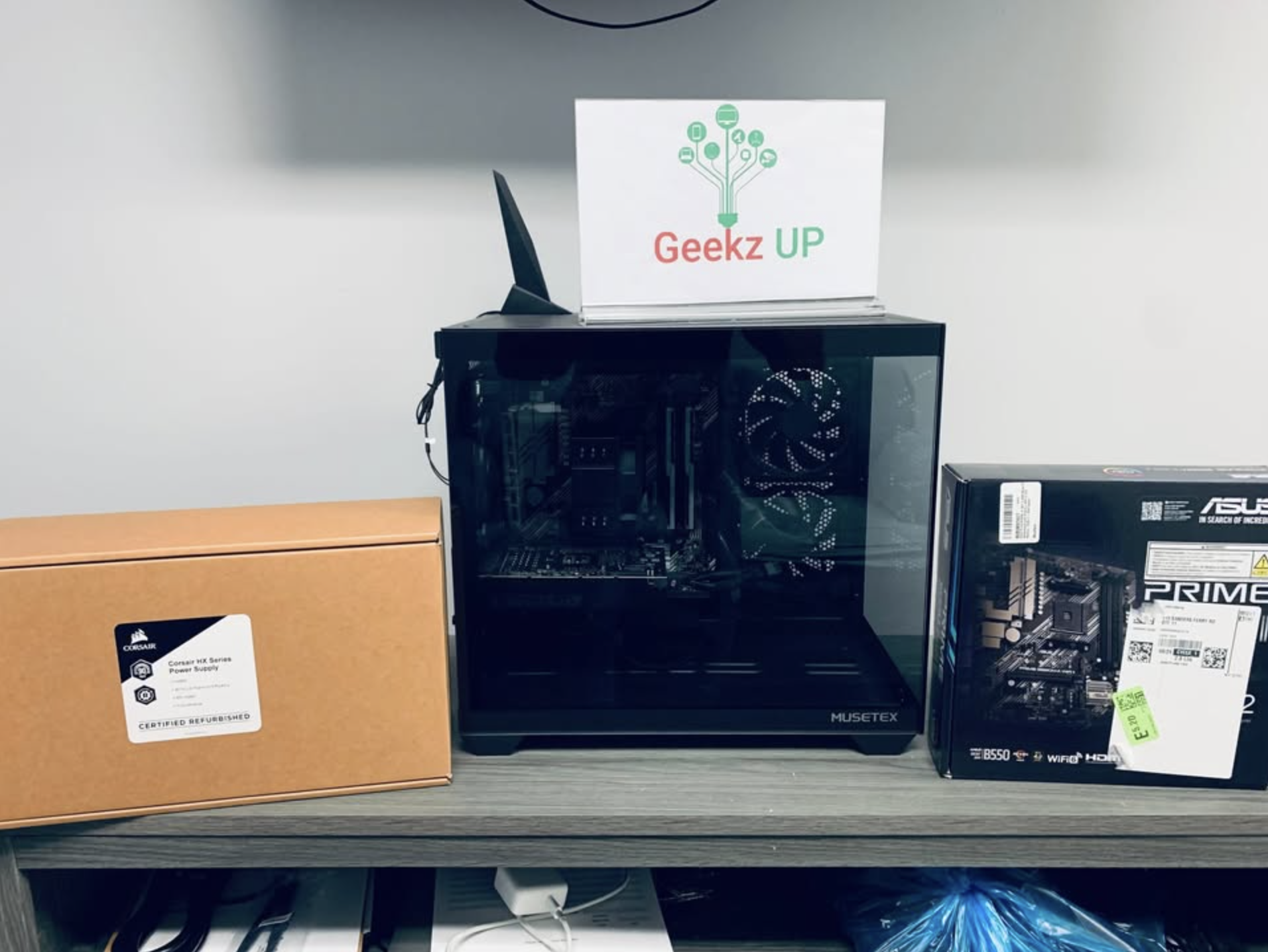
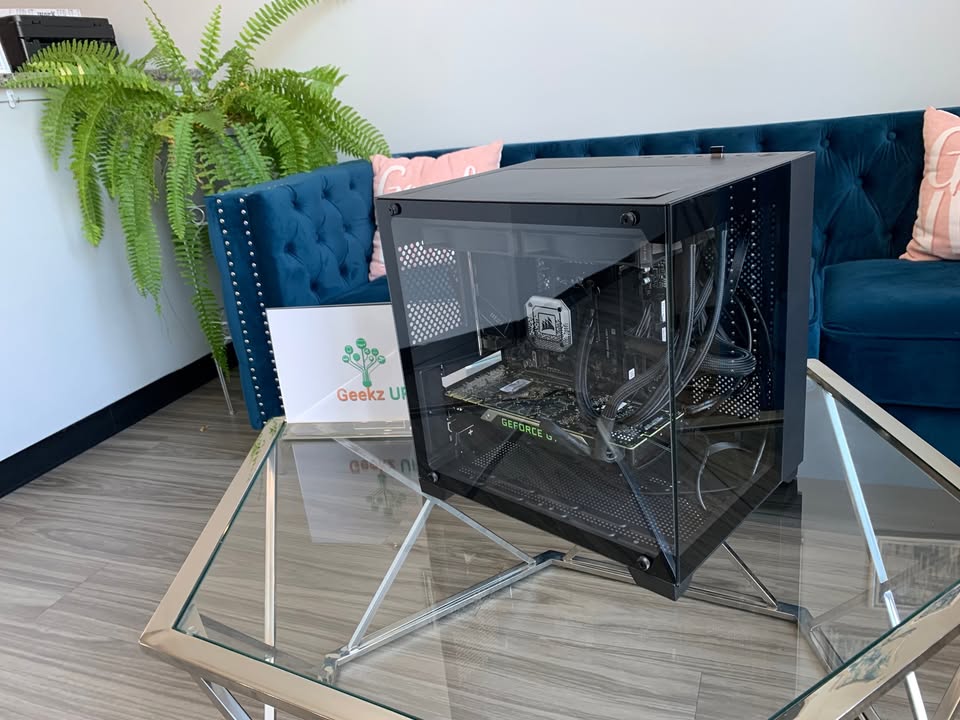
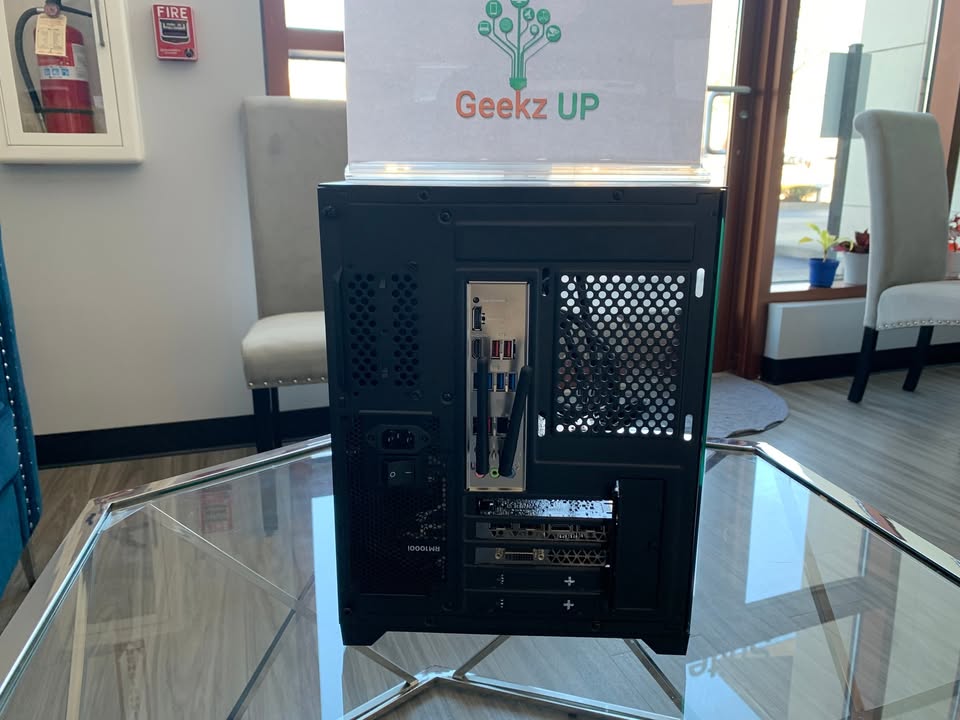
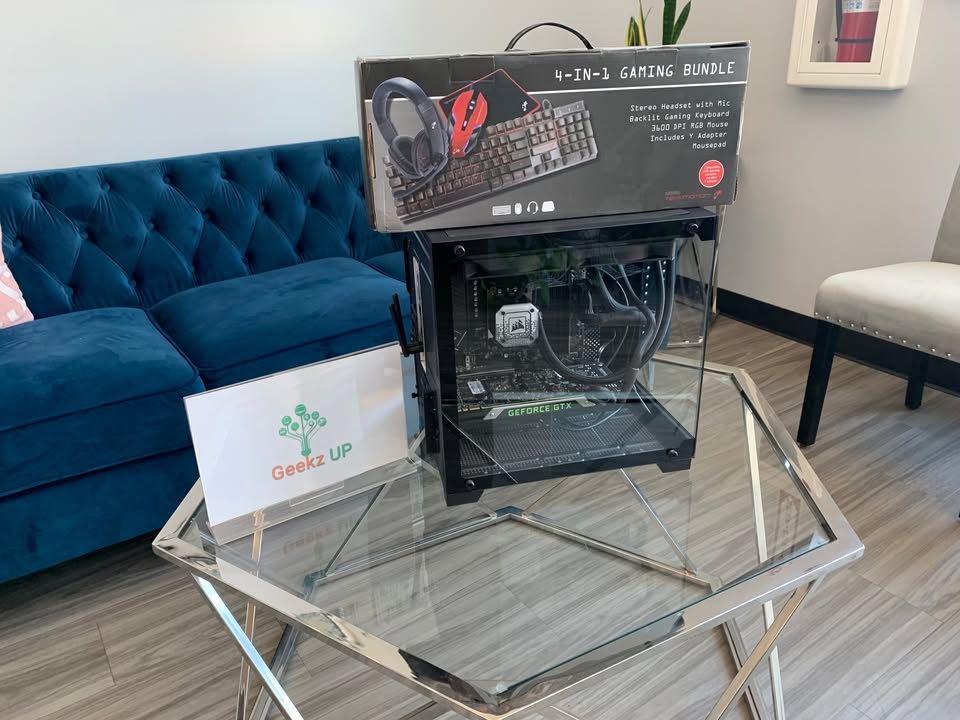
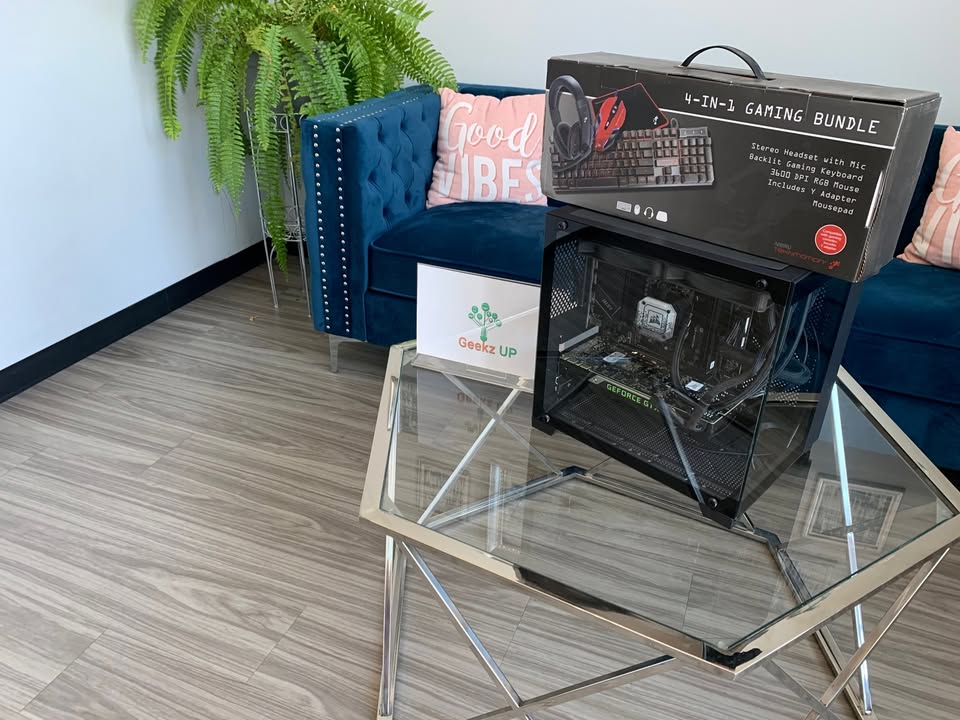
Our team specializes in building gaming and professional PCs tailored to specific needs. Whether you want a system for esports, content creation, or VR, we make sure you are choosing the right graphics card for your needs. We also test configurations for stability so that you never face driver crashes or bottlenecks during critical moments.
For more detailed insights, check our related blogs such as Best Budget Gaming PC Build Under 1000 and Mistakes to Avoid When Building a Gaming PC.
Conclusion
Choosing the right graphics card for your needs is not about buying the most expensive option, but about understanding your goals. If you are gaming at 1080p, a mid range card may be perfect. If you want the best visuals at 4K or need power for video production, a high end card is worth the investment.
At the end of the day, matching performance to purpose ensures both smooth gameplay and long term value. At GeekzUP Repairs, we help customers make these decisions every day, making sure they enjoy the perfect balance of power and price.