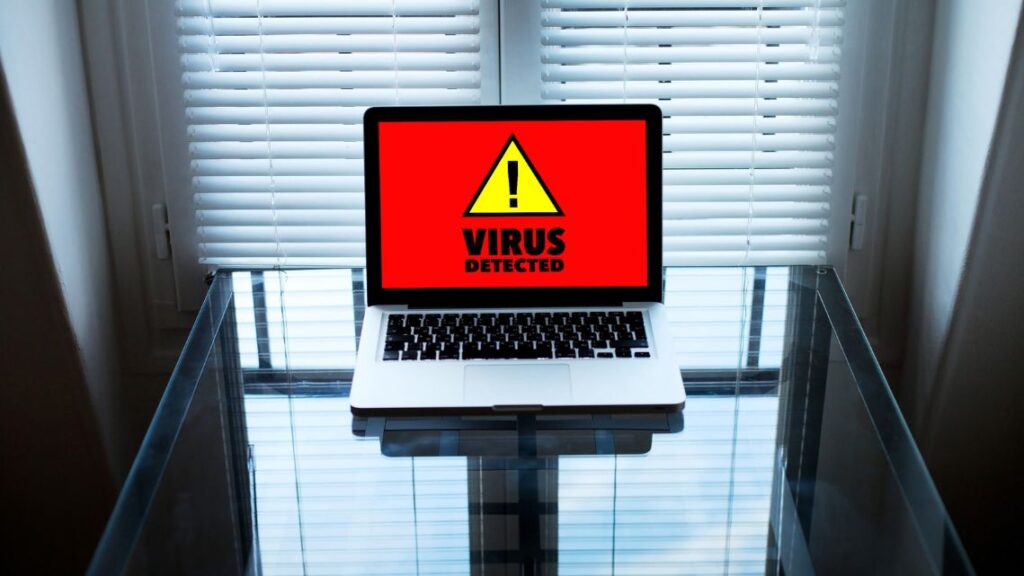
In today’s connected world, even a single infected file or email can cause big trouble. A computer virus can slow down performance, corrupt files, or even steal sensitive information without you realizing it. At GeekzUP Repairs in Hendersonville TN, we help customers detect, remove, and protect their systems from all kinds of malware threats.
Knowing the signs your computer might have a virus can help you take quick action before serious damage occurs. Here’s what to look out for and what to do if your system shows any warning signs.
1. Your Computer Suddenly Runs Slow
If your computer used to run smoothly but now takes forever to open apps or start up, a virus might be running silently in the background. Malware often uses your CPU and memory to perform hidden tasks, like sending spam or mining cryptocurrency, which slows down performance dramatically.
At GeekzUP Repairs, we run full system diagnostics to identify whether slow performance is caused by malware or failing hardware, and fix it fast.
2. Frequent Crashes or Blue Screen Errors
Viruses can disrupt essential system files, causing programs to crash or the dreaded “blue screen” to appear. While crashes can also happen due to outdated drivers or hardware issues, if it’s happening more often than usual, malware could be the reason.
3. Unexpected Pop-Ups or Strange Browser Activity
Seeing random pop-up ads or strange browser redirects is a strong indication of an infection. Some malicious extensions or adware take over your browser settings and push you to unsafe websites. If your homepage changes on its own or you’re being flooded with unwanted ads, it’s time for a professional cleanup.
4. Programs You Don’t Recognize
If you notice new software installed on your system that you didn’t download, a virus may have sneaked it in. These unwanted programs often come bundled with free downloads or fake updates and can open doors for other types of malware.
5. Your Files Are Missing or Encrypted
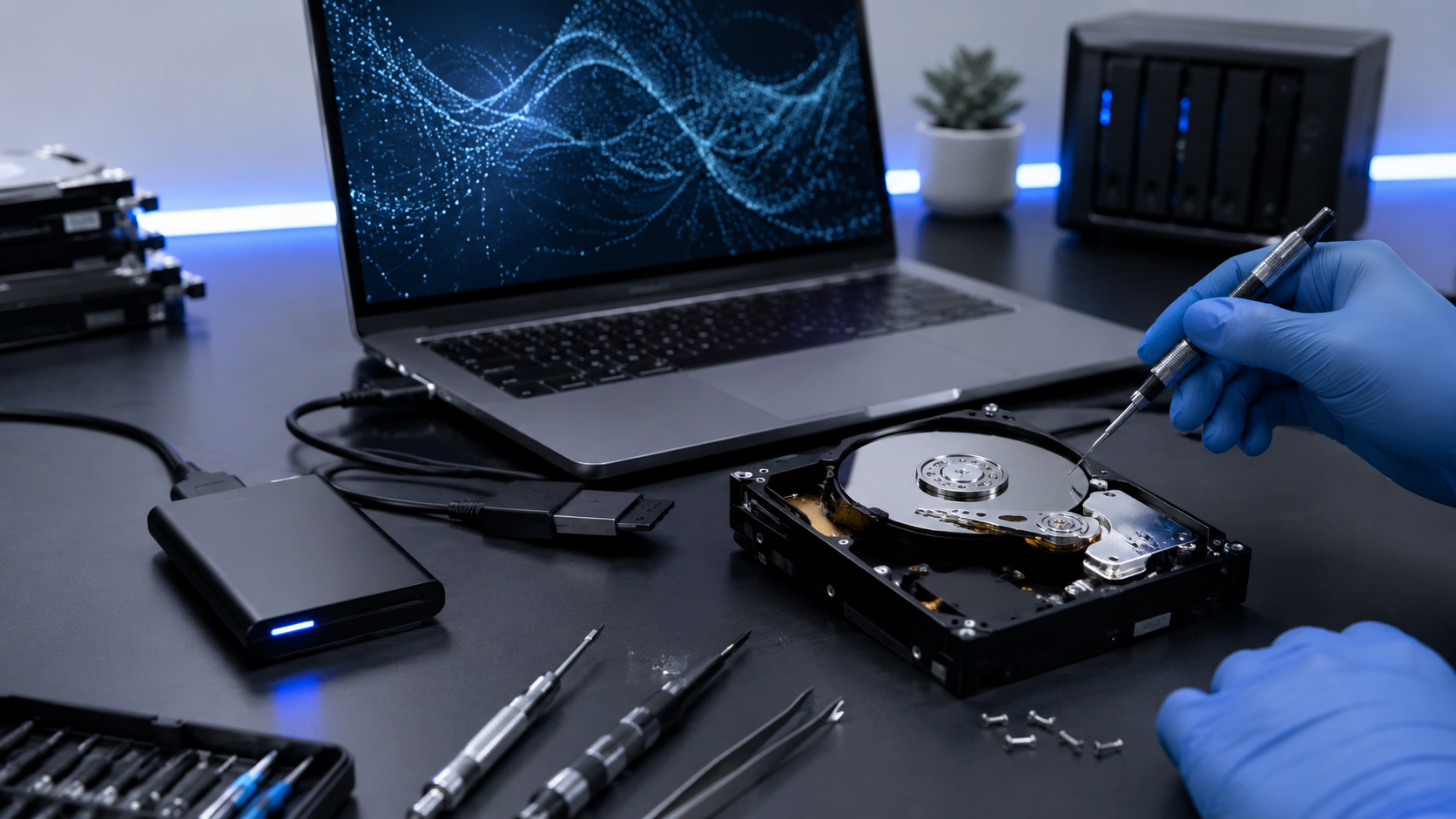
Ransomware is one of the most dangerous types of computer viruses. It locks or encrypts your files and demands payment to unlock them. If your files suddenly disappear, are renamed, or you see a ransom message, shut down your system immediately and contact GeekzUP Repairs, we specialize in data recovery and virus removal.
6. Antivirus or Security Settings Are Disabled
Many viruses try to disable your security tools so they can operate freely. If your antivirus suddenly turns off or won’t update, that’s a red flag. Don’t try to fix this manually, malware often embeds itself deep in the system, and improper handling can make things worse.
7. High Internet or CPU Usage
If your computer fan is running constantly or your internet connection seems unusually busy even when you’re not using it, malware could be communicating with remote servers or downloading more malicious files.
You can check this using Task Manager (on Windows) or Activity Monitor (on Mac), but for a full cleanup and security check, professional help is always best.
What to Do If You Suspect a Virus
If you notice any of these signs, here’s how to protect your data and prevent further harm:
-
Disconnect from the internet immediately.
-
Avoid entering passwords or banking details on that device.
-
Run a trusted antivirus scan if possible.
-
Contact a professional repair shop for a full inspection.
At GeekzUP Repairs, we remove viruses safely, recover damaged files, and strengthen your system’s protection to stop future attacks.
Protect Your Computer with GeekzUP Repairs
From simple virus removals to complex data recovery, GeekzUP Repairs offers reliable computer repair services for residents and businesses in Hendersonville TN. Our expert technicians ensure your system stays fast, secure, and ready for anything.
Phone: 615-387-9454
Email: [email protected]
Website: www.geekzuprepairs.com