A hard drive crash can feel like a disaster. One moment your files are right there, and the next you cannot access them at all. Whether it is family photos, important work documents, or financial records, the thought of losing everything can be overwhelming. The good news is that in many cases, it is possible to recover data from a crashed hard drive.
At GeekzUP Repairs in Hendersonville TN, we have seen every kind of crash imaginable, from minor file errors to drives that have completely stopped working. This guide explains what causes crashes, how you can attempt recovery, when to turn to professionals, and the best steps to protect yourself in the future.
Why Hard Drives Fail
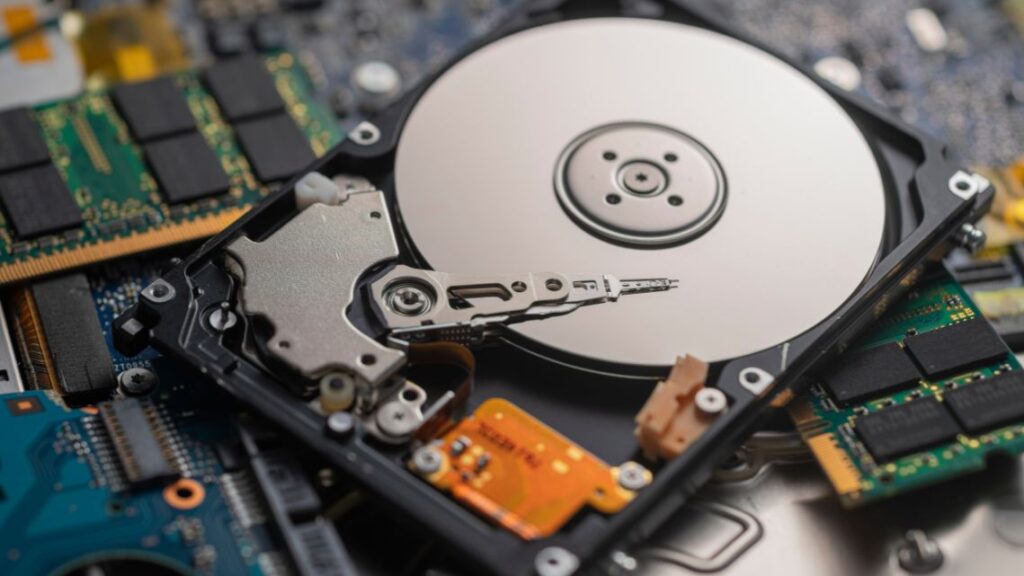
Hard drives are sensitive devices, and several different problems can lead to failure. Some crashes happen because of physical damage, such as a laptop being dropped or a power surge damaging the components. Others occur due to mechanical wear and tear inside the drive, since traditional hard drives rely on moving parts that eventually fail.
There are also software-related causes. File system corruption, malware infections, or even a bad update can stop a drive from functioning properly. In other cases, certain sections of the disk become unreadable over time, creating what are called “bad sectors.” No matter the cause, a crash does not always mean permanent loss.
Signs Your Hard Drive May Be Crashing
In many cases, your computer will warn you before a total crash. If you notice unusual clicking noises, files that take much longer to open, or frequent system freezes, your drive may already be struggling. Sometimes you will see error messages like “drive not accessible” or “disk not formatted.” If any of these occur, the most important thing is to stop using the drive immediately. The more you continue to use it, the harder recovery becomes.
First Steps You Can Take
If your drive suddenly becomes inaccessible, start with simple checks. Make sure the cables are secure and, if possible, test the drive on another computer. Sometimes the issue is not the drive itself but the connection or the system.
For drives that are still spinning but not working properly, recovery software may be able to help. Programs such as Recuva, EaseUS, or Disk Drill can scan the drive and attempt to restore files. However, these tools are best suited for cases of accidental deletion or light corruption. If the drive is making strange noises, is not detected at all, or has clear physical damage, it is time to move on to professional help.
Why Professional Recovery Works
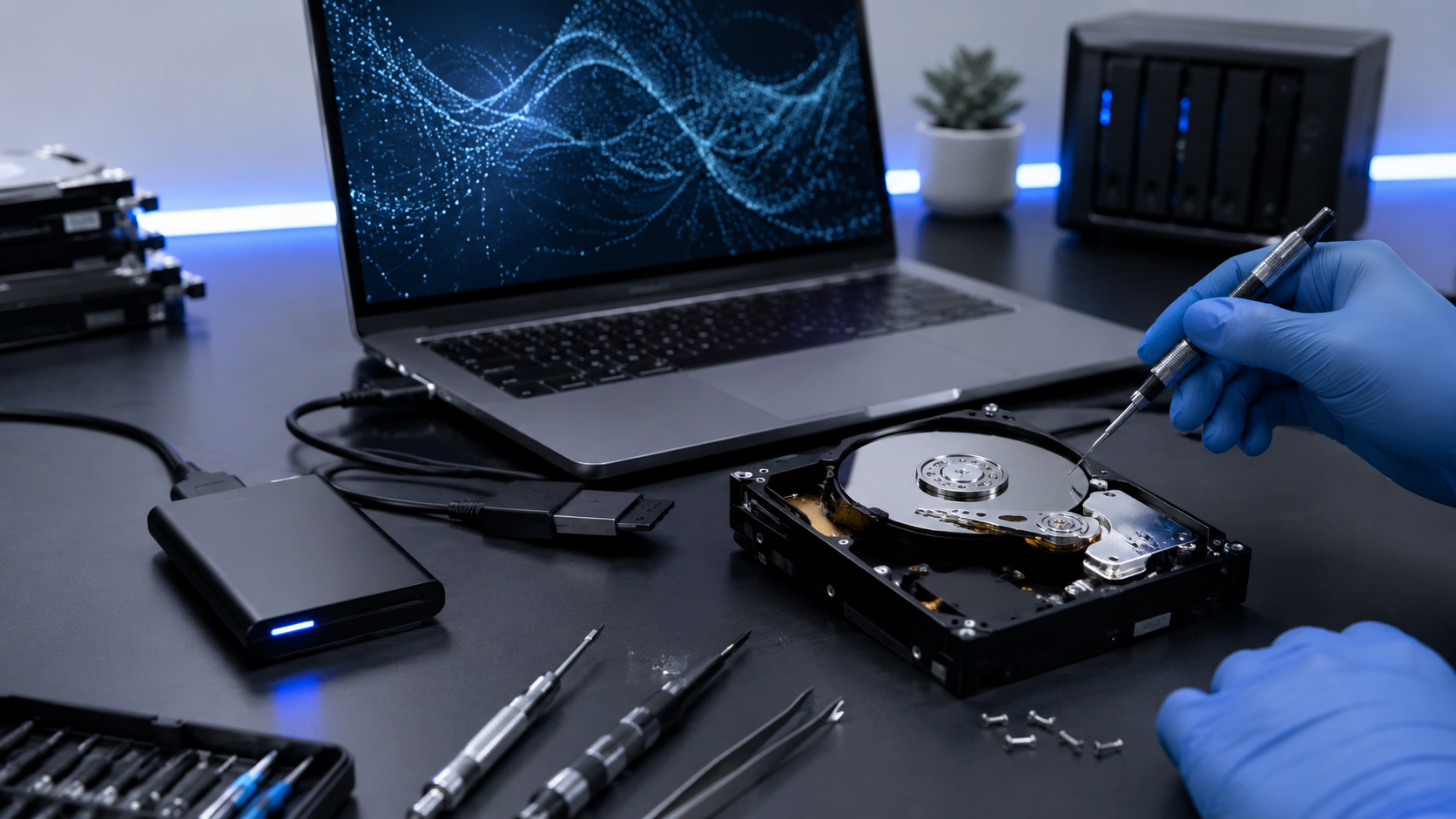
Recovering data from a crashed hard drive often requires equipment and expertise that go far beyond what most people have at home. At GeekzUP Repairs, we use advanced diagnostic tools to determine whether the failure is physical, logical, or firmware-related. For severe cases, drives are opened in controlled environments where dust cannot cause further harm.
Once the issue is identified, our technicians use specialized methods to clone or repair the drive and extract files safely. Even when the drive appears completely dead, we are often able to restore critical data. The earlier the drive is brought in, the higher the chances of success.
Preventing Data Loss in the Future
Recovering your files is possible, but prevention is always the smarter path. Setting up automatic cloud backups or using an external drive can ensure you never face total loss. A few additional practices also make a difference:
Use a surge protector to shield your computer from sudden power spikes.
Keep your system updated to reduce risks of file corruption.
Make sure your computer has good airflow and does not overheat.
If your drive has already failed once, it may be a sign that replacement is needed. Upgrading to a solid-state drive (SSD) can not only improve performance but also reduce the risk of mechanical failure in the future.
The Bottom Line
A crashed hard drive does not automatically mean your data is gone forever. With the right approach, and sometimes with professional assistance, you can often recover data from a crashed hard drive and get back the files that matter most.
At GeekzUP Repairs in Hendersonville TN, we specialize in safe, reliable data recovery. Whether it is retrieving files, setting up backups, or upgrading your system to something faster and more durable, we are here to help.
Phone: 615-387-9454
Email: [email protected]
Website: www.geekzuprepairs.com