
A big discount does not tell you whether a laptop will do the job. Check the exact configuration, recent selling price, upgrade options and return terms before you pay.
Black Friday can be a good time to buy a laptop, but a large discount is only useful when it applies to the right machine. The exact model, the work you need it to do and the seller's terms matter more than the percentage beside the price.
At GeekzUP, we look at a buying decision the same way we approach a repair: identify the actual need before spending money. This guide is a checklist for judging a deal, not a constantly updated list of sale winners. Compare a new offer with our available computers, but check each machine's configuration, condition and warranty individually.
Research Checkpoint: November 14, 2026
The retailer example and policy checks below were reviewed on November 14, 2026. Prices, configurations, stock and exclusions can change. Recheck the actual product page and checkout before purchasing. The feature image is illustrative and does not advertise a GeekzUP sale or discount.
Start With The Person Who Will Use It
Write down the three most demanding things the buyer actually does. Email and household paperwork call for a different machine than editing large videos, running engineering software or playing recent games. Include the exact applications, school requirements, printer and external monitors. A laptop that fails one essential requirement is not good value at any discount.
Set an all-in budget that includes tax, necessary adapters, software and any setup help. Decide which features are requirements and which are preferences. Our cheap-laptop specifications guide goes deeper into entry-level hardware limitations; here, the goal is to compare the complete offer without getting distracted by the sale banner.
Compare The Exact Model, Not Just The Product Name
Copy the full manufacturer model number, retailer SKU and selected configuration into your notes. Product families can include different processors, displays and storage options. A review of the premium configuration does not establish the performance, screen quality or battery life of the cheaper one beside it.
For a concrete example, Dell's US listing for the Dell 16 DC16250, offer dc16250_fixed_16, displayed $989.99 when checked on November 14. The selected configuration listed a Core 5 120U, 16GB RAM, 512GB SSD and a 1920-by-1200 touchscreen. The same page also offered different configurations. That is an identification example, not a recommendation or proof of a historic low.
Record who sells and ships the laptop, too. A familiar marketplace name does not mean the marketplace itself is the seller. Match condition, included charger, operating system, warranty provider and return terms before comparing two prices. Save the selected configuration rather than a screenshot showing only the starting price.
Check The Selling Price Before The Discount
A crossed-out reference price is not a record of what shoppers paid last month. Search the exact configuration at several established retailers. Compare the total payable today, including required memberships or shipping. Treat gift cards, trade-in allowances and financing promotions separately from an unconditional reduction in the laptop's price.
Google's Shopping Insights can show price history and price ranges for supported products. Google lists account, country and settings requirements, so the feature will not appear for every person or listing. Check that any history refers to the same variant and seller condition. If you cannot verify a previous price, call the offer a current price rather than claiming it is the lowest ever.
Use Specifications To Test The Fit
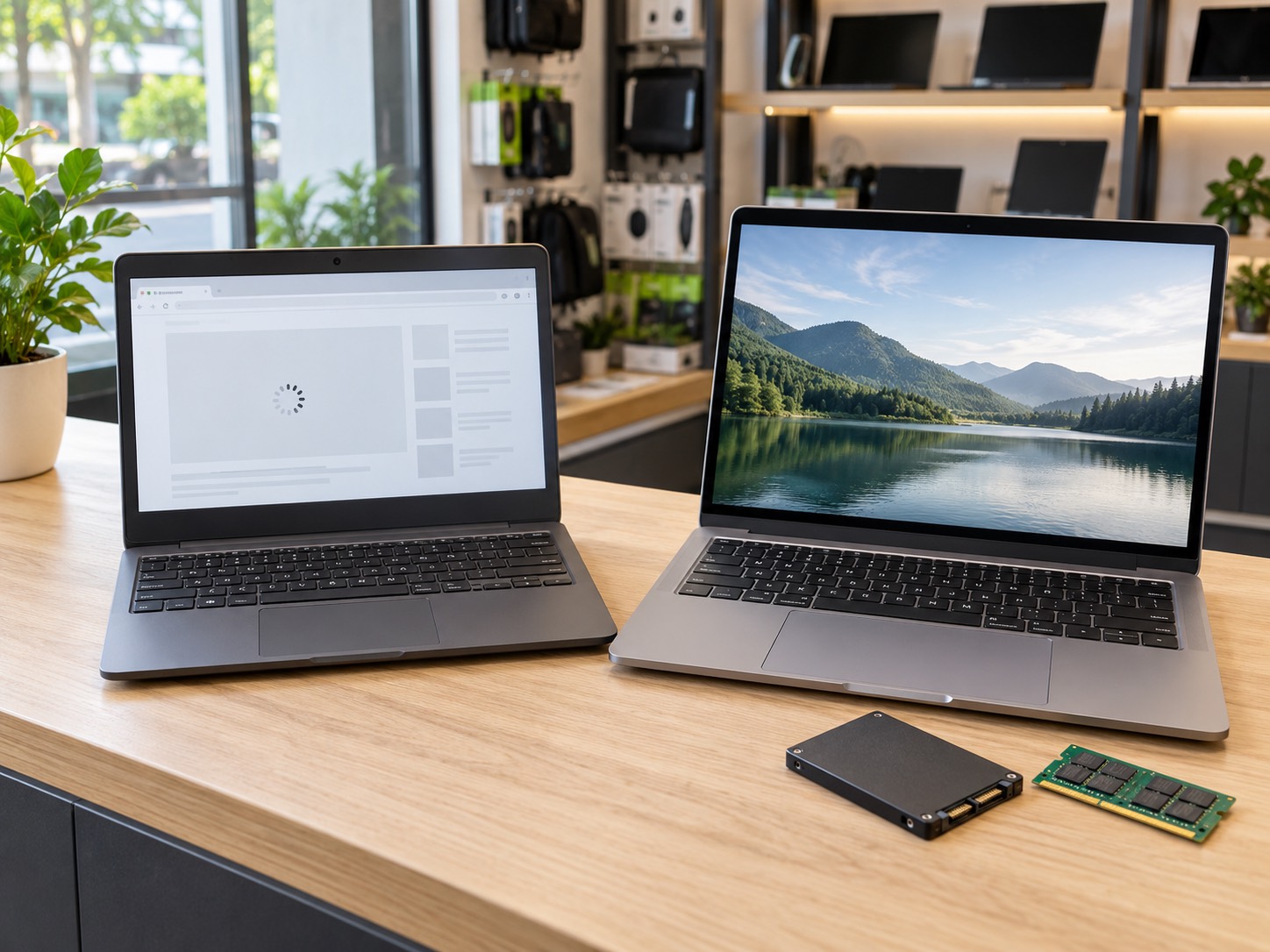
Microsoft lists 4GB RAM and 64GB storage among Windows 11's minimum requirements. Those are eligibility thresholds, not our recommendation for a new everyday computer. As a practical starting point, we suggest comparing 16GB memory and a 512GB SSD for general multitasking, then adjusting for the buyer's applications, files and budget.
| Check | What To Record | Why It Matters |
|---|---|---|
| Processor | Complete model and suffix | An i7 or Ryzen 7 label alone does not identify the generation or performance class |
| Memory | Installed RAM, slots and supported maximum | Decide whether the purchased amount must last the machine's useful life |
| Storage | SSD type, capacity and replacement options | Include room for applications, updates and your own files |
| Display | Resolution, brightness, panel and refresh rate | A large screen is not automatically a comfortable or accurate one |
| Connections | Charging, monitor outputs and required ports | Budget for a compatible dock or adapters only if actually needed |
| Ownership | Seller, condition, warranty and return deadline | A lower sticker price can come with a different level of support |
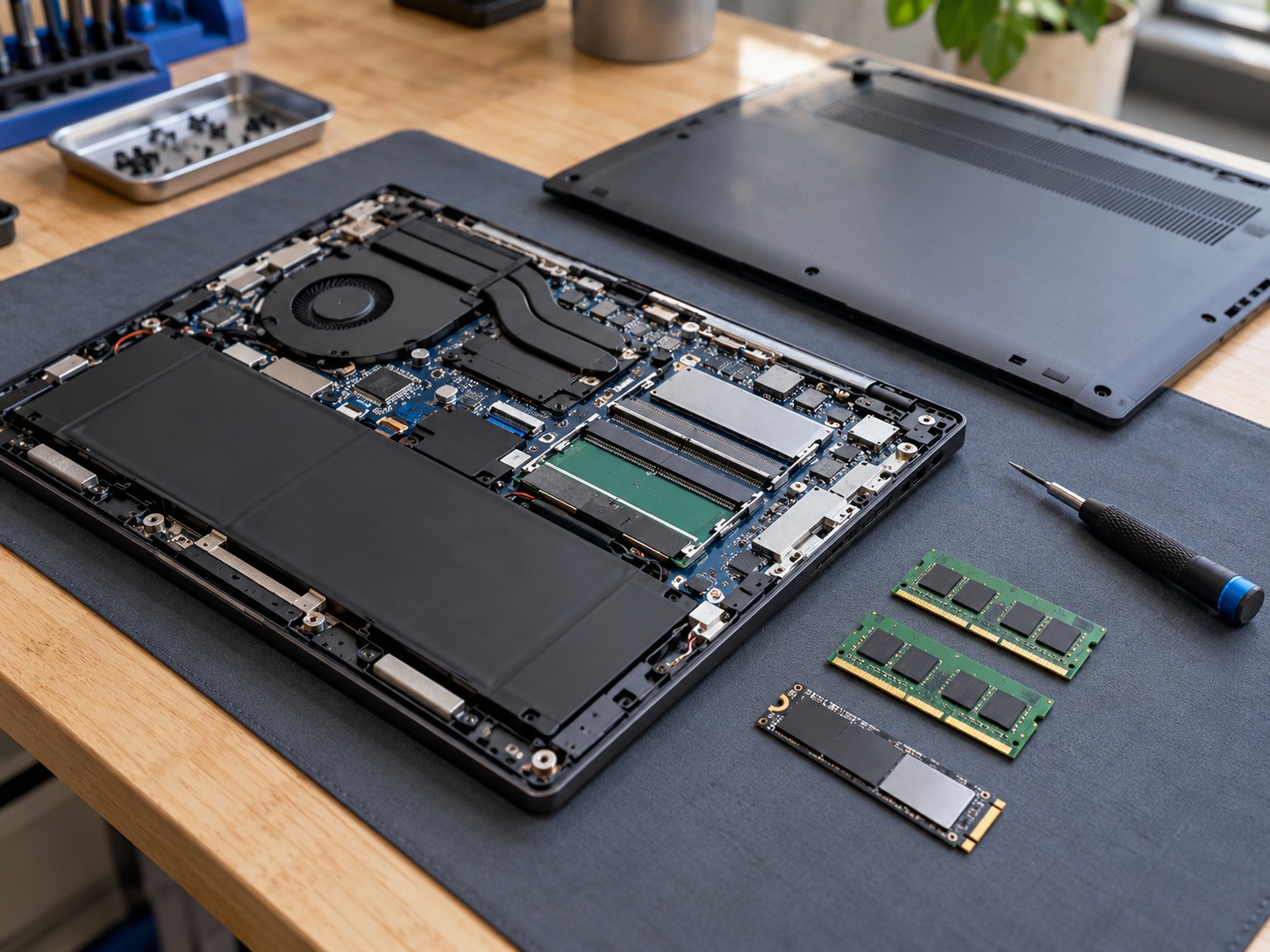
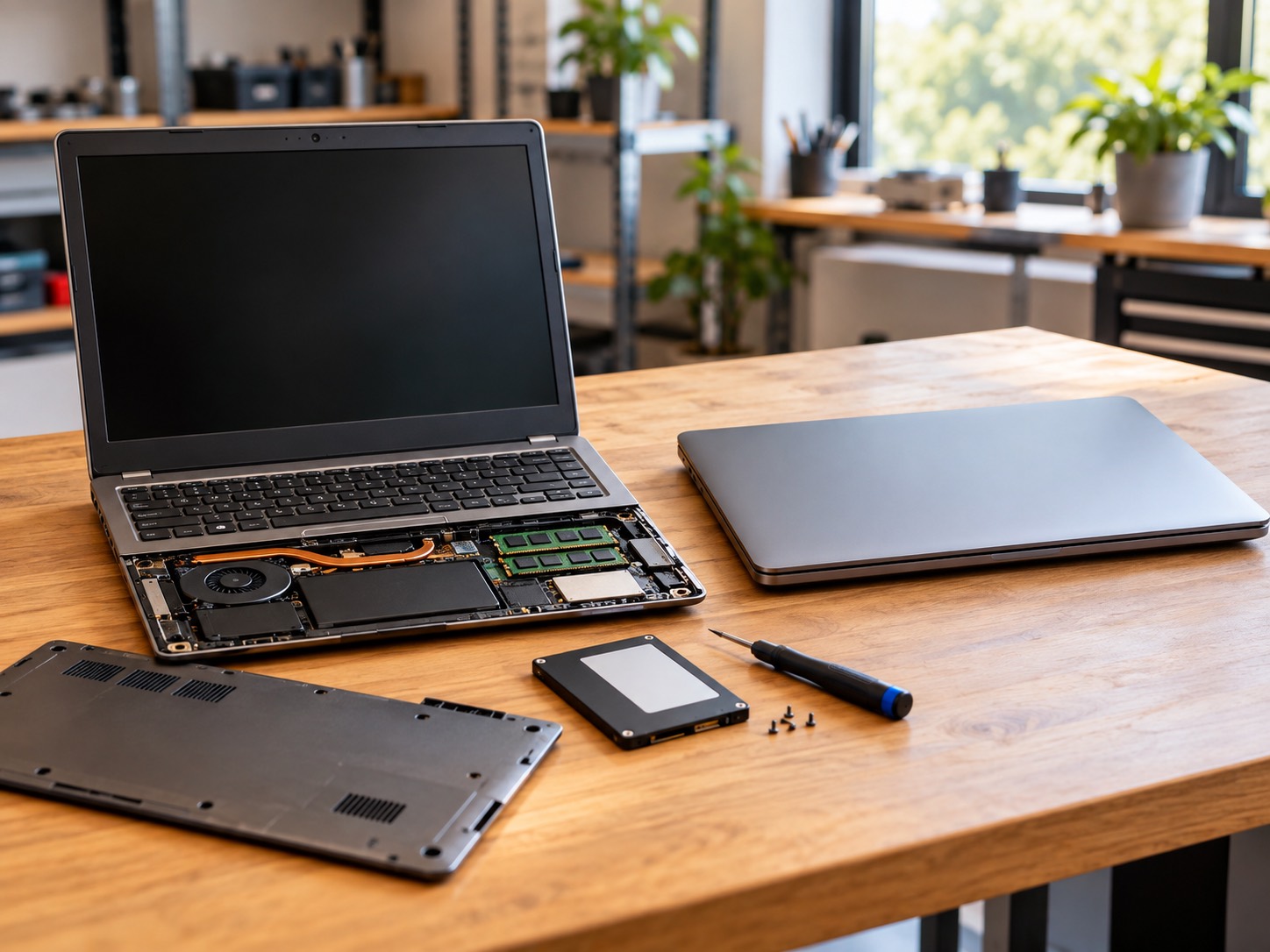
Find the manufacturer's service manual before assuming an upgrade is possible. Dell's DC16250 memory documentation, for example, identifies two SODIMM slots. Other designs use onboard memory. Check the exact configuration and supported parts instead of assuming every laptop opens or upgrades the same way. Our hardware-upgrade service can assess an existing machine when its limitations are unclear.
Check Software And Accessories Before Buying
An AI label is not an application-compatibility guarantee. For a Windows Arm laptop, verify your exact business applications, printer, VPN and other driver-dependent tools with their publishers. Microsoft's Arm FAQ explains that hardware and software relying on drivers need compatible drivers. Do not assume emulation solves every peripheral or game requirement.
For a MacBook, verify that required software has a supported macOS version and check the specific model's external-display support. A good sale does not remove a school or employer's platform requirements. If your existing Mac otherwise meets your needs, a Mac repair assessment may be more relevant than changing platforms during a promotion.
For Gaming, Look Beyond The Graphics Name
Record the full laptop GPU, graphics memory, configured power limit and display resolution. NVIDIA's laptop comparison lists power ranges within GPU families. Look for tests of the actual laptop configuration and the games you play, not just a desktop card with a similar name. Cooling, noise and the supplied power adapter belong in the decision too.
If your current system is inconsistent rather than simply underpowered, our gaming-stutter guide explains what to investigate before buying more hardware. And if you do not need portability, compare the proposed laptop with a custom gaming desktop on the performance and upgrade options that matter to you.
Separate Returns, Warranty And Price Matching
A return window covers whether you can send the purchase back under the seller's terms. A warranty addresses covered faults. A price adjustment addresses a later price change. Read all three separately, including who pays return shipping, whether an opened computer qualifies and which seller handles a fault.
At our November 14 checkpoint, Best Buy's holiday FAQ stated that eligible purchases from October 30 through December 31, 2026 had an extended return period through January 15, 2027, subject to exclusions and the full policy. Do not apply those dates to another retailer, a different purchase period or an excluded product.
Best Buy's separate price-match policy distinguishes its own holiday price drops from competitor matching and lists Black Friday and marketplace exclusions. Request any eligible adjustment through the retailer's process. Do not budget around a refund that has not been approved or assume a long return window guarantees every future discount.
Consider Open-Box, Refurbished Or Keeping Your Laptop
These are separate choices, not interchangeable conditions. Ask what testing occurred, whether the battery has a stated condition, which accessories are included and who backs the warranty. For a used business computer, confirm it is released from the previous organization's management and can complete setup under your own account.
A healthy computer with one repairable problem deserves a comparison too. Our repair-or-replace guide looks at the fault, useful life and realistic benefit of fixing it. Do not spend on an upgrade that leaves the original problem unresolved, and do not replace a suitable machine just because a sale has a countdown.
Avoid A Fake Deal From A Fake Seller
The FTC's holiday-shopping guidance warns about impersonation ads and unusually low prices leading to fraudulent stores. Navigate independently to the retailer, research an unfamiliar seller and keep the receipt and order confirmation. Where possible, use a credit card. A seller insisting on gift cards, wire transfers, cryptocurrency or a payment app as the only payment route is a serious warning sign.
Test The Laptop While You Can Still Return It
- 1Save the listing, invoice and written return deadline. Match the delivered model and configuration to your order.
- 2Inspect the screen, hinges, keyboard, ports and charger. Photograph damage and contact the seller rather than opening a new machine to investigate.
- 3Install normal manufacturer and operating-system updates, then test your actual apps, Wi-Fi, printer, webcam and monitors.
- 4Use it on battery during ordinary work. Check whether weight, noise and screen comfort suit your routine.
- 5Keep the old computer and its backups until important files and accounts are verified on the replacement. Resolve a problem before the return deadline, not afterward.
Our backup-before-repair guide is also useful before moving to a new machine: make an independent copy and check that important files open. Do not erase the old laptop merely because the new one has reached its desktop.
Make The Decision Before The Countdown Does
Buy when the exact laptop meets your requirements, the total price is competitive and the seller's terms are acceptable. Wait when an essential detail is missing. For an existing device with a fault, book computer and laptop repair so the replacement decision is based on diagnosis rather than a guess.
GeekzUP serves Hendersonville and Middle Tennessee. If you need help with an existing computer or setting up a replacement, book a service and describe what you need. Buying a new laptop does not automatically mean your old files, software licenses, printer or accounts are ready to move with it.
Frequently Asked Questions
Is Black Friday a good time to buy a laptop?
It can be, when the exact configuration meets your needs and its actual selling price compares well. A large advertised discount alone does not establish that.
Should I wait for Cyber Monday?
There is no guaranteed cheaper day for your particular model. Compare the current total, stock and applicable price-adjustment terms rather than assuming the next promotion will be better.
Is 8GB RAM enough for a Black Friday laptop?
It can serve limited workloads, but we suggest comparing 16GB for a new general-purpose multitasking machine. Check your applications and whether memory can be upgraded before choosing less.
Are Black Friday laptops lower quality?
A sale label alone does not establish quality. Compare the full configuration, manufacturer documentation and reviews of that version. Do not assume every discounted machine is specially manufactured or inferior.
Do holiday returns guarantee a price match?
No. Return eligibility, warranty coverage and price adjustments have separate conditions. Check the seller's current policy for your purchase and request an eligible adjustment before its deadline.
GeekzUP Team
Veteran-owned computer repair in Hendersonville, TN. Serving Nashville and Middle Tennessee since 2012.