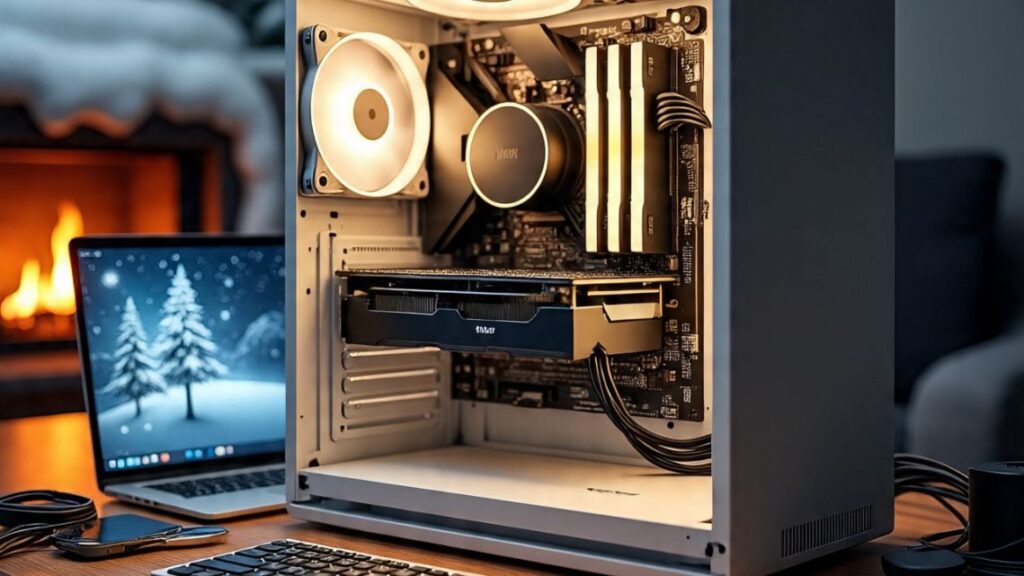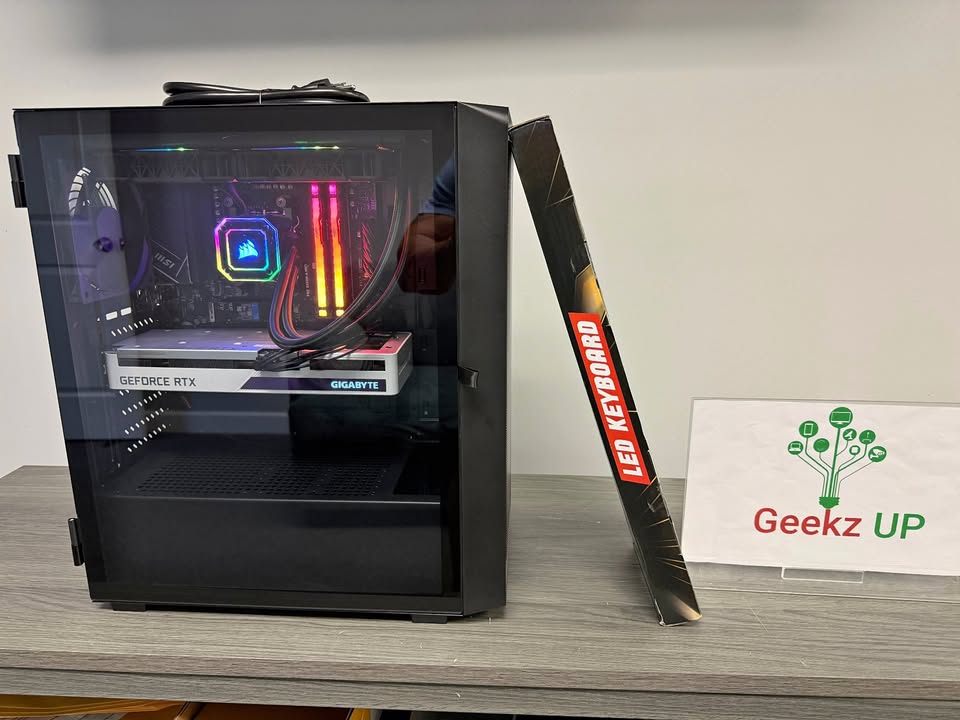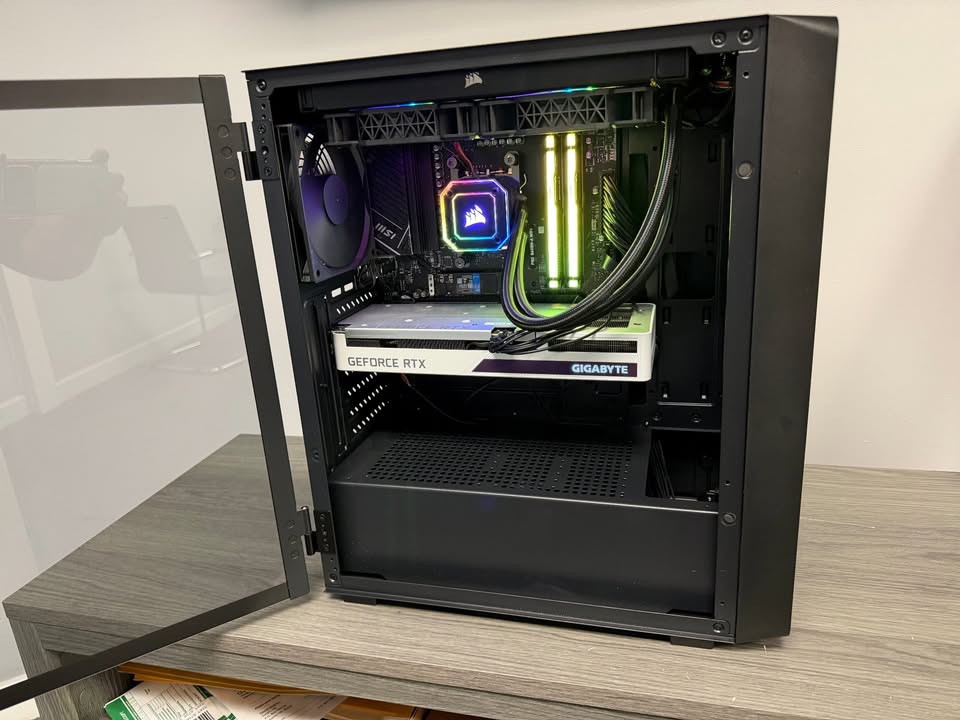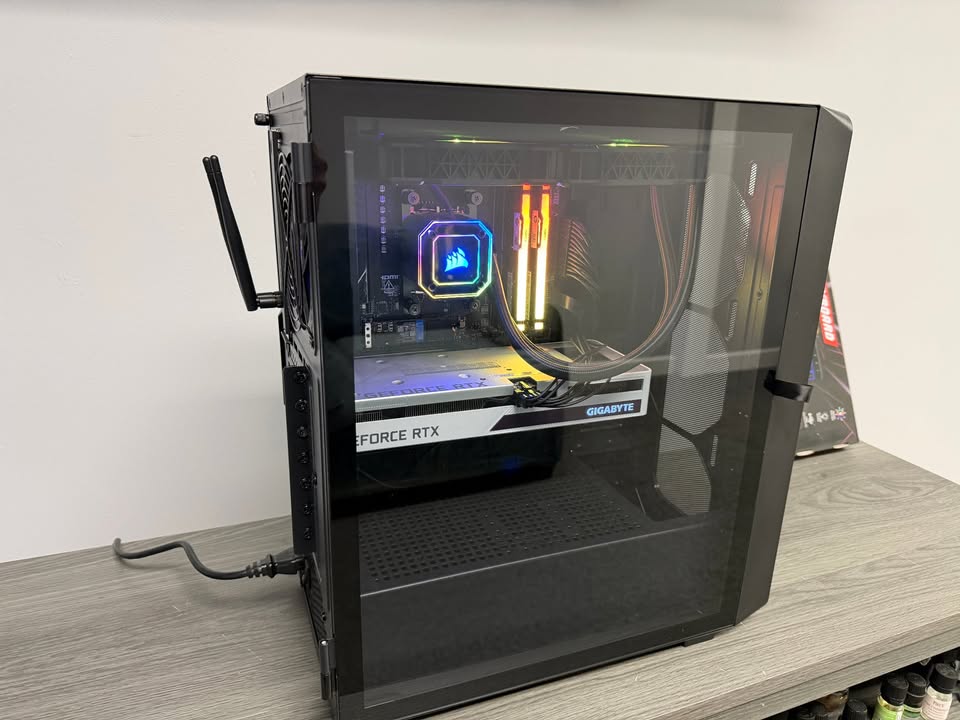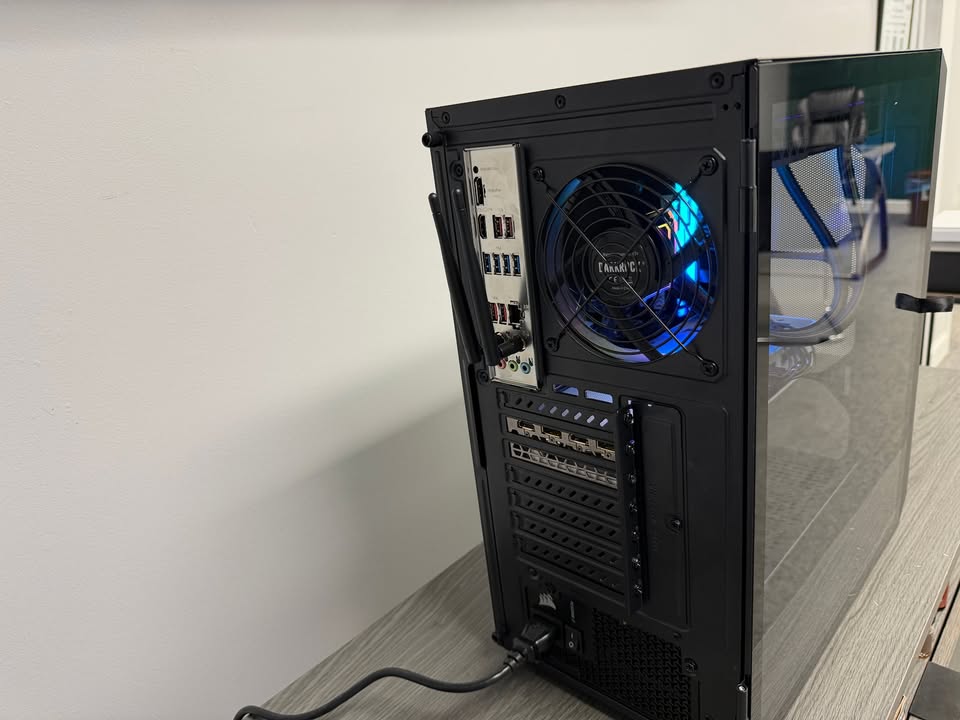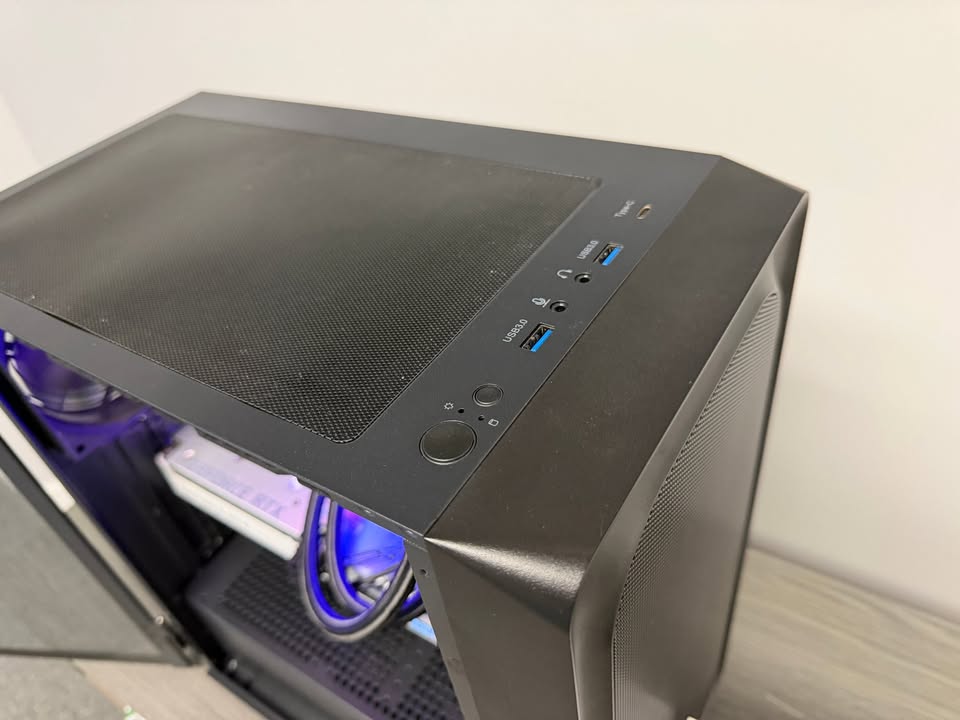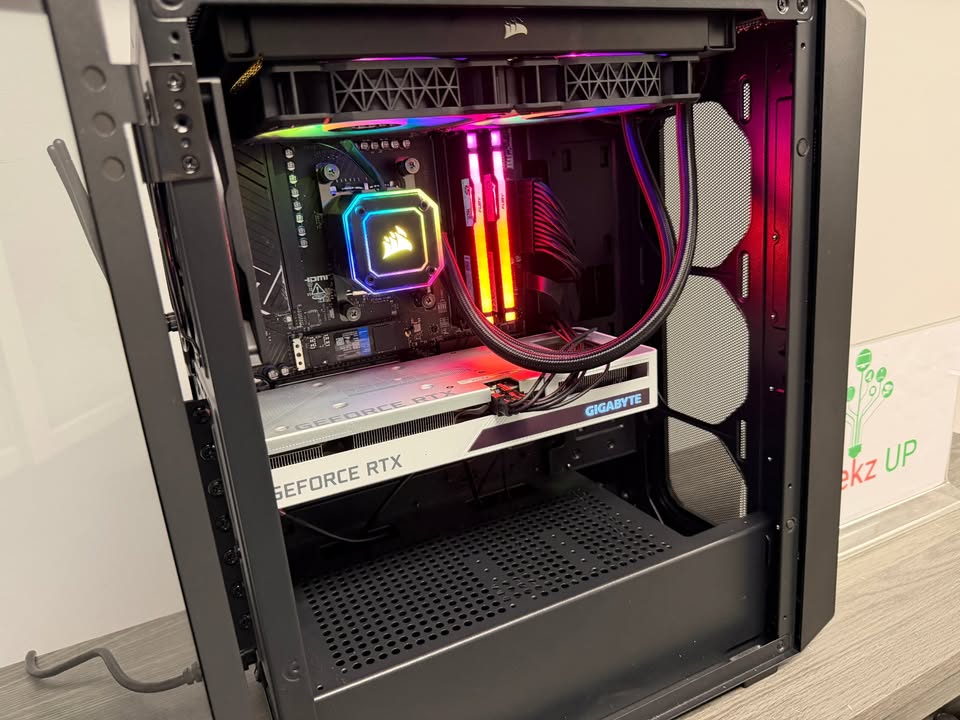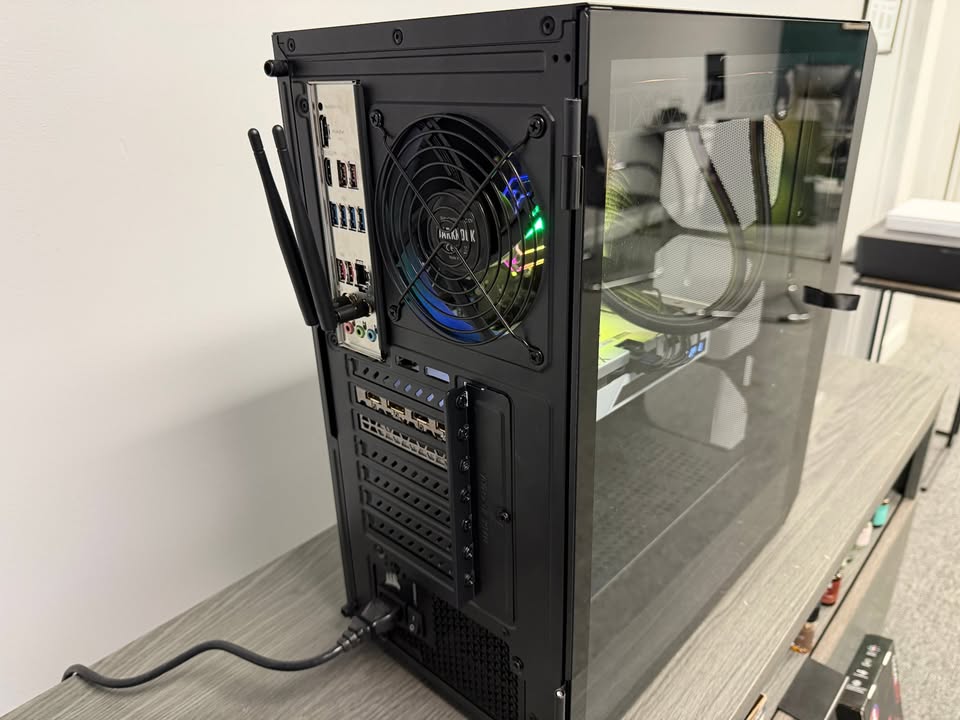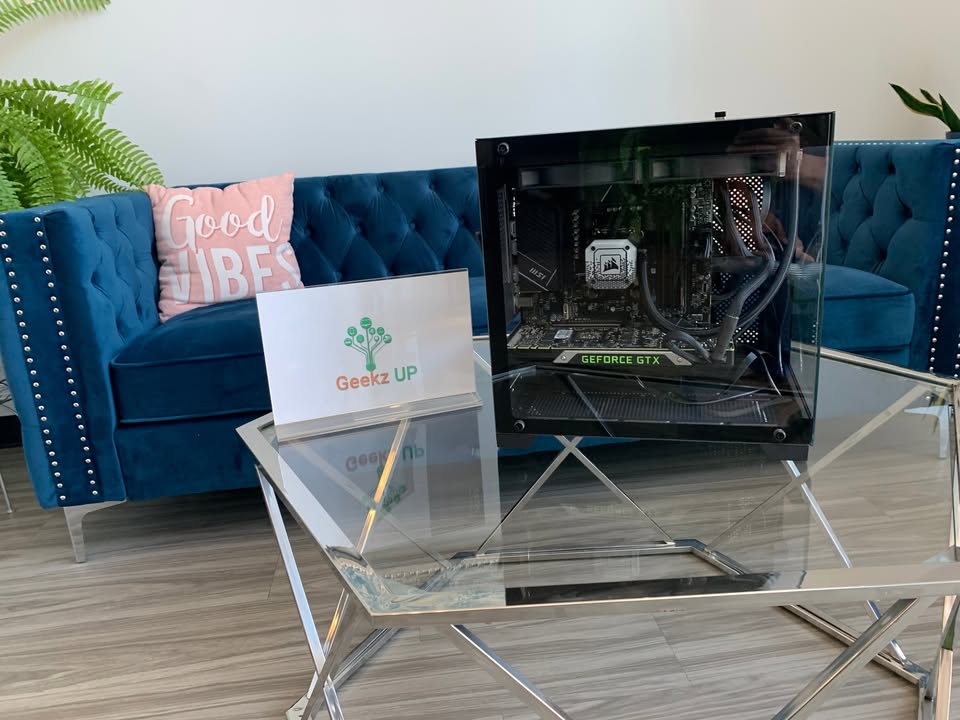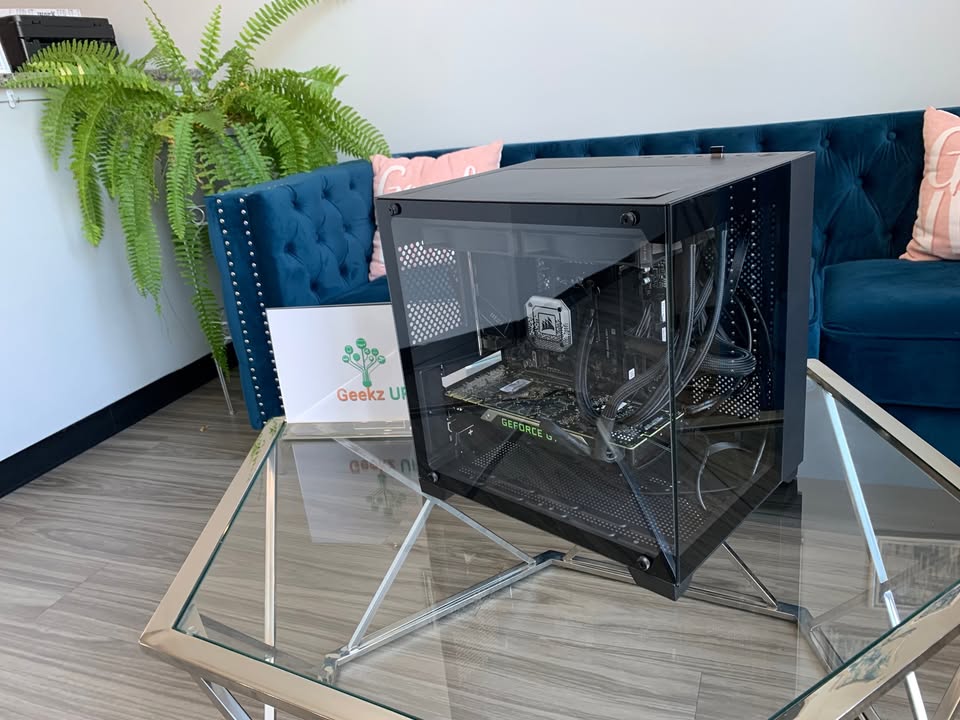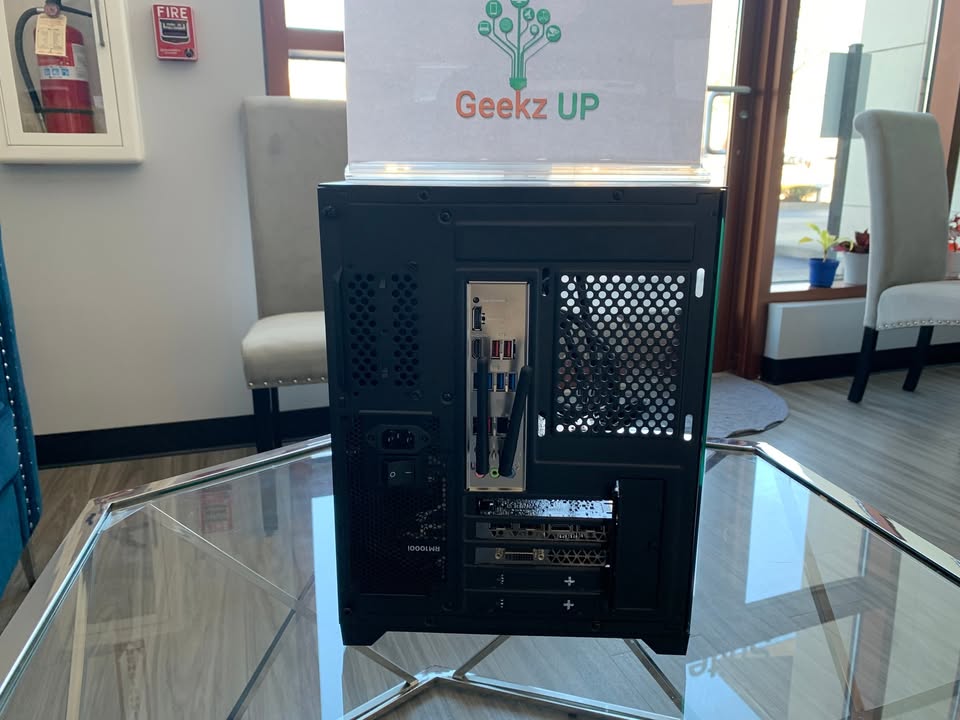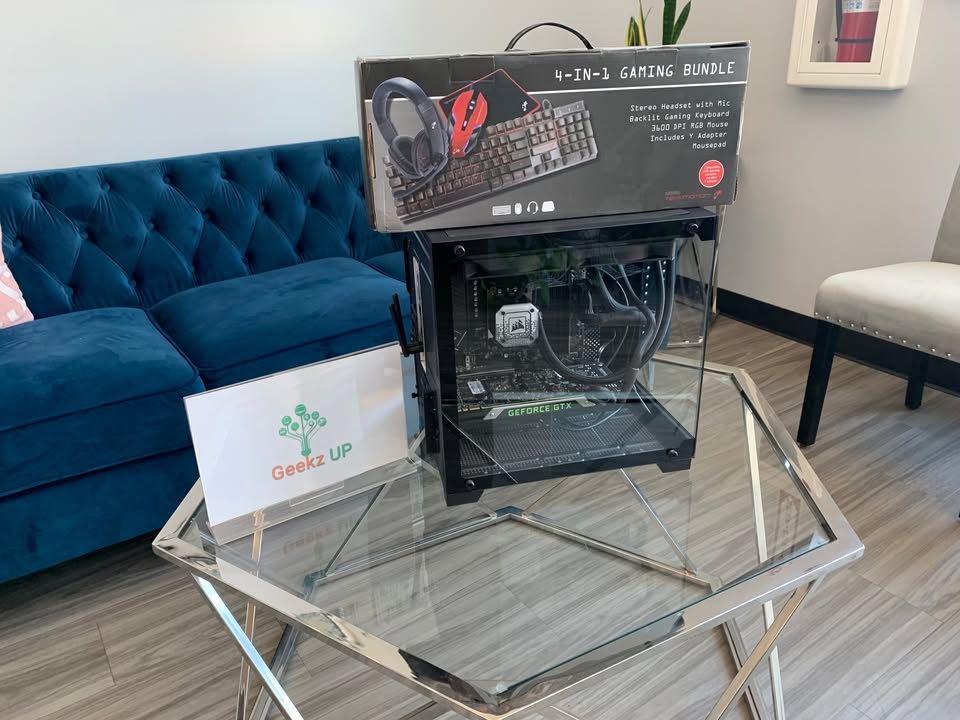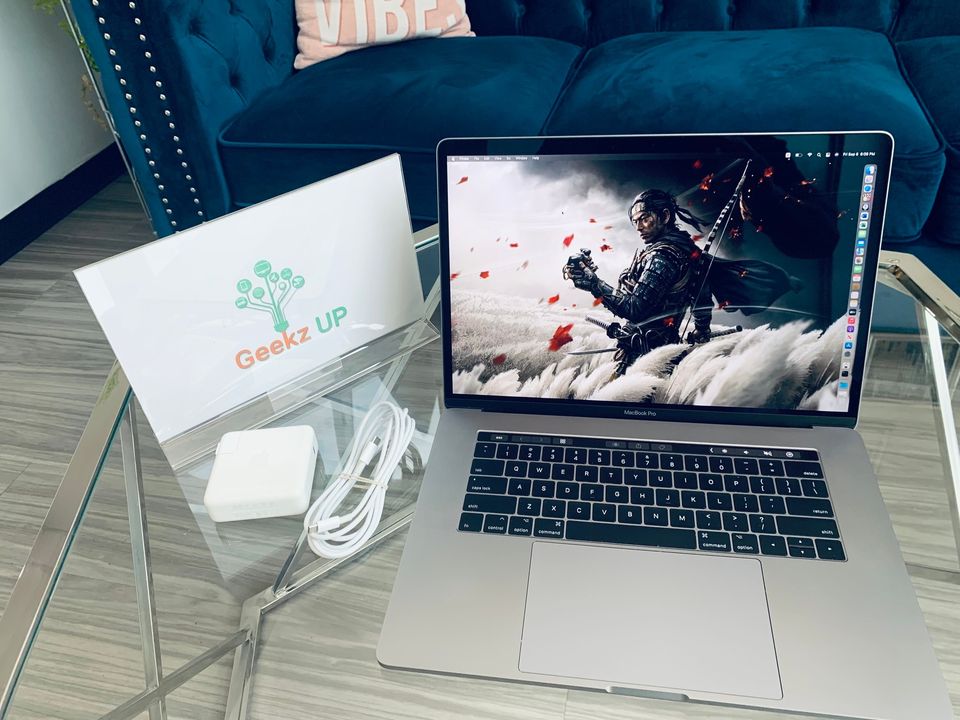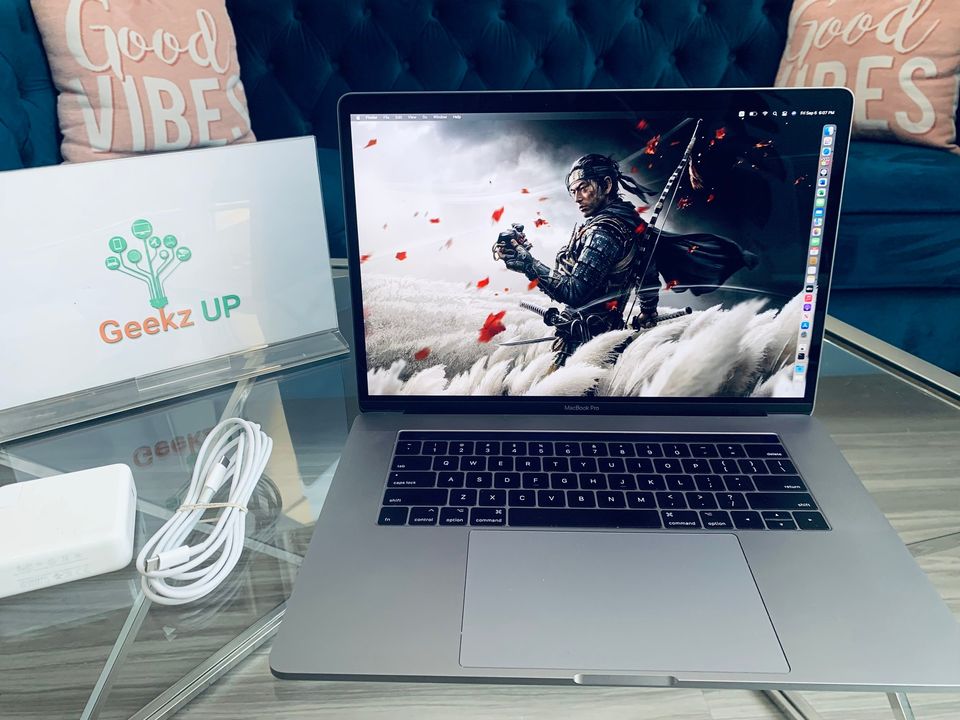
Cold weather may feel refreshing, but your computer does not always agree. As temperatures drop, your device becomes more vulnerable to moisture, unexpected shutdowns, slow performance, and even physical damage. Following the right winter maintenance tips for your pc helps keep it running smoothly all season long.
At GeekzUP Repairs in Hendersonville, TN, we help customers protect their computers year round. Here is everything you need to know about keeping your PC safe during winter.
Why Cold Weather Can Harm Your PC
Many people think heat is the only danger to computers, but extreme cold can be just as risky. When your device is exposed to low temperatures, the internal components contract. As soon as you bring the device indoors, warm air hits the cold parts and causes condensation. Moisture inside a computer can lead to short circuits, hardware failure, and data loss.
Keeping your computer at a stable temperature is the first step in proper winter care.
Keep Your PC at Room Temperature
Your computer should always be used and stored in a room with a stable temperature. Avoid placing your laptop or desktop near windows, drafty areas, garages, basements, or cold storage spaces. If your device has been inside a cold car, do not turn it on immediately. Allow it to warm up to room temperature before powering it on to prevent moisture damage.
This is one of the most important winter maintenance tips for your pc.
Avoid Using Your Computer Outdoors
Many people work remotely or travel with their laptops. During winter, using your computer outdoors can expose it to freezing temperatures. LCD screens become brittle in the cold, batteries drain faster, and the cooling system works harder than normal. If you must work outside, use a protective thermal case and avoid exposing the device to cold air for long periods.
Protect Your Device From Moisture
Winter often brings humidity, rain, and snow. If your laptop is in your bag while you walk outside, moisture can build up inside the bag itself. Always use a waterproof laptop sleeve or backpack. When coming indoors, let the device adjust naturally before opening the lid or turning it on.
Even a small amount of condensation can cause big problems if it reaches your motherboard or SSD.
Clean Dust and Keep Ventilation Clear
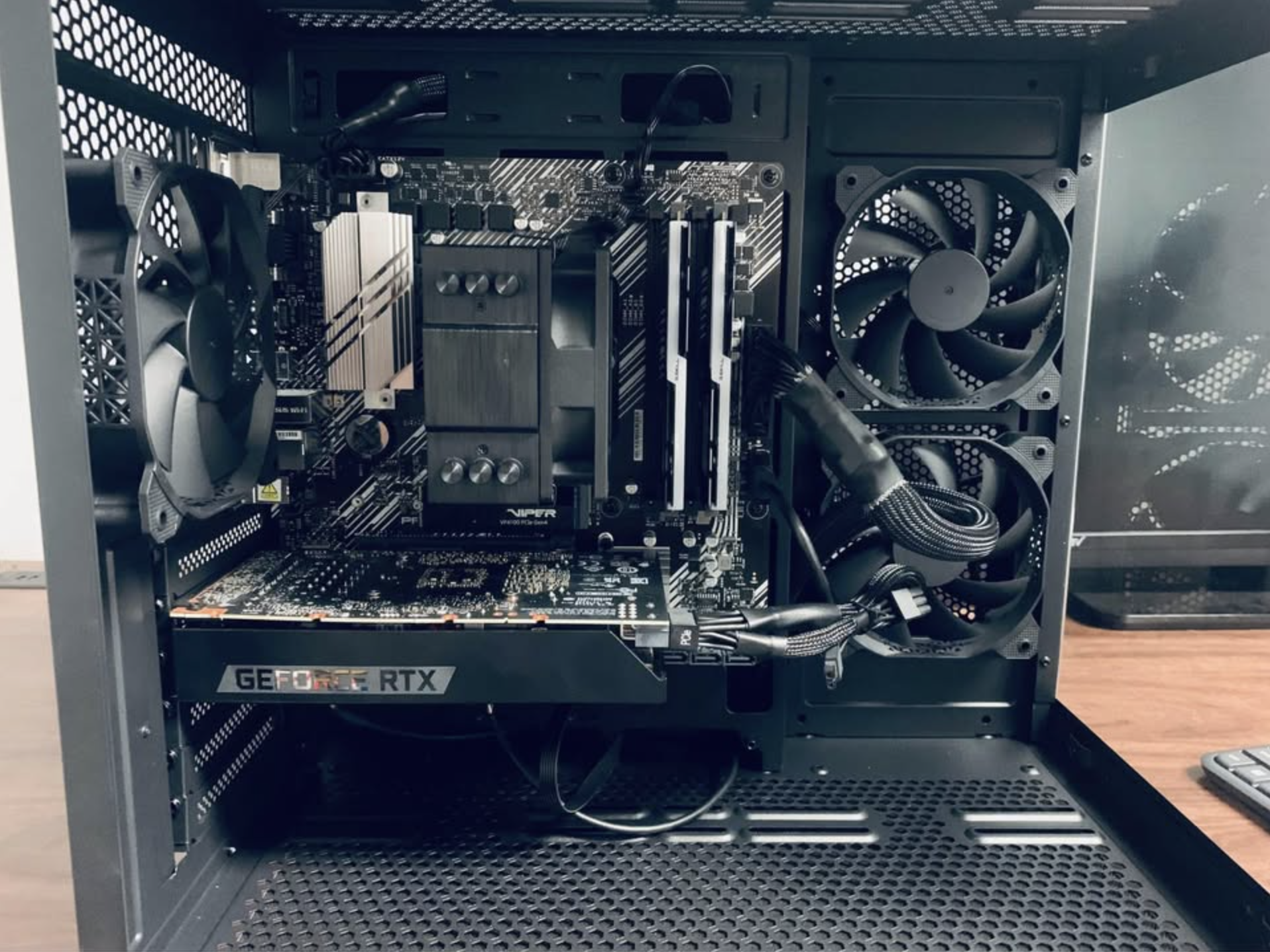
Dust builds up faster during winter because homes stay closed and heaters push dust into the air. When dust enters your computer, it can clog fans and cooling vents, making your device run hotter and slower. Clean your vents regularly and schedule a professional cleaning if you notice loud fans or overheating.
A clean system is safer and performs better through the winter months.
Check Your Power and Battery Health
Cold temperatures reduce battery performance. Laptops may shut down suddenly or lose charge faster than usual. To protect your battery:
- Keep your laptop charged above twenty percent.
- Avoid leaving the device in a cold car.
- Use the original charger or a high quality replacement.
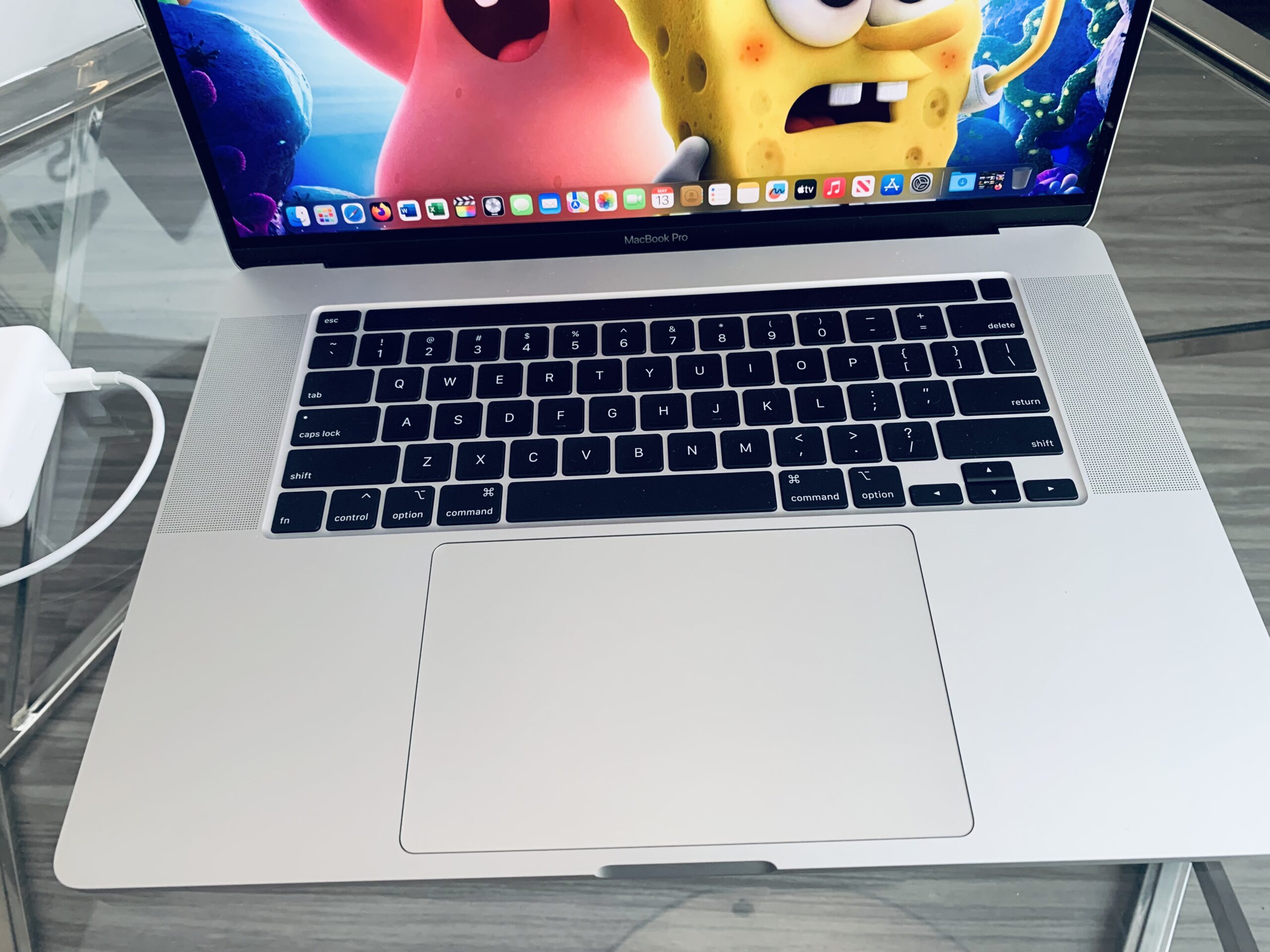
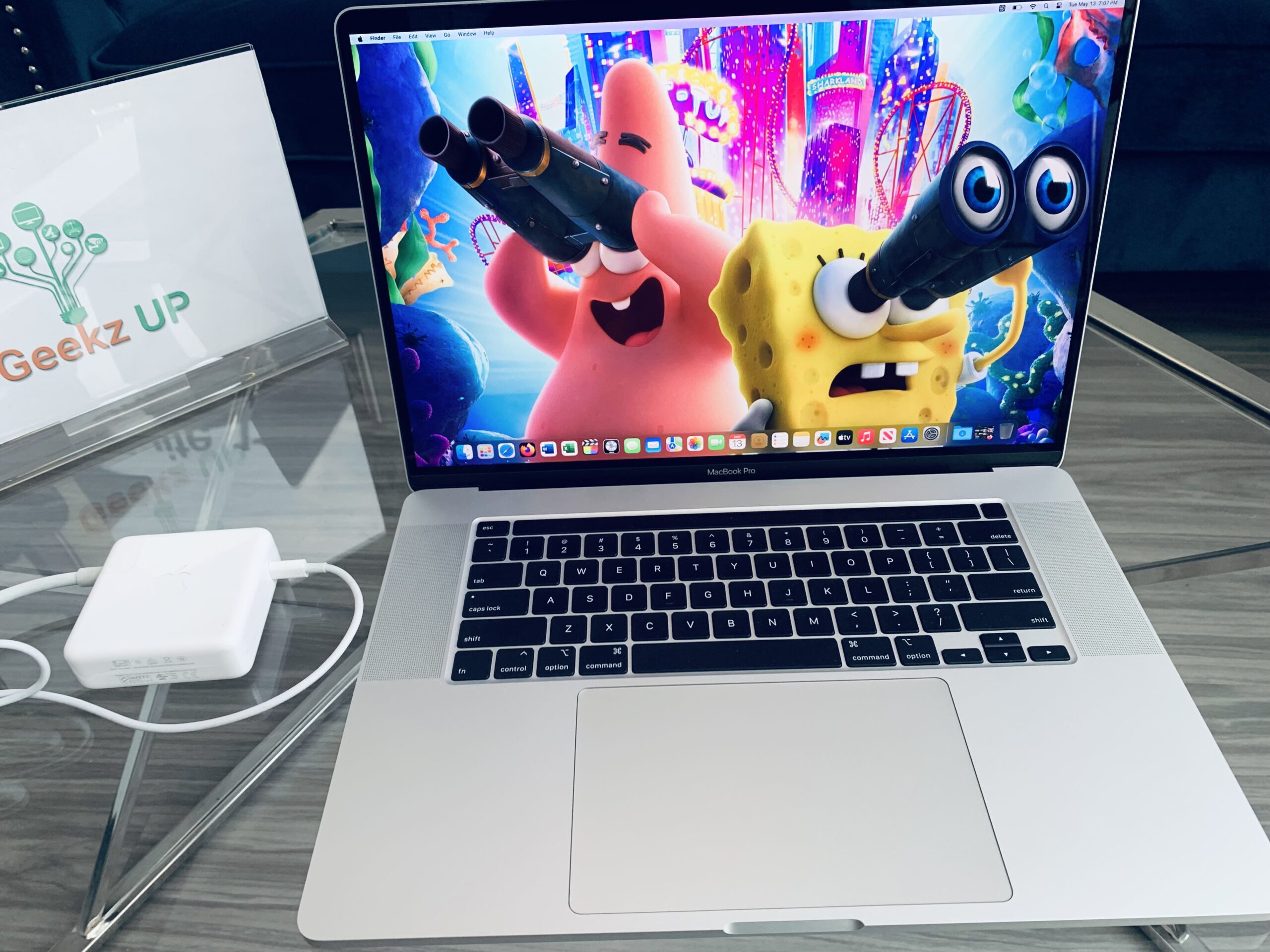
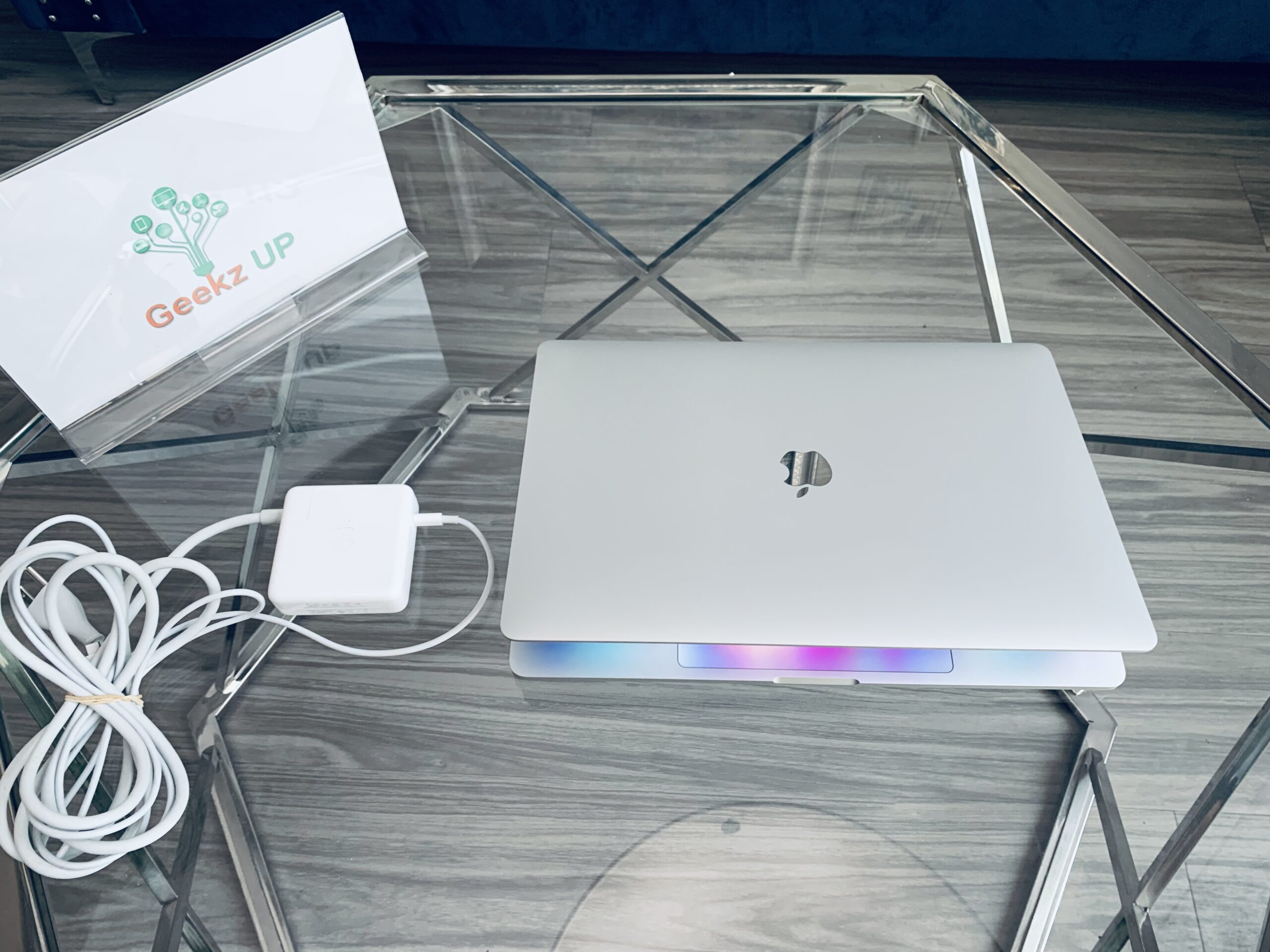
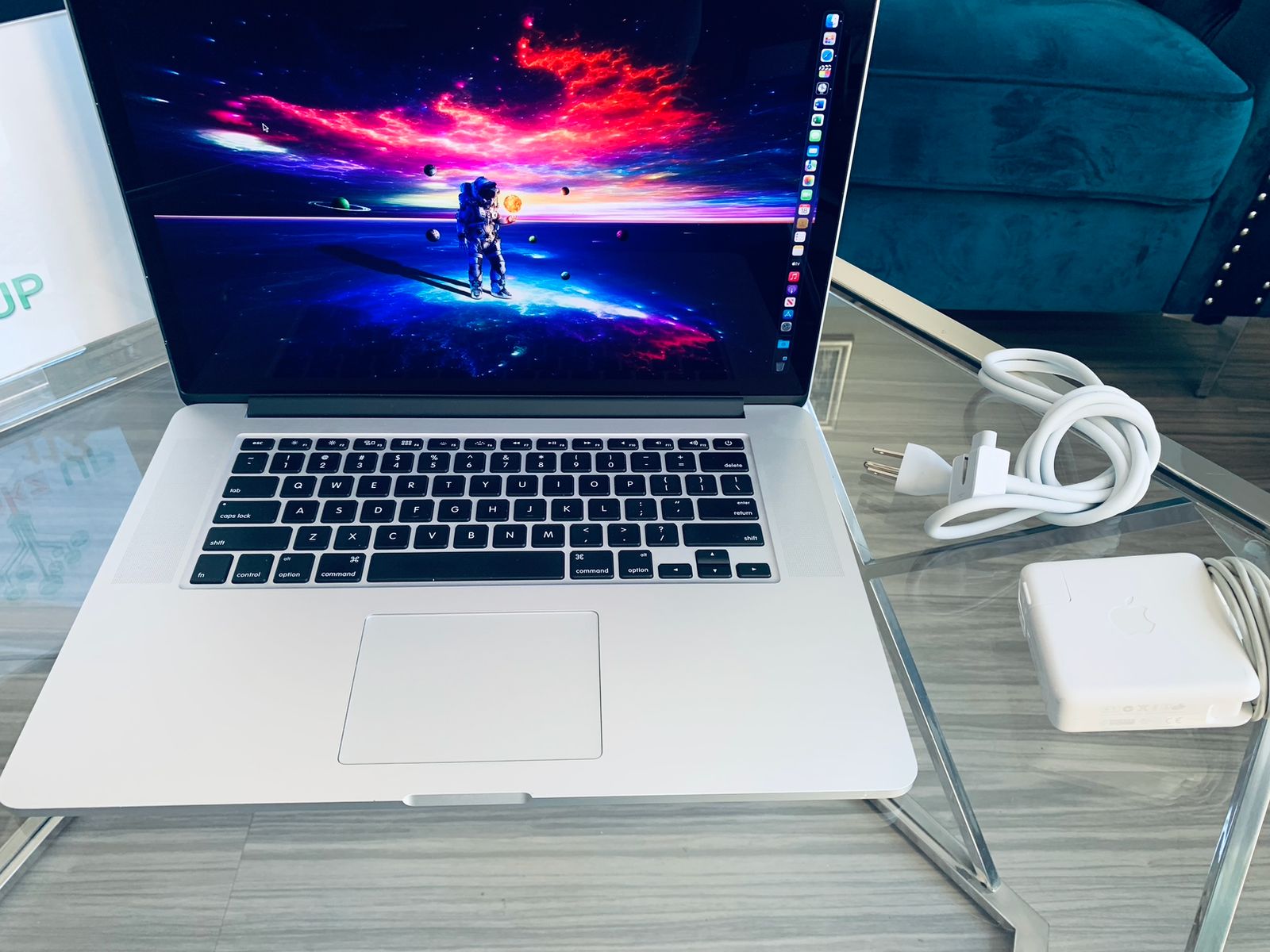
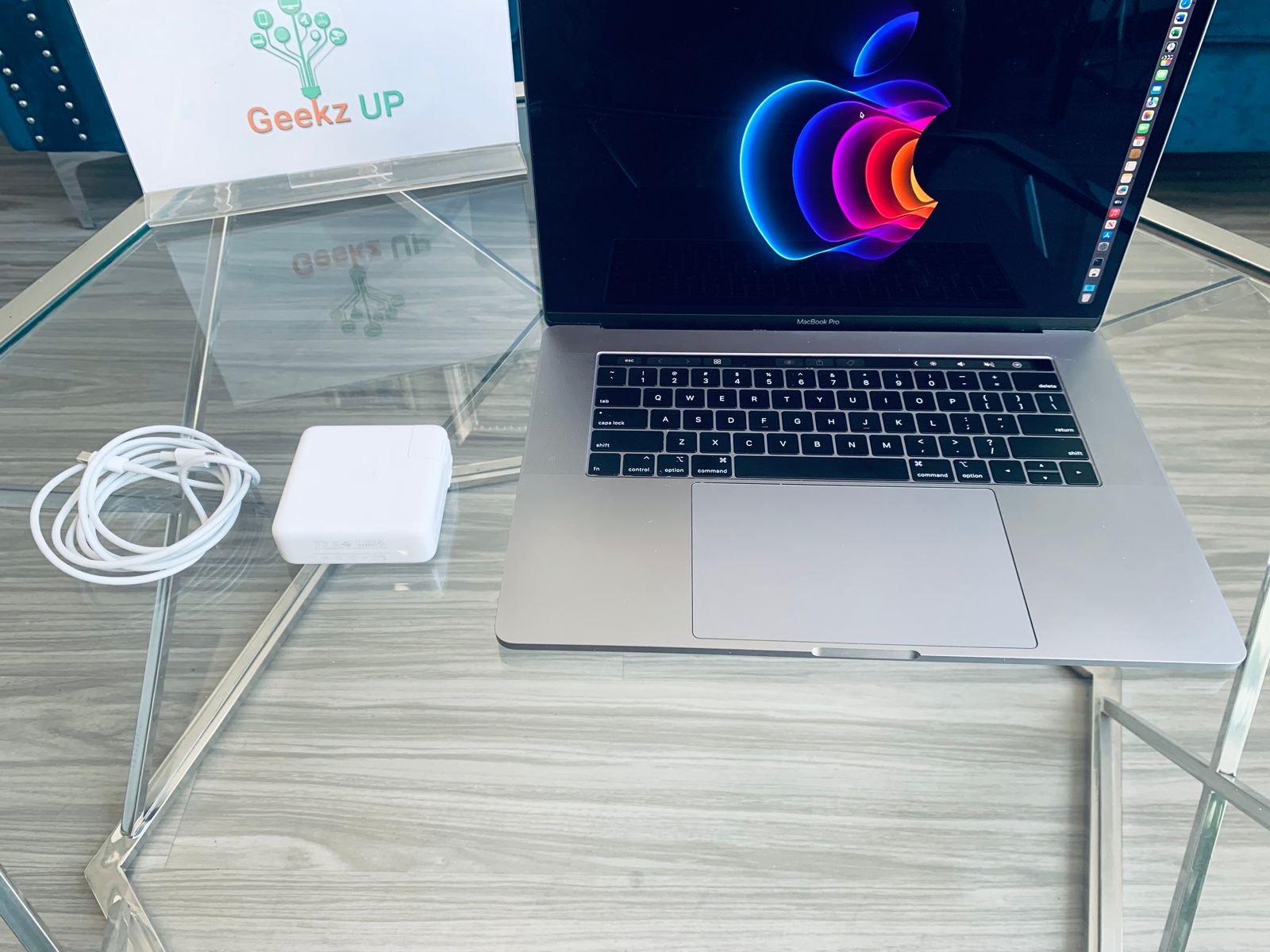
If your battery drains unusually fast, it may be time for a replacement. GeekzUP Repairs can test and replace batteries for laptops and MacBooks.
Use a Surge Protector
Winter storms often cause power outages or voltage spikes. A sudden surge can permanently damage your computer. Always plug your PC into a high quality surge protector. For desktops, using an uninterruptible power supply provides even better protection by giving your system time to shut down safely.
Backup Your Data Regularly
Winter increases the risk of hardware failure due to moisture and temperature changes. Backing up your files ensures that your important photos, documents, and work data remain safe. You can back up to:
- An external hard drive
- Cloud services like Google Drive, iCloud, or OneDrive
- A secure network device
If your computer stops working or your drive becomes corrupted, having a backup saves everything that matters. GeekzUP Repairs also offers professional data recovery if something goes wrong.
Schedule a Professional Winter Checkup
Your computer is just like a car. A quick seasonal checkup helps identify problems before they become serious. A professional technician can clean the internal hardware, test your components, and make sure your system can handle winter conditions safely.
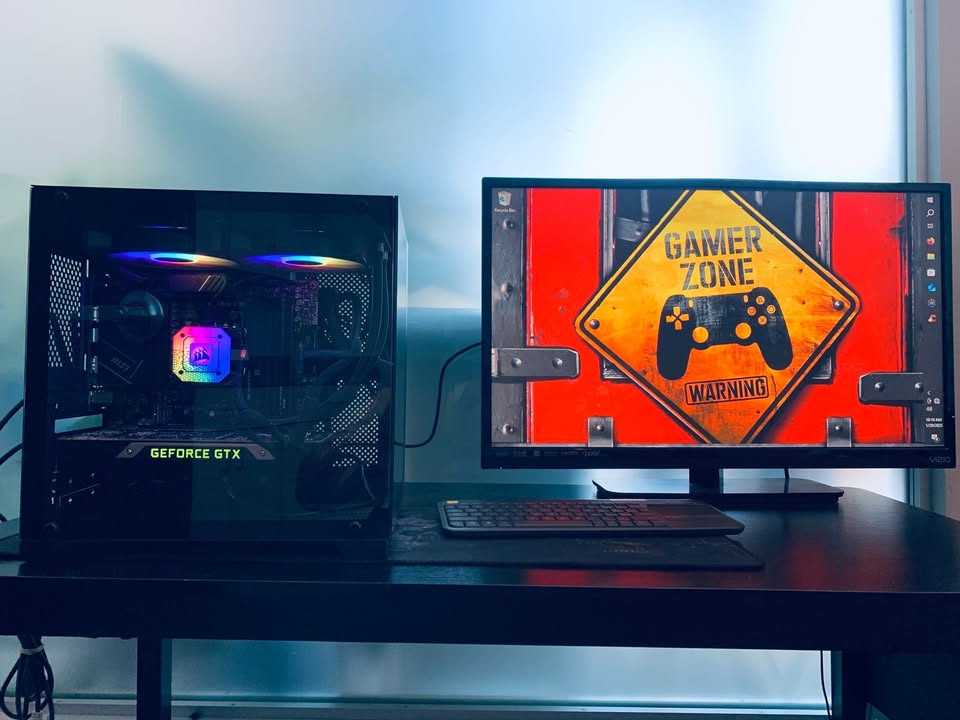
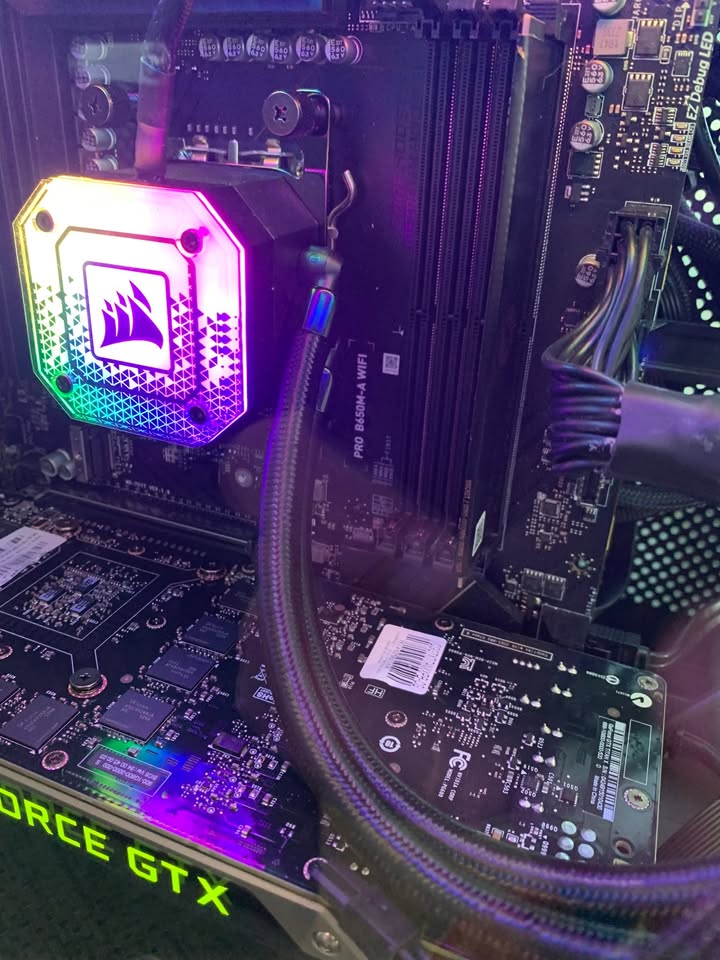
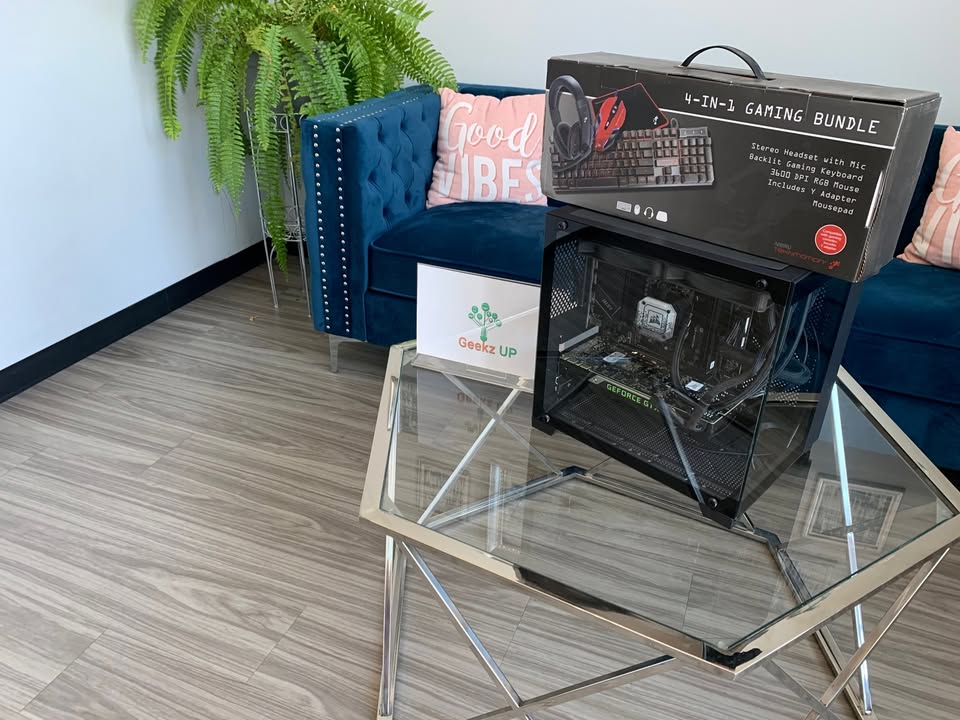
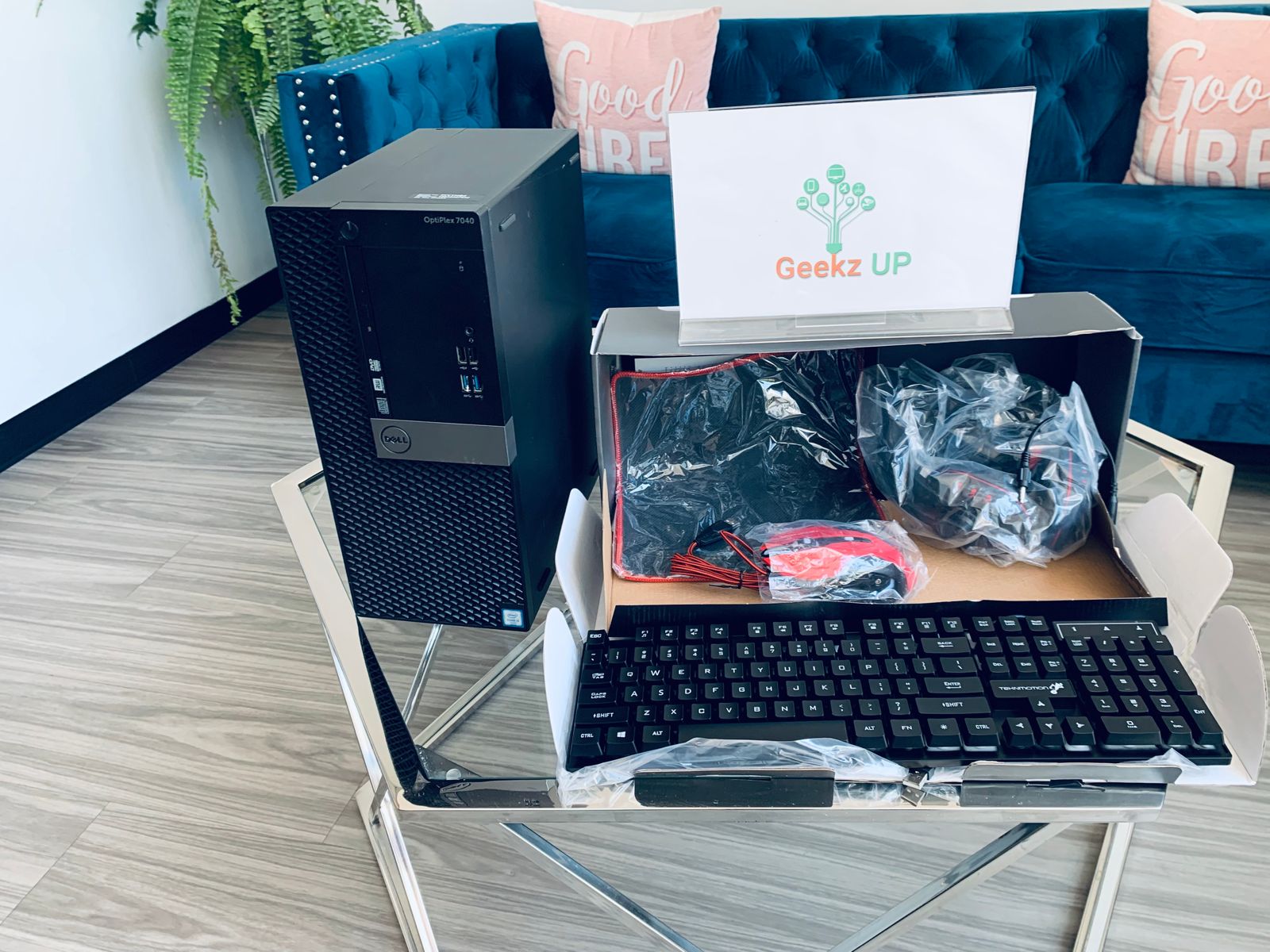
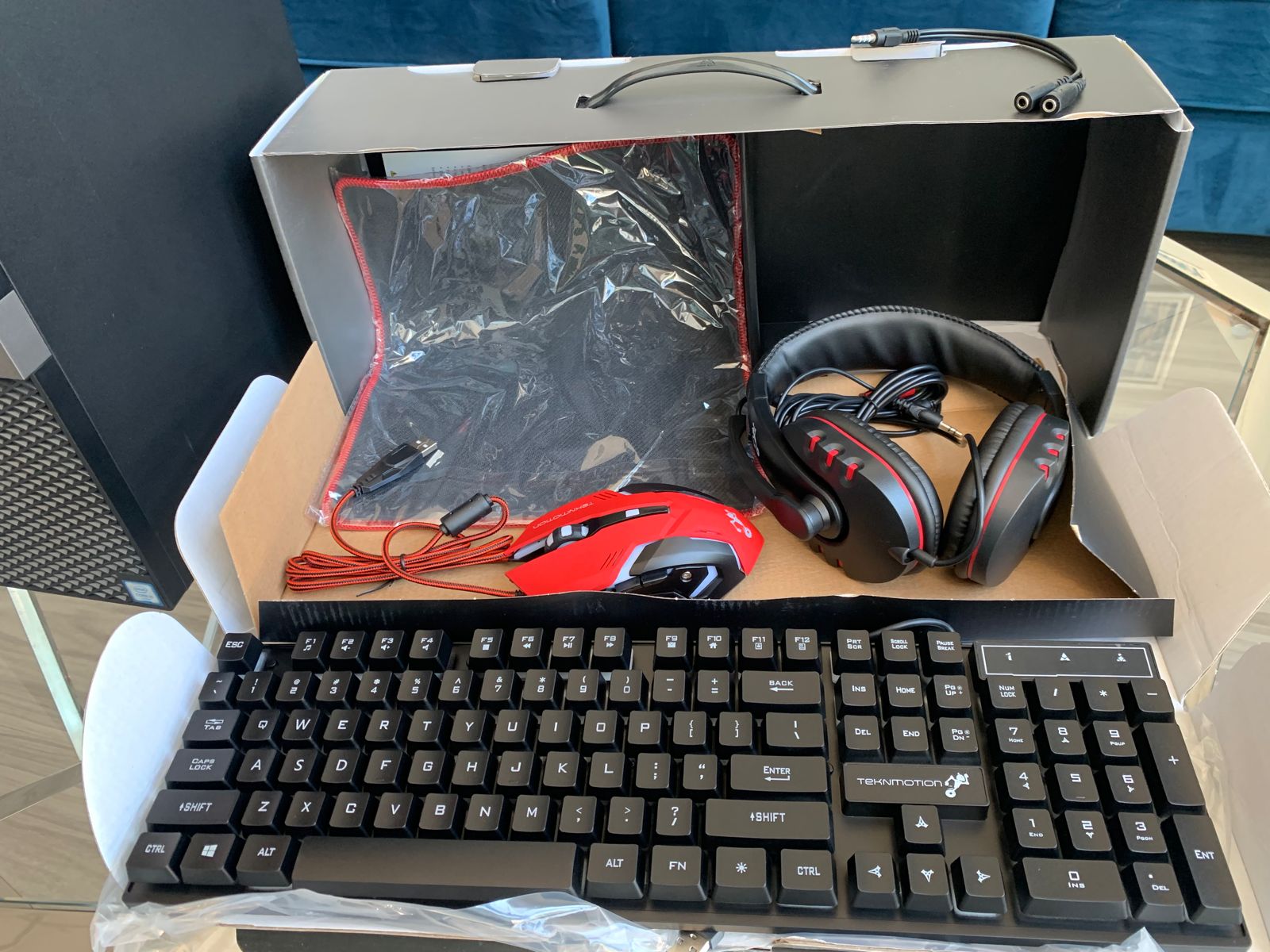
GeekzUP Repairs provides complete diagnostics and maintenance for laptops, desktops, Macs, and custom gaming PCs.
Final Thoughts
Following the right winter maintenance tips for your pc protects your device from cold weather damage and keeps it performing at its best. With simple steps like maintaining room temperature, preventing condensation, using a surge protector, and backing up your data, your computer can easily survive the winter season.
If you want expert help keeping your PC safe, GeekzUP Repairs in Hendersonville TN is here for you.
Phone: 615-387-9454
Email: [email protected]
Website: www.geekzuprepairs.com