In today’s digital world, online scams are more sophisticated than ever. Phishing emails, fake websites, and malicious links can trick even the most cautious computer users. At GeekzUP Repairs, we help customers across Tennessee stay safe online by identifying and avoiding phishing attempts before they cause real damage.
Your computer holds valuable data, personal information, saved passwords, and financial records, and cybercriminals are always looking for ways to access it. Understanding how phishing works and how to defend yourself is the first step to keeping your data secure.
What Is Phishing?
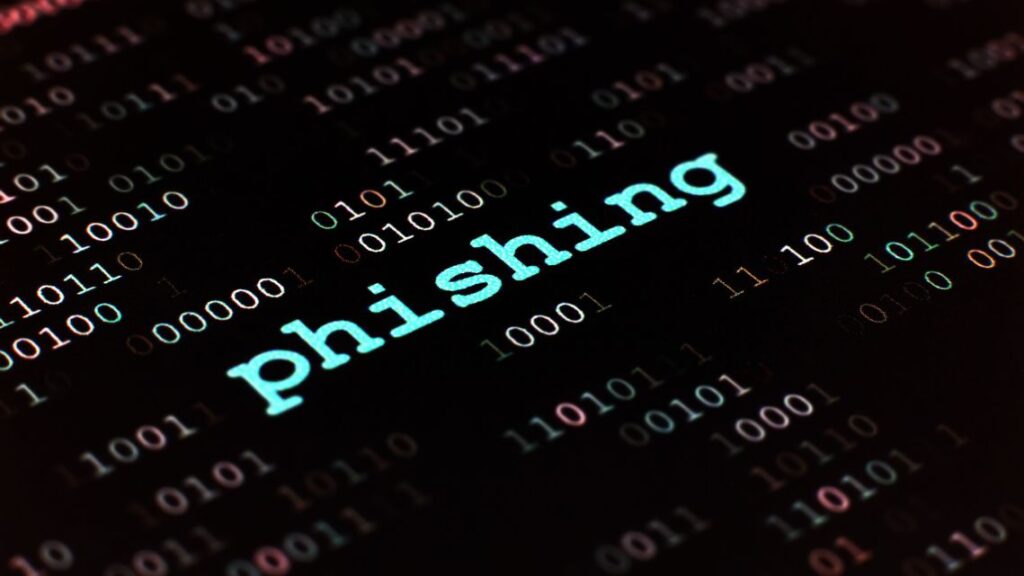
Phishing is a type of cyberattack where scammers pretend to be trusted sources, like banks, online stores, or tech companies, to trick you into giving away sensitive information. These attacks usually come through email, text messages, or fake websites that look legitimate.
For example, you might receive an email claiming your account has been locked or that you’ve won a reward. The message asks you to click a link or download a file, but doing so can install malware or steal your login details.
Common Signs of Phishing Attempts
Recognizing phishing attempts early can save you from serious harm. Watch out for these red flags:
- Unexpected emails asking for passwords, payment info, or account details.
- Suspicious links that look slightly different from the real company’s URL.
- Poor grammar or urgent language pressuring you to act immediately.
- Fake attachments or pop-ups pretending to be from antivirus programs.
If something feels off, don’t click, it’s always safer to verify with the official website or contact the company directly.
How to Protect Your Computer from Phishing
Protecting your computer requires both awareness and the right security tools. Here’s how you can stay safe:
1. Keep Your Software Updated
Outdated browsers or operating systems are more vulnerable to phishing malware. Always install the latest updates for your system, antivirus, and web browser. This ensures known security flaws are patched and your defenses remain strong.
2. Use Strong Passwords and Two-Factor Authentication
A strong password is your first line of defense. Use long, unique combinations for each account and enable two-factor authentication (2FA) wherever possible. That extra step makes it much harder for hackers to access your information, even if they get your password.
3. Install Reliable Security Software
A good antivirus program can detect phishing websites, block malicious downloads, and alert you to suspicious emails. At GeekzUP Repairs, we help clients choose and configure trusted antivirus solutions for both Windows and Mac systems.
4. Verify the Sender Before You Click
Before opening attachments or links, hover over the email address or link to see where it leads. If the sender’s domain doesn’t match the company’s official site, delete the message immediately.
5. Back Up Your Data Regularly
Even the best precautions can’t guarantee complete safety. Back up your data to an external drive or a secure cloud service. If a phishing attack or virus damages your system, backups make recovery much easier.
6. Be Cautious on Public Wi-Fi
Public networks are convenient but risky. Hackers often use them to intercept your data. Avoid logging into sensitive accounts or entering credit card information when connected to public Wi-Fi.
What to Do If You’ve Been Phished
If you suspect that you’ve fallen victim to a phishing attack:
- Disconnect from the internet to stop any ongoing data theft.
- Run a full antivirus scan immediately.
- Change all your passwords, starting with your email and banking accounts.
- Contact your bank or credit card provider if any financial information was shared.
- Bring your computer to GeekzUP Repairs — our technicians can remove malware, recover data, and secure your device from further threats.
Stay Protected with GeekzUP Repairs
At GeekzUP Repairs, we specialize in helping customers prevent and recover from cyberattacks. Whether it’s virus removal, network security, or data recovery, our team in Hendersonville TN provides trusted and transparent solutions to keep your system safe.
If you’ve received a suspicious email or think your computer might be compromised, contact us today for expert assistance.
Phone: 615-387-9454
Email: [email protected]
Website: www.geekzuprepairs.com