Fix a Malfunctioning Keyboard
Discover effective solutions to restore the functionality of your malfunctioning keyboard with this comprehensive guide. From checking physical connections and diagnosing key-specific issues to understanding the causes of keyboard malfunction, including malfunctioning keyboard, cause of keyboard malfunction, and malfunction of keyboard keys, this blog empowers you to identify and address the most common issues that may disrupt your typing experience. Take control of your keyboard’s performance by implementing these practical steps and ensuring a smooth and efficient typing experience.

Inspect USB or Wireless Connections
Begin troubleshooting by examining the physical connections of your keyboard. Ensure USB cables or wireless connections are securely attached to the computer.
Clean the Keyboard
Dust and debris can lead to keyboard malfunctions. Gently clean the keyboard using compressed air and a soft brush to eliminate potential obstructions.
Update or Reinstall Drivers
Outdated or corrupted keyboard drivers can cause malfunctions. Update or reinstall drivers through the Device Manager to ensure proper functionality.
Check for Software Conflicts
Identify and uninstall any conflicting software that might interfere with the keyboard’s operation. Recent installations could be a potential cause of malfunctions.
Identify Key-Specific Malfunctions
If specific keys are malfunctioning, identify the issue. It could be due to physical damage, dust accumulation, or a need for keycap replacements.
Clean or Replace Malfunctioning Keys
Clean individual keys using a keycap puller and compressed air. If the problem persists, consider replacing the malfunctioning keys for a swift solution.
Run Built-in Diagnostics
Many computers have built-in diagnostics tools. Run these tests to identify any hardware issues with the keyboard and address them accordingly.
Consider External Factors
External factors like spilled liquids can cause keyboard malfunctions. If applicable, clean and dry the keyboard thoroughly to restore functionality.
Conclusion
In conclusion, resolving a malfunctioning keyboard involves a systematic approach. By checking physical connections, addressing software issues, diagnosing key-specific problems, and running hardware diagnostics, you can restore your keyboard’s optimal functionality.
Latest Posts

June 11, 2026
No Comments
May 28, 2026
No Comments
May 15, 2026
No Comments
April 24, 2026
No Comments
Got Questions or Need Assistance?
Whether you’re exploring tech insights or need support with our services, we’re here to help. Don’t hesitate to reach out for personalized guidance or schedule a consultation to get the answers you need.
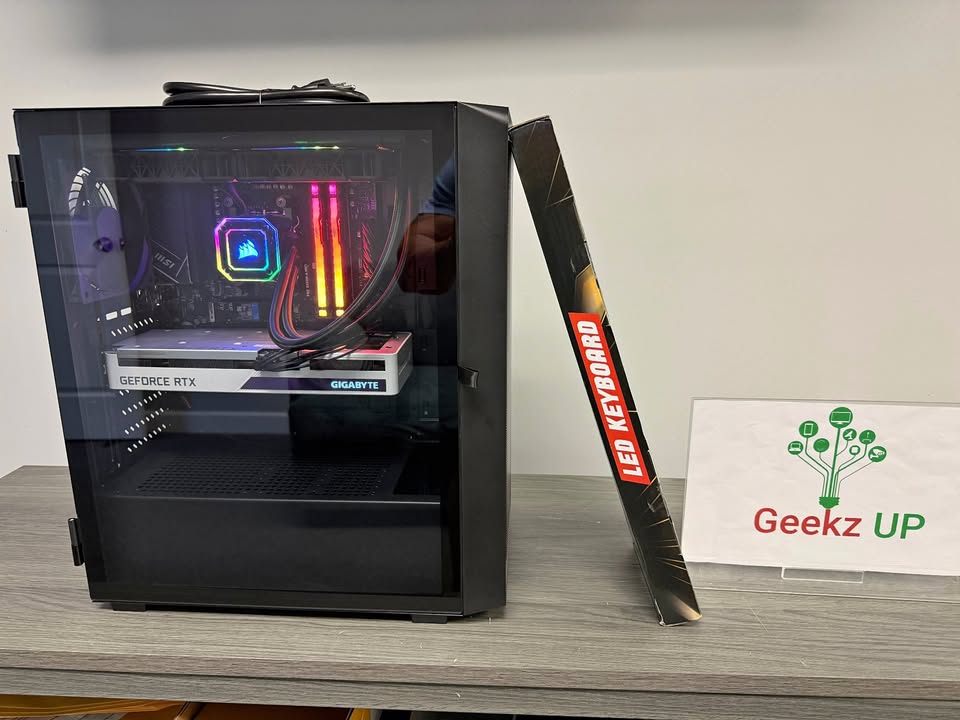
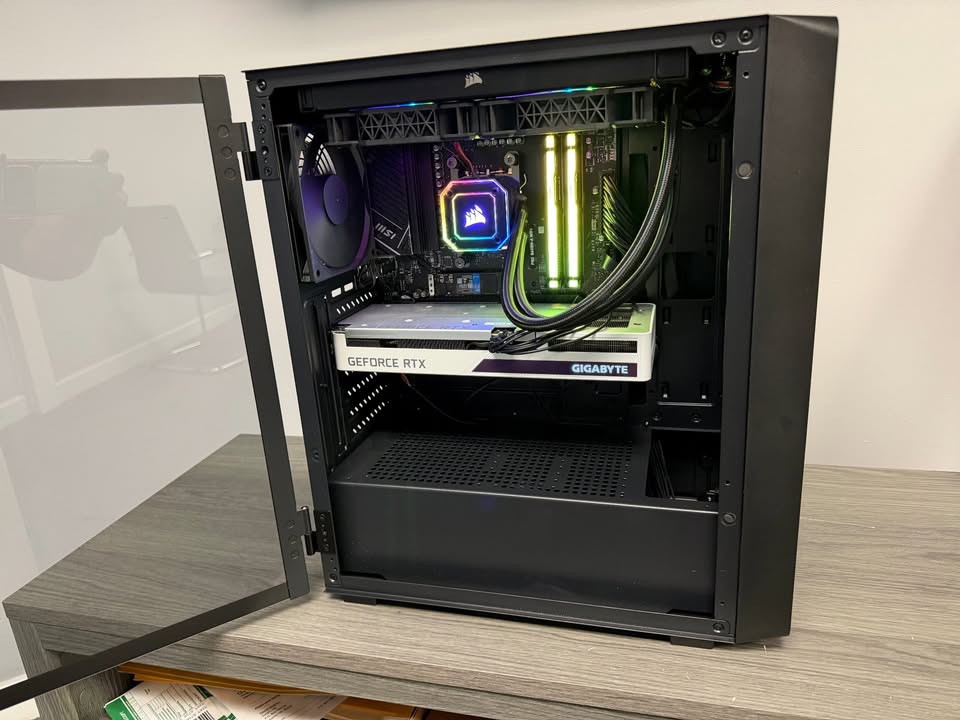
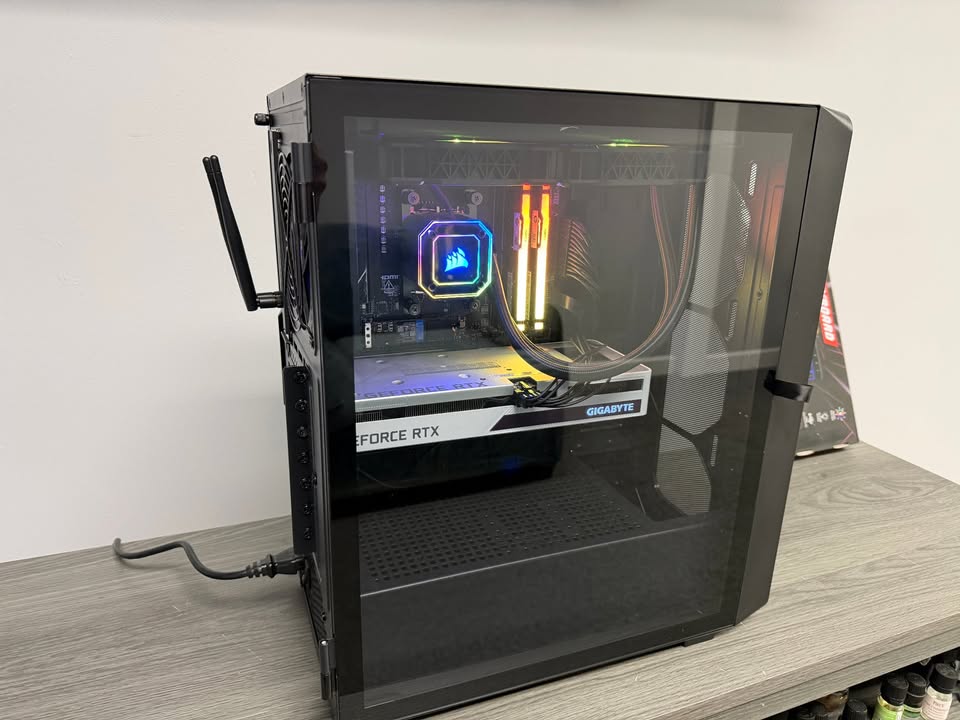
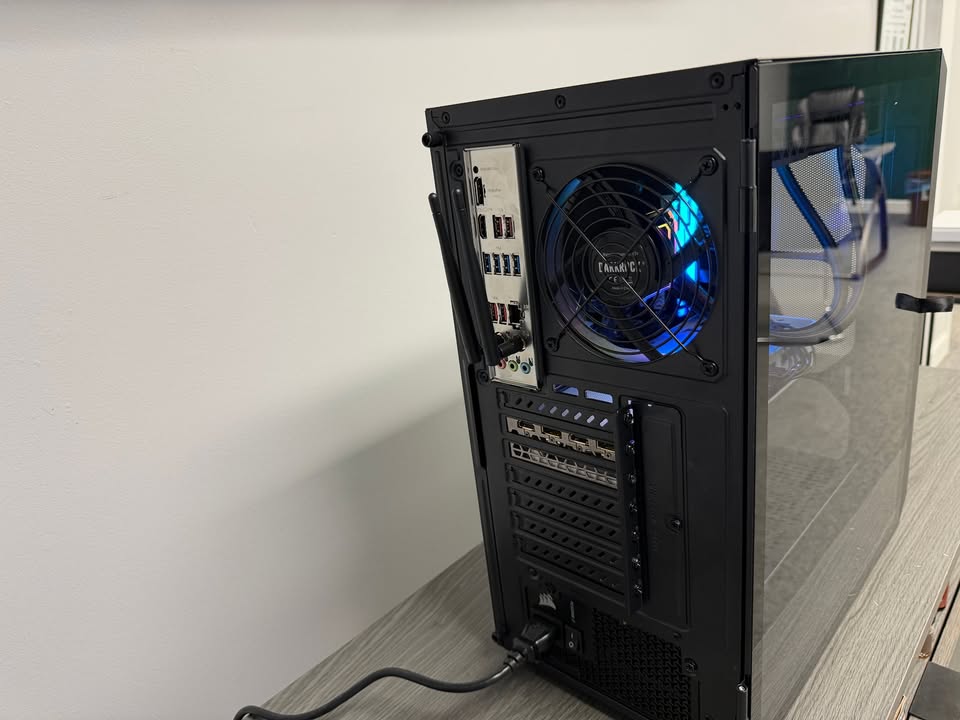
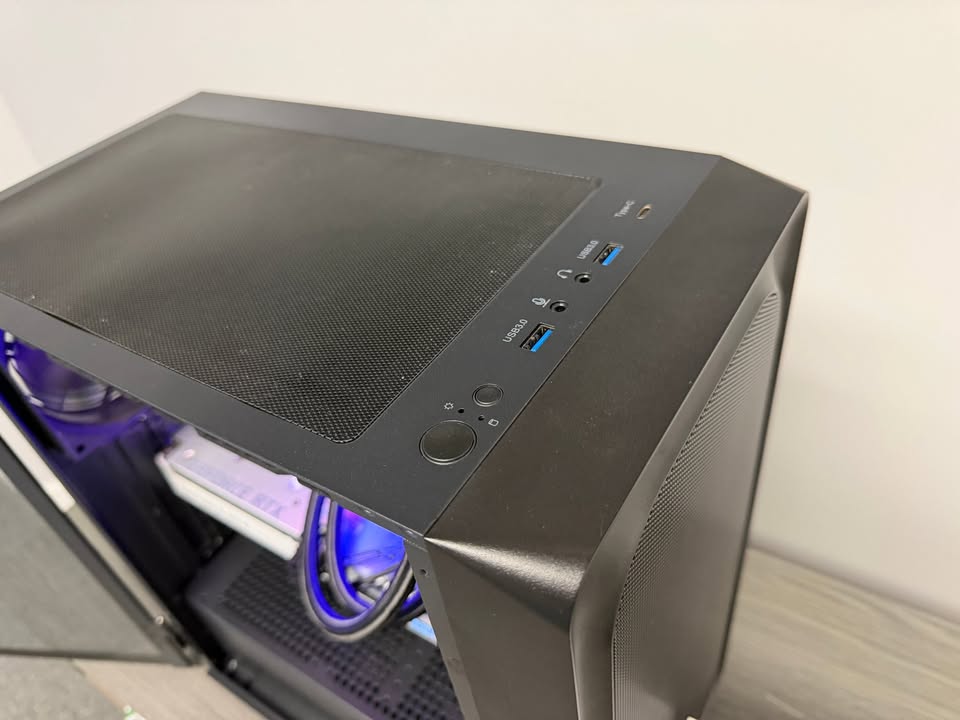
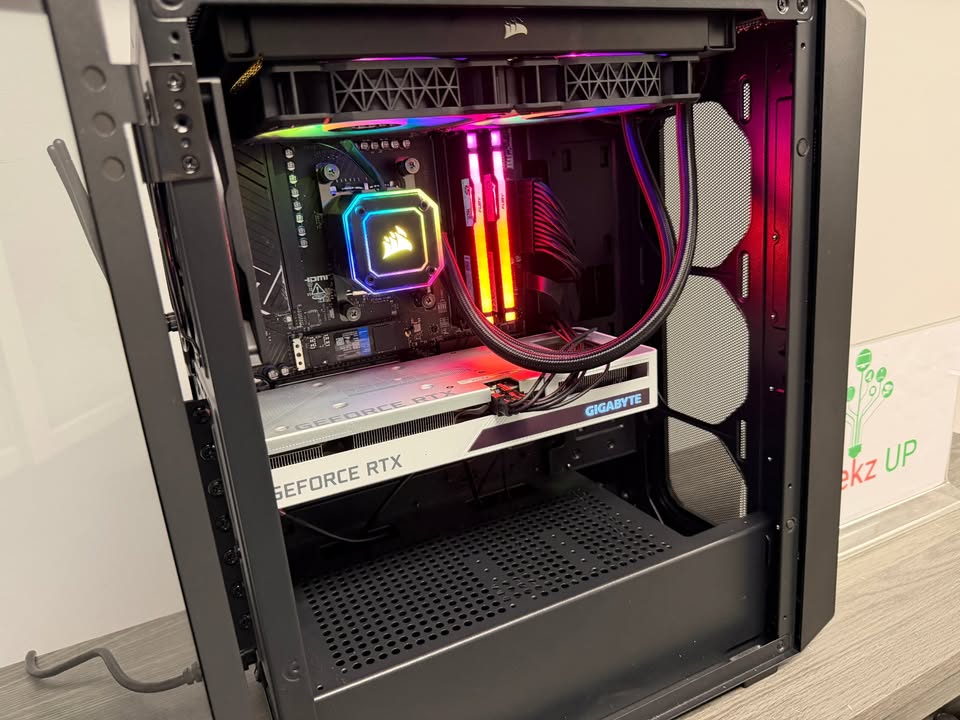
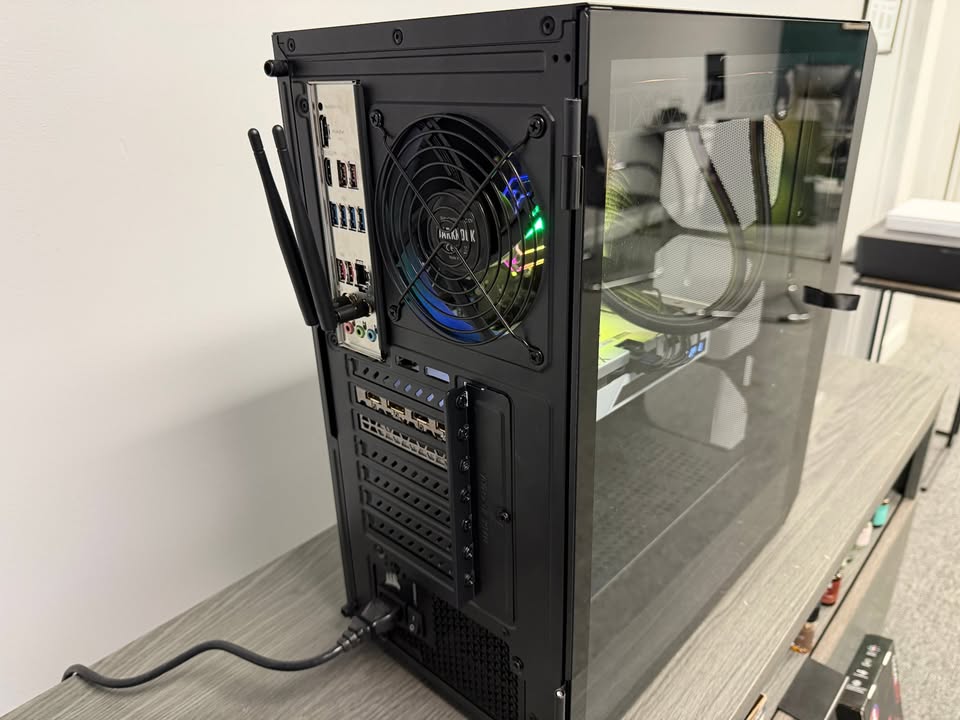
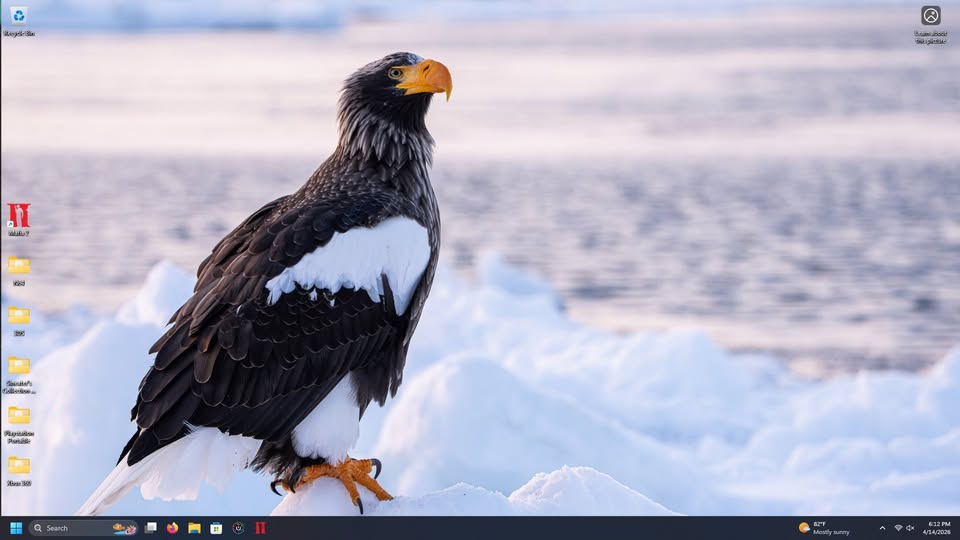
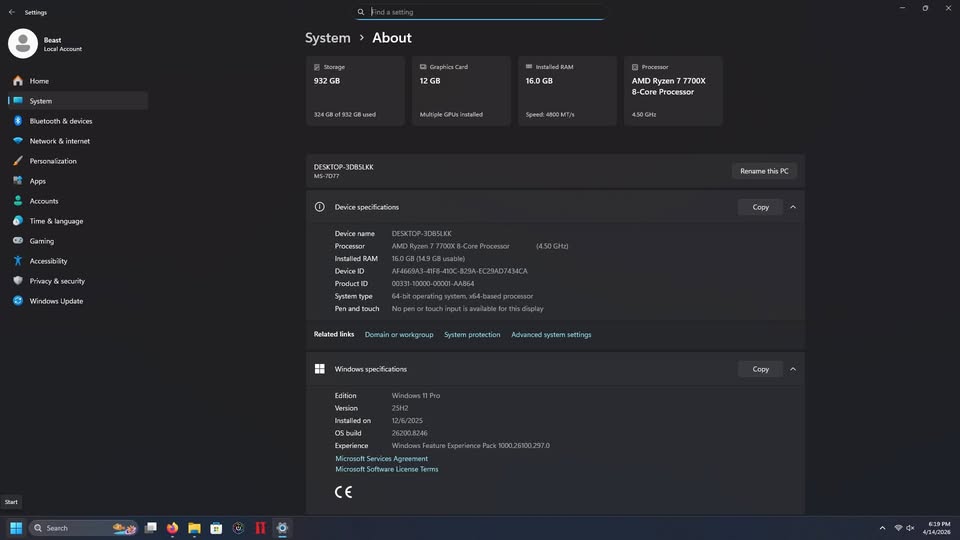
Gaming Beast 4.5 AMD 7 7700x, 16gb DDR5, Nvidia 3060 12gb, MSI Pro B650-A Wifi, Fully Loaded
Configuration
- ~ 4.5 ghz AMD Ryzen 7 7700X
- ~ 16gb Upgrade to 32 ($150 More)
- ~ Nvidia GeForce RTX 3060 12gb
- ~ Corsair Water Cooling System
- ~ MSI Pro B650-A Wifi (MS-7D77) Latest Bios
- ~ (4) 3.2 Gen 2 USB
- ~ (4) 3.2 Gen 1 USB
- ~ AMD Wi-Fi 6E
Preloaded Software
- ~ Windows 11 Pro (Activated)
- ~ Office 2021
- ~ Mafia 2 (Loaded On The Desktop)
- ~ Collection of Emulators
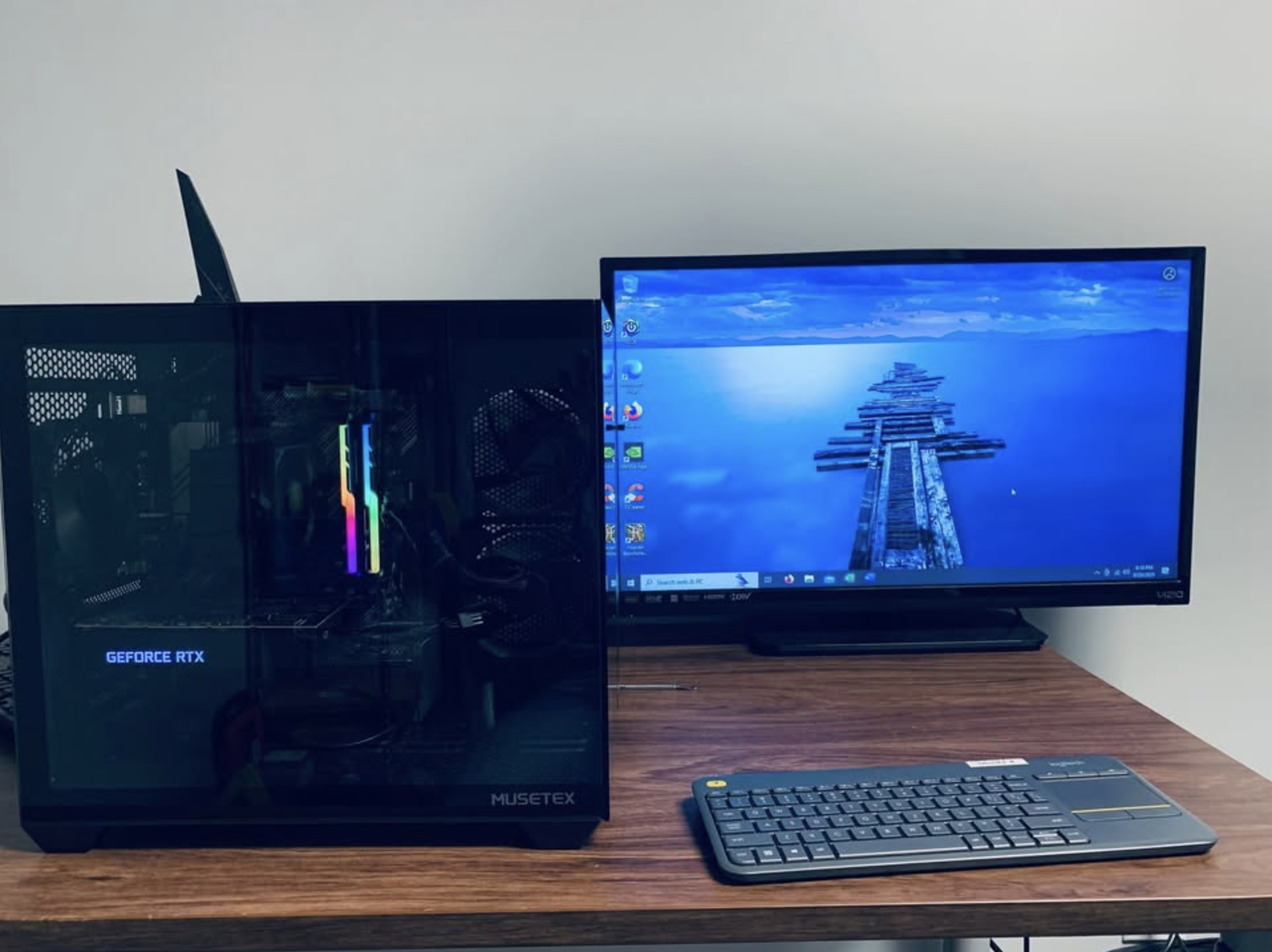
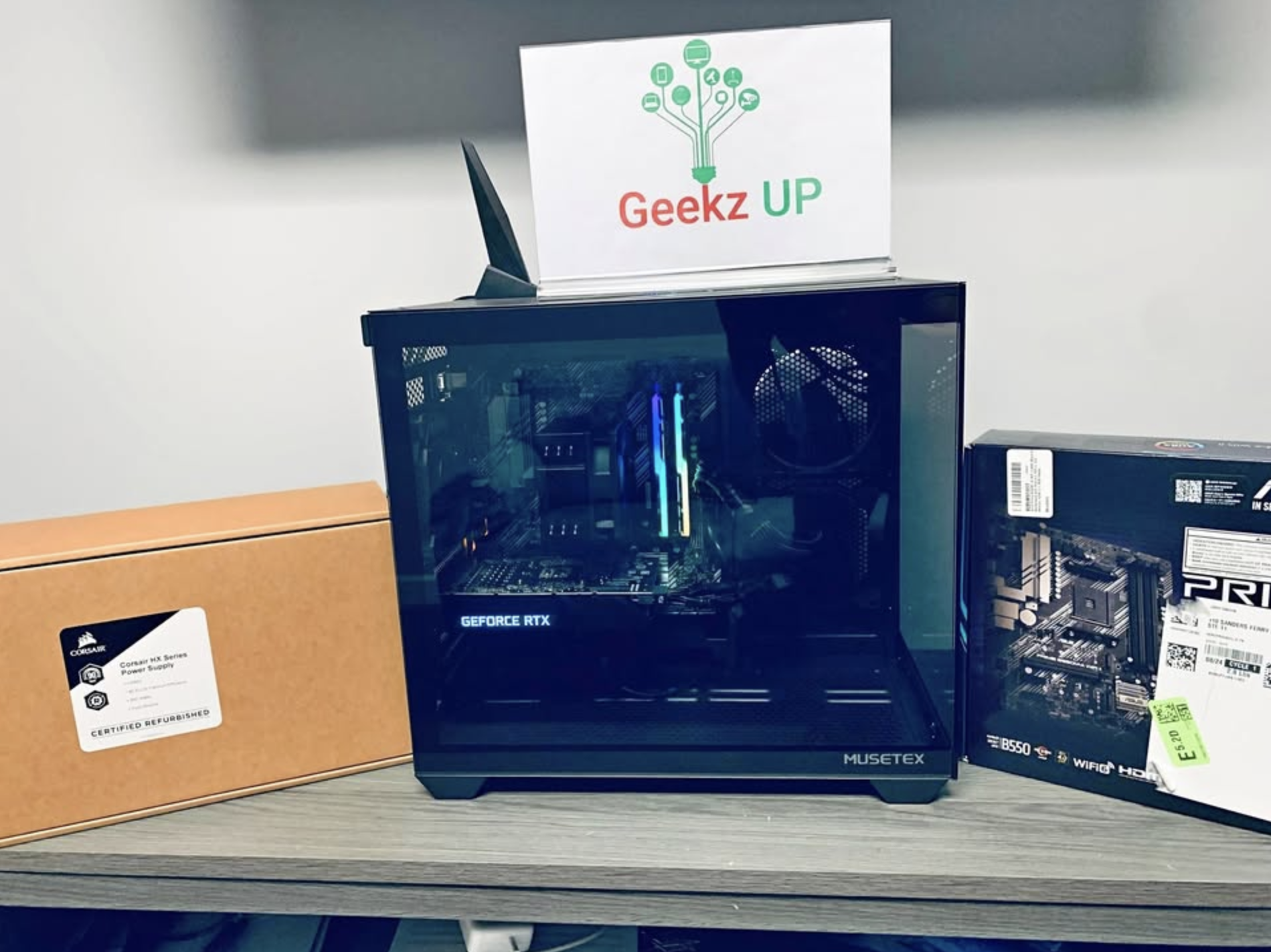
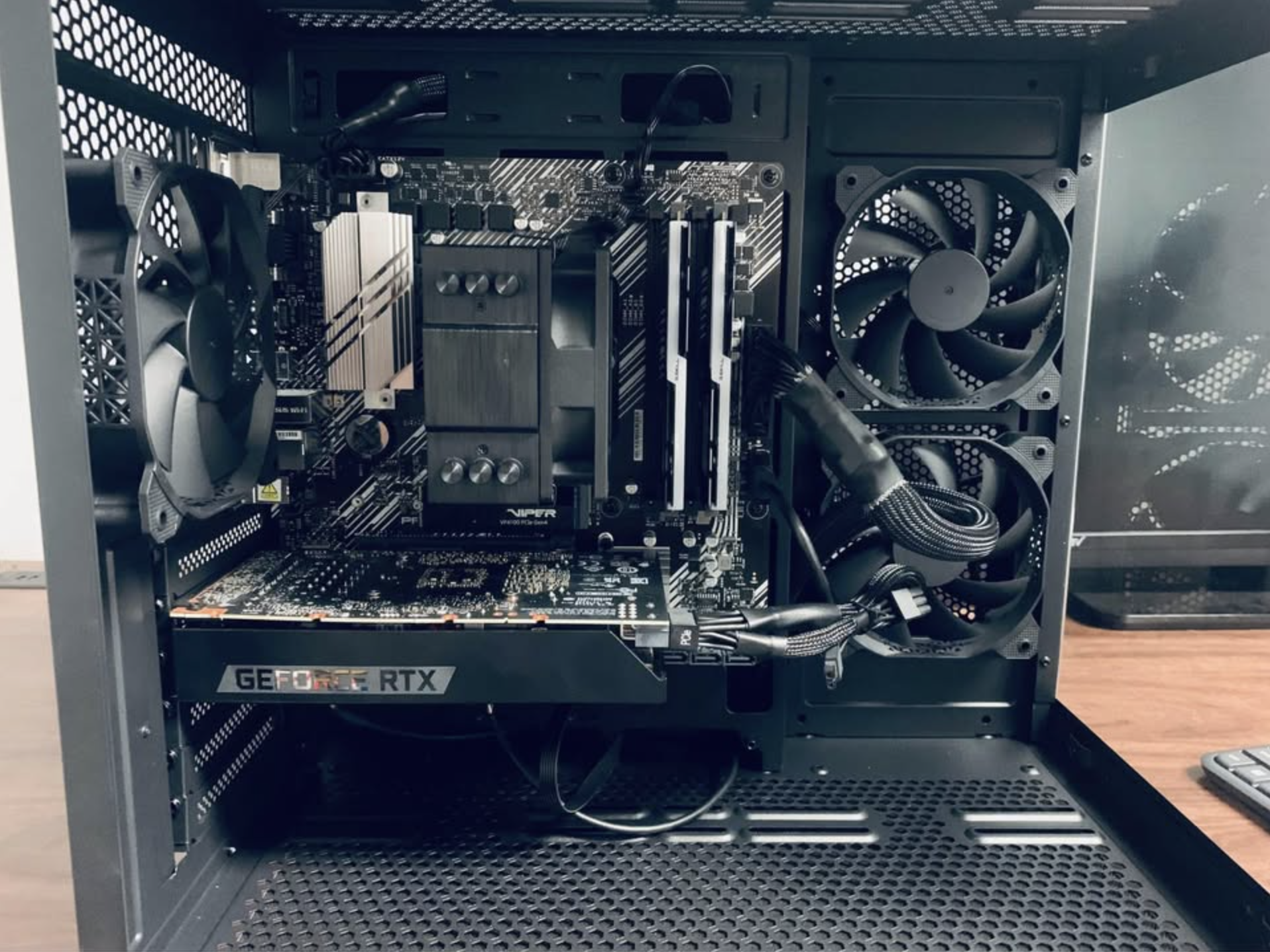
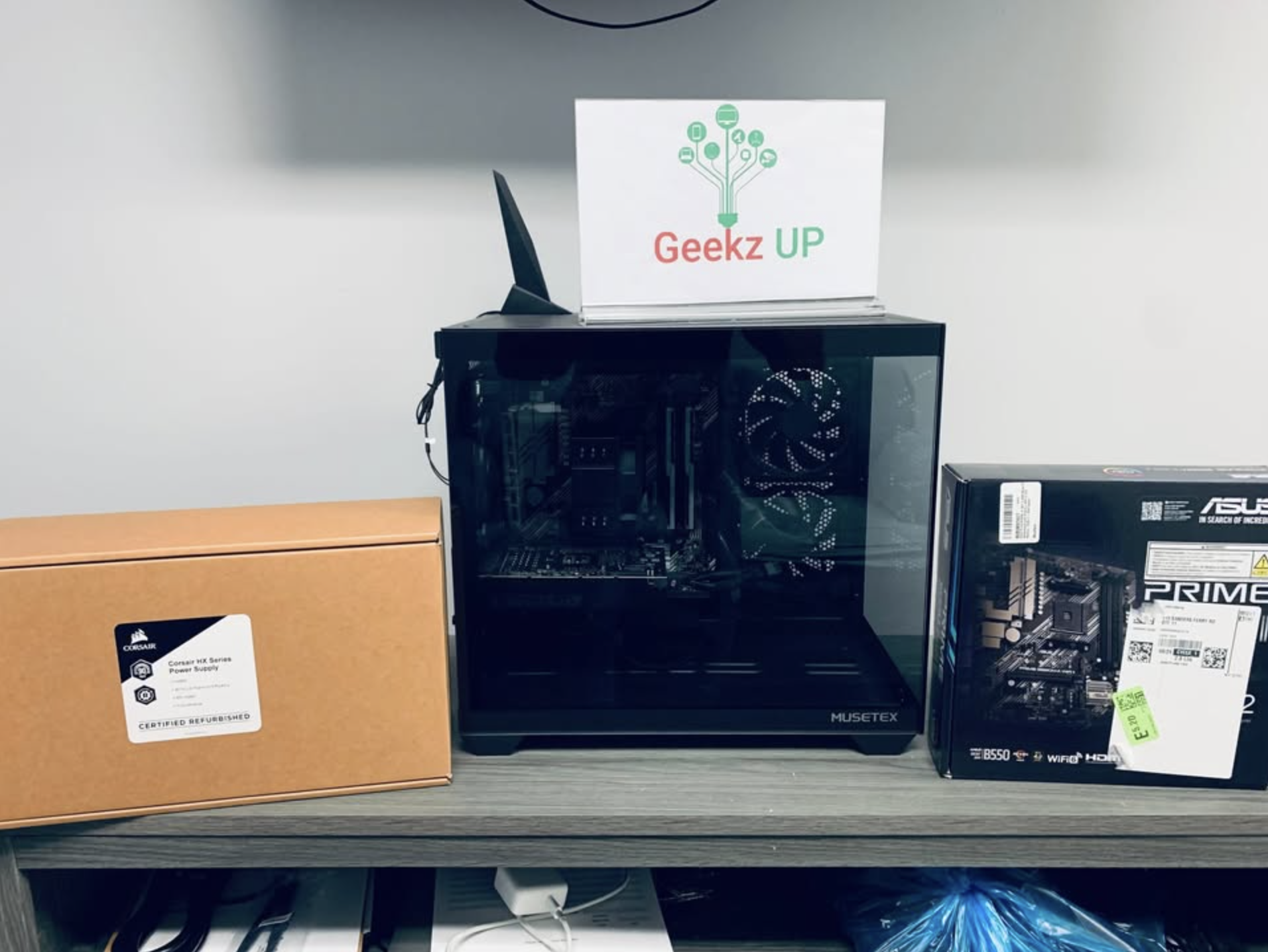
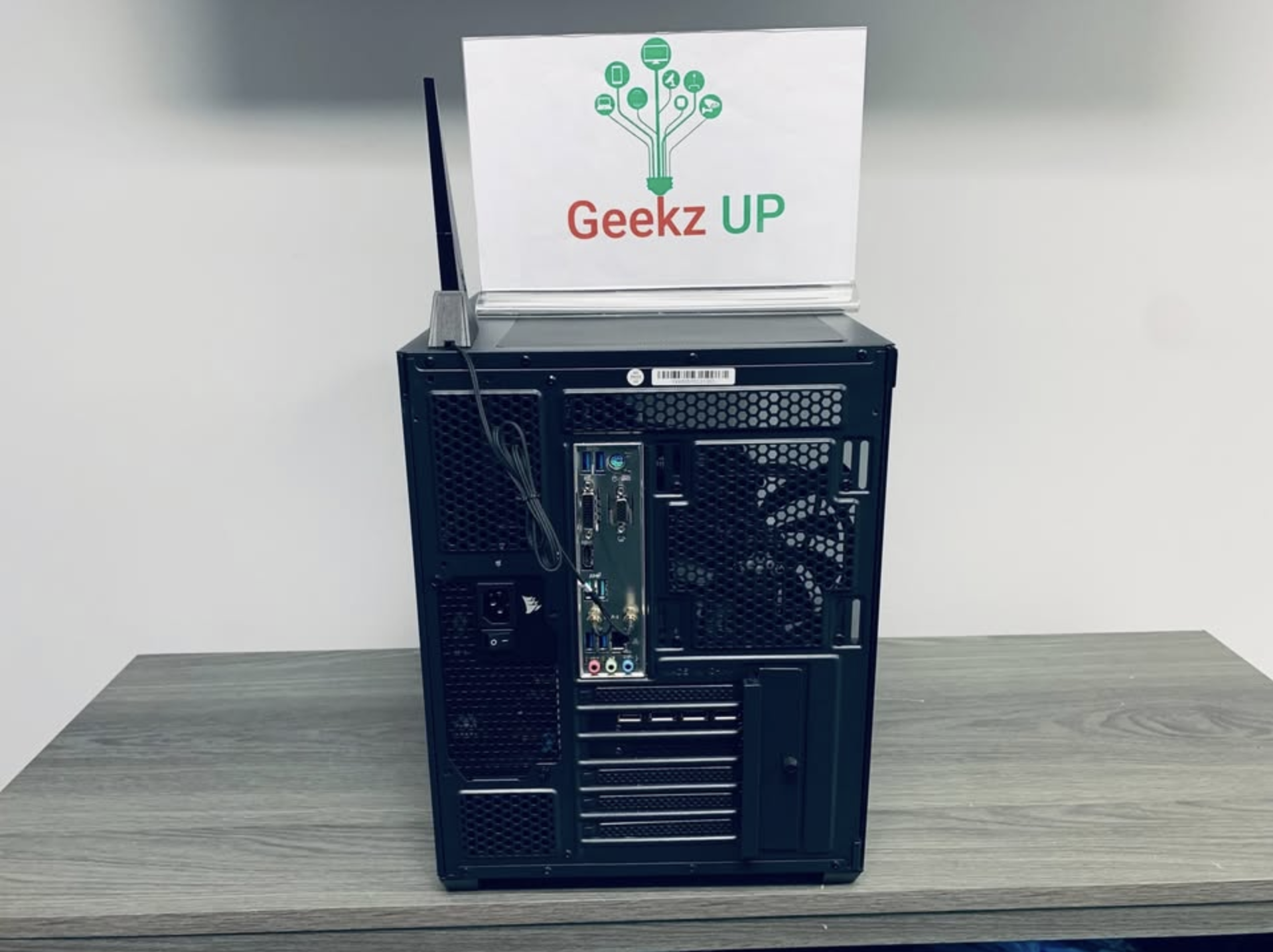
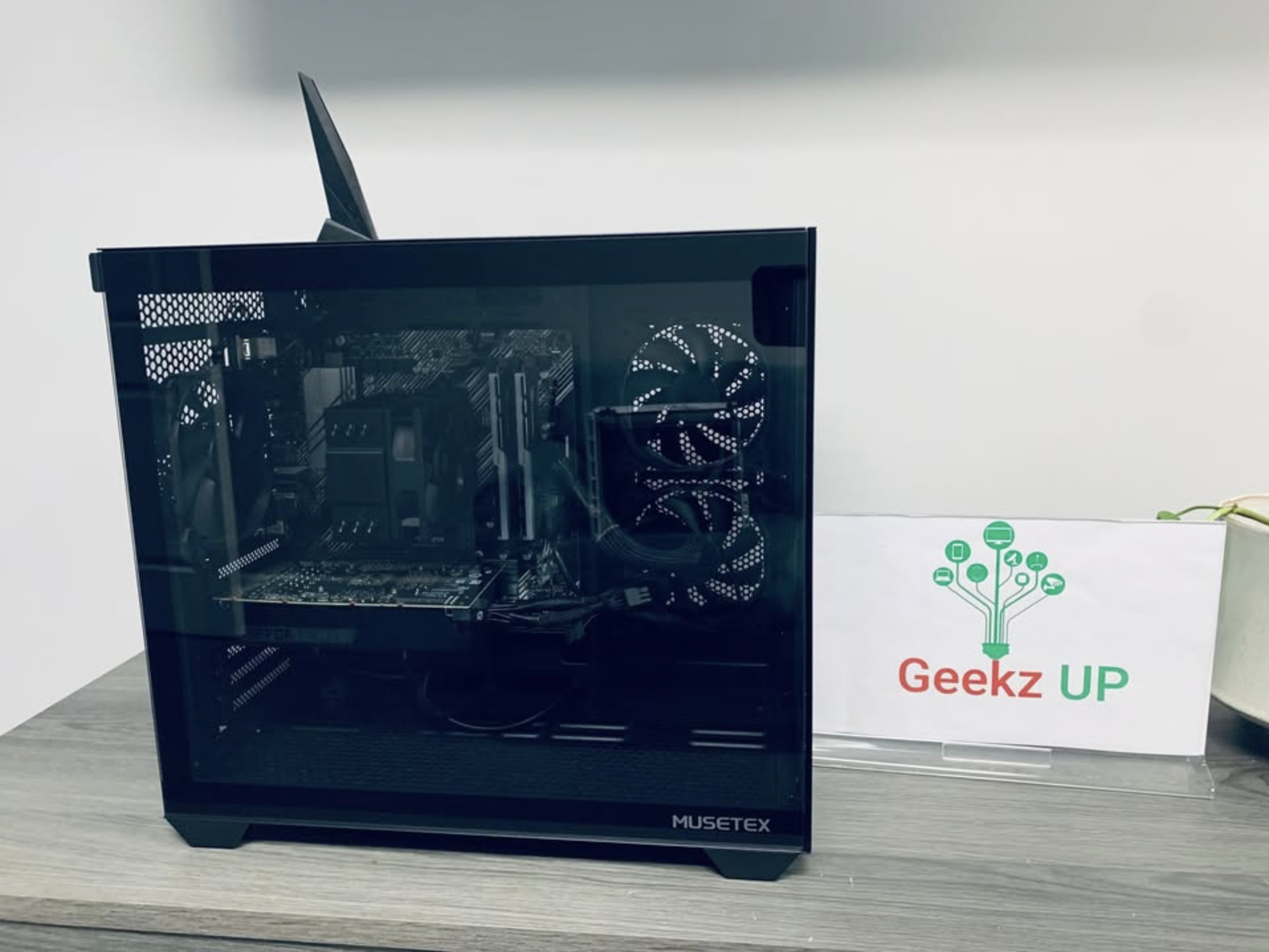
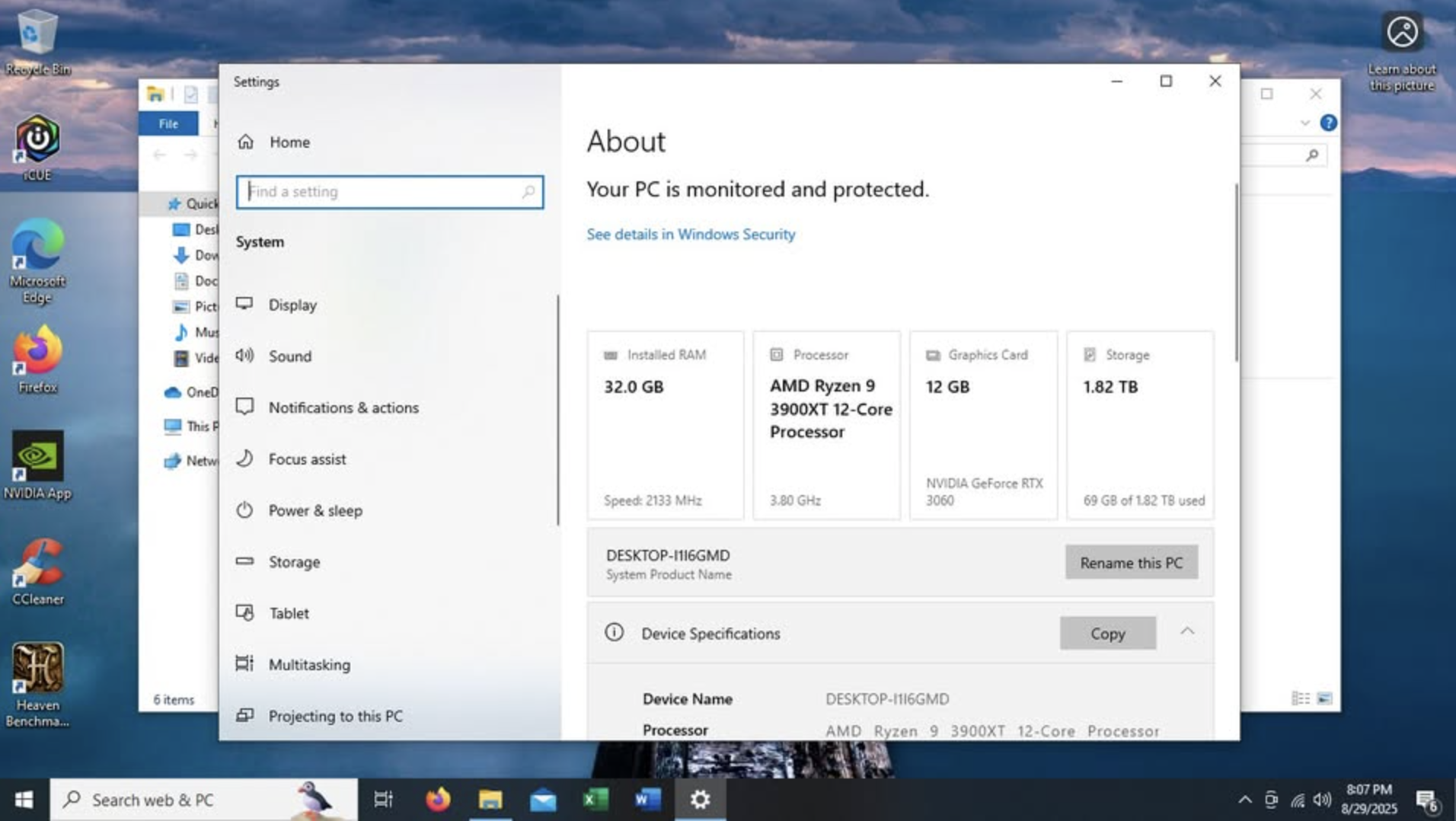
Beast~ 3.8 AMD, 32gb, 2tb M.2, 3060 12gb, Windows 10 Pro, Fully Loaded. New Condition
Configuration
- ~ Asus B550M-A Wifi 2
- ~ AMD Ryzen 9 3900XT 12-Core 3.80ghz
- ~ 32gb Ram (16x2)
- ~ 2tb SSD Viper m.2 With HeatSink
- ~ Nvidia Geforce RTX 3060 12gb
- ~ Corsair 850w Power Supply
Preloaded Software
- ~ Windows 10 Pro
- ~ Office
- ~ Bios/Drivers Updated
- ~ CCleaner
- ~ Icue (Temp Monitoring)

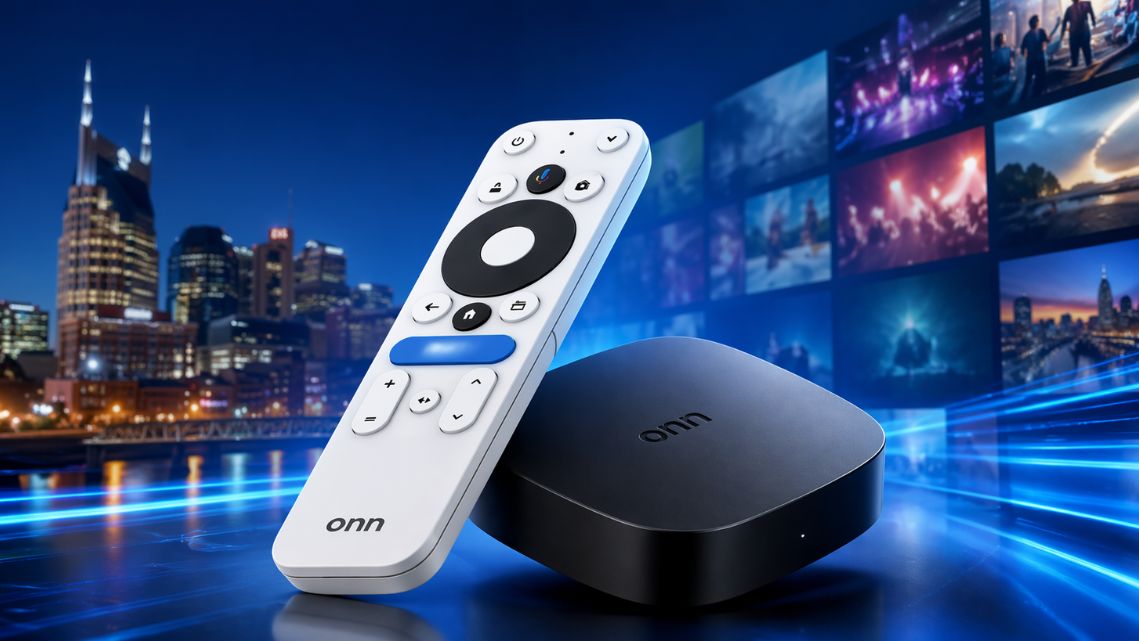
ONN 4k Device Fully Unlocked & Setup $250
One of the best IPTV plans for long-term users who want consistent streaming access across supported devices.
• 6,000+ Live Channels with EPG
• International & Premium VOD
• PPV & Sports Events
• Year-long TV access
• 6,000+ Live Channels with EPG
• International & Premium VOD
• PPV & Sports Events
• Year-long TV access
- ~ 1 Year MoaTV
- ~ 1Year IPVanish
- ~ Tech Support
- ~ Fully Unlocked
- ~ Other Apps Installed
- ~ Updated Daily
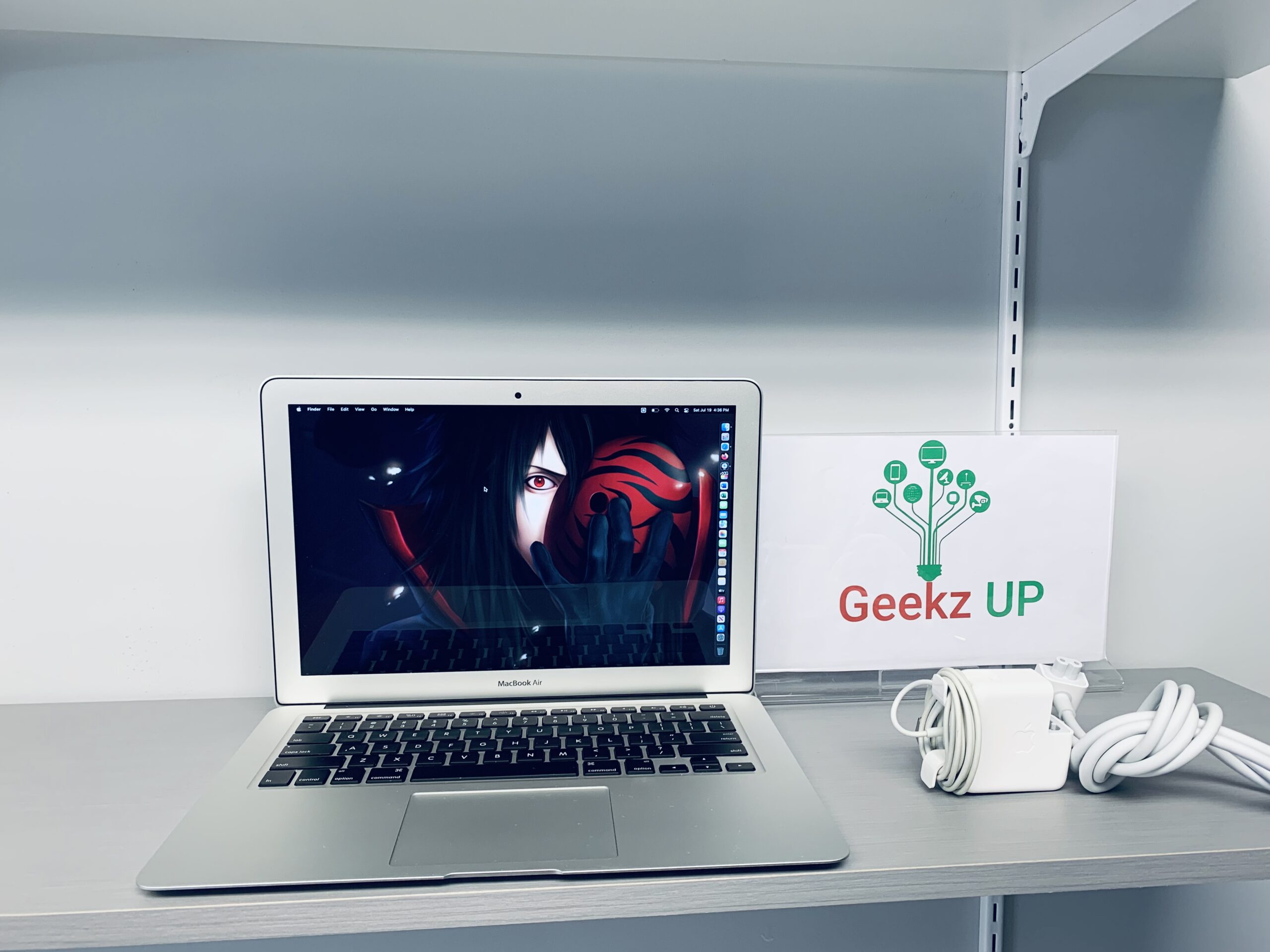


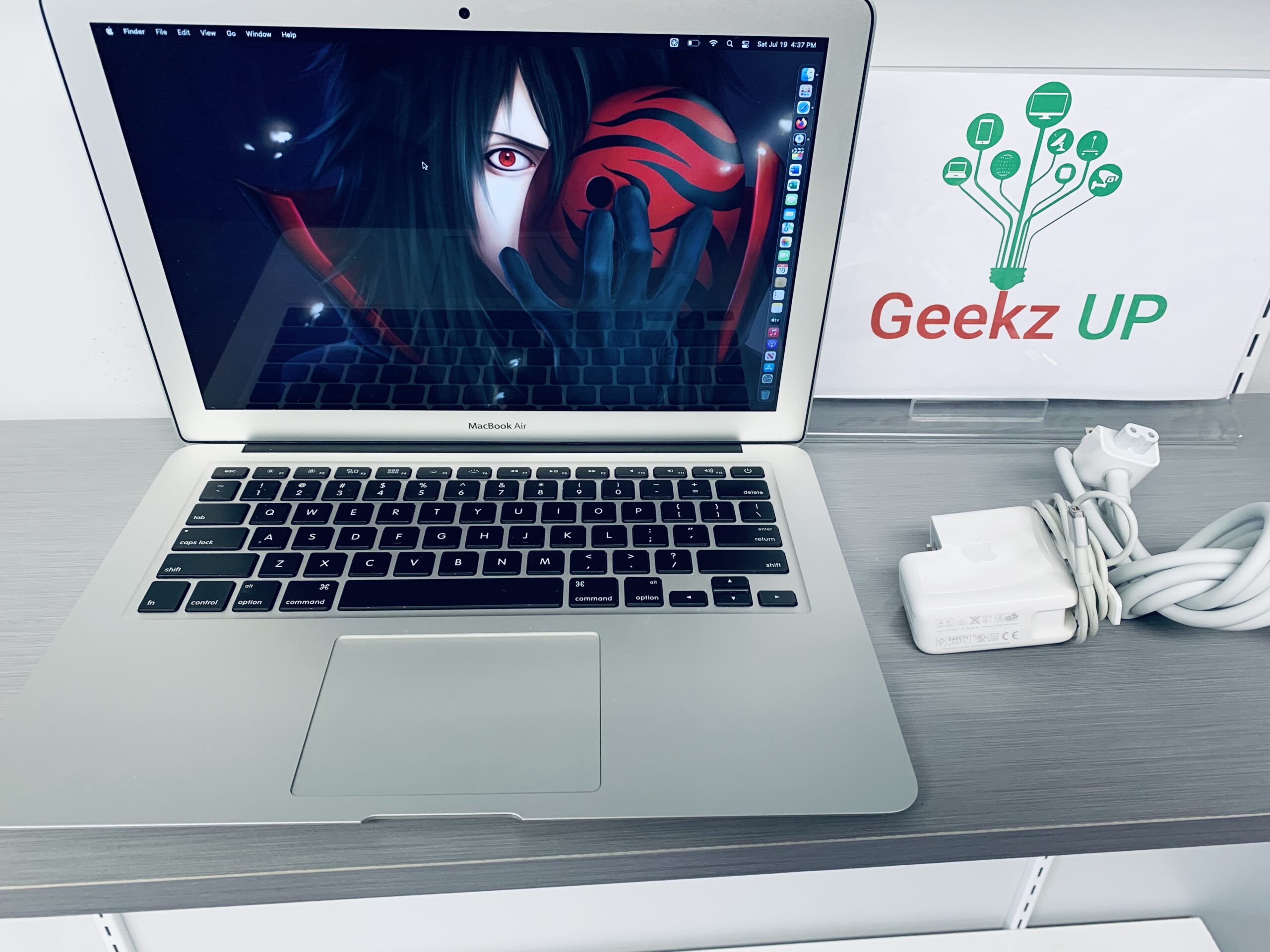

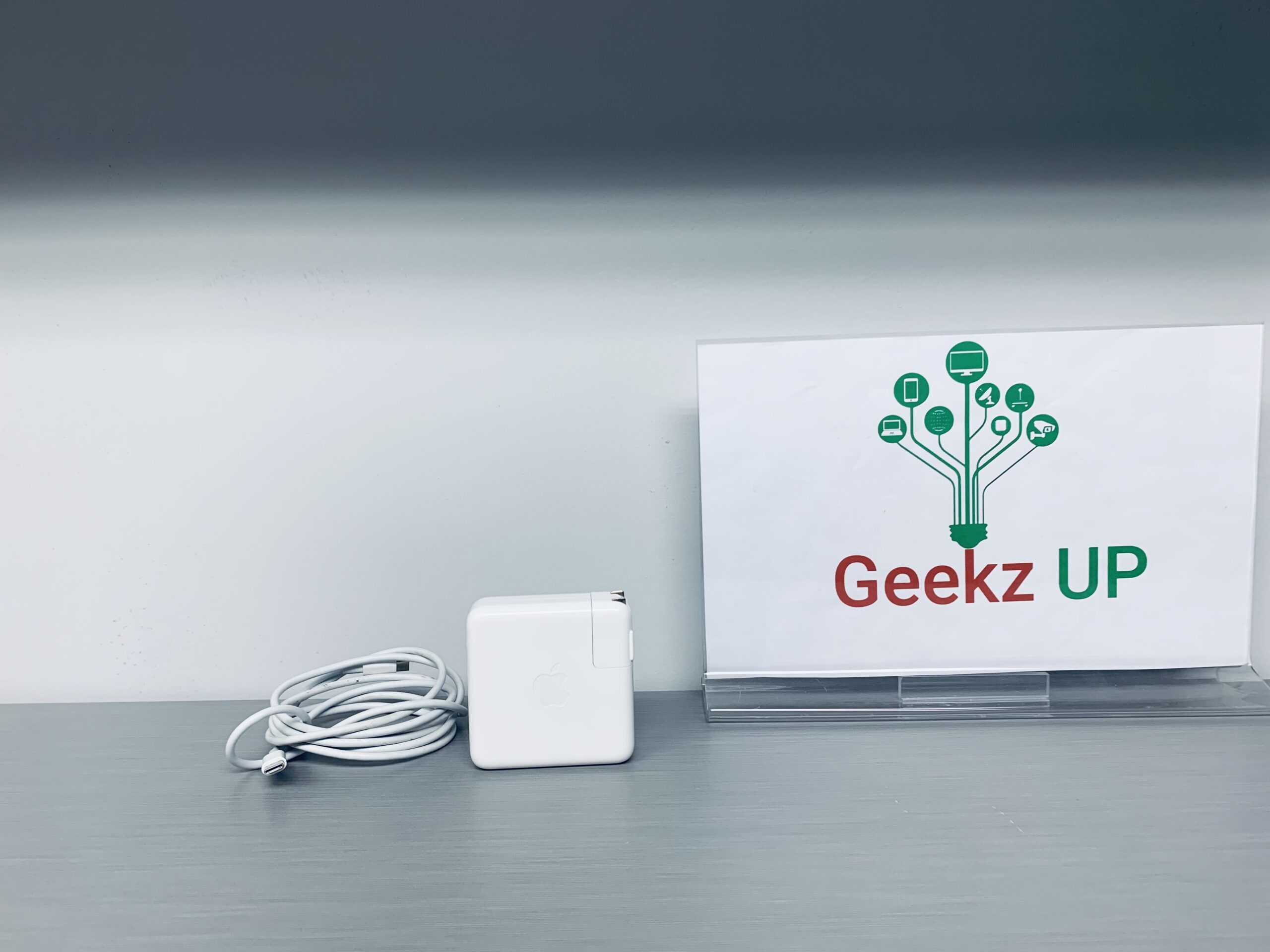
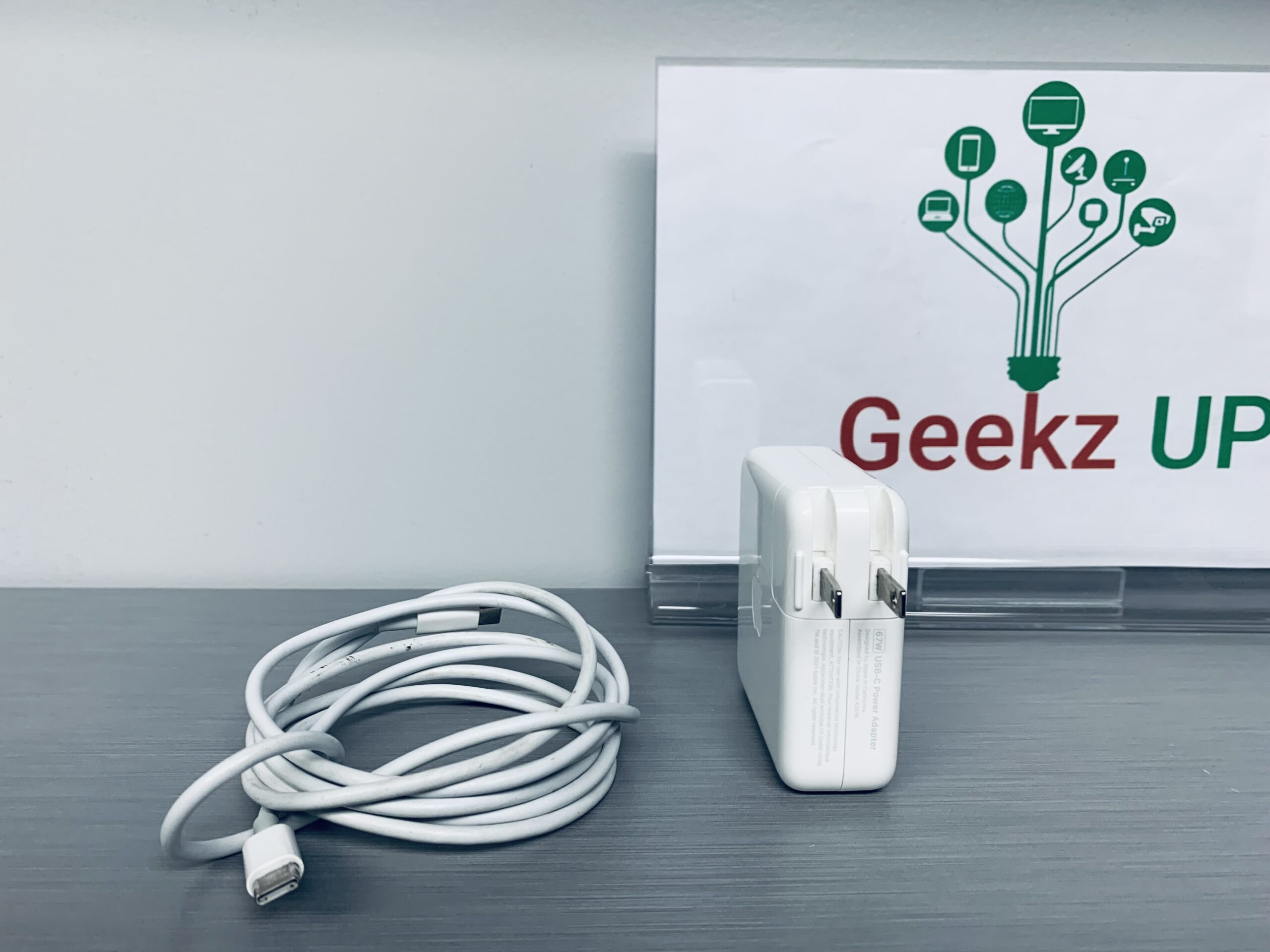
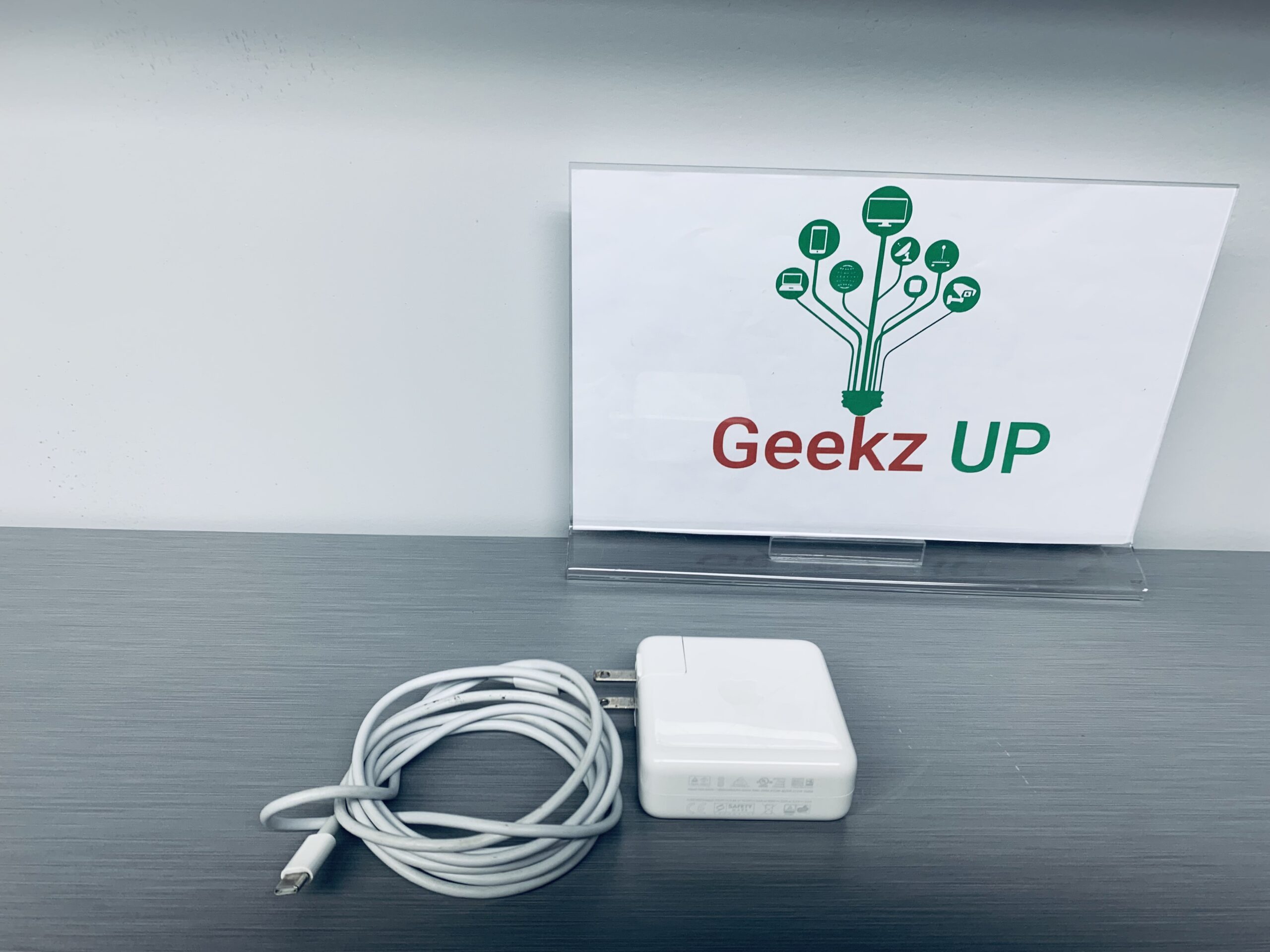
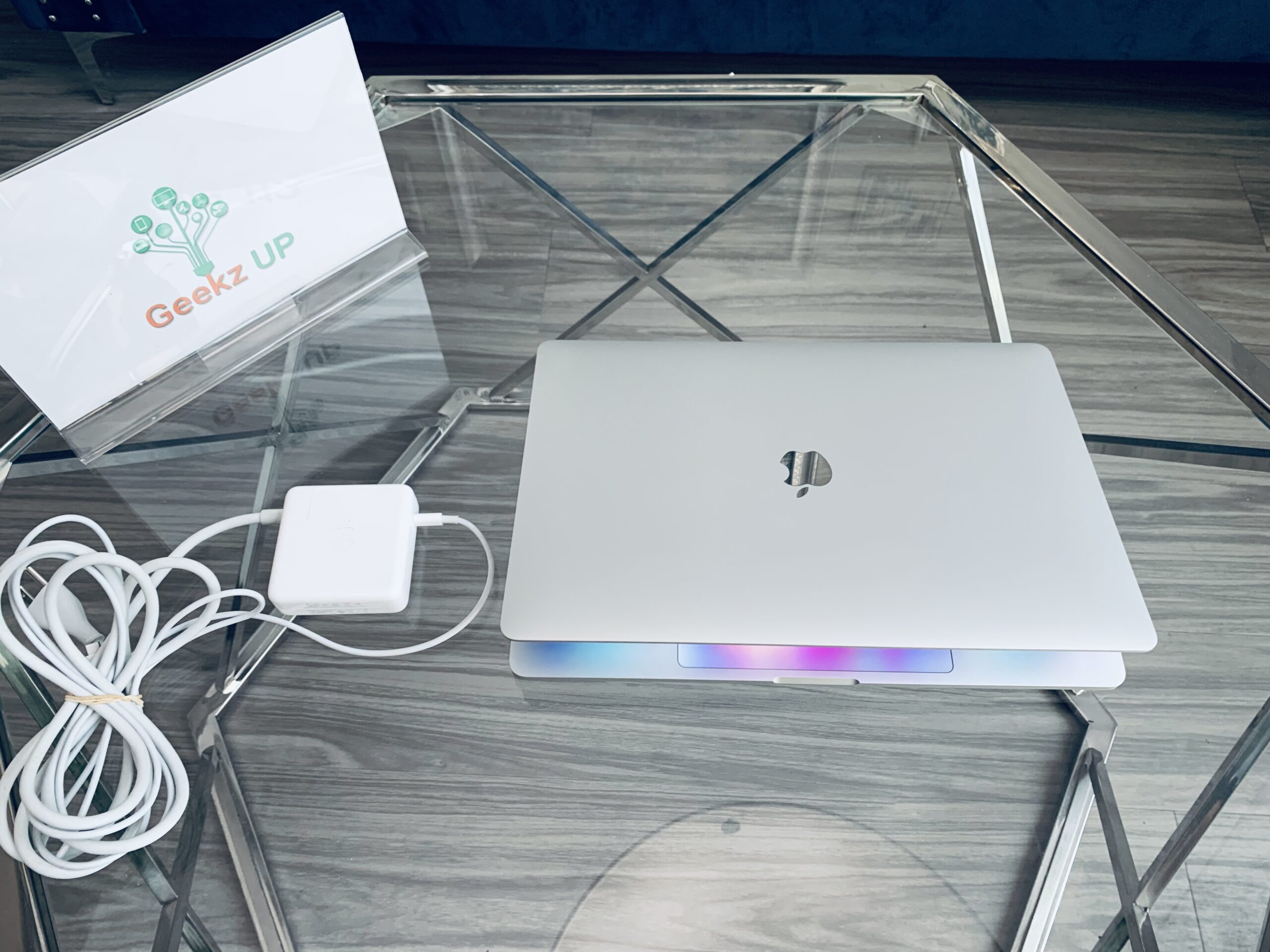
Genuine 67W Type-C Power Adapter Charger for Apple MacBook Pro 13" M1 A2518
For Apple:
- Macbook Air (M2,2022)
- MacBook Air (M1, 2020)
- MacBook Air (Retina, 13-inch, 2020)
- MacBook Air (Retina, 13-inch, 2018 - 2019)
- Macbook Pro (14-inch,M2,10-core 2023)
- Macbook Pro (13-inch,M2,2022)
- Macbook Pro (14-inch,M1,8-core 2021)
- MacBook Pro (13-inch, M1, 2020)
- MacBook Pro (13-inch, 2020)
- MacBook Pro (13-inch, 2016 - 2019)
- MacBook (Retina, 12-inch, Early 2015 – 2017)
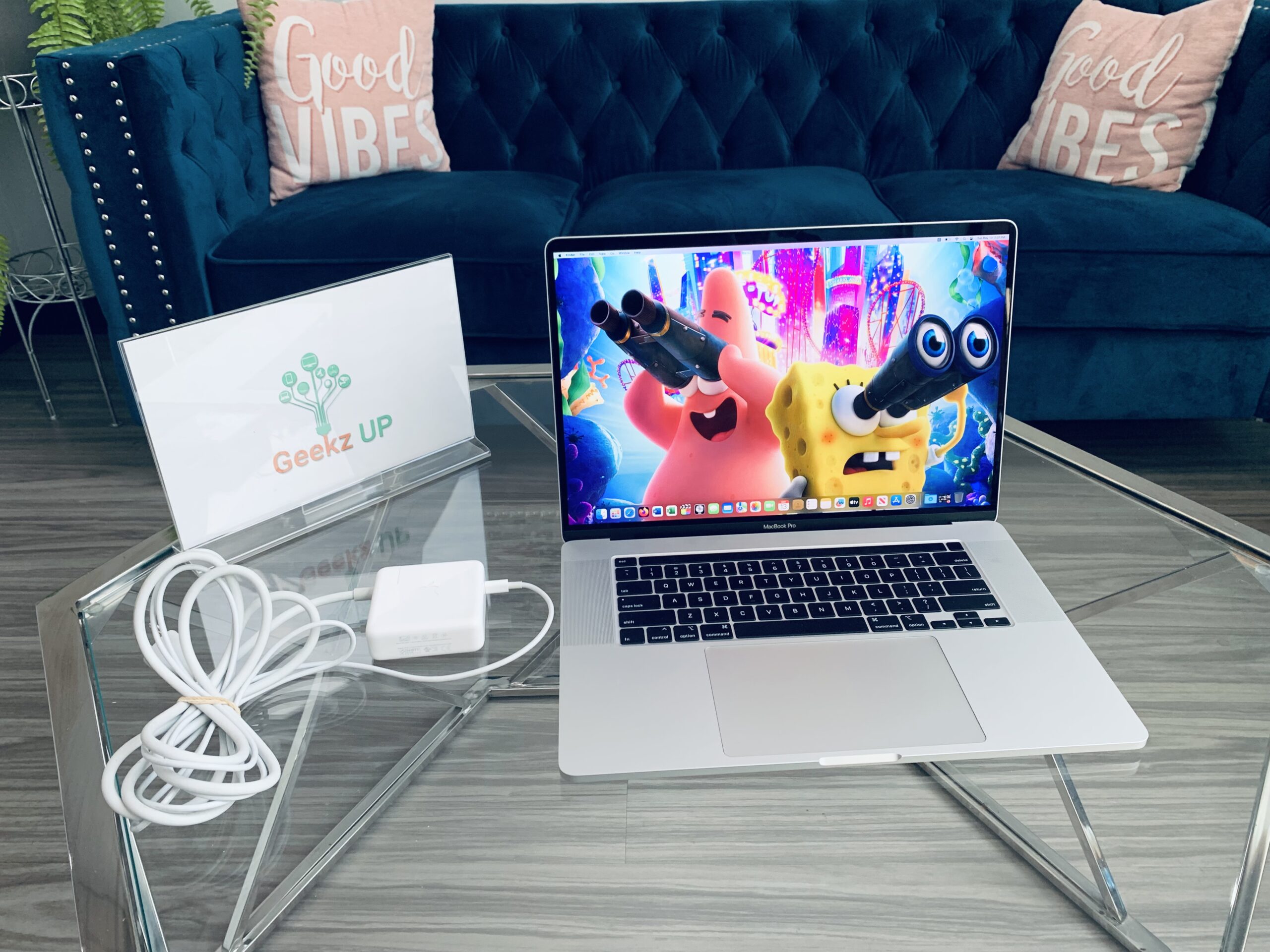
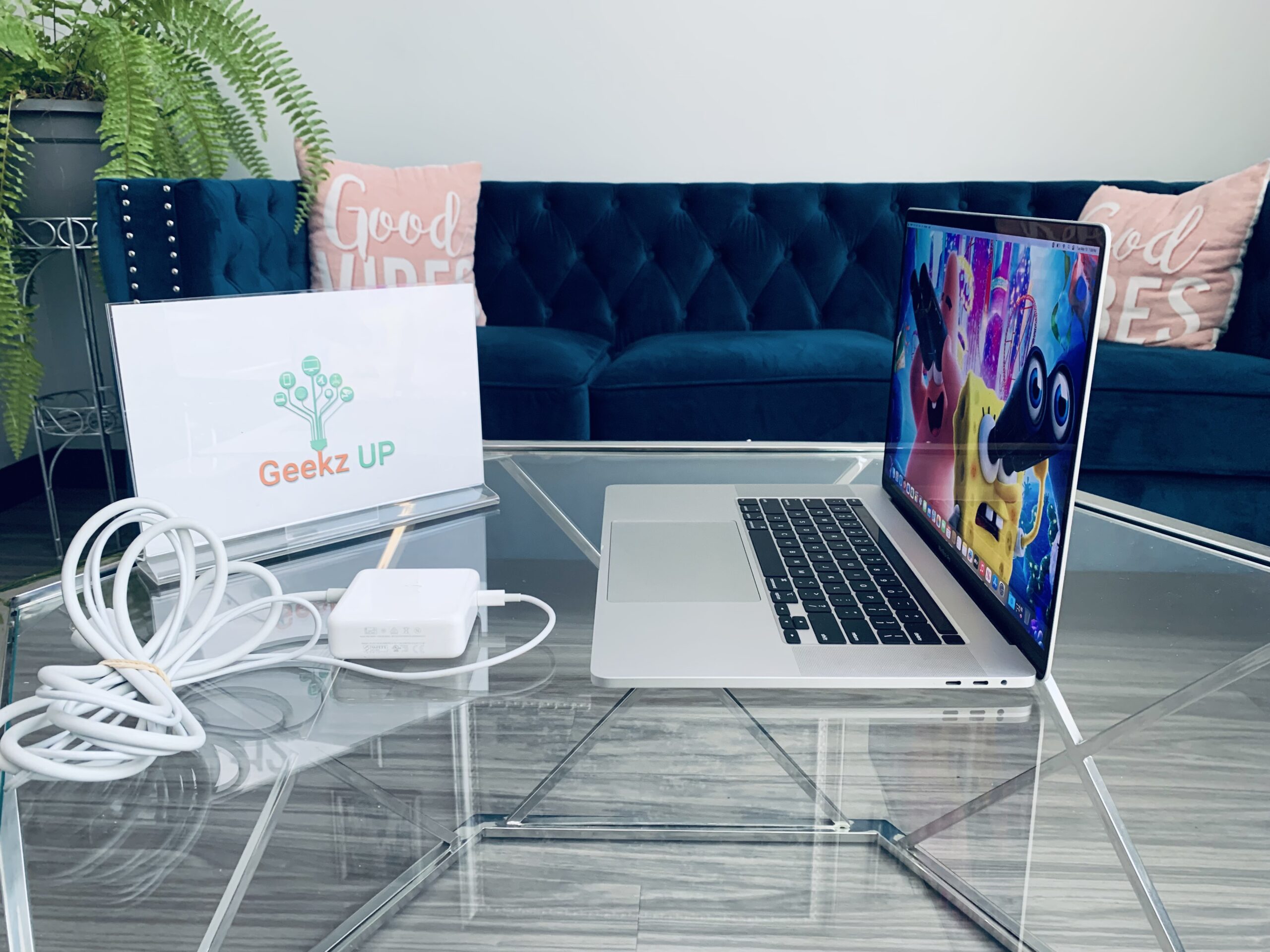

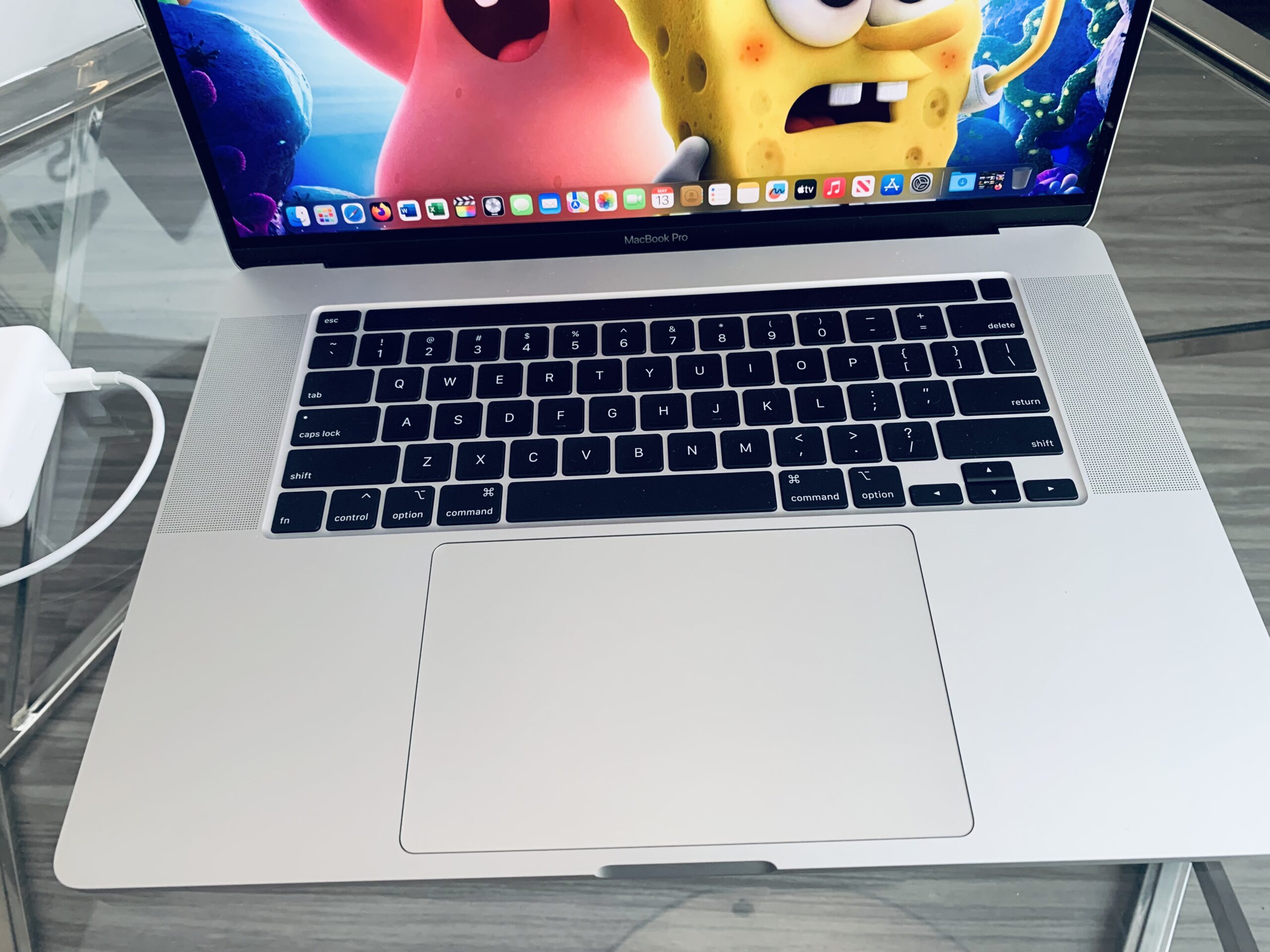
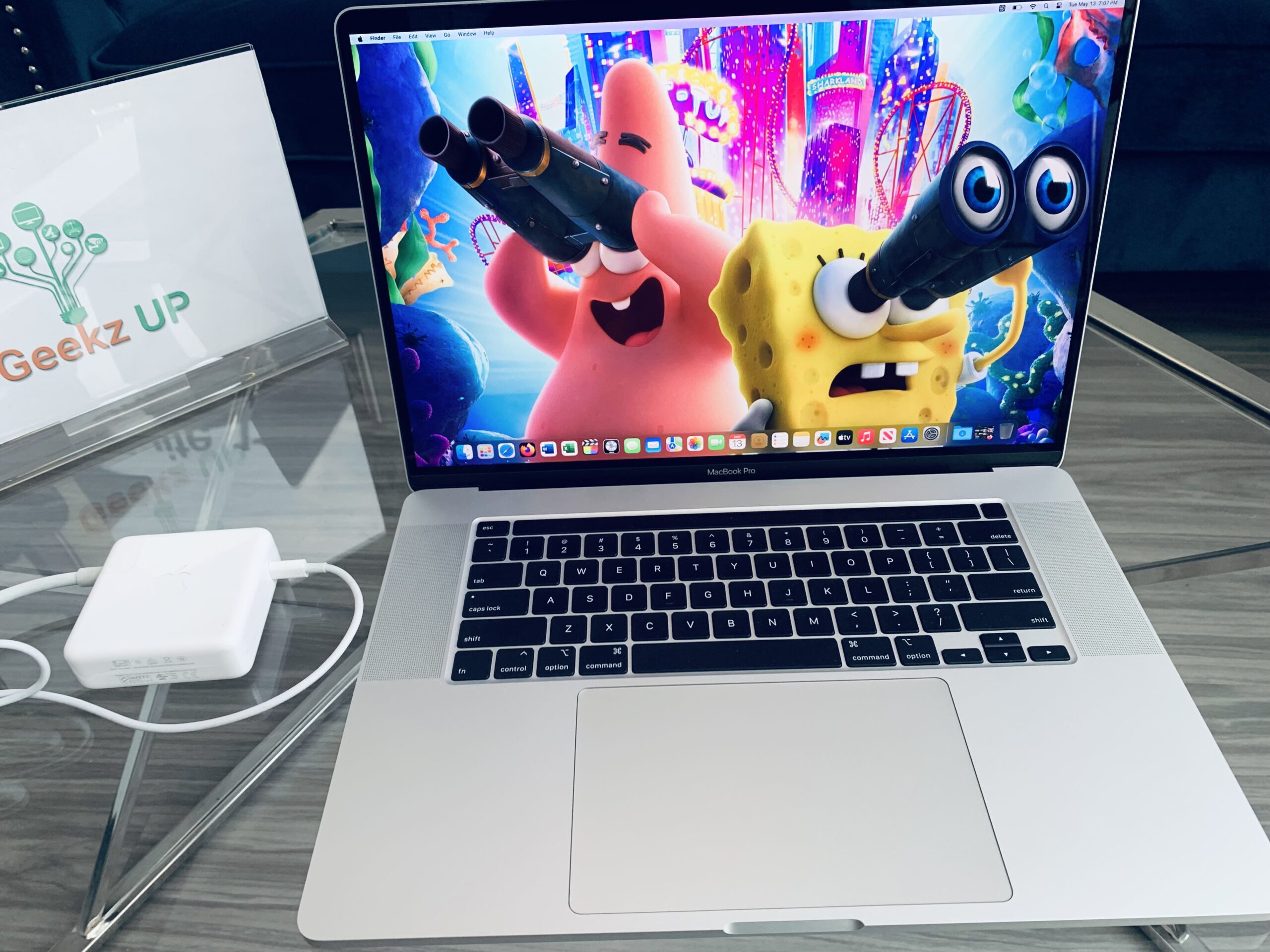

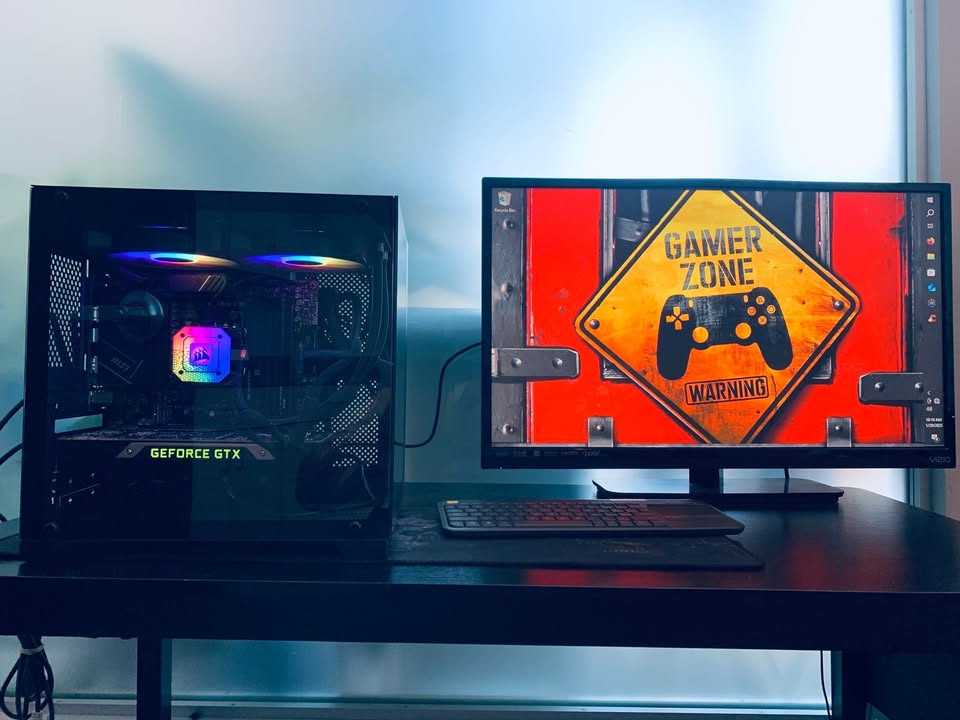
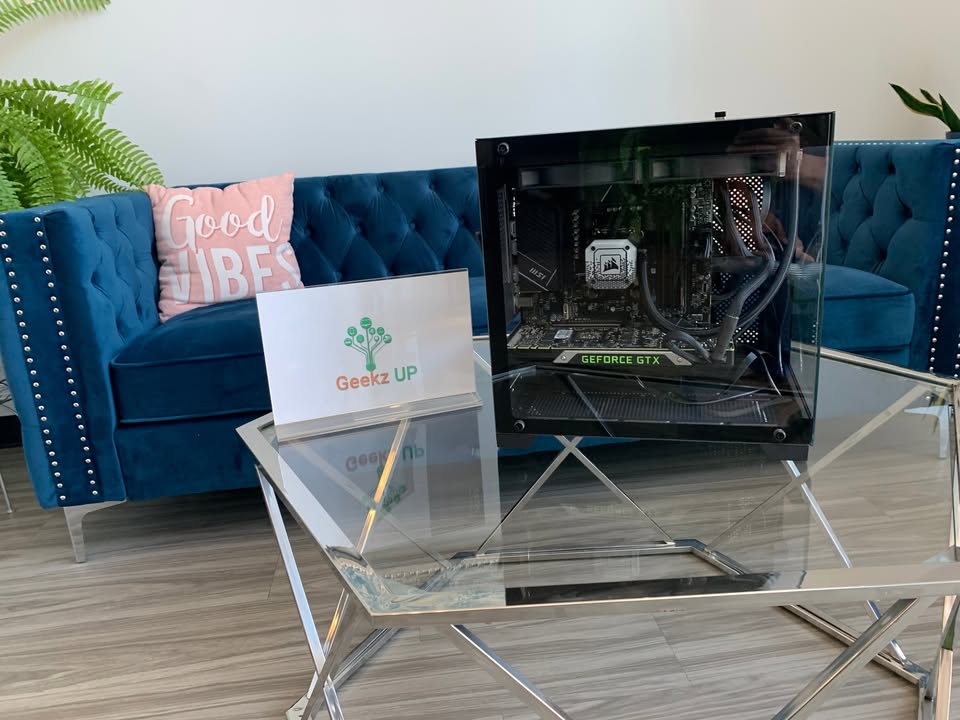
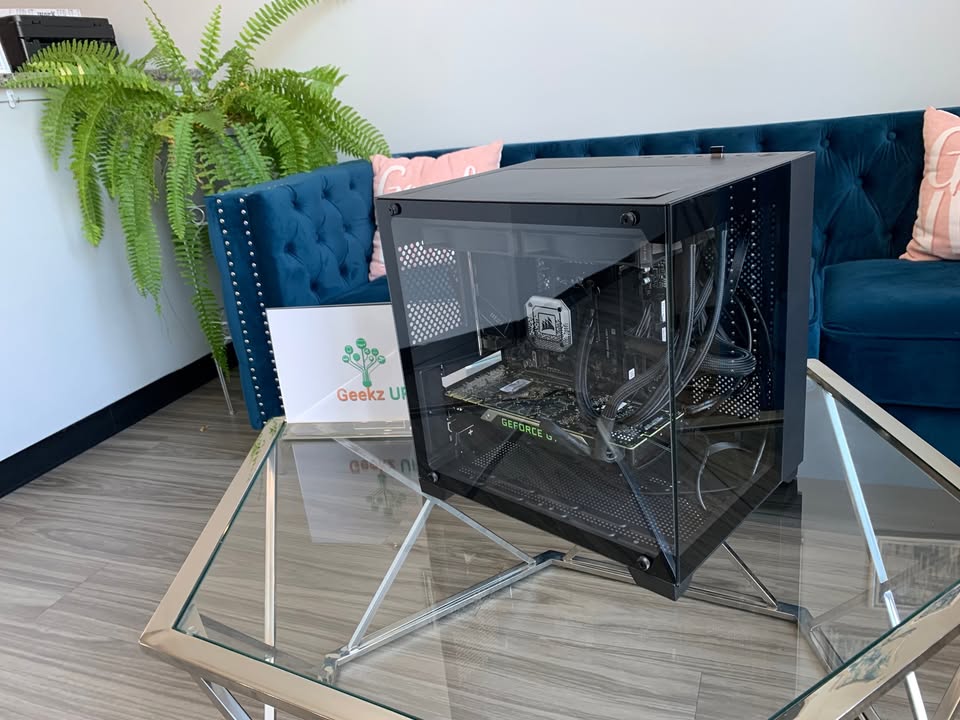
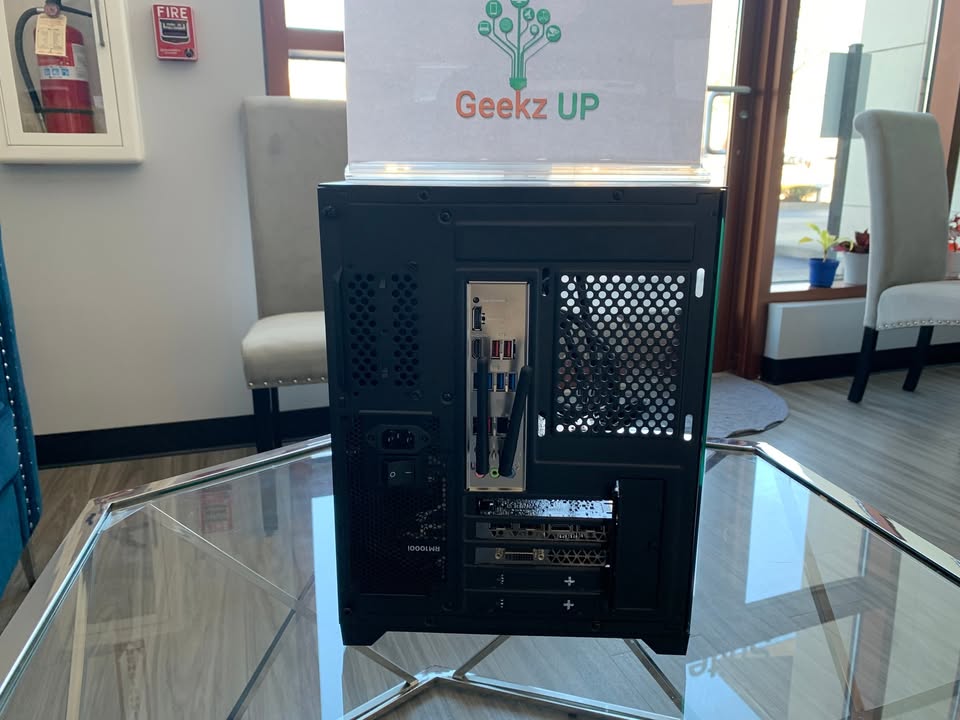
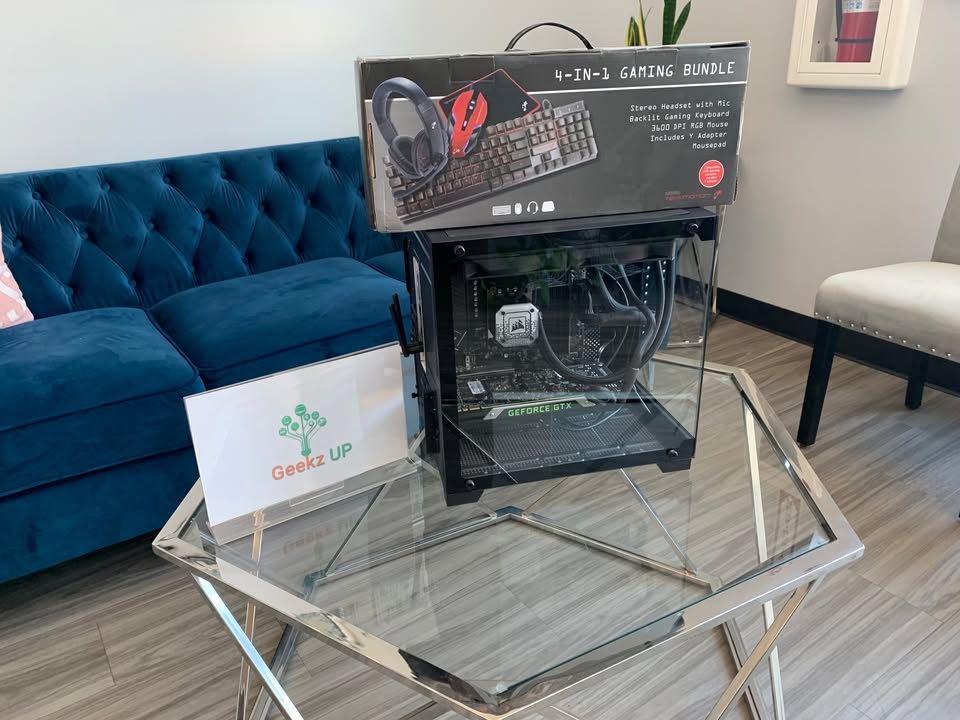
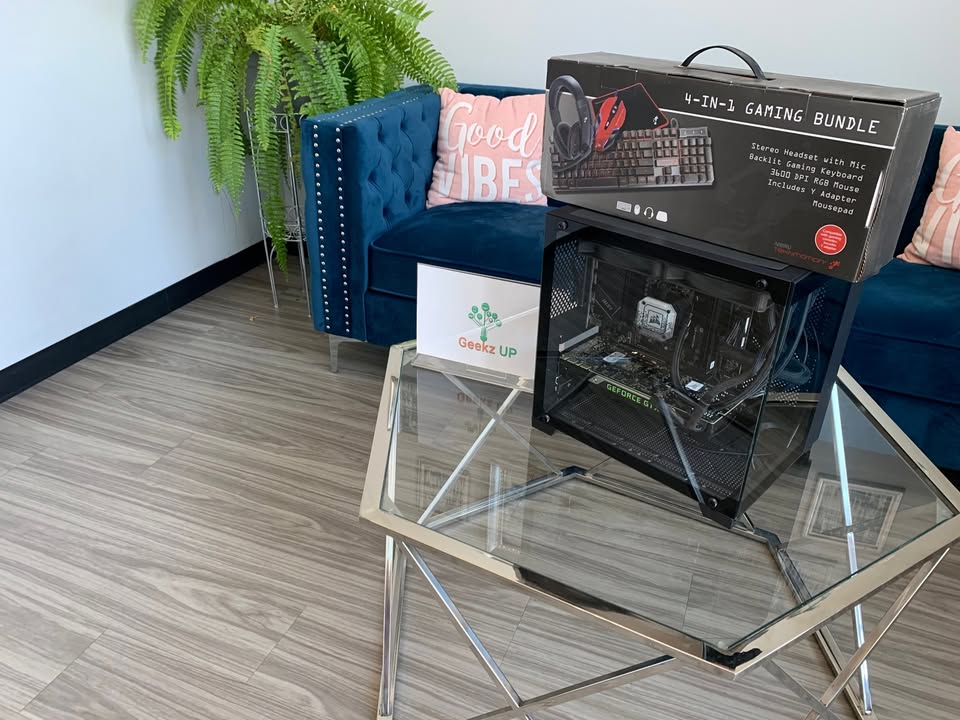
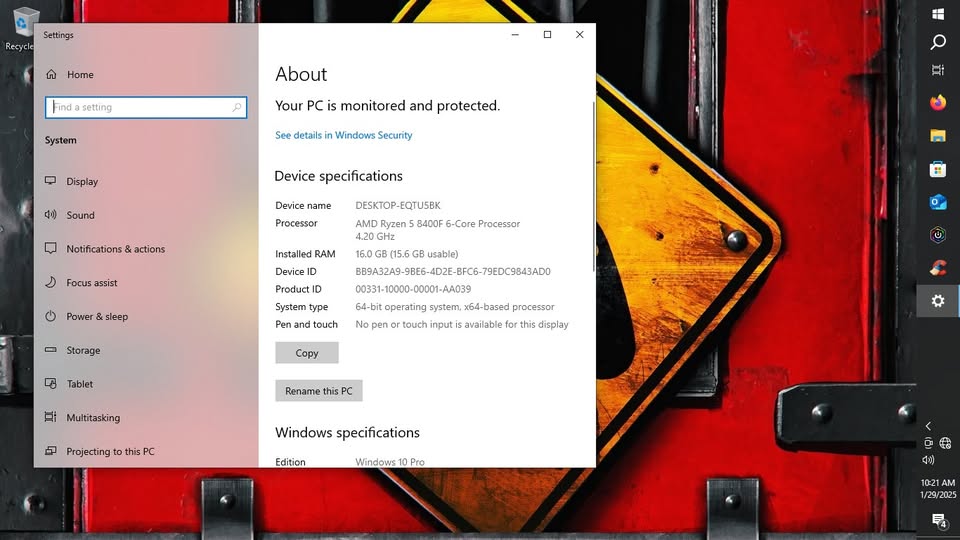
Gaming Beast
Configuration
- AMD Ryzen 5 8400F 4.20 6-Core
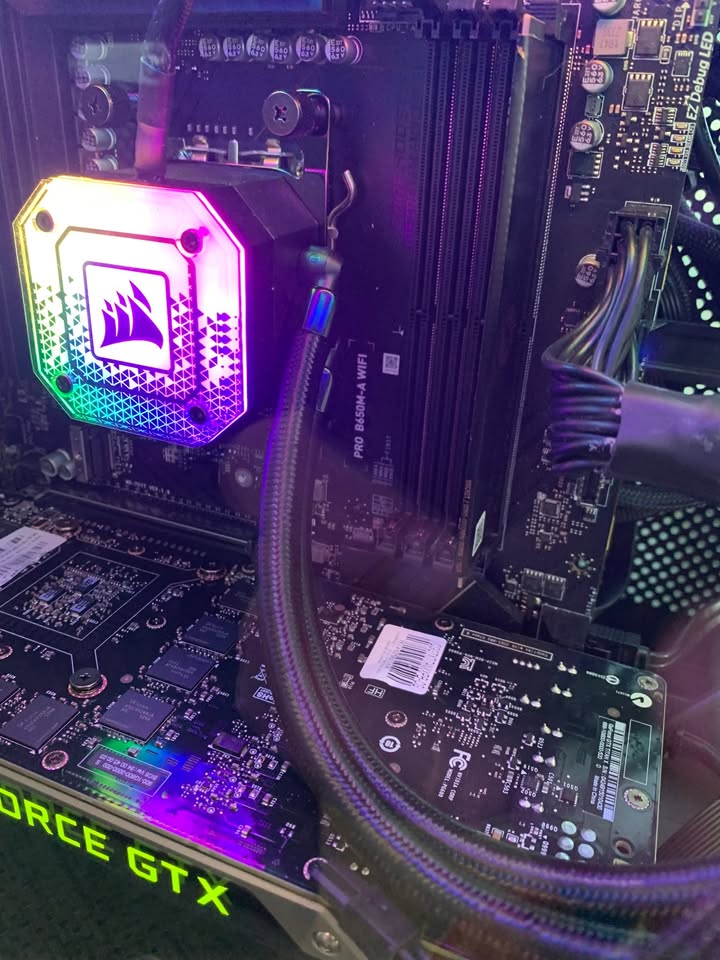
- MSI Pro B650M-A Wifi
- 32GB DDR5
- 1TB SSD
- Corsair Water Cooling System
- 1000w Corsair Power Supply
- Nvidia GTX TITAN X 12GB GDDR5 PCIe x16 3 x DisplayPort/DVI/HDMI Graphics Card
- Gaming Keyboard, Mouse and Headset
- Wifi
Preloaded Software
- Windows 10 Pro
- ICUE (Monitoring Software For All Hardware)
- Office
- Games
- Heaven Benchmark
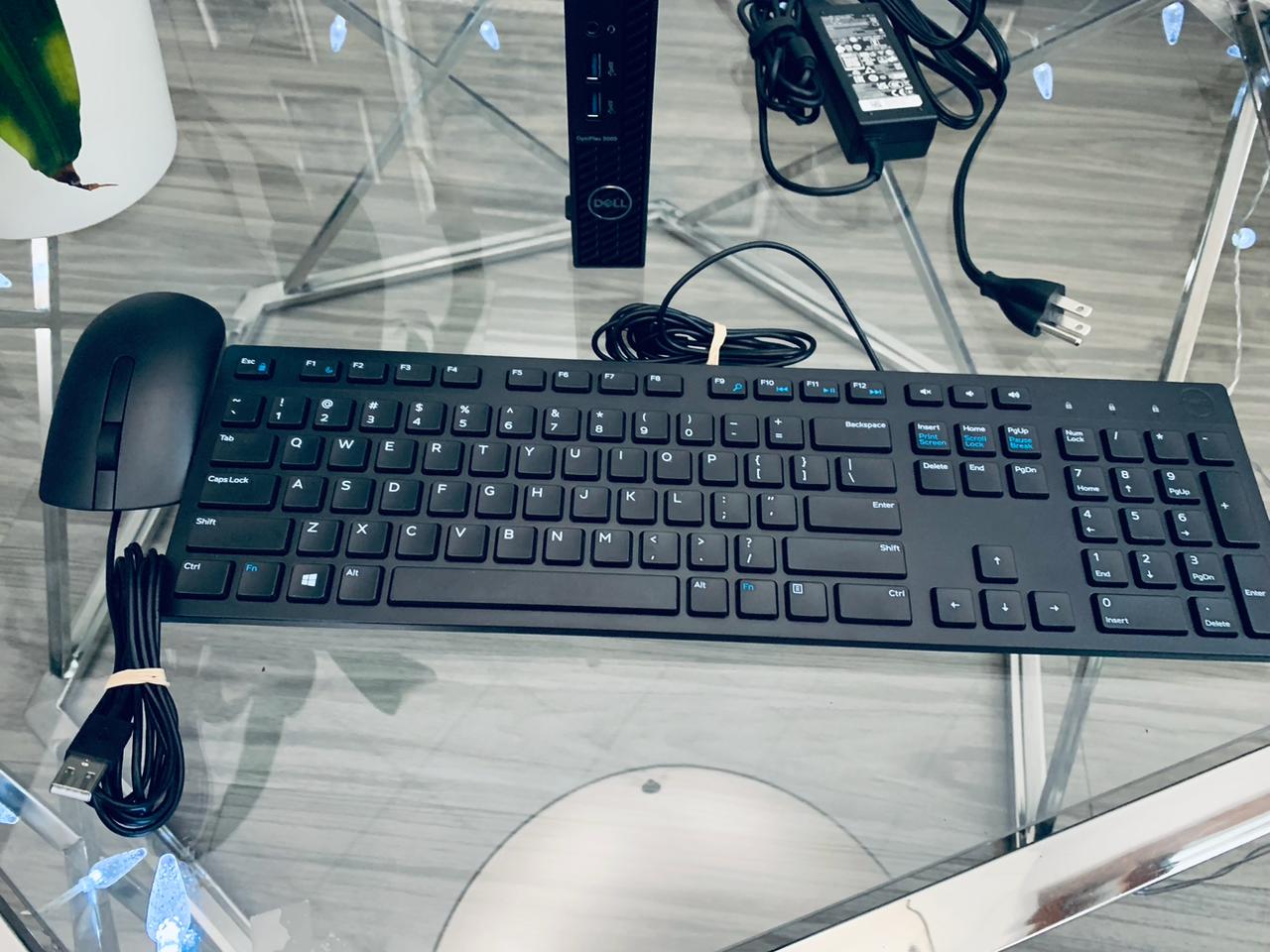
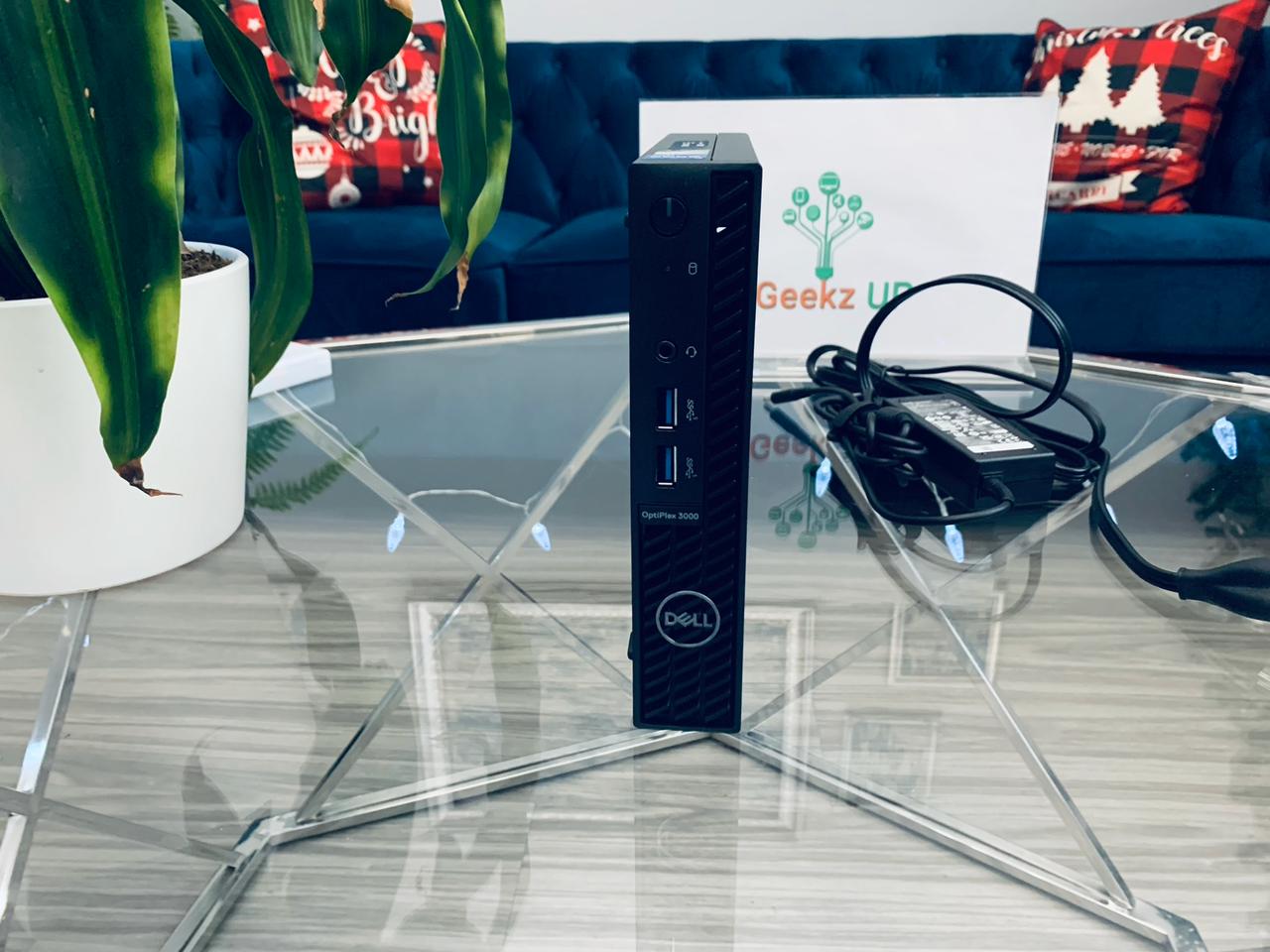
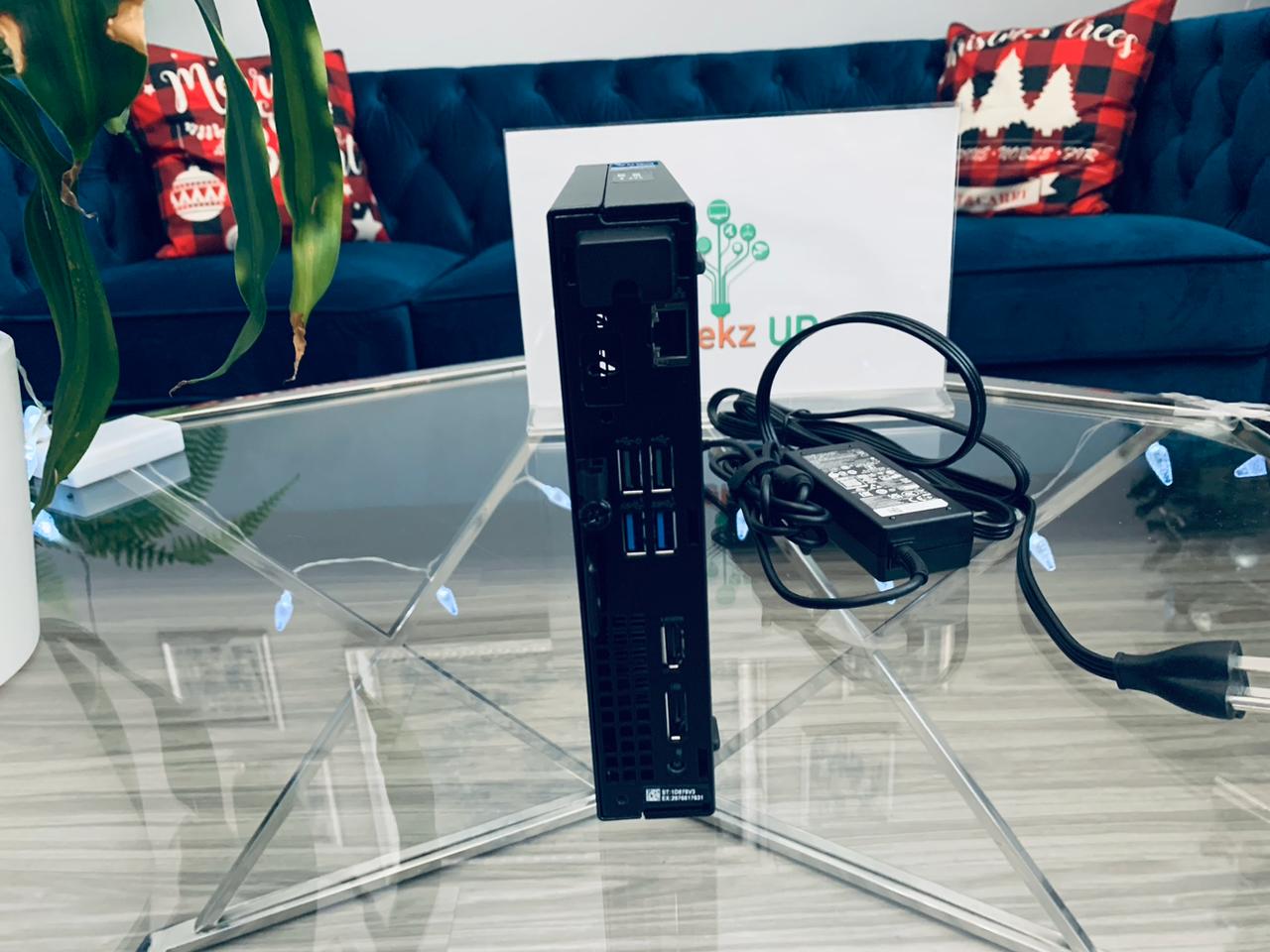
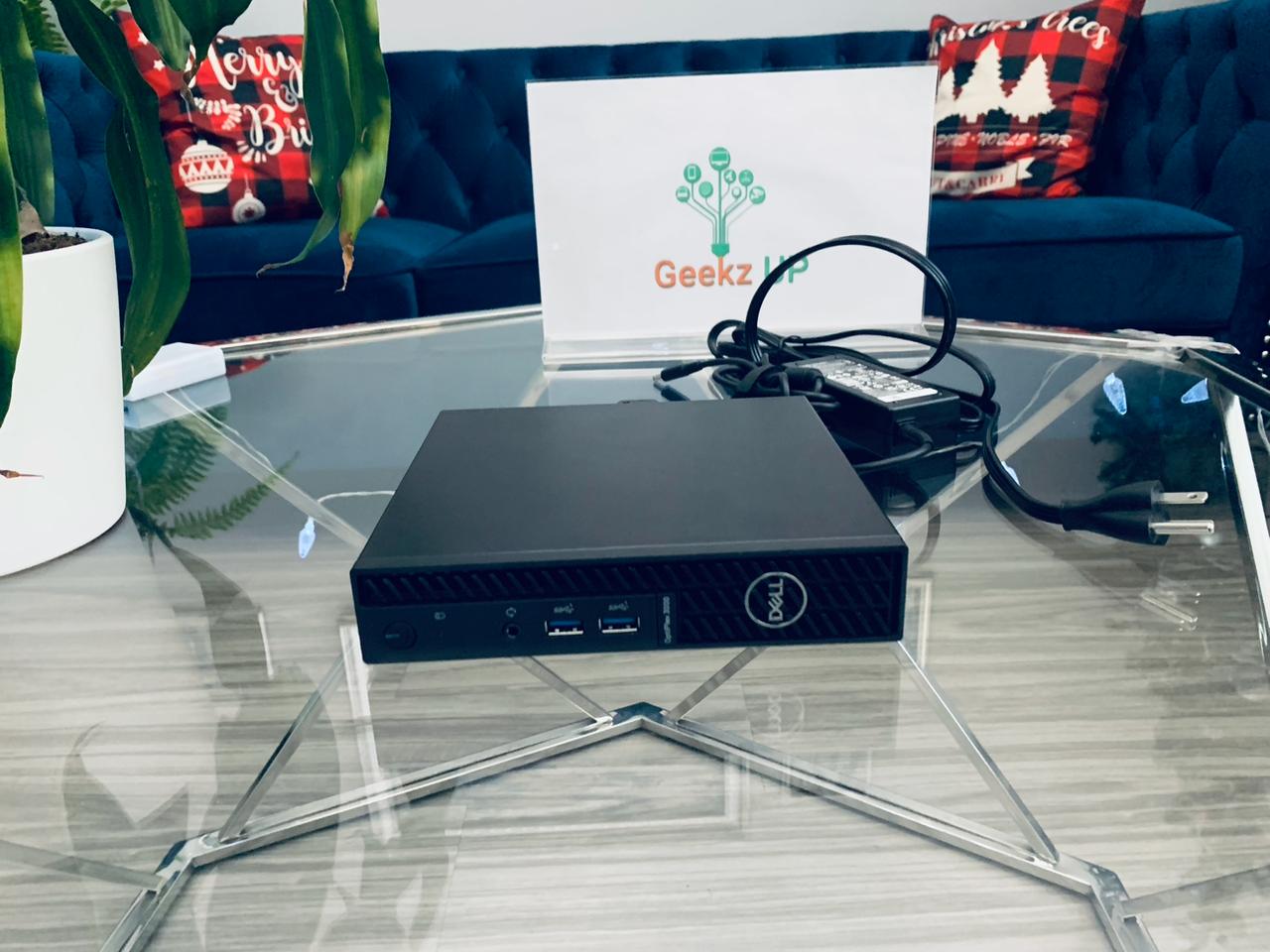
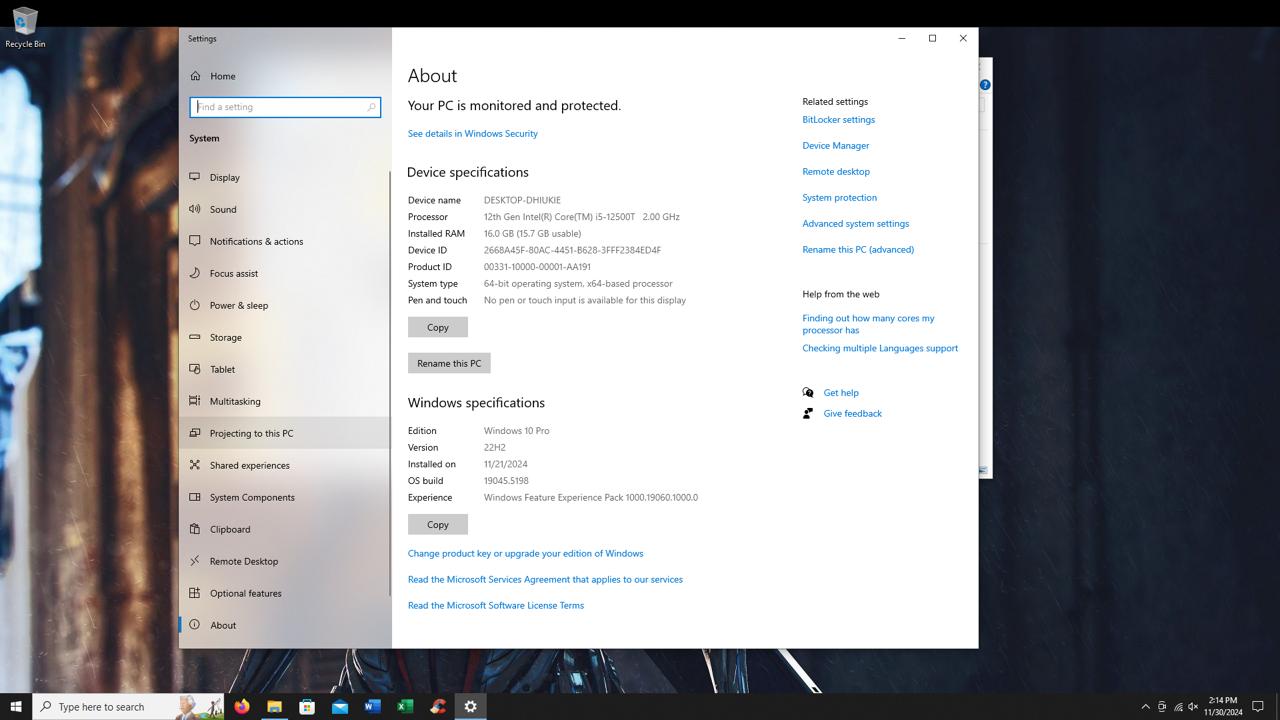
Dell OptiPlex 3000
Configuration
- Intel Core i5 12th Gen i5-12500T Hexa-core (6 Core) 2 GHz
- 16gb
- 512 M.2
- Two USB 2.0 ports (front), Two USB 3.2 Gen 1 ports (front), Two USB 3.2 Gen 1 ports (rear) , Two USB 2.0 ports with Smart Power On (rear)
- Built-In Wifi
- HDMI, Display Port
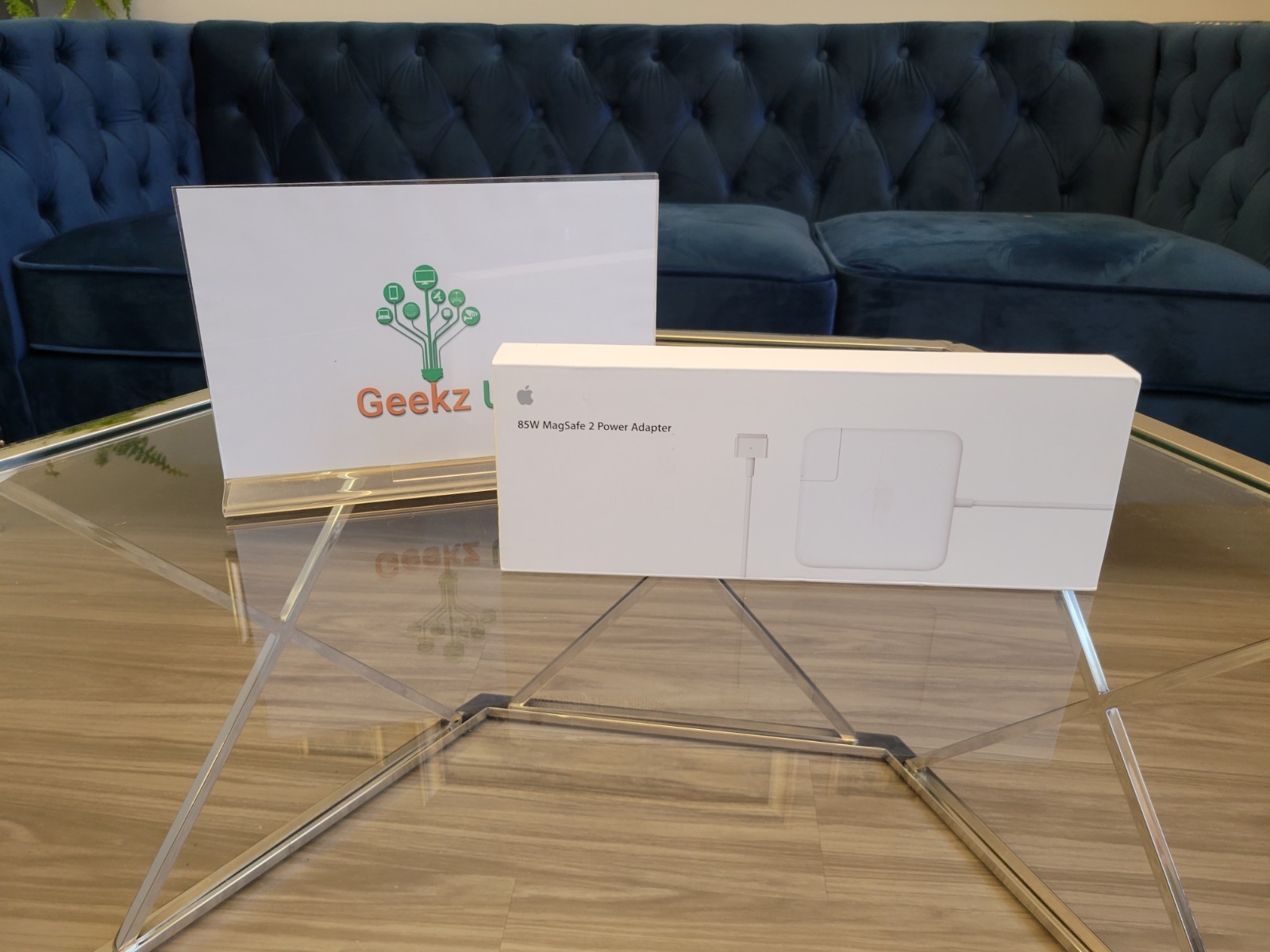
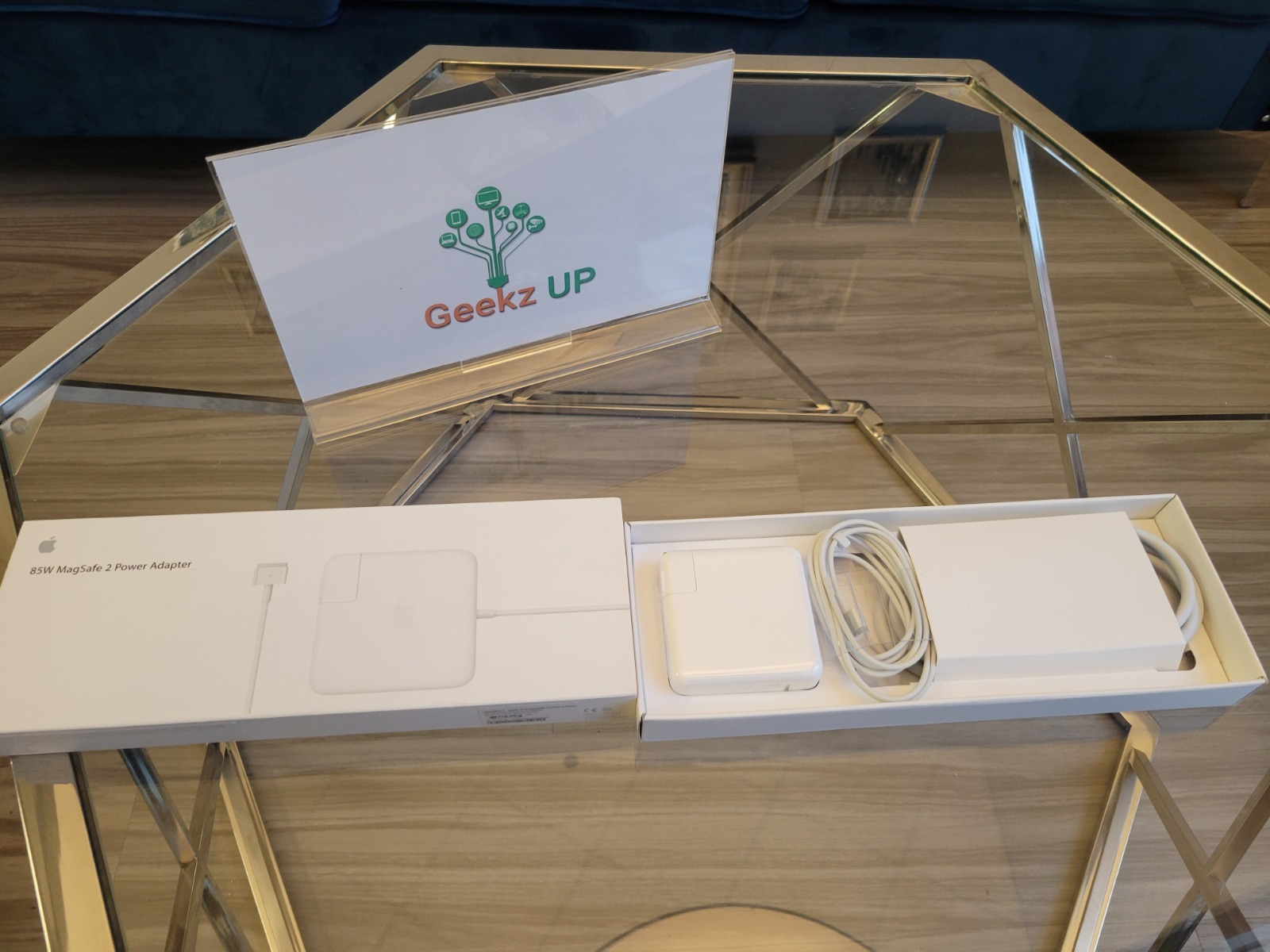
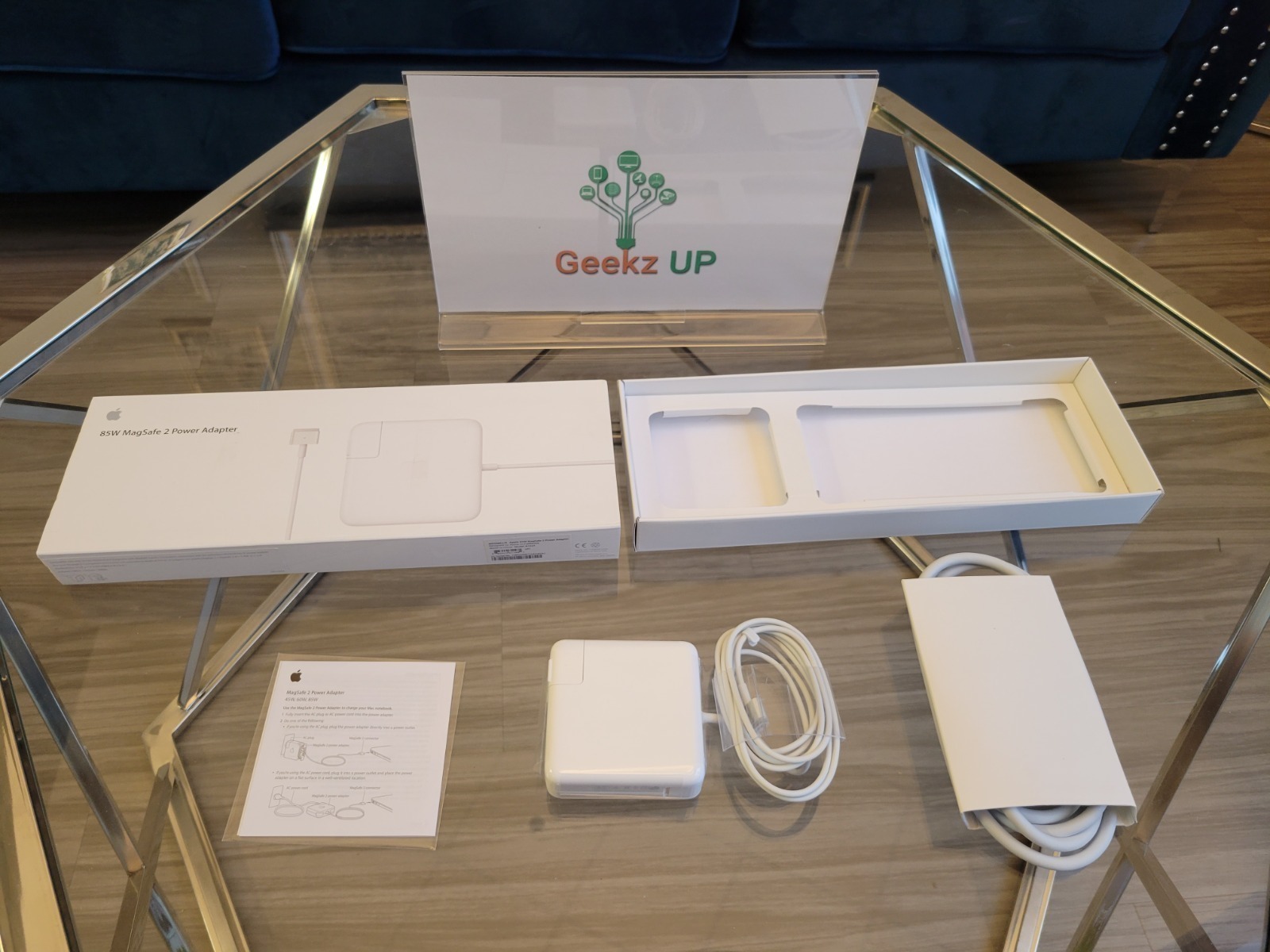
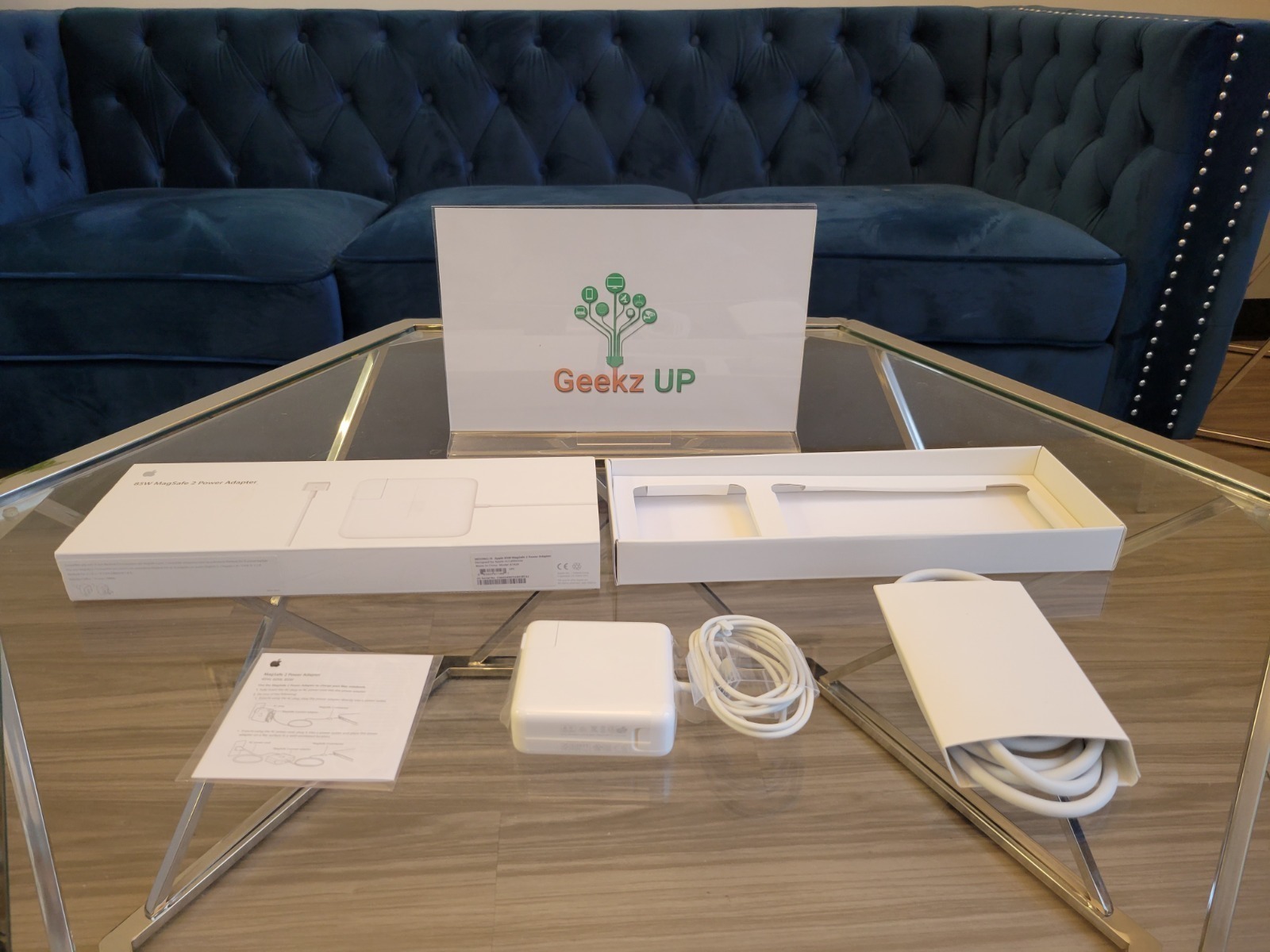
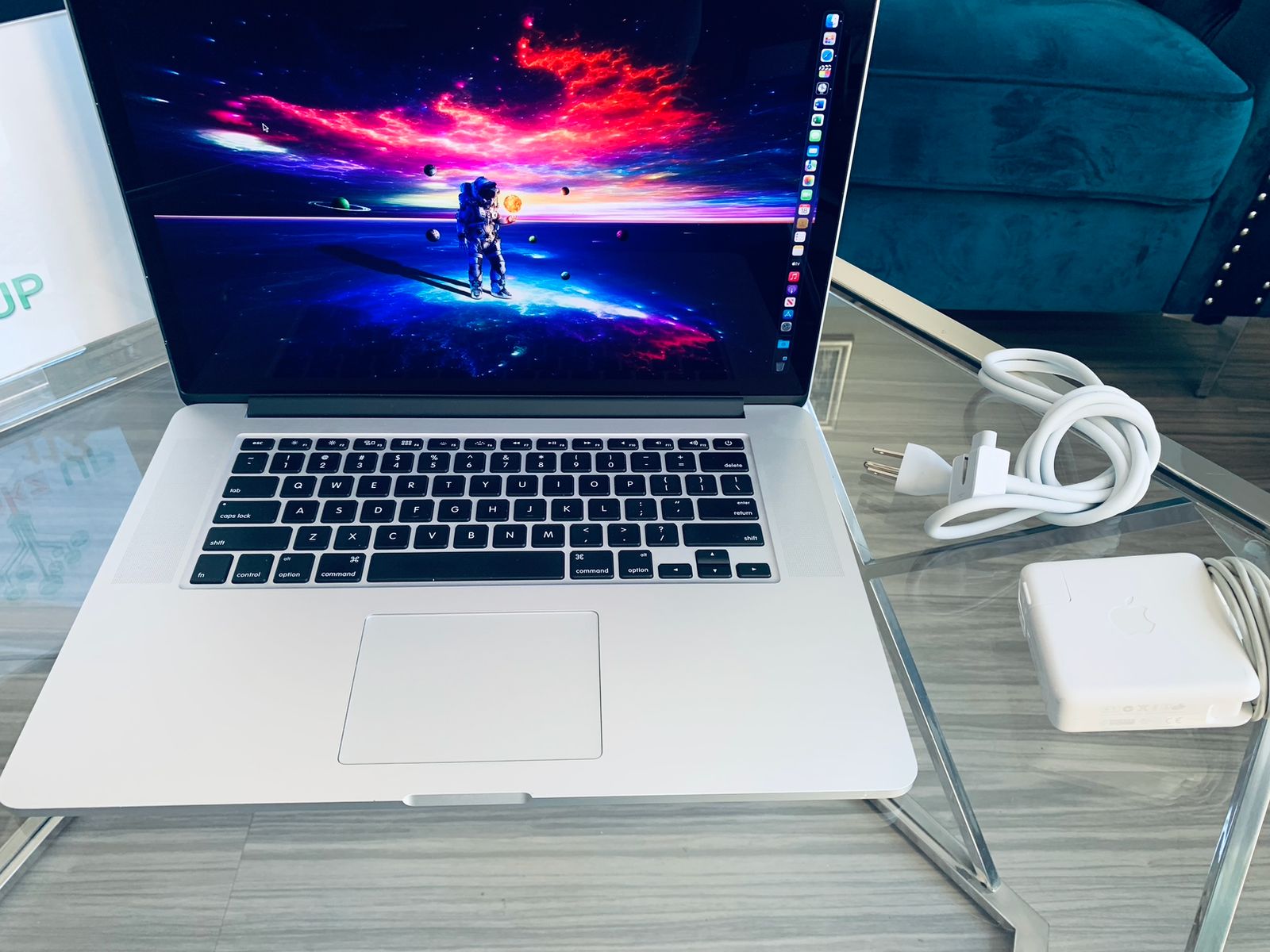
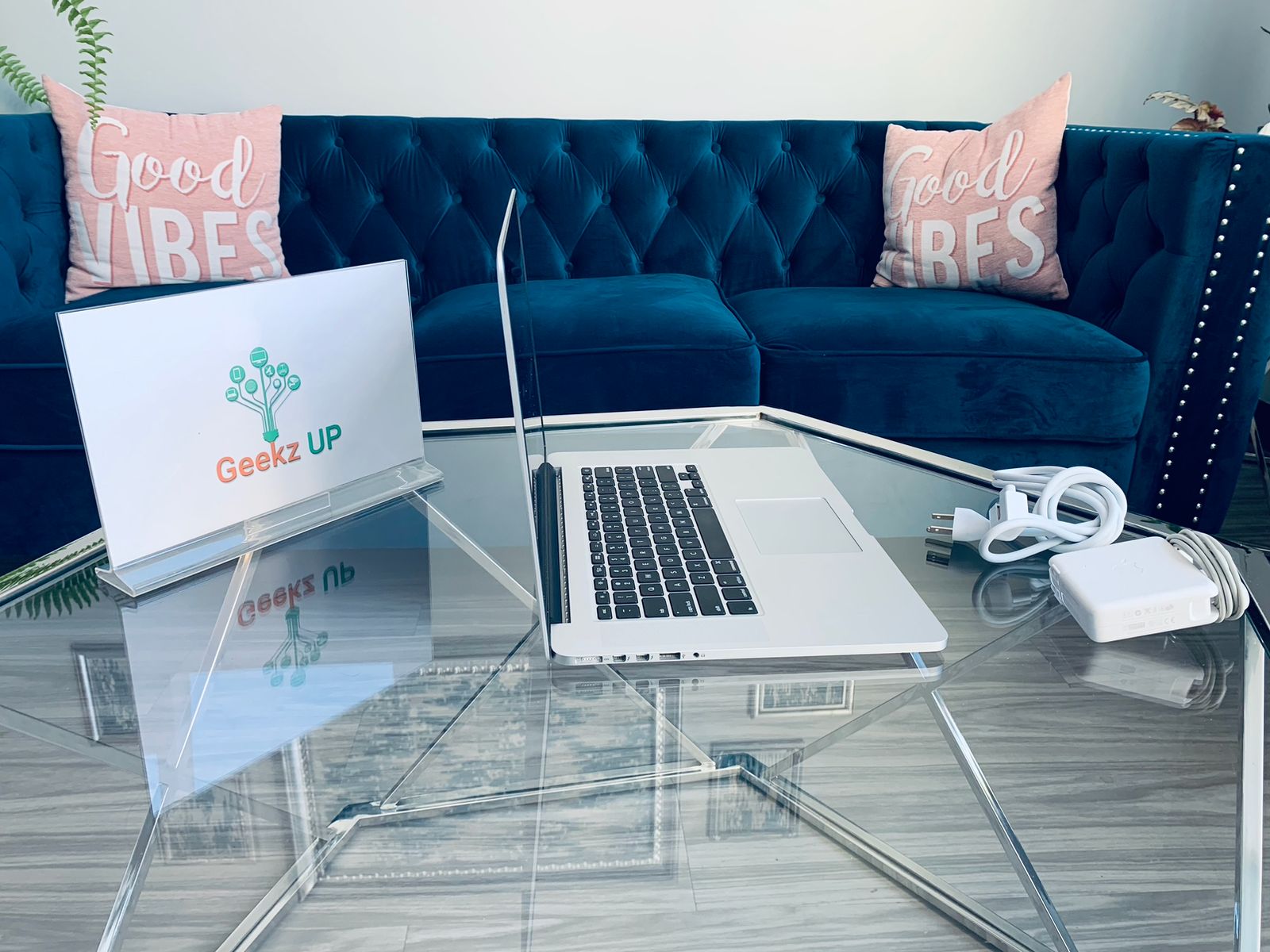
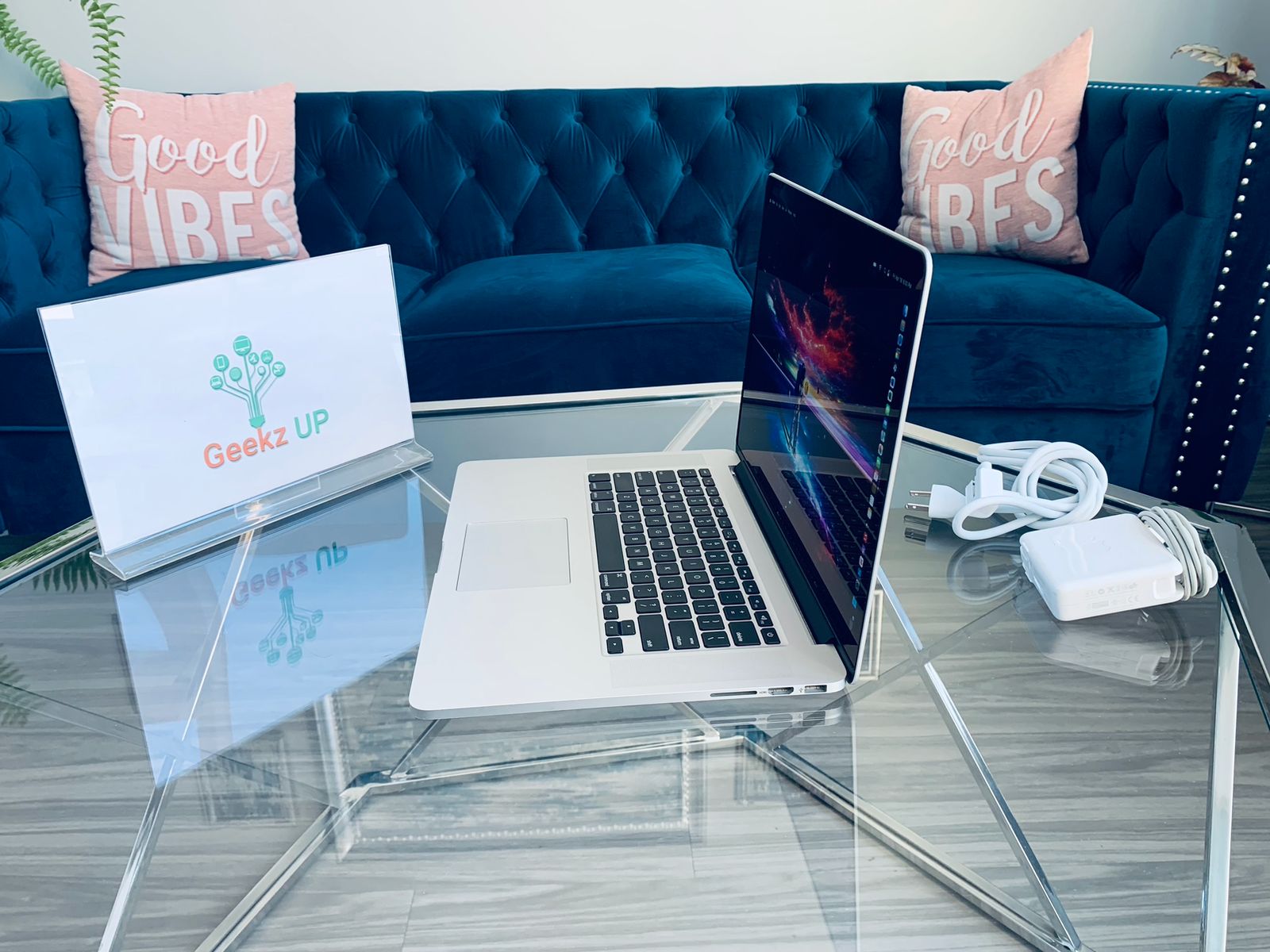
Genuine OEM 85W MagSafe 2 Power Adapter With 6Ft Extension Cord For Apple MacBook Pro Retina
Technical Specifications
- Condition: 100% Brand New High Quality & Compatibility
- Convenience & Safety
- Input: 100-240V, 1.5A 50-60Hz
- Output: 20V 4.25A
- Power: 85W
- Connecter size: Magsafe 2 T-tip
Compatible Models
- MacBook Pro (Retina, 15-inch, Early 2015) MJLT2 MJLQ2
- MacBook Pro (Retina, 15-inch, Mid 2014) MGXA2、MGXC2
- MacBook Pro (Retina, 15-inch, Late 2013) ME293、ME294
- MacBook Pro (Retina, 15-inch, Early 2013) ME664、ME665
- MacBook Pro (Retina, 15-inch, Mid 2012) MD975、MD976
- Compatible Model: A1398, A1424
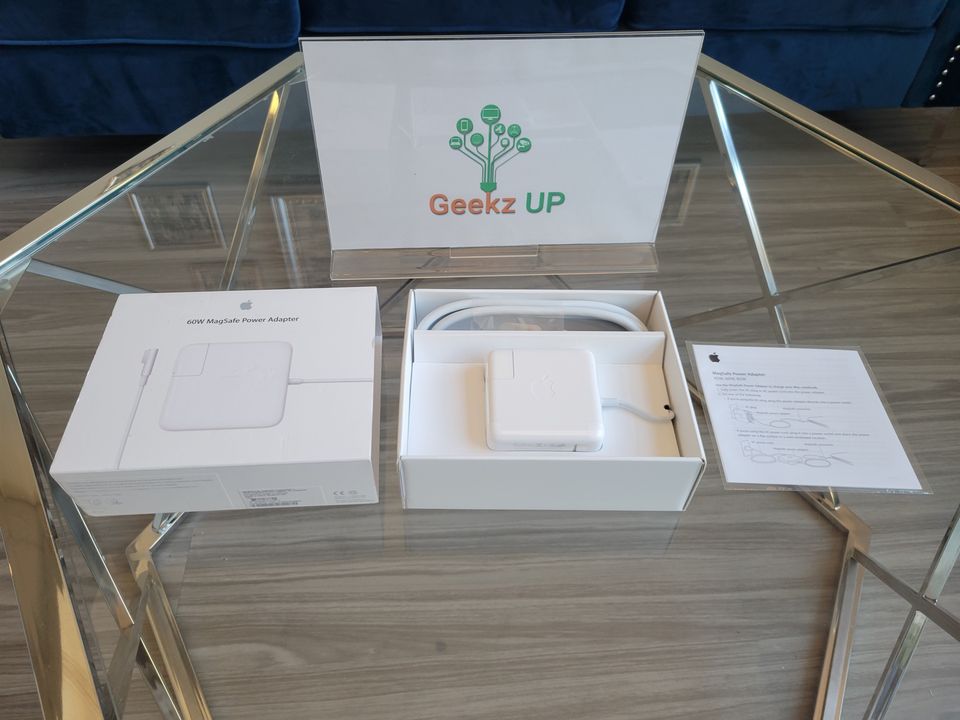
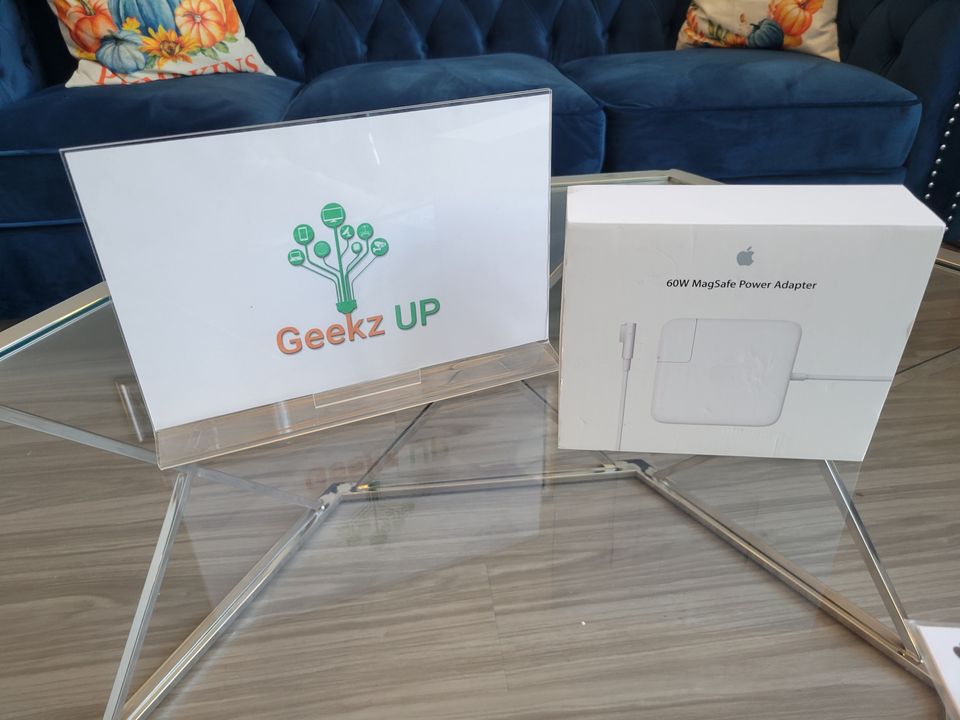
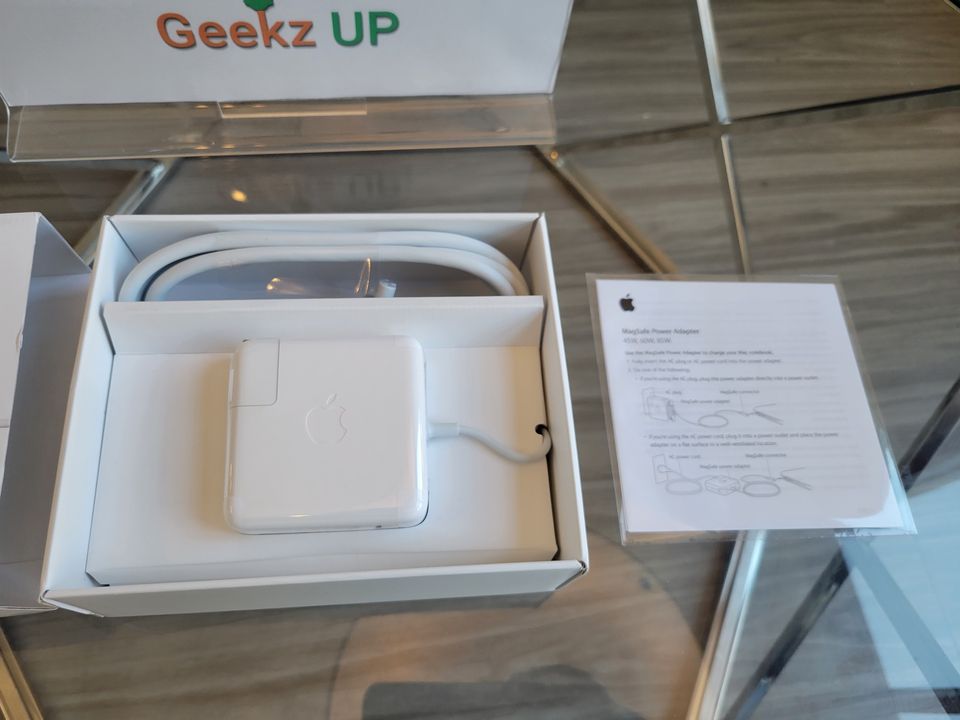
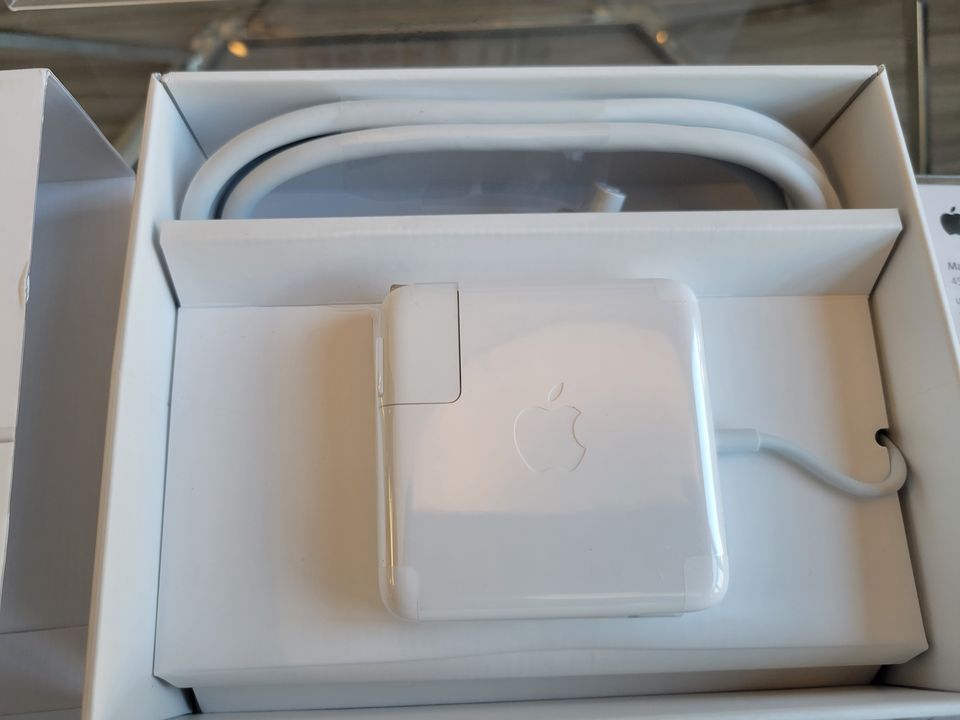
Brand New 60W MagSafe1 Adapter For MacBook Pro Power Charger A1184 A1330 A1344
Neutral box
- Condition:BRAND NEW
- Input: 100-240V 50/60 Hz
- Output: 16.5V 3.65A 60W Magsafe 1 (L Shape )
Specifications
- MacBook Air (Original/11"/13" - through Mid 2011)
- MacBook 13" & MacBook Pro 13" -( Late 2006 through Mid 2012)
- Package Contents: AC Adapter, Wall Adapter and 6ft Extension Cord as picture
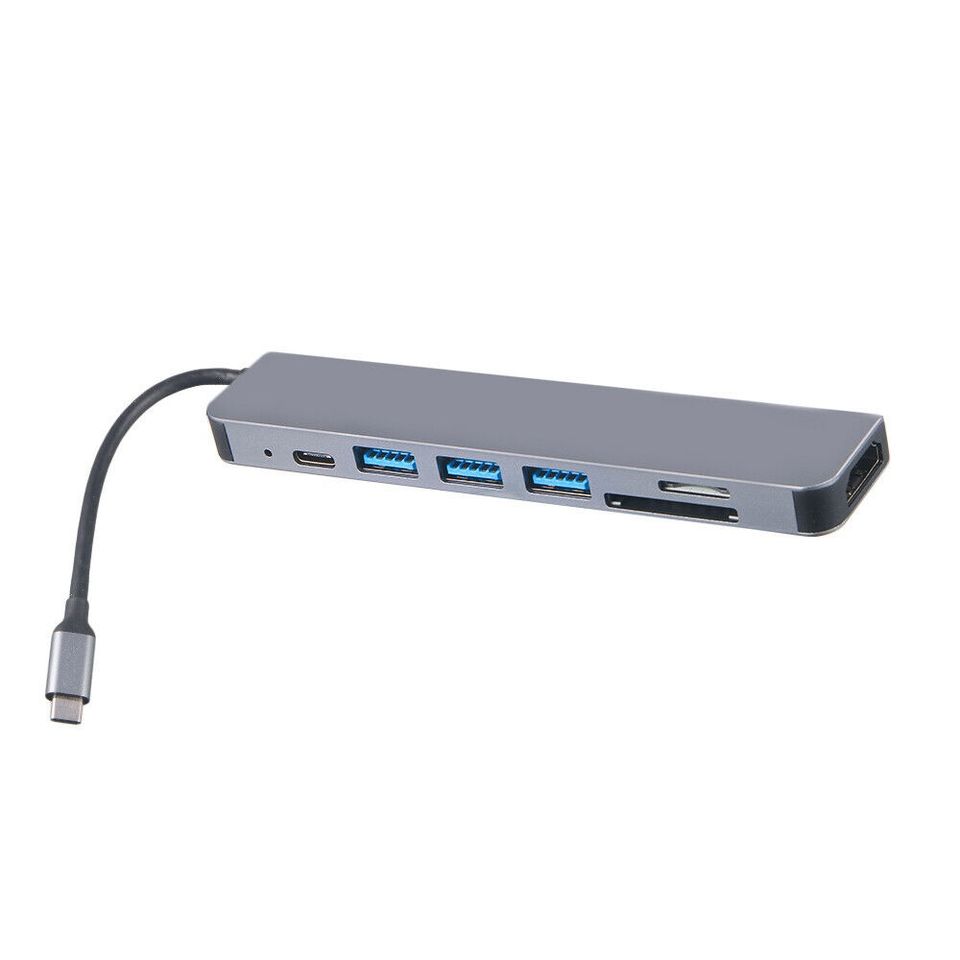
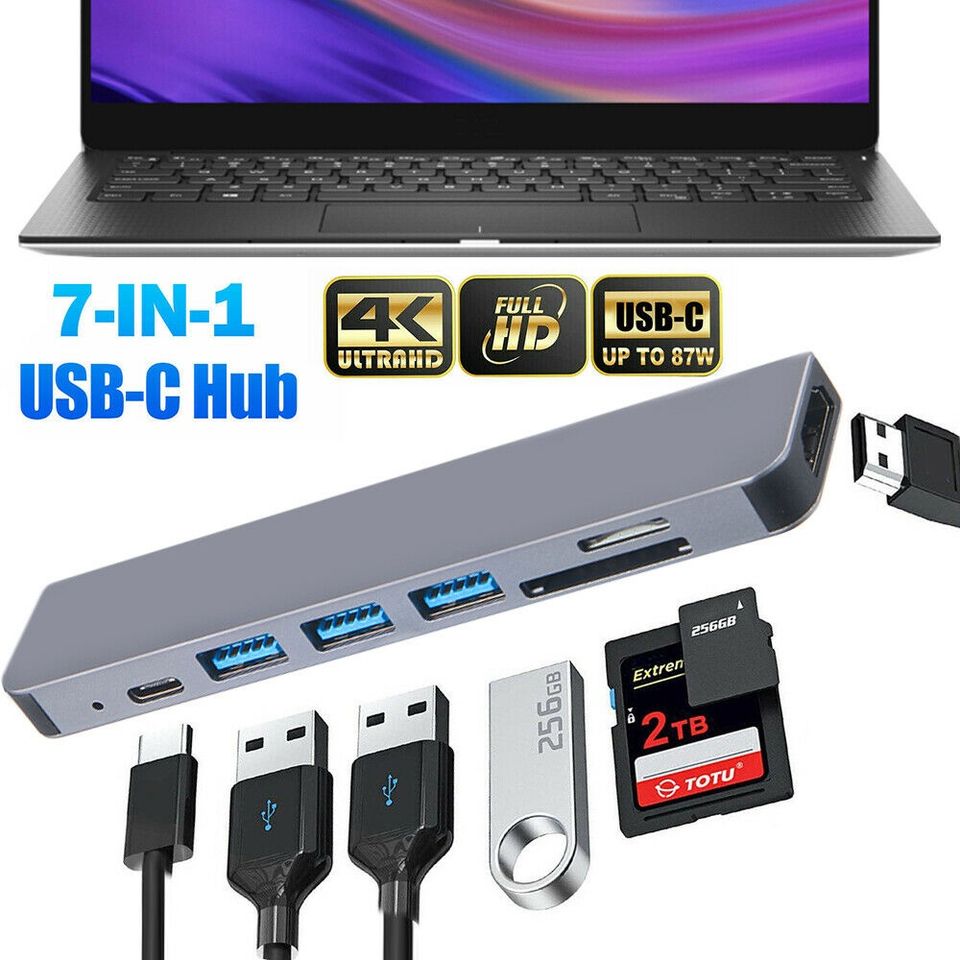
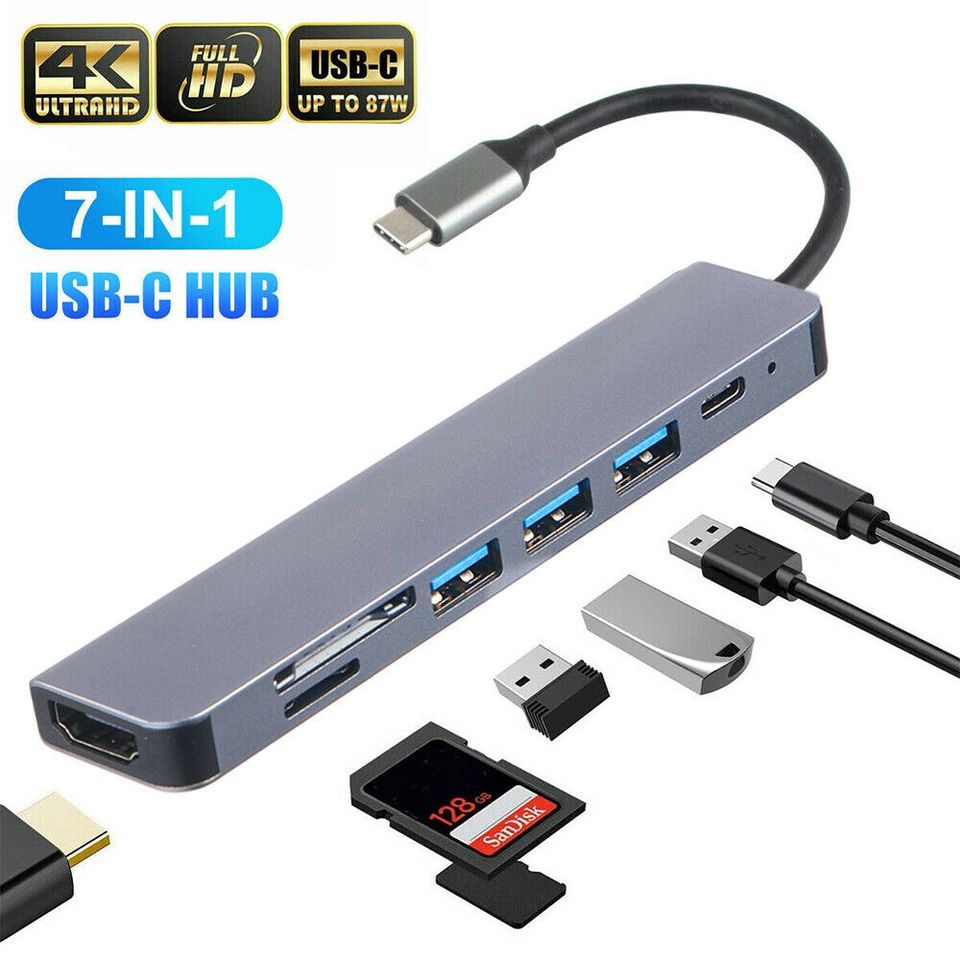
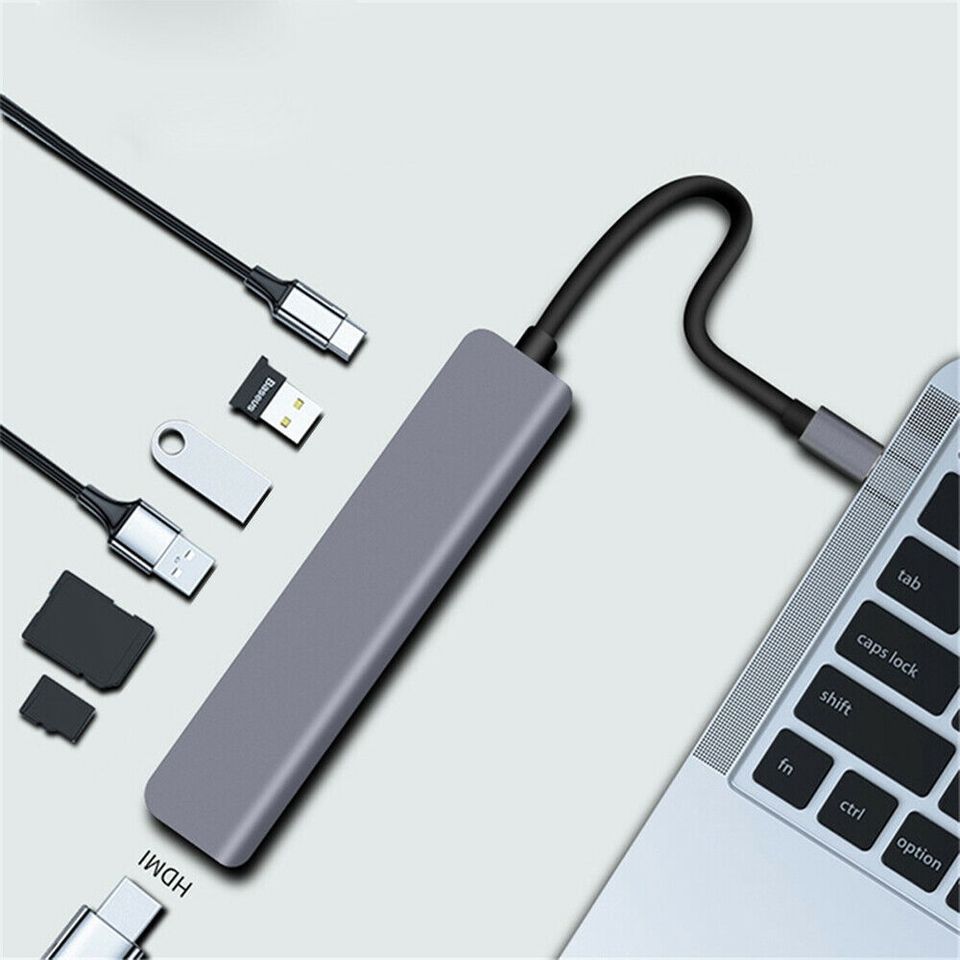
7 in 1 Multiport USB C
Features
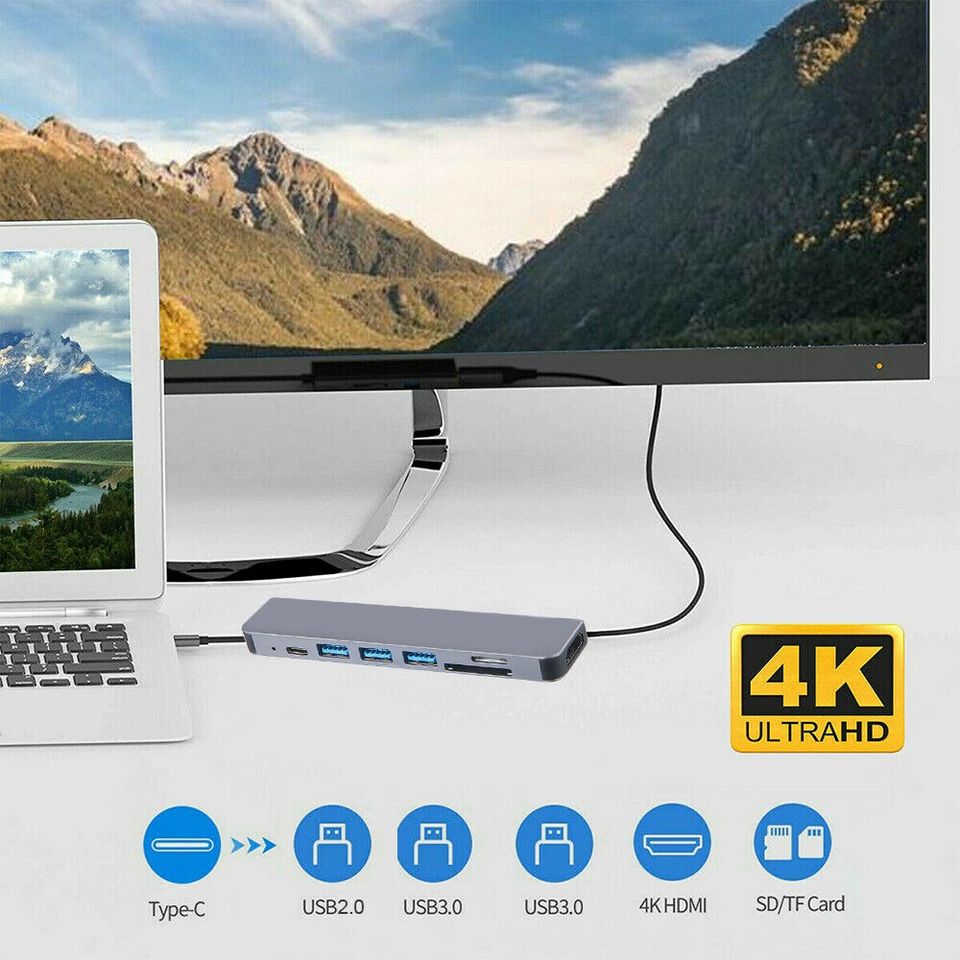
- 7 in 1 Multiport USB C Adapter: USB-C Hub with 4K HDMI video output, 3 x USB 3.0 female ports, and 1 USB-C port, SD/TF Card Reader
- Suitable for your Nintendo Switch, MacBook Pro/Air
- USB-C PD Charging Port: 20V 30A, support 87W PD power adapter(input)
- 4K UHD HDMI Output: Extend your Nintendo Switch or Type-C Laptops to HDMI-enabled device. Resolution: 4K UHD or full HD 1080p. Support TV/display screen resolution of 4K UHD (3840×2160) 30Hz, downward compatible with 1080P, 720P
- Plug and play, no need to install drivers, easy to operate
Specifications
- Type 7 in 1 USB-C Hub Multiport Adapter
- Material Aluminum Alloy
- Suitable for Nintendo Switch, MacBook Pro/Air
- HDMI Output Resolution Up to 4K UHD
- Package Included
- 1 x USB-C Hub Multiport Adapter
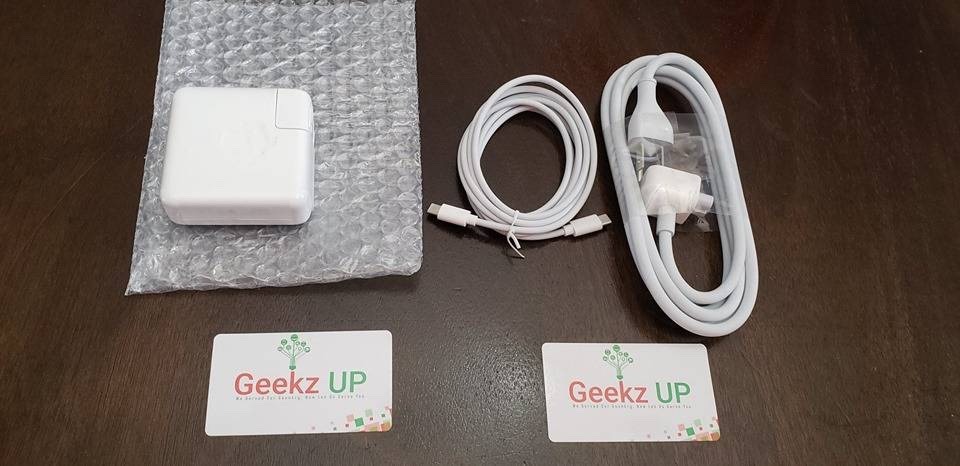
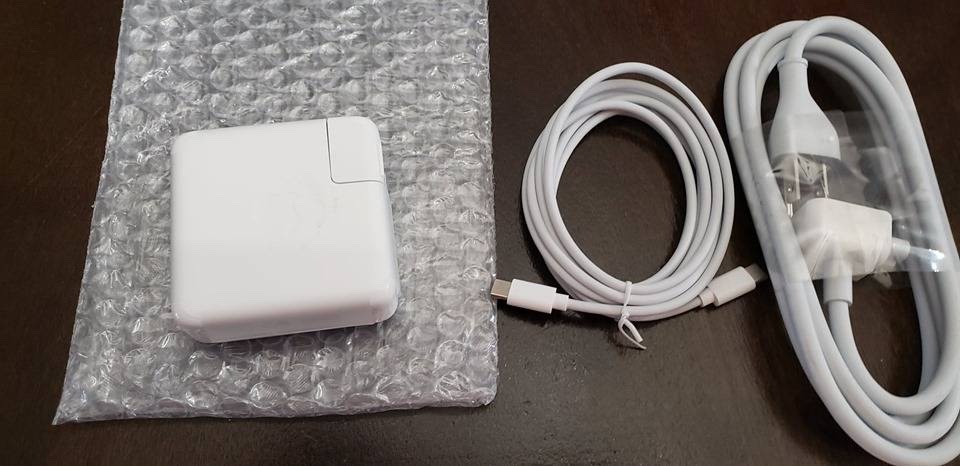
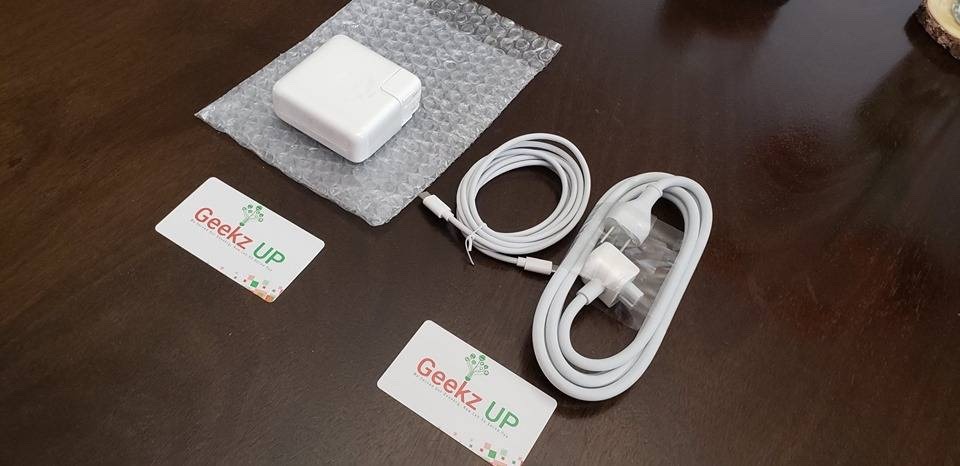
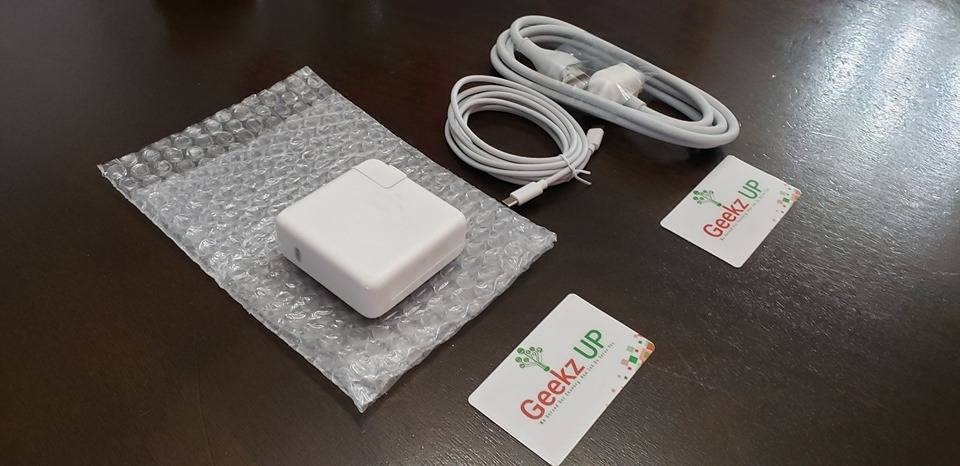
Apple 61W USB-C Power Adapter with 1M USB-C to C Cable + Extension Cord
Mac Models
- MacBook (Retina, 12-inch, Early 2015 – 2017)
- MacBook Air (Retina, 13-inch, 2018 and later)
- MacBook Pro (13-inch, 2016 and later)
- iPad Models
- iPad Pro 11-inch
- iPad Pro 12.9-inch (3rd Generation)
Bundle
- Apple 61W USB-C Power Adapter
- + 1M USB-C to C Cable
- + Extension Cord (While Supplies Last)
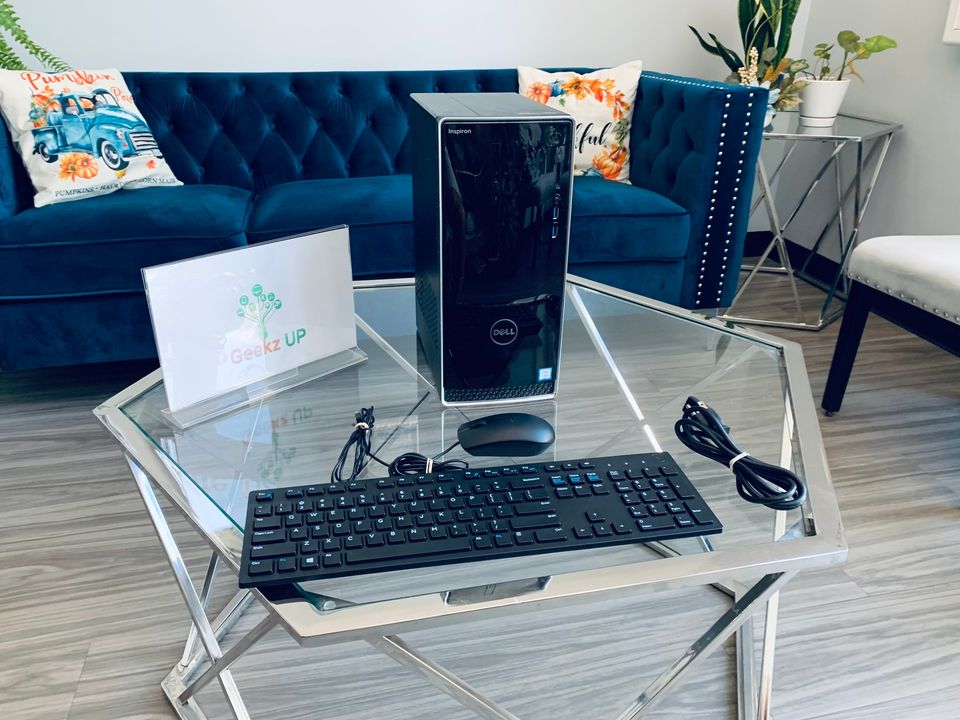
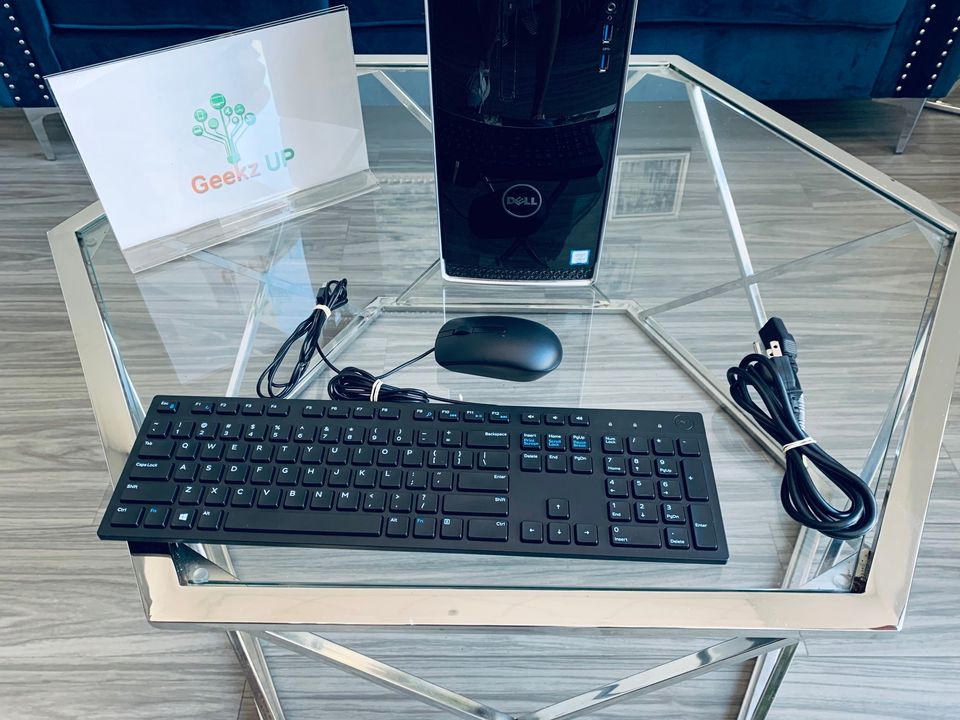
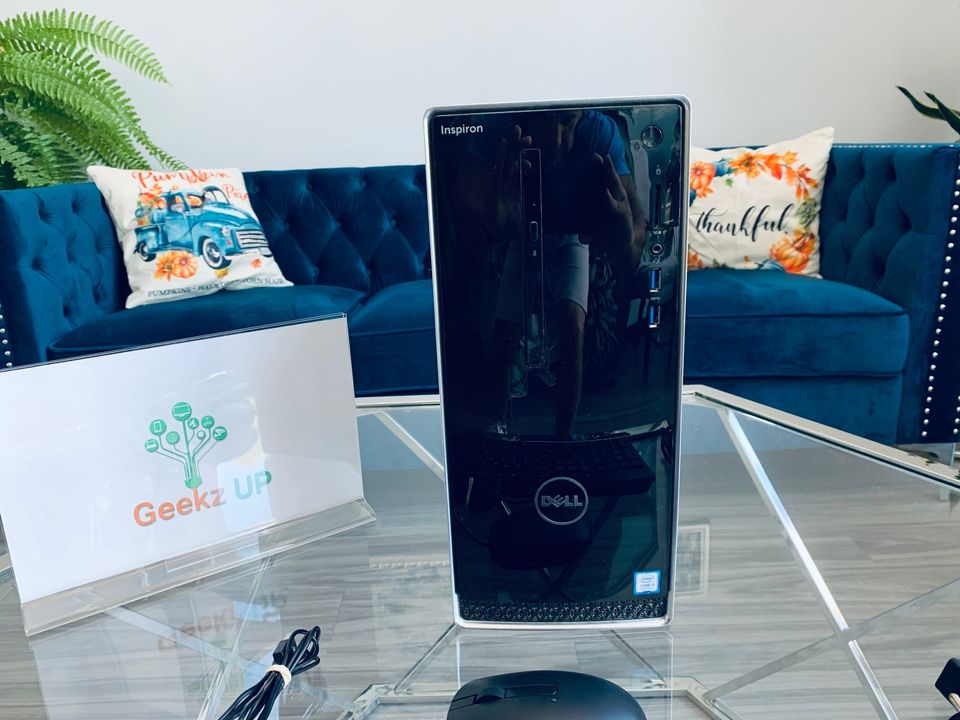
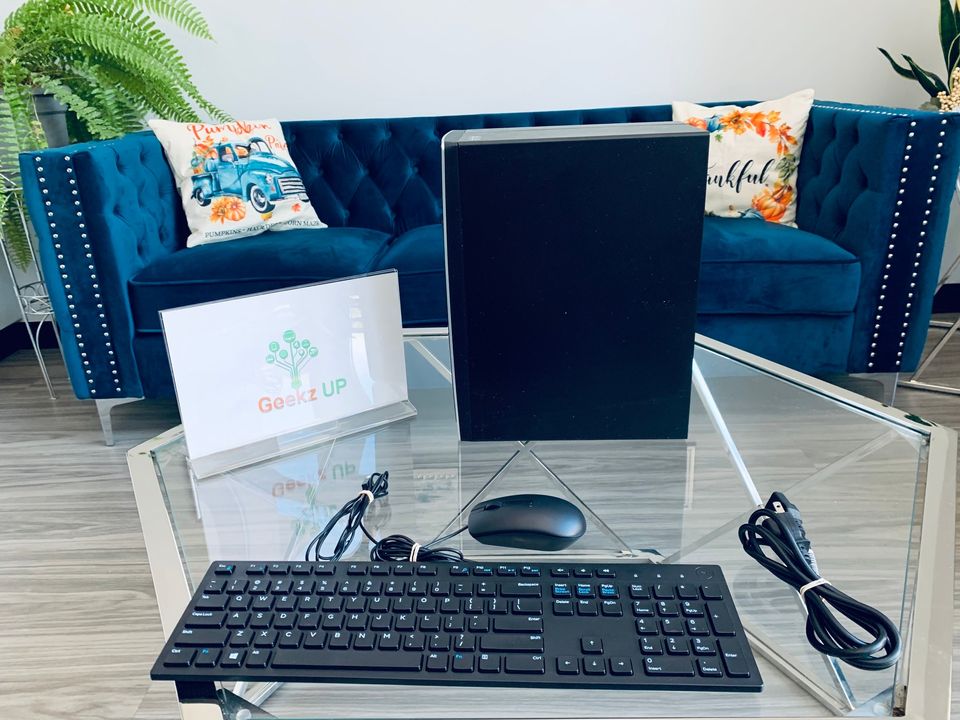
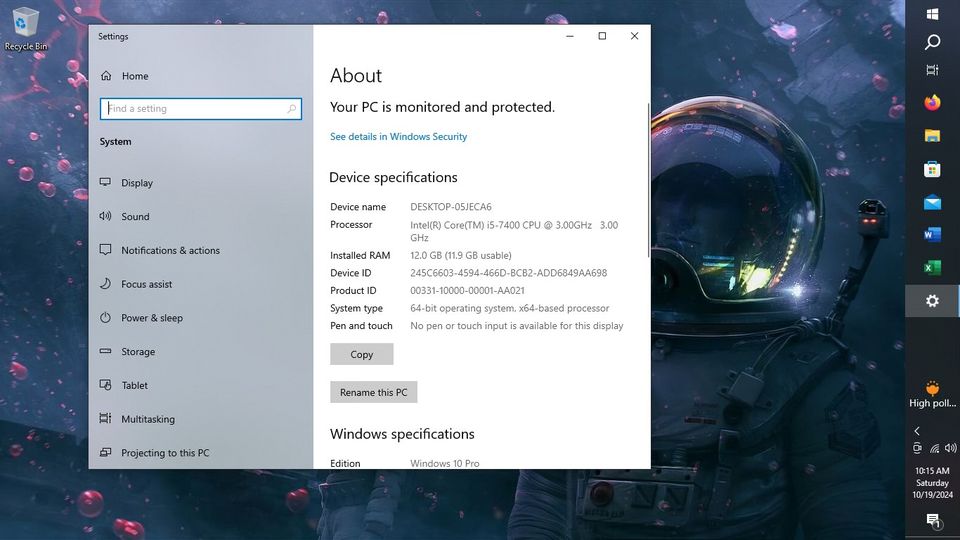
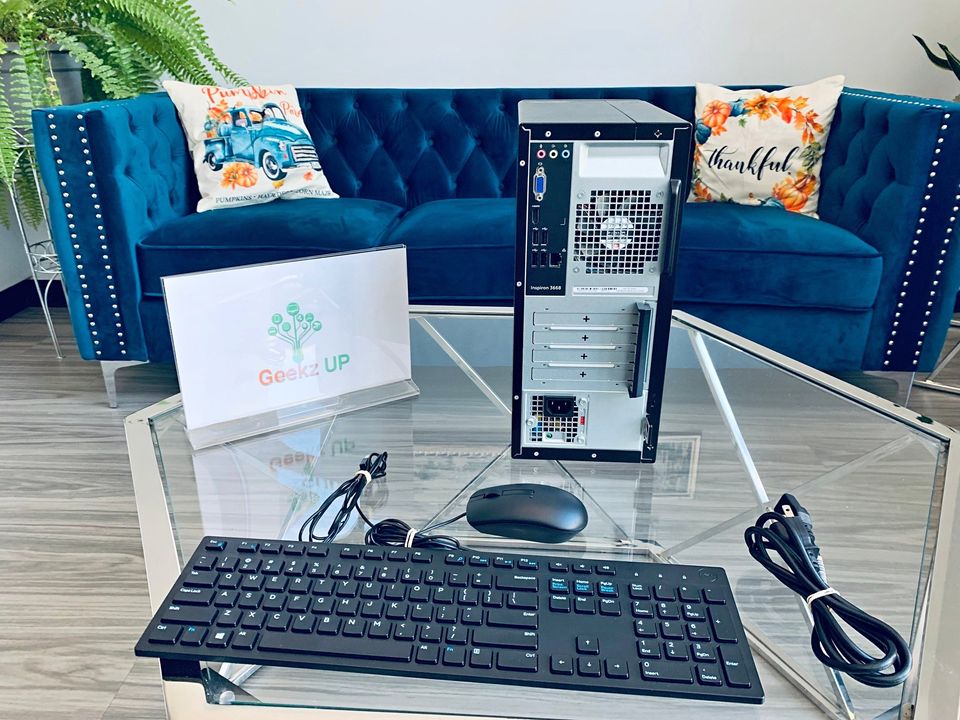
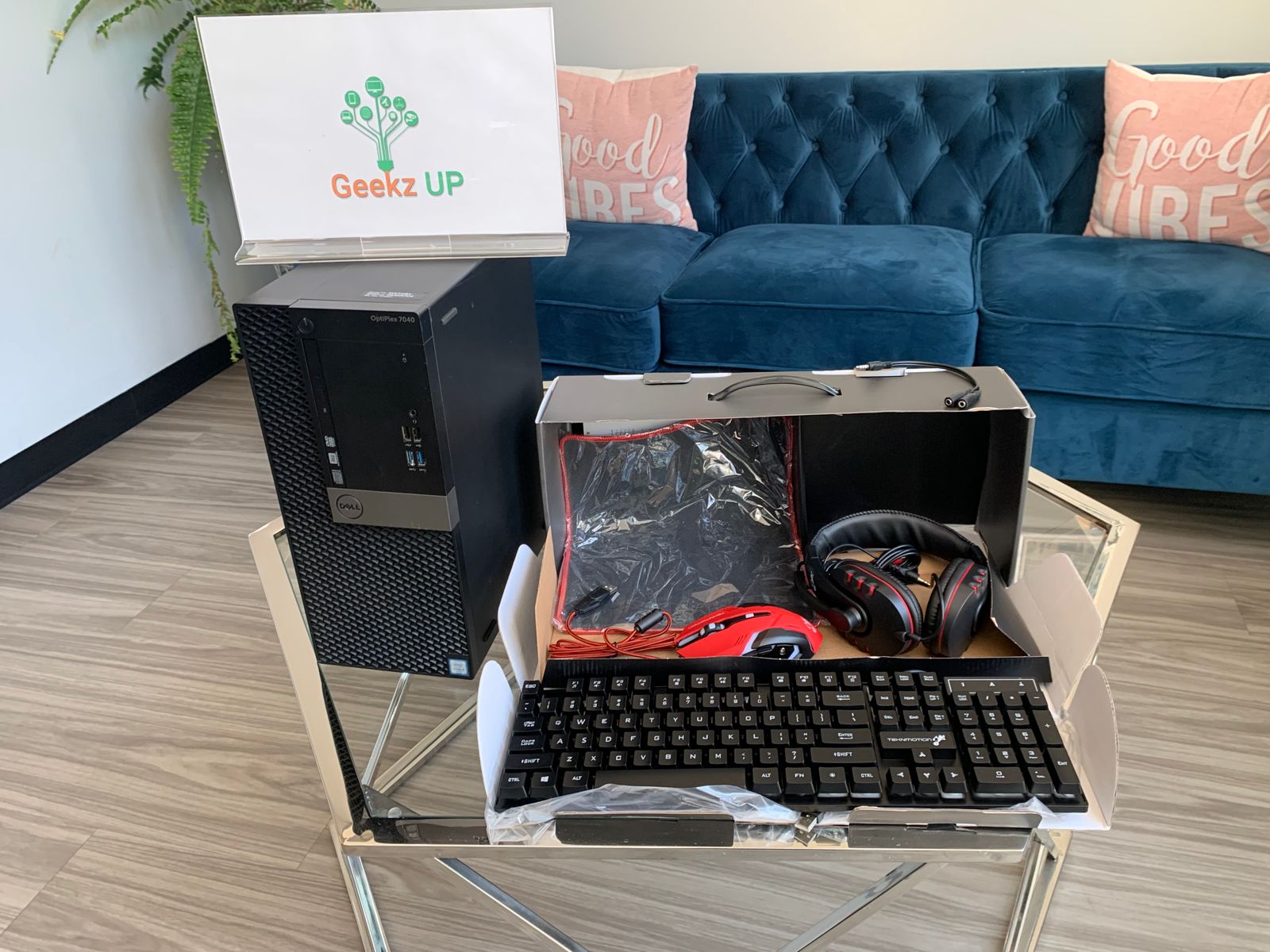
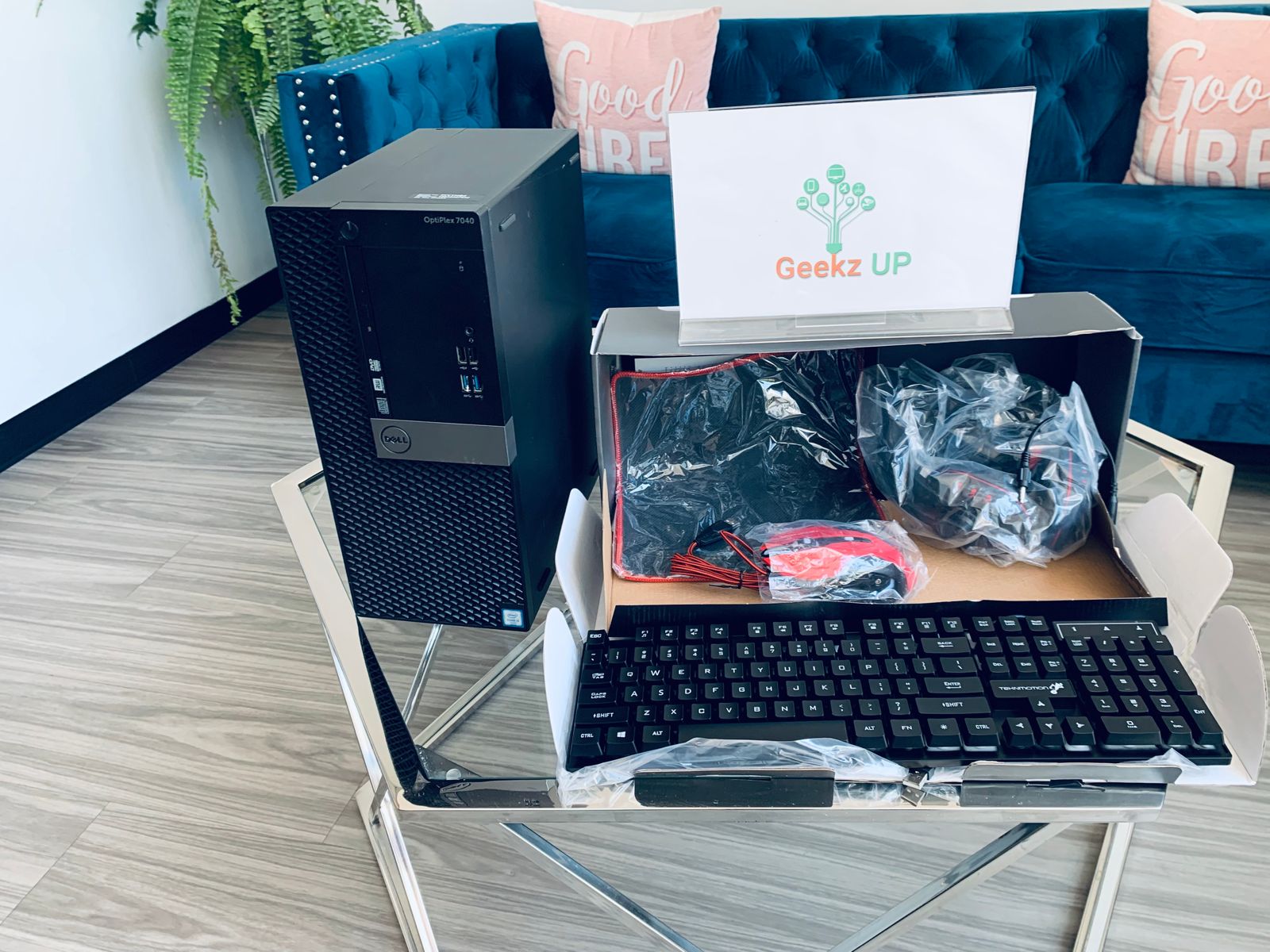

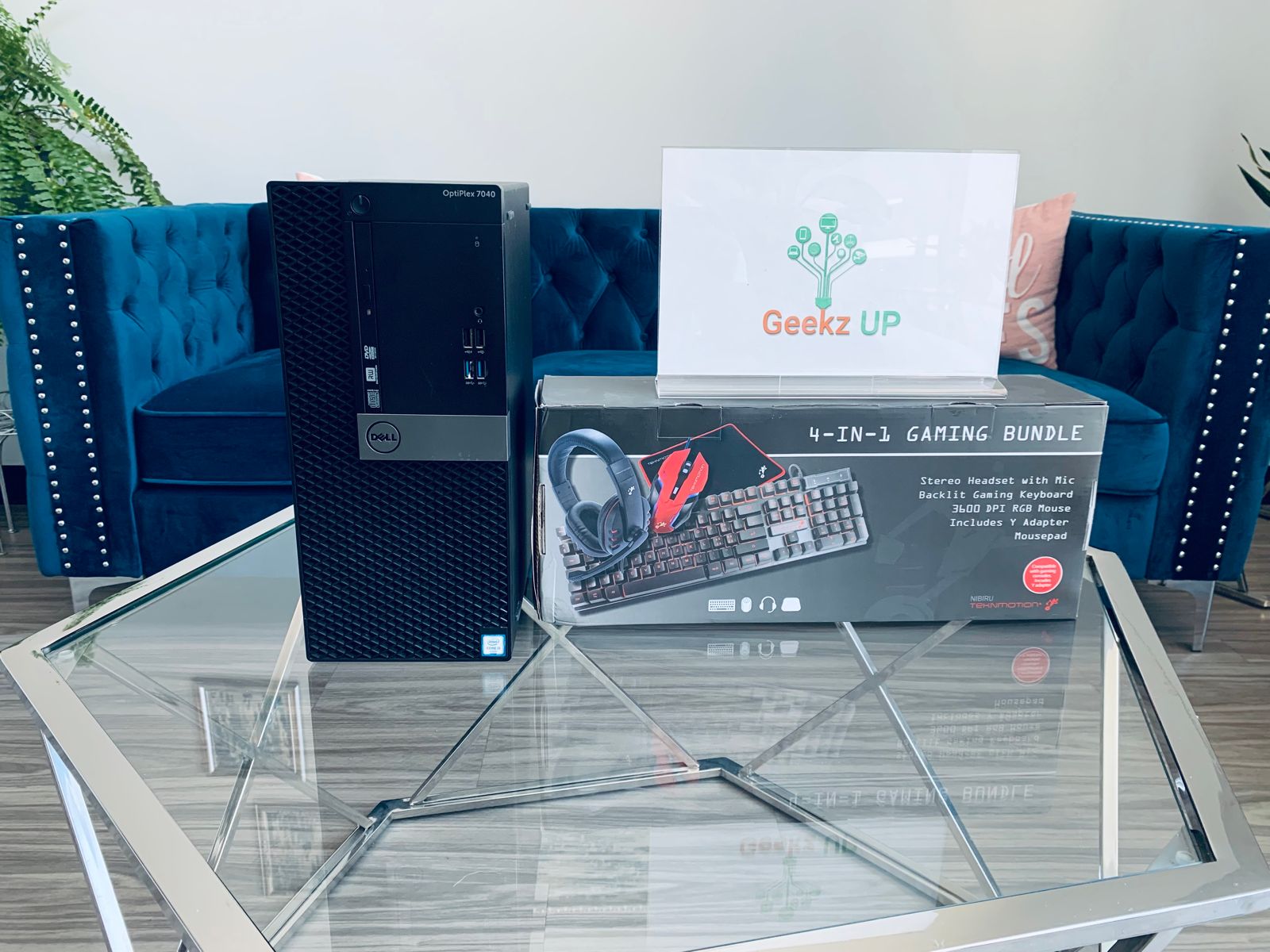
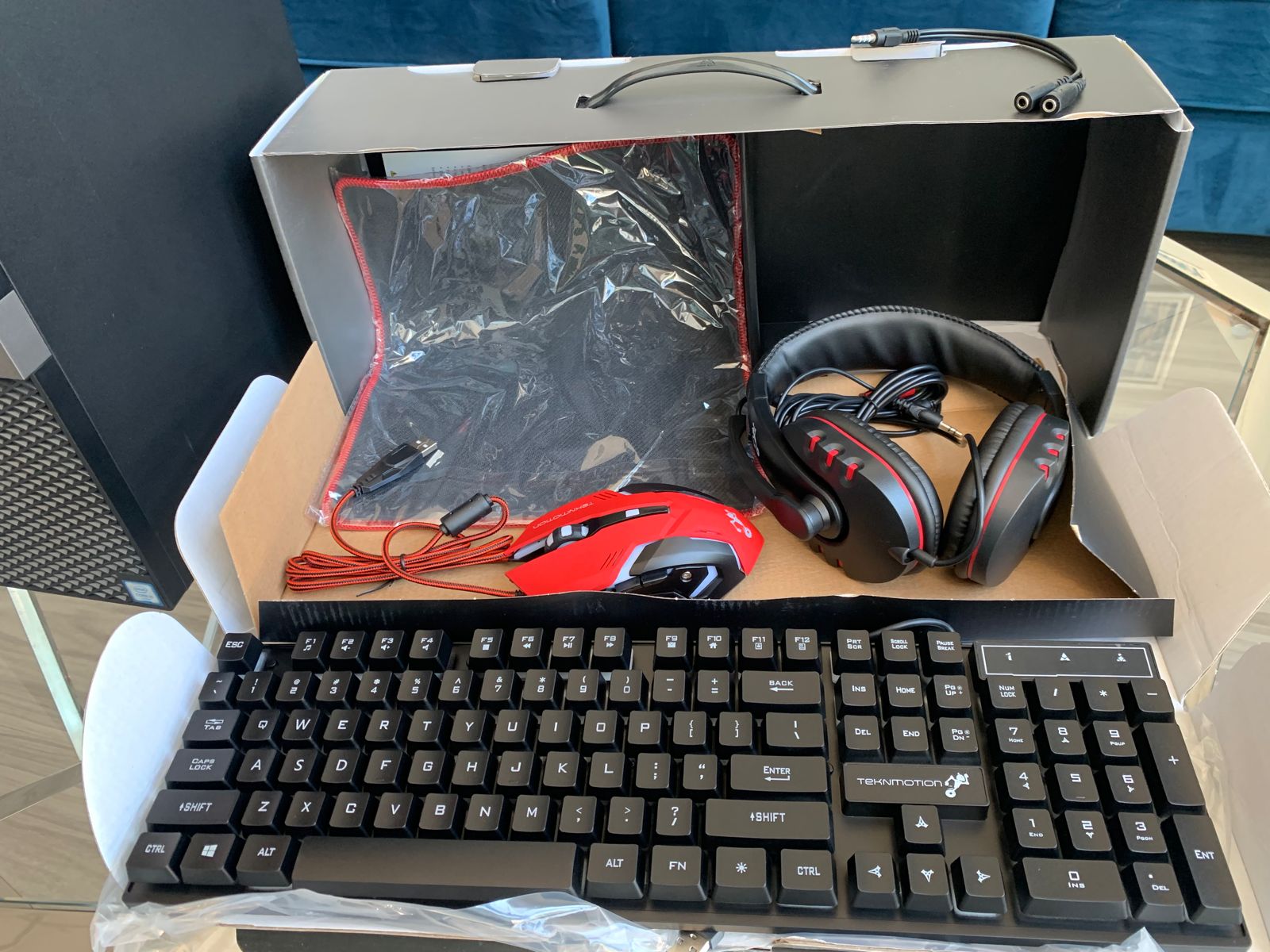
Dell Optiplex With Gaming Bundle (Keyboard,Mouse, Headset and Mousepad)
Configuration
- i7 3.4
- 20gb
- New 512 M.2
- USB Wifi
- 6 USB 3.0, 4 2.0
- DVDrw
- Dell USB Keyboard/Mouse
- AMD Radean (TM) R7 350x (2 Displayports, 1 DVI)
Preloaded Software
- Windows 10 Pro
- Office 2021
- Full Anti-Virus & Firewall
- 6666 Retro Games
- Atari 2600 (772)
- MAME (534)
- Neo Geo (327)
- Nintendo 64 (46)
- Nintendo NES (2105)
- SNES (790)
- Sega Master System (369)
- Sega Mega Drive (Sega Genesis) (948)
- TurboGrafX (664)
- Gameboy Advance (99)
- ZX Spectrum (12)