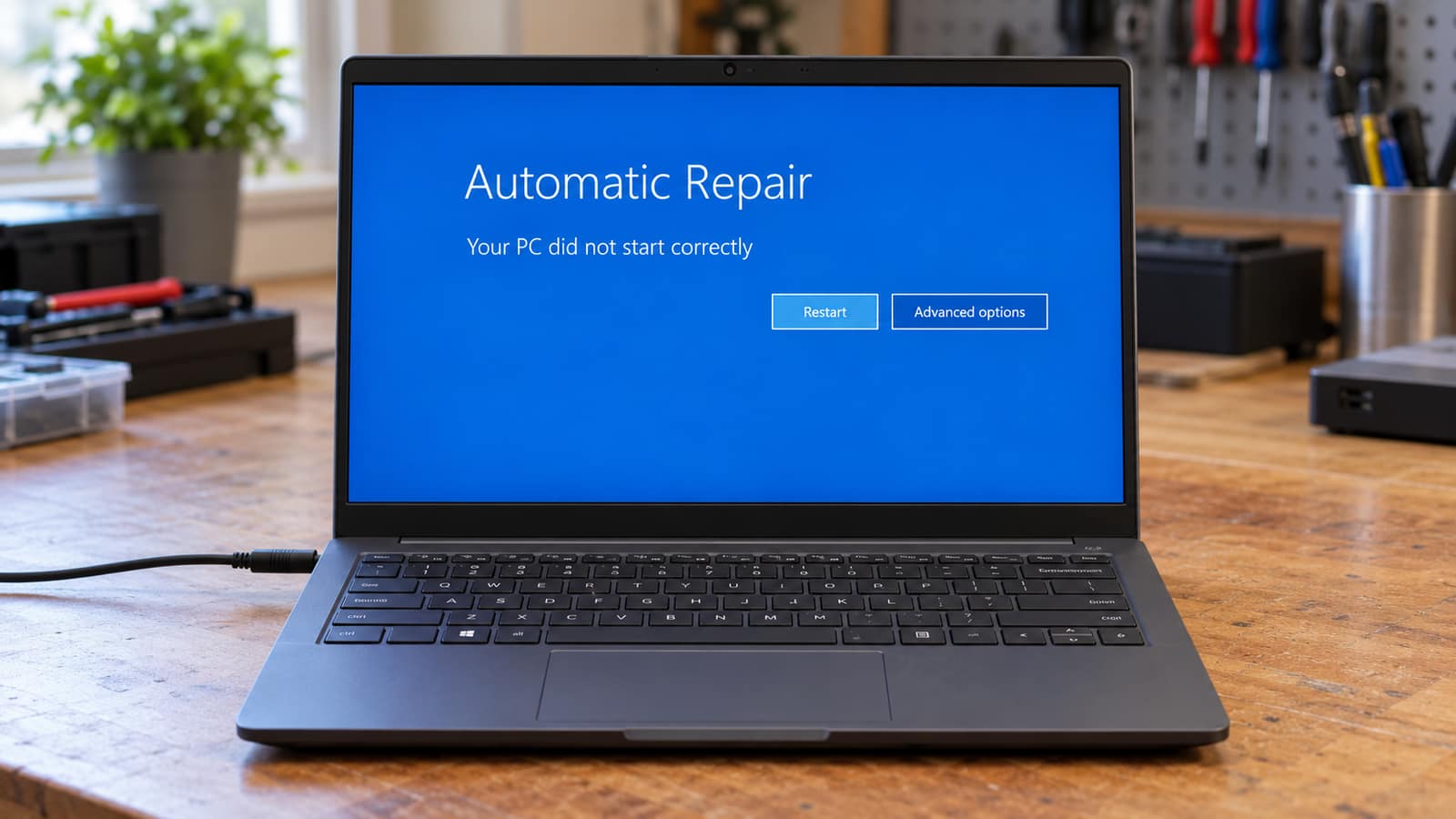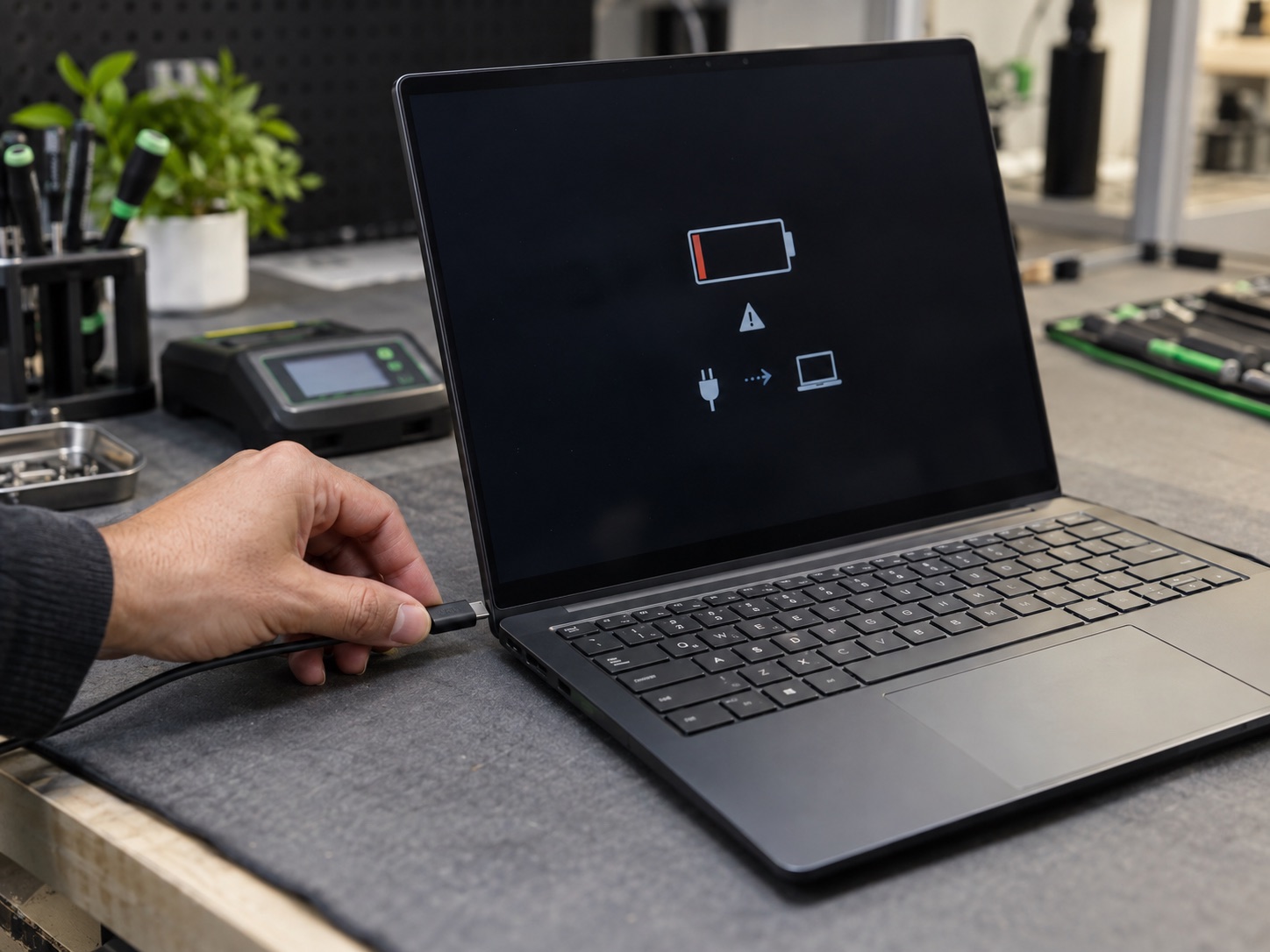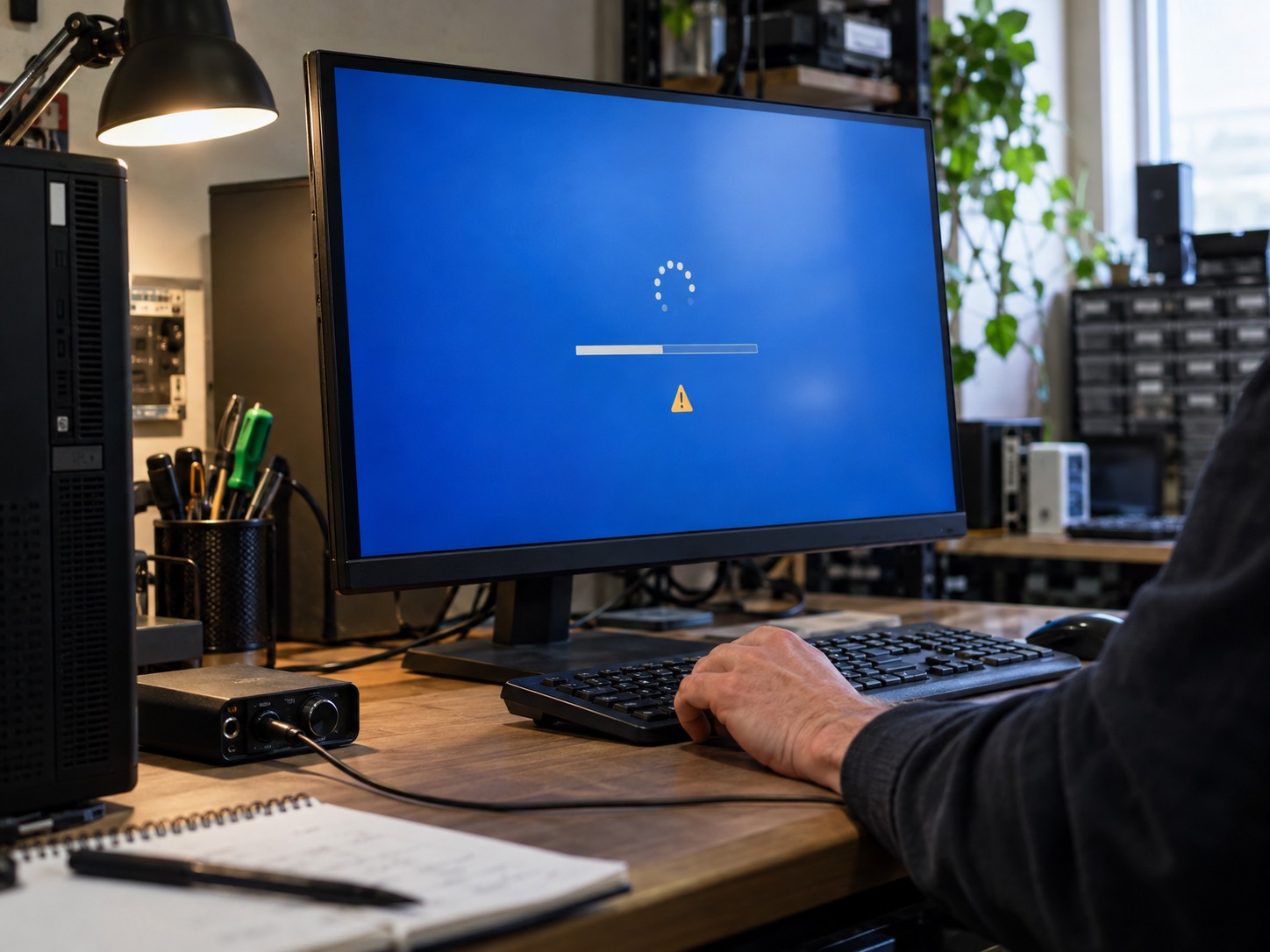


The first 60 seconds decide whether a spill is a scare or a dead laptop. Power off, unplug, flip it, and skip the rice myth. Emergency spill steps from GeekzUP Repairs.
If it just happened, stop reading and do three things. Hold the power button down until the machine goes completely dark, whether or not anything is saved. Pull out the charger and every cable, drive and dongle attached to it. Open the lid to about ninety degrees and stand the laptop upside down on a towel so it makes a tent, keyboard facing the floor. That is the whole emergency. Come back to the rest of this page once the machine is off and draining.
Liquid on its own does not usually destroy a laptop. Liquid with electricity running through it does, and so does the residue that stays behind long after everything looks dry. Those are the two things this guide is about, because they are the two things you can still do something about. What follows is the procedure we give people over the phone while they are on their way to the shop, and it comes from the liquid damage repairs that come across our bench in Hendersonville most weeks of the year.
The First 60 Seconds, In Order
1. Power Off Hard, Not Politely
Hold the power button for five to ten seconds until the screen and the lights are dead. Do not shut down from the menu, do not save the document, do not close the tabs. A shutdown sequence takes twenty seconds it does not have, and every one of those seconds is current running through wet circuitry. Water across an unpowered board is a cleaning job. Water across a powered board shorts traces and burns components, and that difference is measured in hundreds of dollars.
2. Disconnect The Charger And Everything Else
Charger first, then the mouse, the hub, the external drive, the USB stick, the headphones. Anything plugged in is another path for current and another route for liquid to travel down. If the battery lifts out with a latch, take it out. Most laptops made in the last decade have an internal battery held in with screws and adhesive, and prying at one is a good way to puncture a lithium cell, so leave it alone and settle for the machine being fully off.
3. Tent It Upside Down
Open the lid to roughly ninety degrees and set the laptop down inverted on a folded towel, keyboard facing the floor, so it forms an A frame. Gravity is now working for you instead of against you. The keyboard is the entry point on almost every laptop, and directly under it sit the motherboard, the battery and the ribbon connectors. Inverted, whatever has not soaked in yet runs back out the way it came in. Flat on a desk, it runs straight down onto the board.
4. Blot, Do Not Rub Or Shake
Dab the keyboard, the ports, the vents and the seams with a paper towel or a lint-free cloth. Rubbing spreads the spill sideways into places it had not reached. Shaking the machine to fling liquid out throws it deeper instead, and tipping it end over end sends it into the display hinge. No hair dryer, no heat gun and no radiator either: hot air pushes moisture further under the chips where it cannot evaporate, and it warps plastics and adhesive along the way.
5. Leave It Off, In Moving Air, For At Least 48 Hours
Keep it tented on the towel somewhere dry with a fan blowing across it at room temperature. A small clean water spill needs 48 hours minimum. Anything larger, or anything that was not plain water, wants three days or more before it sees power again. This is the hardest step because there is nothing to do and the temptation to check is constant. Checking is the single most expensive thing you can do in this window.
6. Get It Opened And Inspected Rather Than Just Dried
Air drying handles the water. It does nothing at all about what the water left behind. Anything other than distilled water deposits a conductive, corrosive film across the board that keeps working on the copper for weeks after the surface feels bone dry. That film is why a laptop can pass every test on Tuesday and be dead by the end of the month. Opening the machine, lifting the board and cleaning it properly is the step that actually ends the problem, and it is the step almost nobody does in time.
Rice Does Not Save Laptops
Rice is a slow, mediocre desiccant that draws moisture from the air in a bag, not from underneath a chip inside a sealed chassis. While it works on the air, the residue on your board carries on corroding, and the starch dust and grains find their way into the keyboard, the fan and the ports. Twenty-four hours in rice buys nothing that forty-eight hours tented in front of a fan would not have given you for free, and it costs you the time when a cleaning would have saved the board.
What The Liquid Was Matters More Than How Much
The first question we ask on the phone is not how much went in. It is what it was. A cupful of tap water across a keyboard is often a better outcome than a splash of sweet tea, because the tap water evaporates and leaves almost nothing while the tea leaves sugar and acid that stay behind and keep eating.
| What was spilled | Immediate risk | What it leaves behind | How urgent |
|---|---|---|---|
| Distilled or filtered water | Low while powered off | Almost nothing | Dry it properly, then have it checked |
| Tap water | Moderate, minerals conduct | Mineral deposits on contacts | Inspection within a few days |
| Coffee or tea, no sugar | Moderate | Acidic film and oils | Clean within a week |
| Coffee or tea with sugar | High | Sticky conductive residue | Clean as soon as possible |
| Soda, juice, energy drinks | High | Sugar and acid, corrodes fast | Timeline confirmed after evaluation |
| Beer, wine, spirits | High | Sugars and residues under chips | Timeline confirmed after evaluation |
| Salt water or broth | Severe | Salt, aggressively corrosive | Immediately, do not wait |
| Cleaning products or solvents | Severe | Attacks coatings and plastics | Immediately, do not power on |
Volume matters less than chemistry. A teaspoon of soda into a keyboard is a worse situation than half a glass of water down the side of the case.
Why A Laptop That Survived Can Still Die Three Weeks Later
This is the part that catches people out, and it is the reason a spill deserves attention even when the machine seems perfectly fine afterward. Once residue bridges two points on a circuit board and a small voltage sits across them, an electrochemical process starts moving metal from one side to the other. Copper migrates, traces thin out, solder joints grow green or white crystalline growth, and pads lift. None of that is fast. All of it is continuous. The machine works right up until one connection finally fails, and by then the corrosion has spread far enough that the repair is a different size than it would have been.
The delayed symptoms have a recognizable shape. Keys that stick, repeat or stop responding in a cluster rather than at random. A trackpad that clicks by itself or drifts. Wi-Fi or Bluetooth dropping out because a small antenna connector corroded. A machine that will not charge, or charges only when the cable is held at an angle. Random shutdowns under load. Fans that never spool down because a temperature sensor is reading nonsense. Any of those within a couple of months of a spill is corrosion until proven otherwise, not coincidence.
The Test That Kills More Laptops Than The Spill Did
Pressing the power button to see whether it survived. We understand the impulse completely and it is still the worst available move. If moisture or residue is bridging anything inside, applying power turns a passive problem into an active one: current finds the bridge, heat builds where it should not, and a board that could have been cleaned becomes a board with a burnt component on it. The other version of the same mistake is plugging the charger in to see if the light comes on. That is the same test with more energy behind it. If the machine will not turn on after a spill, that is information to bring to a technician, not a thing to keep retrying.
The Mistake People Make
Waiting to see what happens. The most common story we hear is that the spill was three weeks ago, the laptop seemed fine, and now the keyboard has half died. At three weeks the corrosion has had time to work into connectors and under components, and what would have been a straightforward clean is now a clean plus replaced parts, or a board that cannot be saved at all. The cheapest possible version of a liquid damage repair is the one booked the same week as the spill.
What A Proper Liquid Damage Clean Involves
Drying a laptop and cleaning a laptop are different jobs, and only one of them stops the damage. A real clean means taking the machine apart down to the bare board.
- 1The laptop is stripped: bottom cover, battery disconnected first, then the drive, the fans, the keyboard assembly and the board itself.
- 2The board comes out and is inspected under magnification, because corrosion starts around connector pins and under shields where nothing is visible with the cover on.
- 3Residue is removed with high concentration isopropyl alcohol, or an ultrasonic bath for a board that is heavily contaminated, which lifts corrosion out of places a brush cannot reach.
- 4Connectors, sockets and ribbon cable ends are cleaned individually, since a corroded connector will fail months later even when the board itself is spotless.
- 5The board is dried thoroughly, then powered on the bench and watched for current draw that does not look right before it goes anywhere near the rest of the machine.
- 6The battery, the keyboard and the trackpad are assessed separately, because those three absorb the spill first and are frequently the only parts that actually need replacing.
- 7The machine is reassembled and tested properly: every port, every key, charging, Wi-Fi, sleep and wake, and a sustained load rather than a quick look at the desktop.
Batteries Make This A Safety Question Too
A lithium battery that has taken liquid is not just a part that might fail. Watch for a laptop that no longer sits flat on a table, a trackpad that has gone stiff or stopped clicking, a bottom cover that bows outward, or any warmth or smell that was not there before. Those mean the cell is swelling. Stop using the machine, do not charge it, do not leave it on a bed or in a bag, and do not press on the bulge to test it. A swollen battery needs proper battery replacement and safe disposal, and it is one of the few faults where we would rather you brought the machine in today than at the weekend.
MacBooks, Liquid Contact Indicators And Warranties
Apple builds small liquid contact indicators into MacBooks, white dots that turn red or pink permanently once they get wet. They cannot be reset, and once they have tripped, the standard warranty no longer applies, because no manufacturer warranty covers accidental liquid damage. That is worth understanding before anyone panics about voiding anything: a spill has already ended the warranty conversation. What matters after that is whether the board can be cleaned. Independent Mac repair is often the difference between a cleaned logic board and a quoted replacement, and the same physics applies to any modern laptop with a sealed keyboard assembly.
One extra consideration on recent MacBooks and a growing number of Windows laptops: the storage is soldered to the board. There is no drive to pull out and read on a different machine, so if the board is beyond saving, the files on it are a specialist job rather than a five minute copy. That single design decision is why a spill on a modern Mac is a more serious event than a spill on a five year old ThinkPad, and why the backup question is not academic.
Your Files Come Before The Repair
Whatever happens to the machine, the storage drive usually survives a spill, because it sits in a corner of the chassis and is sealed in its own enclosure. On any laptop with a removable drive, the files can be read outside the computer before a single decision is made about the board, which turns a stressful choice into a calm one. If the drive itself took liquid, or the storage is soldered down, that becomes a data recovery job, and recovery starts at $99. Either way the sequence is the same: secure what is irreplaceable first, then talk about repair costs.
What It Costs, And When A Repair Is Not Worth Doing
Liquid damage is the least predictable category of repair there is, which is why nobody honest will quote it over the phone. Two identical laptops with identical spills can need a ten minute clean and a full board replacement respectively. What we can tell you is the shape of the outcomes, and roughly what the parts cost at market.
- Best case: the machine was powered off in time, the spill was water, and it needs a clean and a test. No parts.
- Common case: the board cleans up fine but the keyboard assembly, the trackpad or the battery has to be replaced. Those parts typically run $50 to $200 at market depending on the model.
- Harder case: component level work on the board, replacing a failed charging circuit or a corroded connector. A specialist job, and still far cheaper than a board.
- Worst case: the board is beyond economical repair. A replacement motherboard often runs $300 to $700 at market, which on an older laptop is more than the machine is worth.
- The line we draw with customers is simple. If the repair approaches half the cost of a comparable replacement machine, we say so plainly, recover the data, and let you spend the money on something that will last.
What Happens When You Bring A Spill To GeekzUP
Bring it in as it is, tented, off and unplugged, and no appointment is needed. Our diagnostic is $100 for PCs and Macs and $125 for gaming laptops and desktops, and it is applied to the repair, so the assessment is not money spent twice. We open the machine, look at the board under magnification, tell you what the liquid actually reached, and quote before anything is cleaned or replaced. If the honest answer is that the machine is not worth repairing, you get that answer on day one instead of after a week of hopeful work.
Everything stays in-house on the same computer and laptop repair bench, from the strip-down to the final load test, and we confirm the expected timing after evaluation rather than making a blanket promise. Completed work carries a warranty on parts and labor. Machines come to us from Nashville, Gallatin, Franklin, Murfreesboro and across Middle Tennessee, and the payment terms are published rather than produced at the counter: cards carry a 3.5 percent fee, and cash, CashApp, Venmo, Apple Pay and Zelle carry none.
Making The Next Glass Harmless
- Put the drink on the other side of your writing hand, or better, on a different surface entirely. Almost every spill we see came from a cup within arm's reach of the keyboard.
- Use a bottle with a lid or a travel mug. It is the single most effective change available and it costs about ten dollars.
- A silicone keyboard cover buys you seconds, which is exactly the currency that matters in a spill. It is not waterproof, and it does not have to be.
- Keep the laptop on a hard surface with the vents clear, not on a duvet next to a glass of water on the nightstand.
- Back up automatically. A spill takes the machine, and it should never also take the only copy of your photographs.
The summary is short. Power it off hard, unplug everything, tent it upside down, leave it alone for two days in moving air, and get the residue cleaned off the board by somebody who will open it. Rice is not a plan and waiting to see what happens is not a plan. A spill handled the same week is usually a cleaning bill. The same spill handled a month later is often a new laptop.
Frequently Asked Questions
I spilled water on my laptop but it still works. Should I worry?
Yes, cautiously. Corrosion causes delayed failures days or weeks later, and sugary drinks make that much more likely. Power it down, back up your files, and have the board inspected and cleaned while the damage is still surface level. That inspection costs a fraction of the motherboard it protects.
Does putting a laptop in rice fix water damage?
No. Rice is a weak desiccant that works on the air in a bag, not on moisture trapped under a chip inside a sealed chassis, and it does nothing whatsoever about the conductive residue that actually destroys boards. Tent the laptop upside down with a fan on it instead, then have it opened and cleaned.
How long should I wait before turning my laptop on after a spill?
48 hours minimum for a small clean water spill, and 72 hours or more for anything larger or anything with sugar in it. Ideally, do not power it on at all before it has been opened and inspected, because the first power-on is the moment residue gets the chance to short something.
Can data be recovered from a liquid-damaged laptop?
Usually yes. The storage drive sits away from the keyboard and is sealed, so it often survives a spill that finished the board. Where the drive is removable, the files can be read on another machine straight away. Recovery starts at $99, and it is higher on recent models where the storage is soldered to the logic board.
How much does liquid damage repair cost?
It depends entirely on what the liquid reached, which is why it cannot be quoted before the machine is opened. The diagnostic is $100 for PCs and Macs and $125 for gaming systems, it is applied to the repair, and you get an exact quote to approve before anything is done. Cleaning is the cheap outcome, a replacement board is the expensive one.
Is a coffee spill worse than a water spill?
Considerably, especially with sugar or milk in it. Water can evaporate and leave close to nothing behind. Coffee leaves acids, oils and sugars that stay conductive and keep corroding the board for weeks. Treat any flavored liquid as urgent even if the laptop seems completely normal.
Will my warranty cover a spill?
Standard manufacturer warranties do not cover accidental liquid damage, and MacBooks carry internal indicators that change color permanently once they get wet, so it is not something that can be talked around. Accidental damage cover or a home contents policy sometimes does, so it is worth checking before you pay out of pocket.
What if I only spilled on the keyboard, not inside?
On a laptop, the keyboard is inside. It is a membrane sitting directly above the motherboard and the battery, with cable openings running straight through. There is no version of a keyboard spill that stays on the keyboard, which is exactly why the tent position matters so much in the first minute.
My laptop dried out and works fine. Do I still need it cleaned?
If the spill was plain water and it was powered off immediately, an inspection is sensible and may find nothing. For anything else, the cleaning is the point. The liquid is gone but the residue is not, and residue is what turns a working laptop into a dead one somewhere between two weeks and three months later.
GeekzUP Repairs handles liquid-damage inspection and cleaning at our Hendersonville shop, with timing confirmed after evaluation. Call or text 615-387-9454 on your way in; the sooner we open it, the more we save.
GeekzUP Team
Veteran-owned computer repair in Hendersonville, TN. Serving Nashville and Middle Tennessee since 2012.